Baraa Khaled



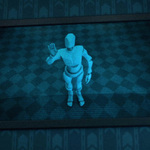
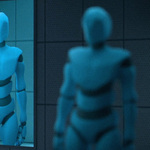
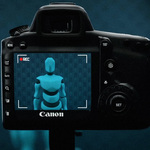

Camera Monitor is a fun and powerful Blender addon that lets you create monitor screens showing the real-time view from any camera in your scene.
It opens up a wide range of creative possibilities. You can simulate live feeds on mobile phone screens, set up realistic stage displays and jumbotrons, design immersive security rooms with multiple camera views, add working monitors to sci-fi dashboards, or give any scene an extra boost of realism with authentic live video displays.
Usage
Using the addon is very straightforward. Simply make sure a camera is the active object, right–click it, and choose Link to Monitor. You'll then be prompted to pick a base material for your display. Once confirmed, a plane with the monitor material will appear at the 3D cursor location.
You can use this plane as it is, or apply the new material to any other object. Just make sure the object's UV map covers the full UV area vertically so the display looks correct.
From that point on, any changes you make to the camera — such as location, rotation, focal length, or sensor size — will automatically update in the monitor material.
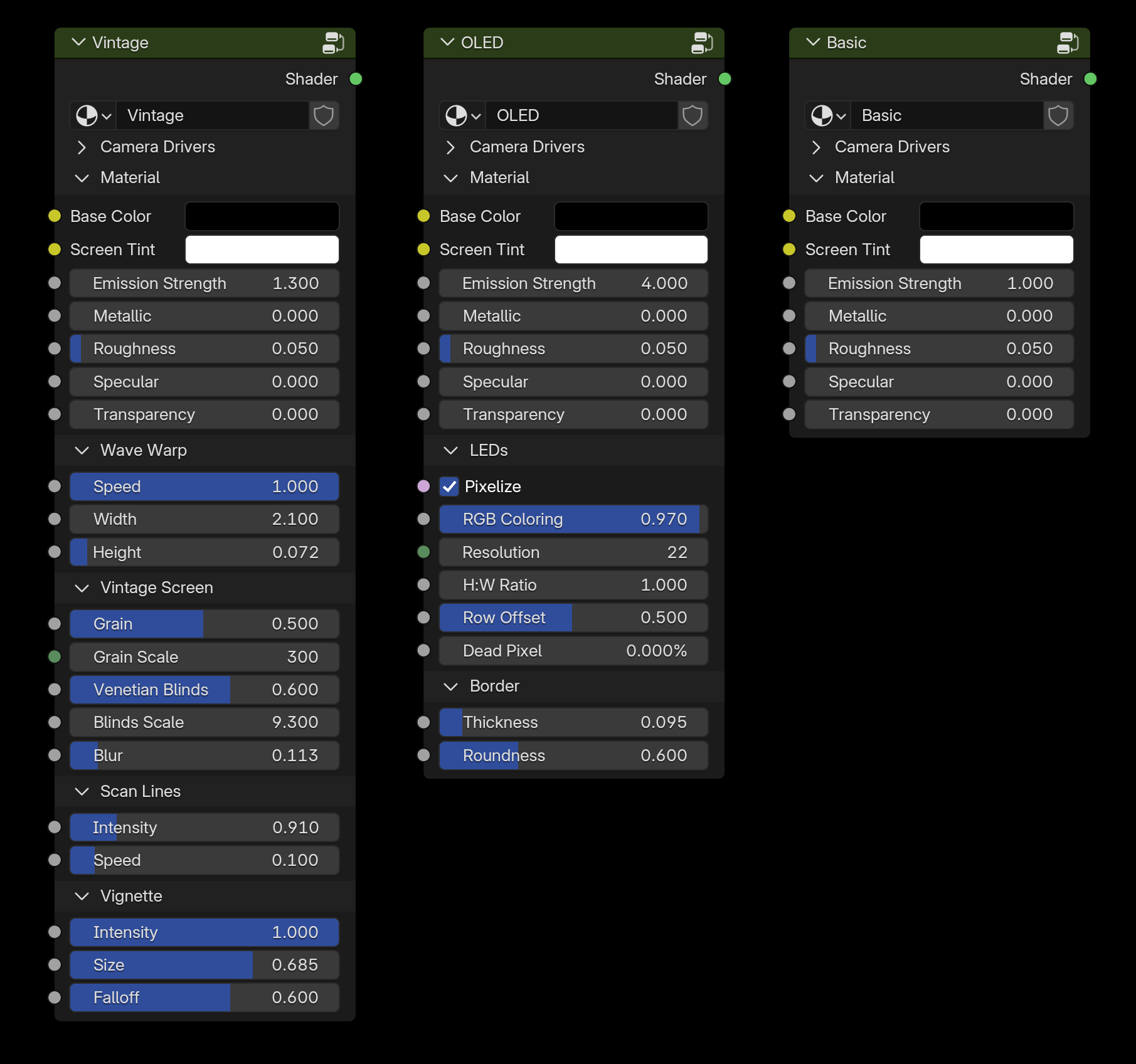
Monitor Styles
Monitors are available in three main styles: Basic, OLED, and Vintage. Each one is highly customizable, giving you all the flexibility you need to create the perfect look for your display.