Camera Monitor
 Baraa Khaled


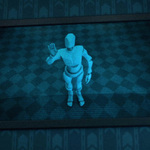
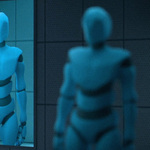
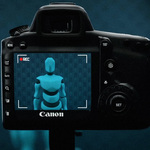
Using the addon is very straightforward. Simply make sure a camera is the active object, right–click it, and choose Link to Monitor.
You'll then be prompted to pick a base material for your display. Once
confirmed, a plane with the monitor material will appear at the 3D
cursor location.
You can use this plane as it is, or apply the
new material to any other object. Just make sure the object's UV map
covers the full UV area vertically so the display looks correct.
From that point on, any changes you make to the camera — such as location, rotation, focal length, or sensor size — will automatically update in the monitor material.
Have questions about this product?
Login to message
| Sales | 20+ |
| Published | about 1 year ago |
| Blender Version | 4.2 - 4.5 |
| Extension Type | N/A |
| Render Engine Used | Cycles |
| License | GPL |
Discover more products like this
stage display control room media panel live view cinematic tool security room immersive scene virtual screen sci fi dashboard futuristic monitor realtime display video wall digital display jumbotron Visual Storytelling camera monitor holographic screen Film production live feed