 ztrztr

Does this work with Blender 4.2+ Extensions system?
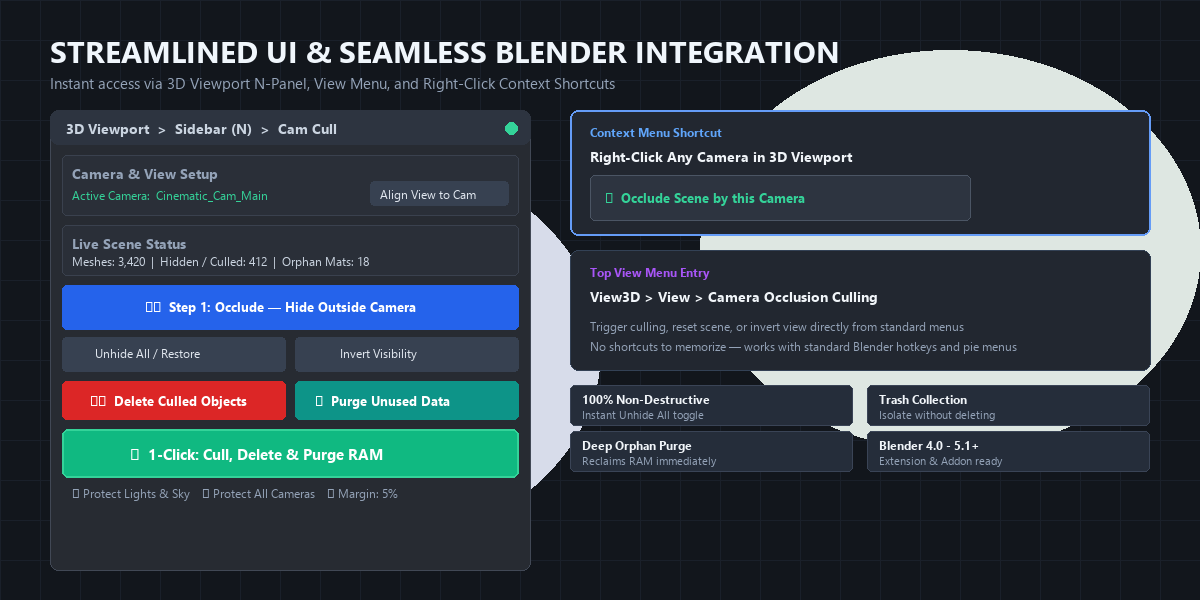
Yes! The package includes a native blender_manifest.toml adhering to Blender 4.2+ extension specifications while maintaining full backwards compatibility with Blender 4.0 and 4.1.
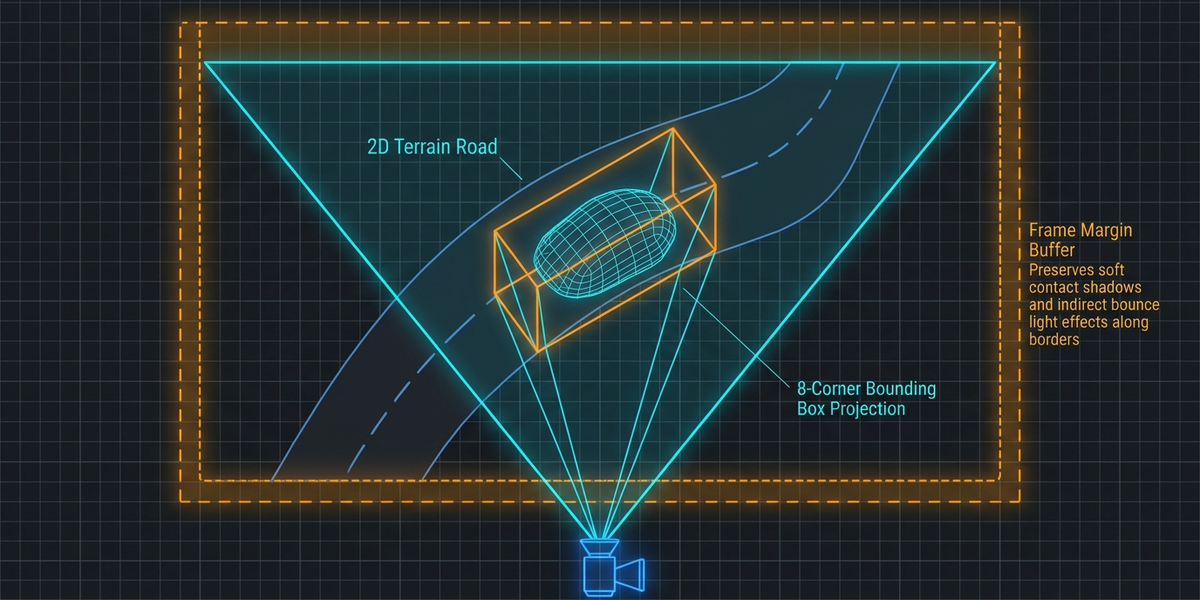
Will culling off-screen geometry ruin my scene lighting or contact shadows?
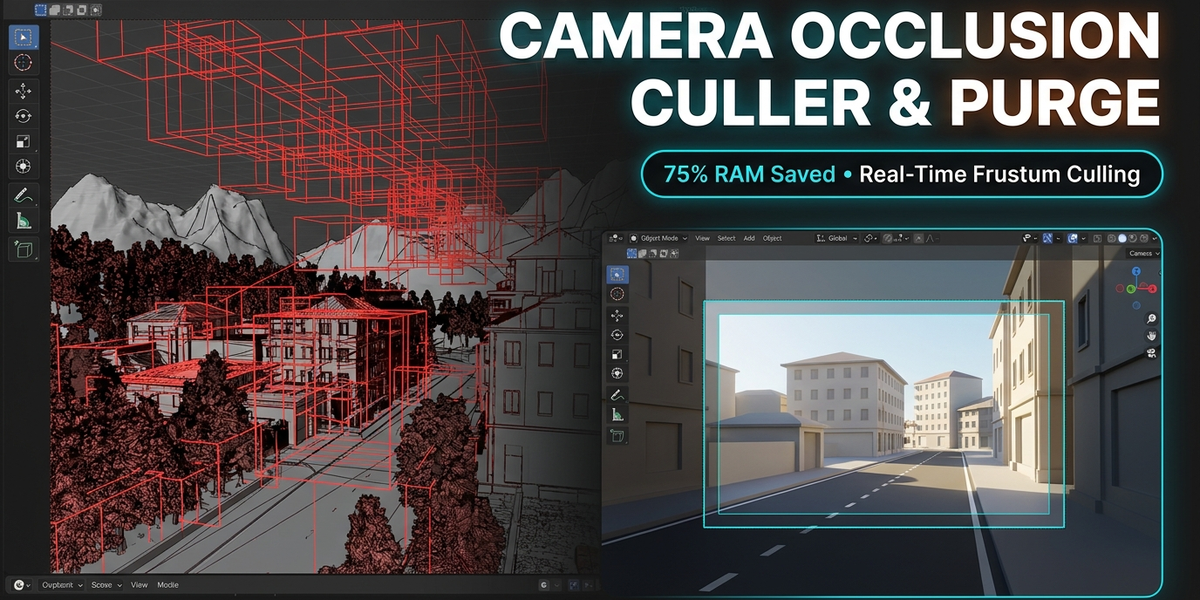
No! The Frame Margin / Padding slider allows you to expand the evaluation boundary by 5% to 20% beyond the visible screen border, ensuring edge shadow casters and indirect global illumination bounces remain 100% physically accurate.
Can I restore my scene after culling?
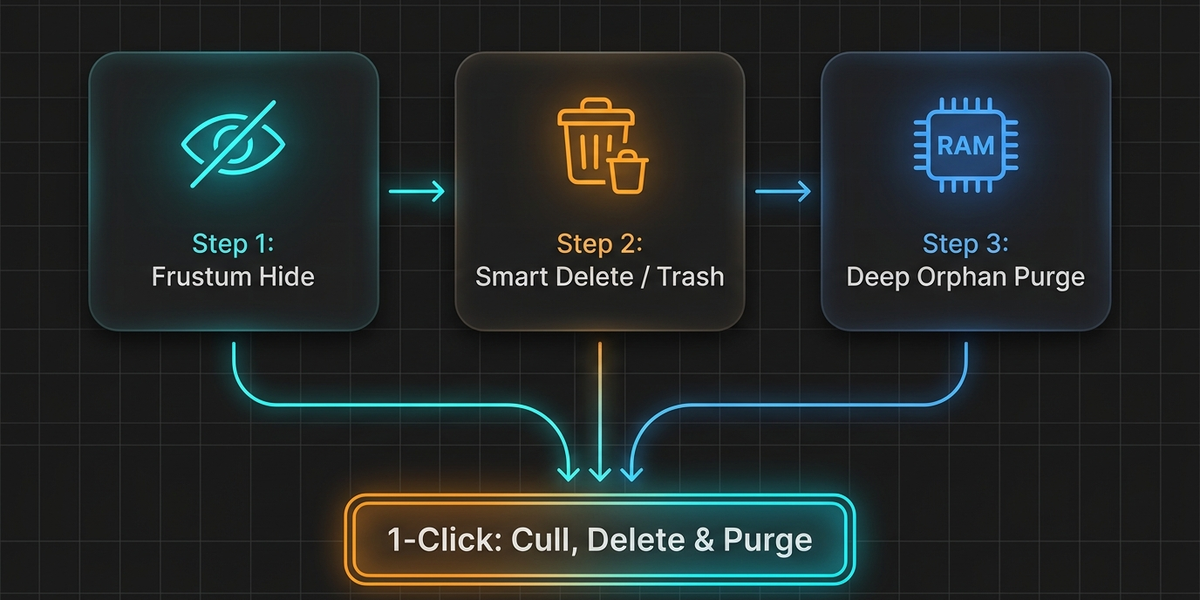
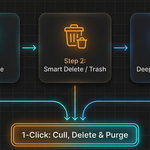
Yes. Step 1 (Occlusion Hiding) is completely non-destructive and can be reverted at any time with "Unhide All". In Step 2, selecting "Move to Trash Collection" keeps all outside objects safely preserved inside an excluded collection without deleting anything.
Will this break linked duplicate objects (Alt + D)?
No. If an object sharing mesh data with a visible asset is deleted, the shared mesh block is preserved for the visible object.
Have questions about this product?
Login to message
| Published | 2 days ago |
| Blender Version | |
| Extension Type | N/A |
| Render Engine Used | Cycles, Eevee |
| License | GPL |

Discover more products like this
Setup management environment art Occlude Batch rendering Render preset camera heavy scene render prep ArchViz