Camera Post FX for Blender
 blenderVfxMaster

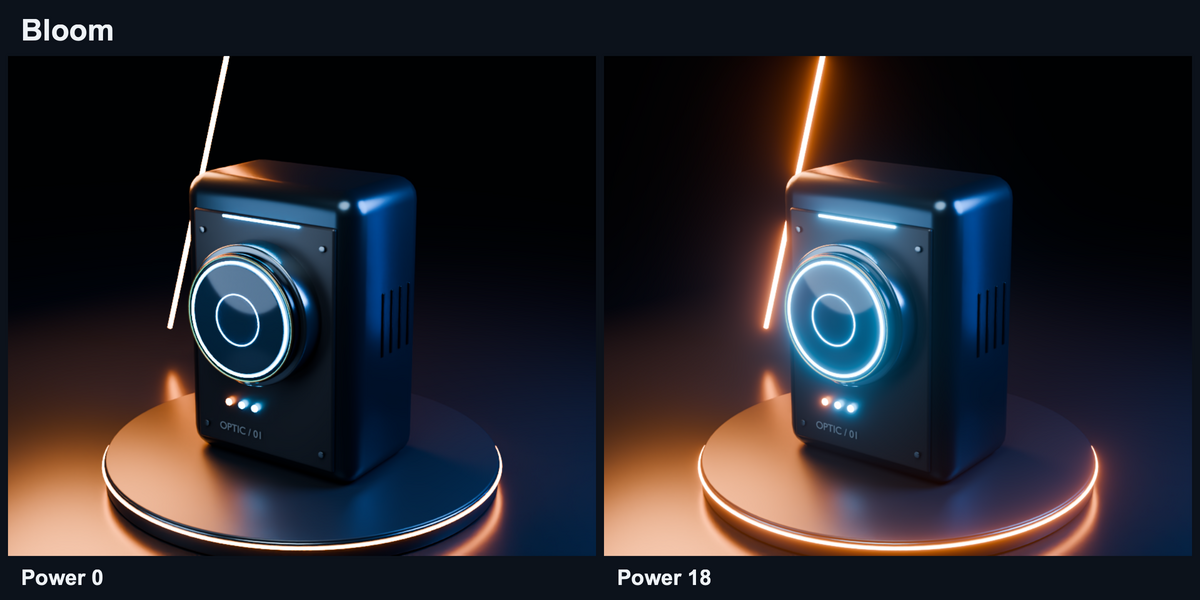
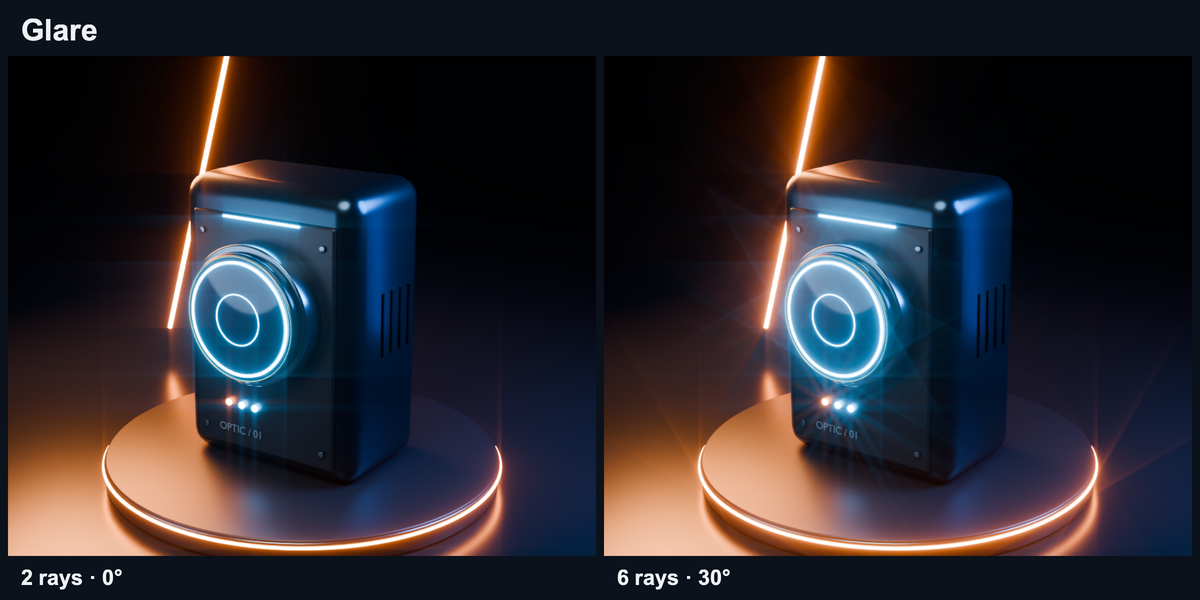
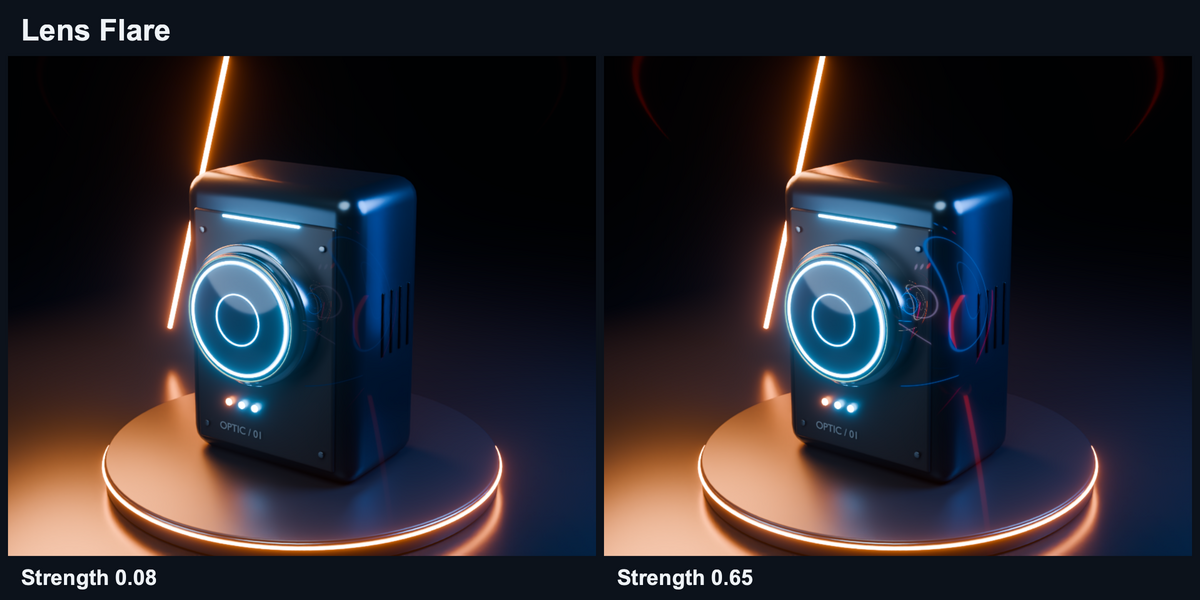
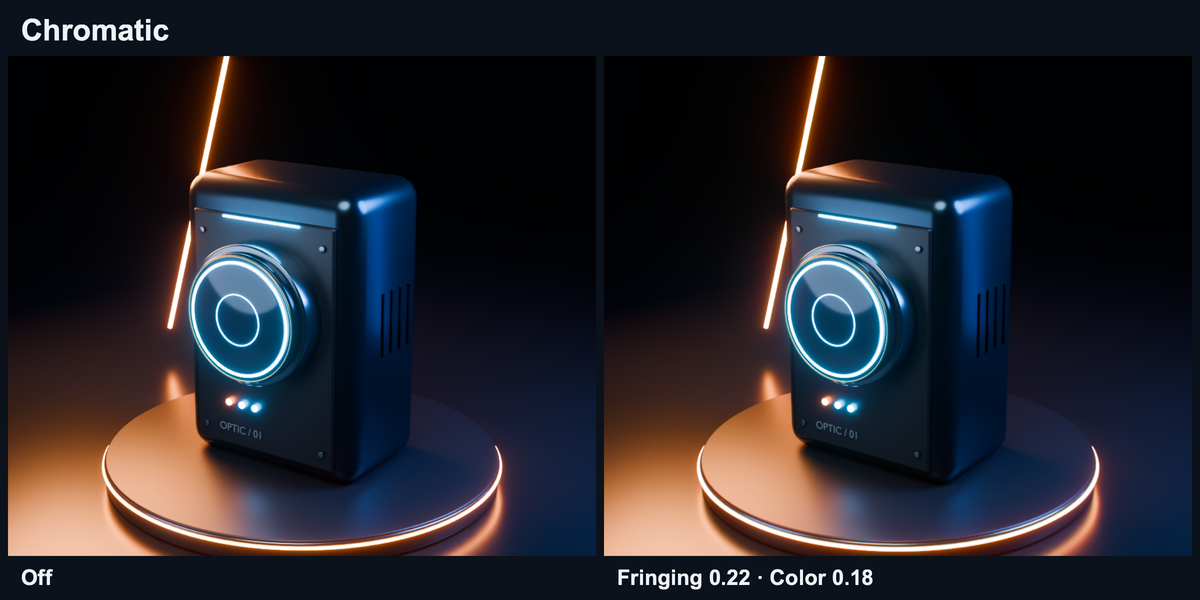
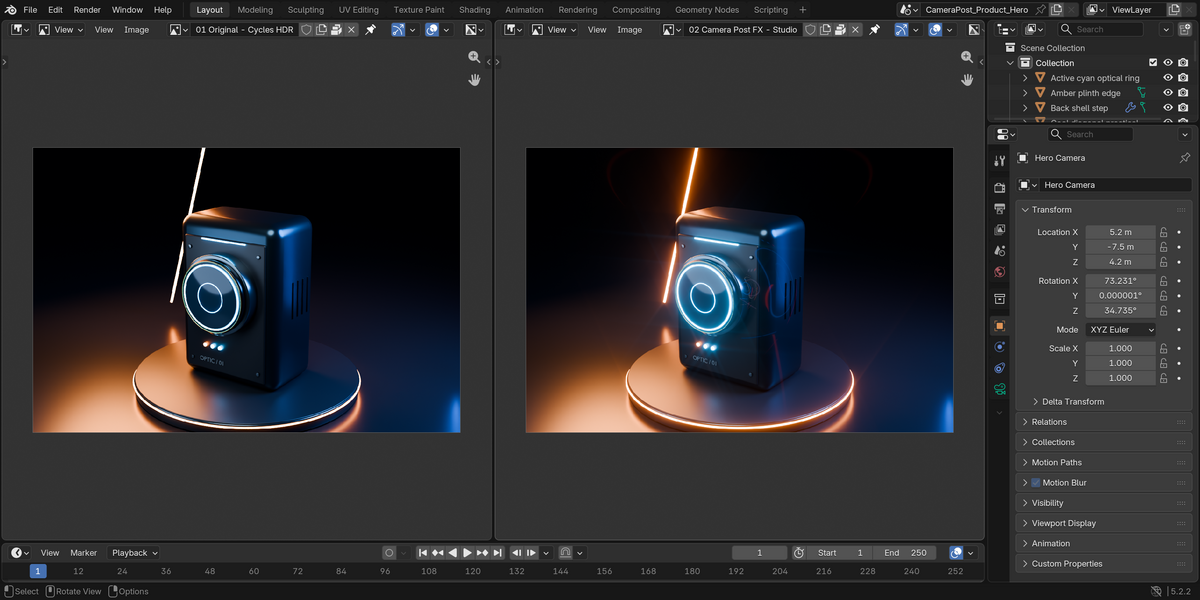

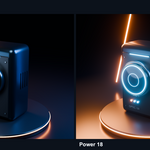
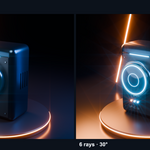
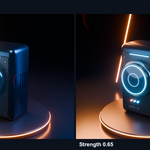
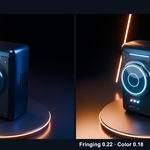
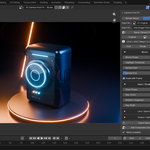
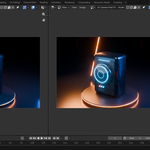
Camera Post FX 1.0.0 — Quick Start
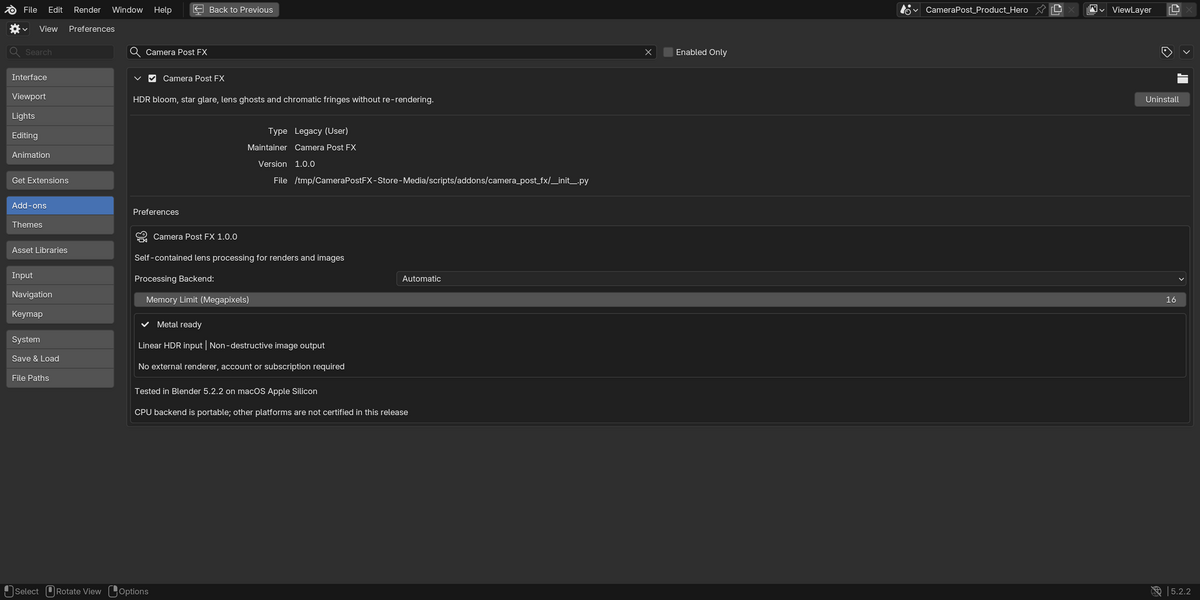
Tested build: Blender 5.2.2, macOS Apple Silicon. The accelerated backend requires macOS 14 or newer. Windows, Linux and Intel Mac have not been certified for this release.
Install
- Download CameraPostFX_Blender_1.0.0.zip. Do not extract it.
- In Blender, open Preferences → Add-ons → Install from Disk and choose the ZIP.
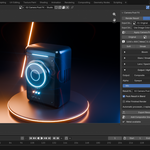
- Enable Camera Post FX. In the 3D Viewport or Image Editor, press N and select Camera FX.
Process a render or image
- Finish a Cycles or Eevee render, or load an image.
- Choose Render Result or Image as the source. For image mode, select the intended source data-block.
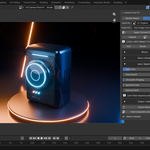
- Start with Soft, Streak or Flare, then click Apply Camera Post FX.
- Use Original and Result to compare. Change settings and apply again.
- Export to a new OpenEXR for linear HDR, or PNG for the scene's current display transform. Existing files are never overwritten.
Controls
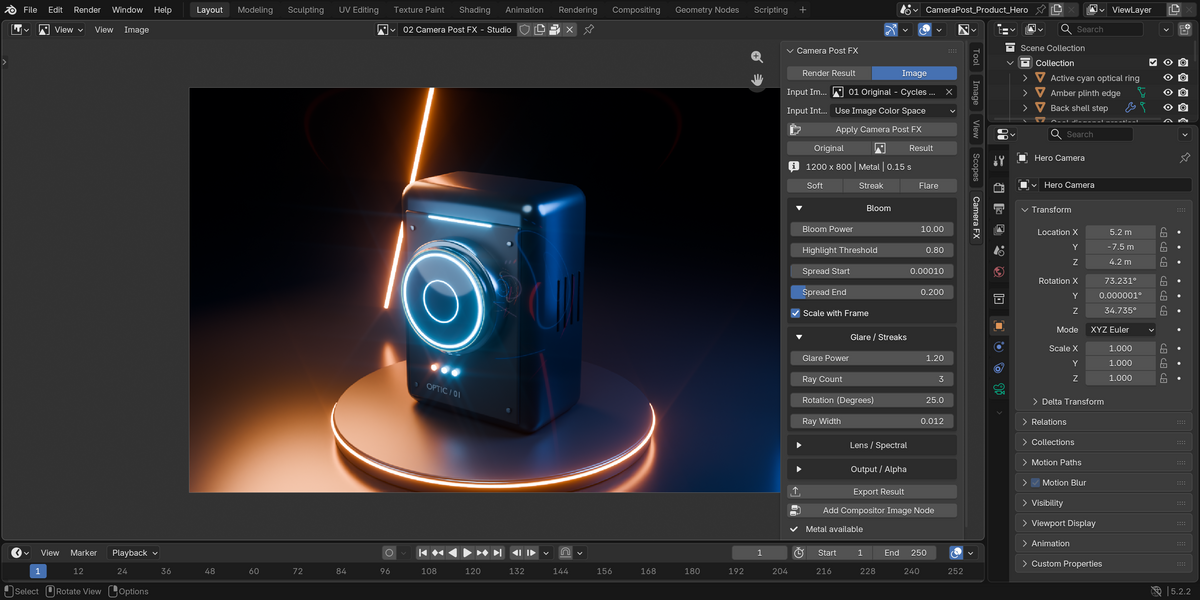
- Bloom: power, highlight threshold, spread range and frame scaling.
- Glare / Streaks: intensity, ray count, rotation and blur.
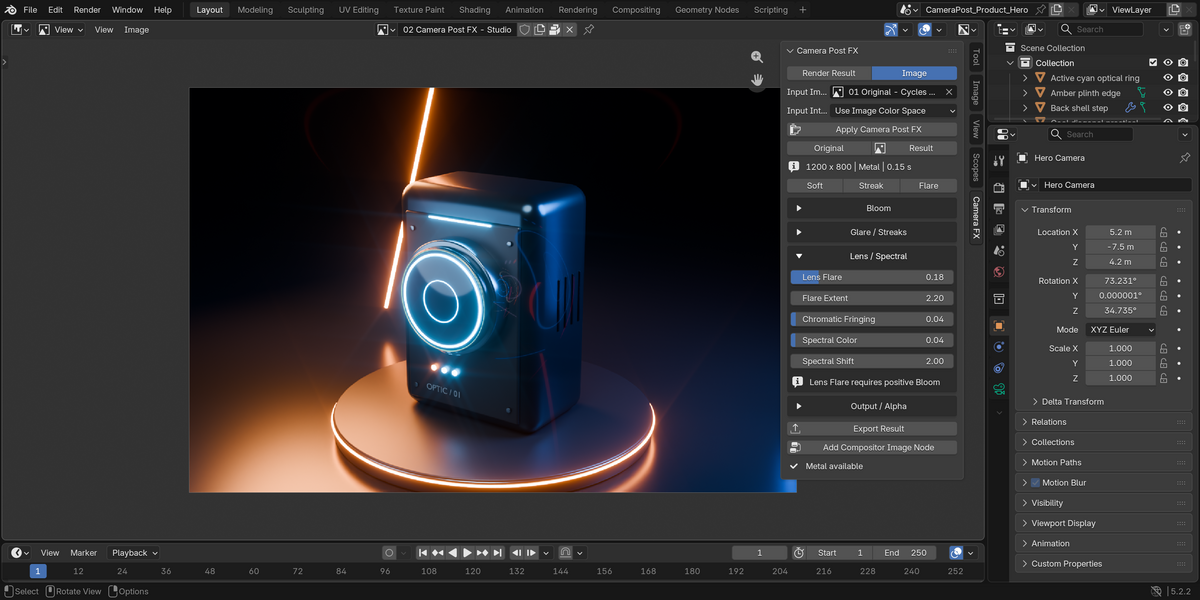
- Lens / Spectral: lens ghosts, extent and chromatic fringes. Lens Flare requires positive Bloom.
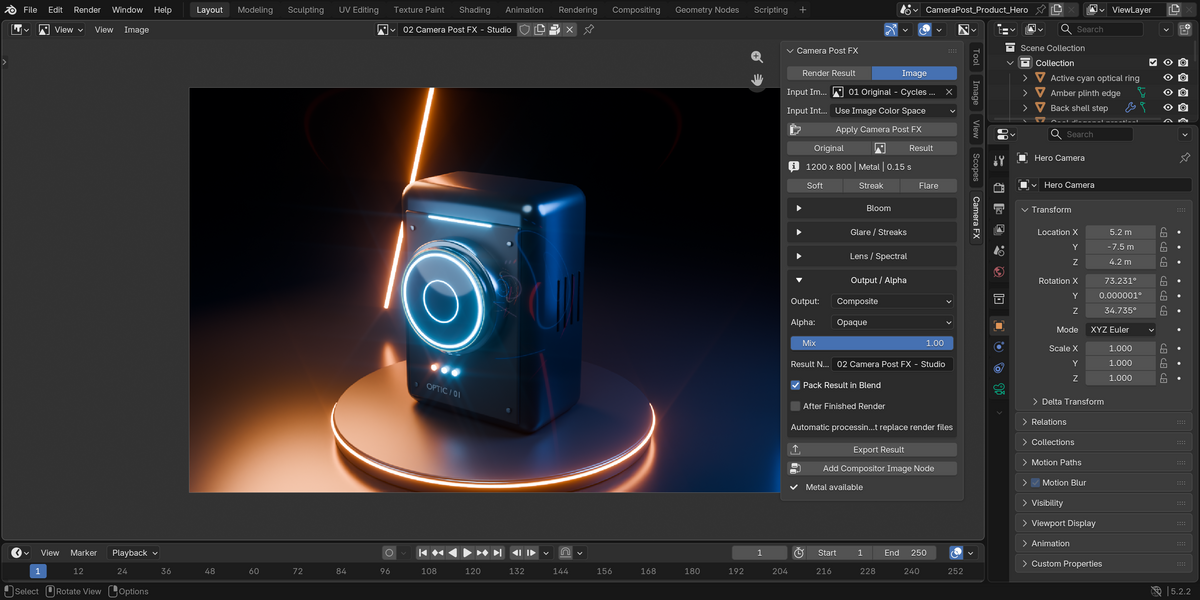
- Output / Alpha: composite or signed Effects Only result; Extend Glow, Preserve Input or Opaque; Mix; optional packed result.
Safe workflow
Results are separate float images. The original render, source pixels and compositor links are preserved. Optional packing stores the current result in the blend file. Adding a compositor image node does not rewire an existing graph.
UI processing runs as a background task. Esc requests cancellation; an in-flight GPU batch may finish before its result is discarded. Changing a control is not a live update: click Apply again.
Automatic processing and limits
After Finished Render is opt-in and handles a single-frame render job only. Multi-frame animation is skipped. It does not replace original render files. Multi-layer/pass selection, stereo and live viewport effects are outside this release.
Use a smaller image if you reach the memory limit. Chromatic Fringing is especially costly on CPU. Transparent hidden colors do not generate glow. Effects Only is a signed linear difference and may contain negative values.
The ZIP includes the full user guide, source and GPL-3.0-or-later license. Contact the creator through Superhive product support with your Blender version, platform and a reproducible example if you need help.
Have questions about this product?
Login to message
| Blender Extension Compatible | Yes |
| Published | about 4 hours ago |
| Blender Version | 5.2 |
| Extension Type | Add-on |
| Render Engine Used | Cycles, Eevee |
| License | GPL |
Discover more products like this
Post-Processing bloom camera lens flare Compositing glare rendering hdr