 CREATION-CREW
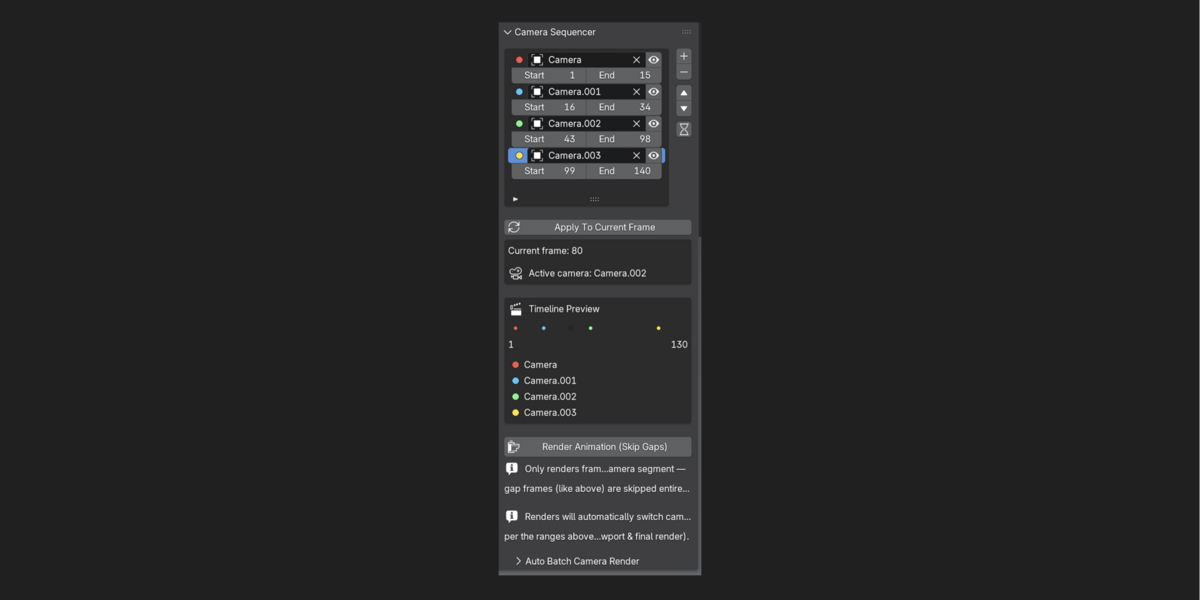
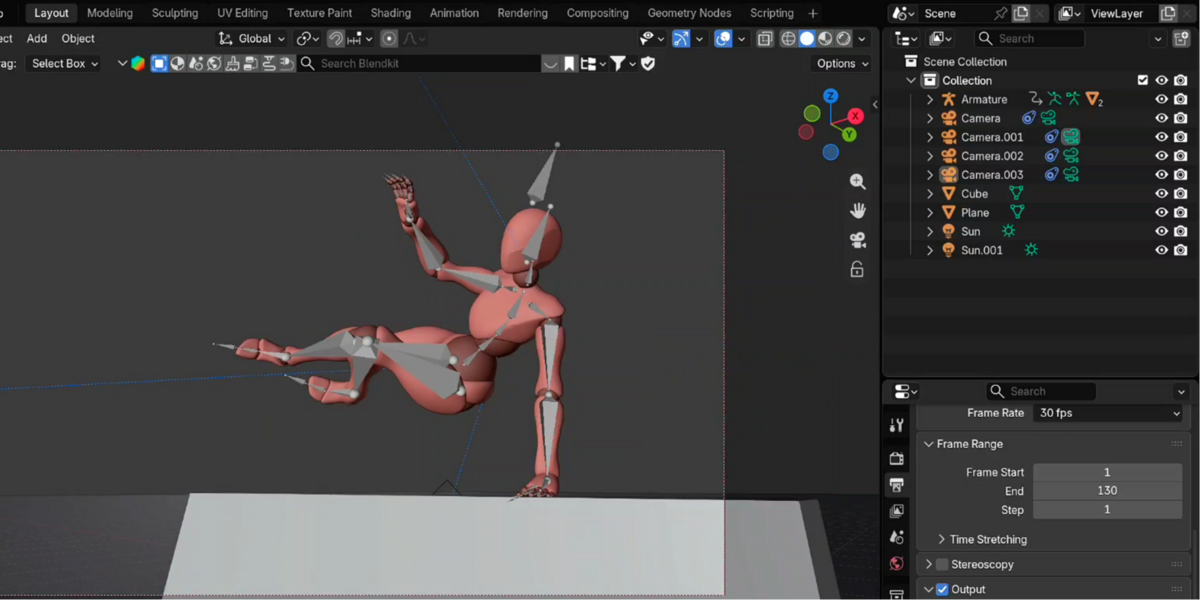


Camera Sequencer Addon For Blender.........
lets you assign multiple cameras to different frame ranges on your timeline — and renders them all automatically, with no manual camera switching required.
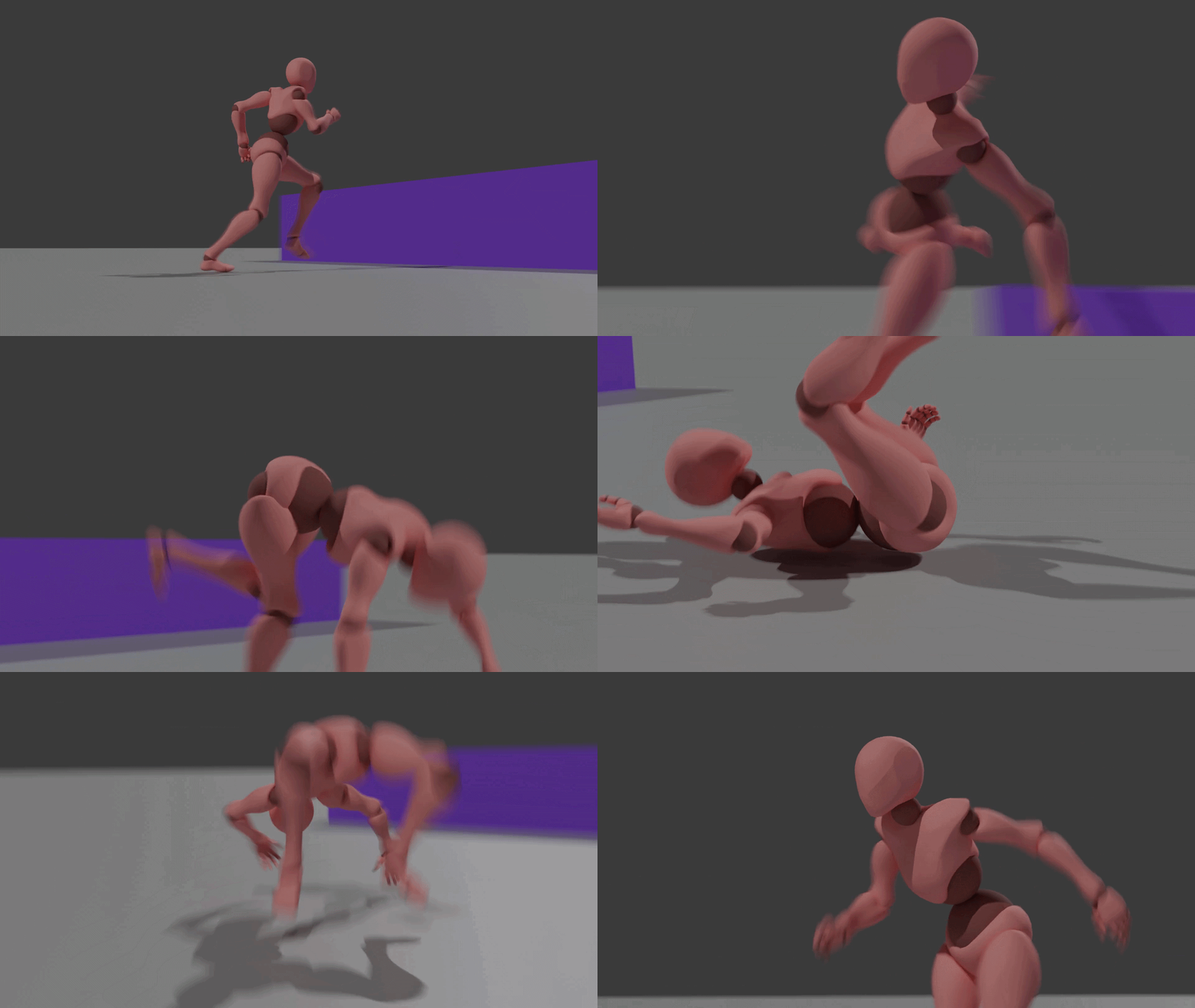
Stop manually switching cameras and re-rendering mistakes. Set your ranges once, click render, and let Camera Sequencer do the rest.
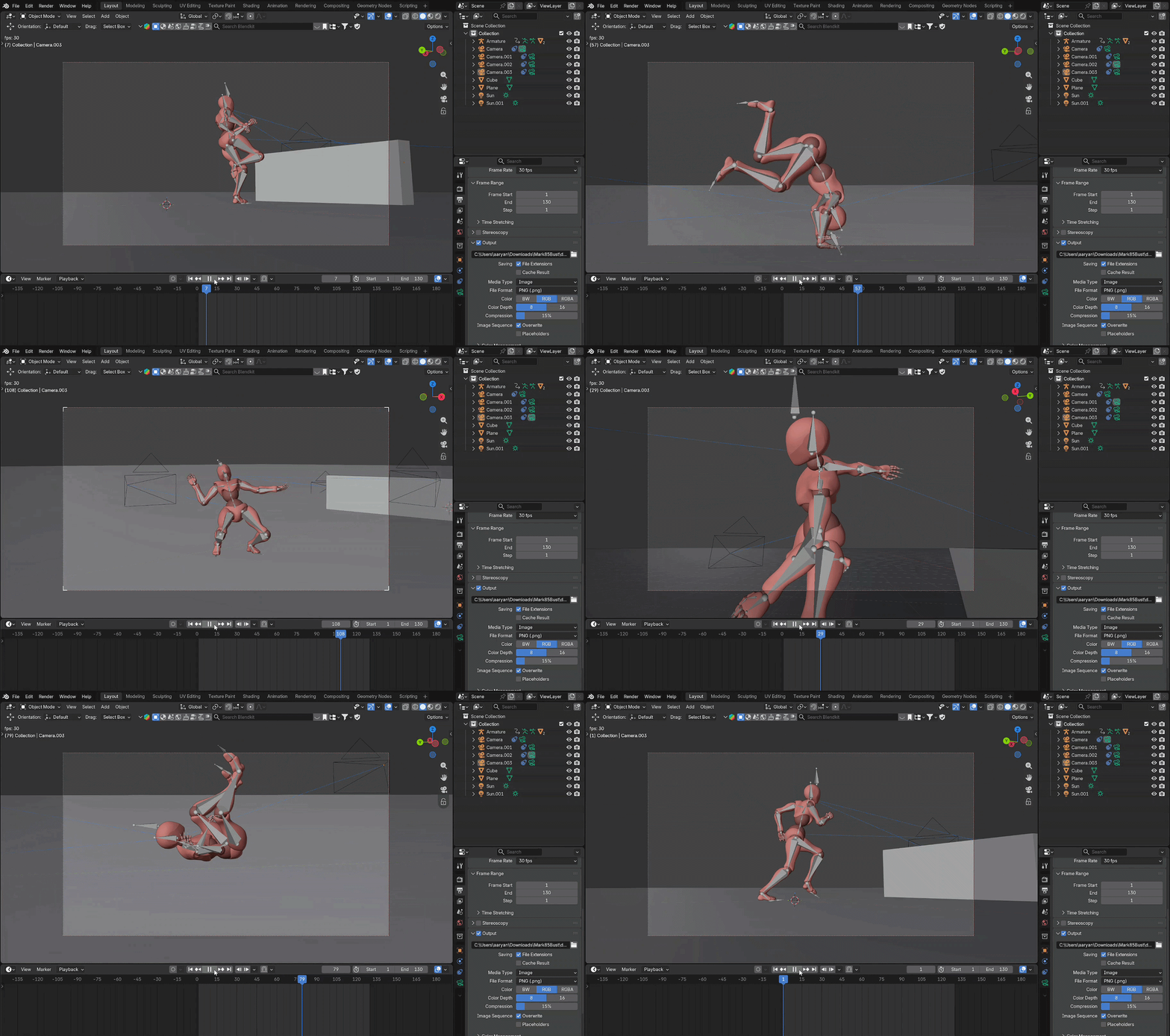
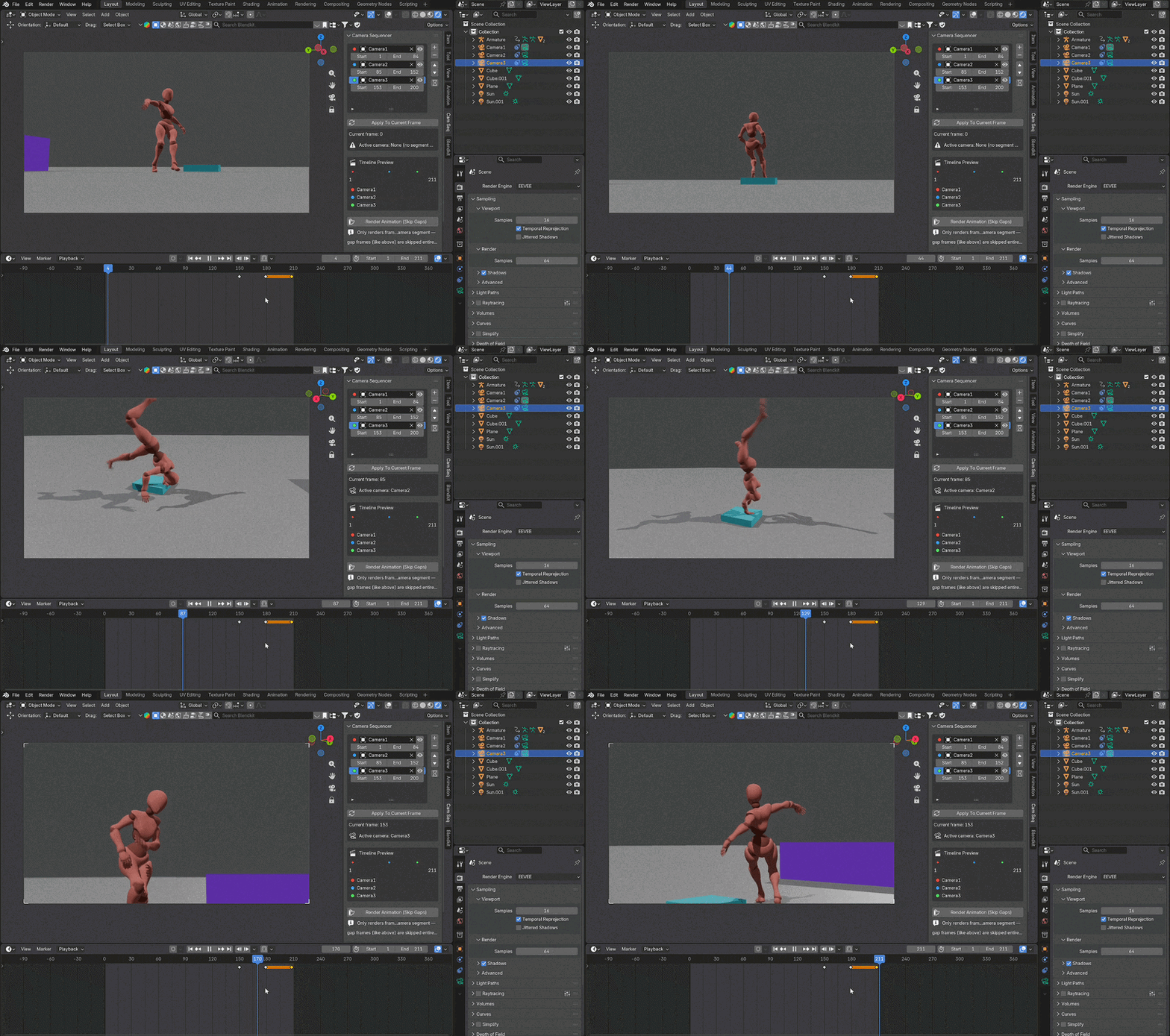
Set up a camera for frames 1–90, another for 90–180, another for 180–250 (as many as you need), and Camera Sequencer handles the rest. Whether you're cutting between angles for an animation, compiling a multi-camera architectural walkthrough, or producing a game-style cutscene, this addon turns a tedious manual process into a one-click render.
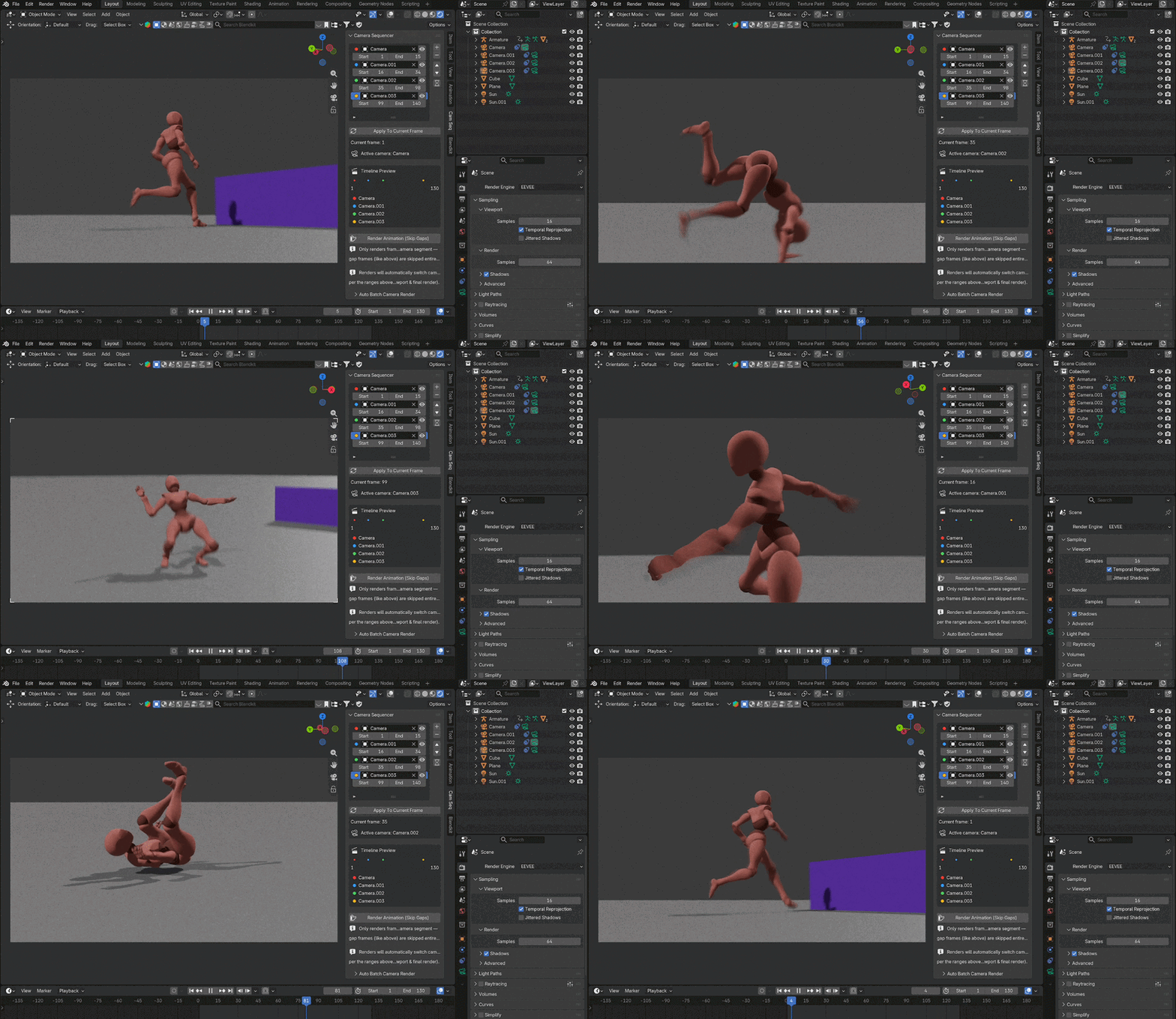
Key features:
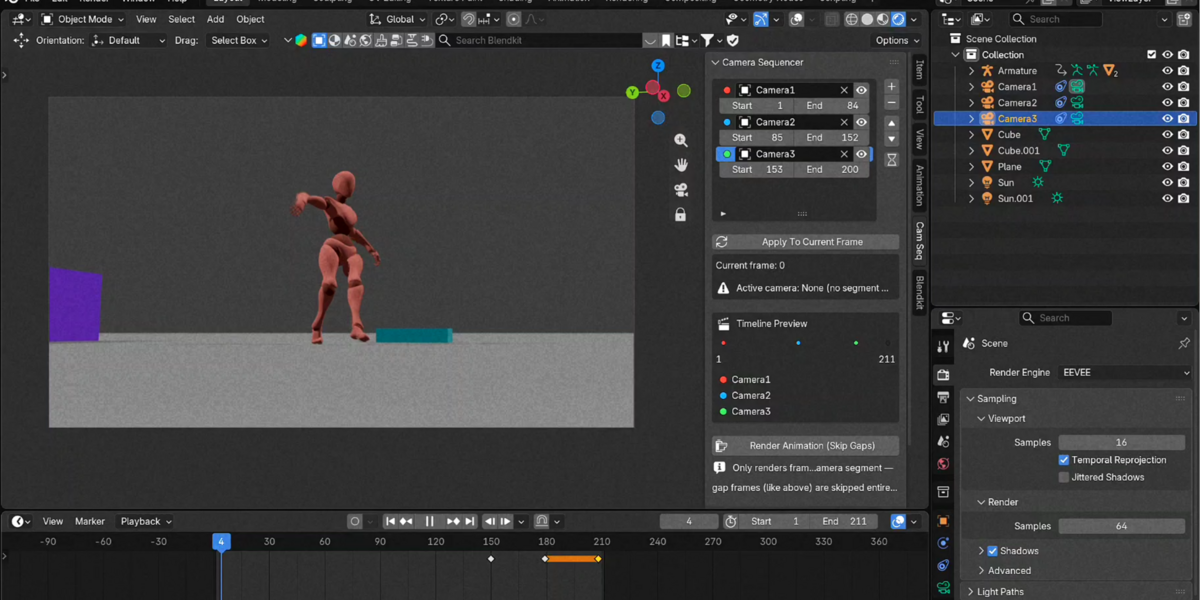
- Frame-range camera switching — assign any camera to any Start/End frame range directly from a simple sidebar panel.
- Color-coded timeline preview — see exactly which camera is active across your whole frame range at a glance.
- Overlap warnings — rows are flagged automatically if two cameras claim the same frames, so nothing renders wrong by accident.
- Render Animation (Skip Gaps) — render one continuous image sequence while completely skipping frames that have no camera assigned, instead of wasting render time on footage you don't want.
- Auto Batch Camera Render — render each camera's frame range as a separate pass (perfect for overlapping ranges), with a live progress bar and one-click start.
- Zero setup render switching — once configured, pressing Render Animation just works: the correct camera is active for every frame, automatically.