CamForge — Your Blender Cutscene Cameras in Unity, Frame for Frame: Lens, Sensor Fit, Shift, Focus and Cuts, Measured in Pixels
 Skava
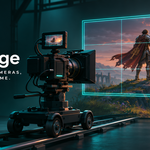
Why is my camera framed differently in Unity?
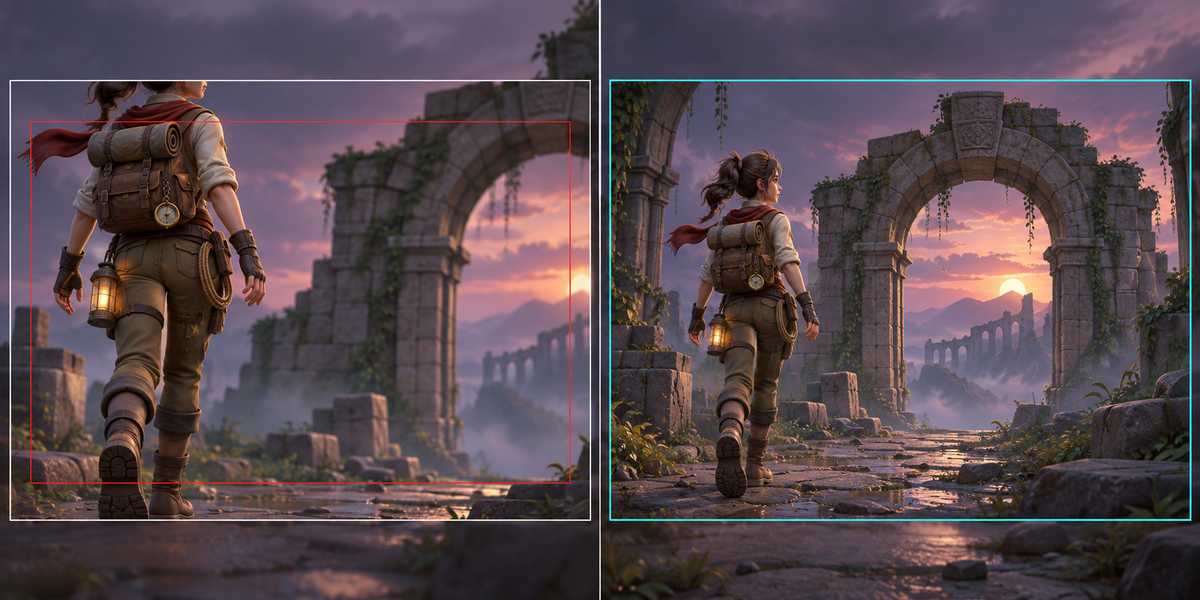
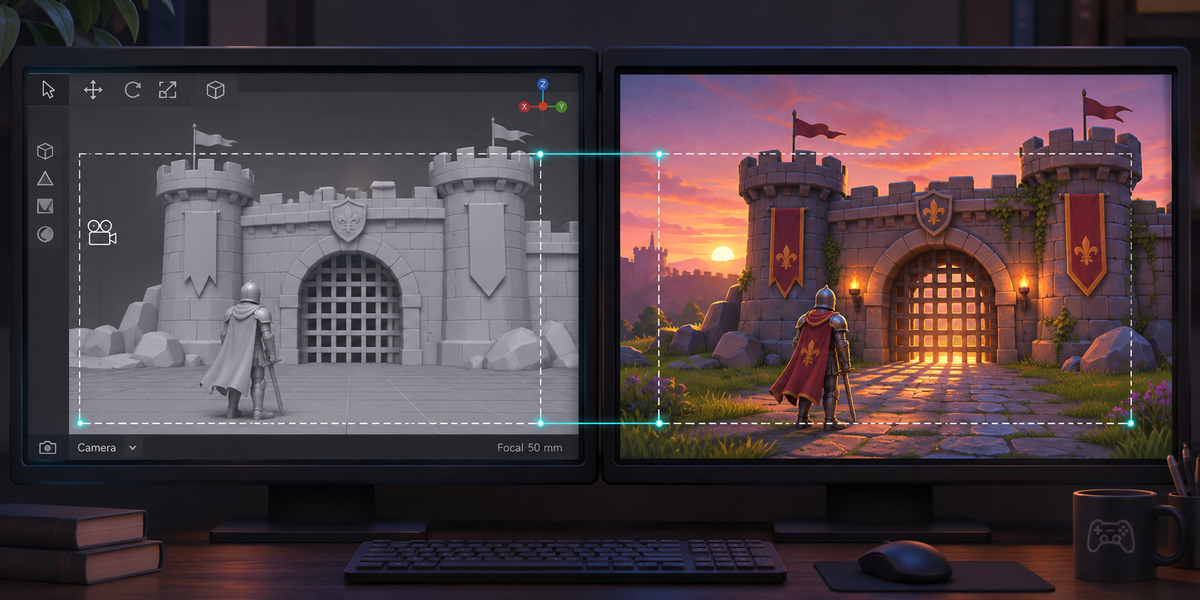
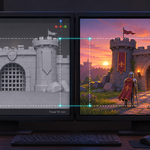
Blender and Unity fit the sensor differently (Blender's Auto fit follows the larger side of the frame, Unity's camera from an FBX always fits horizontally), count the lens shift differently, the FBX exporter simplifies the camera's moves and Unity compresses them again on import. On our test cutscene, Blender's default FBX opened in Unity with its defaults put points up to 273 px off on a 16:9 screen and 936 px off on a 9:16 screen.
What about my cuts between cameras?
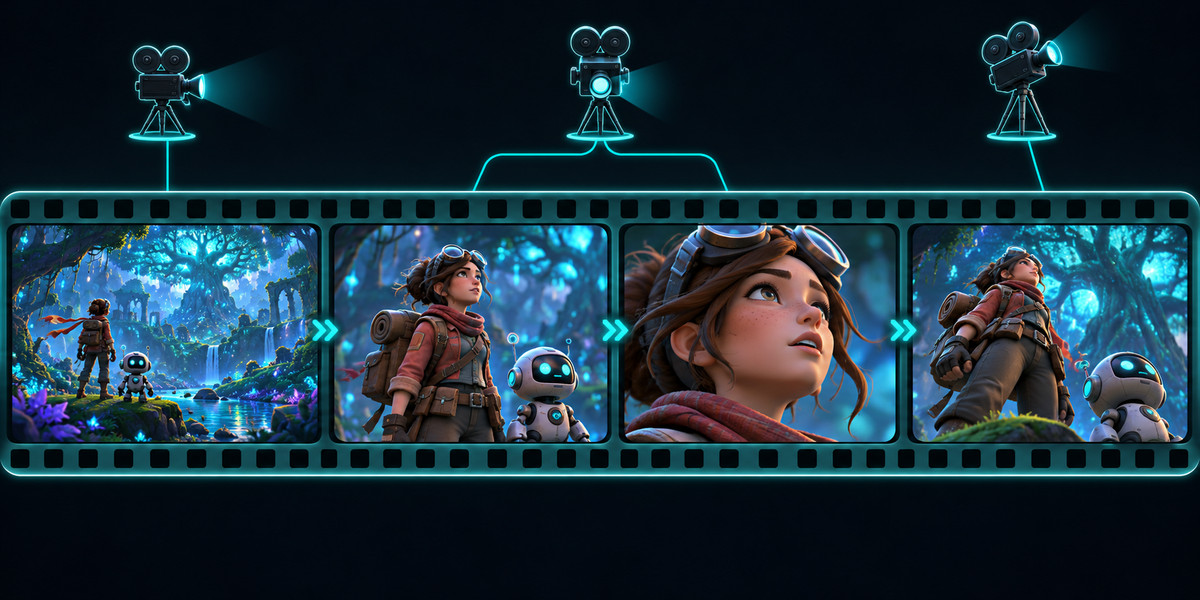
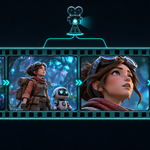
FBX does not carry markers bound to cameras. CamForge reads which camera Blender shows on every frame, and the CamForge Rig in Unity switches to the same camera on the same frame.
Does it work in portrait and on any screen?
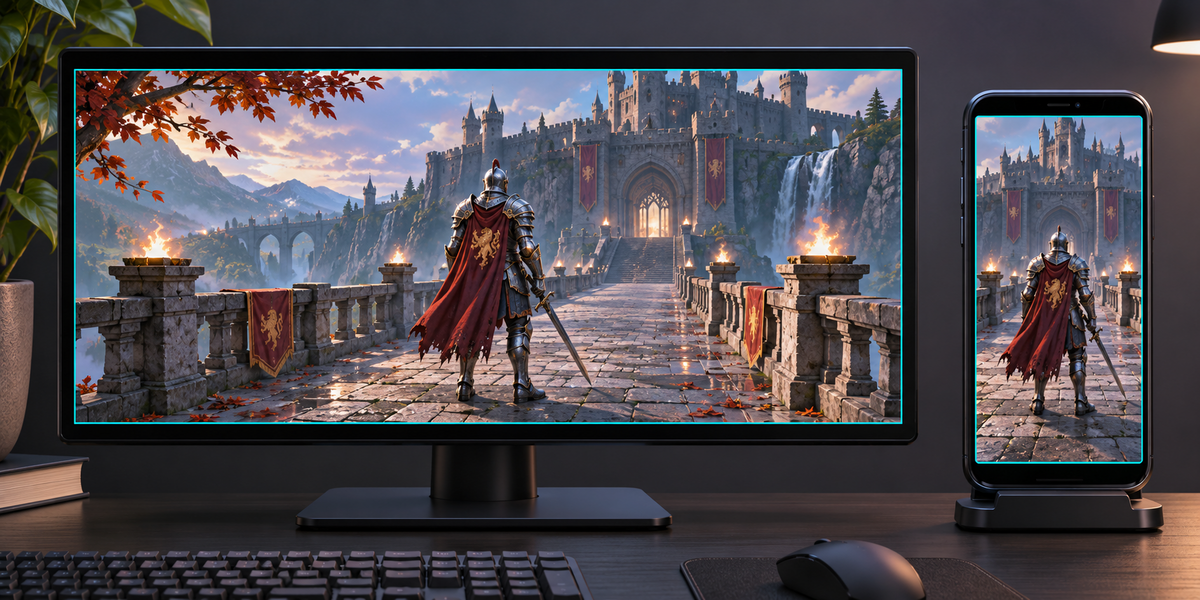
Yes. CamForge Rig sets each lens for the screen's own aspect every frame. Check measures both the scene's aspect and its transpose.
How do I play it from a Timeline?
Set the rig's Time Source to Director, put the Playable Director in its field and the second where the cutscene starts on the Timeline in Director Start; CamForge then plays the cameras' moves itself on the Timeline's time (clip-in and speed of a Timeline clip are not followed). Or leave it to the Animator Set Up made, or choose Manual and set the time from your script.
What does Check measure?
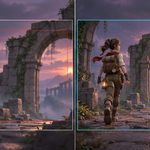
Proof points taken from the camera Blender shows on each proof frame are written with Blender's own pixels on up to 96 frames and on moments inside them. In Unity, Check plays them, lets the rig set the lens, checks the camera of every cut and measures every point in pixels. The limit is 1 pixel; the report is written next to the prefab.
Does depth of field come along?
Focus distance (also from a focus object) and aperture go to the Unity camera's physical properties; a depth of field effect has to be set to read them from the camera. URP's depth of field effect keeps its own settings in its Volume. Tested with Unity's built-in pipeline.
Does it export my scene?
No, only the cameras' placements and lenses, read from Blender on every frame and on as many moments inside it as keep Unity within half a pixel of a 4K frame where Blender's own in-between allows it; Export names any frame where it does not, and Check measures it (a camera on a car does not bring the car; Follow Path dollies and vertex parents work). Export your scene with Blender's default FBX settings, the same CamForge uses, and the cameras stand where they stood in Blender: on our test scenes still geometry lands within 0.33 px of Blender's frame. Objects that move keep the accuracy of their own FBX; the documentation says how to export them frame-exact.
Can I ship the Unity scripts in my game?
Yes. The Blender add-on is GPL, but the two Unity scripts are MIT licensed (the license file is written next to them on export): you may ship them in your games, closed source or not. They contain no Blender source code.
Does it need AI, a cloud or an account?
No. Everything runs locally, in Blender and in Unity.
Have questions about this product?
Login to message
| Published | about 1 hour ago |
| Blender Version | 4.2 - 5.2 |
| Extension Type | N/A |
| License | GPL |