 Skava
Your Blender cutscene cameras, frame for frame in Unity
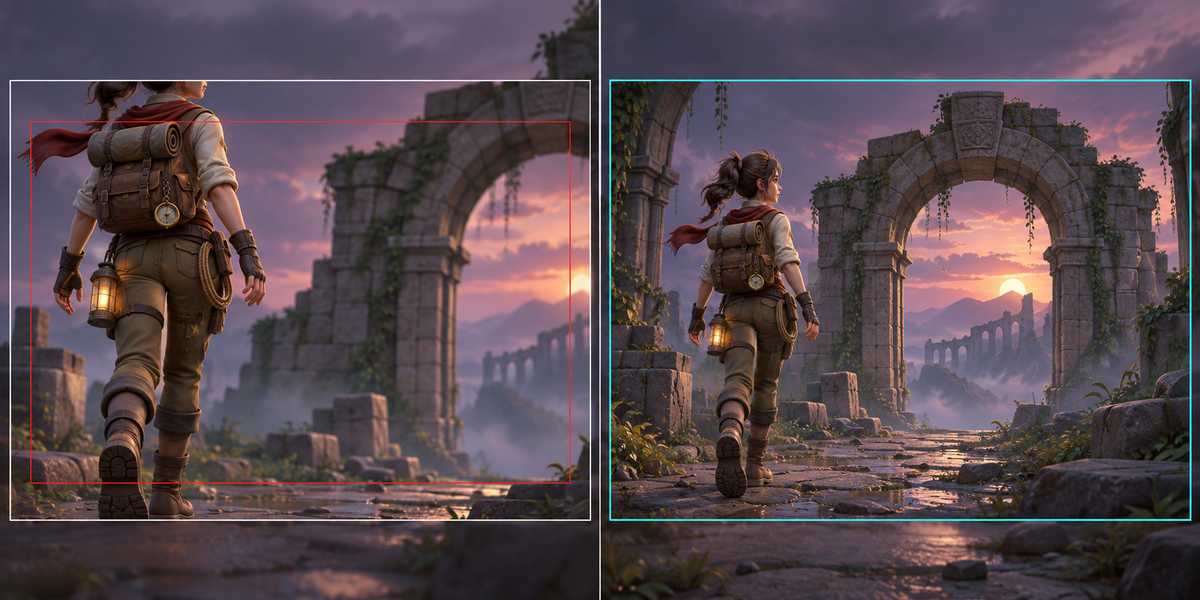
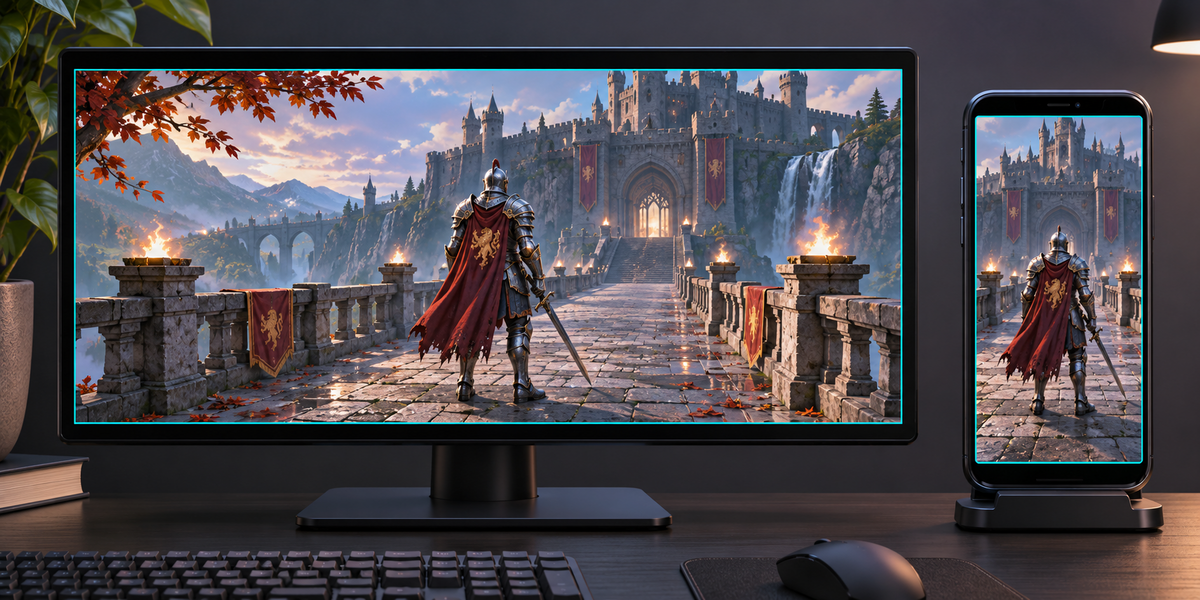
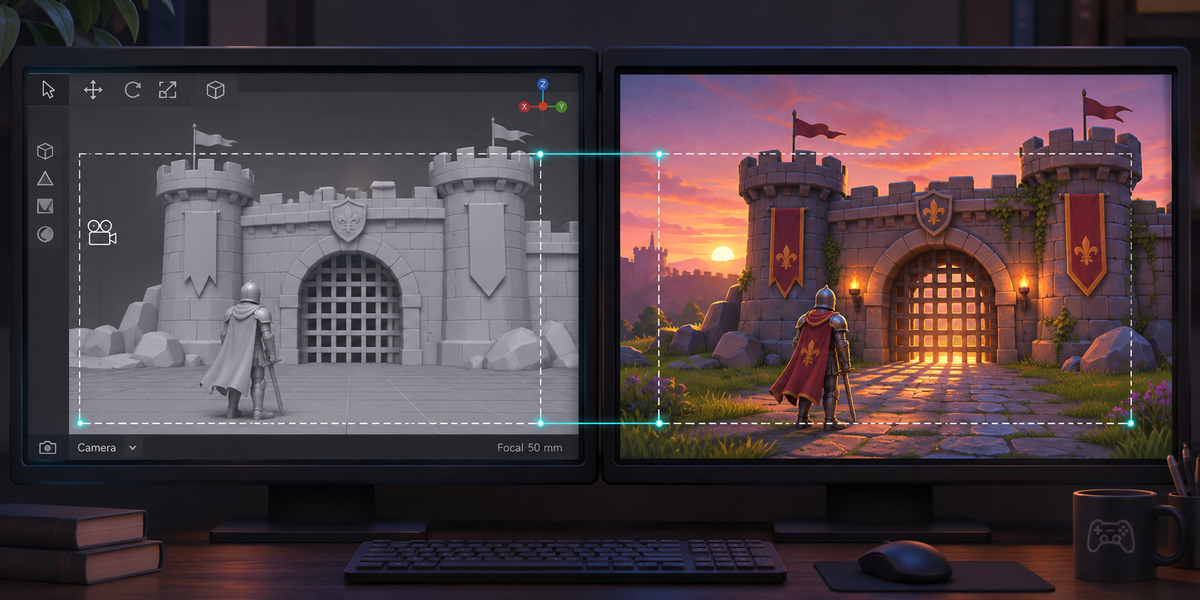
You framed every shot in Blender. In Unity the framing drifts: the FBX camera loses Blender's sensor fit, recounts the lens shift, simplifies the camera's moves, Unity compresses them again on import, the cuts between cameras are gone and so is the focus. On our test cutscene, Blender's FBX with its default settings opened in Unity with its defaults put points up to 273 pixels off on a 16:9 screen and 936 pixels off on a phone held upright.
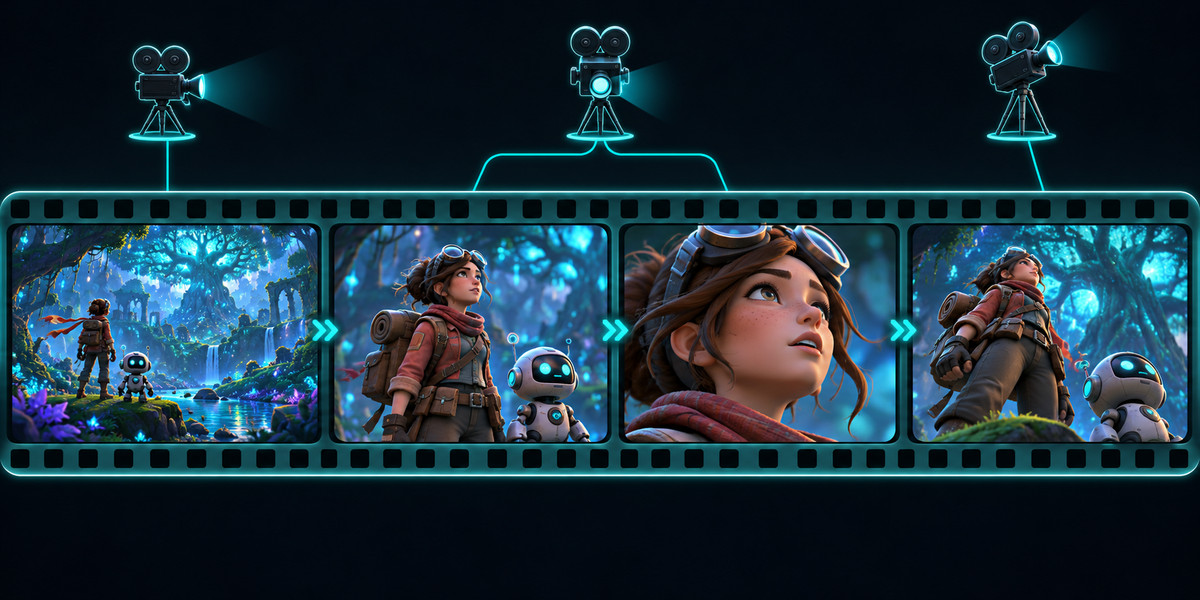
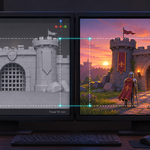
CamForge carries the cameras of a Blender cutscene into Unity so that each frame lands where Blender put it, and proves it in pixels. Every camera's focal length, sensor, sensor fit, lens shift, clipping, focus distance and aperture are read on every frame; the cuts come from your markers bound to cameras; in Unity one component switches the cameras at the cuts and sets each lens for the screen's own aspect, landscape or portrait.
Measured, not promised
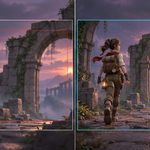
- Ten cutscenes in Unity 6, exported from Blender 4.2 and 5.2: zooms, lens shifts, Auto, Horizontal and Vertical sensor fit, an orthographic camera with a shift on a moving car, a camera on an animated bone, a Follow Path dolly with a second camera on it, a camera on the vertices of a moving truck, constant-key jumps on a moving camera, a 90° whip pan with a fast zoom and a jump in the middle of it, 29.97 fps from frame 1001, a 4K pan and roll through a 14 mm lens with a big shift, a 100-metre orthographic map camera, a 6-minute cutscene at 60 fps, 2.39:1 and 9:16 frames. On every proof frame (up to 96 per scene, plus both sides of every cut) and at moments inside the frame, every proof point within 1 px of Blender's own frame, at the scene's aspect and its transpose.
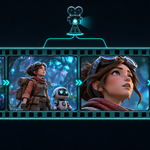
- The cuts: the right camera on every checked frame, the frame before each cut included. Constant keys stay constant: a camera that jumps or snaps its zoom inside a shot jumps in Unity too, with no in-between frame.
- Your scene, exported as usual with Blender's FBX defaults: its still geometry lands in the frame within 0.33 px of where Blender draws it. A moving object keeps the accuracy of its own FBX: with Blender's and Unity's defaults our moving car was 8 px off and a moving truck 20 px; the documentation says how to export it as exactly as the cameras.
- Check in Unity measures your own cutscene and writes the report next to the prefab: up to 96 frames spread over it, both sides of every cut, the frames where something jumps and the frames that needed the most keys, each also at moments inside the frame, including the moment where Unity's curve came closest to the limit. A lens 3% off, a shift with the wrong sign, a wrong sensor fit, a cut 5 frames late or wrong scene units all turn it red.
What you get
- Scan: the shots of your scene (first frame and camera, as Blender plays them) and every camera's lens, sensor fit, shift and depth of field.
- Export for Unity: a passport with every camera's placement and lens on every frame, and, while it is on screen, inside every frame: as many moments as keep Unity's curve within half a pixel of a 4K frame (from quarters to 64ths of a frame, plus a key on every sharp corner of its path; where Blender's own in-between turns too sharply even for that, Export names the frames and Check measures them), read from Blender itself (parents, Follow Path dollies, vertex parents, constraints and drivers all count, and nothing of the car or crane a camera rides on comes along), the cuts and Blender's own pixels for the proof; a tiny FBX that ties Blender's space to Unity's; and the Unity scripts. Your scene is not changed.
- In Unity: Tools > CamForge > Set Up Cutscene makes a prefab with the cameras, their moves as a clip with a key on every frame and, while a camera is on screen, on those moments inside the frame, an Animator and the CamForge Rig component; Check Cutscene measures it. Take the time from the Animator, a Timeline's Playable Director or your own script; with a Director or a script CamForge plays the cameras' moves itself, so moves, lenses and cuts never run on two clocks.
Honest limits
- Focus distance and aperture go to the Unity camera's physical properties; a depth of field effect has to be set to read them from the camera (URP's keeps its own settings in its Volume). Tested with Unity's built-in pipeline.
- On a Timeline: CamForge follows the Playable Director's time from the second you set; clip-in and speed changes of a Timeline clip are not followed.
- Panoramic cameras and non-square pixels are not carried. Your scene's meshes are exported by you as usual; CamForge carries the cameras.
The Unity scripts are MIT licensed: ship them in your games, closed source or not.
Blender 4.2 to 5.2. Unity 6. No Python packages, no cloud, no account, no AI model.