CamLight Pro – Architectural & Cinematic Camera Toolkit for Blender
 Stereotome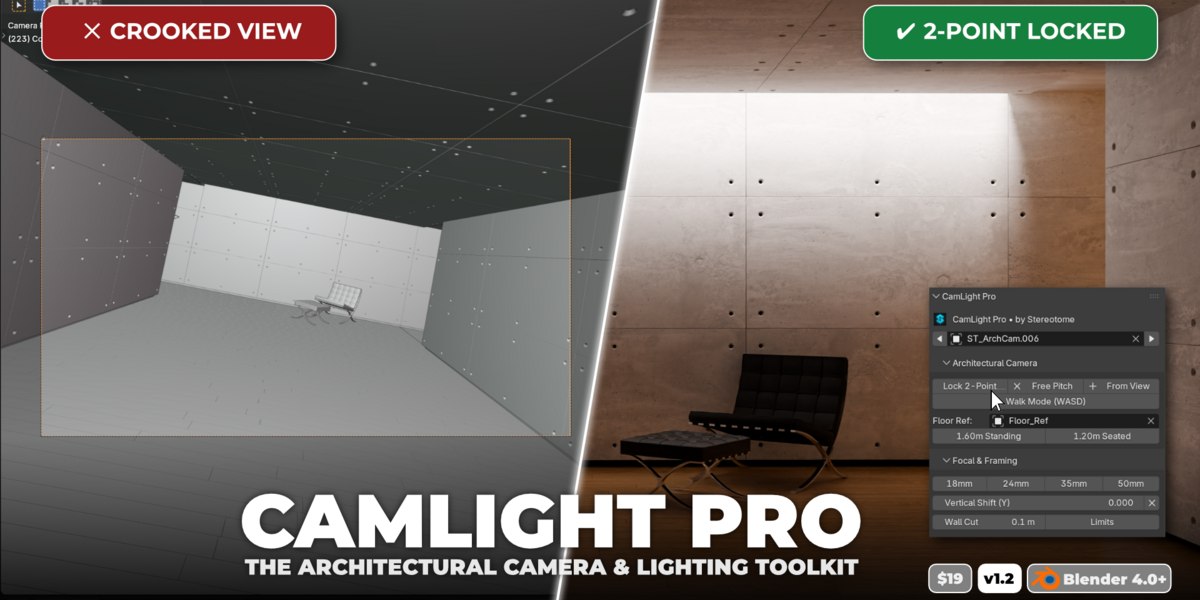

Installation Guide
- Open Blender (version 4.0 or newer).
- Navigate to Edit > Preferences > Add-ons.
- Click Install... in the top-right corner.
- Select the downloaded
camlight_pro_v1.2.0.zipfile and click Install Add-on. - Check the box next to CamLight Pro to enable it.
Quick Start Workflow
-
Locate the Panel: In the 3D Viewport, press
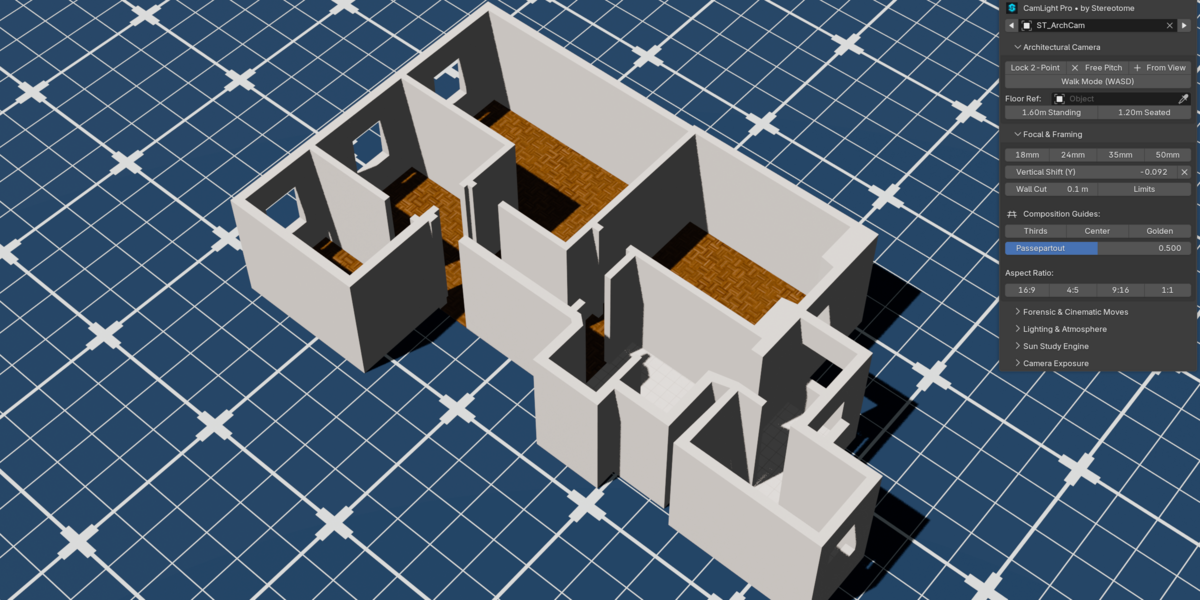
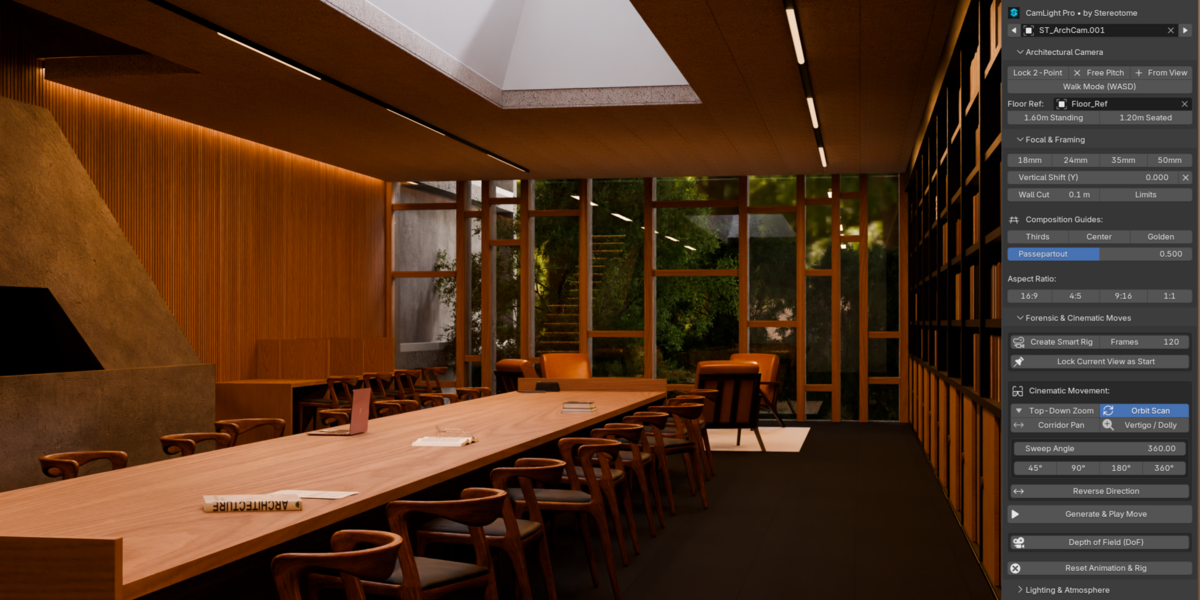
Nto open the sidebar and select the CamLight Pro tab. - Create & Lock Camera: Click + From View to spawn a new camera from your current perspective, then click Lock 2-Point for instant upright architectural alignment.
- Adjust Height & Walk: Use the 1.60m Standing or 1.20m Seated presets with a selected floor object, or press Walk Mode (WASD) to navigate your interior.
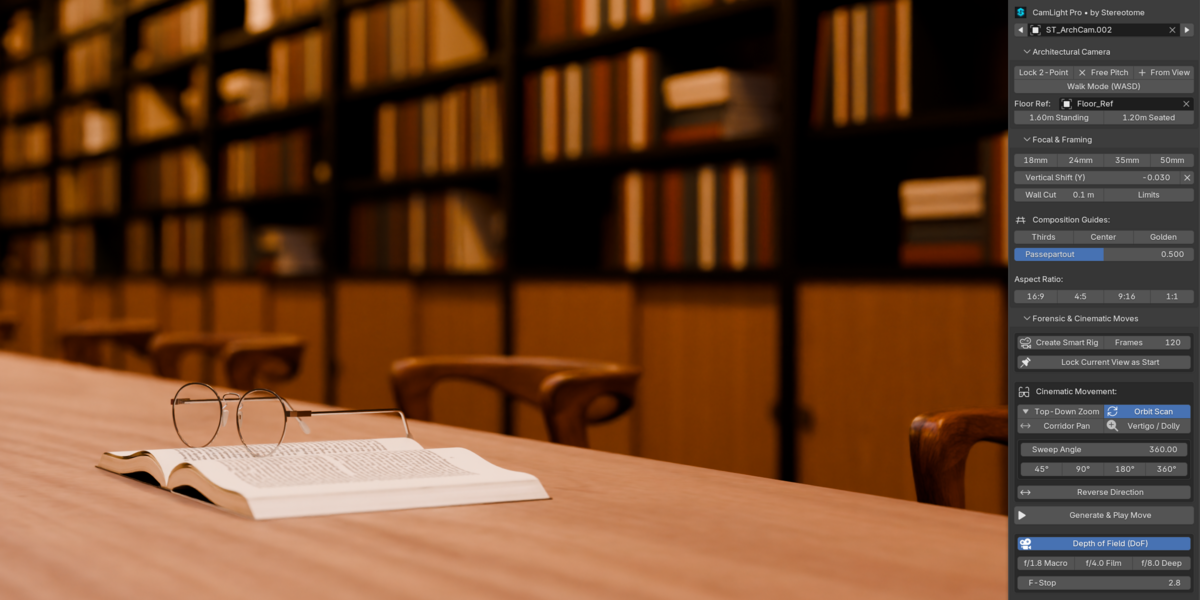
- Cinematic Moves: Open Forensic & Cinematic Moves, select a target object or create a Smart Rig, choose a move (e.g. Orbit Scan or Corridor Pan), and click Generate & Play Move.
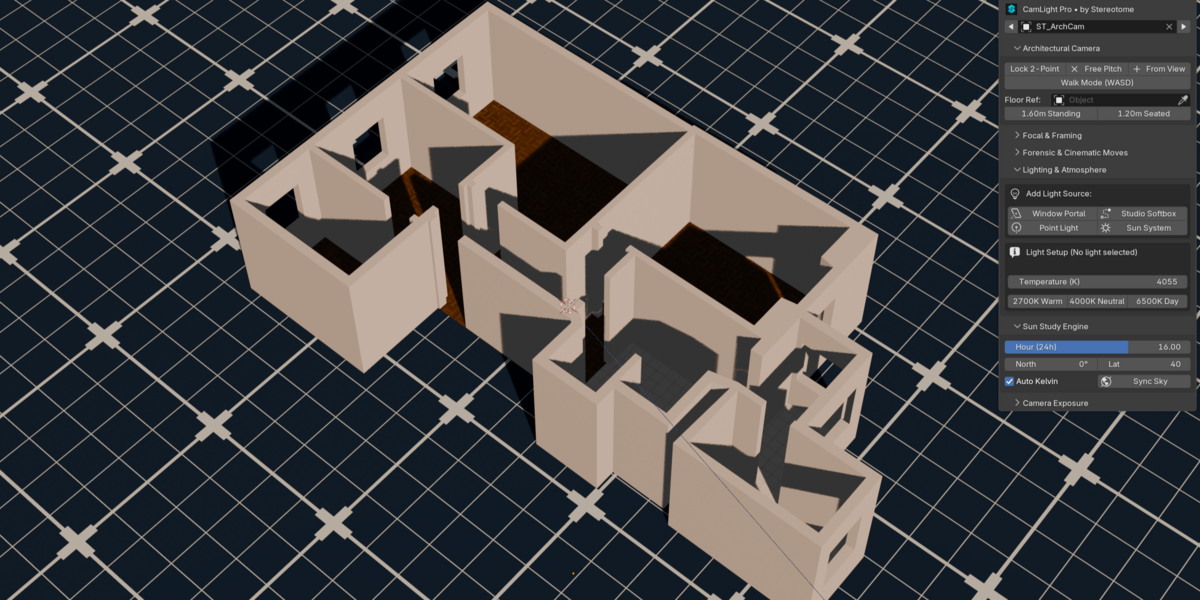
- Lighting & Sun Studies: Open Lighting & Atmosphere to add softboxes or window portals, and use Sun Study Engine to adjust daytime angles with accurate Kelvin temperature.
Have questions about this product?
Login to message
| Blender Extension Compatible | Yes |
| Published | 3 days ago |
| Blender Version | 4.0 - 5.2 |
| Extension Type | Add-on |
| Render Engine Used | Cycles, Eevee |
| License | GPL |

Discover more products like this
Lighting Tools Lighting camera 2 point perspective sun study walk mode ArchViz camera rig architectural camera cinematic architecture dof