 Nabat
Nabat


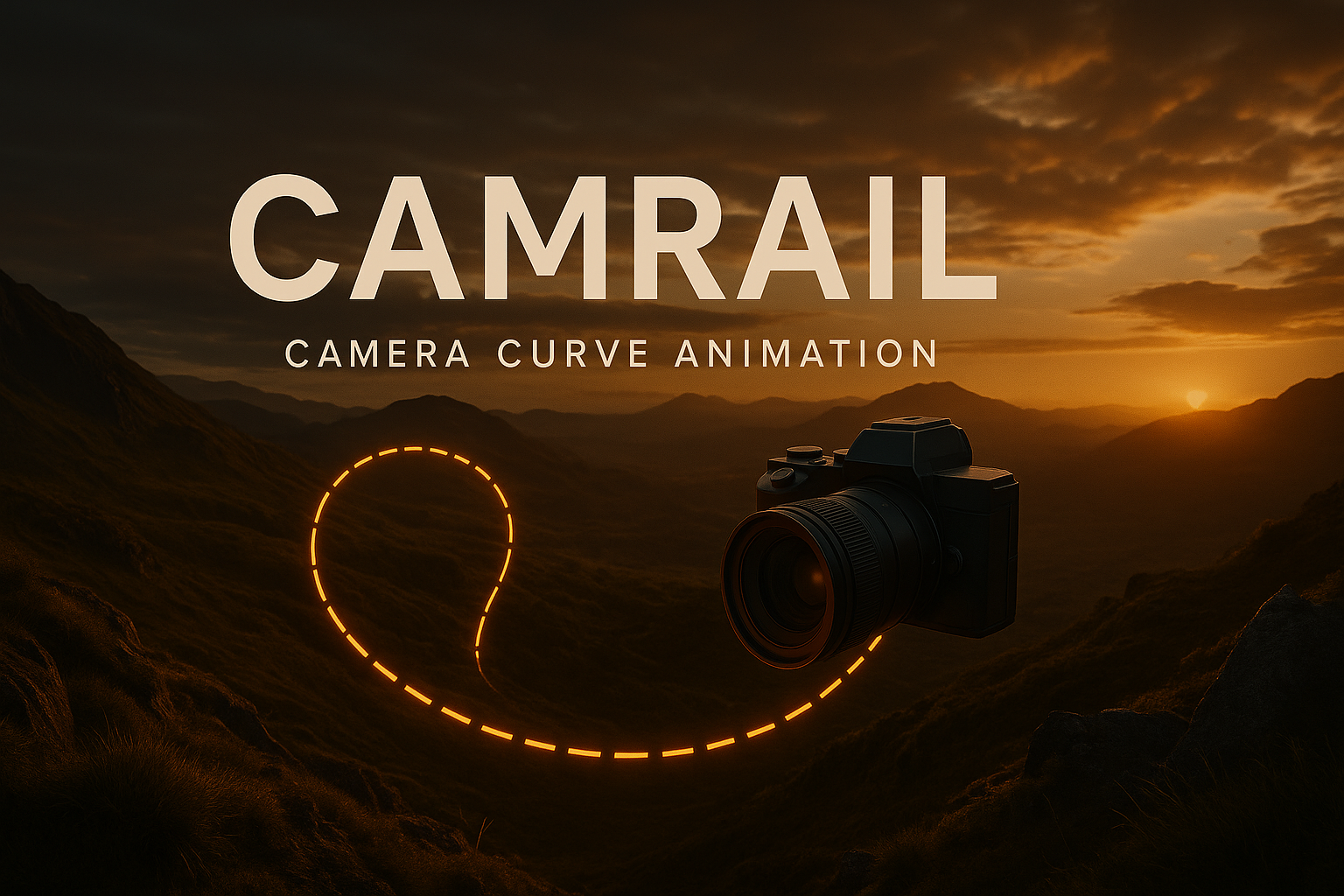
CamRail – Simple Curve-Based Camera Animation for Blender
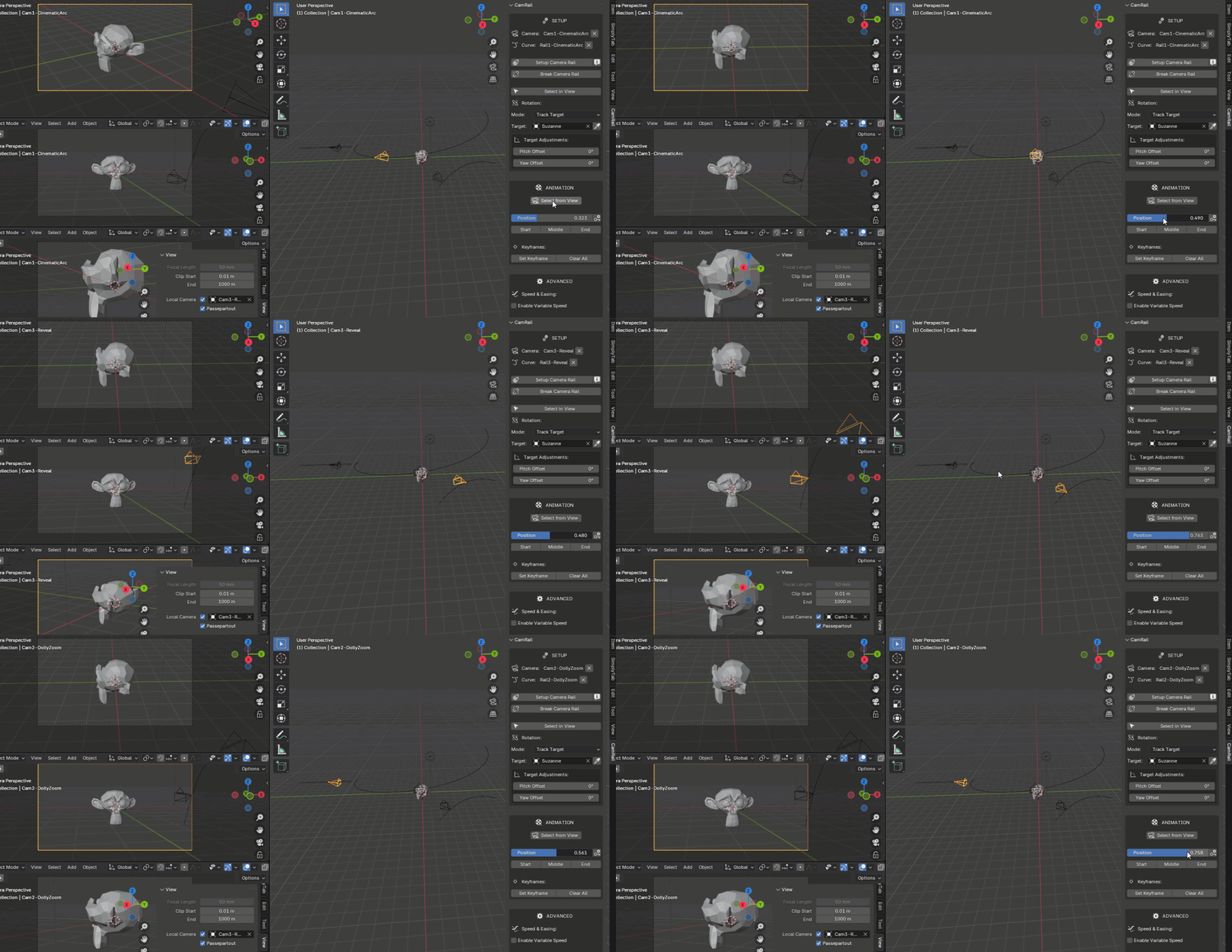
CamRail lets you animate any camera along a curve with precise control, clean UI, and no constraints. Built for artists who want smooth, flexible camera motion without the hassle.
Set up your rail in seconds, fine-tune rotation (pitch, yaw, roll), add target tracking, and keyframe everything right from the 3D View sidebar.
- Create complex camera combinations, in seconds:
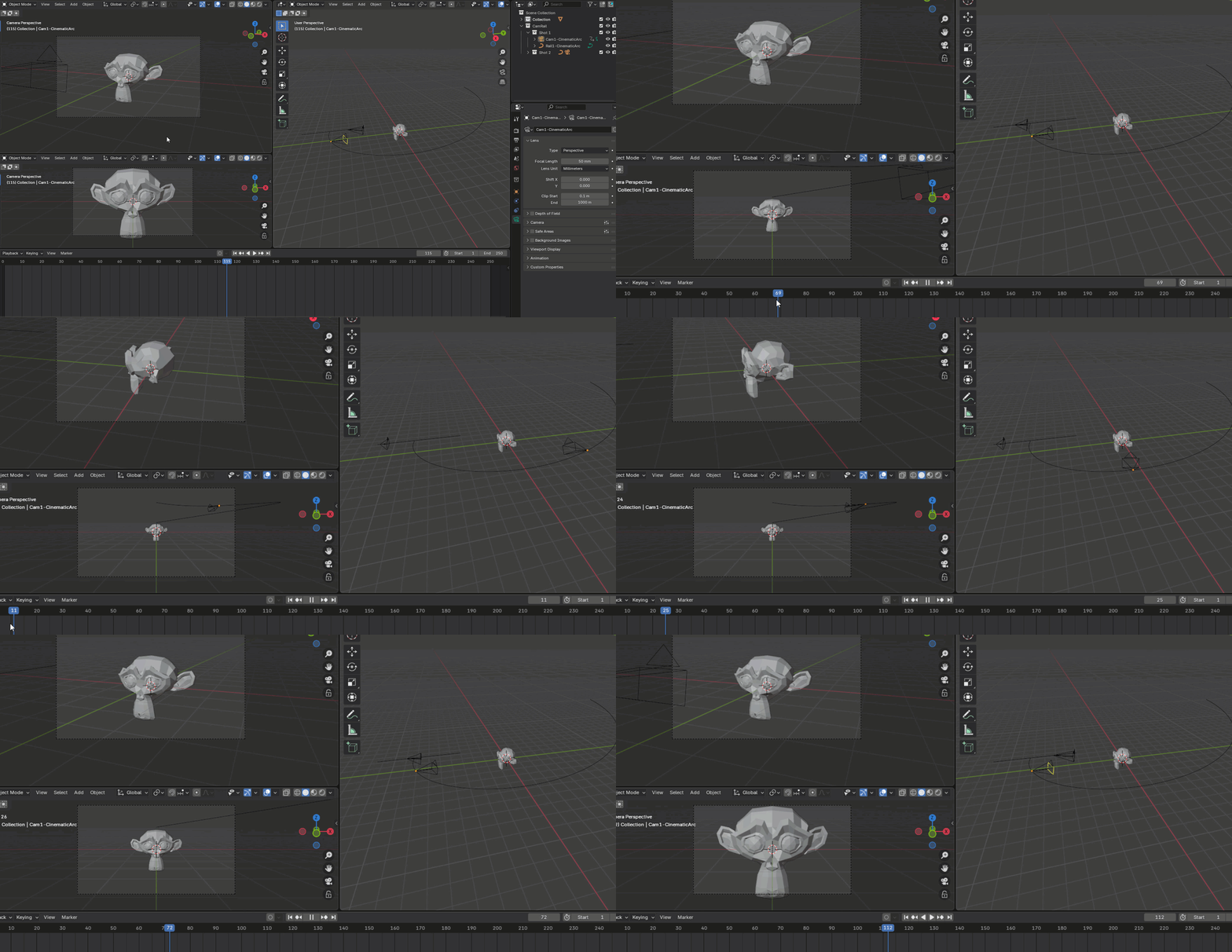
- Quick Camera animation. set it to lock on an object.

- complex cam movements in seconds
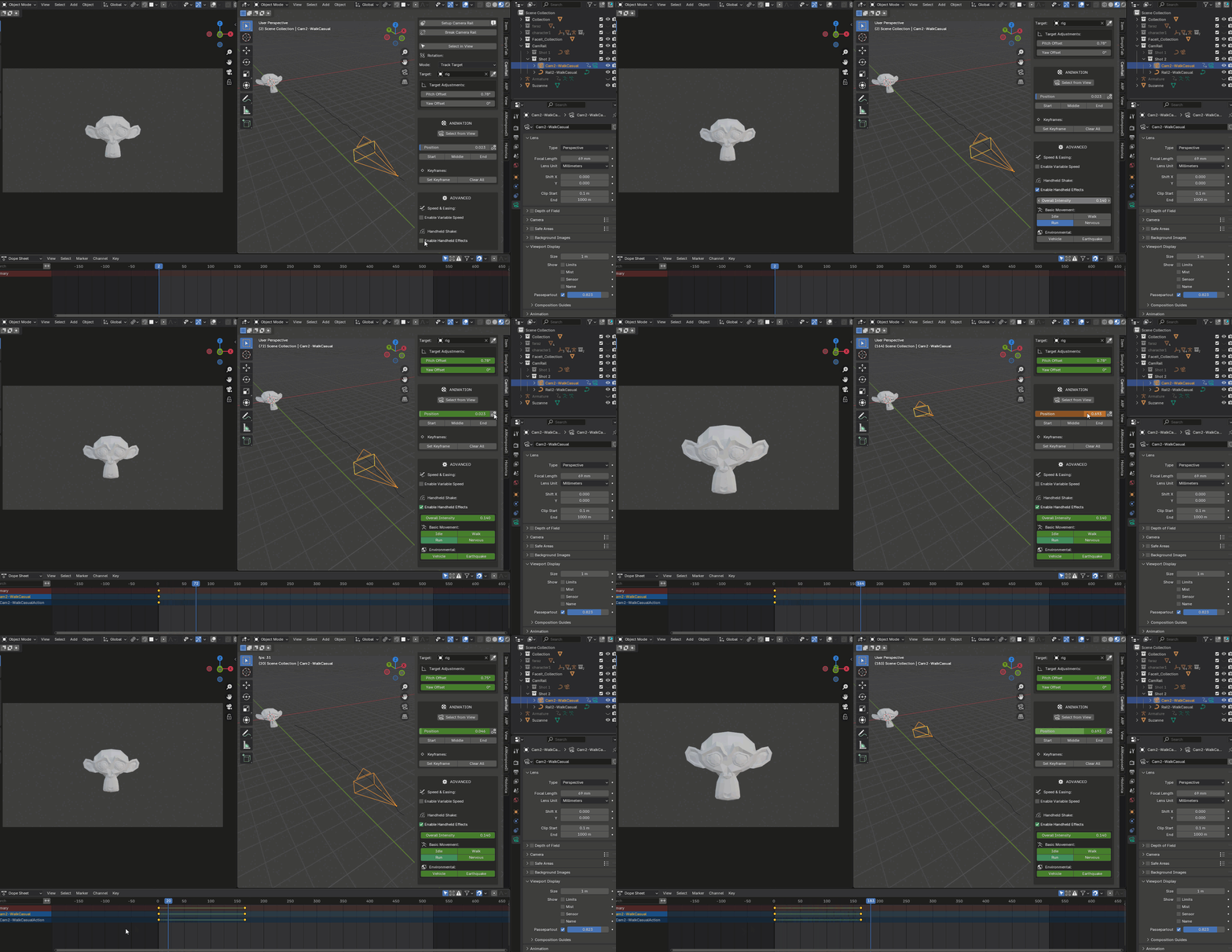
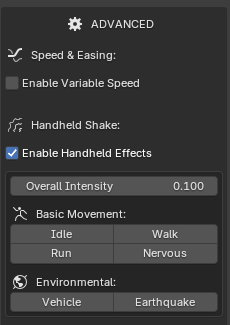
- One click hand shake effects like running:
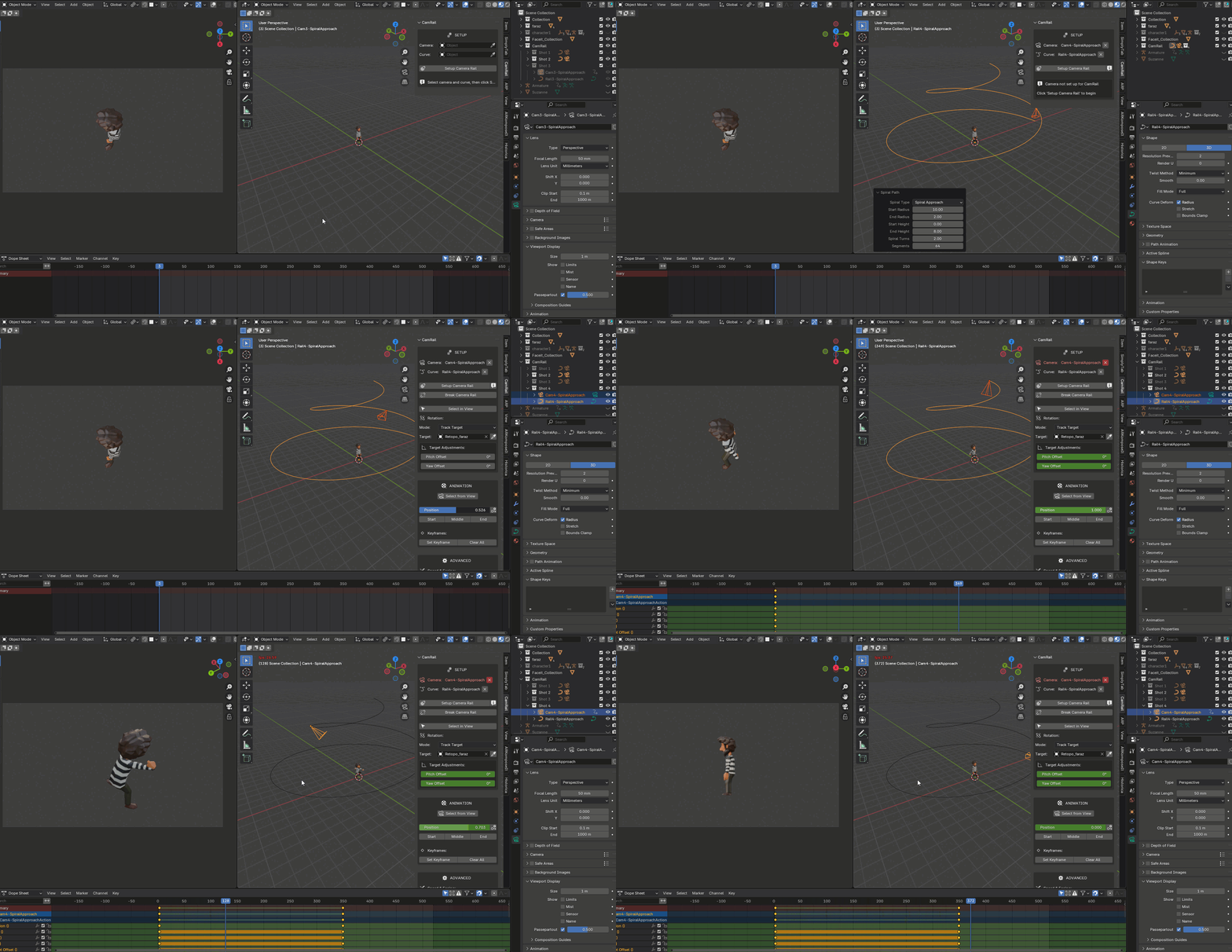
- Ready to use rails ( of course customs can be used too)
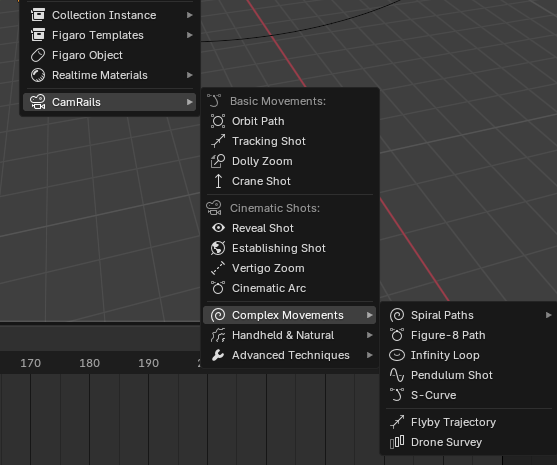
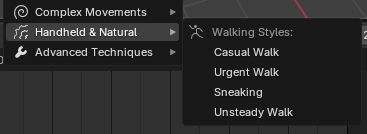
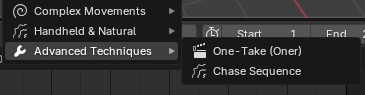
How it works:
step 1- Predefined rails. (of course works with custom curves too)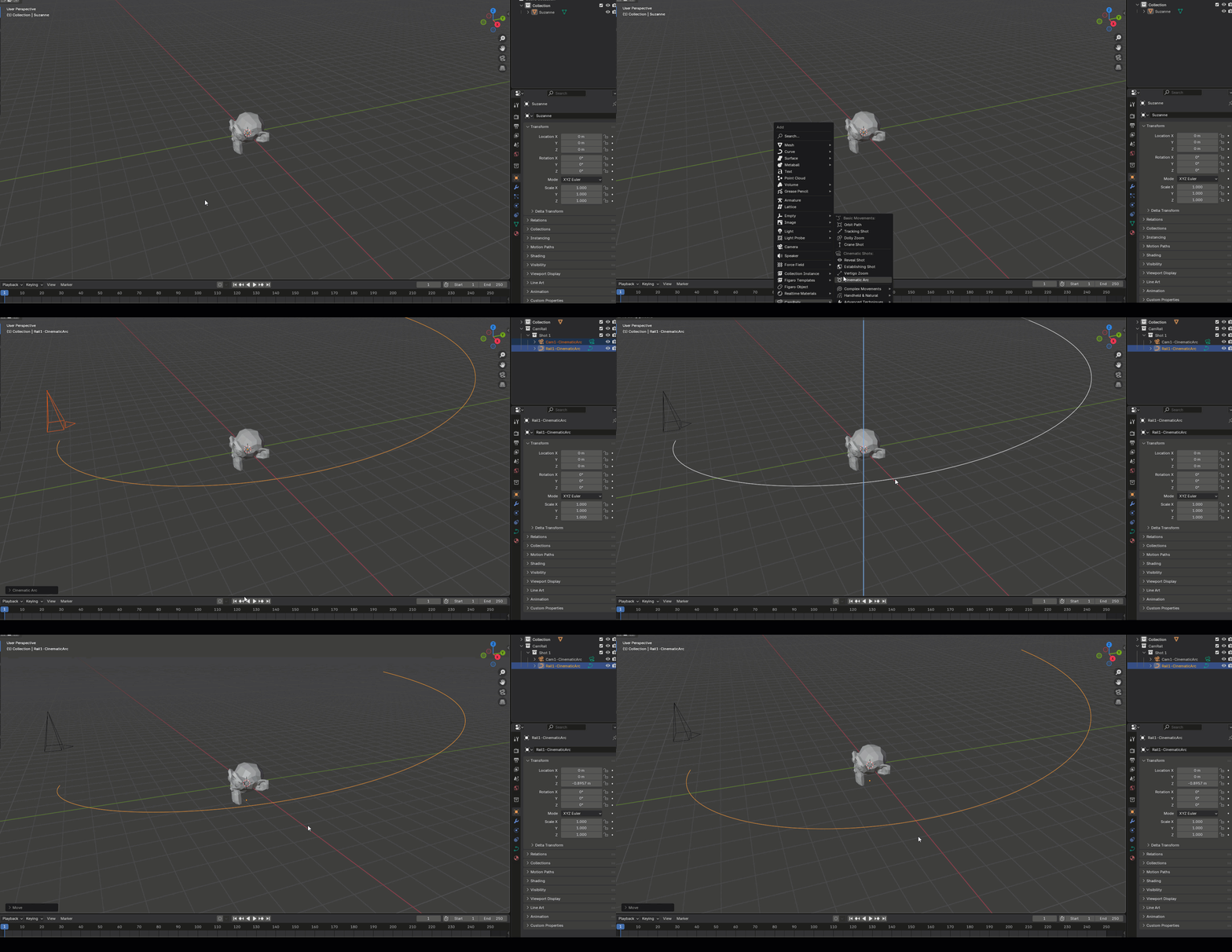
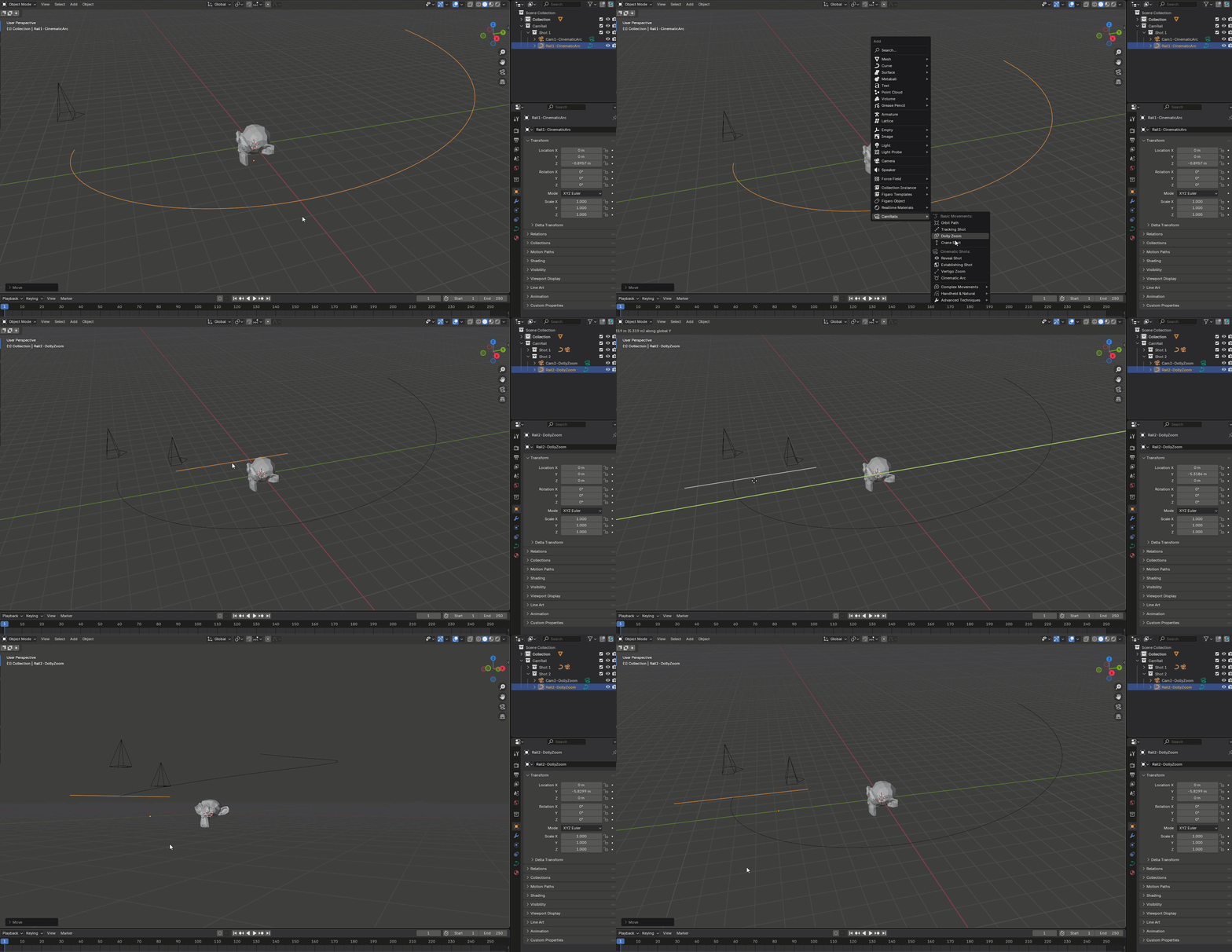
Step 2- Hook up camera to rails to track object:


Step 3- That's it! Create key frames for camera position.
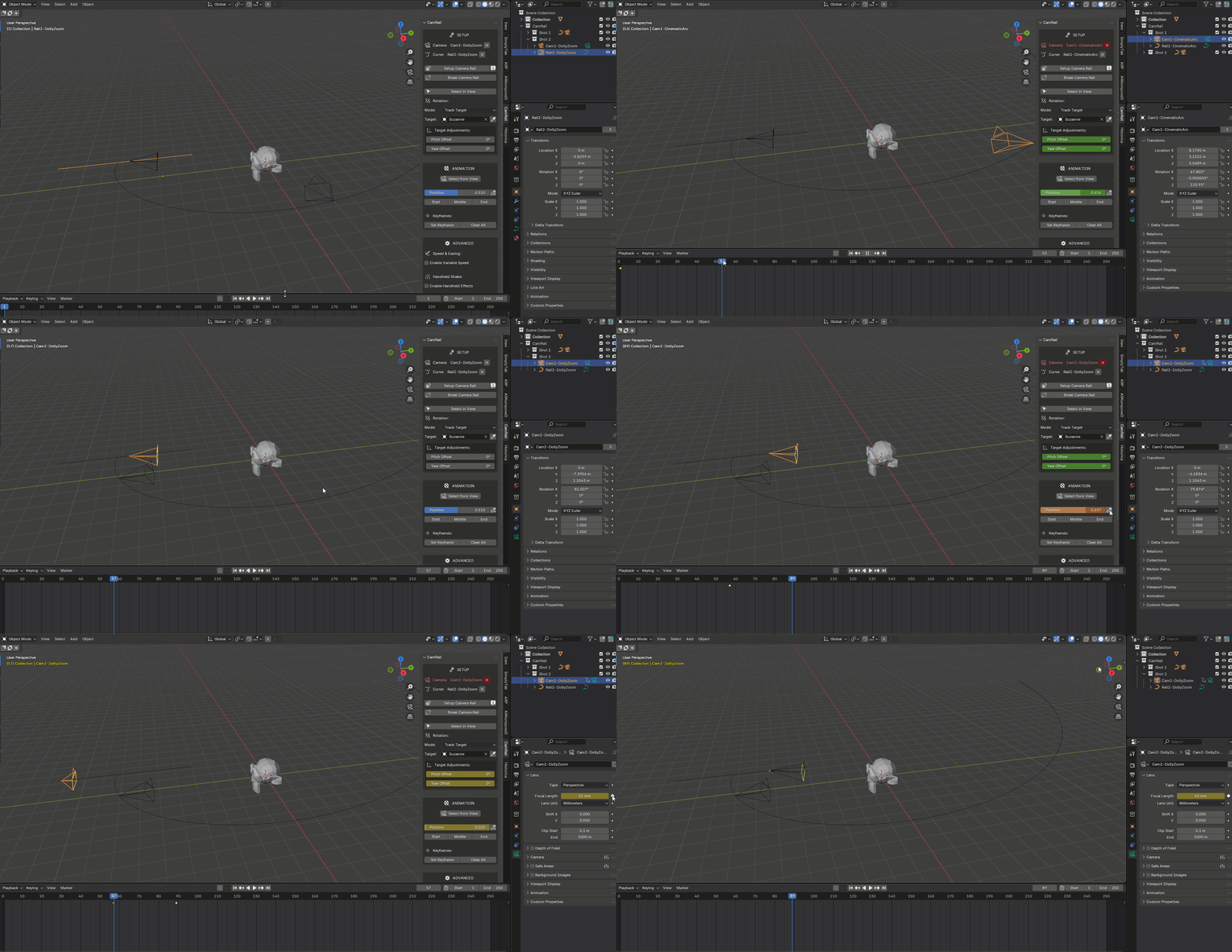

Extra features:
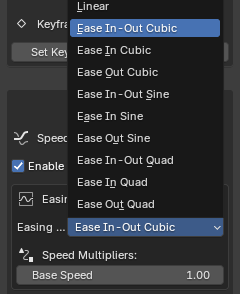
1- Camera easing control
2- Camera shakes:
Key Features:
-
Animate camera along any curve (Bezier, NURBS, Poly)
-
Target tracking with height offset
-
Adjustable pitch, yaw, and roll with live preview
-
Set and clear keyframes easily
-
Works without constraints or baked animations
CamRail is lightweight, fast to set up, and works in any scene where you need reliable camera motion. Great for cutscenes, product shots, and previews.
No fluff — just a useful tool for camera animation.