 Nabat
Nabat


Update 3.0.+
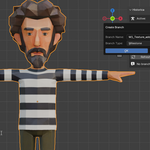
- save on the branch without opening it:

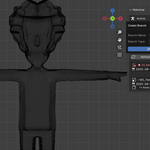
- store only selected objects:

Update 2.0.0
- adding asset category:

- supporting incremental saving:

- compact display:

- Favorite:

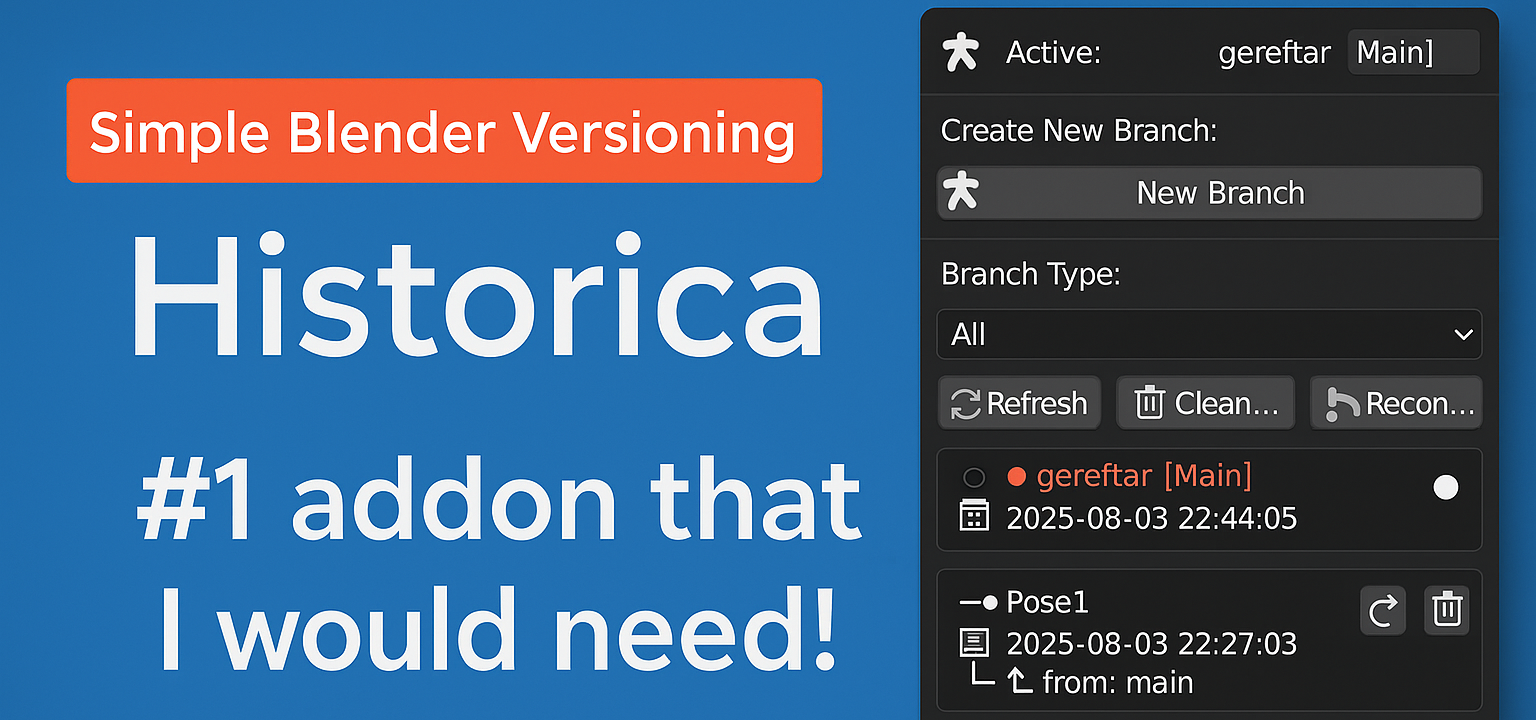
Historica - Professional Version Control for Blender Artists
Stop losing creative work. Start branching like a pro.
Historica transforms how you manage Blender projects by bringing powerful version control directly into your 3D workflow. No more "final_v2_REAL_final.blend" files cluttering your desktop.

Why You Need Historica:
Creative Freedom Without Fear - Experiment boldly knowing you can instantly return to any previous version. Try that risky lighting setup or complex material node tree without losing hours of work.
Client Work Made Easy - Keep multiple iterations organized by project. Show clients Version A while secretly perfecting Version B. Switch between revisions instantly during review meetings.
Professional Project Management - Organize branches by type (Milestones, Experiments, Backups) across all your projects in one unified interface. See your entire creative history at a glance.
What Makes It Special:
- Zero Learning Curve - If you can save a Blender file, you can use Historica. No Git commands or technical knowledge required.
- Lightning Fast - Switch between any version in under a second. Your creative flow stays uninterrupted.
- Project Awareness - Automatically detects and organizes branches by project. Never mix up versions from different clients again.
- Visual Clarity - Instantly see which version you're on, when it was created, and how versions relate to each other.
Perfect For:
- Freelancers managing multiple client projects with revision cycles
- Studios needing organized version tracking across team projects
- Artists exploring creative variations without file management chaos
- Anyone tired of manual file versioning and lost work