 ZEG
ZEG


Installation
In Blender open Edit, Preferences, Get Extensions, then use Install from Disk and pick the candle_generator zip.
Usage
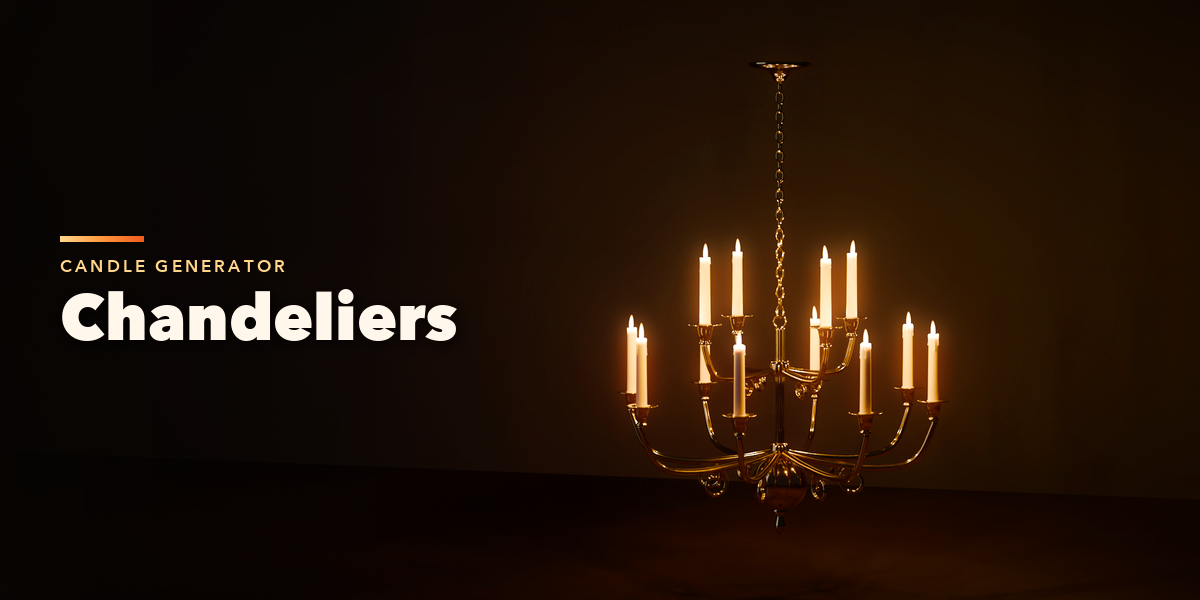
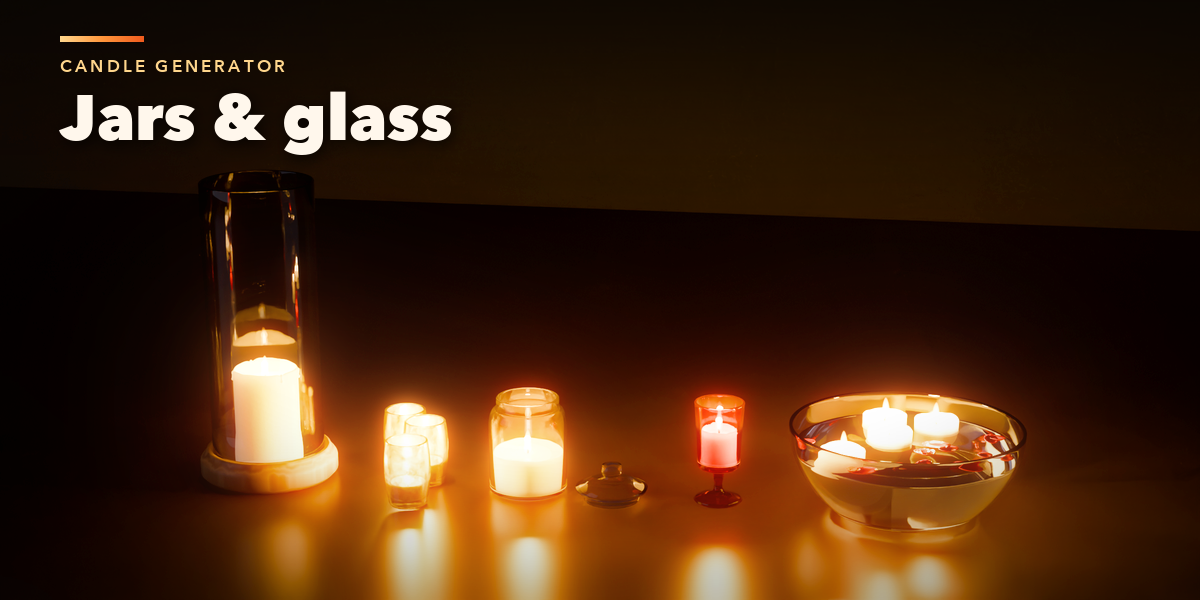
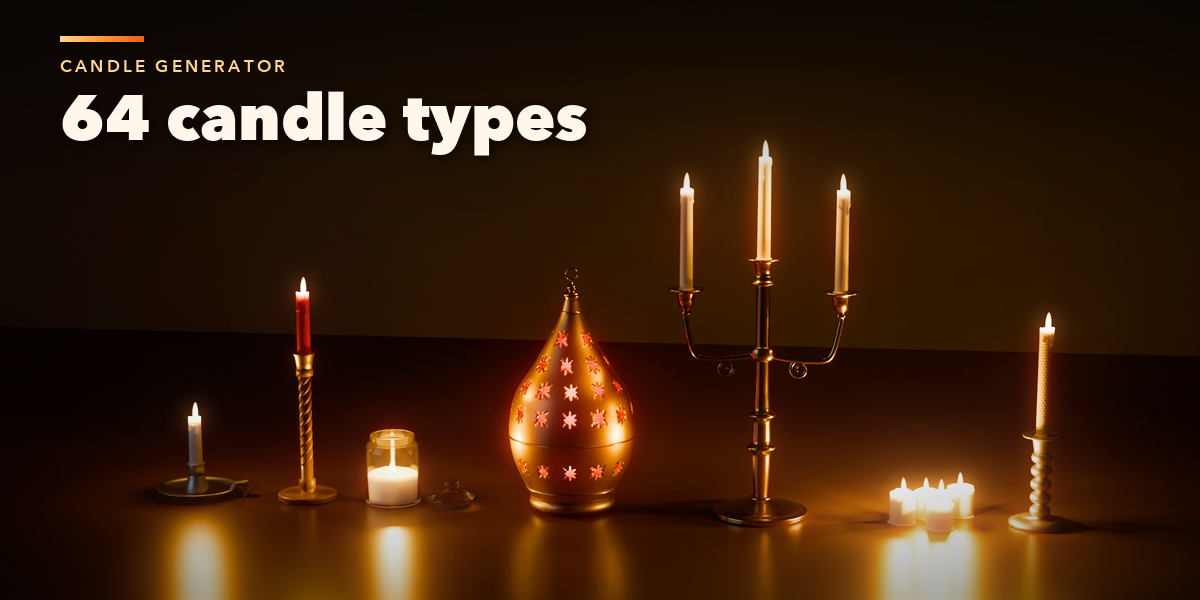
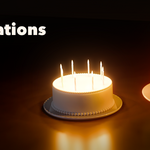
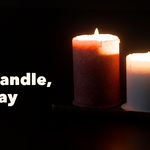
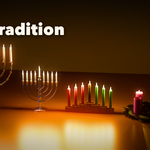
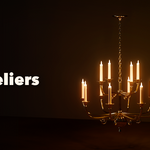
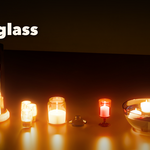
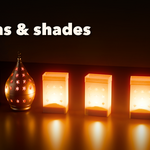
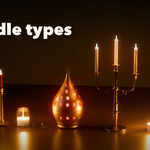
- Open the Candle tab in the 3D viewport sidebar (N). With nothing selected, click the picture to choose a type from the gallery, then press the Add button below it. You can also use Shift+A, Mesh, Candle.
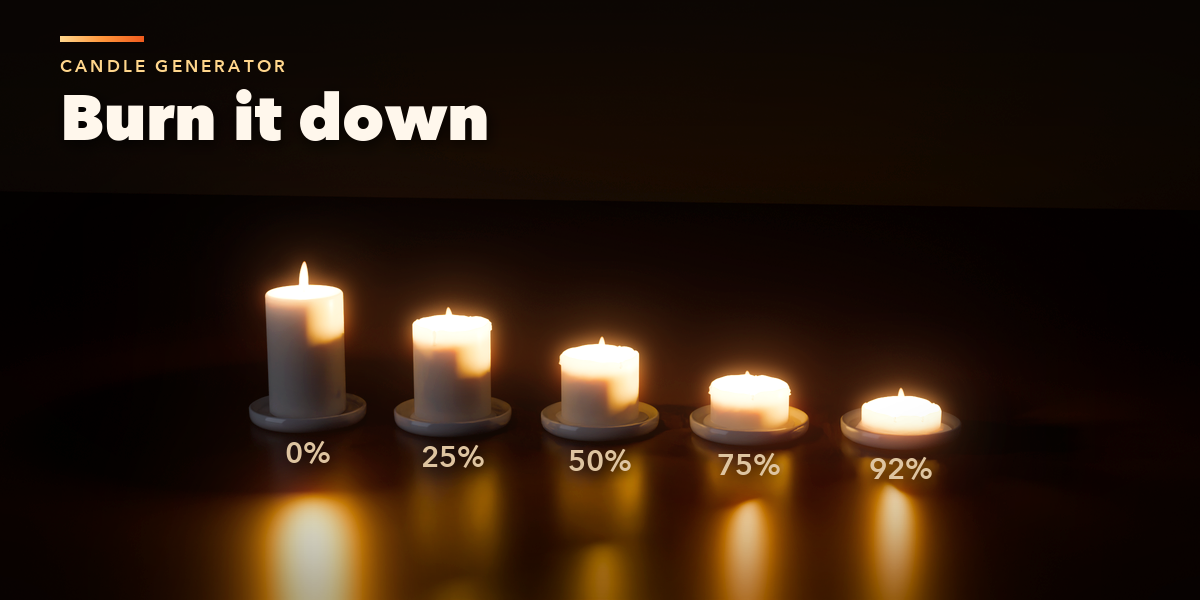
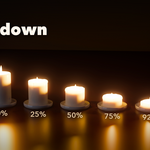
- The quick controls under the type card set how much of the candle is Used, whether it is lit and the flame size.
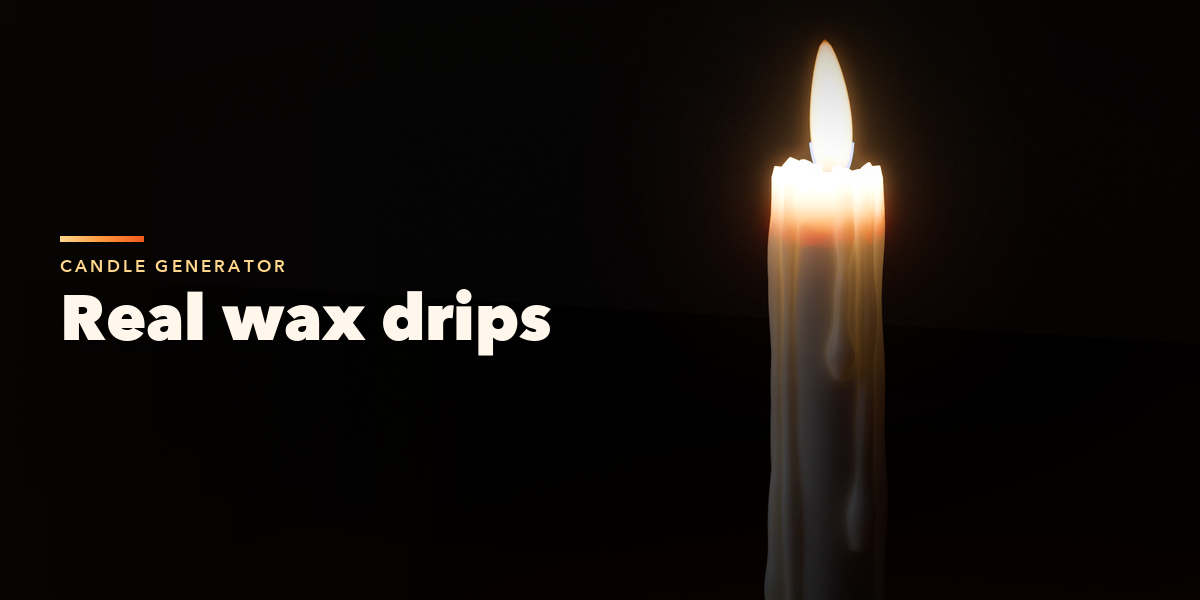
- The tabs hold every setting: Candle (form, size, section, twist, wicks), Burn (melt pool, tunneling, drips, puddles), Flame (size, color, motion, draft, lights), Holder (holder kind and its own controls), Look (wax, holder finishes, glass) and Each Candle (light, burn, height and color per position).
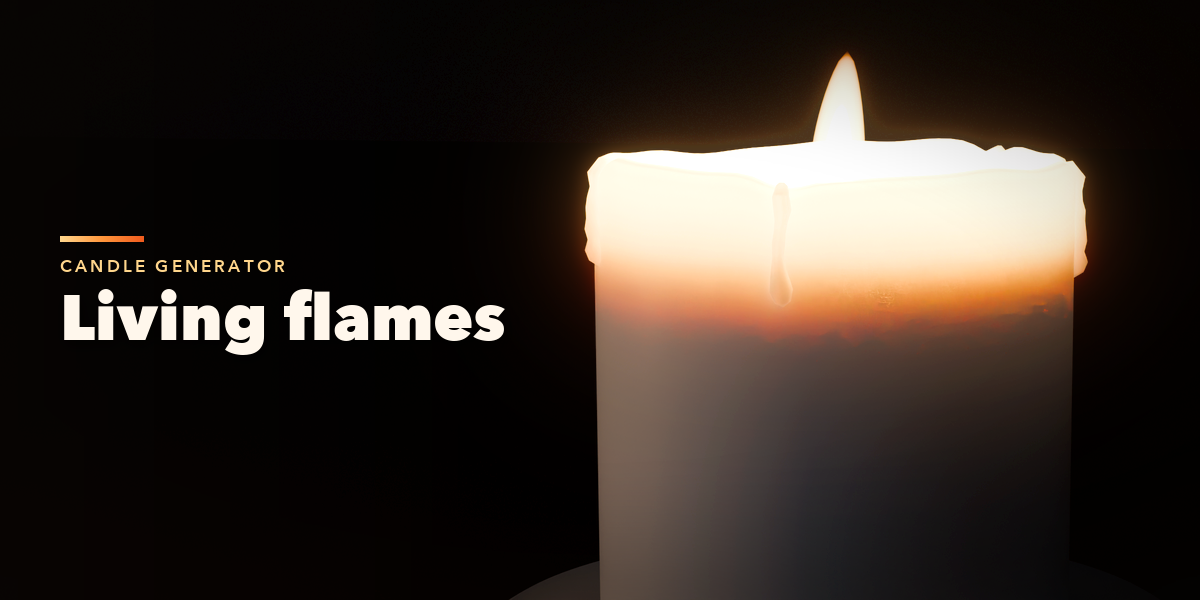
- Press Play to see the flames sway and flicker. Randomize gives new drips and flame rhythms.
- Make Static keeps the candle as plain meshes and lights; Delete removes it with all its parts.
Use Rendered view to see the flames and wax. If the wax looks grainy in EEVEE, turn off Wax Casts Shadows in the Flame tab's Light section.
Have questions about this product?
Login to message
