Car Collection for Rigacar Addon
 CREATION-CREW
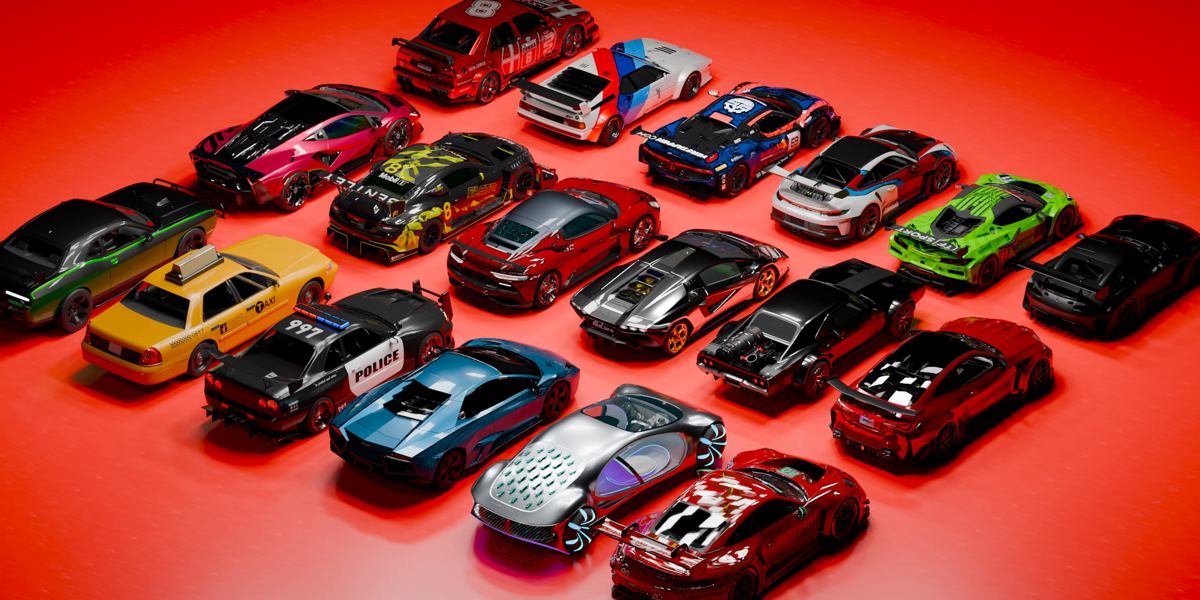
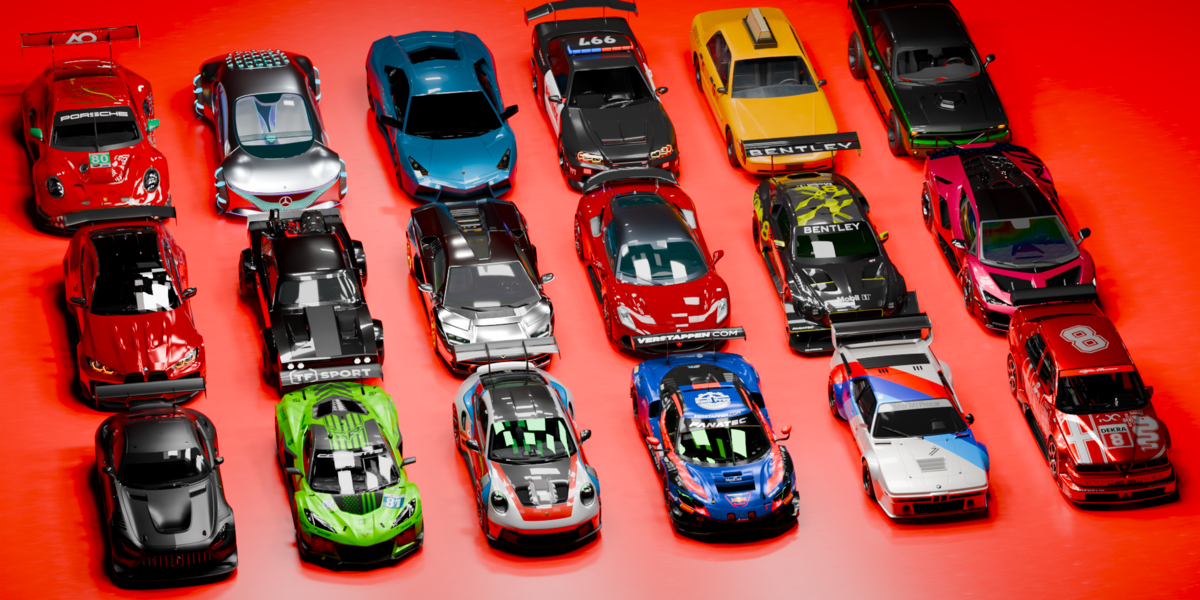
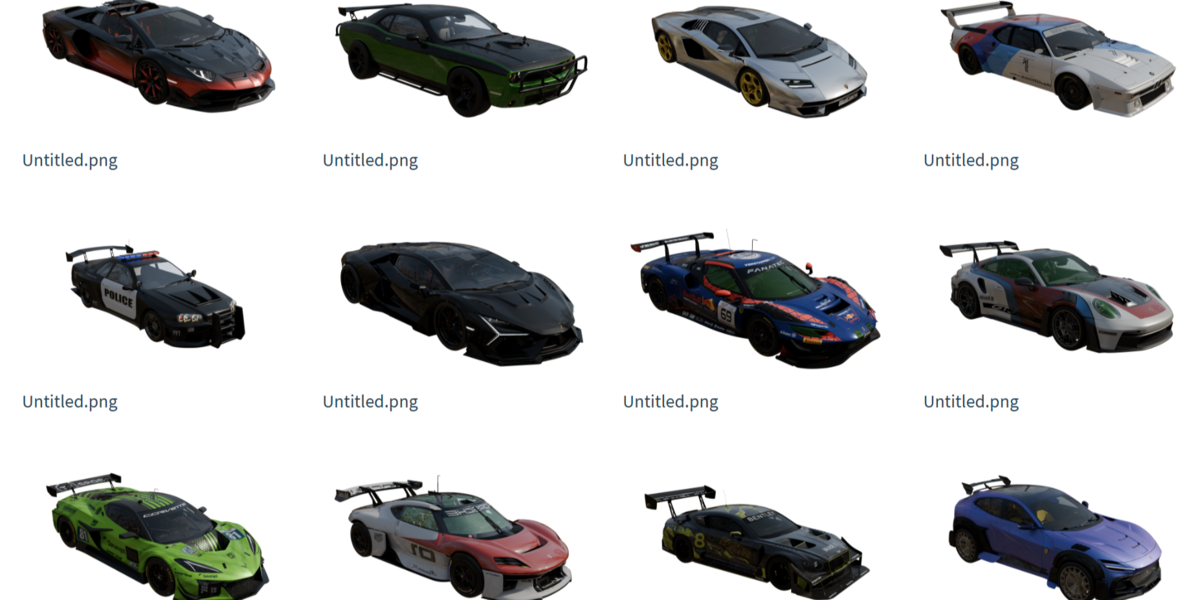
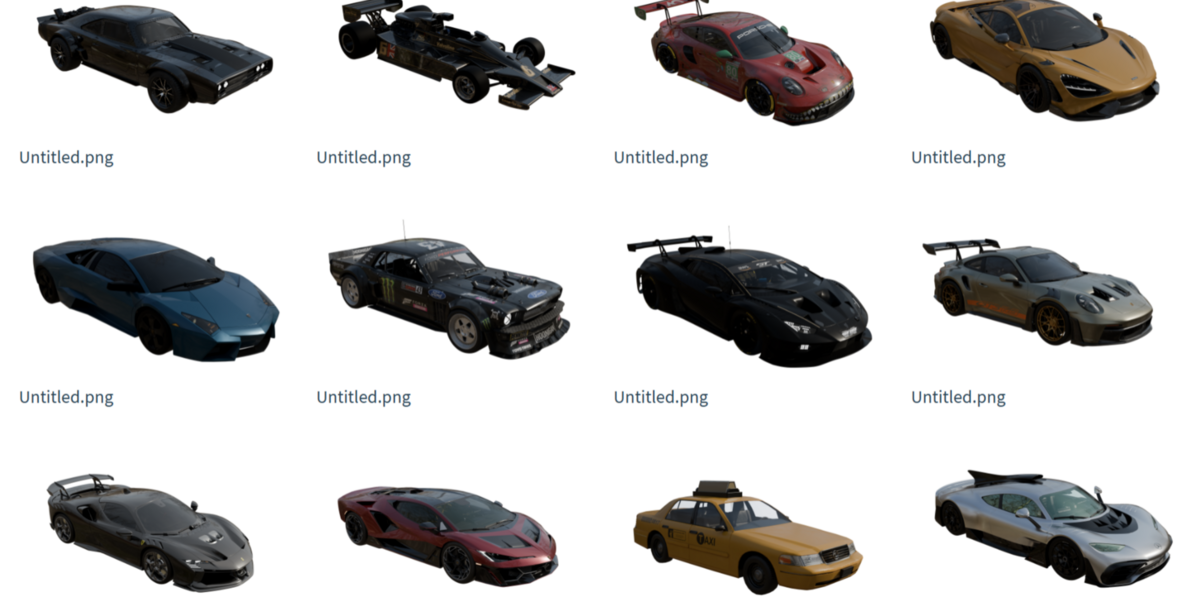
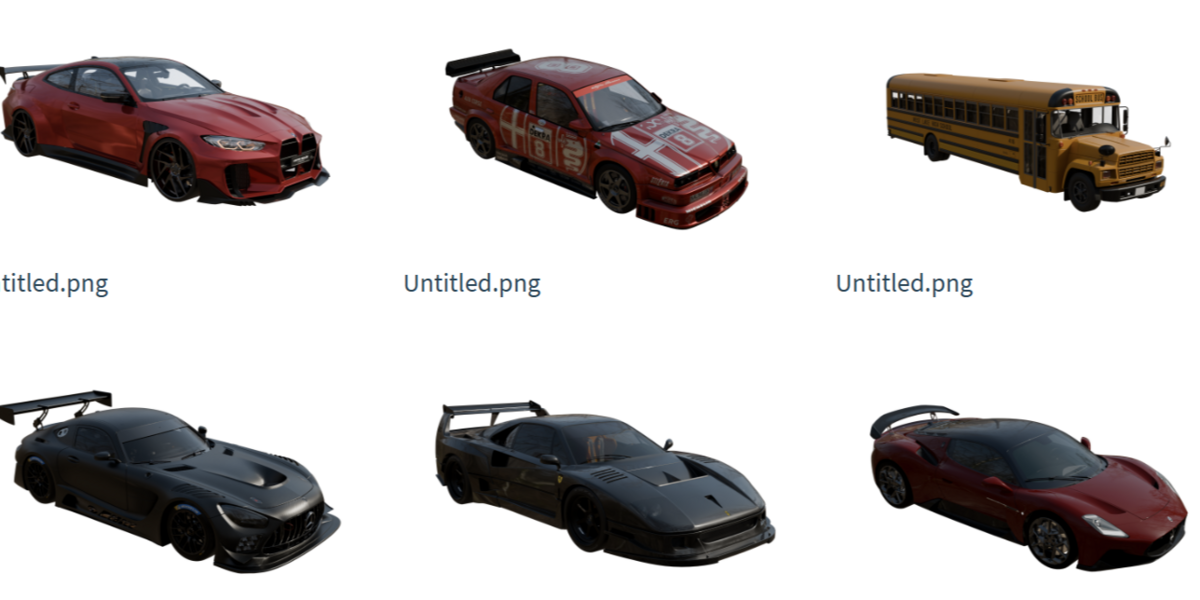
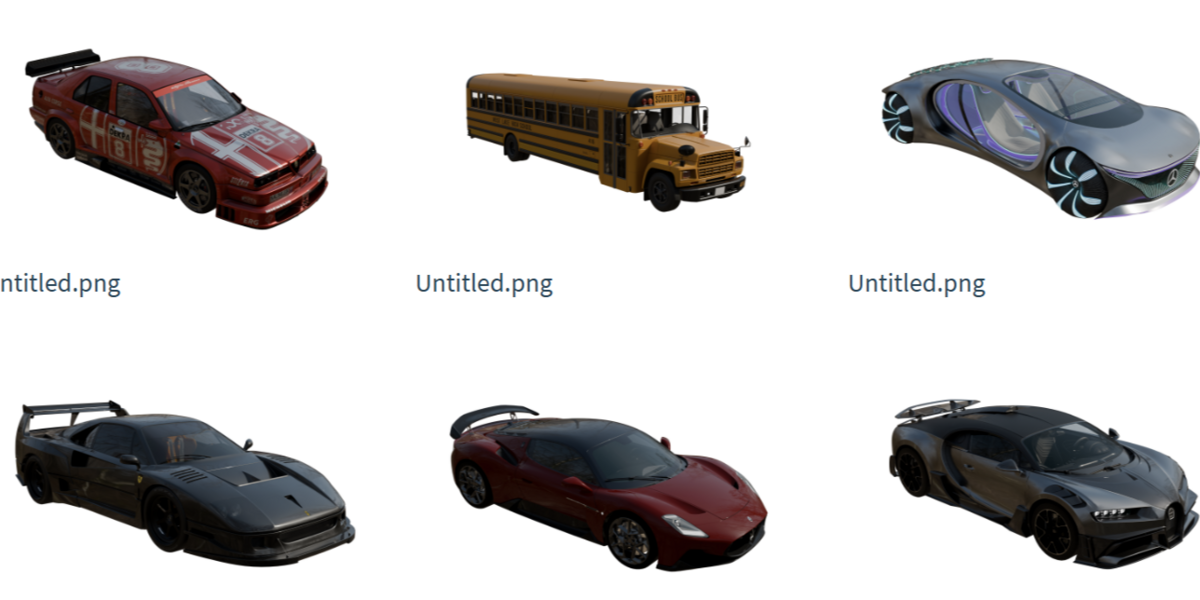

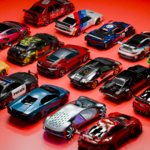
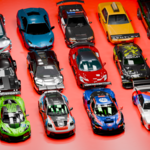

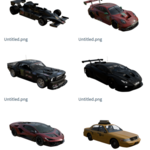
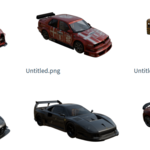
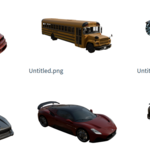
35-Car Rigacar-Ready Collection
A collection of 35 vehicle models, pre-prepared for fast, professional rigging with the free Rigacar addon for Blender.
Requirements
- Blender 4.0 or newer (tested up to Blender 5.0+)
- The Rigacar addon installed and enabled (free, available on GitHub)
- Basic familiarity with the Append workflow
What's Included
Each of the 35 cars comes with:
- A clean, separated mesh: body, four wheels, and four brake discs as individual objects
- Correct Rigacar naming convention pre-applied:
Car-body-
Car-Wheel.Ft.L,Car-Wheel.Ft.R,Car-Wheel.Bk.L,Car-Wheel.Bk.R -
Car-WheelBrake.Ft.L,Car-WheelBrake.Ft.R,Car-WheelBrake.Bk.L,Car-WheelBrake.Bk.R
- Realistic materials and shading (Cycles-tested)
- Organized outliner hierarchy for easy navigation
How to Use
- Open your project in Blender.
- Go to File > Append, then navigate to the downloaded .blend file.
- Select the Collection for the car you want, and append it into your scene.
- With the car's objects selected, run Rigacar's Generate Rig operator (Rigacar detects the
ph-naming automatically). - Your car now has a working rig with steering, wheel rotation, and suspension — ready to animate.
Tips
- Keep the naming convention intact if you duplicate or rename objects, or Rigacar won't recognize them.
- Each car is a separate collection, so you can append only the vehicles you need without importing the whole file.
- Materials use standard Principled BSDF nodes and can be freely edited or replaced.
Support
If you run into any issues appending or rigging a car, reach out via the product page — happy to help troubleshoot.
$15
Have questions about this product?
Login to message
| Published | 1 day ago |
| Blender Version | 3.0 - 5.2 |
| Render Engine Used | Blender-Internal, Blender-Game-Engine, Cycles, Eevee, Freestyle, Octane, Vray |
| Misc Data | Rigged, Animated, Low-High-Resolution, Normal-Mapped, Textured |
| License | Royalty Free |
Discover more products like this
vehicle animation blender cars Sports car rigacar game ready car car-animation car-pack car rig rigged-vehicle car-collection vehicle rig low poly car