 Blender Easy



Car Design & Animation Pack – The Complete Automotive Toolkit for Blender
Create stunning automotive visuals from start to finish with the Car Design & Animation Pack. A professional-grade bundle crafted for Blender artists who demand realism, control, and efficiency.
This all-in-one solution includes:
Auto Car Driver
Bring your vehicles to life with procedural animation, including suspension movement, tire marks, drifting effects, and more — all without keyframes.CarPaint Collection
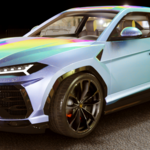
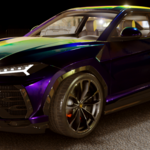
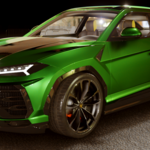
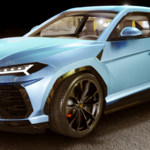
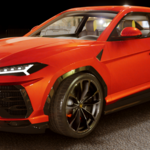
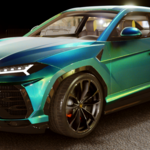
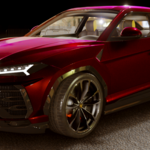
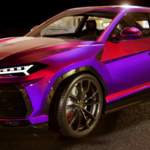
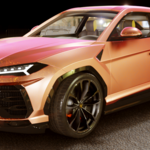
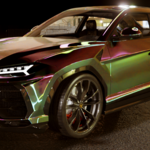
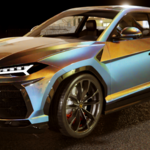
A massive library of 180 fully procedural car paint materials, optimized for both Cycles and Eevee, covering everything from factory finishes to custom show paints.Car Paint with Metal Flakes
Push realism further with physical 3D metal flakes, generated with Geometry Nodes. Customize density, size, iridescence, and reflectivity for truly premium finishes.
Auto Car Driver is a powerful tool designed to simplify vehicle animation, allowing you to achieve realistic motion with minimal effort. Whether you're animating a sports car speeding down a highway or an off-road vehicle kicking up dust, this system ensures smooth, dynamic results without the need for manual keyframing.

Features
🔹 Procedural Car Animation – Just place the car body, one tire, and one brake inside separate collections, and Auto Car Driver will handle everything automatically.
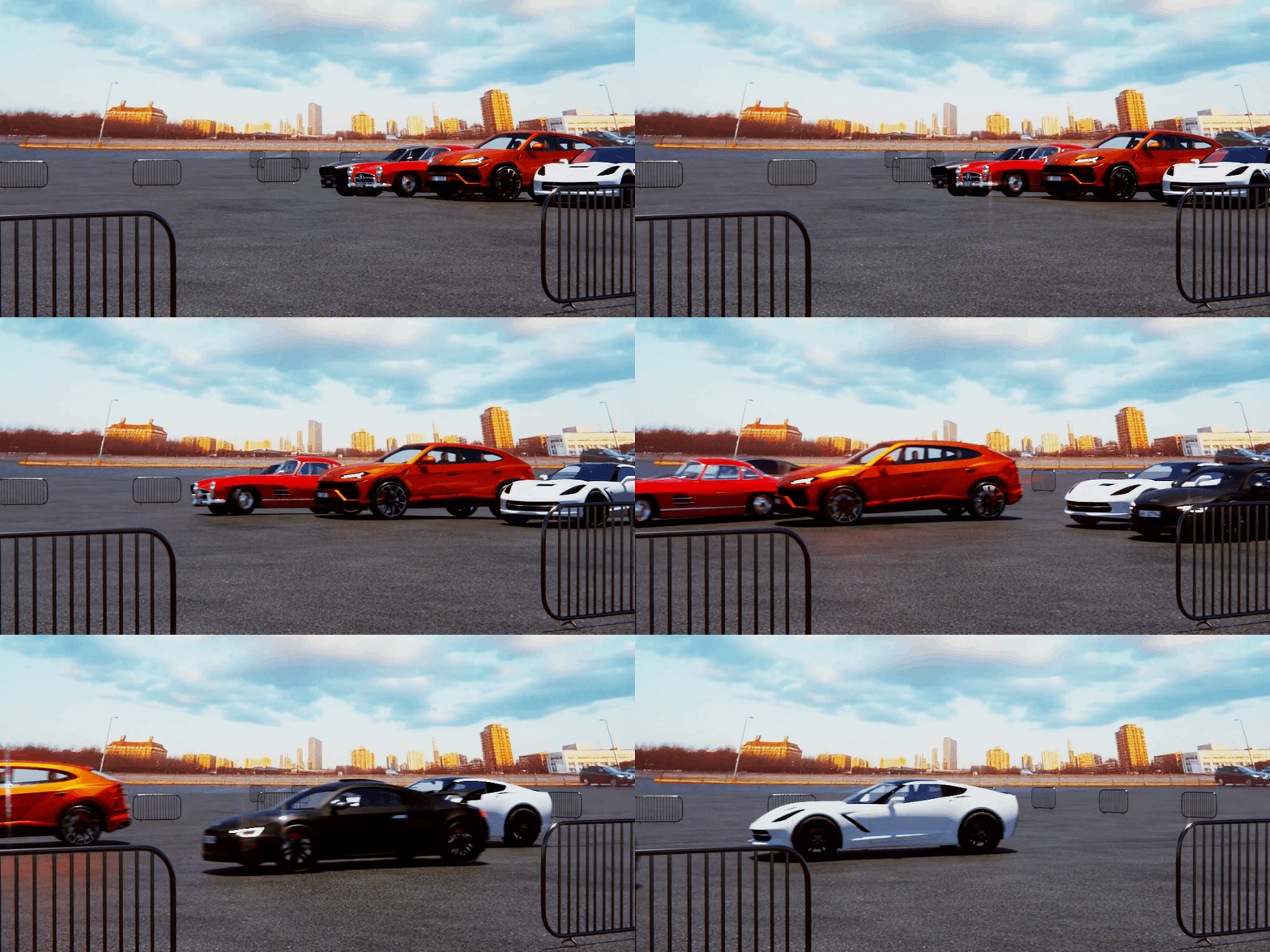
🔹 Realistic Vehicle Motion – The system dynamically calculates movement, ensuring natural suspension, acceleration, and braking effects.
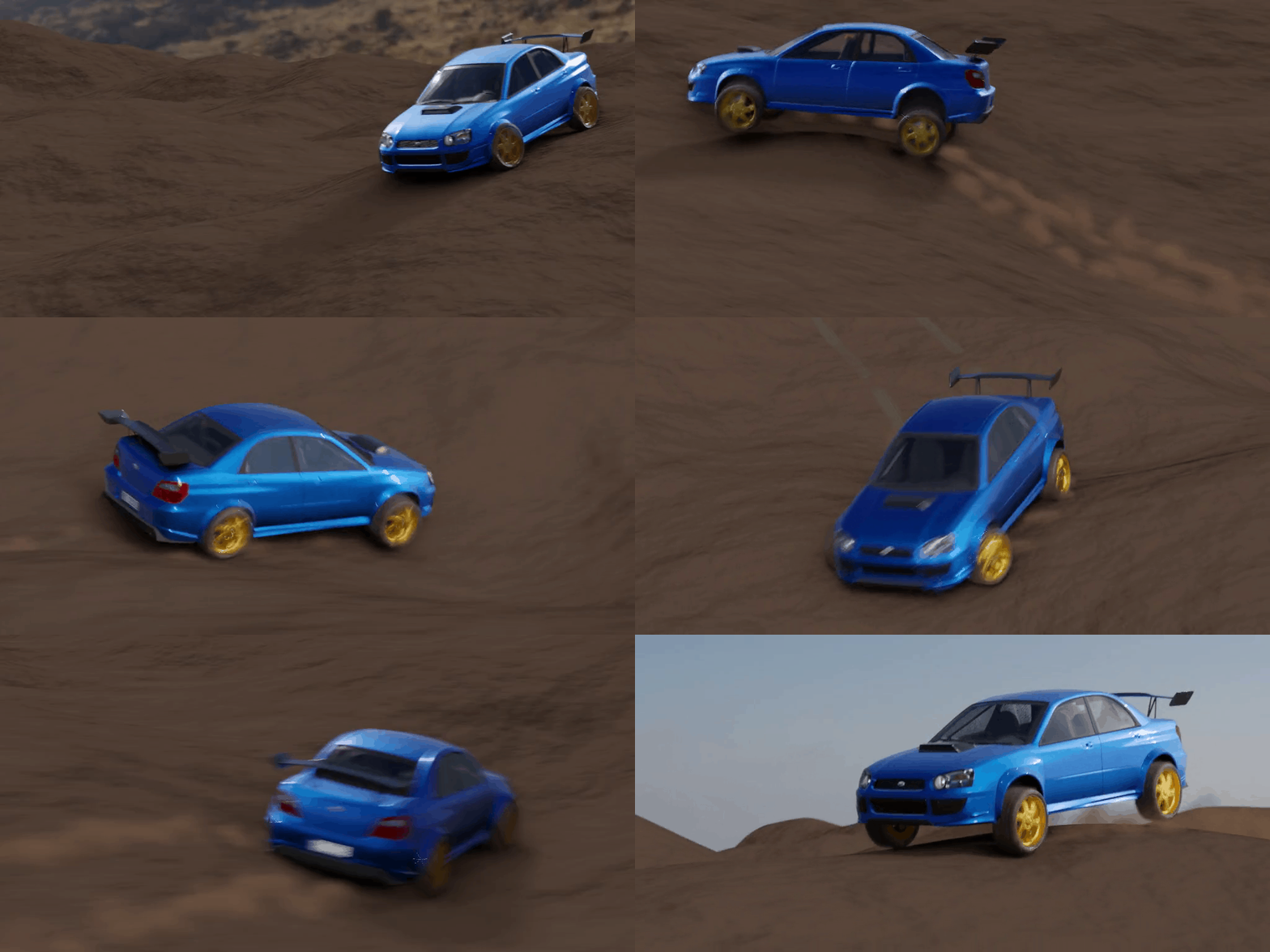
🔹 Partial Curve Animation – Full Control Over Start and End Positions
With the new start and end position feature, you can animate the car on a specific section of the curve instead of the entire path. This allows for greater flexibility, making it easy to fine-tune sequences, create stop-and-go animations, or seamlessly blend multiple animations within a scene.
🔹 Automatic Tire Marks – As the car moves, it leaves behind realistic skid marks and road trails, enhancing the
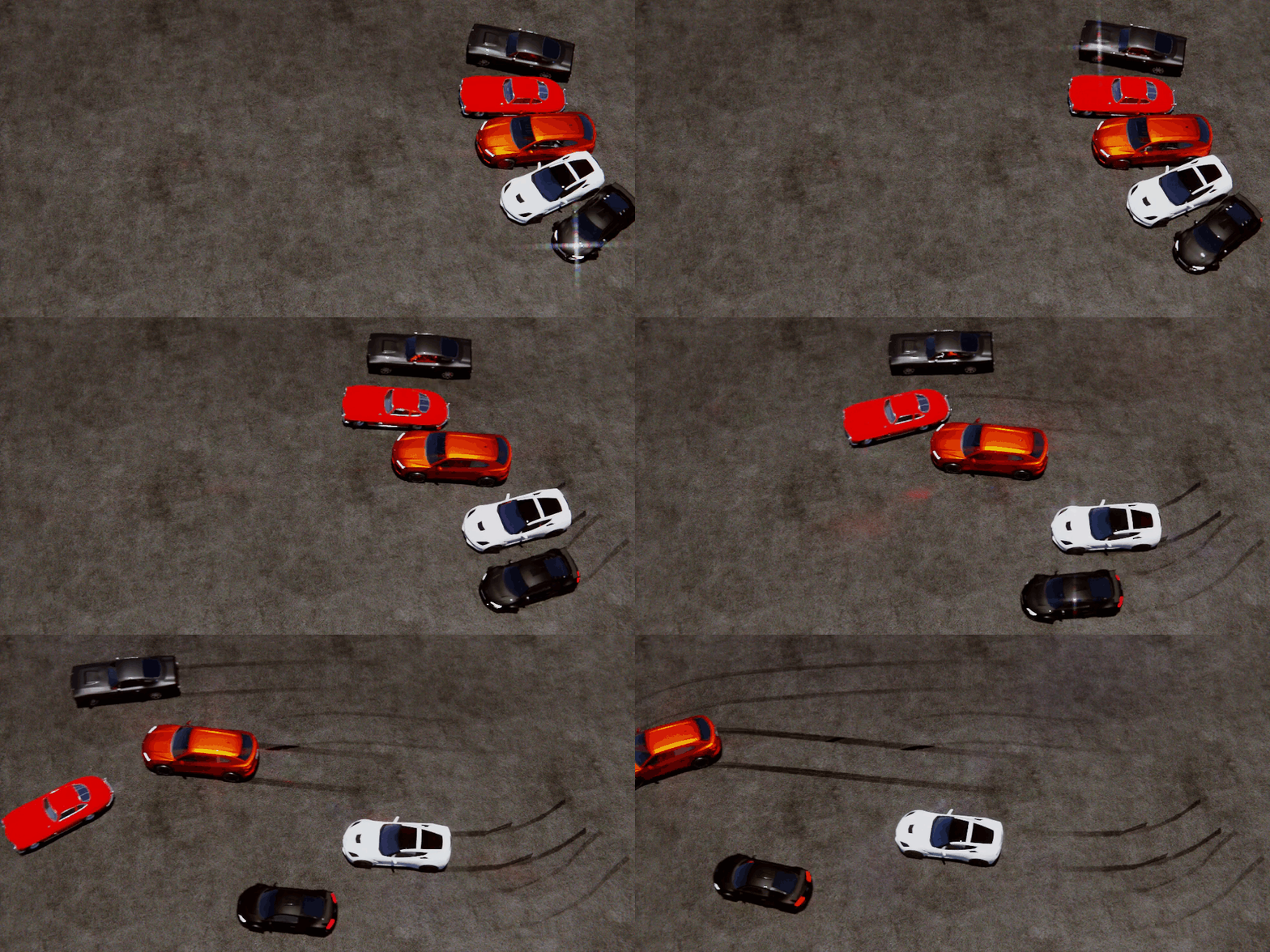
🔹 Volumetric Spray Effects – Whether driving on wet surfaces or drifting on dirt roads, Auto Car Driver generates dynamic spray effects for dust, water, or smoke.
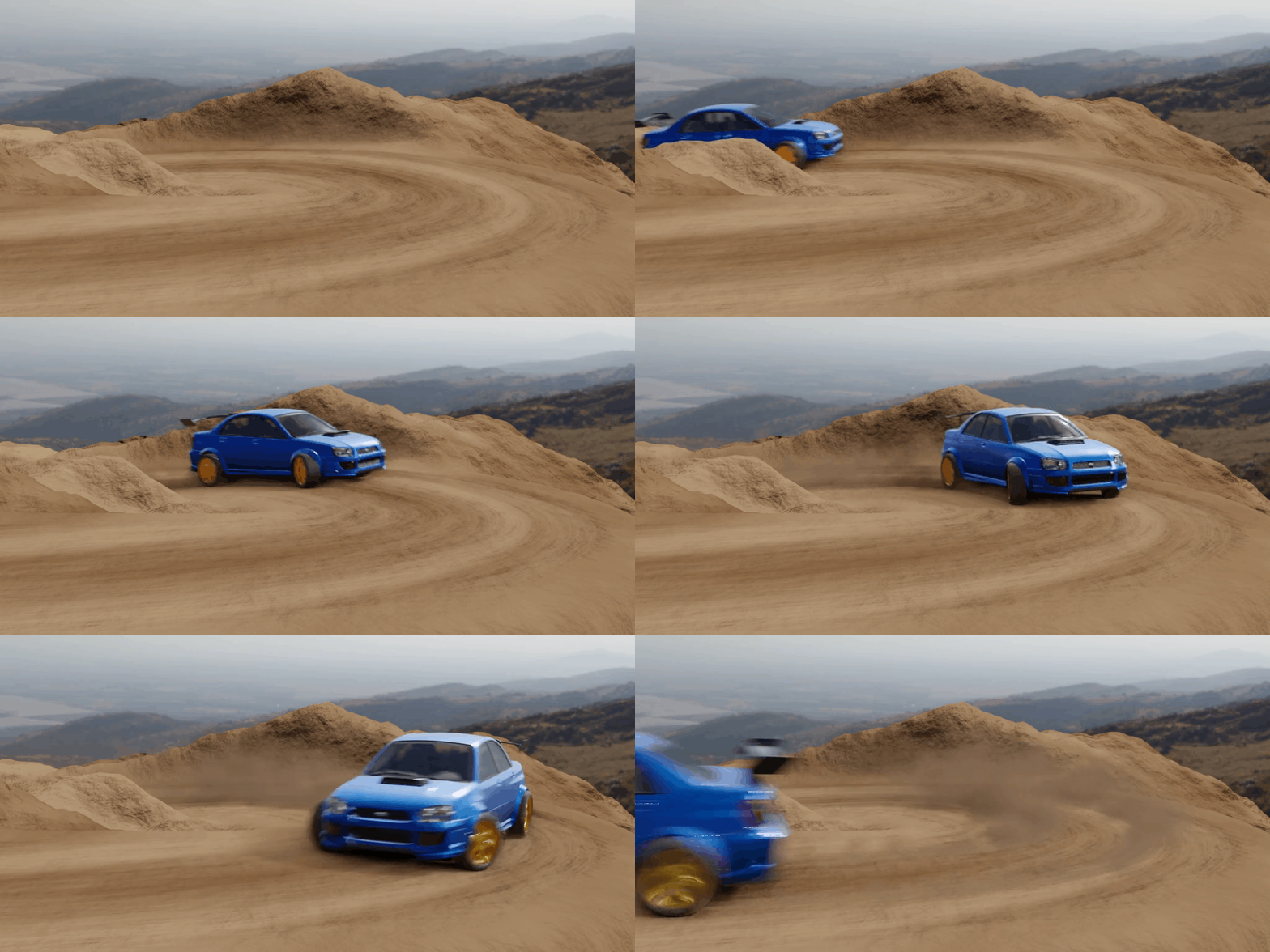
Installation & Usage Guide
How to Install
- Place the AutoCarDriver.blend file inside your Assets Library folder.
- Open Blender and navigate to the Asset Browser—you'll find Auto Car Driver ready to use.
How to Use
Open your scene containing the car model.
Add any object to the scene and drag the Auto Car Driver onto it from the Asset Browser.
Ensure that:
- The entire car is aligned with the Y-axis.
- The tire scale is proportional to the car body.
Organize your model into collections:
- Car Body Collection → Add all car body parts.
- Tire Collection → Add all meshes related to the tires.
- Brake Collection → Add all brake components.
Draw a curve on the terrain surface to define the car’s path.
Load the collections, the curve, and the terrain into the Auto Car Driver system.
How to Generate Trails
How to Generate Volumetric Smoke, Dust, and Spray
Keyframe Animation
Drift Simulation
Particle Simulation
Elevate Your 3D Car Renders to the Next Level!
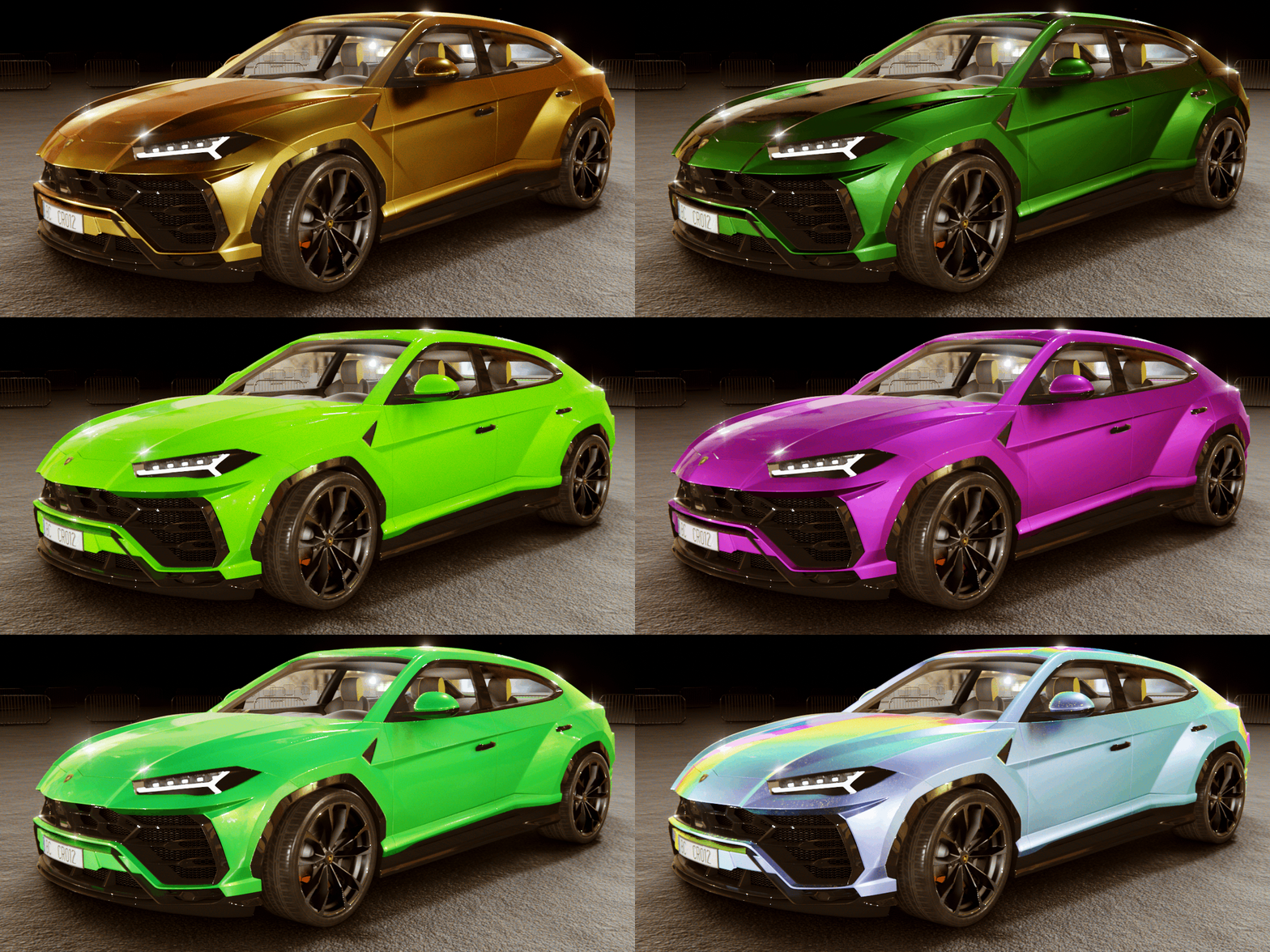
This asset library includes 100 Premium Car Paint Shaders: A diverse range of materials, including classic colors, metallic finishes, pearlescent effects, iridescent paints, gradient blends and 3 advanced customizable shaders, to quickly achieve amazing car paint materials.
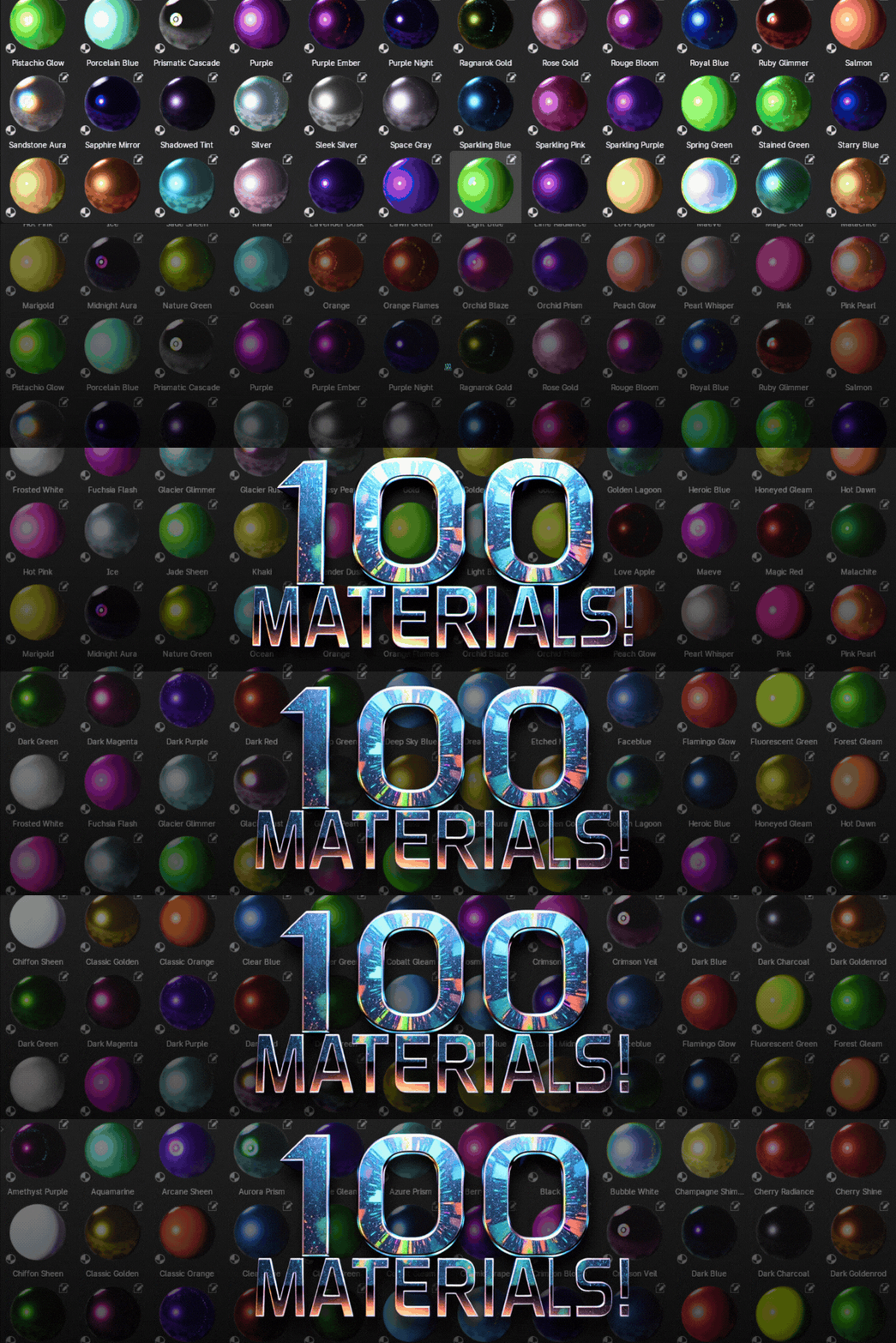
The materials utilize three distinct shaders: one for Fresnel-based gradients, another that adds an iridescent color shift based on lighting, and a third designed specifically for iridescent effects.
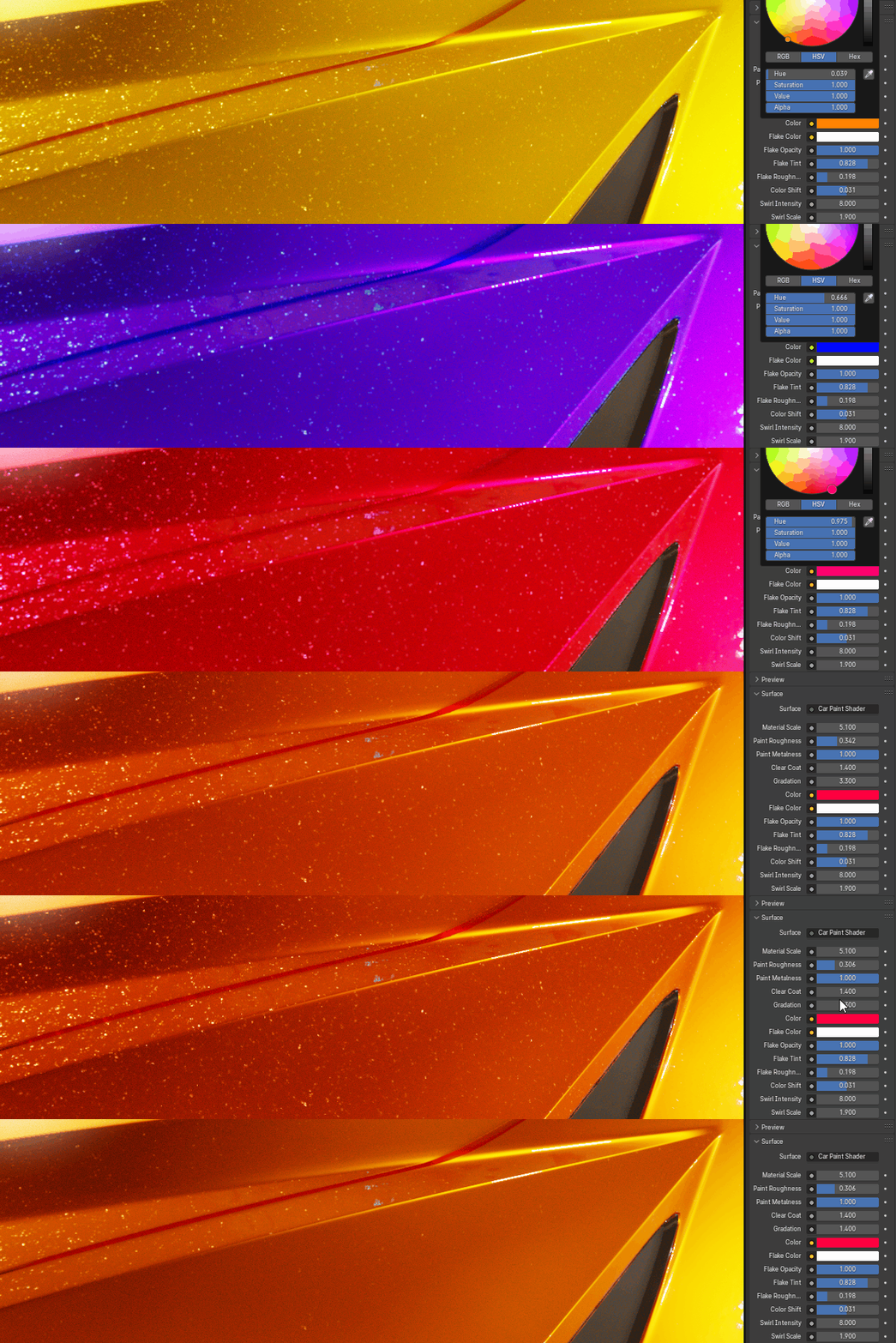
Features:
- Highly Detailed and Customizable: Each shader is designed for maximum control, allowing you to fine-tune colors, roughness, metallic properties, clearcoat, and more to achieve your desired look
- Realistic Results: Created with meticulous attention to detail, these shaders accurately replicate the look and behavior of real-world car paints, with metal flakes and a realistic iridescent/pearlescent effects
- Realistic Flake Texture with Parallax: Includes a high-quality flake texture with parallax mapping for maximum realism.
- Easy to Use: Simply save the .blend file into your assets library folder and drag them on top of your car models
- Free Updates: We are committed to continuously expanding and improving this collection. Receive all future updates and additions at no extra cost.
- Realistic Light Interaction: Accurately simulates the way light reflects off car paint surfaces.
- High-Resolution Textures (if applicable): Where textures are used, they are high-quality and optimized for performance.
- Customizable Color Variations: Easily create endless color variations to match any car model.
- Seamless Integration: Works flawlessly with Blender's Cycles and Eevee render engines.
Professional Quality: Designed for professional 3D artists and hobbyists alike.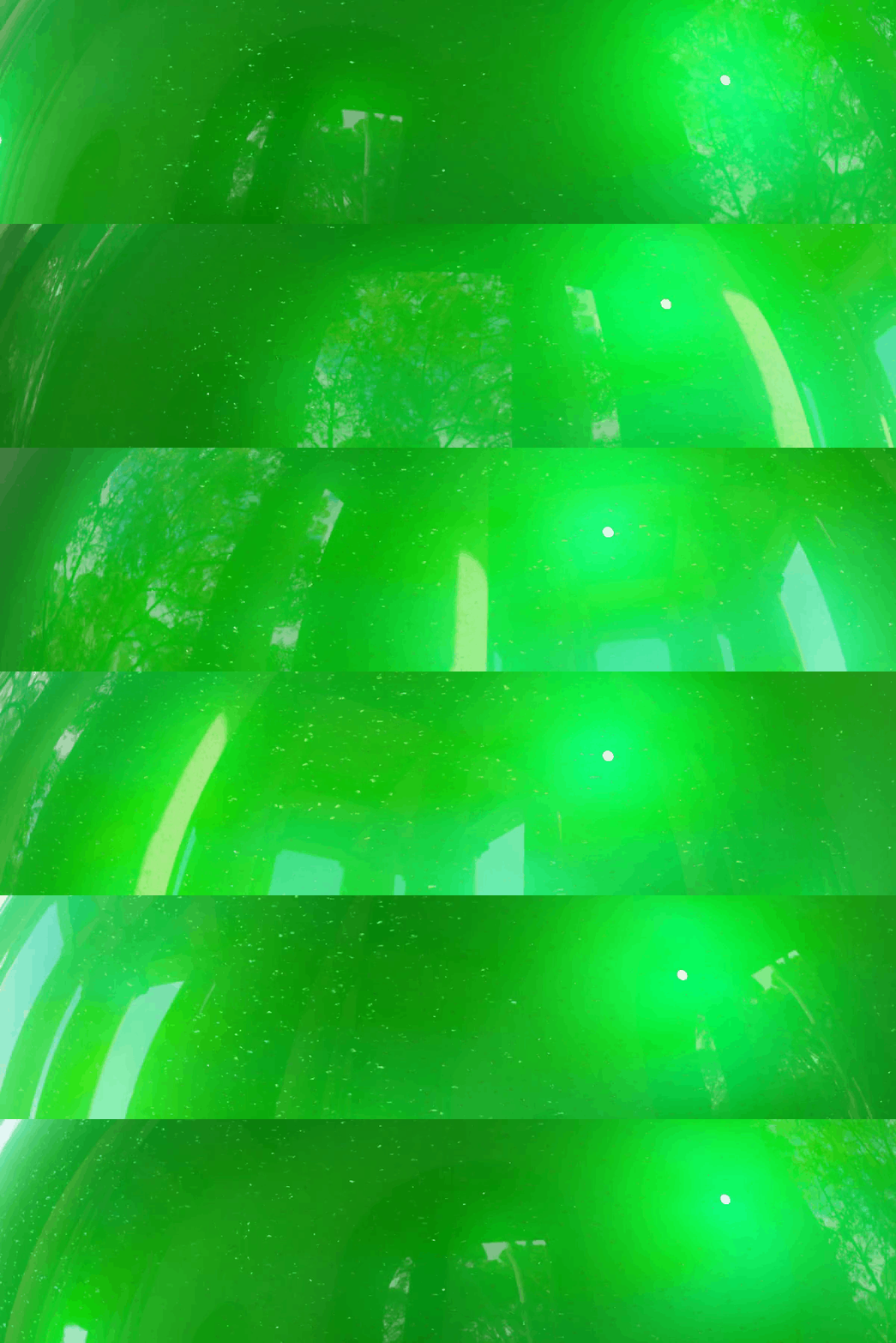
Why Choose This Collection?
- Save Time and Effort: No more struggling to create realistic car paint materials from scratch.
- Enhance Your Portfolio: Impress clients with stunning car renders.
- Increase Your Productivity: Focus on your creativity and let our shaders handle the material creation.
- Unleash Your Creativity: Explore a wide range of styles and effects.
Why Choose This Collection?
- Save Time and Effort: No more struggling to create realistic car paint materials from scratch.