 Mamba CG


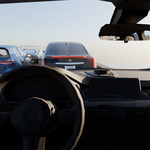
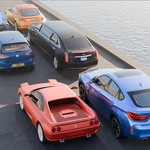
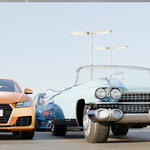
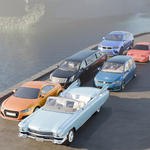
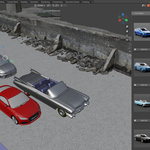
🚗 Car Scatter: Professional Vehicle Population Tool for Blender
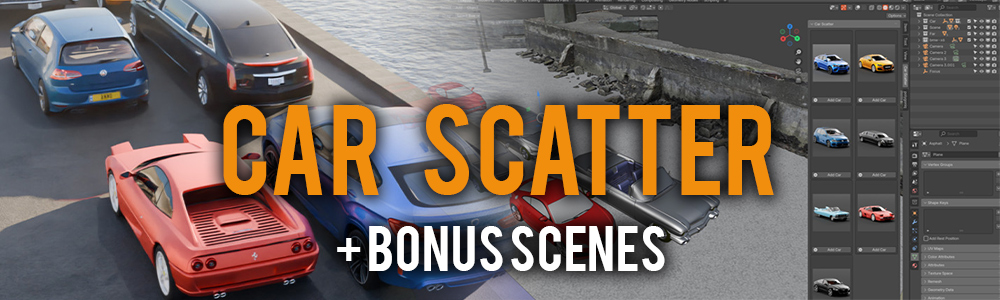
Introducing Car Scatter, an advanced vehicle placement solution designed to streamline the process of integrating automobile assets within Blender environments. This sophisticated addon addresses the common challenge of efficient vehicle placement in 3D scenes.
✨ Key Features:
✅ Icon-Based Selection: Choose from a variety of cars with beautiful icons.
✅ One-Click Placement: Add cars at the 3D cursor with a single click.
✅ Customizable Library: Add your own car models and icons.
✅ Perfect for Urban Scenes: Create realistic parking lots, city streets, and more!
This solution is specifically engineered for professional 3D artists, environmental designers, and visualization specialists requiring precise vehicle placement capabilities.
Bonus Scene Included!
We’re excited to introduce a new bonus scene called Cars on the Road.blend — now included with the Car Scatter addon!
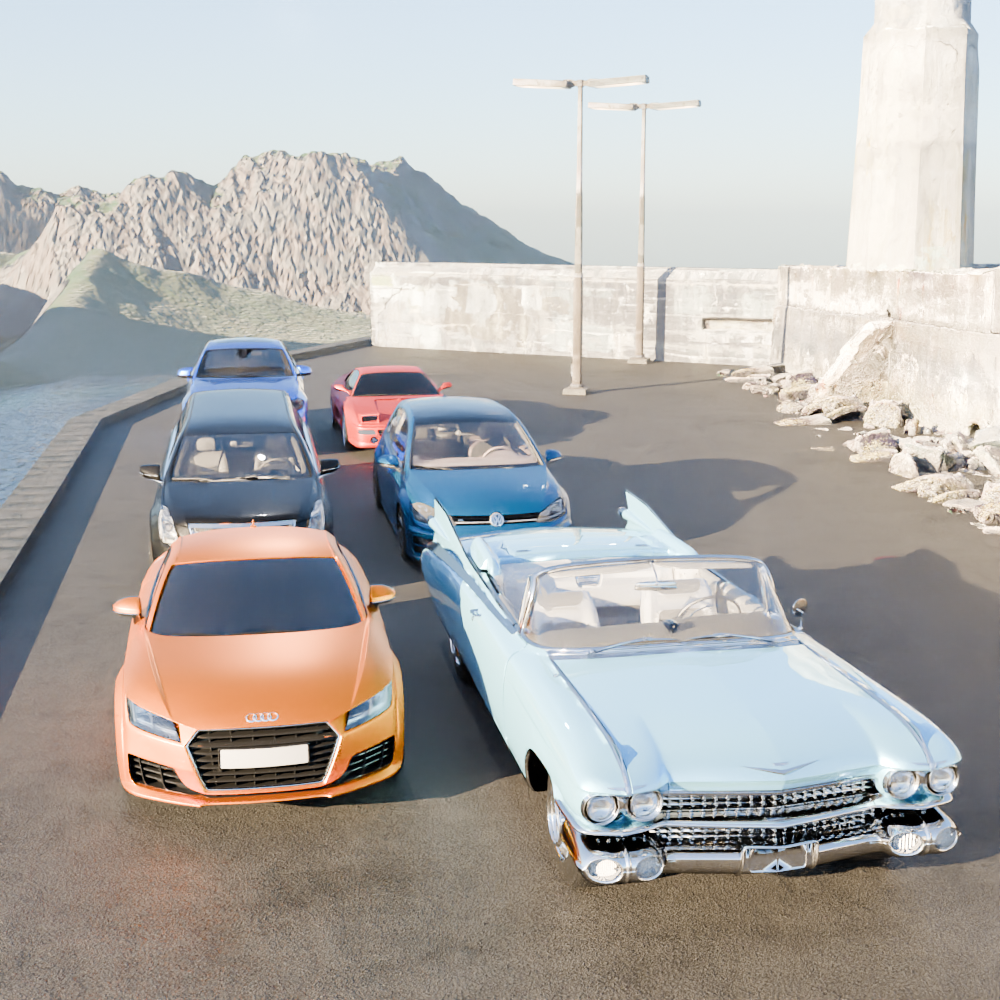
This cinematic scene is designed to help you create stunning car renders with ease. Featuring a realistic road environment surrounded by mountains, water reflections, and urban details, it's perfect for showcasing your car models in dynamic outdoor settings.

✅ Key Features:
- Realistic Road Environment: A beautifully textured road with natural surroundings.
- Scenic Backdrop: Includes detailed mountains, water reflections, and urban elements.
- Optimized Lighting: Pre-configured lighting setup for both Cycles and Eevee render engines.
- Easy-to-Use: Simply open the scene, scatter your cars, and start rendering!
- Fully Editable: Customize the scene to match your project needs.
📂 What’s Included:
- Cars on the Road.blend — Fully set up Blender scene.
- All textures and materials included.
- Compatible with Blender 4.2 and above.
Bonus 2: Parking Lot Scene
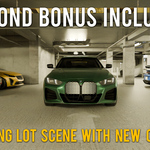
A modern parking lot scene designed to showcase multiple cars in an urban setting. With realistic ground textures and optimized lighting, it’s perfect for both product shots and cinematic renders.
✅ Key Features:
- Spacious parking lot with detailed asphalt and markings.
- Includes new car models ready for rendering.
- Fully customizable layout—easily rearrange cars to fit your needs.

This bonus scene is included for free with your purchase of the Car Scatter addon — no additional cost!
Now you have two bonus scenes to elevate your car renders. Get creative and bring your automotive projects to life!
How to Use the Car Scatter Addon
-
Installation:
- Download the ZIP file after purchasing the addon.
- Open Blender and navigate to Edit > Preferences > Add-ons.
- Click Install, select the downloaded ZIP file, and click Install Add-on.
- Enable the addon by checking the box next to Car Scatter.
Setting Up:
- Open the Sidebar in the 3D Viewport by pressing N.
- Go to the Car Scatter tab to access the addon interface.
- The panel displays car models in two columns, each with a preview image and an Add Car button.
- Click the Add Car button below the desired car image to insert that car into your scene.
Placement & Adjustment:
- Cars are added at the current position of the 3D Cursor.
- Use G (Grab) to move the cars within your scene.
Now you're ready to quickly populate your Blender scenes with realistic car models using Car Scatter!
Full List of All My Blender Add-ons.