 ZEG
ZEG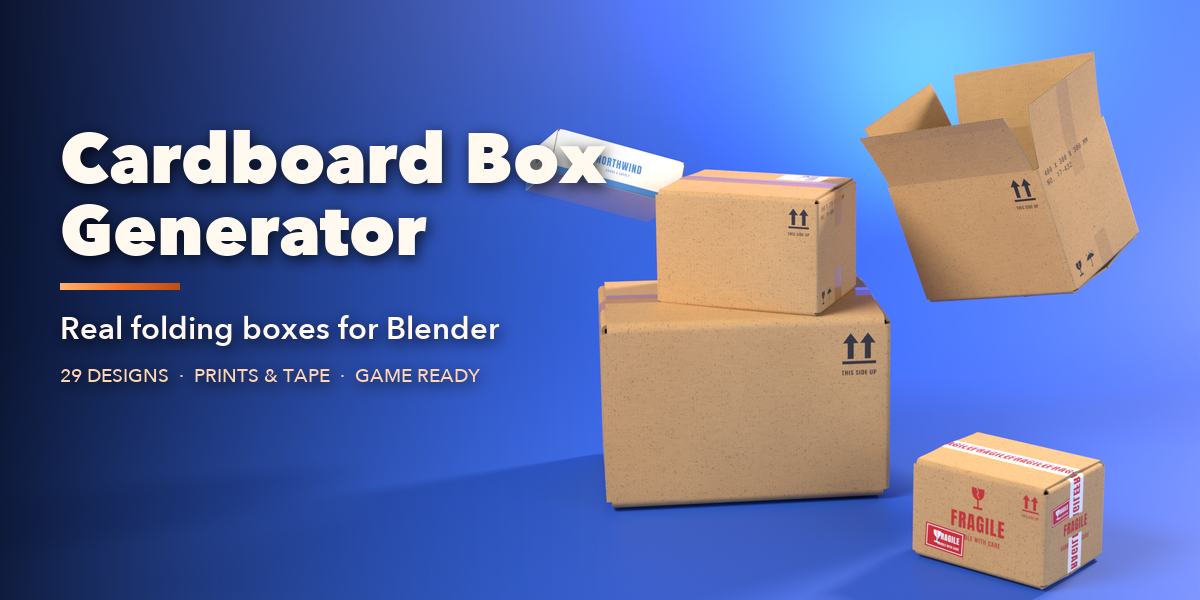
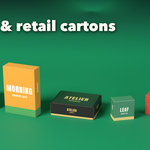
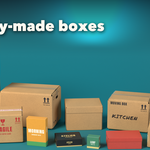
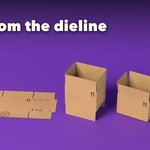
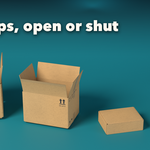
Installation
In Blender open Edit, Preferences, Get Extensions, then use Install from Disk and pick the cardboard_box_generator zip.
Usage
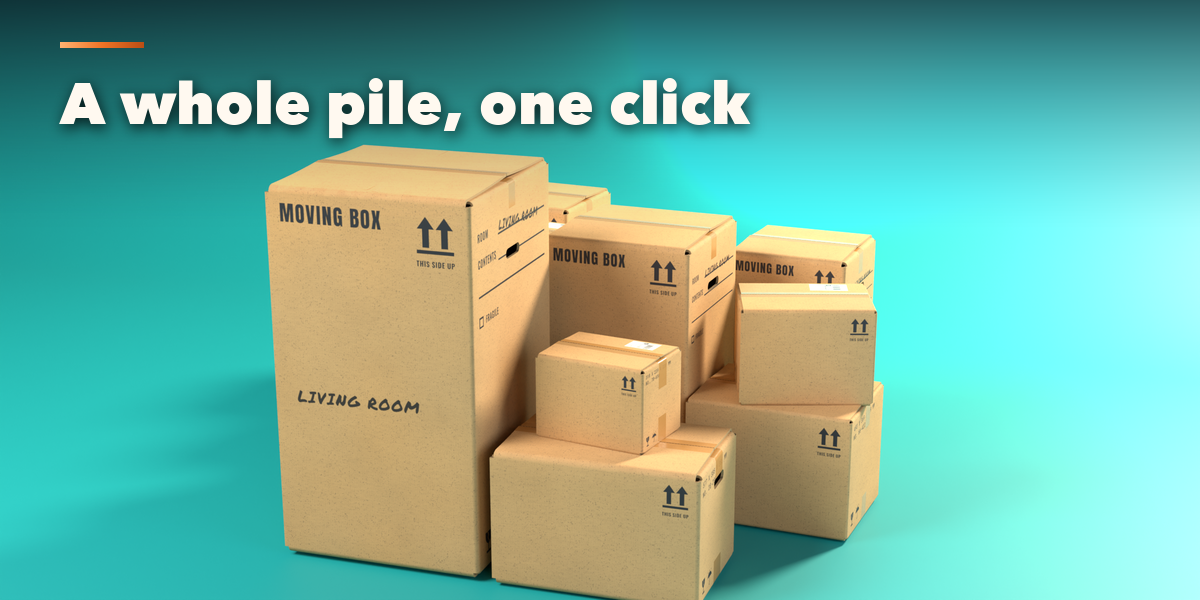
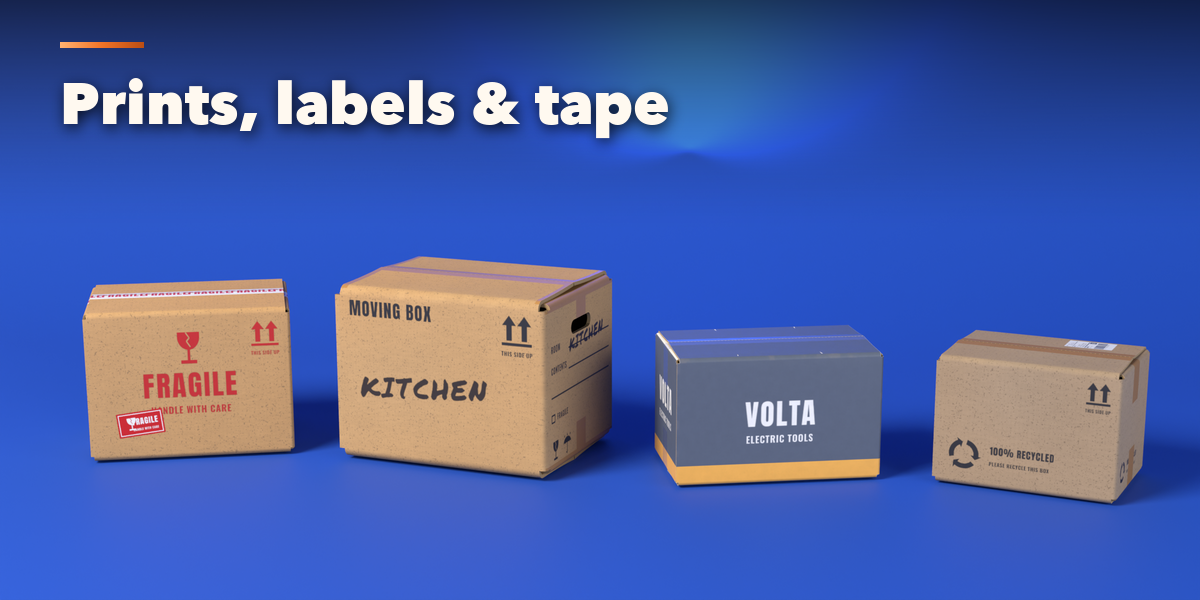
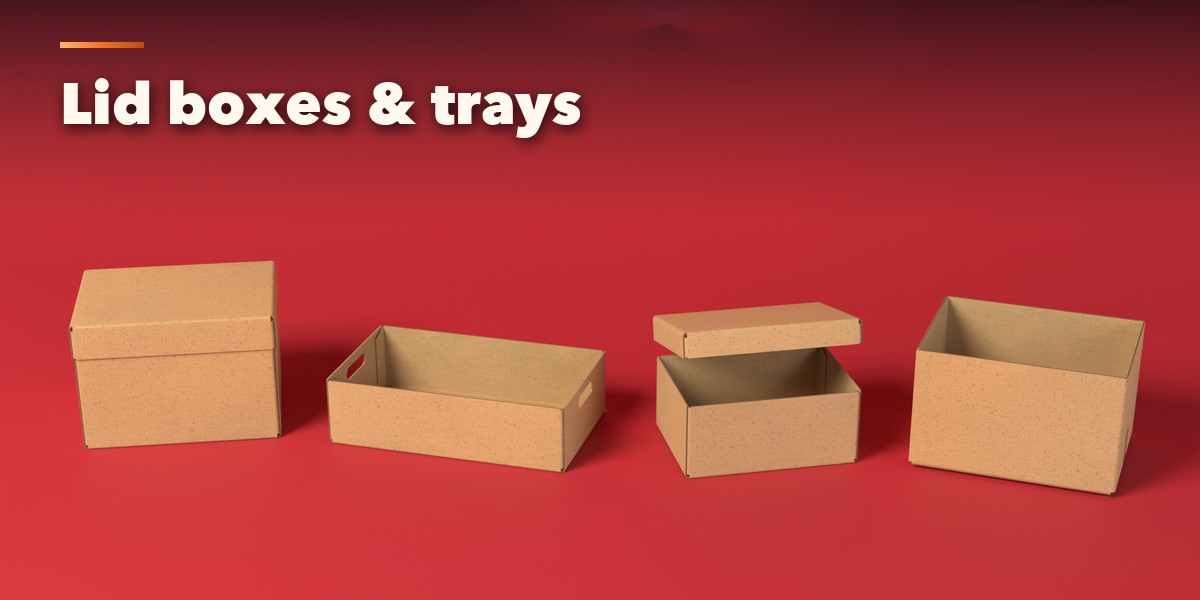
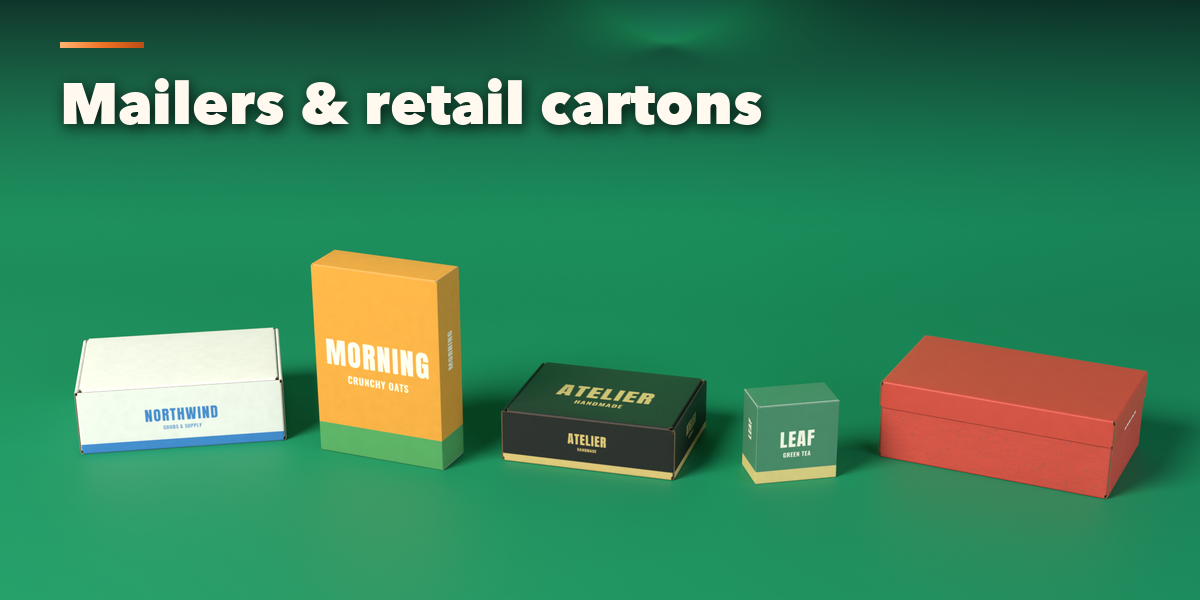
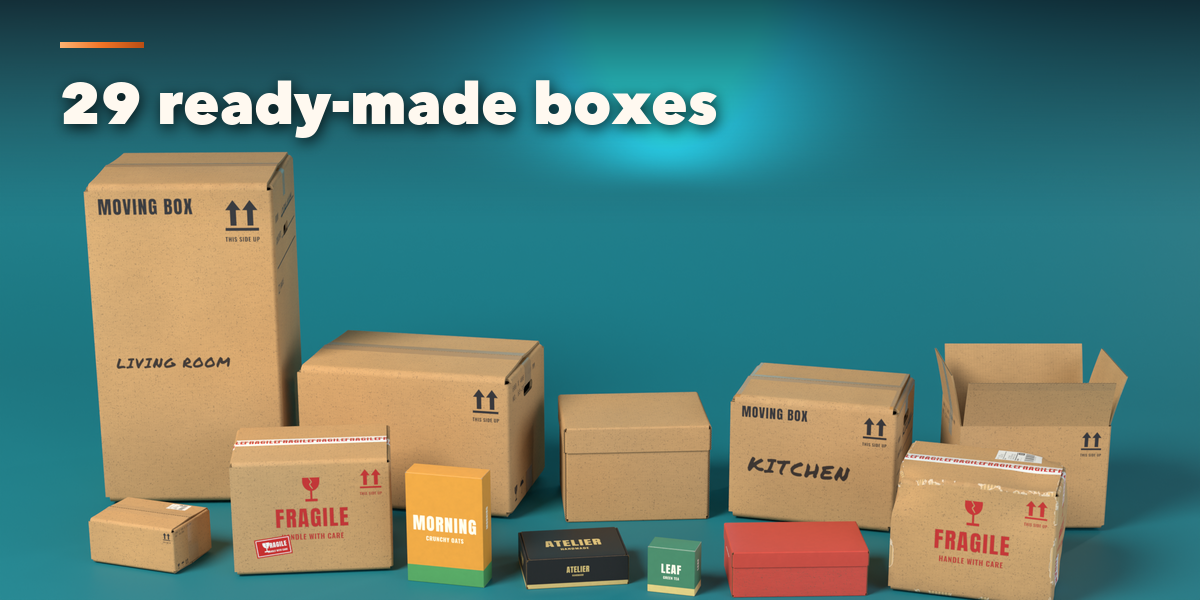
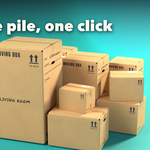
- Open the Box tab in the 3D viewport sidebar (N). With no box selected, click a family and a box picture to add it at the 3D cursor. You can also use Shift+A, Mesh, Cardboard Box, or add a whole pile of boxes.
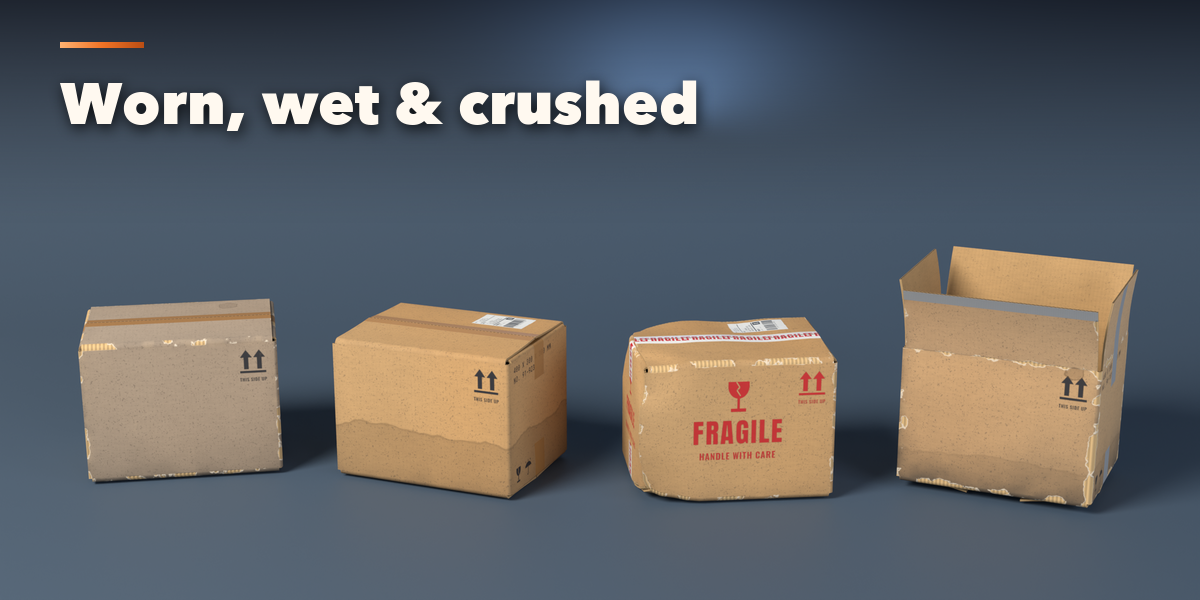
- The card at the top shows the selected box, its size and board. Surprise makes a random box, Vary gives the same design a new size and flap angles, and Wear adds random damage.
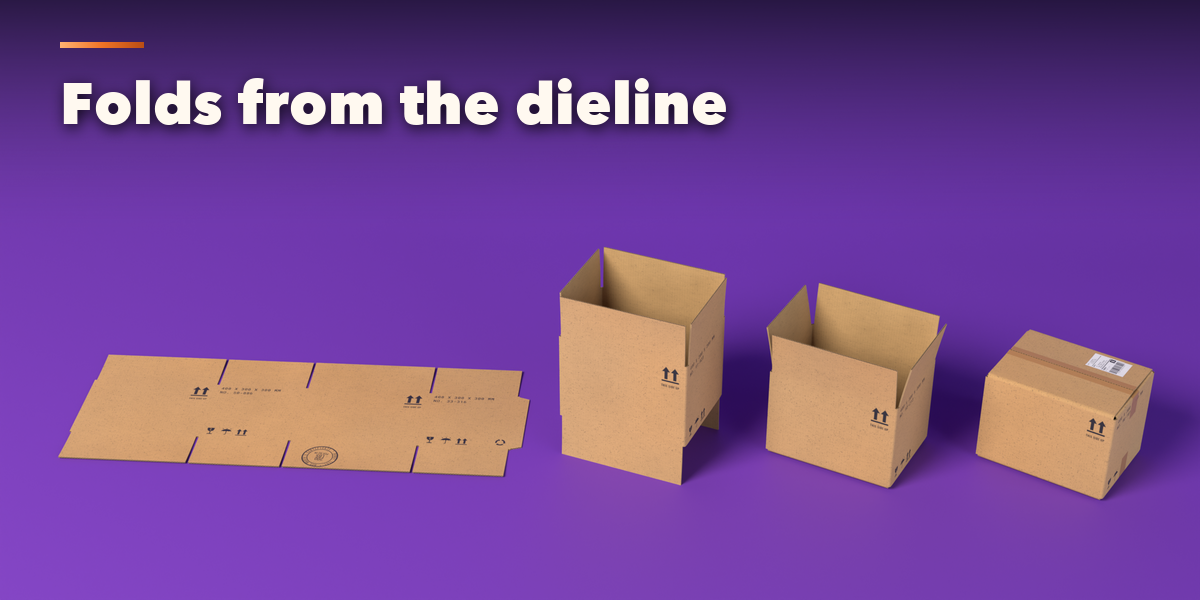
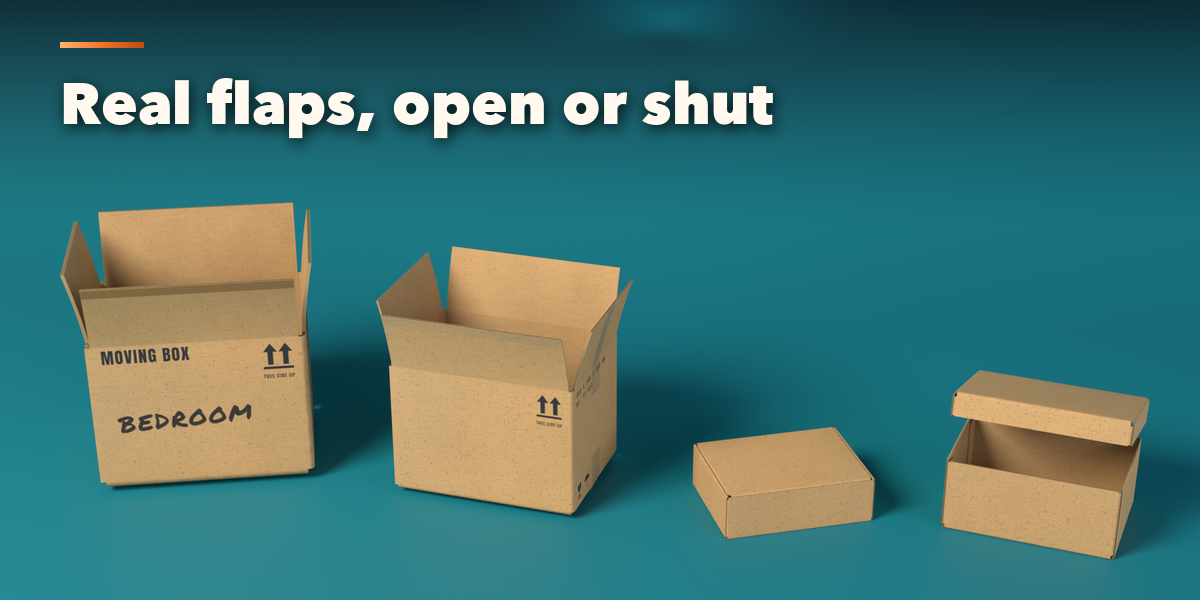
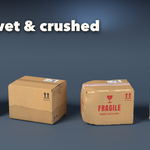
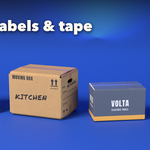
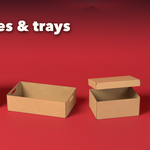
- The icon tabs hold every setting: Box (style, size, flute, hand holes), Fold (fold, open flaps, lift lid, bulge, curl, Animate Folding), Print (board, design, brand, logo, marker text, label, stickers), Tape (kind, pattern, width), Wear (scuffs, dirt, stains, water, fading, tears, dents, crushing) and Export (mesh detail, texture size, finish as a plain mesh).
- Delete removes a box together with its images.
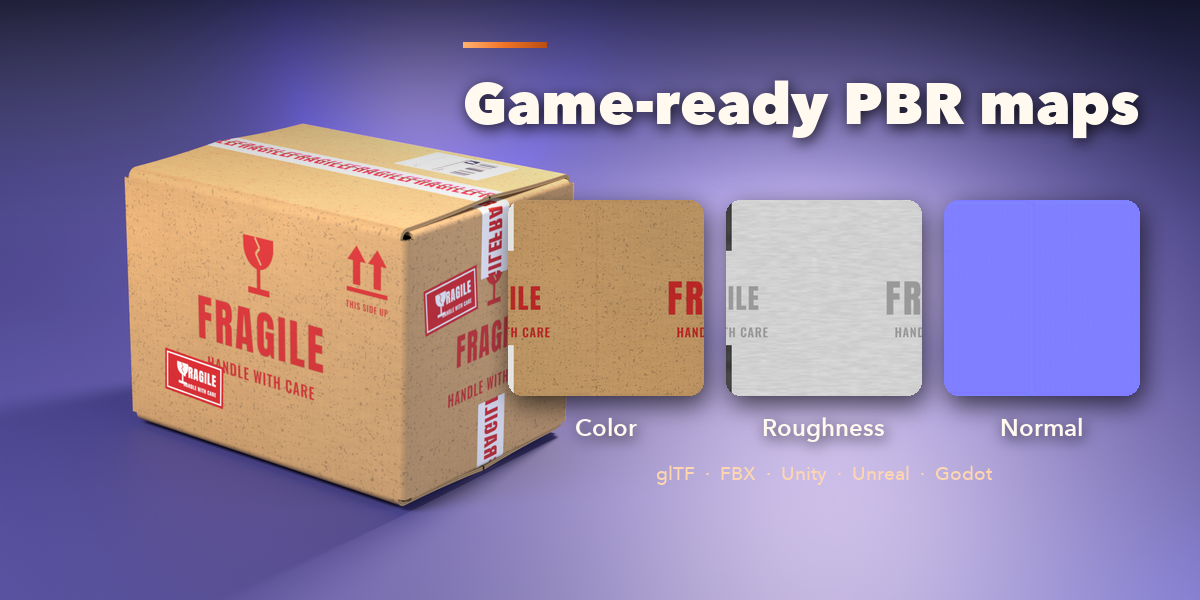
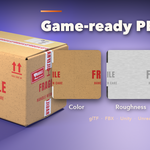
Every box is one mesh with Color, Roughness and Normal images, so it exports to game engines with glTF or FBX as it is. Use File, External Data, Pack Resources before sending a .blend to someone else.
Have questions about this product?
Login to message
| Blender Extension Compatible | Yes |
| Published | 2 days ago |
| Blender Version | 4.2 - 5.2 |
| Extension Type | Add-on |
| Render Engine Used | Cycles, Eevee |
| License | GPL |

Discover more products like this
box-generator carton cardboard box game assets packaging PBR shipping box cardboard box low poly procedural props