Drag a flag, a cape or a sail into your scene and it is already moving. Cascade Plus is a library of 103 cloth simulations, baked and ready, with 100 fabrics to dress them in. No pinning, no collision settings, no waiting for a bake.
Cascade Plus. Instant Cloth Simulation
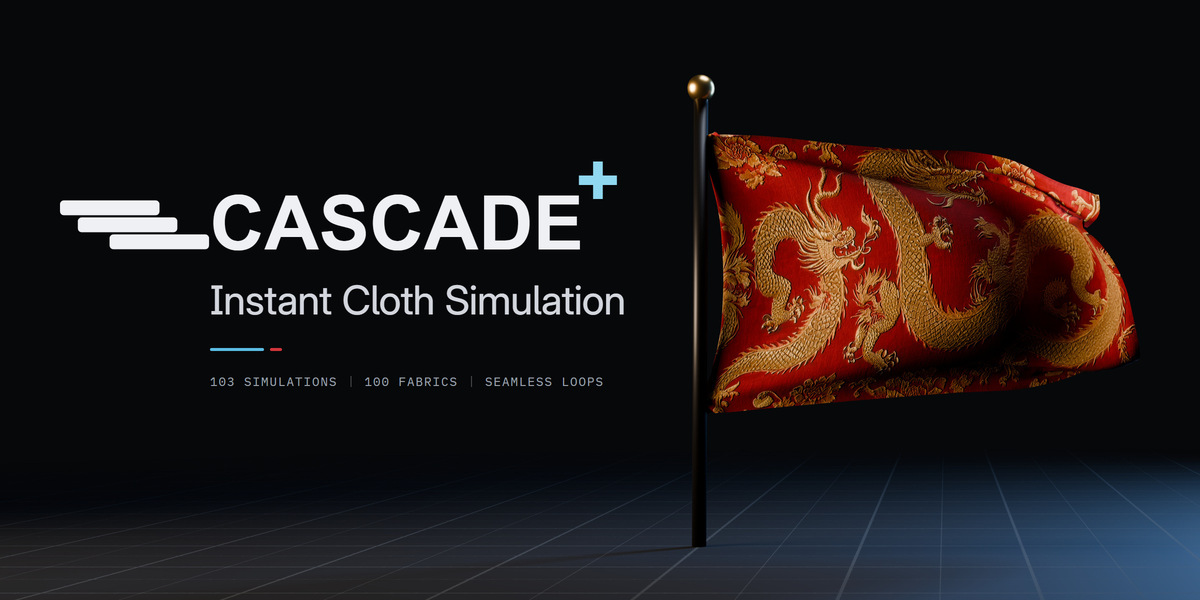
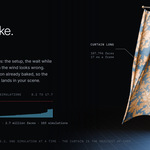
One full loop of Flag, low wind, in the Chinese Dragon fabric.
Made with Cascade's simulations.

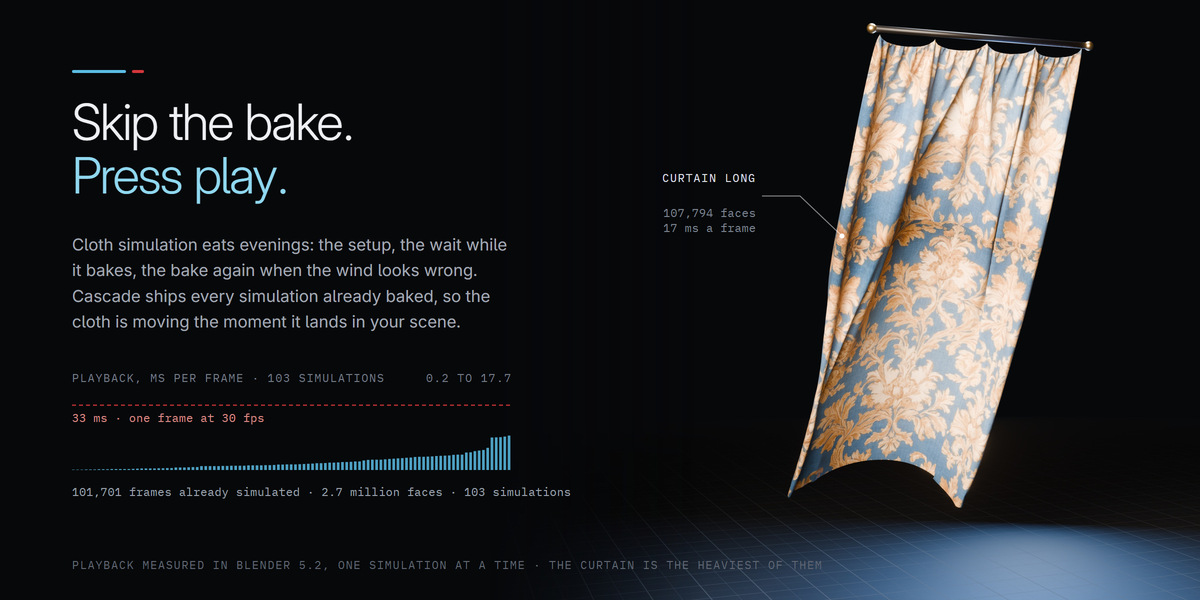
Cloth simulation eats evenings. You pin the edges, tune the collisions, wait for the bake, then bake again when the wind looks wrong. Cascade does that work ahead of time. Every simulation ships already baked, so the cloth is moving the moment it lands in your scene.
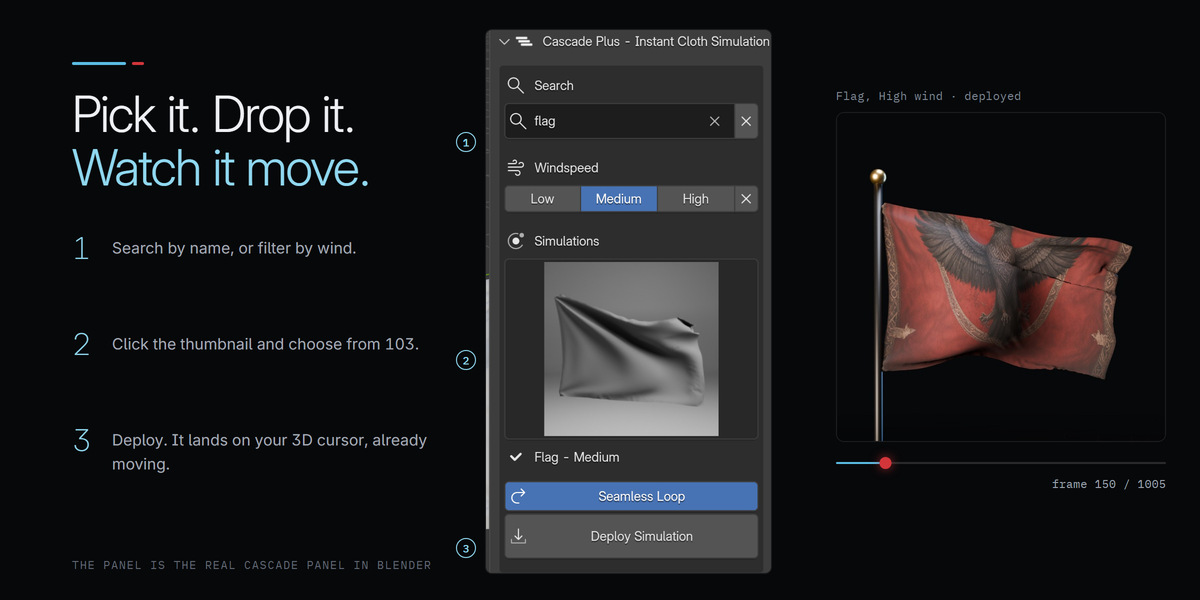
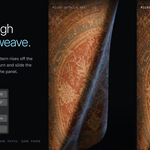
The Cascade panel, in the 3D Viewport's sidebar.
1
Pick
Browse the thumbnails, search by name and filter by wind.
2
Deploy
One click. It lands at your 3D cursor, already moving.
3
Dress it
Pick a fabric, set the timing, or let it loop forever.
Simulating it yourself
Pin groups, collision settings and a bake that ties up your machine, then another one every time you change your mind. And the cache lives on one computer.
With Cascade
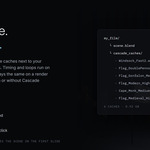
Pick a cloth and press Deploy. Swap the fabric, shift the timing, loop it. Collect the caches and the scene plays on any computer, even one without Cascade.

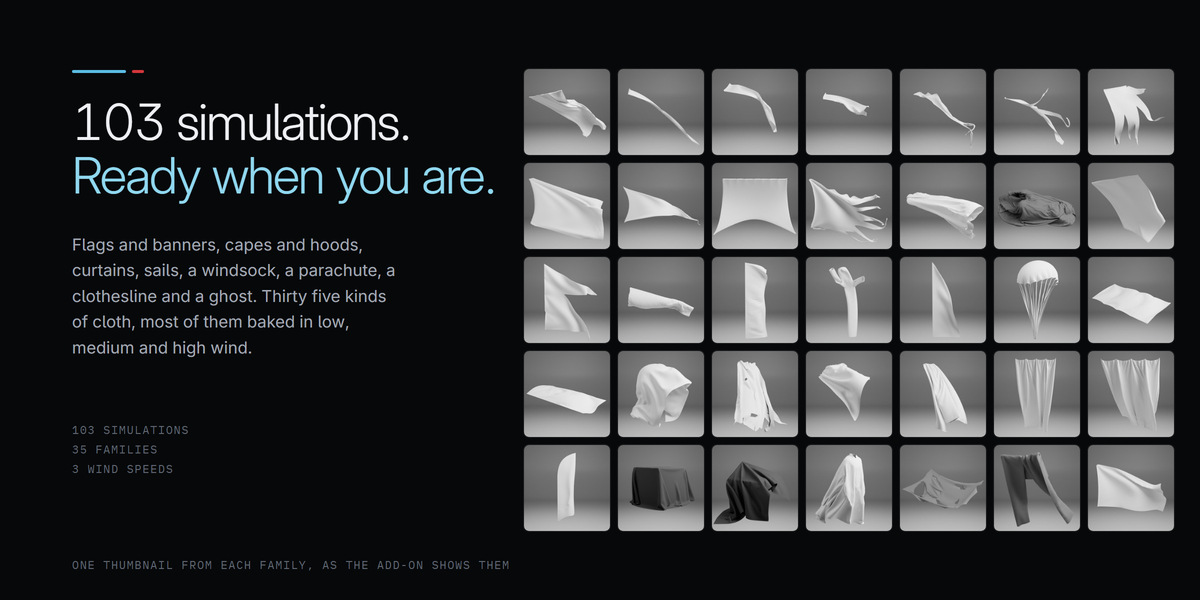
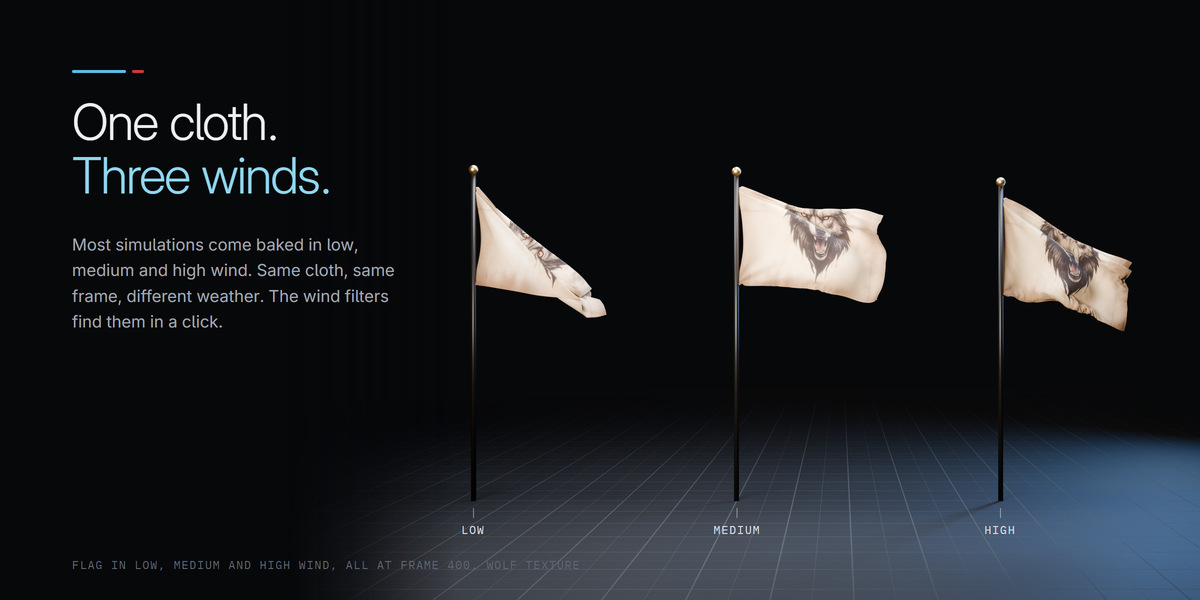
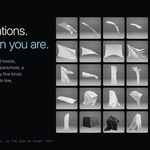
Flags from every era, capes and hoods, sails, tents, curtains, ribbons and covers. Most kinds come in low, medium and high wind, so you choose the mood instead of the settings.
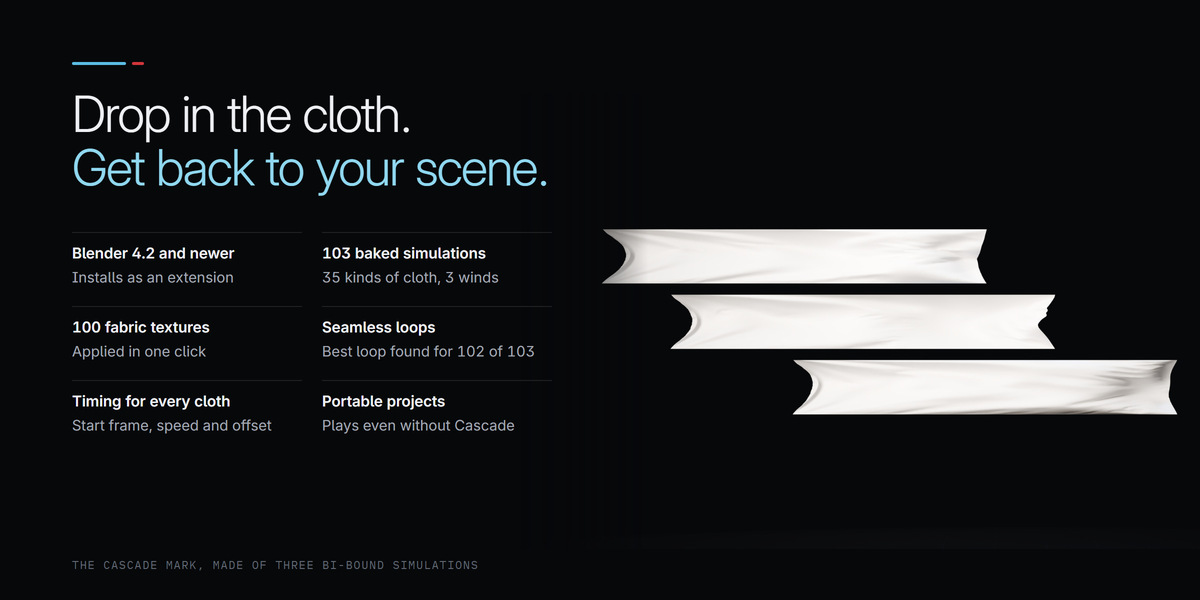
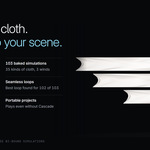
103 simulations
baked, ready to drop in
35 kinds of cloth
from pennants to parachutes
3 wind strengths
low, medium and high
100 fabrics
embroidery, tapestry, denim and more
Flags and banners 12
Flag, Flag Medieval, Flag Gonfalon, Flag Double Pennon, Flag Long, Flag Feather, Flag Modern, Medieval Banner, Tattered Flag, Windsock, Bi-Bound, Bi-Bound 2
Capes and clothing 7
Cape, Short Cape, Cape Long, Cape Tattered, Monk Cape, Hood, Cloth Line
Ribbons and tatters 6
Strip Large, Strip Medium, Strip Small, Tattered Large, Tattered Medium, Tattered Small
Sails, tents and parachutes 4
Ship Sails, Yacht Sail, Parachute, Tattered Tent
Curtains and covers 4
Curtain Long, Curtain Short, Box Covered, Box Reveal
Just for fun 2
Ghost, WackyWavy

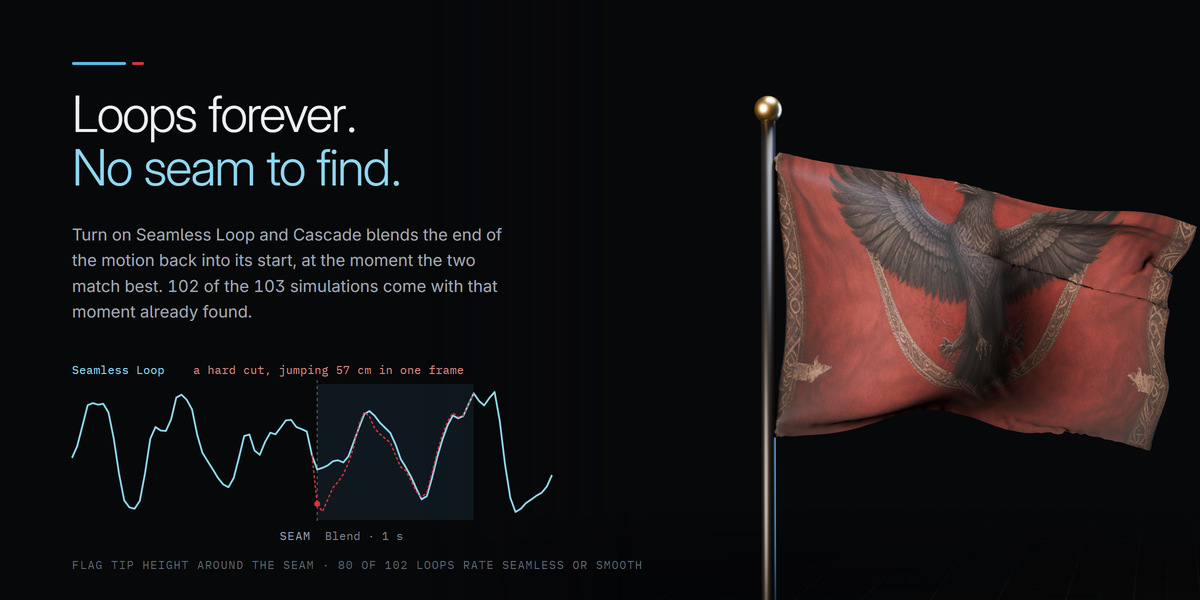
Turn on Seamless Loop and Cascade blends the end of the motion back into its start, at the moment the two match best. That moment is already found for 102 of the 103 simulations, so a flag can wave through a whole film with no visible restart.
Rated for you
Every loop carries a label, Seamless, Smooth or Soft blend, so you know before you render.
Your own loop
Set Loop Start, Length and Blend by hand. Best Loop takes you back.
On from the start
Tick Seamless Loop before you deploy, or switch it on for any cloth later.
Plain Blender underneath
The loop is made of Blender's own modifiers and drivers, so it plays anywhere.
Timing and loop controls for the selected cloth.

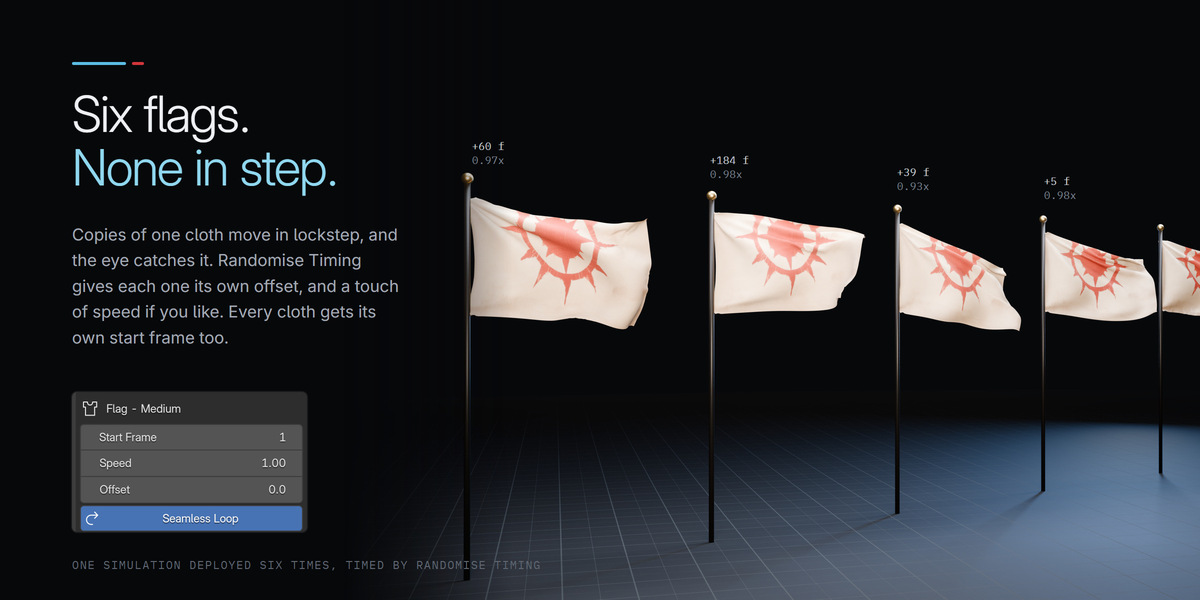
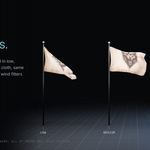
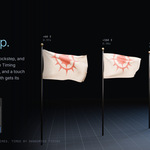
Six copies of one flag waving in perfect sync is the quickest way to make a scene look fake. Give every cloth its own start, speed and offset, or select a whole crowd and let Randomise Timing spread them apart.
Start Frame
the frame where the cloth begins to move
Speed
play any simulation a little faster or slower
Offset
begin partway through the motion
Randomise Timing. One click staggers every selected cloth, and can vary their speed a touch as well.
Individualise. Copies made with Shift+D share one cache. Individualise gives each its own, so each keeps its own timing.

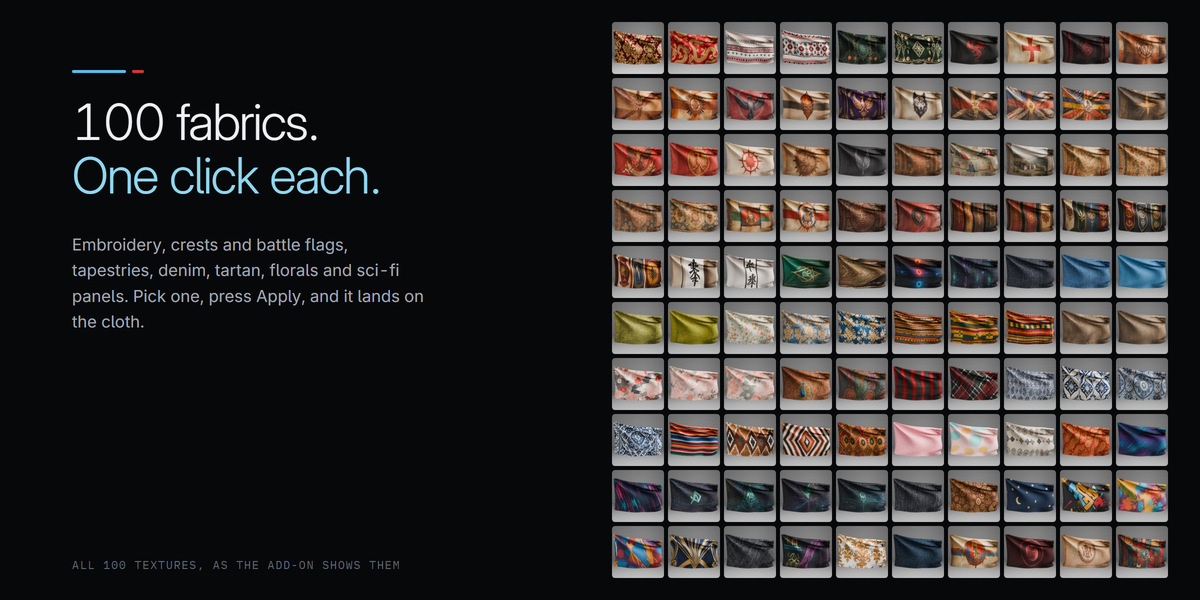
Embroidery, tapestries, medieval banners, denim, cotton, florals and sci fi prints. Select the cloth, pick a fabric and press Apply Texture. It maps onto every simulation, with no unwrapping.
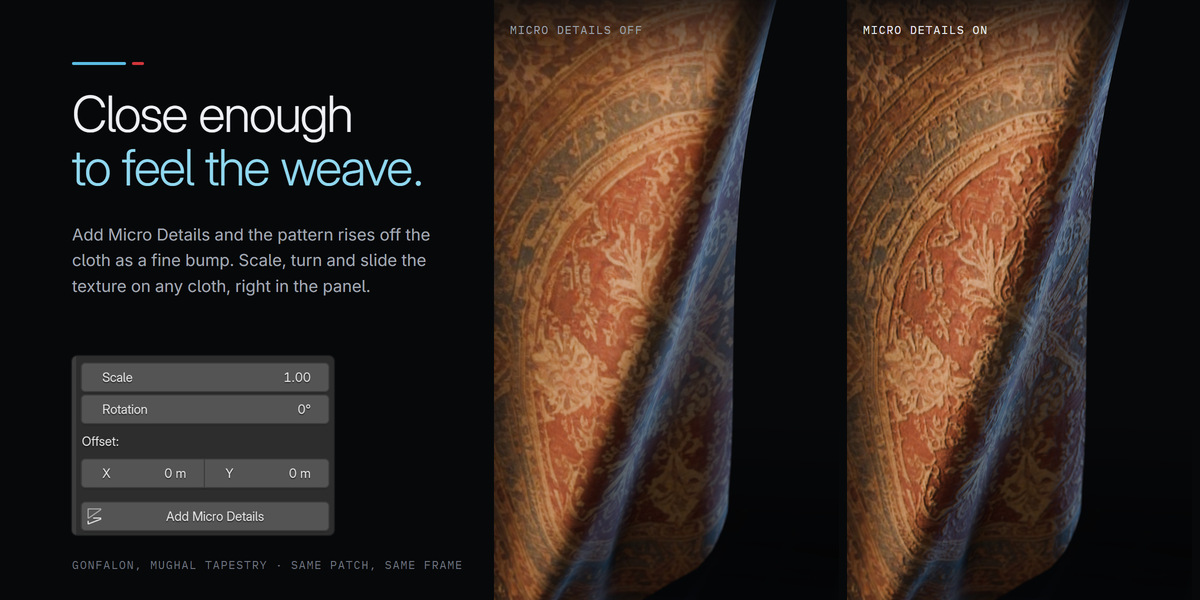
Place the pattern right in the panel.
Scale, turn, slide
Size the pattern and put the motif exactly where you want it.
Micro Details
A fine bump made from the fabric itself, so embroidery catches the light.
One look per cloth
Individualise Texture gives a copy its own material to tweak.
Your own images
It is an ordinary Principled BSDF. Swap in any image you like.

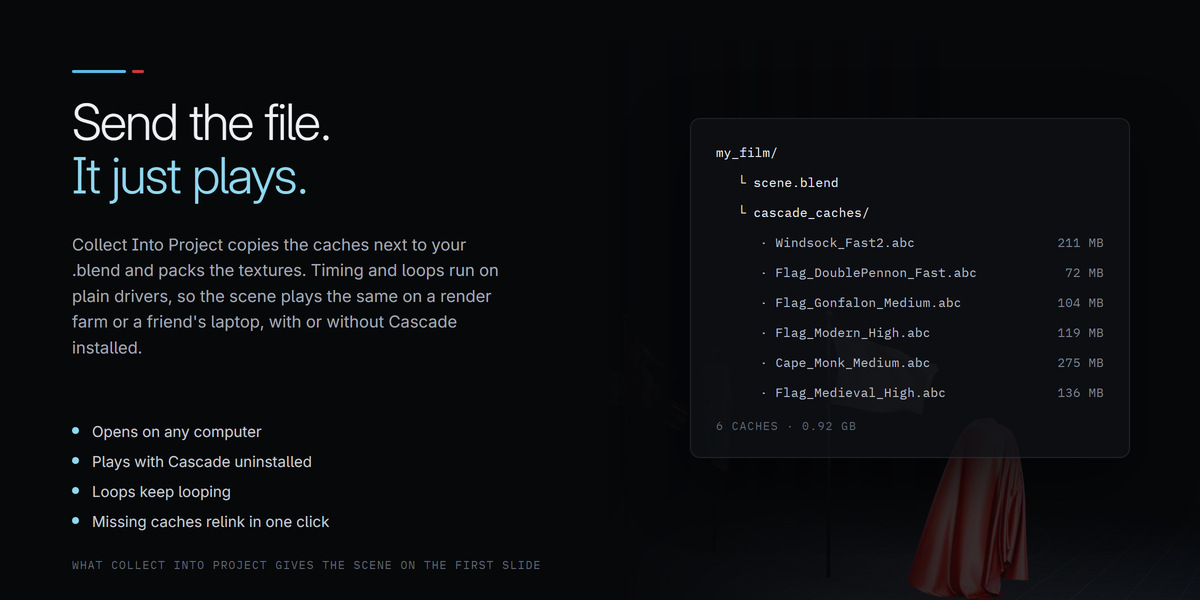
Simulation caches have a habit of going missing the moment a project moves. Cascade keeps your scene in one piece.
Collect Into Project
Copies the caches next to your .blend with relative paths, and packs the fabrics.
Find Missing Caches
Relinks anything that went missing, and the panel tells you when something has.
Plays without Cascade
Send it to a friend or a render farm. It opens, plays and renders without the add-on.

Already have Cascade? Version 1.3 is the biggest update yet.
Thumbnails that stay. They no longer vanish after you open another file.
Fabrics on every cloth. No more deleting the UVs and unwrapping by hand.
Seamless loops. New, with the best loop already found for 102 simulations.
Timing for every cloth. Start Frame, Speed and Offset, plus a smarter Randomise.
Portable projects. Collect Into Project and Find Missing Caches.
Today's Blender. A proper extension for Blender 4.2 and newer.

|
Full |
Lite |
| Simulations |
103 |
60 |
| Kinds of cloth |
35 |
22 |
| Fabrics |
100 |
60 |
| Download |
about 15 GB |
about 6.8 GB |
| Loops, timing, portable projects |
Yes |
Yes |

| Requirements |
Blender 4.2 or newer, installed as an extension (developed and tested on Blender 5.2) |
| Simulations |
baked Alembic caches, played through Blender's own Mesh Sequence Cache |
| Seamless loops |
best loop found for 102 of 103 simulations, 80 of them rated Seamless or Smooth |
| Render engines |
EEVEE and Cycles. The cloth is ordinary geometry with an ordinary material. |
| Without the add-on |
collected projects open, play and render on any machine, including render farms |

Will the cloth react to my own objects? No. Every simulation is baked, so it plays the same way every time and costs nothing to compute. You place, scale, rotate and time it. For cloth that has to drape around your own character, Blender's cloth simulator is still the right tool.
Can I change the wind? Pick low, medium or high wind for each kind of cloth, then use Speed to play it a little faster or slower.
Do I need Cascade installed to render? No. Timing and loops are stored on the objects themselves. Collect Into Project and the file renders anywhere, render farms included.
Can I use my own textures? Yes. Apply any fabric once, then swap its image in the material for your own.
Where do the simulations live? In a library folder that comes with the add-on. Point Cascade at it once in its preferences and it remembers, even through updates.
Blender is a trademark of the Blender Foundation. Cascade Plus is an independent product and is not affiliated with the Blender Foundation.
 Limitless Creative