 ZEG
ZEG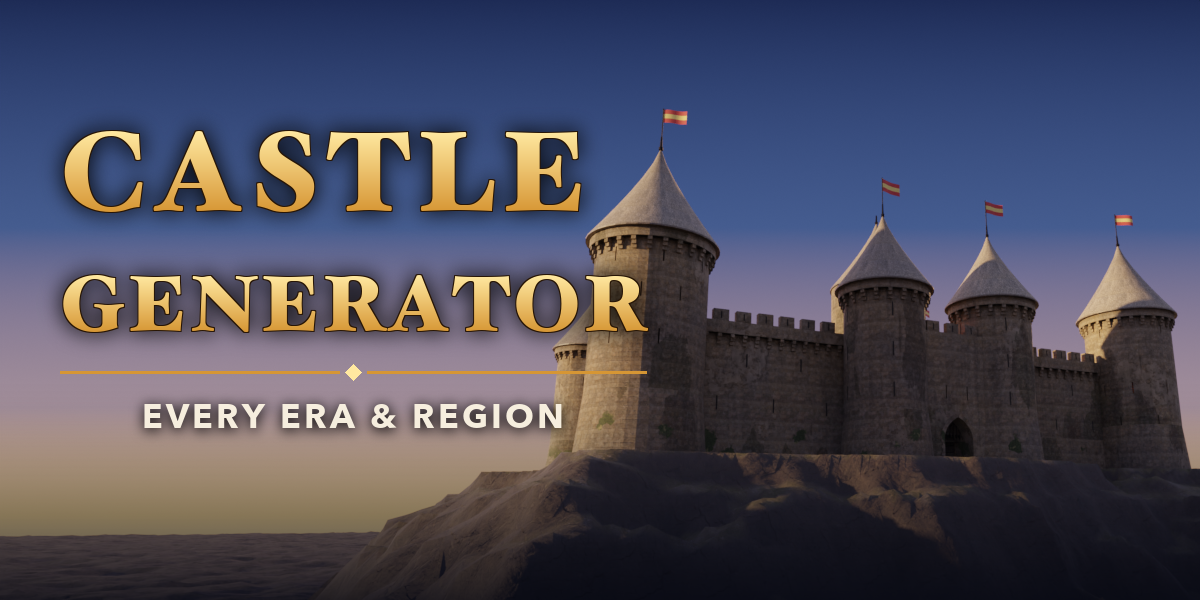
Installation
In Blender open Edit, Preferences, Get Extensions, then use Install from Disk and pick the castle_generator zip.
Usage
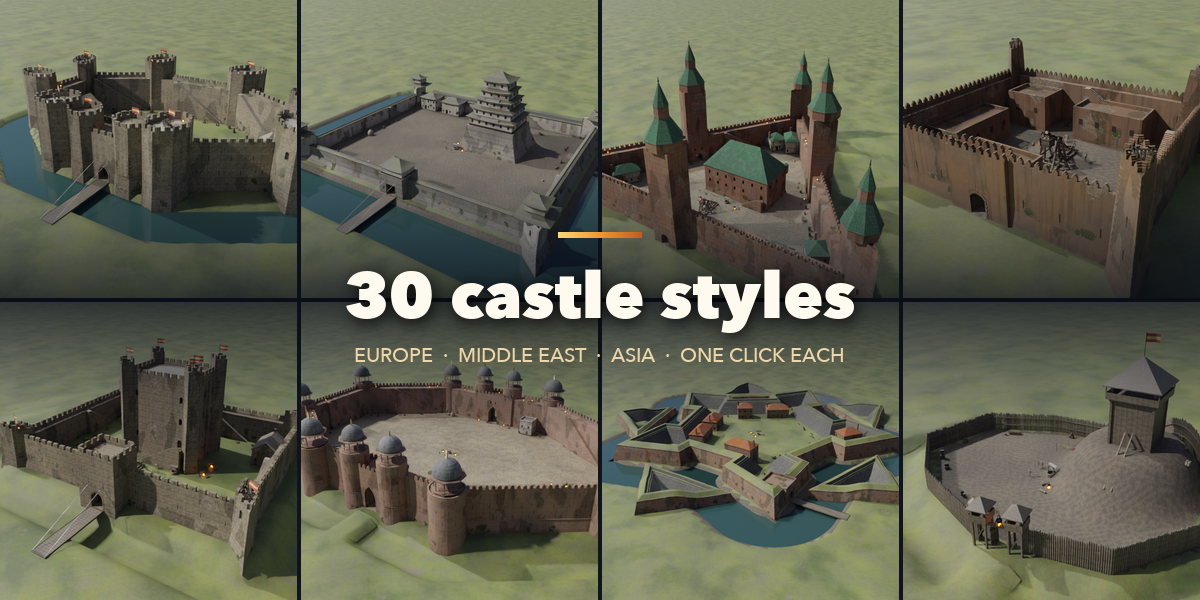
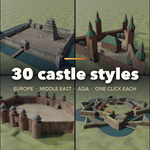
- Open the Castle tab in the 3D viewport sidebar (N). Pick a style in the gallery and press Add Castle, or use Shift+A, Mesh, Castle. The castle is built at the 3D cursor.
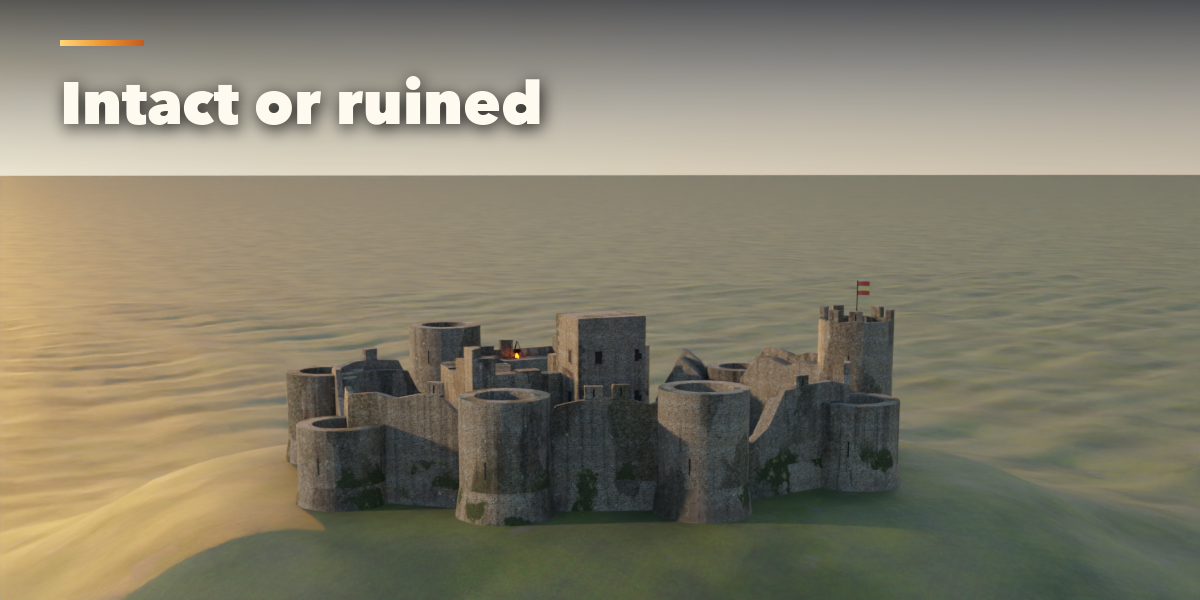
- With the castle selected, the gallery picture switches styles, Surprise Me makes a random castle and the dice button gives a new seed (new irregular plan, ruin pattern and buildings).
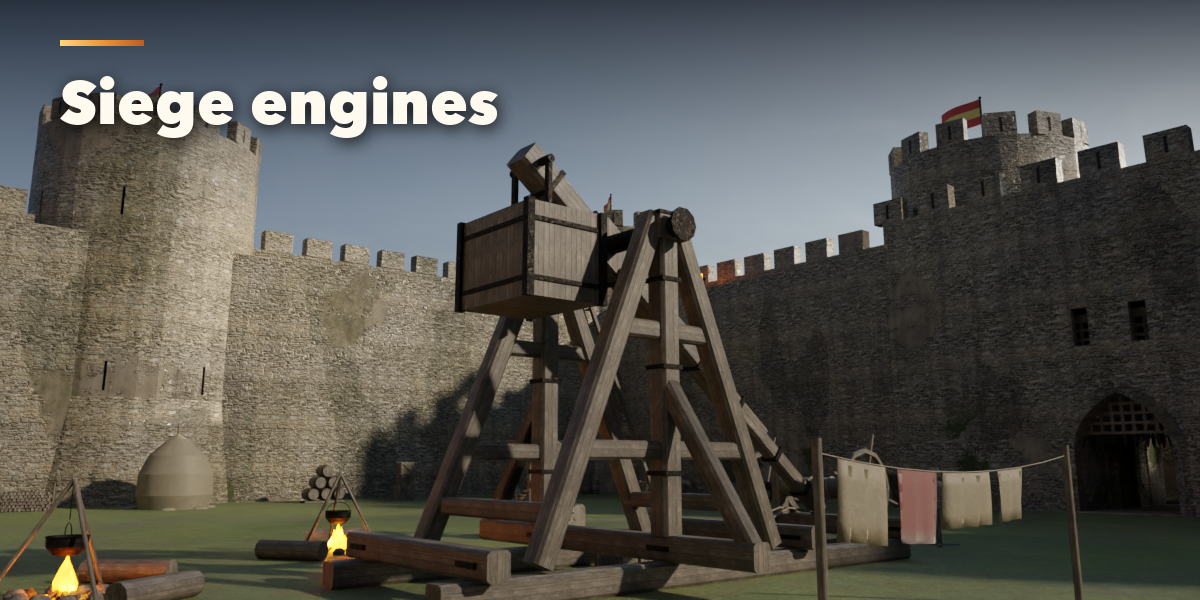
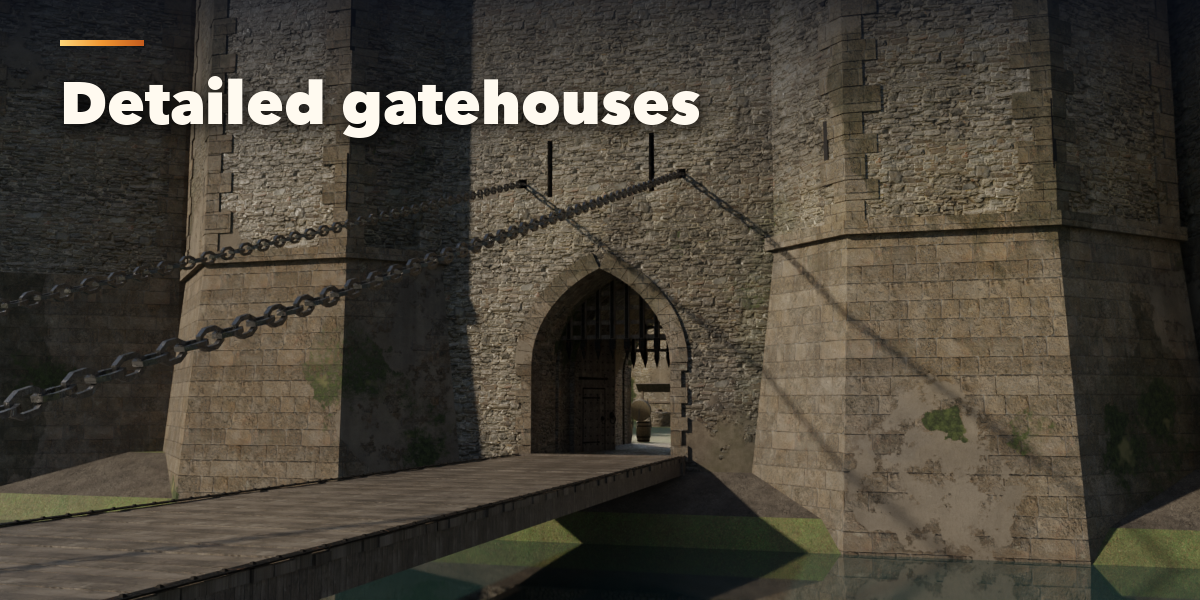
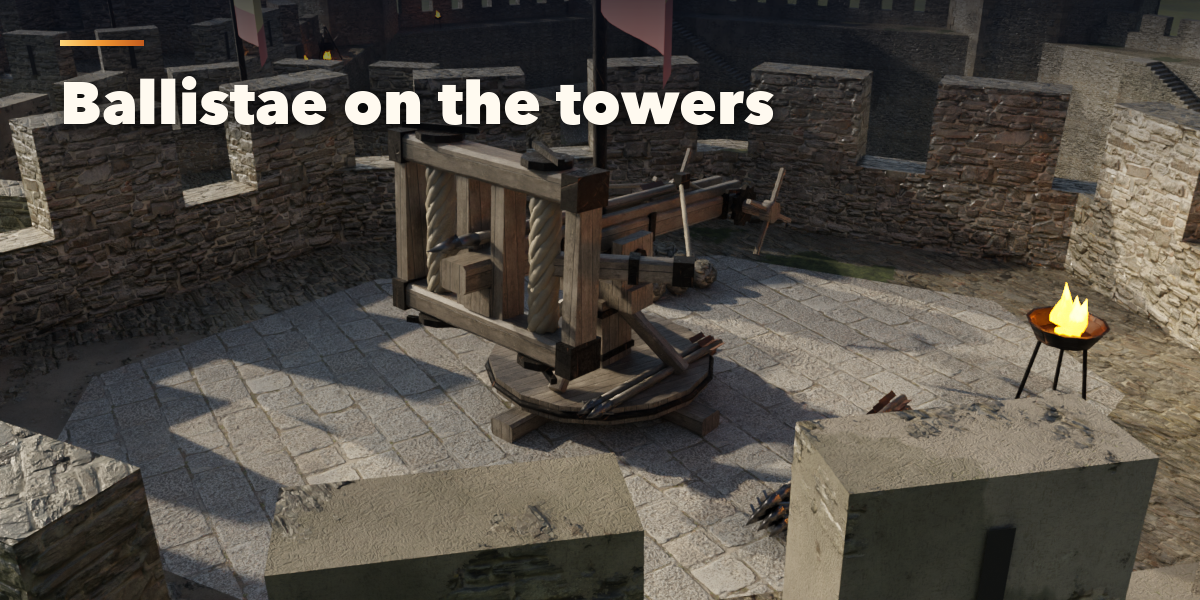
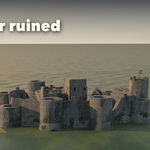
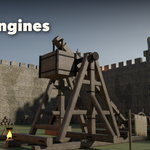
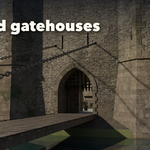
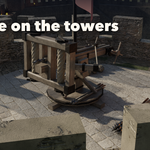
- The main panel holds the plan shape, size, wall height and type, tower shape and roof, keep style and the ruin slider. The sub-panels below hold every detail: Plan & Gates, Walls & Battlements, Towers, Gatehouse, Keep, Courtyard Buildings, Interiors, Defences & Siege Engines, Ground & Moat, Materials & Condition and Output.
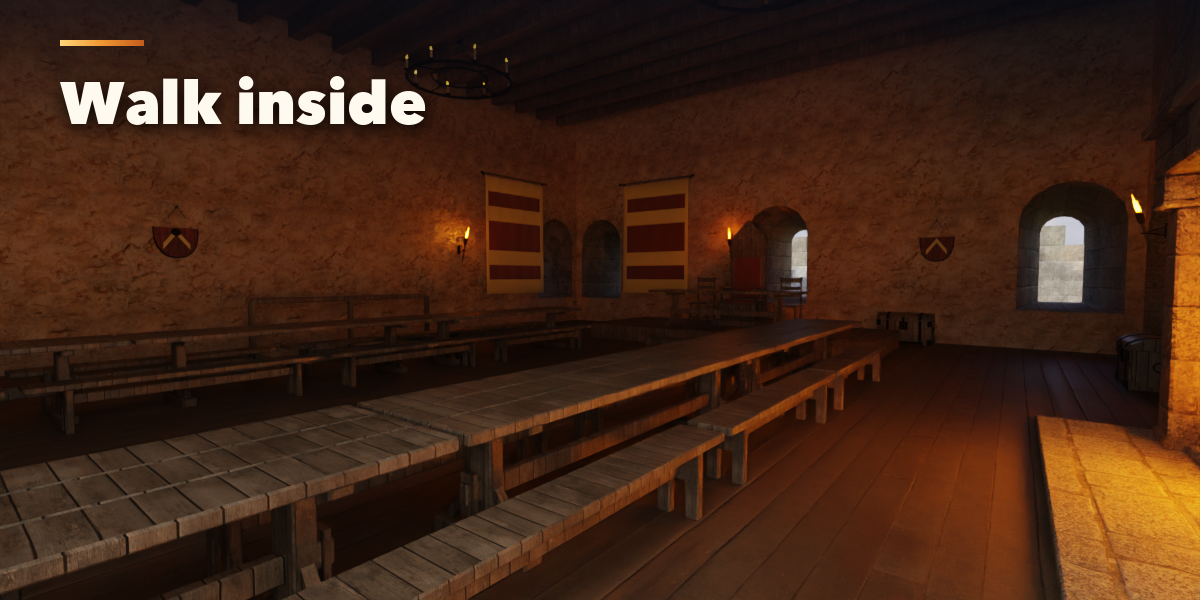
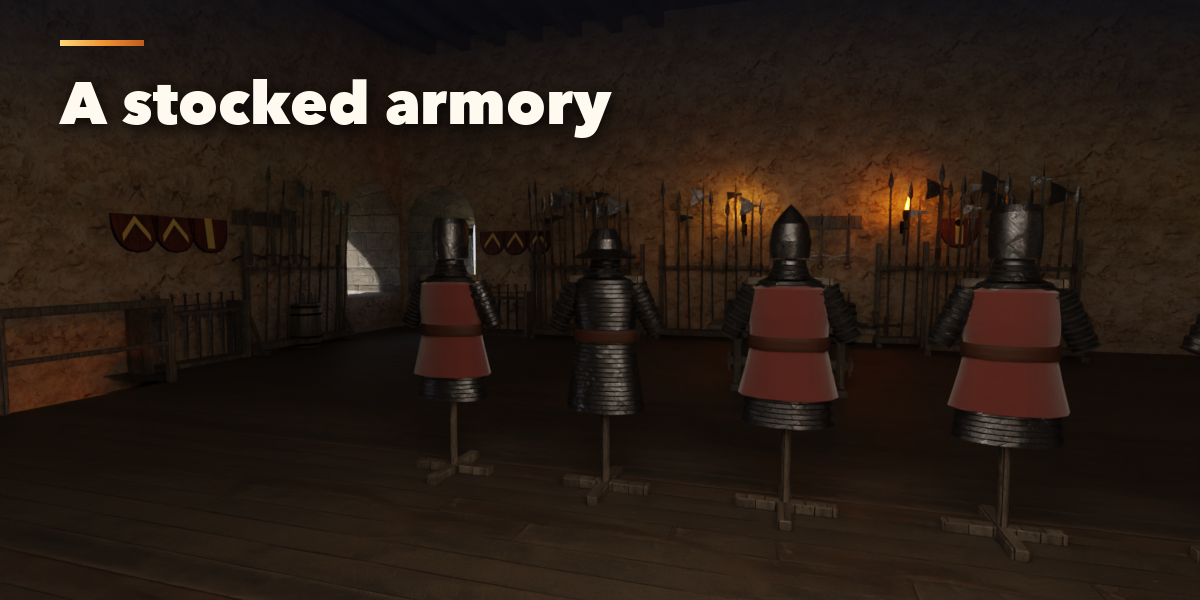
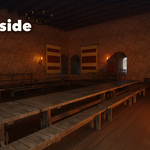
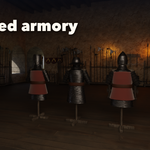
- Interiors: the keep, towers and halls are walk-in with floors, stairs and furnished rooms. While you drag a slider the architecture rebuilds at once and the furniture, armory and siege engines fill in a moment later. Switch interiors off for distant shots or light scenes.
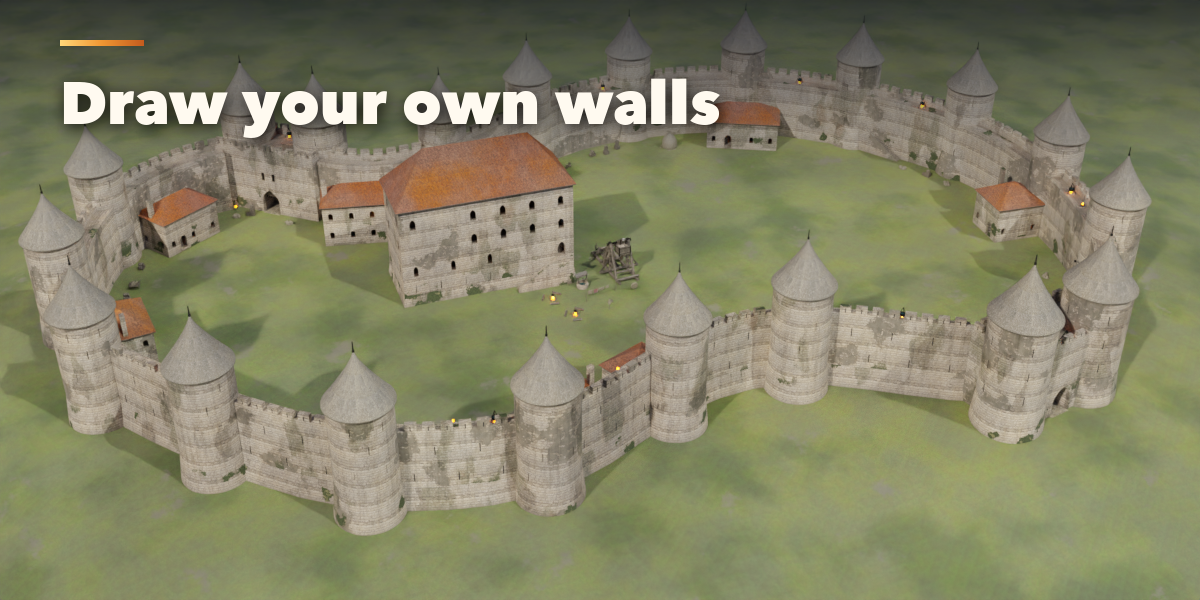
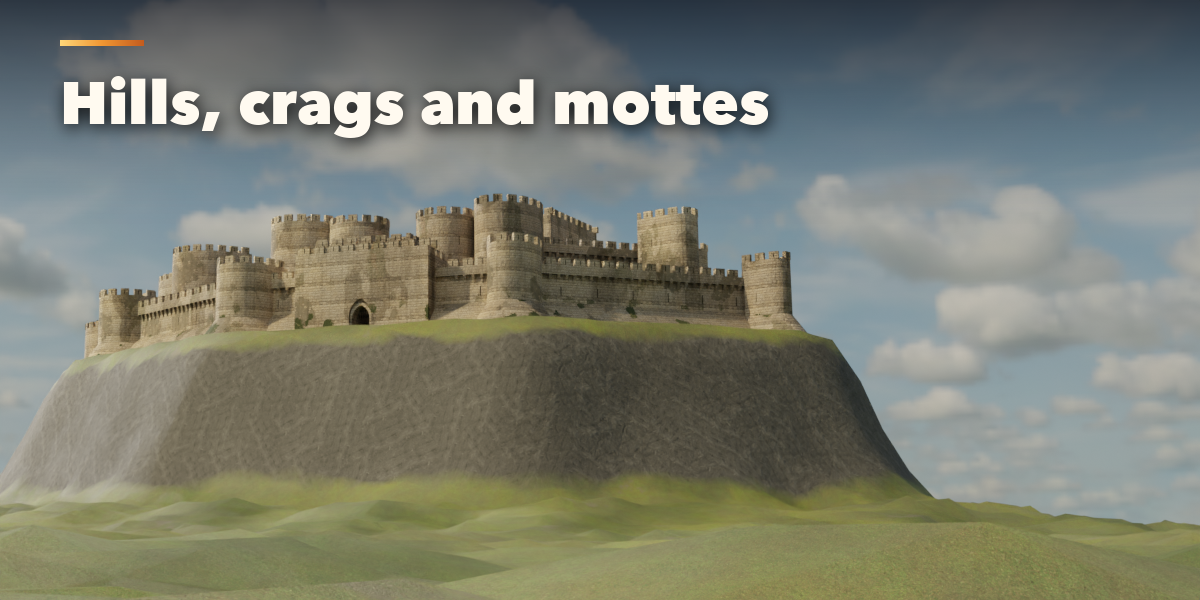
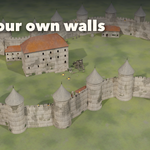
- To draw your own walls, choose the curve plan and press Draw: edit the curve's points (Tab) and the walls follow live. Every spline is one wall circuit; open splines make open wall runs. To build on your own landscape, set Ground to Your Terrain and pick the terrain mesh.
- Output: detail level, bevels, Convert to Meshes (keeps plain mesh objects) and Delete.
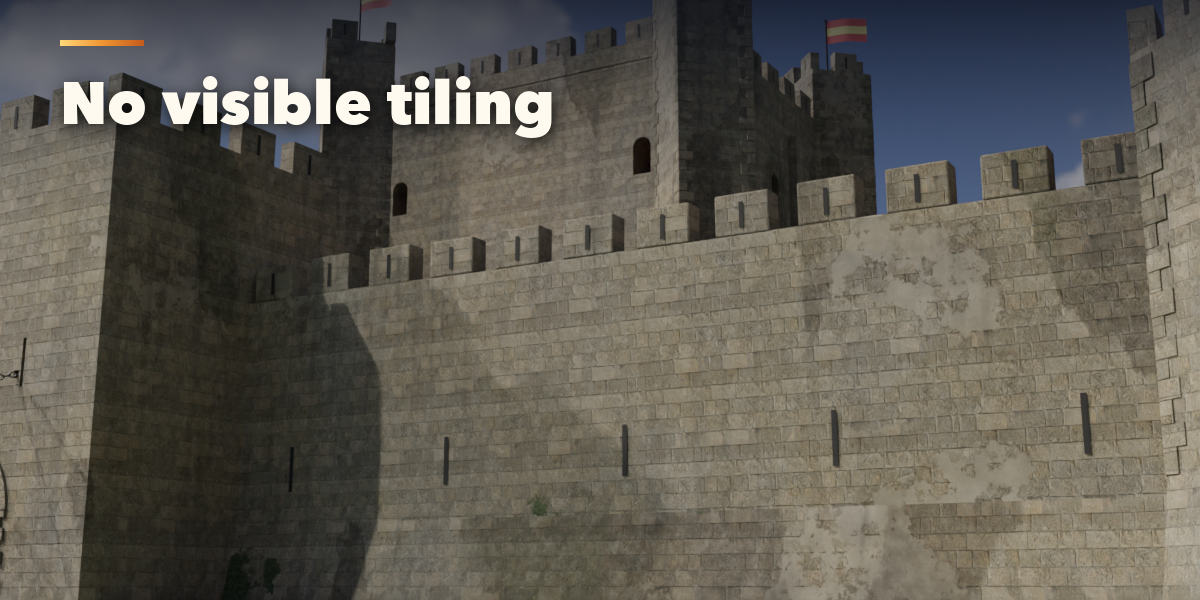
Textures are CC0 from Poly Haven and are bundled with the addon.
Have questions about this product?
Login to message
| Blender Extension Compatible | Yes |
| Published | 1 day ago |
| Blender Version | 4.2 - 5.2 |
| Extension Type | Add-on |
| Render Engine Used | Cycles, Eevee |
| License | GPL |

Discover more products like this
keep procedural fantasy Generator Game asset environment fortress Castle tower architecture walls medieval