 sphere.obj
30% coupon : catflow
CatFlow — Motion Graphics for Blender
Simple and easy-to-use UI
Parametric + Deformer + Cloners + Effectors + Fields + Dynamics.
Material/Image/Pose Browser
One Unified Workflow.
** Click to view the Manual **
 Main Features
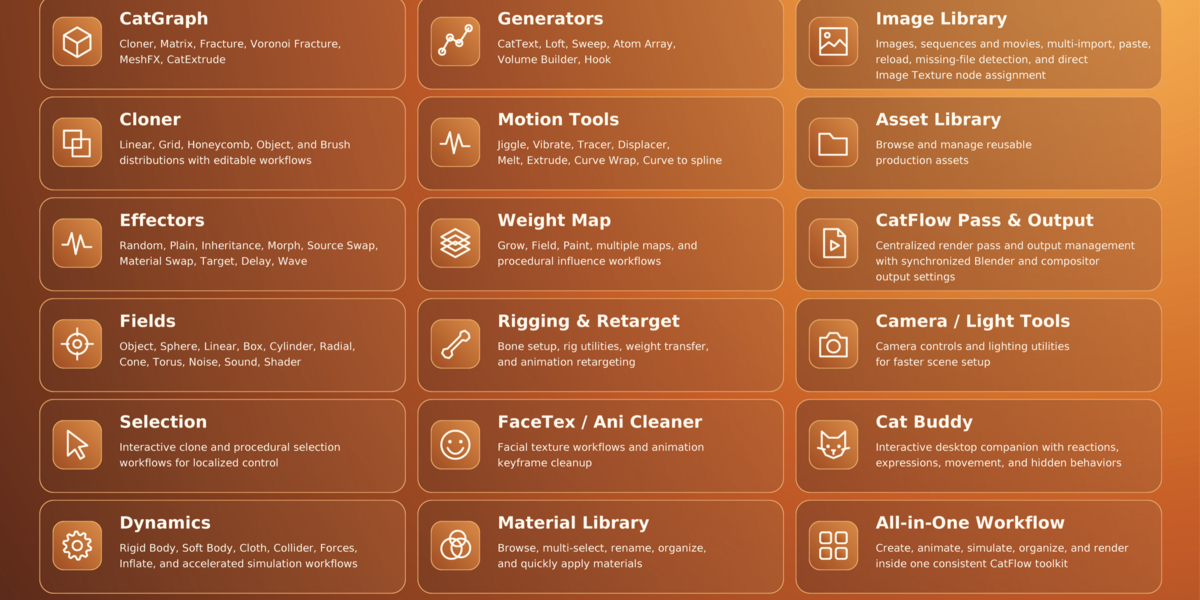
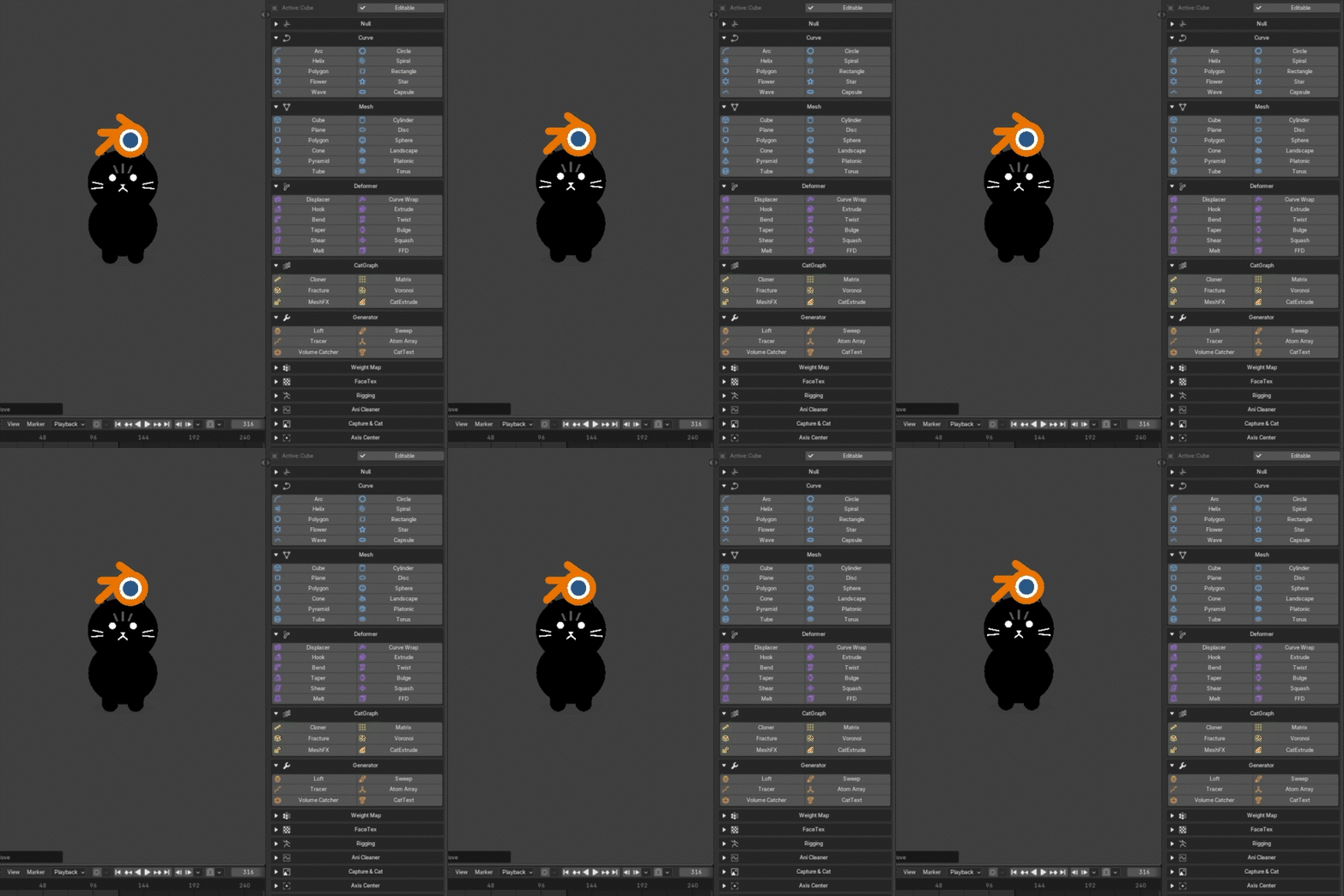
CatGraph — Cloner, Matrix, Fracture, Voronoi Fracture, MeshFX, CatExtrude
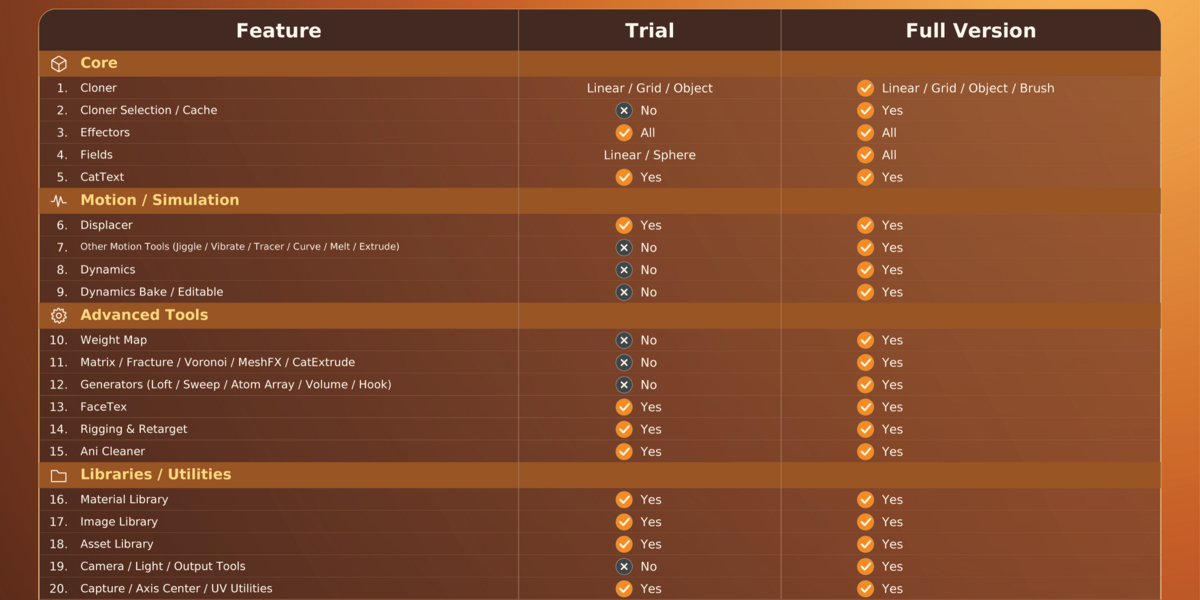
Cloner — Linear, Radial, Grid, Honeycomb, Object, Surface, and Brush distributions with editable workflows
Effectors — Plain, Random, Inheritance, Morph, Source Swap, Material Swap, Target, Delay, Wave, Push Apart, and more
Fields — Object, Sphere, Linear, Box, Cylinder, Radial, Cone, Torus, Noise, Sound, Shader
Selection — Interactive clone and procedural selection workflows for localized control
Deformers — Bend, Twist, Taper, Bulge, Shear, Squash, Melt, FFD, Displacer, Curve Wrap, Hook, Extrude, Crease, Press
Deformer Stack — Stack, reorder, enable, reset, fit, and finalize deformers with Fields and Weight Maps
Dynamics — Rigid Body, Cloth, Collider, Forces, Follow Position / Rotation, caching, and accelerated simulation workflows
Native Acceleration — Native C/C++ processing for performance-critical CatFlow systems, with compatibility fallback where required
Curve & Mesh Primitives — Parametric curves and meshes designed for fast motion-graphics creation
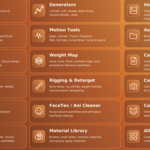
Generators — CatText, Loft, Sweep, Tracer, Atom Array, Volume Builder
Motion Tools — Jiggle, Vibrate, and Align to Spline for secondary motion and path-based animation
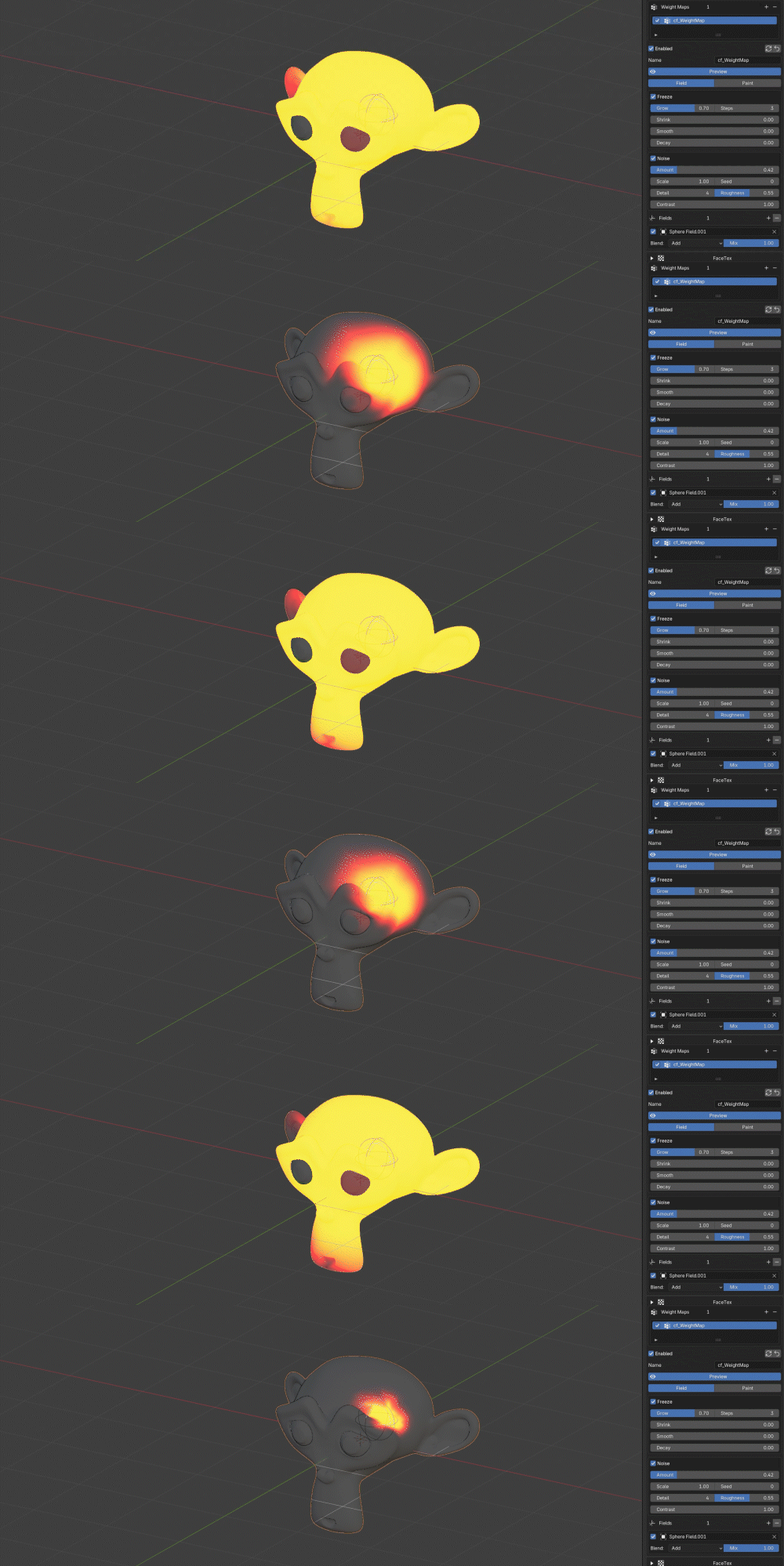
Weight Map — Field, Paint, Grow, Shrink, Smooth, Noise, multiple maps, and reusable procedural influence workflows
Rigging & Retarget — Bone setup, rig utilities, weight transfer, Auto Match, mapping, and animation retargeting
FaceTex / Ani Cleaner — Facial texture workflows and animation keyframe cleanup
Material Library — Browse, multi-select, rename, organize, and quickly apply materials
Image Library — Browse images, sequences, multi-import, clipboard paste, direct Image Texture node assignment
Shape Library — Browse shape thumbnails, Edit & Sculpt Frames, automatic frame recording, multi-selection, copy/paste, Blender shape key integration
Asset Library — Browse and manage reusable production assets
Pose Library — Save, organize, and blend poses with support for selected bones.
CatFlow Pass & Output — Centralized render pass and output management with synchronized Blender and compositor settings
Camera / Light Tools — Camera Morph, Lightform, and lighting utilities for faster scene setup
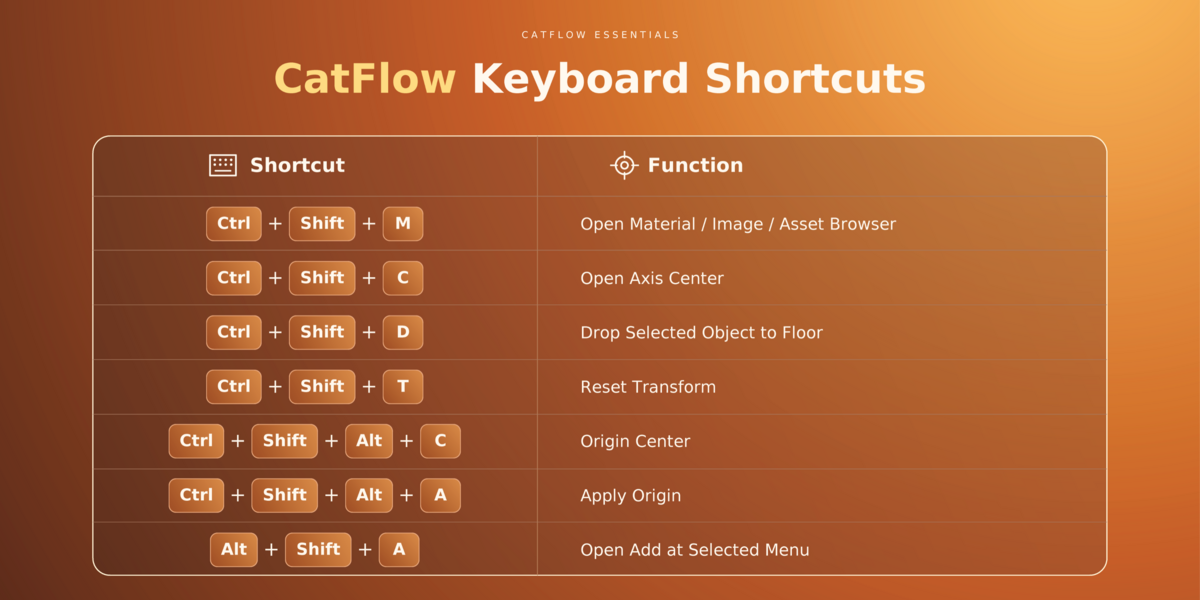
Capture, Axis Center & UV Utilities — Screen capture, pivot/axis controls, placement tools, and quick UV workflows
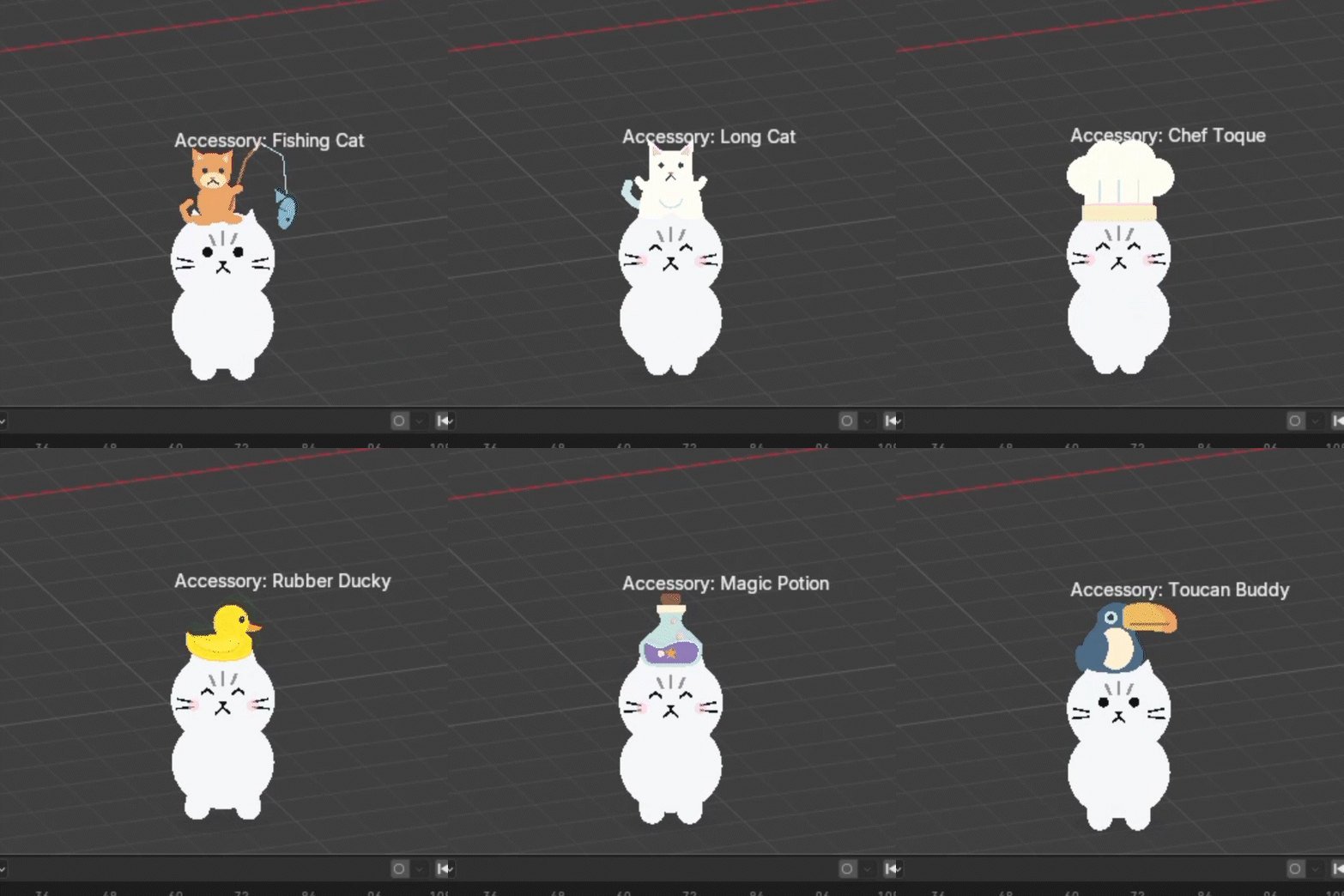
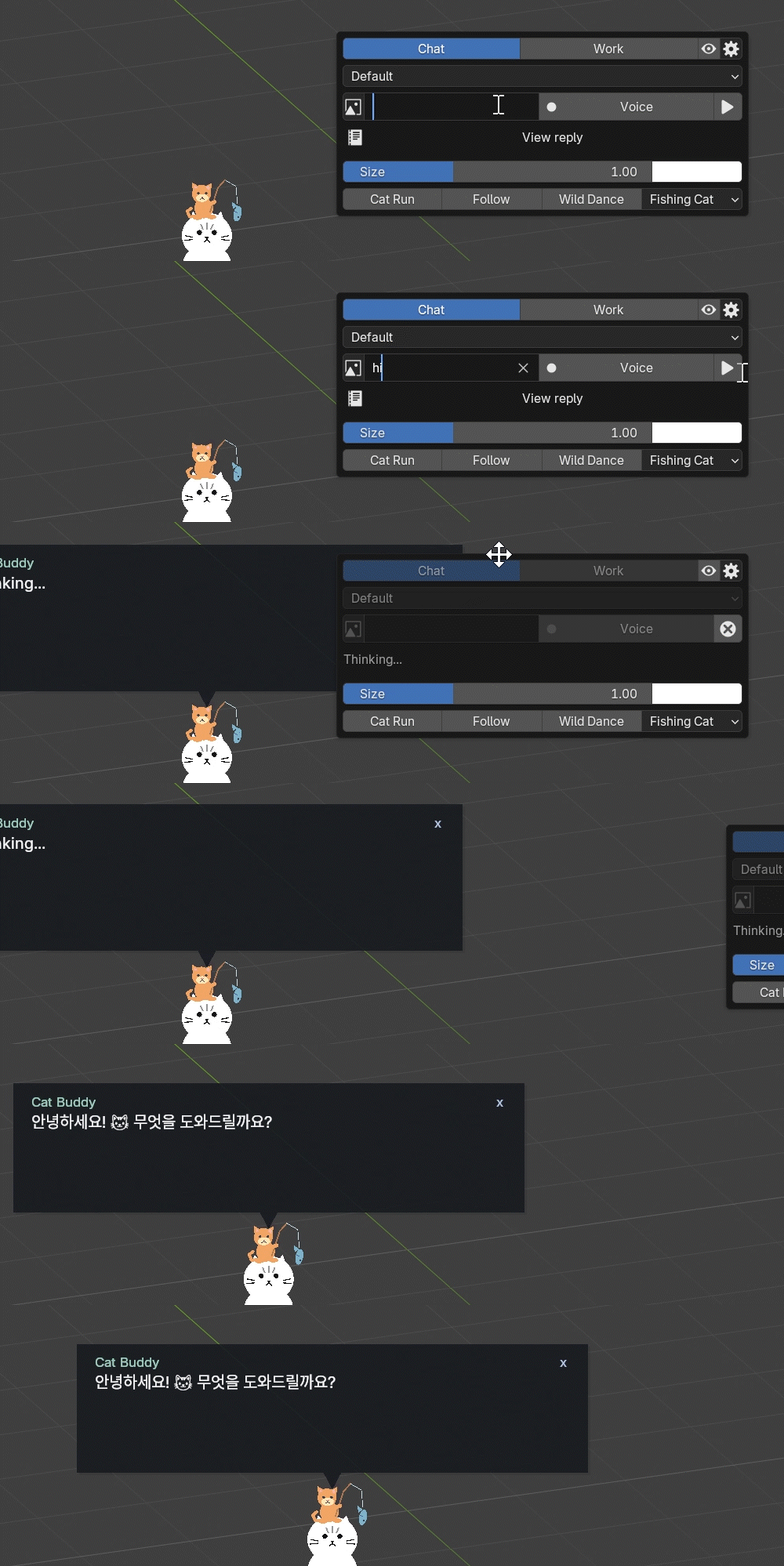

Cat Buddy — Reactions, expressions, movement, a mini-game, costumes, GPT-powered Chat, Work Mode(Codex Connected)
Designed for a Faster Workflow
CatFlow focuses on a clean, parameter-based workflow so artists can spend less time building technical setups and more time designing motion. Create, clone, deform, animate, simulate, organize, and finalize assets while keeping systems editable for as long as possible. When the result is ready, supported workflows can be converted, baked, cached, or exported for final production.
Requires Blender 5.1 or later.
Patch Note
[CatFlow1.5]_20261018 ing
- Cloner / Matrix: brush Density/Count controls and improved F-key sizing.
- Weight Map: automatic Bake and Invert.
- Bake ABC / Restore: save animation caches and restore source objects.
- Shape: automatic Edit/Sculpt Frames recording, continuous editing, one-row tools, and connection checks after Undo/Redo.
- Blender Keys: per-key thumbnails, Grid/List views, original-key editing and copy to CatFlow including neutral keys.
- Material: double-click to open Shader Editor; refresh selected previews in batches.
- Pose: Grid/List and multi-selection; view/settings beside the top tools; only Blend wraps in narrow panes.
- Browser UI: tidier search/toolbars, matching Image/Material/Shape proportions, and Shape beside Image.