CatPin Blender Add-On
 Alex Sokol
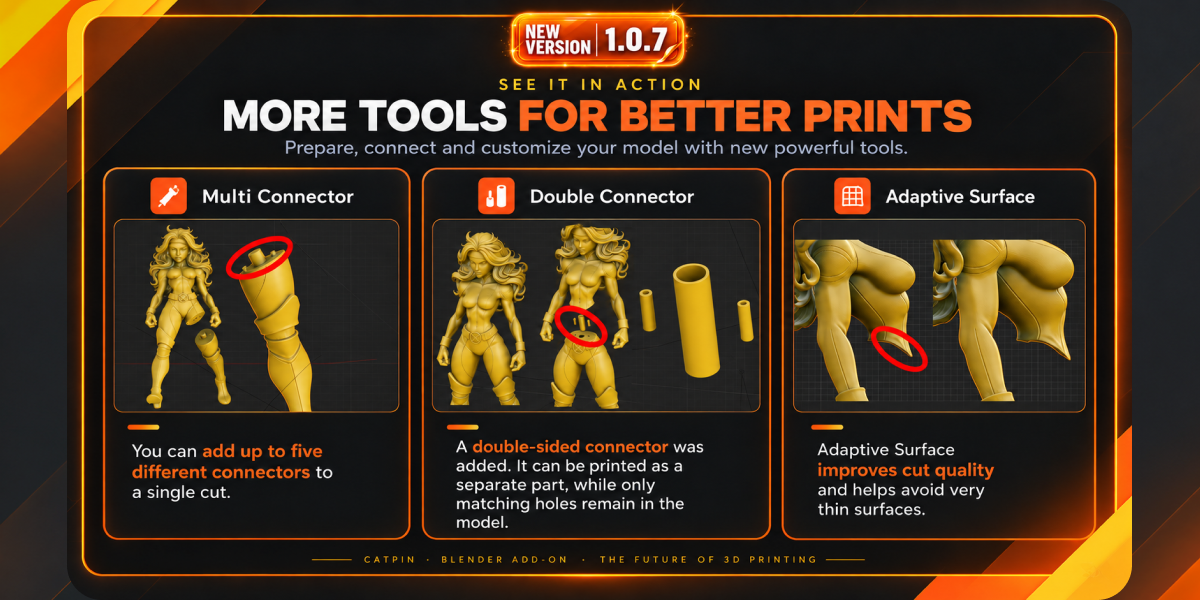
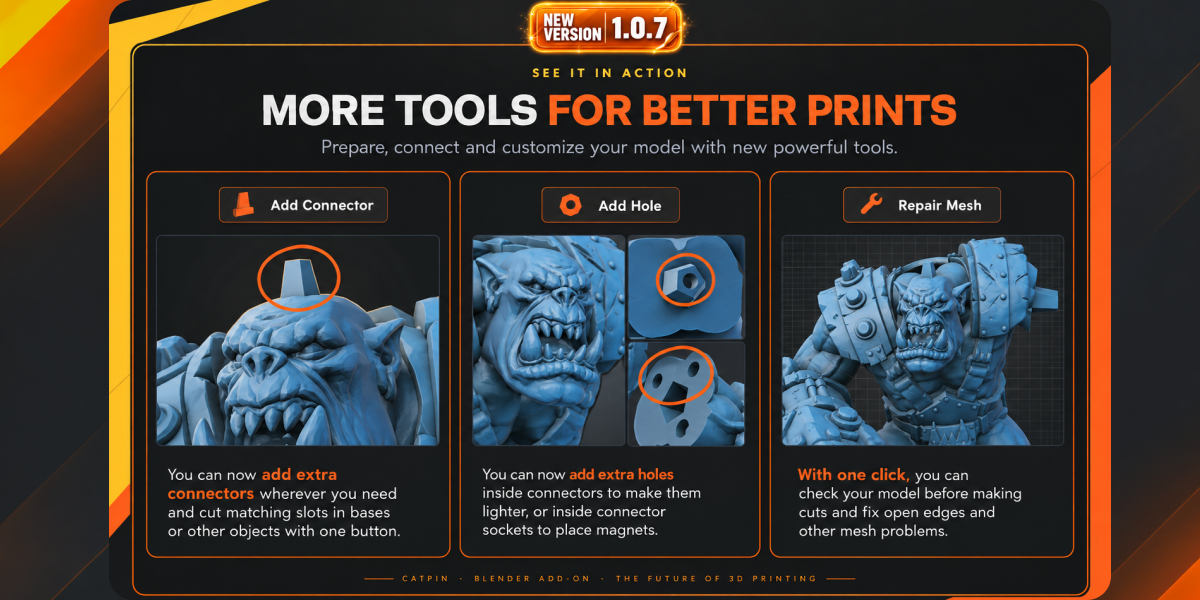


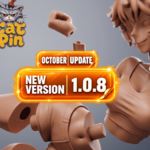
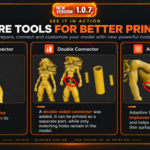
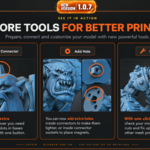
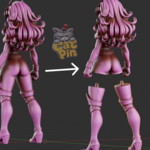
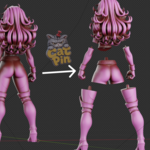
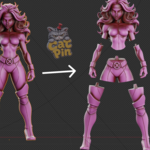
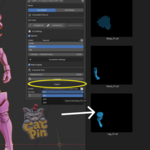
CatPin is a Blender add-on for preparing models, characters and figurines for 3D printing. It helps you split models into printable parts, create matching pins and sockets, and export the finished pieces for resin or FDM printing.
CatPin provides a focused, non-destructive workflow: plan your cuts, adjust the connectors and build the final parts only when you are ready. Your original source model remains preserved.
SYSTEM REQUIREMENTS
• Blender 4.2–5.2
• Windows, macOS or Linux
• Closed, manifold mesh geometry
• Millimeter-based scene units are recommended
• Apply Scale and Rotation before creating cuts
INSTALLATION
Download the CatPin ZIP package.
Open Blender.
Go to Edit → Preferences → Add-ons.
Click the menu in the upper-right corner and select Install from Disk.
Select the downloaded ZIP file.
Enable the CatPin add-on.
Open the 3D Viewport and find the CatPin panel in the sidebar.
QUICK START
Select a closed, manifold model.
Apply the object’s Scale and Rotation.
Choose Draft Mode or Easy Mode.
Select Straight Cut or Curved Cut.
Position the cut and choose the connector settings.
Adjust the pin size, position, orientation and clearance.
Choose which part receives the pin.
Build the cut when the result is ready.
Export the separated parts to STL, OBJ or FBX.
DRAFT MODE
Draft Mode is designed for production work that requires maximum control and editable planning.
With Draft Mode you can:
• Create straight and curved cuts.
• Keep planned cuts editable before the final build.
• Move, rotate and scale connectors.
• Adjust connector width, height and clearance.
• Change which side receives the pin.
• Disable or remove individual cuts.
• Review the complete cutting plan before building.
• Preserve the original source model.
EASY MODE
Easy Mode provides a faster workflow for light and medium-complexity models with a clear cutting plan.
With Easy Mode you can:
• Draw a straight or curved cut.
• Select the connector settings.
• Automatically create the cut, pin and socket.
• Receive separated parts without an additional Draft confirmation step.
CONNECTOR SETTINGS
CatPin creates matching rigid pins and sockets for assembling printed parts.
Available controls include:
• Connector position
• Connector rotation
• Connector scale
• Width and height
• Clearance between the pin and socket
• Pin-side selection
• Built-in and custom rigid connector shapes
Clearance requirements vary between printers, materials and print settings. Always perform a small test print before producing a large final model.
EXPORT
CatPin can export completed parts to:
• STL
• OBJ
• FBX
Before exporting, check that every part has the correct dimensions, orientation and connector clearance.
GEOMETRY REQUIREMENTS
For reliable results, use clean, closed and manifold meshes.
The following geometry may produce unexpected Boolean or Remesh results:
• Open or non-manifold surfaces
• Self-intersections
• Internal faces
• Overlapping geometry
• Extremely thin areas
• Broken or invalid meshes
• Very dense and highly complex intersections
CatPin has been tested with high-poly models containing up to approximately three million polygons. Processing time depends on model complexity, cut shape, connector settings, Remesh density and computer performance.
A single cut may take approximately 2–40 seconds. Complex curved cuts and dense geometry may require additional calculation time.
CURRENT LIMITATIONS
Please review these limitations before using CatPin:
• Separating a model from its base is not currently supported.
• Two-contact connection setups are not currently supported.
• Articulated, rotating and movable joints are not supported.
• Custom pins must use rigid connector geometry.
• Open and non-manifold models are not supported.
• Extremely complex or heavily self-intersecting models may not produce a reliable result.
• CatPin is not an automatic printability analyser.
Some current limitations may be improved or removed in future updates. Follow CatPin updates for new features, optimizations and compatibility improvements.
IMPORTANT PRINTING RESPONSIBILITIES
CatPin accelerates model cutting and connector creation, but the artist remains responsible for:
• Wall thickness
• Structural strength
• Print orientation
• Support placement
• Printer build volume
• Material shrinkage
• Connector tolerances
• Final part placement and validation
Always inspect the generated parts and perform test prints when necessary.
VIDEO TUTORIAL
Watch the official CatPin tutorial:
Watching the tutorial before beginning your first production project is strongly recommended.
SUPPORT
If CatPin does not behave as expected, please contact me before leaving a review. Many issues can be resolved by checking the model geometry, applied transforms, scene units, Remesh density, connector dimensions, clearance and cut placement.
Support email:
When requesting assistance, please include:
• Your Blender version
• Your operating system
• A description of the problem
• Screenshots or a short screen recording
• Information about the model’s topology and polygon count
• The CatPin mode and cut type being used
CatPin is under active development. Feedback, bug reports and practical production examples are welcome.
-
$24 $30
One-person license for hobby and professional work.
-
$36 $45
The complete add-on with a one-person license, a personal thank-you and creator Instagram highlight.
-
$80 $100
The complete add-on with a business license for up to five members of one studio or production team.
 Included
Includes 12 months of
- Support from Alex Sokol
- Product updates
Extend this product’s Support Period +12 months: 25% of product price
Have questions before purchasing?
Login to message
Discover more products like this
figurine slicer keyed joint cut 3d-model-for-printing split fdm resin connector parts STL 3d printing