 CITIGEN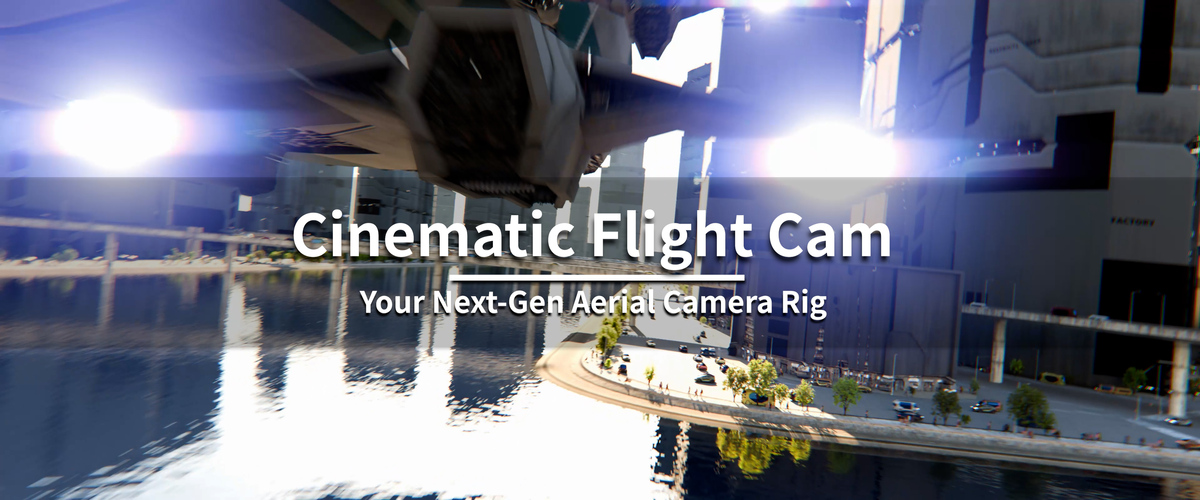
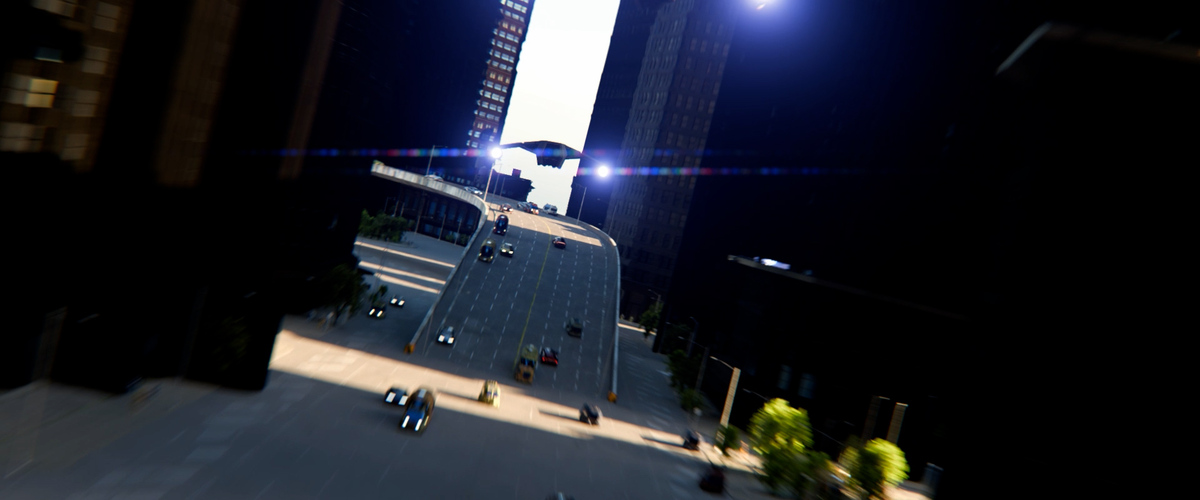
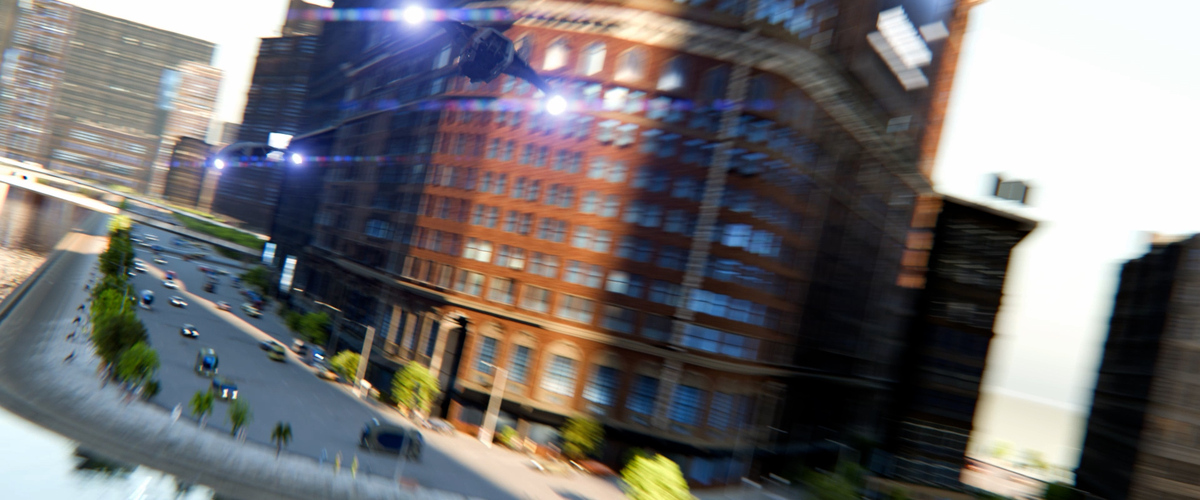
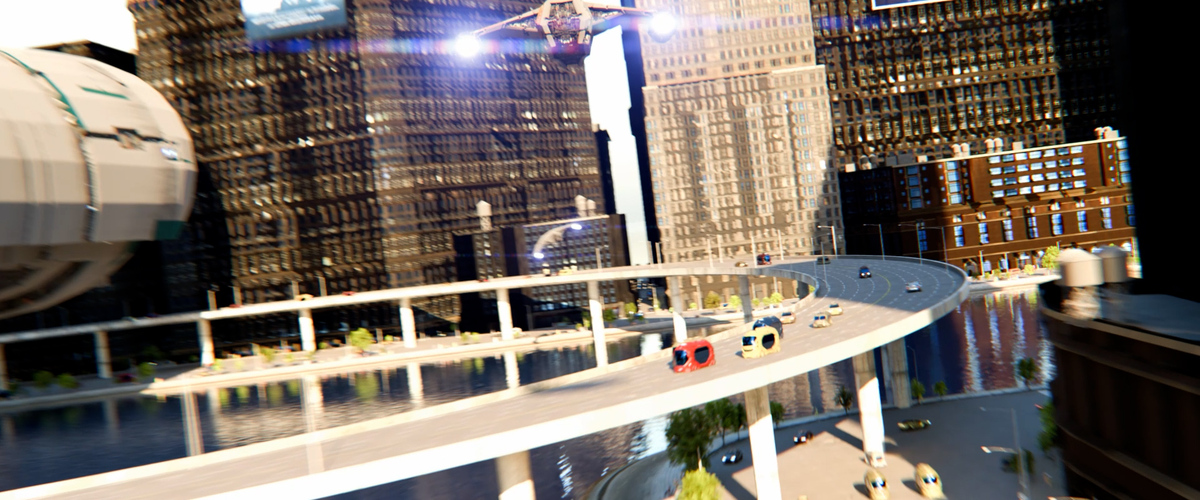
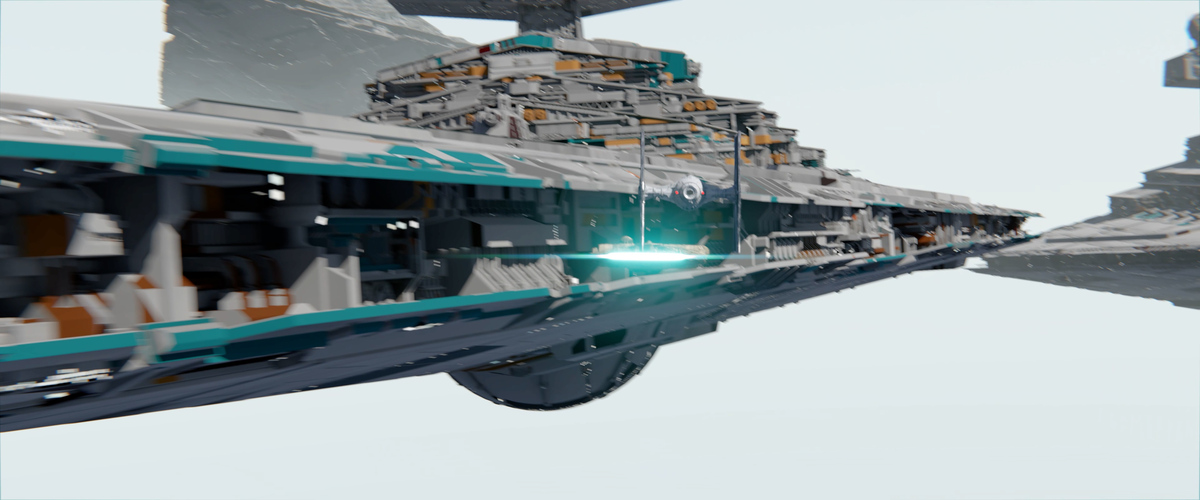
Why you need it
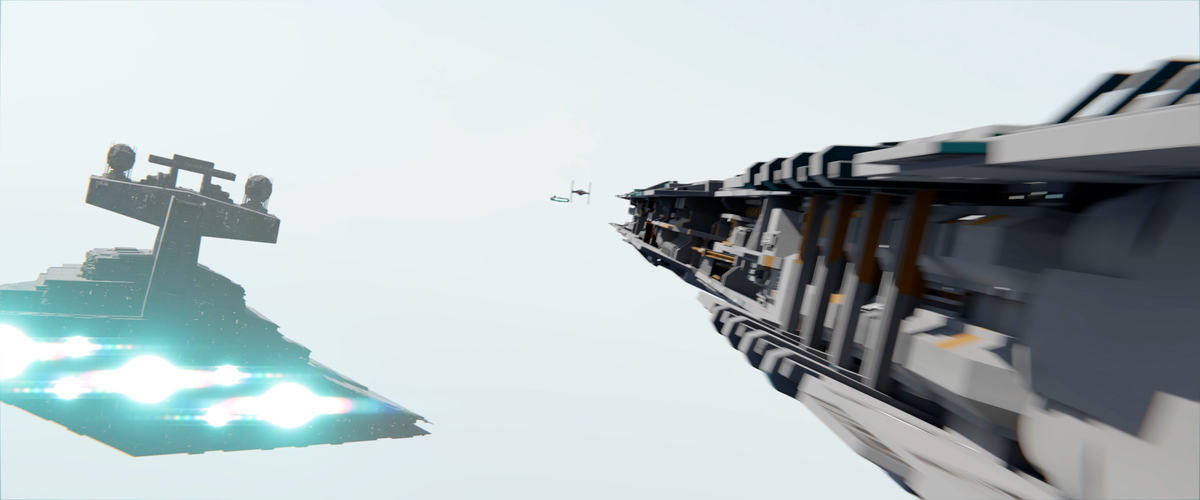
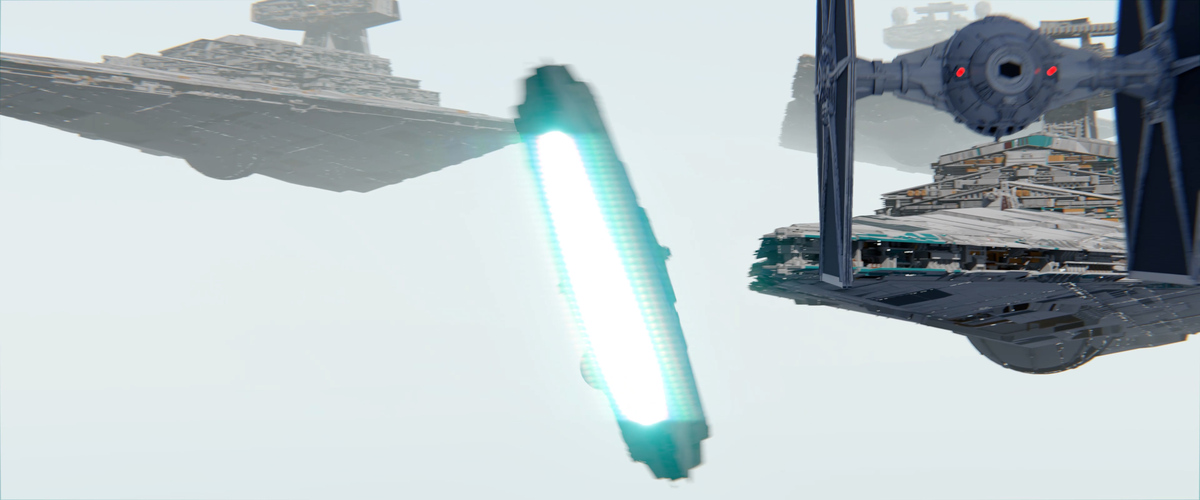
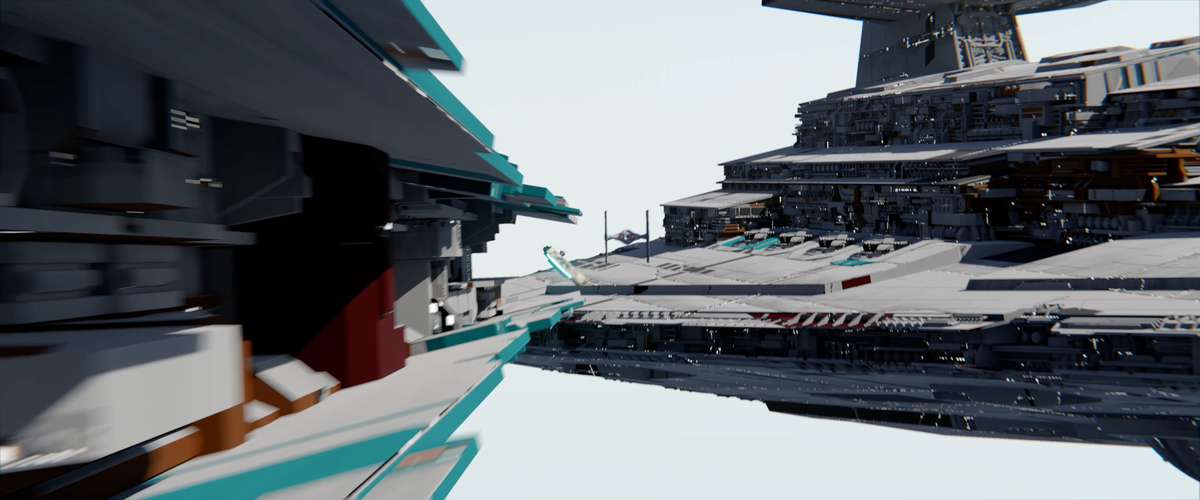
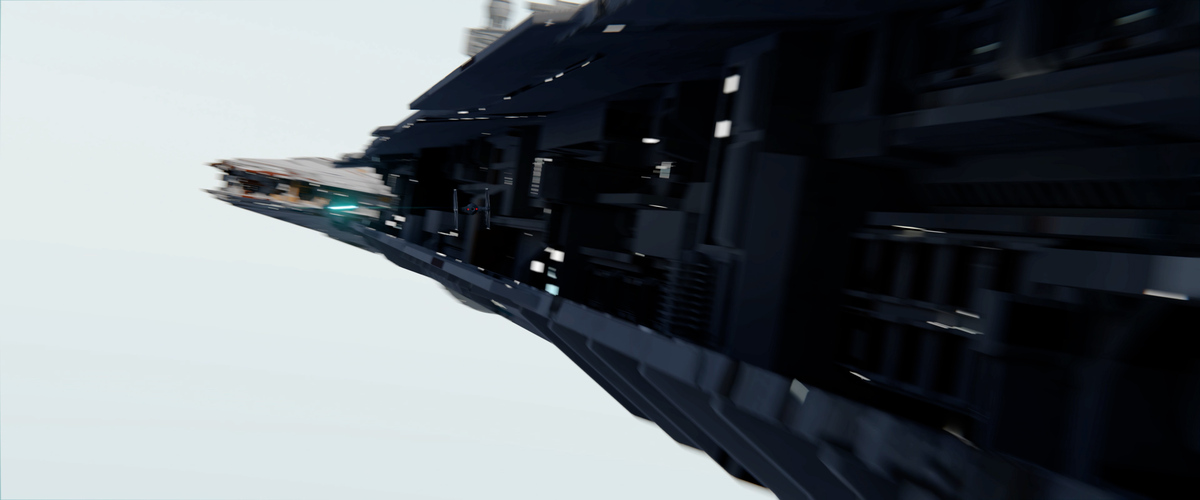
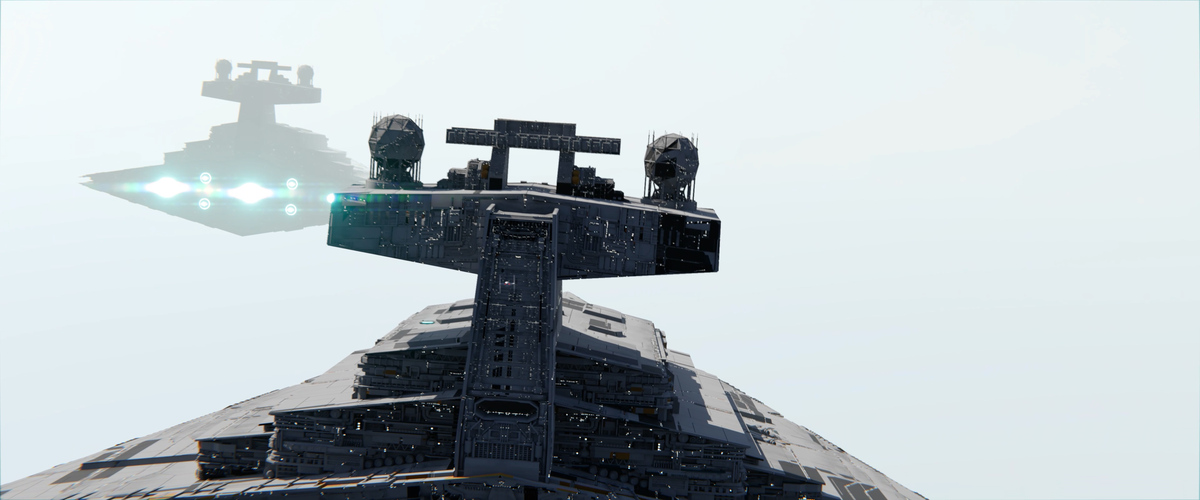
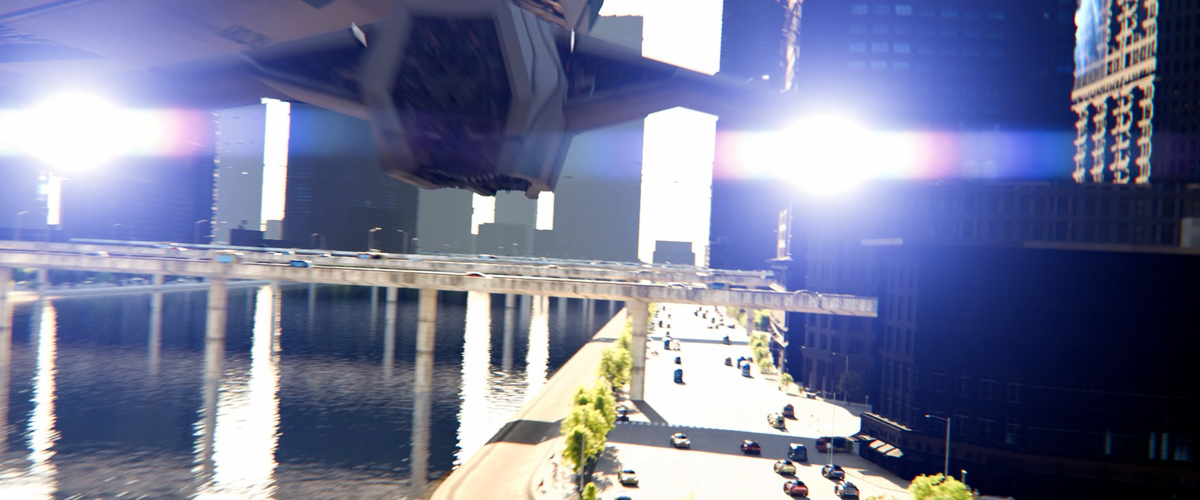
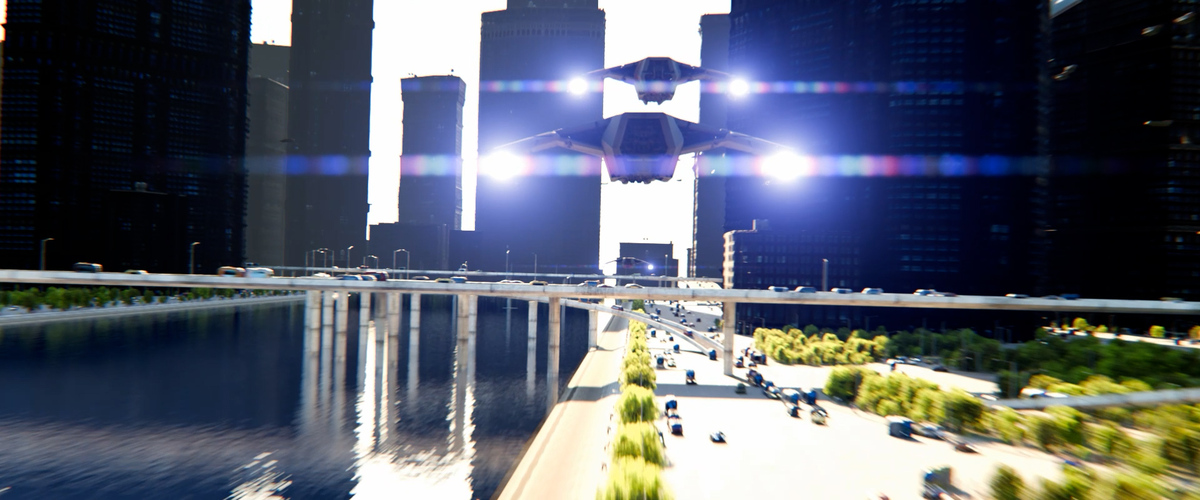
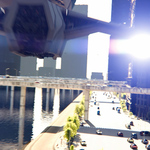
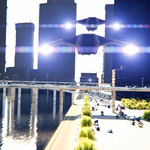
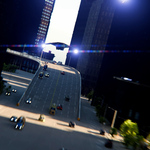
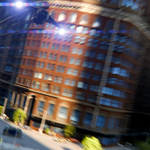
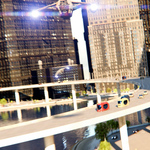
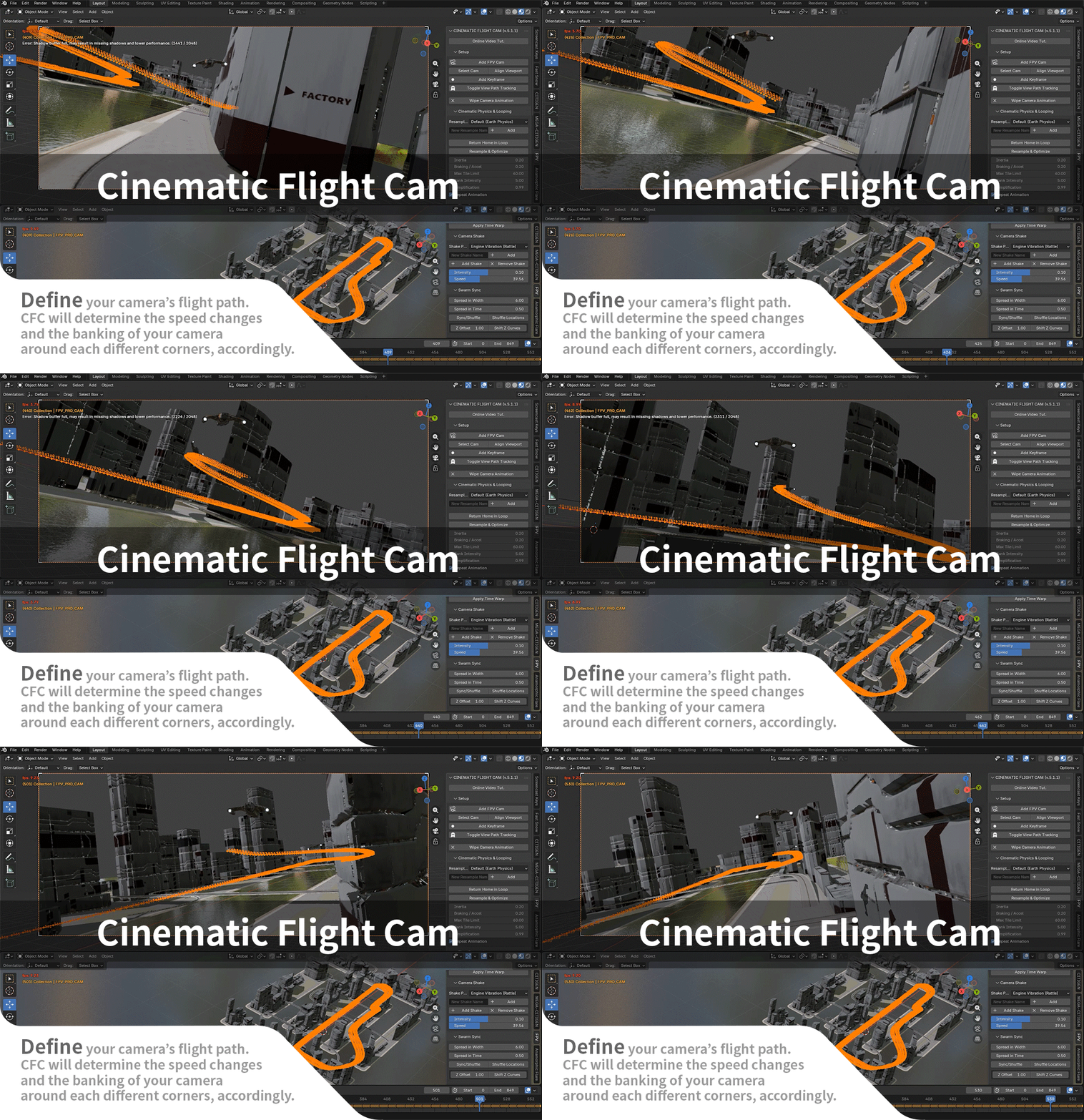
Even without years of experience as animators, you can create convincing flight/aerial race scenes with the help of CFC. Much like a flight simulator, CFC will examine the entire flight path that you've roughly keyframed, and redistribute and adjust the keyframes so that your camera will slow down before steep curves and speed up when there is a straight path ahead. It will bank the camera when it makes turns. When properly completed, you'll feel like looking out of the cockpit of an airliner.
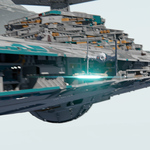
If you are a seasoned animator, CFC will be a huge time-saver. Forget about repetitive tasks of adding curves, parenting camera and your hero assets, and keyframing to adjust speed and banking for every curve, copying the completed animation to multiple objects, and offsetting them in the timeline. Forget about going into the graph editor and trying to repeat them with offset over and over again. With CFC, you can do that with a few clicks. Avoid repetitive tasks and focus on the story of your flights. Use the CFC as the base for child cameras mounted on various parts of your virtual aircraft, such as the rear or the cockpit, looking sideways. Or convert the CFC animation to a regular Bezier curve that inherits all the pitch, roll, and speed, using CFC's Camera Path Tools.
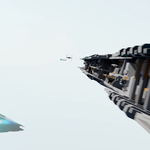
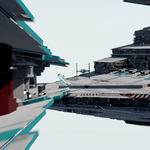
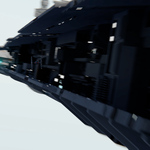
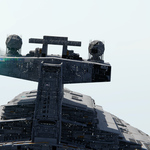
Check out the animation below. It took only about 16 manual keyframes for the entire animation, including all the hero assets. Without CFC, the animator would have had to figure out the most natural speed and banking changes by a lot of testing and replays. In this film, however, they were all done at once automatically, making viewers ready to concentrate on the changing views and the suggested story. Check out its making-of video as well.
What you get
You get a set of tools that automate much of what's needed to animate aerial battle/race scenes, by letting you:
1. Start with the right framing of the view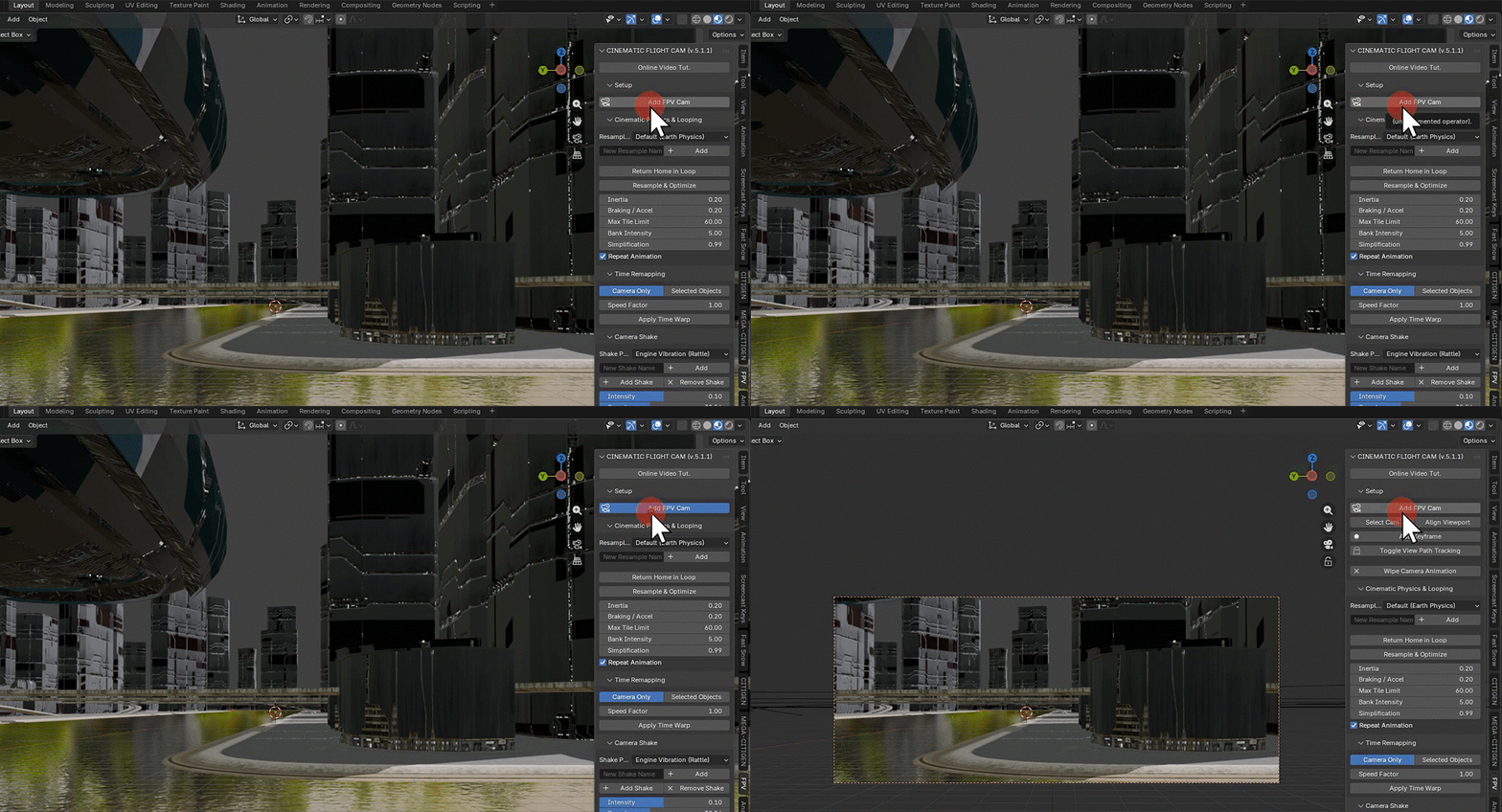
2. Set the flight path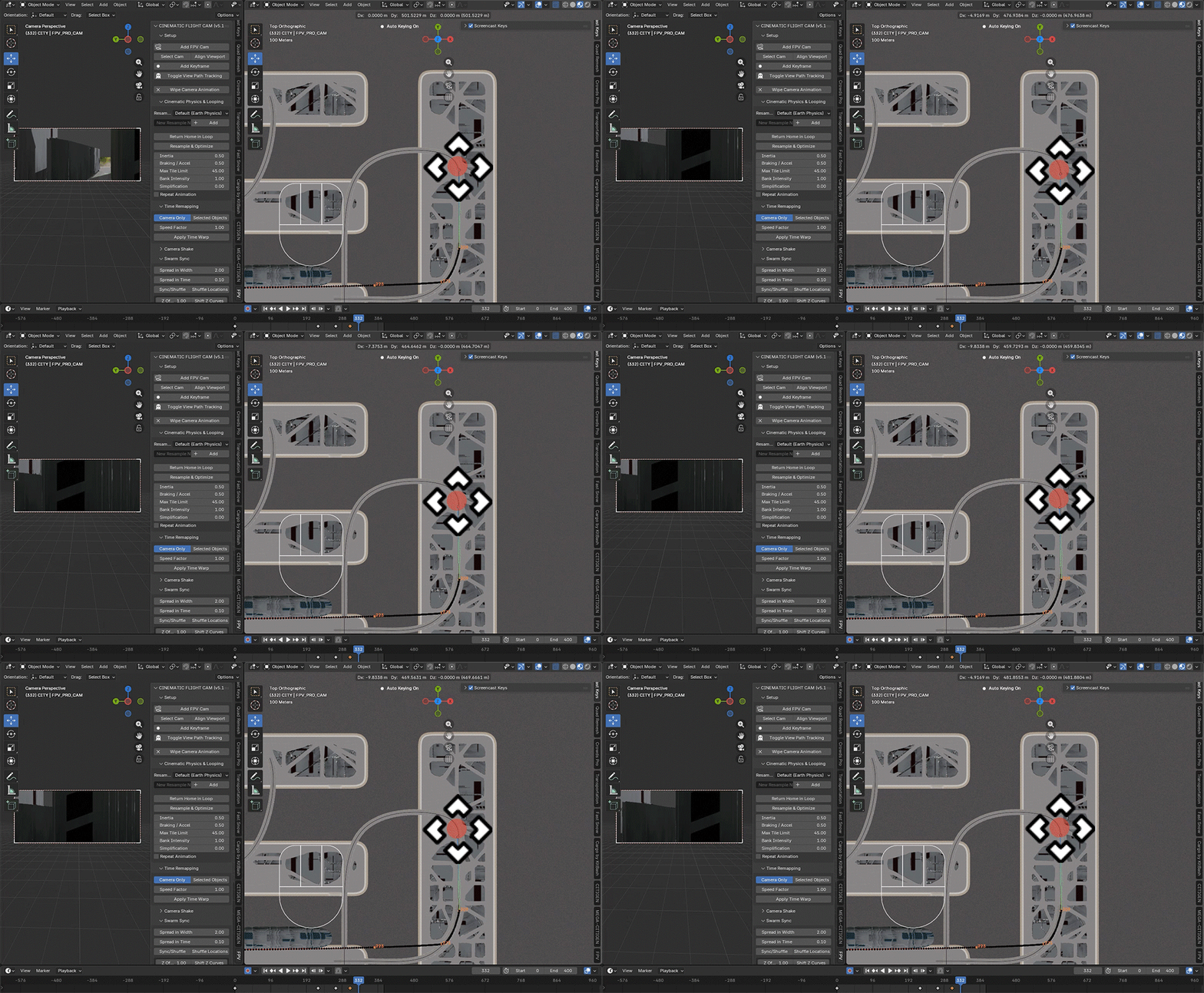
3. Refine the path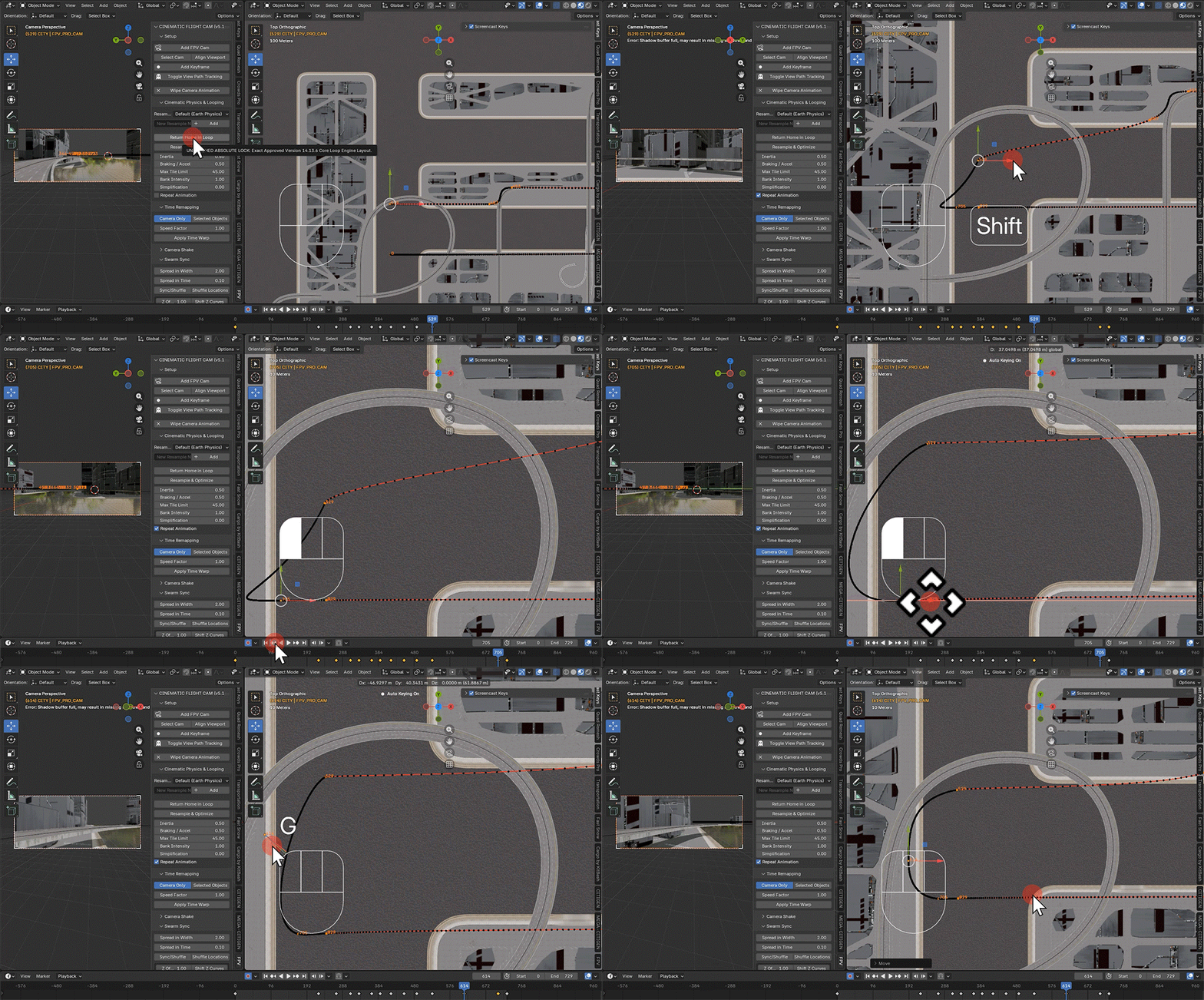
4. Bake into a computer-simulated flight animation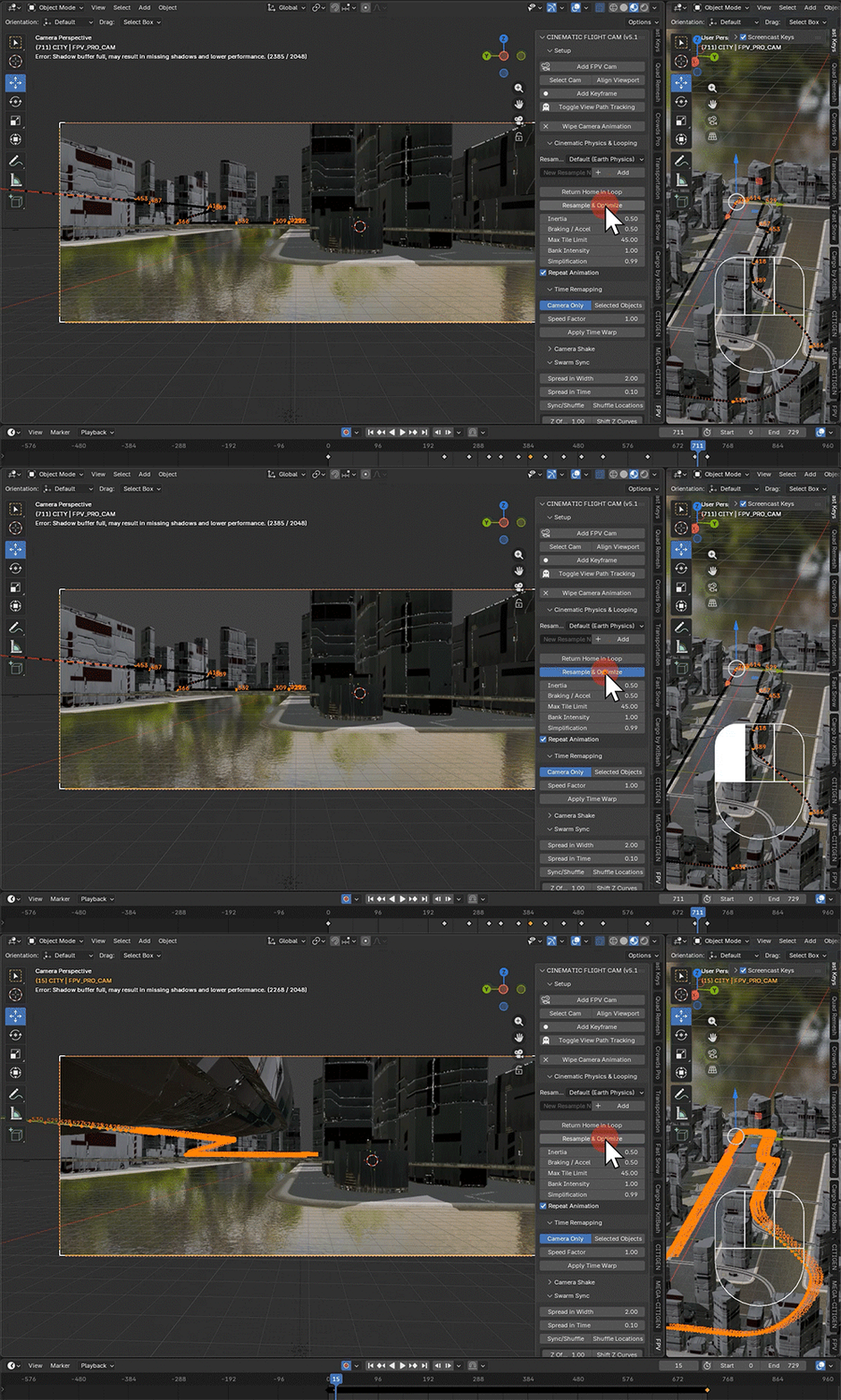
5. Time-remap the whole sequence to make the overall speed plausible.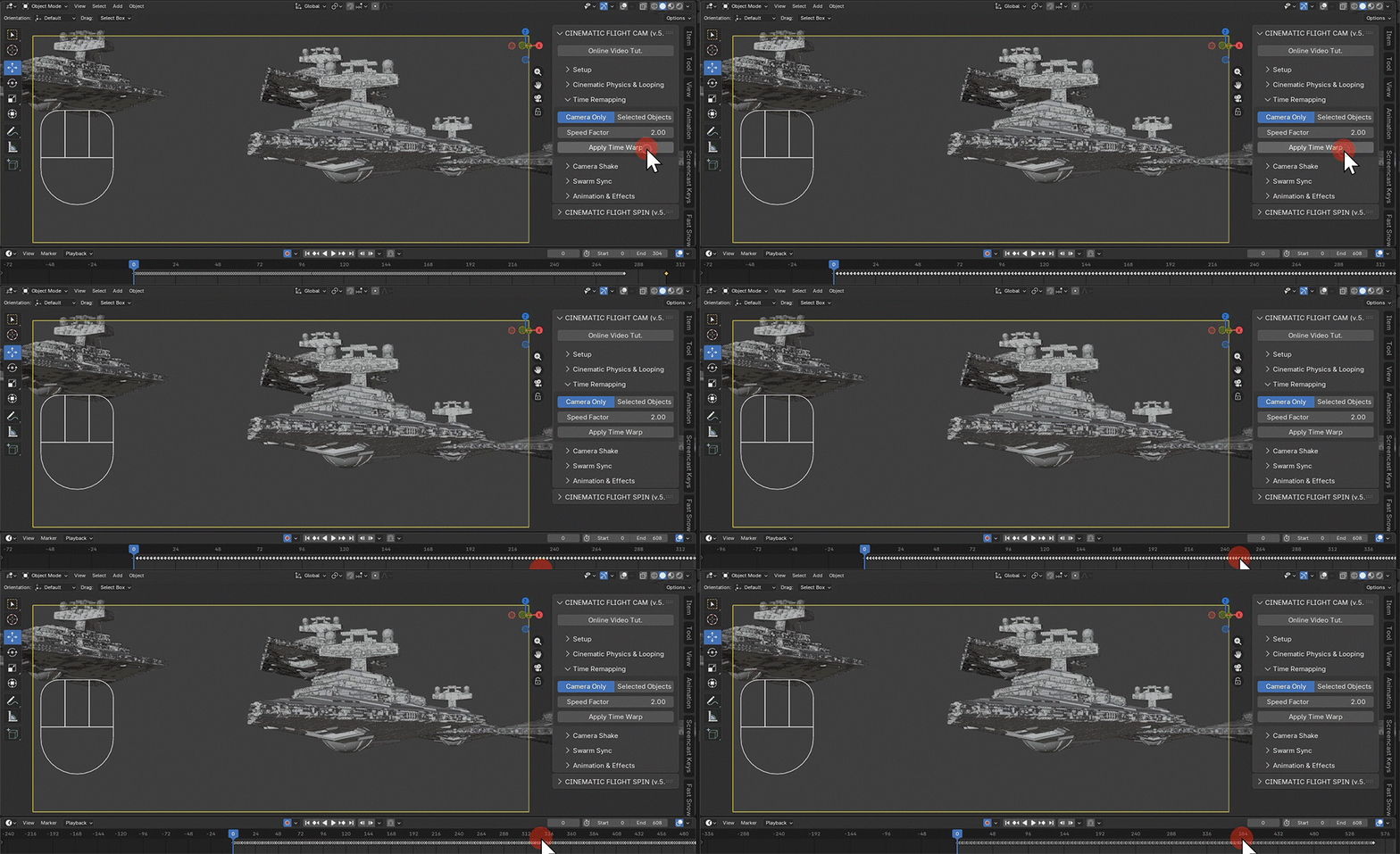
6. Add camera shake to give the viewers a sense of floating in the air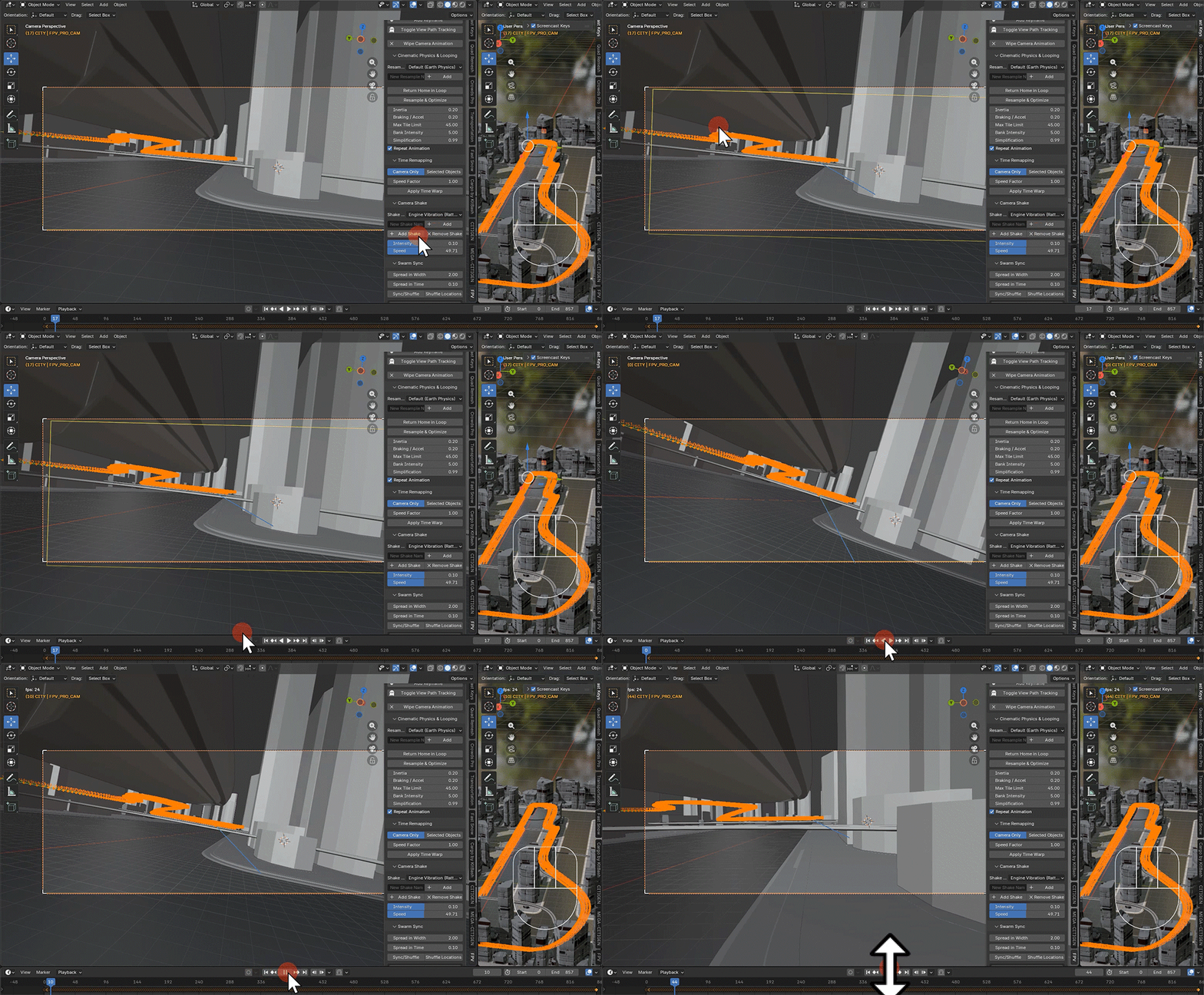
7. Add swarms, in seconds, that use similar paths in front or behind the camera (Perfect for racing or chasing scenes)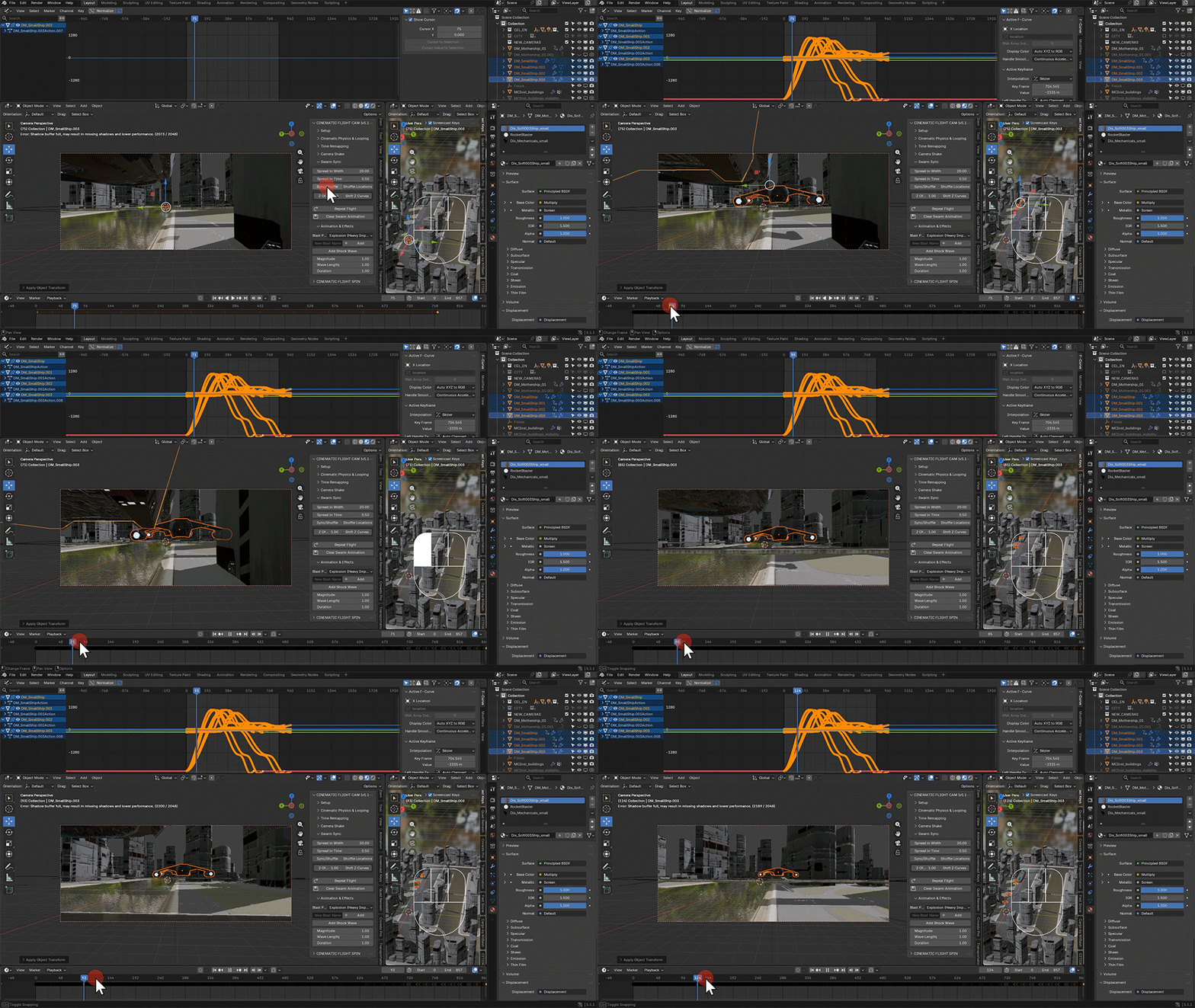
8. Bulk-adjust curves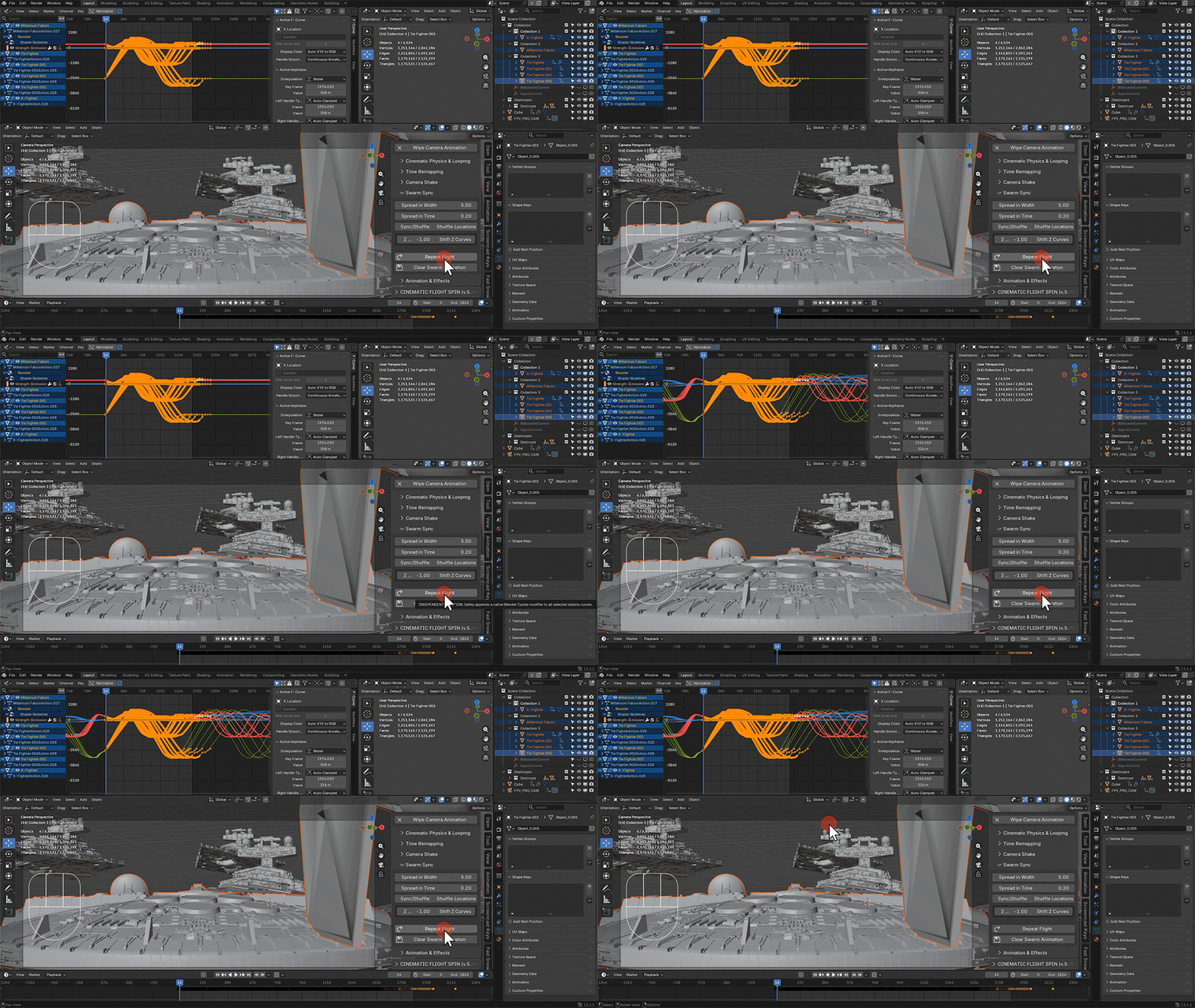
9. Add shock waves to the camera for subtle yet convincing effects, such as the camera being affected by a nearby blast or another ship passing by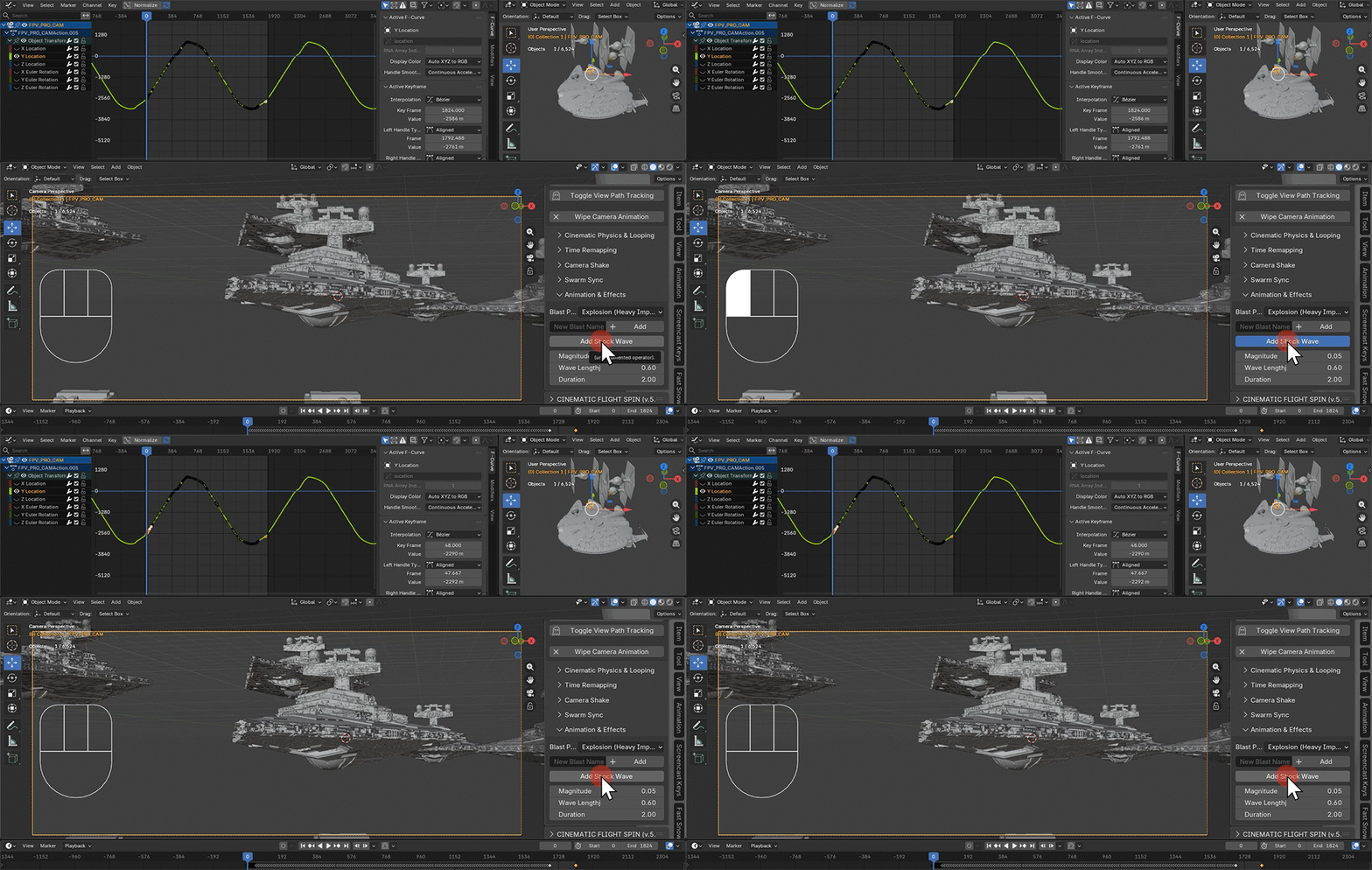
10. If you are rather comfortable working with path curves, Convert the simulated camera animation to Bezier animaiton curve, inheriting the pitch, roll, and speed of the camera.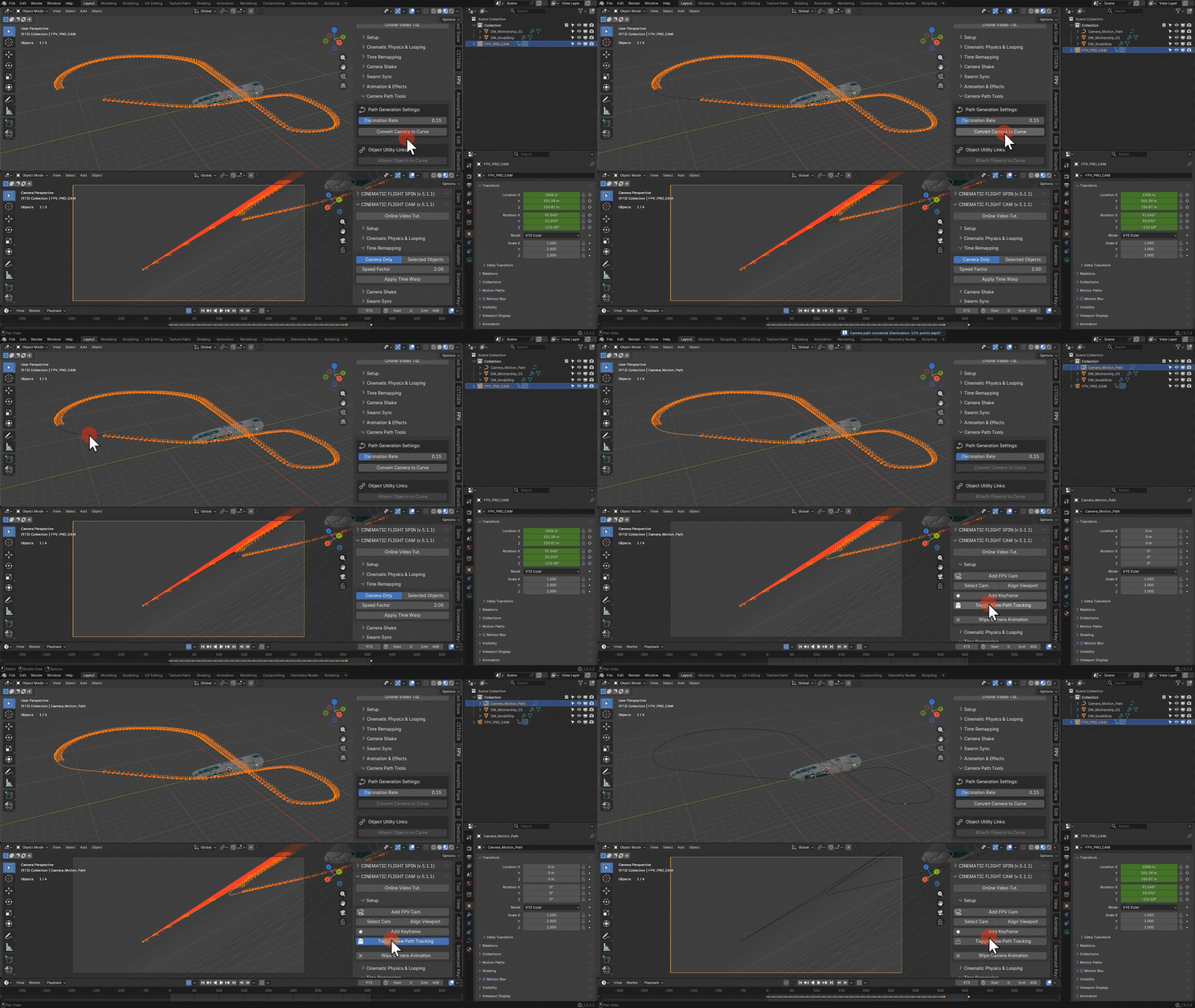
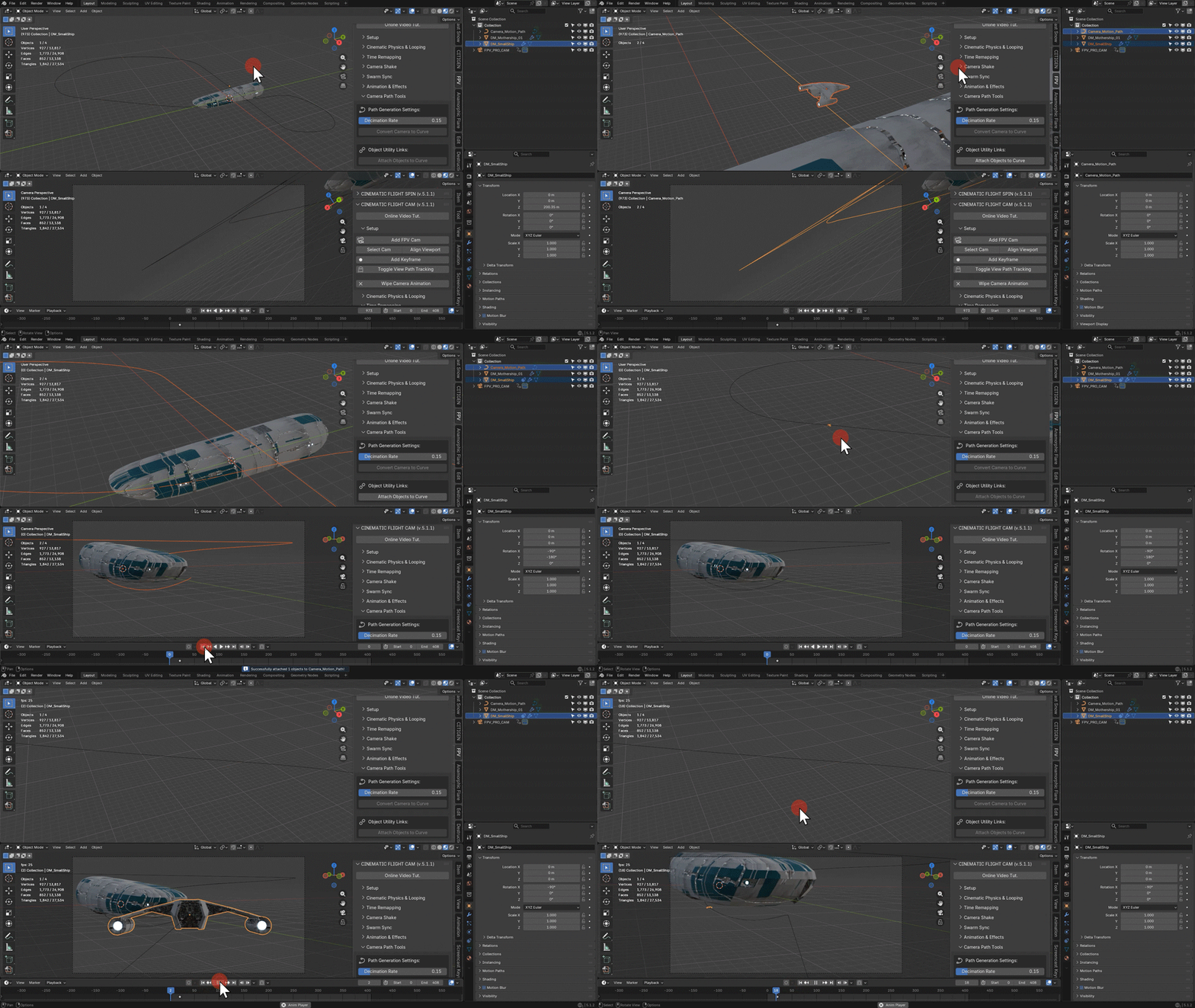
CFC in Action