 one99addons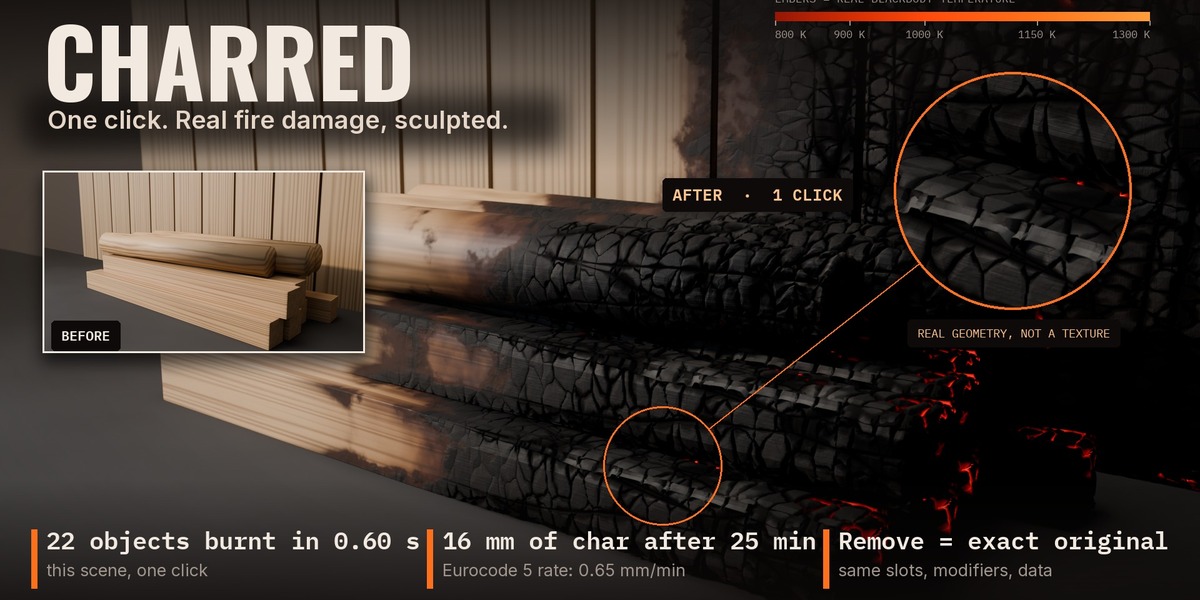
BLENDER 5.2 ADD-ON · ONE99ADDONS
CHARRED
One click. Real fire damage, sculpted.
| 800 K | 1000 K | 1300 K |
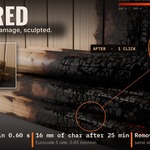
Charred burns any selection in one click: deep alligator-cracked char on wood, sculpted into real geometry at render time, embers glowing in the cracks (real Blackbody temperatures, they light your scene in Cycles), soot plumes on walls, heat-tinted metal and burnt-through cloth. It is 100% procedural, keeps your own materials underneath, keeps your viewport light, and Remove gives you back your exact original.
16 mm
of char after 25 min of fire
|
121 objects
burnt in 1.3 s
|
40 000 tris
viewport, whole burnt scene
|
The problem
A black texture looks like paint, not like a fire.
Real burnt wood has a depth of char that depends on how long it burnt, a red-brown band where the char stops, cracks that split it into blocks, ash on the top faces and embers hiding in the cracks. Walls around a fire get a V-shaped soot plume with a clean, pale patch right where the flames were. Steel turns straw-yellow, then purple, then blue.
Doing all of that by hand on a whole room takes hours, and it is destructive: once you have painted it, your clean asset is gone. The few fire products on the stores are flame effects, an animated destruction effect for Blender 3.0-3.1, or shader packs you tune by hand. None of them burns an existing scene in one click with a physical fire origin.
The fix
One physical fire. Every layer agrees.
01
One physical model, not seven effects
For every point of your objects, Charred computes how much heat it received: distance to the fire, fire climbing faster than it goes down, sharp edges and thin parts heating first, undersides above the fire catching hot gases.
|
02
Real char depth
0.65 mm per minute of fire (Eurocode 5 design charring rate for softwood) x the local exposure time. Corners char about 1.23x faster and come out rounded. "Fire Duration" is in real minutes.
|
03
Alligator cracks like the real thing
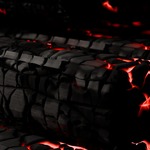
Blocks are shorter along the grain and cut by long fissures that follow it, as on real charred logs. They grow wider and deeper the longer the fire lasted.
|
04
Sculpted, not painted
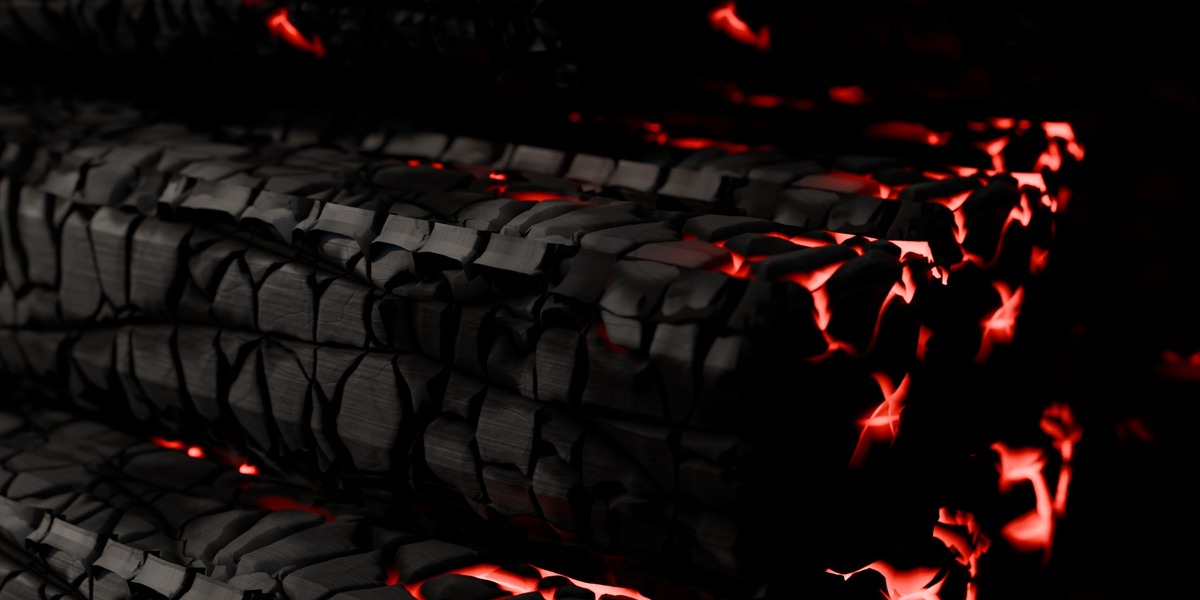
In Cycles every block is carved into real geometry at render time: V-shaped gaps, domed tops, fine checks and grain. Adaptive subdivision puts the detail where the camera looks, so your viewport stays light.
|
05
Embers that glow for real
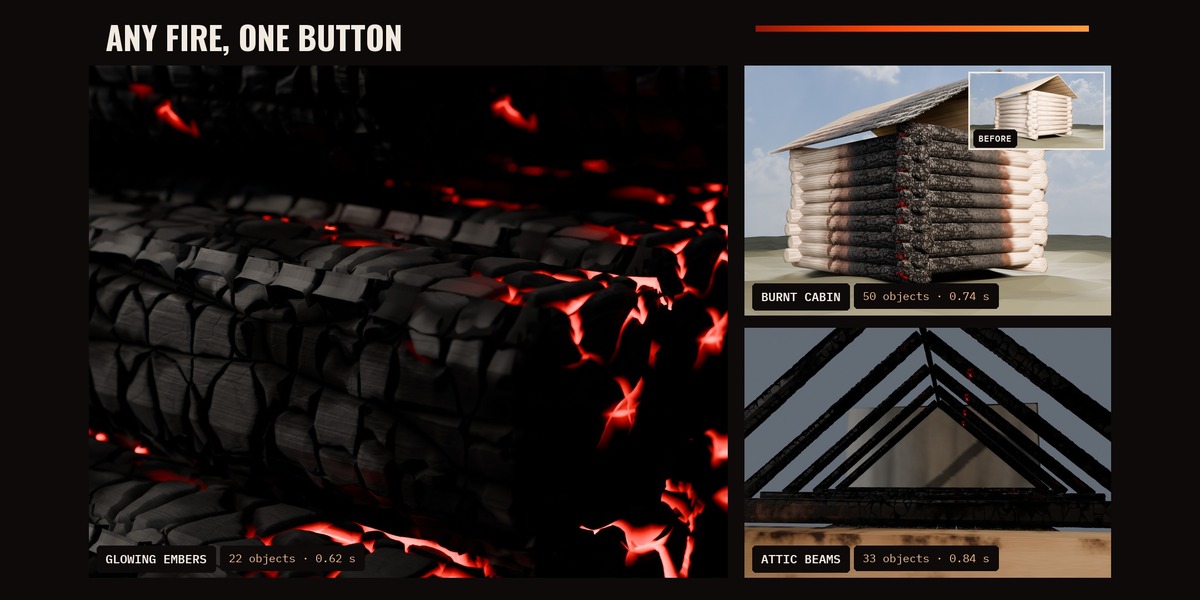
Blackbody colour from 800 K dark red to 1300 K bright orange, brightness rising with T^4, only in the deepest cracks and hottest blocks. In Cycles they light the objects around them.
|
06
Non-destructive, exact Remove
Your material is copied, never edited; your mesh is never touched; modifiers go at the end of your stack. Remove restores the same slots, the same modifiers in the same order, and leaves no orphan data.
|
Measured, not estimated
A real example
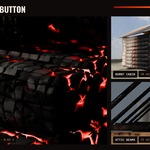
Timber scene: 22 objects (7 pine beams, 3 oak logs, 12 wall planks), fire at the right end of the pile.
- ◆One click on Burn Selected (Burnt Cabin preset, 25 min): 0.55 s to burn all 22 objects.
- ◆25 min of fire → 16 mm of char (0.65 mm/min x 25 min); the left end stays clean wood, with scorch and the red-brown band in between.
- ◆Cycles GPU (RTX 4060 Ti), 1920x1080, 128 samples, sculpted detail on: 11.8 s before, 32.1 s after.
- ◆Remove: back to the exact original (every slot, modifier, data-block and orphan compared before/after).
- ◆Big scene: 121 objects (120 planks + a 131 000-face sphere) burn in 1.3 s; a full HD Cycles frame renders in 14 s (32 samples), 4.0 GB RAM at peak.
Every option
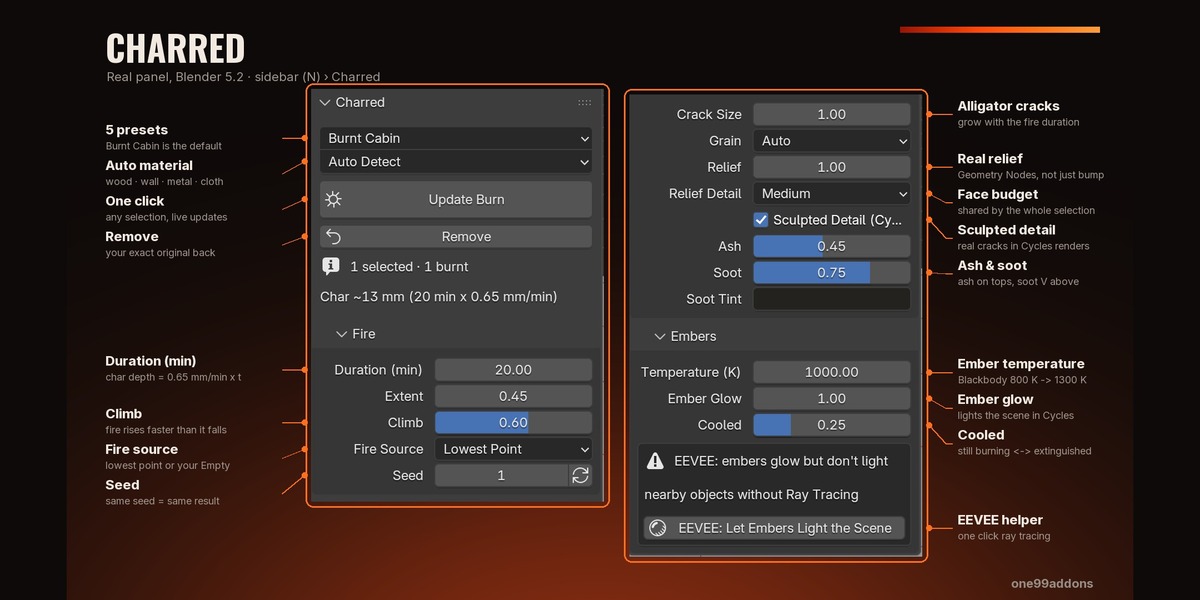
Features
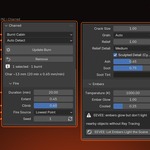
MAIN
|
FIRE
|
CHAR & RELIEF
|
EMBERS
|
Auto-detected
What each material does
Wood
Scorch halo, red-brown pyrolysis band, char with sculpted alligator cracks, ash, embers.
|
Wall / concrete / plaster
Soot plume and streaks, brown heat discolouration, clean burn near the flames, burnt paint right next to the fire.
|
Metal
Steel temper colours (straw ~225 C, brown, purple, blue ~310 C), soot that burns off very hot metal, black oxide.
|
Cloth / paper
Scorch, crumpled fibrous char, burnt-through holes with a faint glowing edge while still burning.
|
Great for
Tips
Get the best burn
- ◆Select everything that should burn, including the walls, then click once: the soot and the char all agree on one fire.
- ◆Move the "Charred Fire Source" Empty to move the fire: the burn updates live.
- ◆Embers look best in a darker scene; in EEVEE click the EEVEE helper button.
- ◆Close-ups: Relief Detail High. Big scenes: Medium or Low.
- ◆Sculpted detail needs a light that rakes across the surface: a low sun or a side light.
- ◆Your original material stays visible in the scorched and unburnt parts: textured wood stays textured.
REQUIREMENTS
Blender 5.2 (made for 5.2 LTS). Also tested on 5.0.1 and 5.1.2. Cycles and EEVEE. No external files, no image textures, no extra Python module. Find it in: 3D Viewport > Sidebar (N) > Charred |
INSTALL
|
Honest limits
- ◆Static result: no fire, smoke or flame simulation and no animation.
- ◆No mesh destruction: burnt parts recede and crack but never fall apart; cloth holes are transparency.
- ◆Procedural shading + a Geometry Nodes modifier: does not export to game engines as-is (bake it yourself).
- ◆Rendering is heavier: about 2x to 3.5x the render time of the same unburnt scene. "Extinguished" (no glow) renders faster.
- ◆Sculpted detail is Cycles only and needs memory (+0.9 GB RAM, +0.5 GB GPU in our 121-object test). Use Relief Detail Low or turn it off for huge scenes.
- ◆If you move the fire far away or change the render resolution a lot after burning, click Update Burn.
- ◆Meshes only (convert curves, text and instances first). Linked library objects cannot be burnt. Alt+D copies burn only where selected.
- ◆Material detection is a guess from names and settings; force the type when it guesses wrong.
- ◆The fire spreads through space, not around obstacles: a wall does not shield what is behind it.
- ◆Embers light the scene in Cycles; in EEVEE only with Ray Tracing on, and more weakly.
- ◆Thin closed objects count as thin parts and burn faster.
MADE BY ONE99ADDONS · BUILT FROM SCRATCH FOR BLENDER 5.2