 nice mesh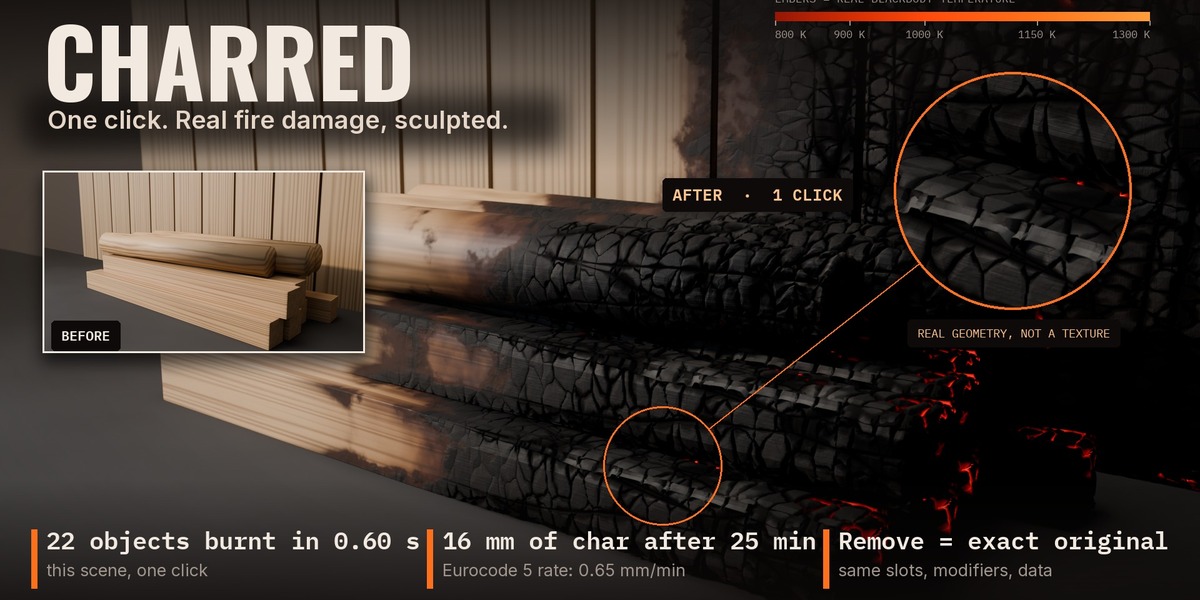
BLENDER ADD-ON · NICE MESH
CHARRED
Burn a whole scene in one click. Remove puts it back.
▶ Watch the demo video: youtu.be/NSADpajfVZs
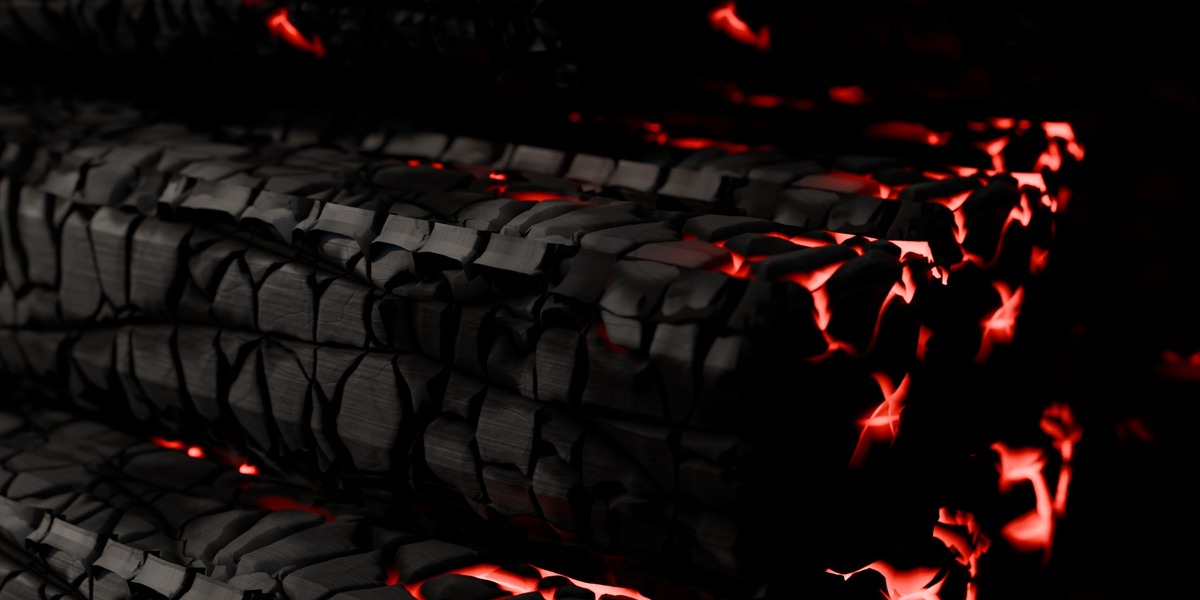
Select your objects, click Burn Selected. Charred adds sculpted char, glowing embers, soot on the walls and heat-tinted metal on top of your own materials. Your mesh is never touched, and Remove gives you back your exact original.
0.55 s
to burn 22 objects (one click)
|
16 mm
of char after 25 min of fire
|
0 differences
after Remove: slots, modifiers and data compared
|
How it works
Three steps.
01
Select
Any meshes: wood, metal, cloth, painted walls. The material type is guessed from its name, and you can force it.
|
02
Burn
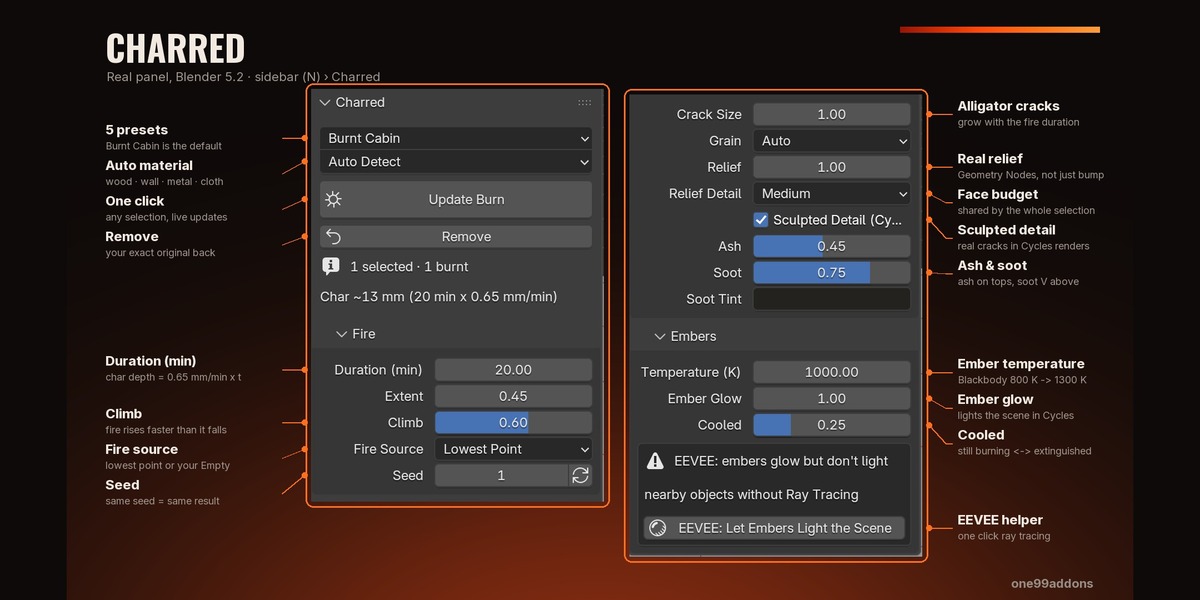
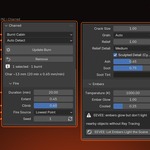
Click Burn Selected. A fire marker appears; move it and the whole burn follows live.
|
03
Tune or remove
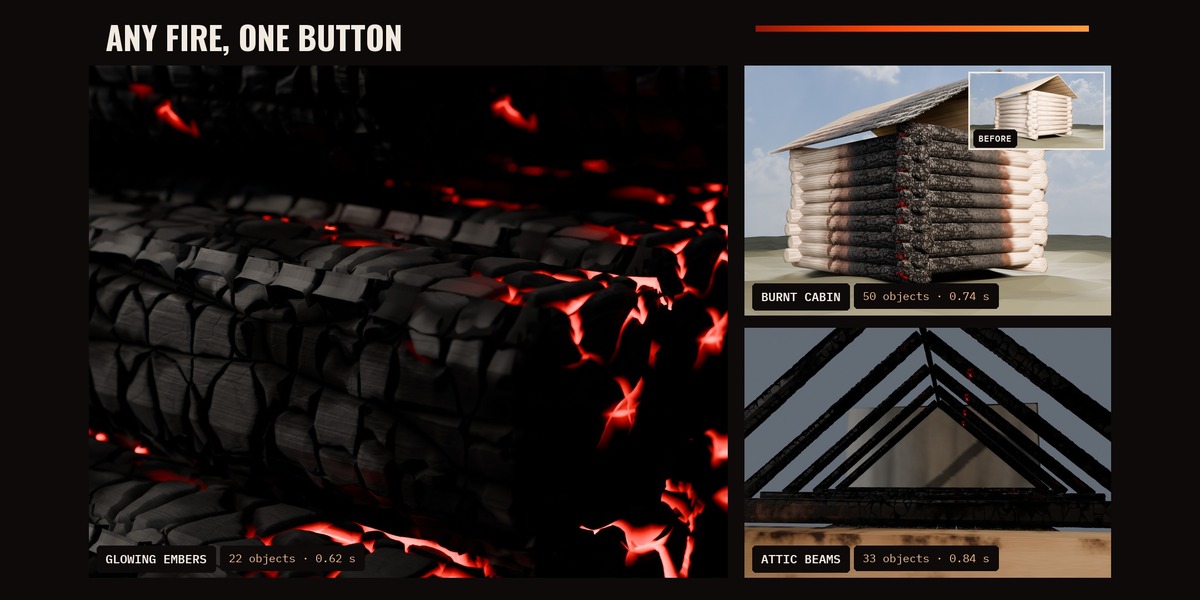
Pick a preset (Burnt Cabin, Attic Beams, Glowing Embers), set Fire Duration in real minutes, or click Remove.
|
What's inside
Every layer agrees on one fire.
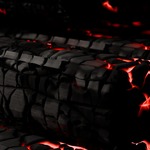
◆ Sculpted char alligator cracks carved into real geometry at render time (Cycles). Your viewport stays light: 40,000 triangles for a whole burnt scene. |
◆ Embers that glow real temperatures from 800 K to 1300 K. In Cycles they light the objects around them. |
◆ Soot and ash a V-shaped plume on walls, with a clean patch where the flames were. |
◆ Heat-tinted metal straw yellow, then purple, then blue, like real steel. |
◆ Burnt cloth and paper scorched, fibrous, with burnt-through holes. |
◆ Non-destructive your materials are copied, never edited. Undo works. Same seed, same result. |
Good to know
What it does not do.
- ◆Sculpted relief is Cycles only. EEVEE works too, with the same look but without the carved geometry.
- ◆Renders take about 2 to 3.5 times longer than the same unburnt scene (11.8 s to 32.1 s in our timber example, Full HD, 128 samples, RTX 4060 Ti).
- ◆Static damage only: no flames, smoke simulation or animation.
- ◆Meshes only. Curves, text and instances are skipped with a clear message.
Requirements
Blender 5.2 (also tested on 5.0.1 and 5.1.2), Windows. Cycles and EEVEE. No external files, textures or extra Python modules. Find it in 3D Viewport > Sidebar (N) > Charred. English and French interface.
Install: Edit > Preferences > Add-ons > Install from Disk, pick Charred_v1.1.0.zip, tick Charred.
MADE BY NICE MESH · BUILT FROM SCRATCH FOR BLENDER 5.2