 KewlSheet
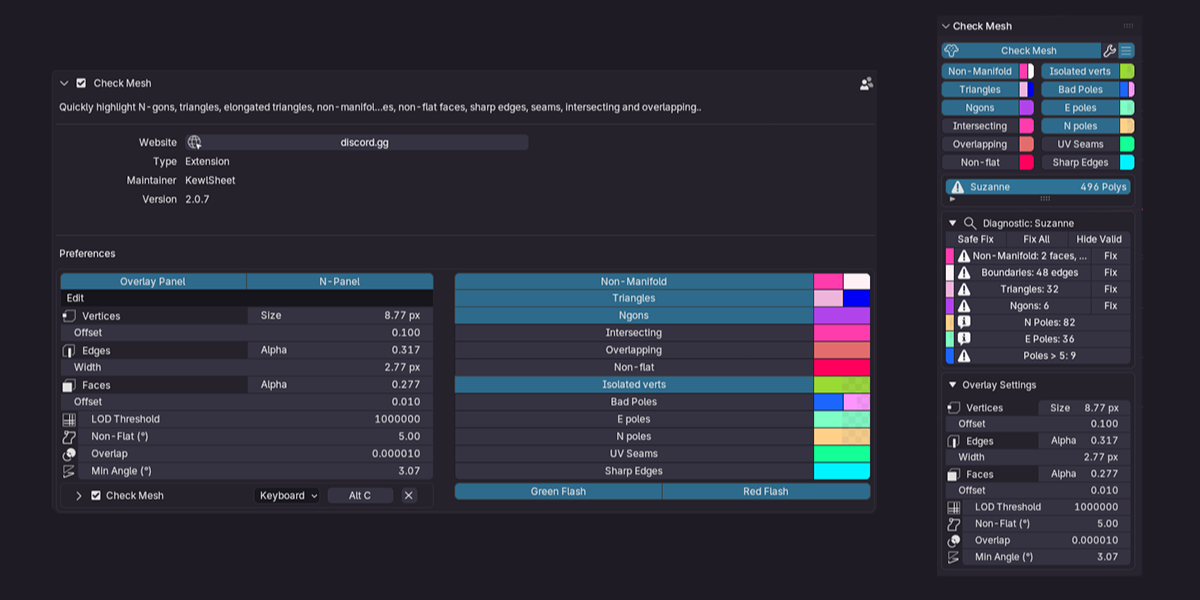
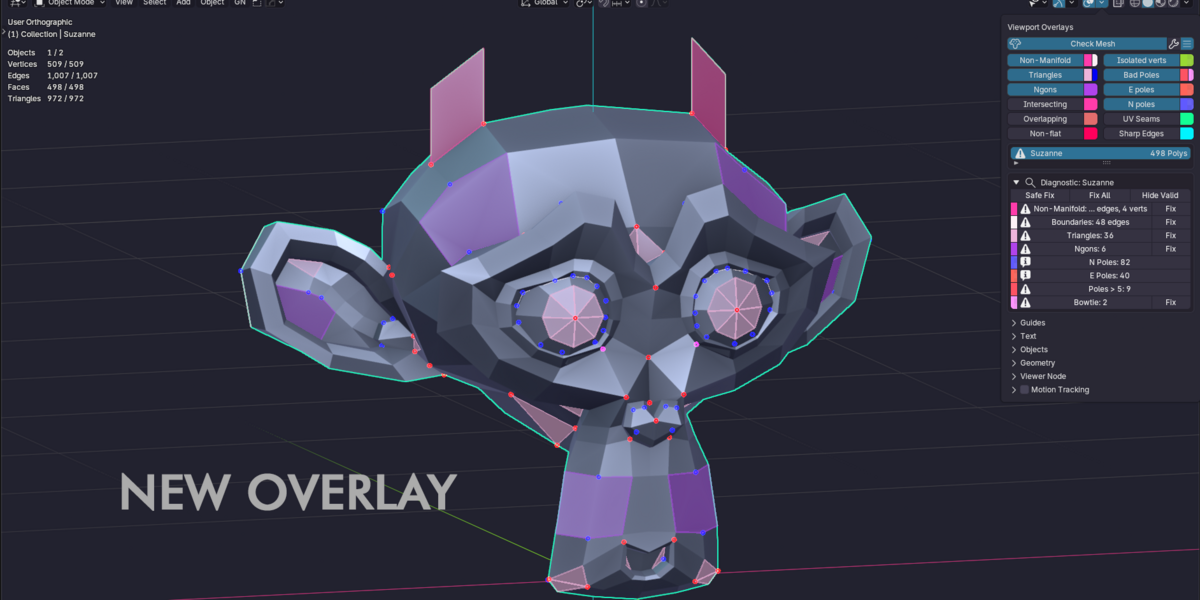
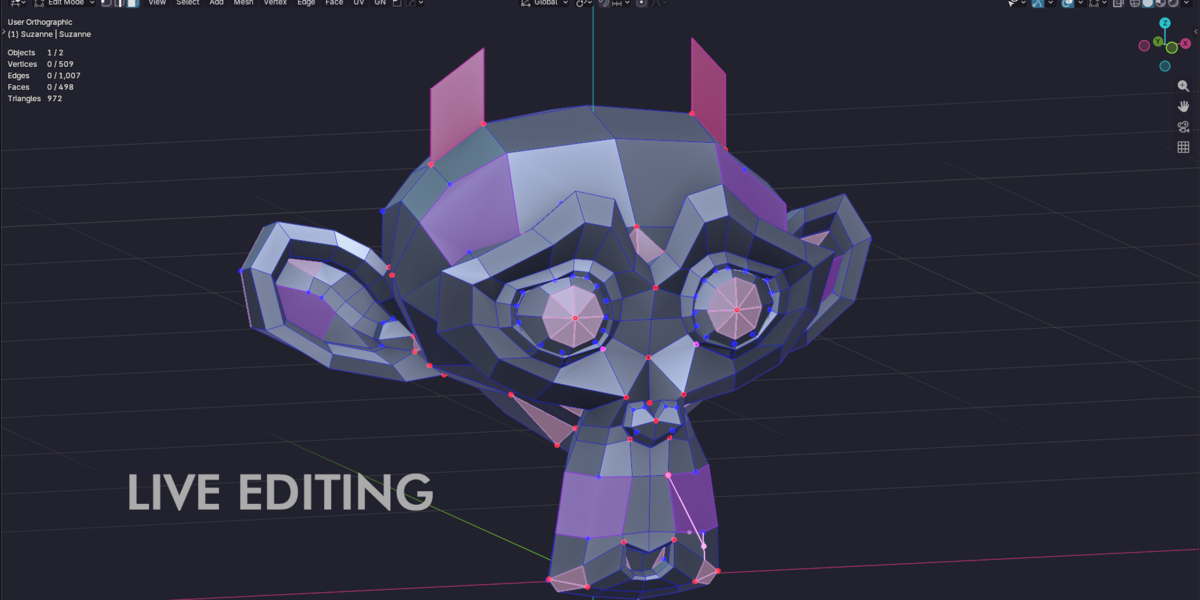
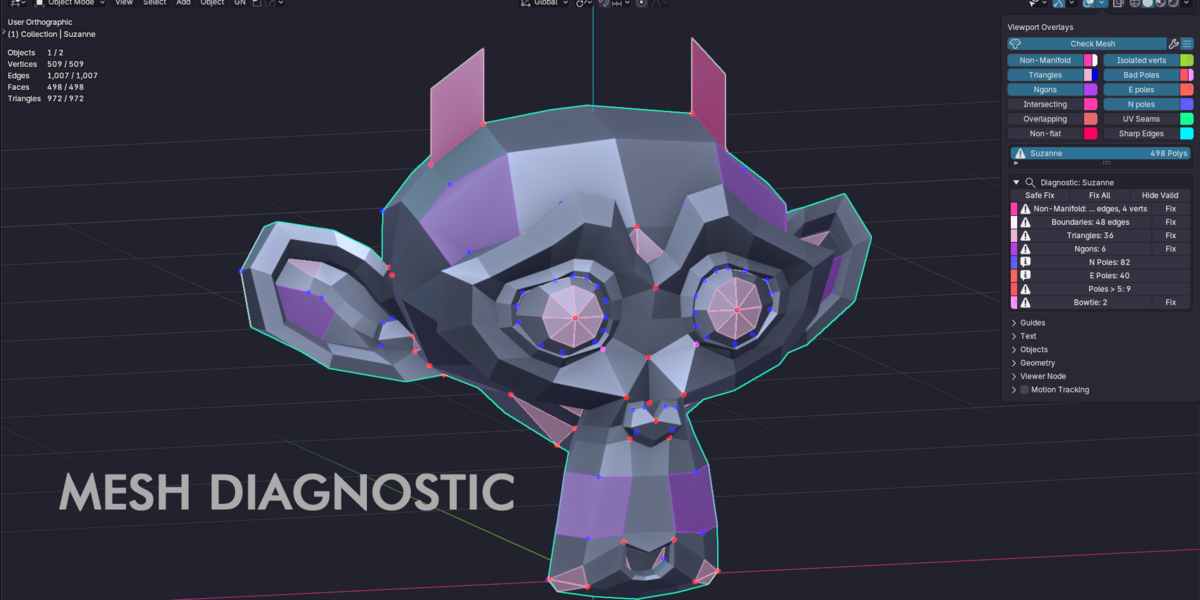

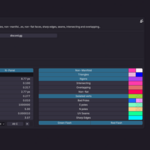
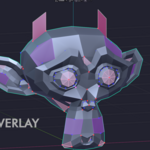
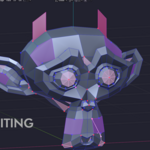
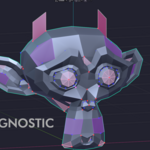

The real-time topology checker that lives inside Blender’s Overlays menu. Keep it on while you model and catch every flaw before it reaches your sculpt, your game engine or your printer.
|
11×
faster while editing
|
12
checkers, live
|
4
platforms supported
|
4.2+
Blender version
|
Every topology flaw, highlighted live
Each issue gets its own color right in the viewport, in Object, Edit and Sculpt mode. Pick the checks you need and keep modeling.
N-gonsFaces with more than four sides. |
TrianglesPlus elongated triangles in their own color. |
Non-manifoldEdges, faces & open boundaries. |
Intersecting facesGeometry passing through itself. |
OverlappingDuplicate vertices, edges & faces. |
Non-flat facesWarped quads and n-gons. |
Complex polesE-poles, N-poles and 6+ valence. |
BowtiesVertices joining disconnected fans. |
Isolated verticesLoose points left behind. |
UV seamsWhere your UV islands split. |
Sharp edgesEdges marked sharp, at a glance. |
Unapplied scaleAlert + safe apply that keeps children & modifiers. |
A native core, built for dense meshes
Mesh analysis now runs in a compiled, multithreaded engine. Same results as before, checked face by face against the previous version — just much faster.
| Overlapping verts, edges & faces ~9× faster |
| 2.0.7 — 176 ms 3.0.1 — 20 ms |
| UV seams ~18× faster |
| 2.0.7 — 399 ms 3.0.1 — 22 ms |
| Non-flat faces ~10× faster |
| 2.0.7 — 153 ms 3.0.1 — 16 ms |
| Intersecting faces ~7× faster |
| 2.0.7 — 550 ms 3.0.1 — 78 ms |
| Complex poles & bowties ~8× faster |
| 2.0.7 — 178 ms 3.0.1 — 23 ms |
| N-gons ~24× faster |
| 2.0.7 — 72 ms 3.0.1 — 3 ms |
| Non-manifold ~5× faster |
| 2.0.7 — 61 ms 3.0.1 — 12 ms |
| Triangles & elongated triangles ~5× faster |
| 2.0.7 — 1,163 ms 3.0.1 — 240 ms |
| Sharp edges ~95× faster |
| 2.0.7 — 113 ms 3.0.1 — 1.2 ms |
Every checker, measured on the same 500,000-face mesh in Blender 5.2 on Windows — 2.0.7 against 3.0.1, same code path, same results. Your mesh and hardware will differ.
Fix it, don’t just find it
Check Mesh feels native and stays out of your way until you need it.
|
Select & fix
Every checker comes with select and fix actions in the diagnostic panel. Fix All repairs every fixable issue on all selected meshes. |
Safe Apply Scale
Apply scale without breaking children or modifiers. Non-uniform scale is flagged the moment you select the object. |
Visual feedback
A short green flash confirms a clean mesh on selection; a red flash warns about non-uniform scale. |
|
Customizable colors
Pick high-contrast colors that pop against your theme or MatCaps, and tune point size, edge width and offsets. |
Native integration
Lives in the Overlays menu or any N-panel tab. Add it to Quick Favorites or toggle it with a shortcut. |
Production ready
Essential for subdivision modeling, game engines (UE5, Unity), retopology and 3D printing. Works in Object, Edit and Sculpt mode. |
Good to know
v3.0.1 LATEST
- Faster on dense meshes: N-gons, triangles, intersections, overlaps and poles all analyse quicker in Object and Edit Mode.
- Same results as 3.0, checked on every checker.
v3.0.0
- New native core: compiled, multithreaded analysis for every checker, in Object and Edit Mode, with the same results as before.
- ~11× faster while editing dense meshes; individual checkers up to hundreds of times faster.
- Overlay redraws ~15× faster during edits.
- Windows, Linux, macOS Apple Silicon & Intel in one package.
- Native core status shown in the add-on preferences, with automatic fallback to the Python engine.
v2.0.7
- Seven new checkers: non-flat faces, UV seams, sharp edges, intersecting, bowtie, boundaries & overlapping.
- Elongated triangles, bowtie and non-manifold faces overlays, with select & fix operators.
- Retopology overlay support; live checkers in Sculpt mode.
- Fix All, Safe Apply Scale, Quick Favorites & shortcut support.
- Alerts for missing UV map and non-uniform scale; green / red selection flash.
Which Blender versions are supported?
Blender 4.2 and newer, on Windows, Linux and macOS (Apple Silicon and Intel).
Will it slow down my viewport?
Version 3.0 runs its analysis in a native, multithreaded core, built to keep up with dense meshes while you edit. You can also set a face-count limit above which overlays are skipped.
Do I get updates?
Yes — updates are delivered through your library. Download the new package and install it over the old one.
Need help or found a bug?
Join the community and get support directly from the creator on Discord.
Model with confidence
Catch every flaw before it costs you a re-export.
