 SpiffyJon





Installation
- Download the Checkered Select Plus .zip file from your Superhive purchase page, or drag it directly into a running Blender window if you have Superhive connected as a remote repository.
- In Blender, go to Edit > Preferences > Get Extensions. This section may be labeled Add-ons in older versions.
- Click the dropdown arrow in the top-right corner and choose Install from Disk.
- Select the downloaded .zip file.
- Enable Checkered Select Plus in the list if it is not enabled automatically.
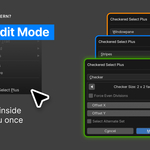
- In Edit Mode, open the Select menu in the 3D Viewport. Checkered Select Plus appears near the bottom.
Version 1.0.0
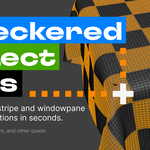
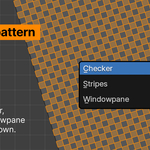
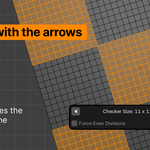
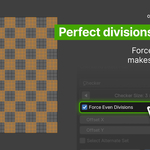
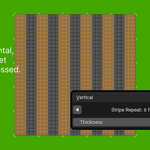
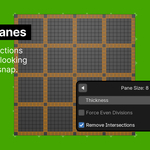
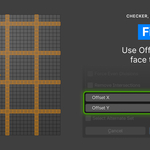
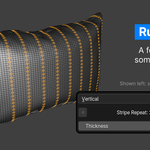
Initial release. Support for checker, stripe, and windowpane patterns, live preview, offset control, and Force Even Divisions.
License
Checkered Select Plus is released under the GPL license, in line with Blender's own licensing requirements for add-ons and extensions.
Support
For questions, issues, or feature requests, please reach out through Superhive's messaging system.
Uninstall
Open the Edit menu, then go to Preferences > Add-ons or Preferences > Get Extensions, depending on how it was installed. Find Checkered Select Plus in the list, click the dropdown arrow next to it, and choose Uninstall. Restart Blender to complete the removal.
 Included
Includes 12 months of
- Support from SpiffyJon
- Product updates
Extend this product’s Support Period +12 months: 50% of product price
Have questions before purchasing?
Login to message
| Blender Extension Compatible | Yes |
| Published | 3 months ago |
| Blender Version | 4.2 - 5.2 |
| Extension Type | Add-on |
| Render Engine Used | Cycles, Eevee |
| License | GPL |