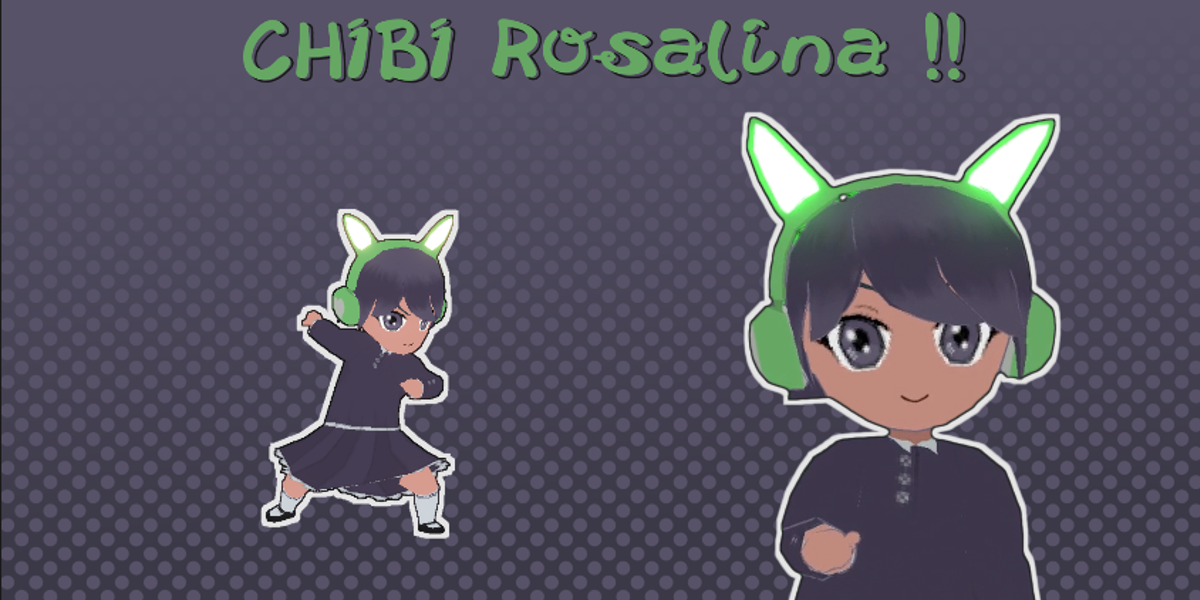
Chibi Rosalina [Premade] [Game-Ready] [ Blender Rig ]
 UGF_Visual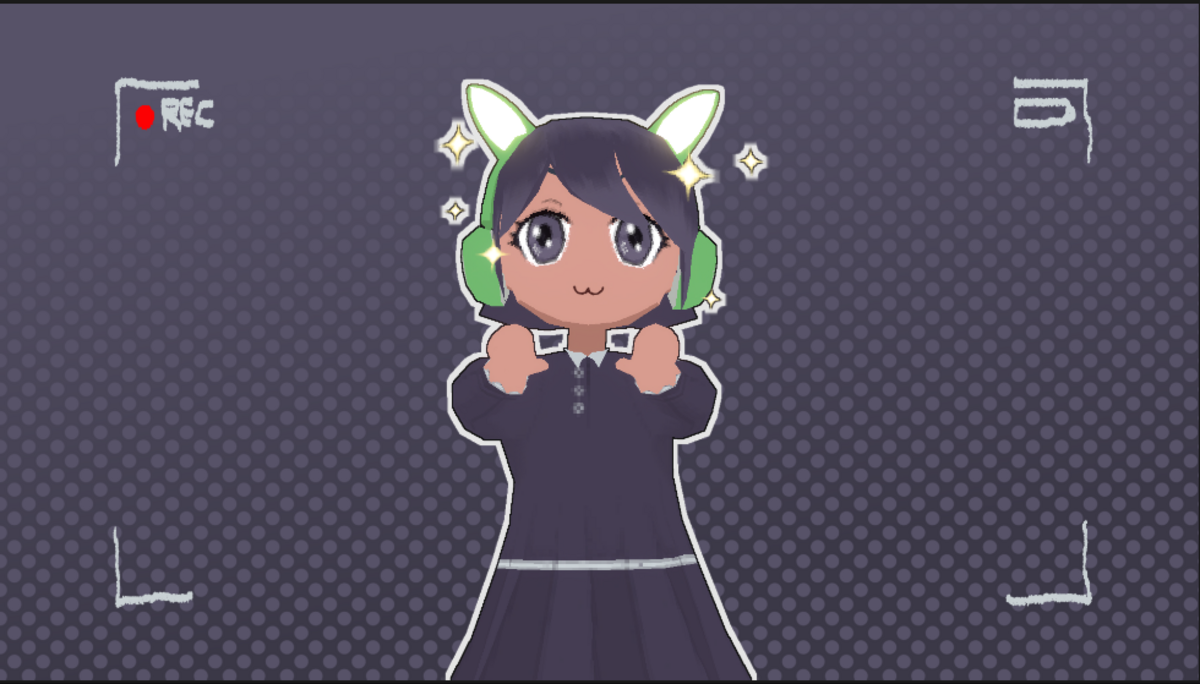



What should I do if I encounter a problem?
Review this documentation first. If the problem persists, contact the creator through Superhive support and provide your
Blender version, a description of the issue, steps to reproduce it, and screenshots or video when useful.
Can I use the character in animations?
Yes. The character includes a Blender rig and facial shape keys designed for animation. Refer to the applicable
Superhive license for permitted uses.
How many triangles does the character have?
Approximately 3,800 triangles.
What Blender version was used to create the character?
Blender 4.0.2.
Can I customize the materials?
Yes. Materials can be edited using Blender's standard material and shader tools.
Can I use the character without the headphones?
Yes. The headphones are toggleable.
Can I control the eye direction?
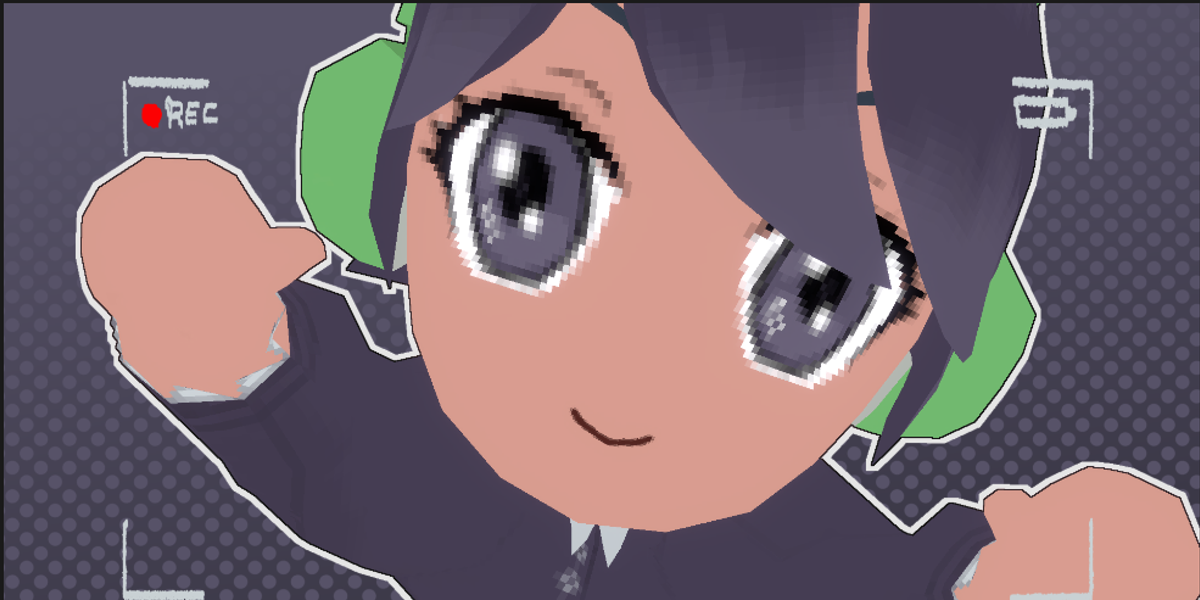
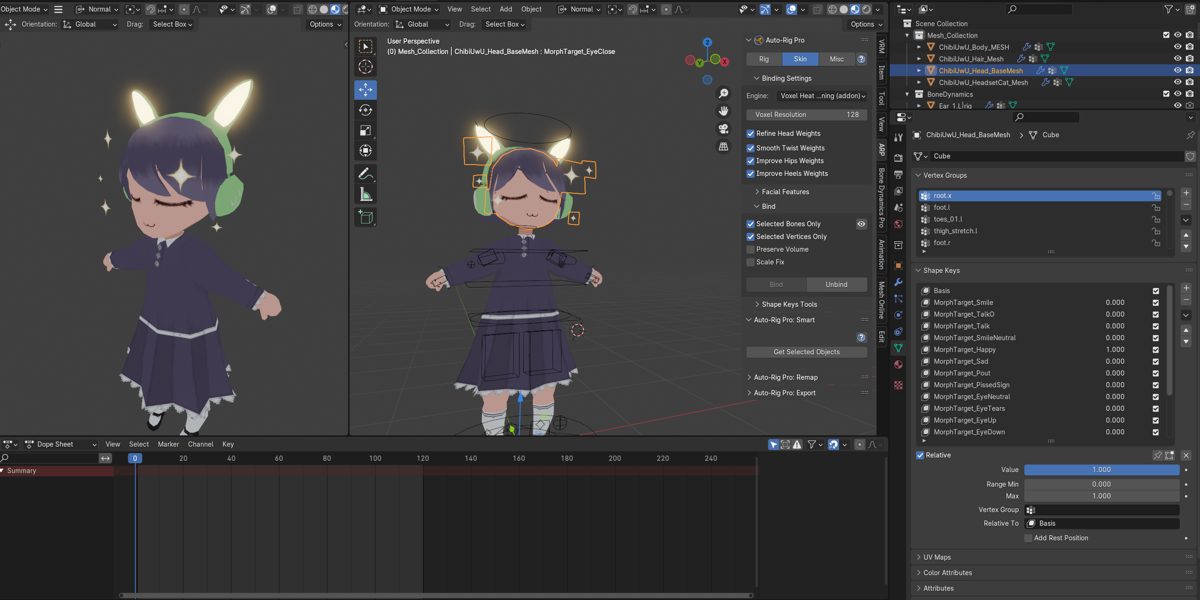
Yes. Use MorphTarget_EyeUp, MorphTarget_EyeDown, MorphTarget_EyeLeft, and MorphTarget_EyeRight.
Can I animate blinking?
Yes. Use MorphTarget_EyeClose or the individual MorphTarget_EyeCloseLeft and MorphTarget_EyeCloseRight shape
keys.
Can I combine multiple expressions?
Yes. Multiple shape keys can be active at the same time, allowing custom expressions.
Can I animate the facial expressions?
Yes. Shape key values can be keyframed using Blender's standard animation system.
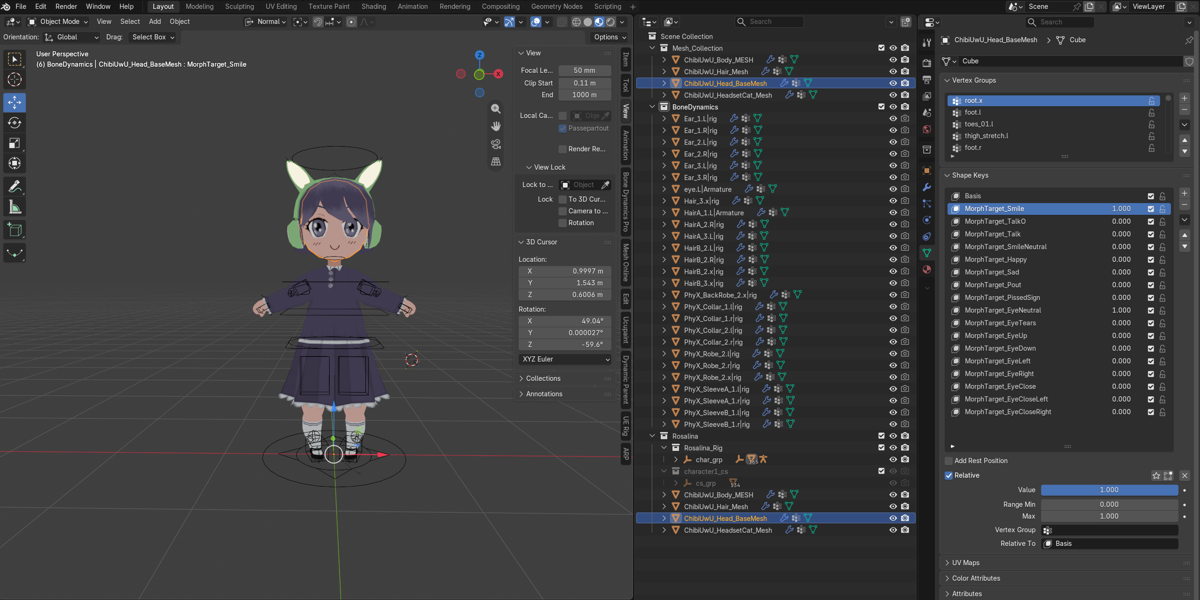
How do I access the facial expressions?
Select ChibiUwU_Head_BaseMesh → Object Data Properties → Shape Keys.
$4
Have questions about this product?
Login to message
| Published | 6 days ago |
| Blender Version | 4.0 - 5.2 |
| Misc Data | Uvs-Unwrapped, Rigged, Textured |
| License | Creative Commons |
Discover more products like this
character Video and Film gaming cute animation model rig anime chibi-3d-model game development