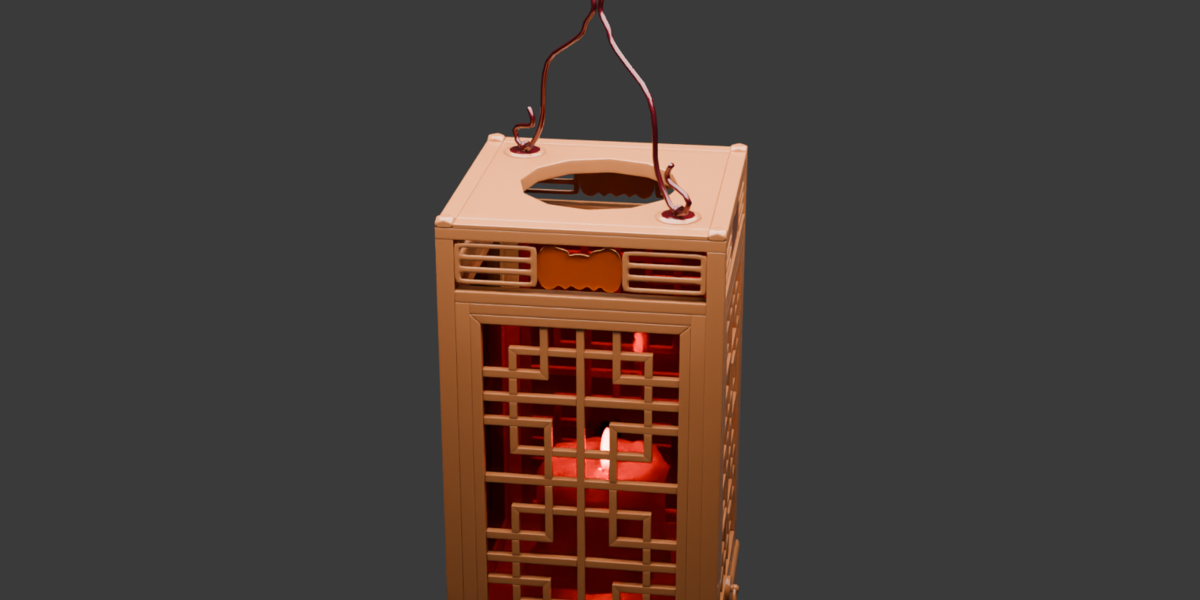
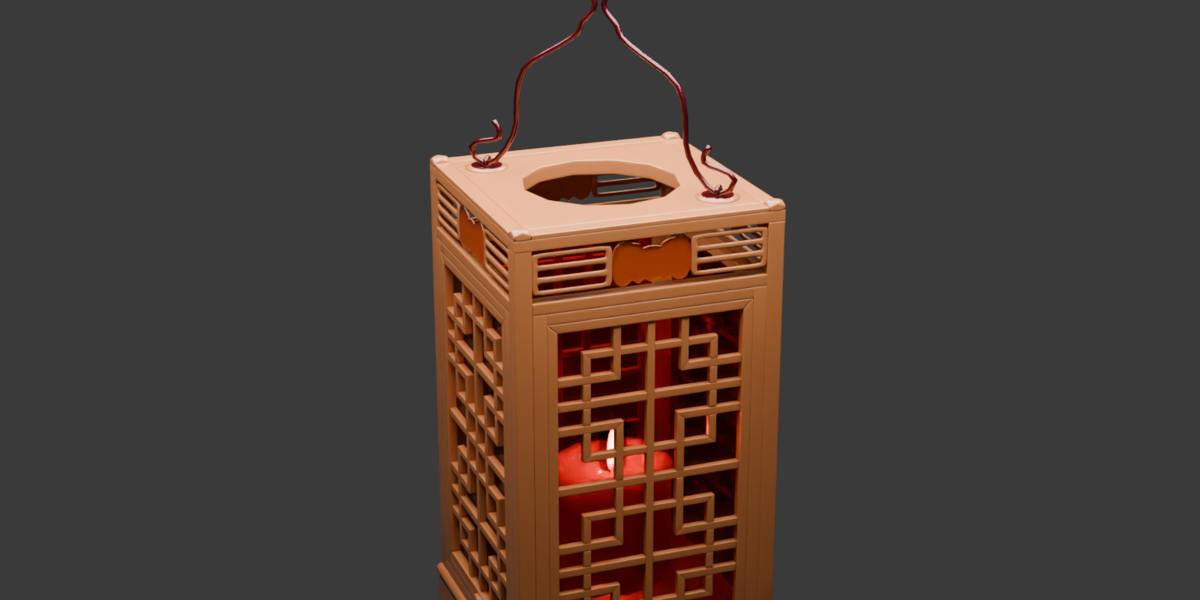
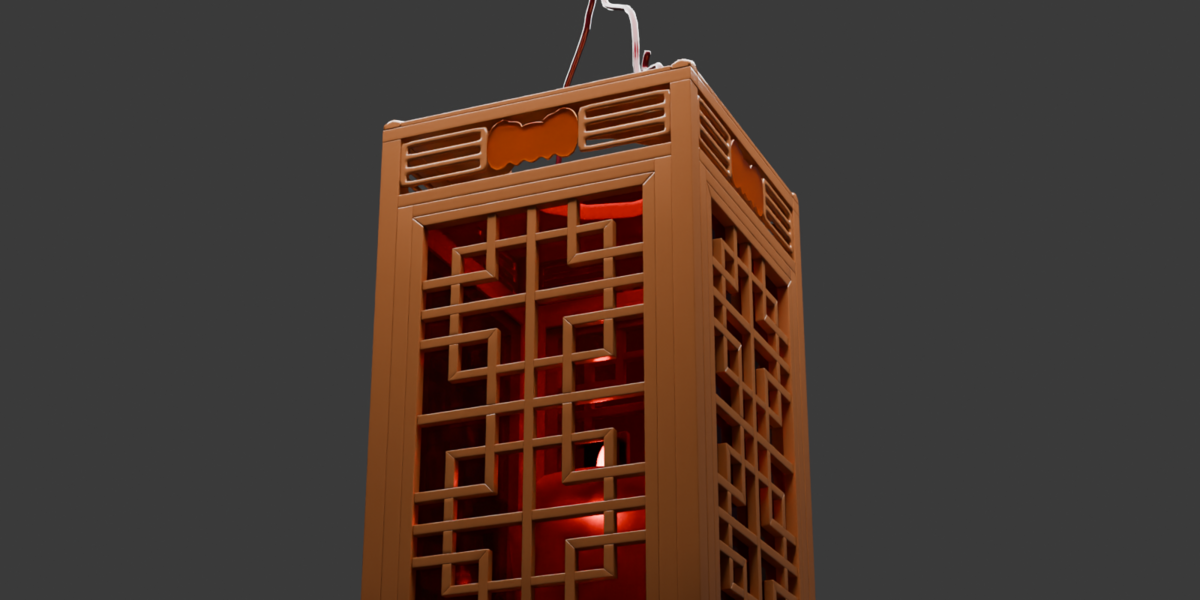
Chinese Traditional Lantern 3D Asset
 aceimagedesign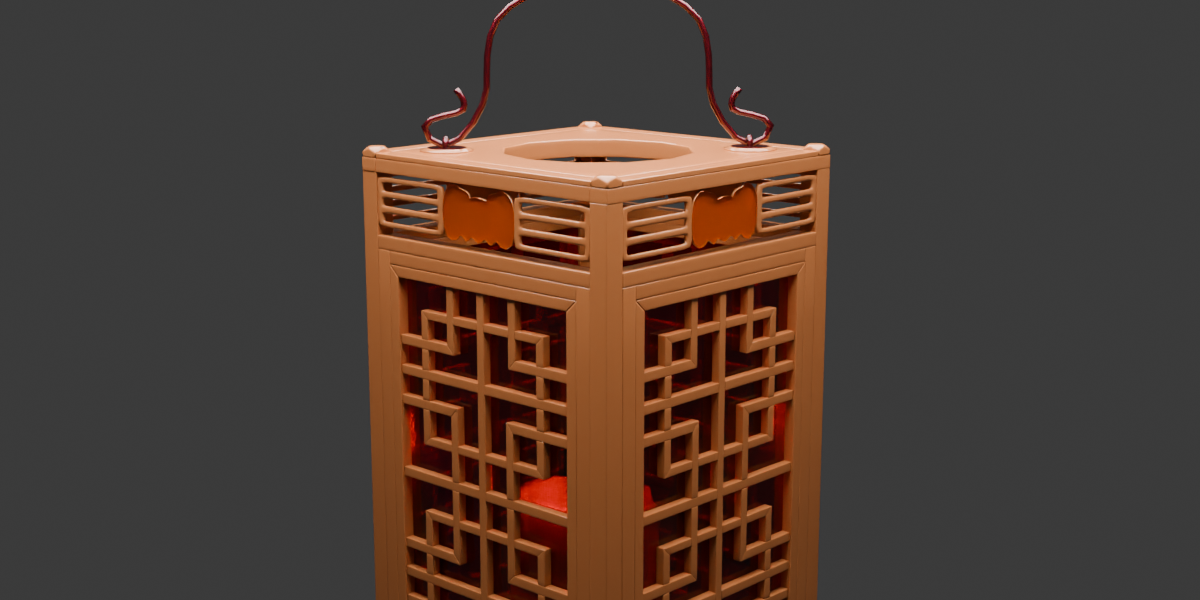
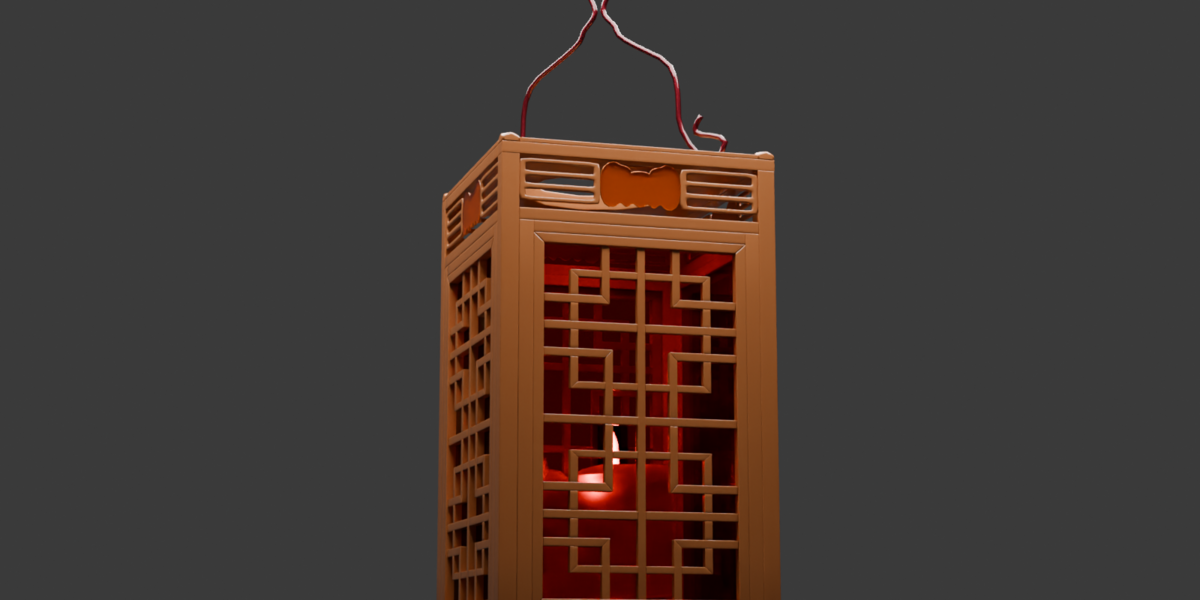
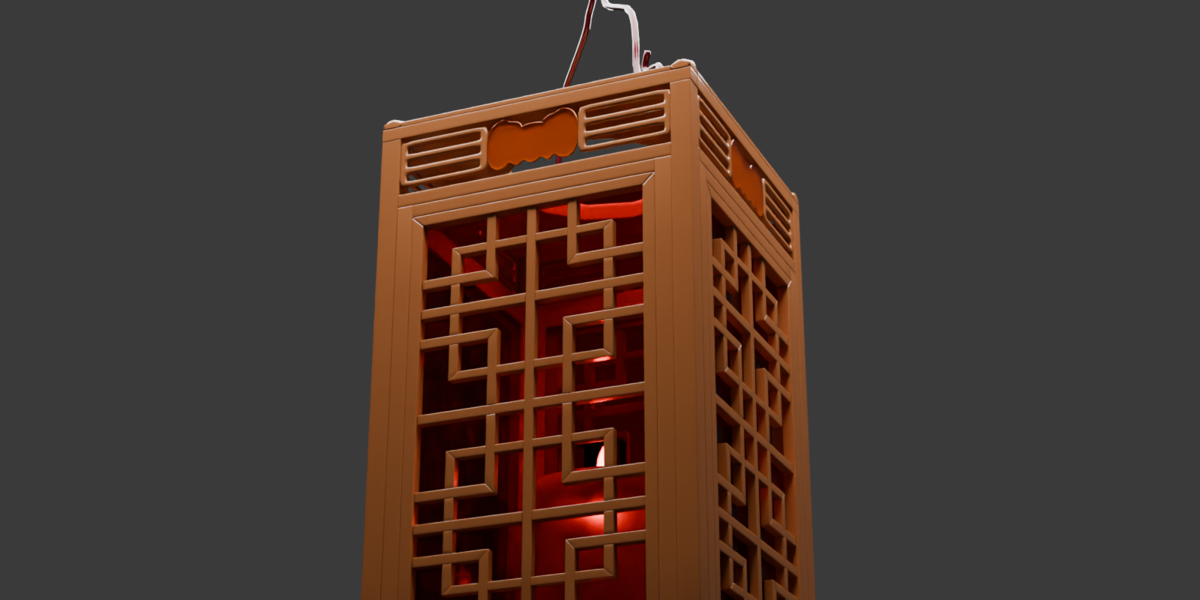
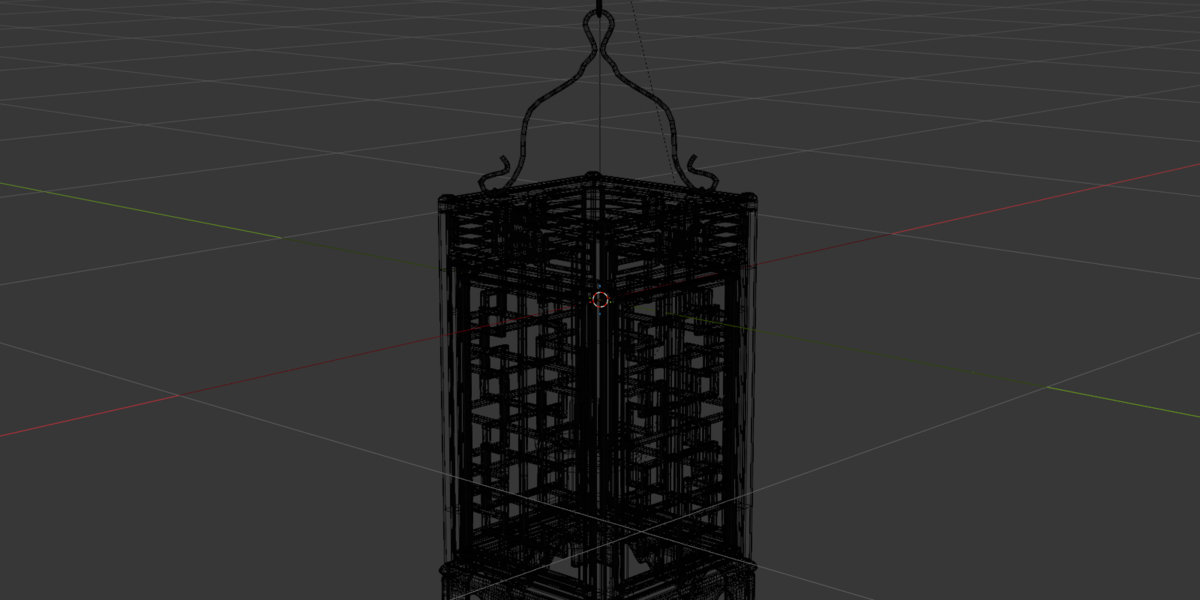
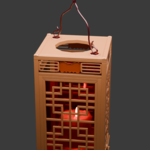
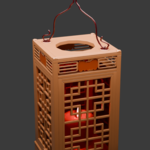
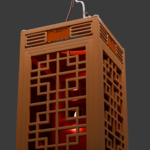
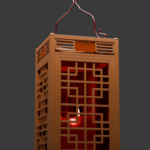
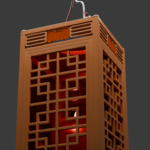
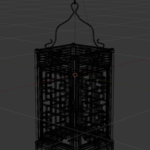
Overview & Quick Start Guide
How to Use This Asset:
Unzip the downloaded package (or open
chinese_lanternC.blenddirectly).Open your target Blender scene.
Import the Model: Go to File > Append..., navigate to
chinese_lanternC.blend, open the Collection (or Object) folder, and select the lantern.Position: Scale, rotate, and place the lantern to fit your environment.
Lighting & Shading Setup:
Emission Control: The internal glow relies on an emission shader/mesh light set up for both Cycles and Eevee. Light intensity and color can be adjusted inside the Shader Editor.
Render Engines: Pre-configured and fully compatible with Cycles and Eevee.
Have questions about this product?
Login to message
| Published | 1 day ago |
| Blender Version | 4.5 - 5.2 |
| Render Engine Used | Cycles |
| Misc Data | Uvs-Unwrapped, Textured |
| License | Royalty Free |
Discover more products like this
asian lantern oriental lantern Chinese Lantern wooden-lantern glowing lantern ArchViz temple prop traditional-lantern Blender model 3d-Asset Historical prop Game asset