 Rekanyx


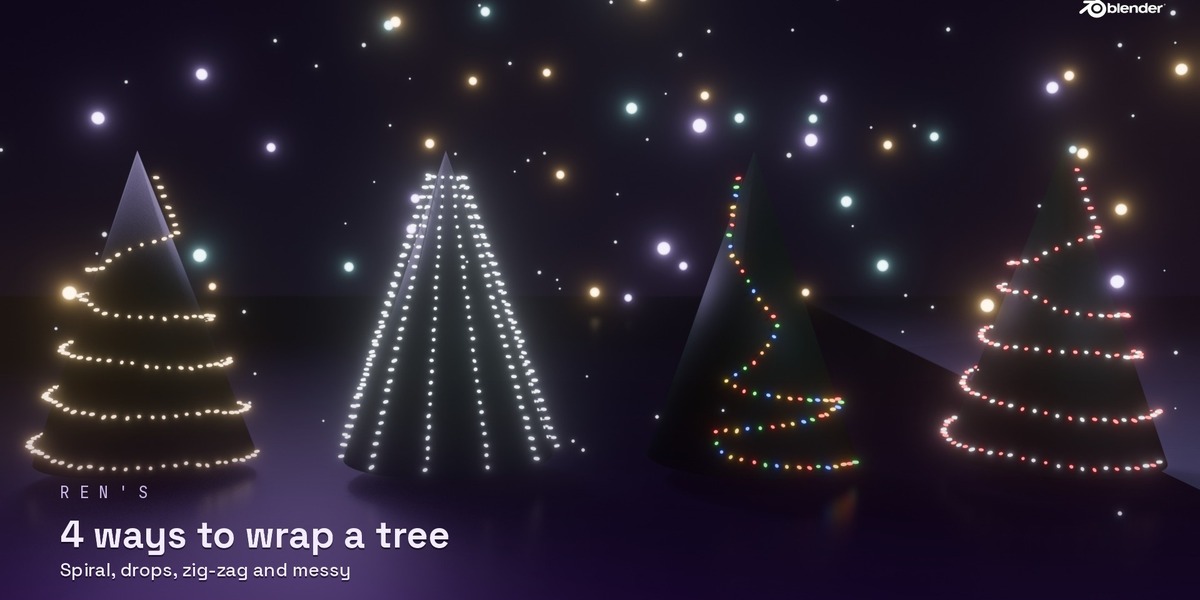



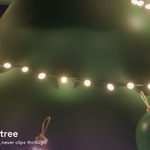

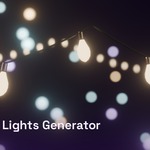
Putting Christmas lights on a tree by hand means placing hundreds of bulbs one by one. Christmas Lights Generator does it in one click, and everything stays editable.
What it does
- Any curve or any tree – lights follow a curve you draw, or spiral around a tree mesh and sit right on its surface
- 4 tree styles – Spiral, Drops (like a waterfall), Zig-Zag and Messy, with turns, height range and offset
- Draw On Surface – click points on a roof, fence or tree and a light string is made through them
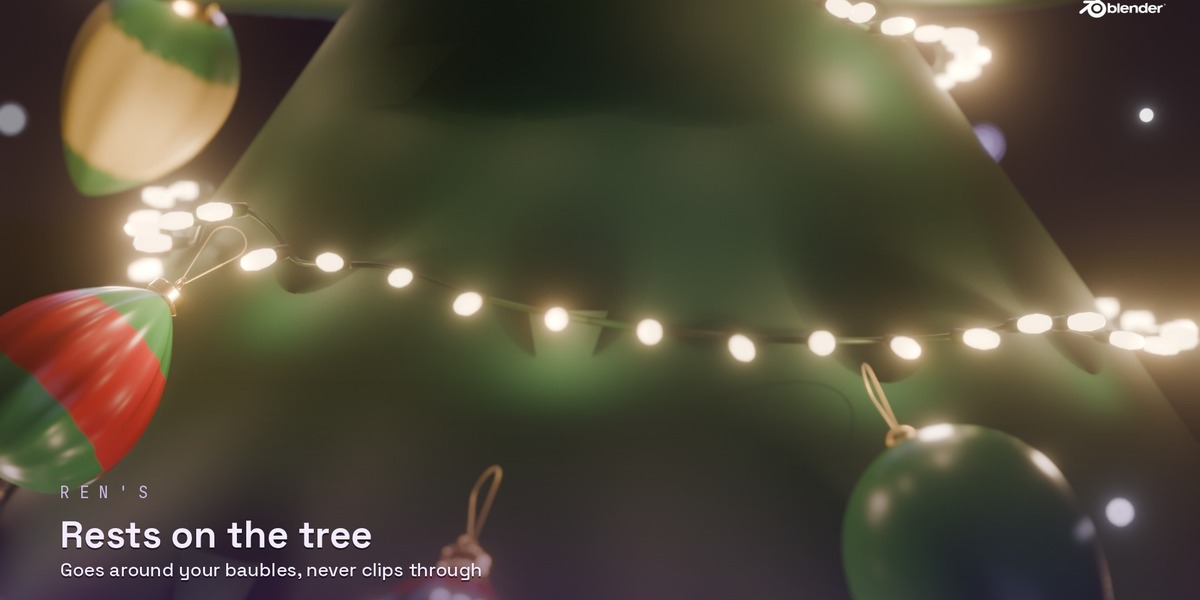
- Wire sag – the wire droops between pins and rests on the surface instead of clipping through it
- Avoids baubles – the wire and bulbs go around baubles (made with Christmas Bauble Generator, or anything in a collection you pick)
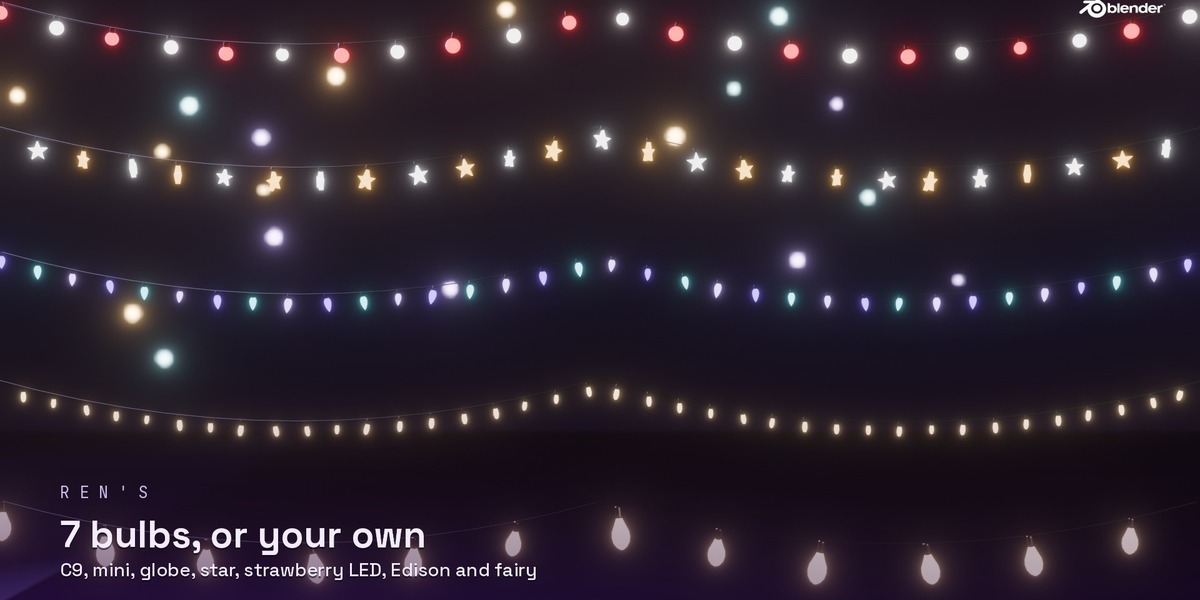
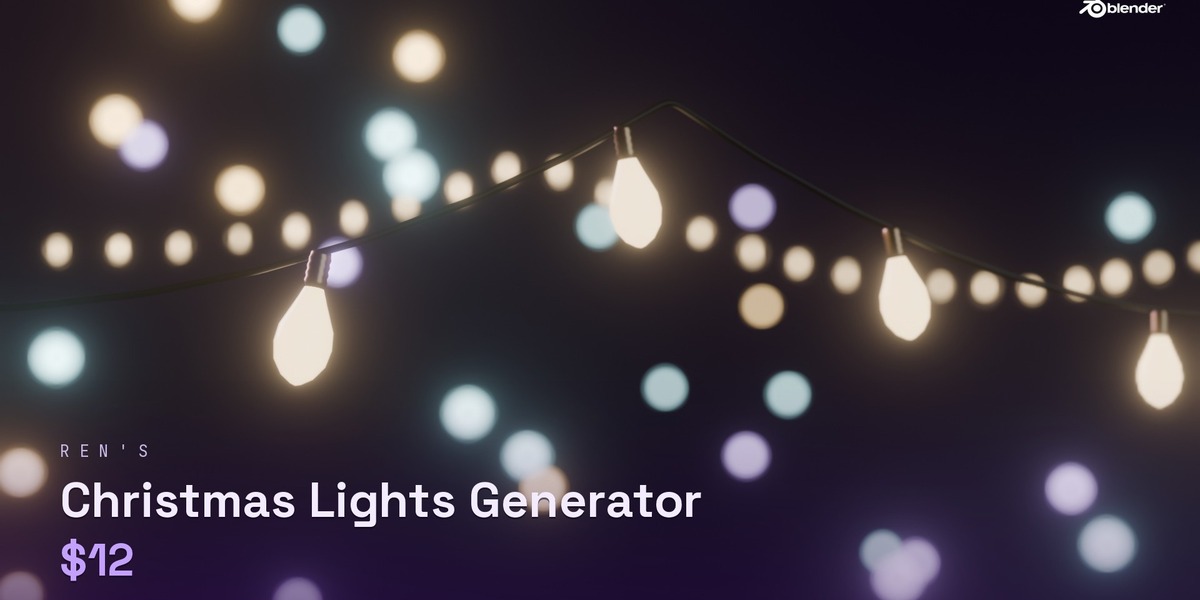
- 7 built-in bulbs – C9, Mini, Globe, Star, Strawberry LED, Edison and Fairy, plus beads and tinsel
- Your own bulbs – use any object or collection as the bulb. Pick which material glows. Your originals are never changed
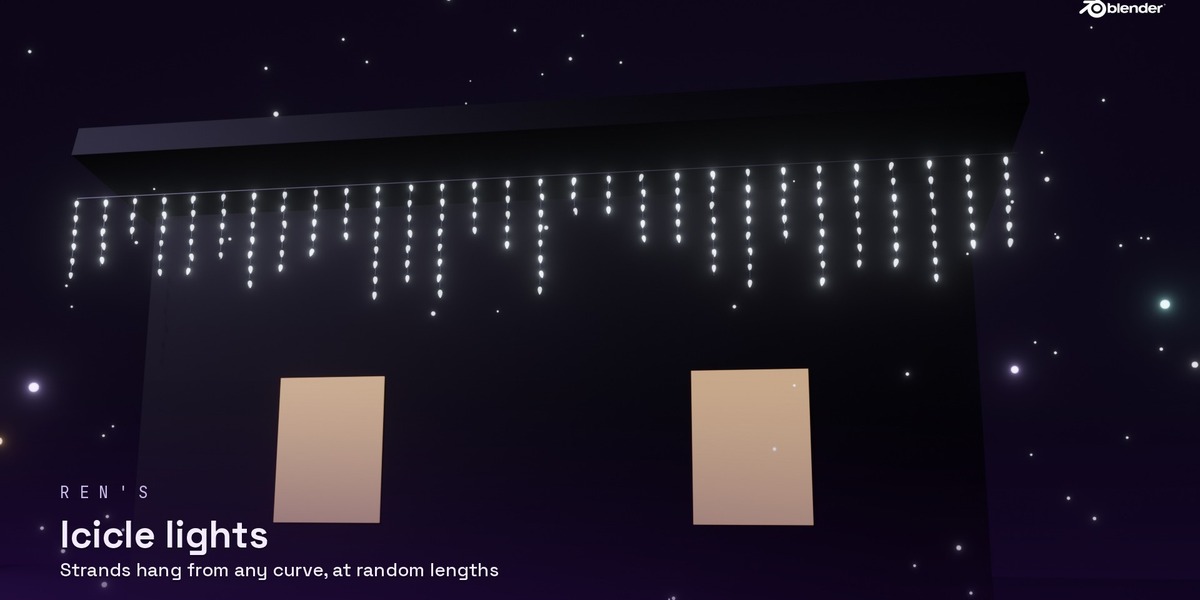
- Icicle lights – strands of random length hang from any curve
- Colours – warm white, cool white, multicolour, candy cane, midnight, gold & silver or your own colour, in order or random
- Animation – Steady, Twinkle, Chase and Fade, with speed and dimming. Works without Auto Run Scripts
- Broken bulbs – some dead or flickering bulbs for realism
- Real lights – optional point lights in the bulbs so they light up the tree
- One-click bloom – adds a soft glow in the compositor, for EEVEE and Cycles
- 7 presets – Cozy Warm, Classic House, Candy Cane, Fairy Lights, Vintage Edison, Icicles and Midnight
- Live update – edit the curve or tree and the lights follow
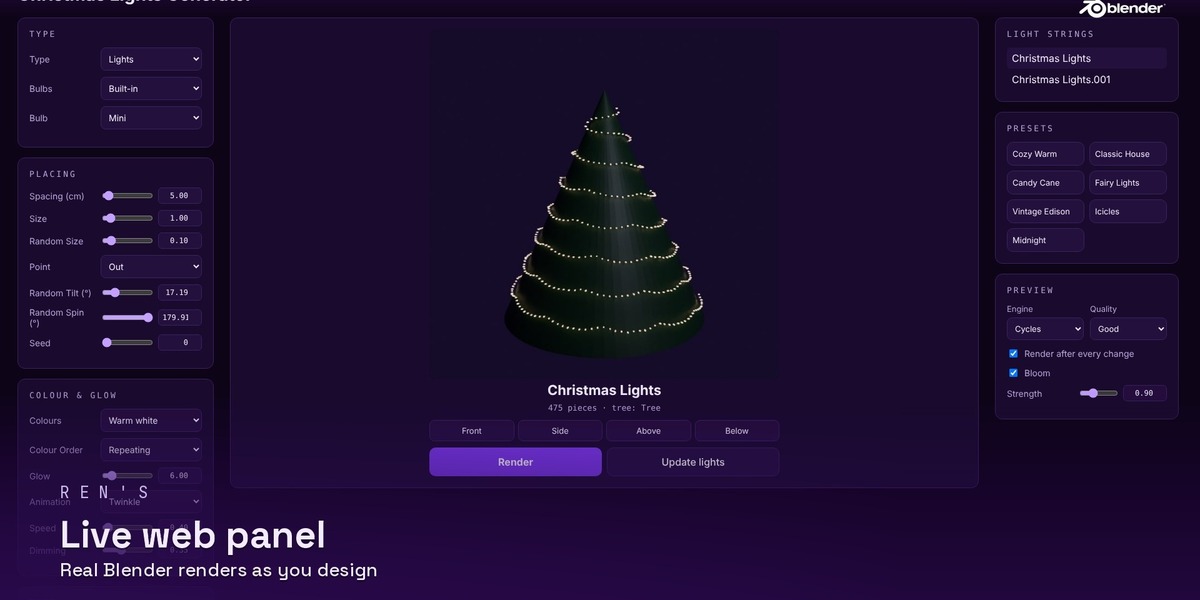
- Live web panel – control everything from your browser with real Blender renders. It runs only on your own computer
- Make Real – turn the bulbs into one normal mesh for export
Handles thousands of lights without slowing down, because the bulbs are instanced with Geometry Nodes.
Who it's for
Anyone making Christmas scenes, product shots, animations, game props or asset packs in Blender.