 Rekanyx

Install
- Download the zip. Don't unzip it.
- Blender → Edit → Preferences → Add-ons → Install from Disk → pick the zip.
- Turn it on. The panel is in the 3D View sidebar (press N) → Xmas Lights tab.
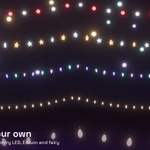
Lights on a curve
Draw a curve, select it and click Lights Along Curve.
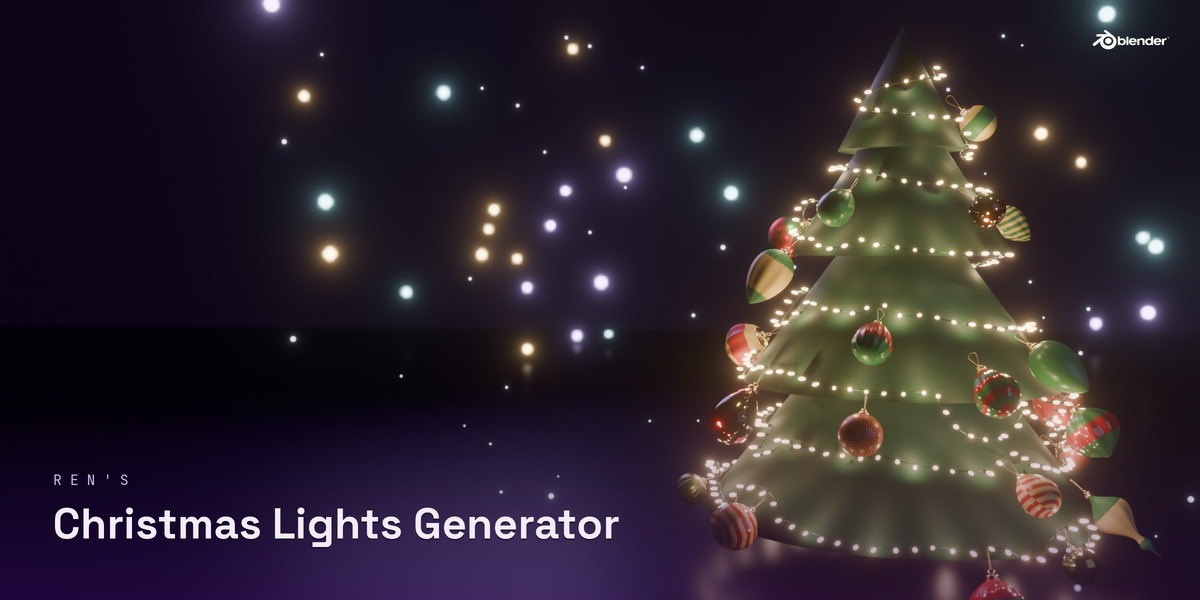
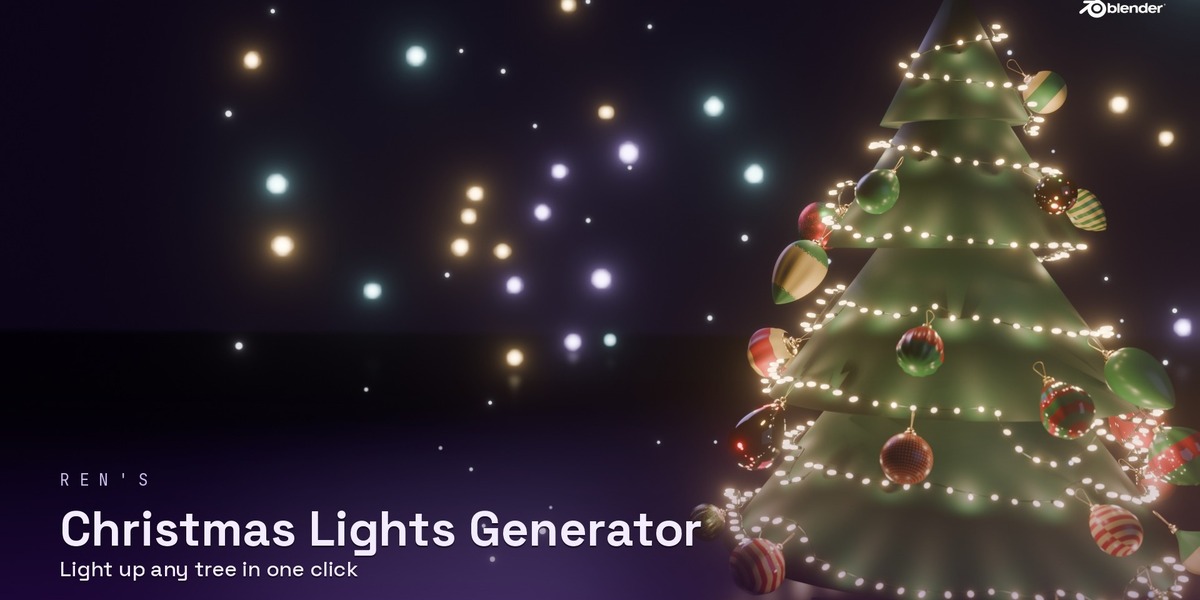
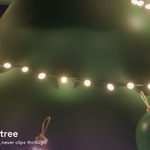
Lights on a tree
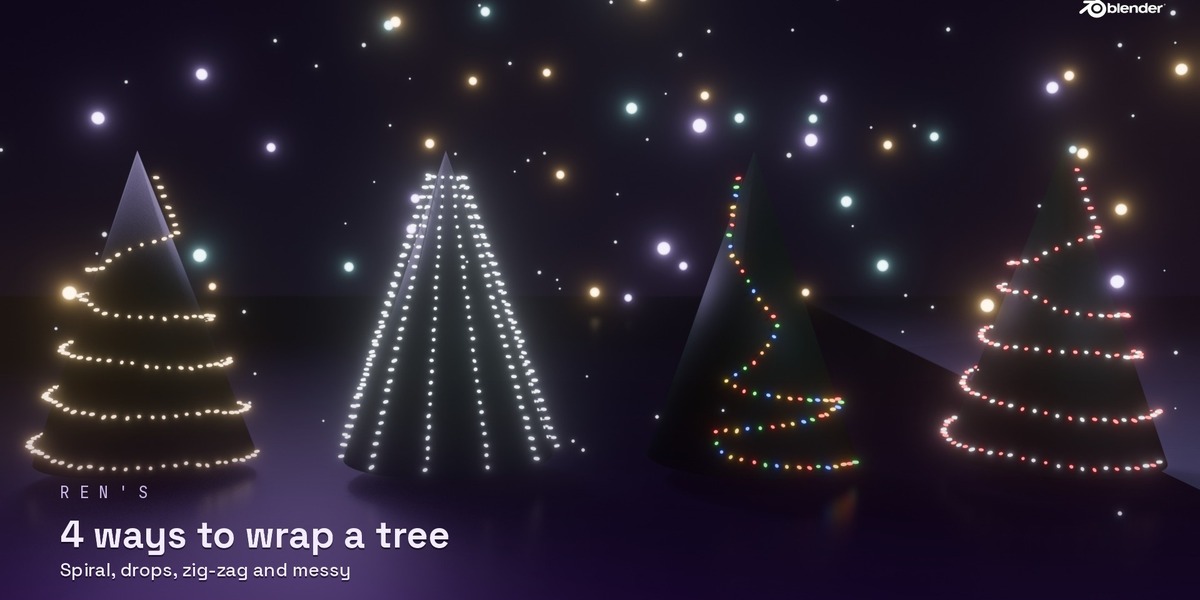
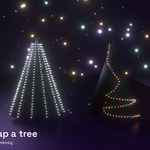
Select your tree mesh and click Wrap Tree. In Wire & Path, pick a style (Spiral, Drops, Zig-Zag or Messy) and set turns, top, bottom and offset.
Draw On Surface
Click Draw On Surface, then click points on any object. Enter or right-click to finish, Backspace to remove the last point, Esc to cancel.
Presets
Select a light string and click a preset in Presets for a ready-made look.
Your own bulbs
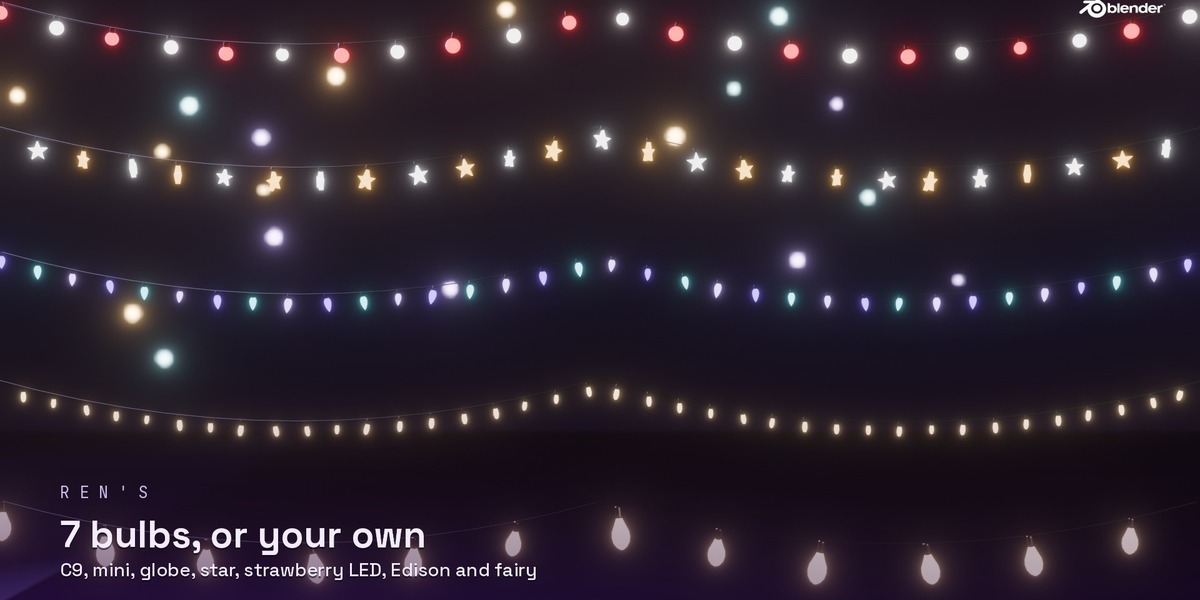
In Bulbs, set Bulbs to Object or Collection and pick yours. Put your model's origin where it touches the wire. Set Model Points to the way your bulb faces, and pick the Glowing Material (or tick Whole Model Glows).
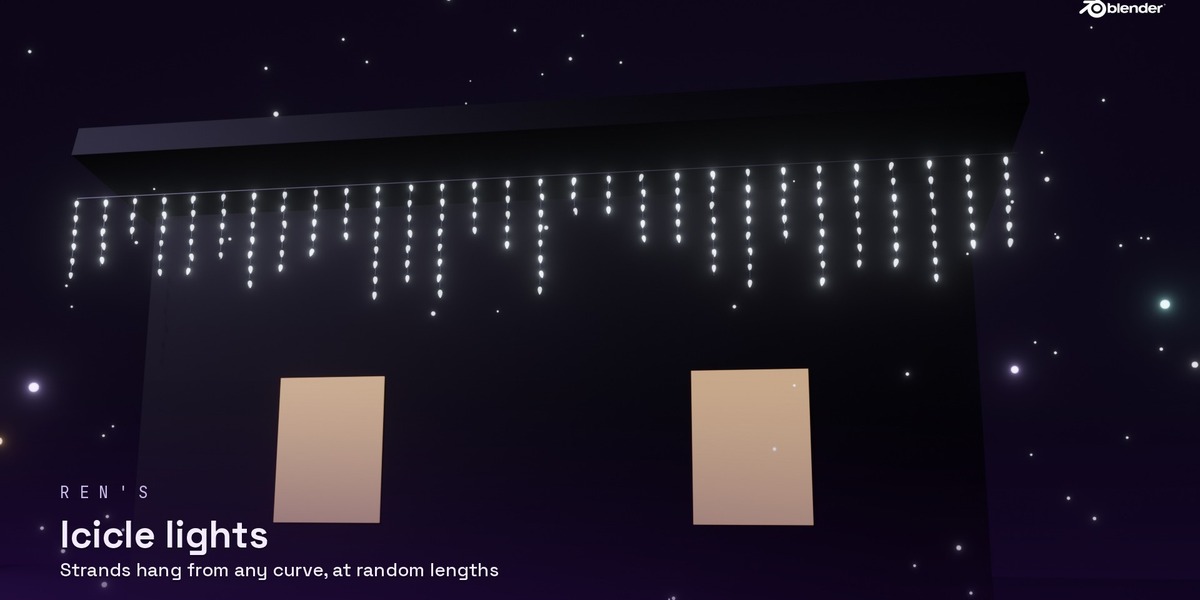
Icicles
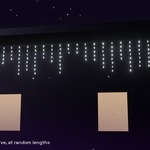
On a curve, tick Icicle Drops in Wire & Path and set the drop spacing and length.
Sag and resting on objects
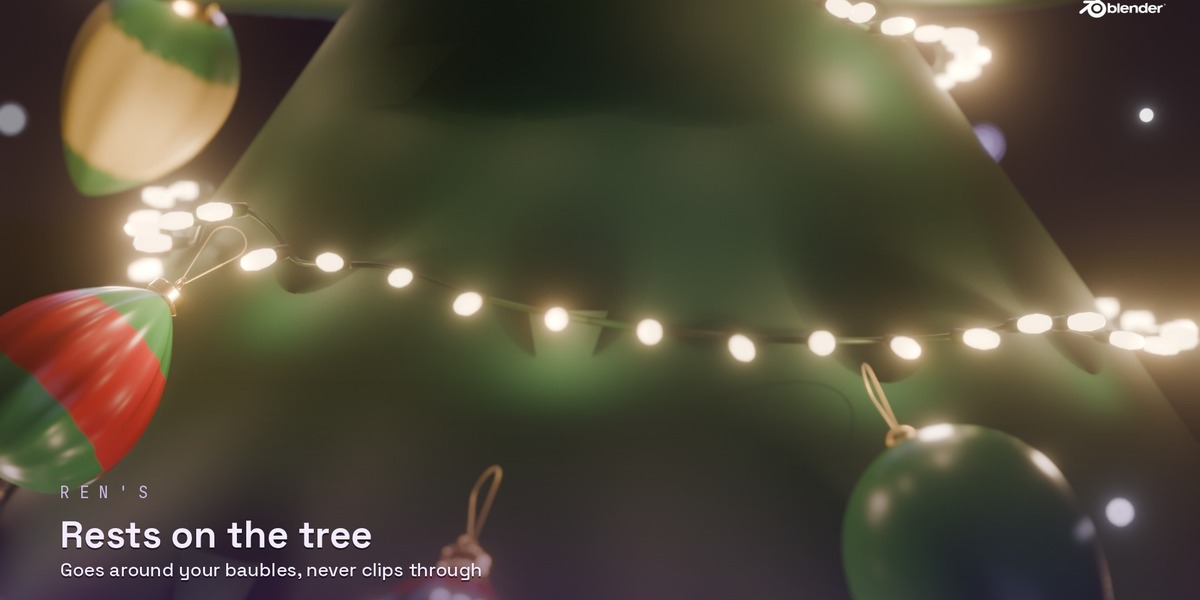
Sag makes the wire droop between pins. Rest On Surface keeps it on the tree, or on the object picked in Rest On when using a curve.
Avoiding baubles
Avoid Baubles is on by default. Pick a collection in Also Avoid to steer around other objects too.
Bloom
Click Add Bloom in the main panel. Turn on Show in Viewport to see it in Rendered view.
Extras
Broken Bulbs makes some bulbs dead or flicker. Real Lights puts point lights in the bulbs (slower to render).
Web panel
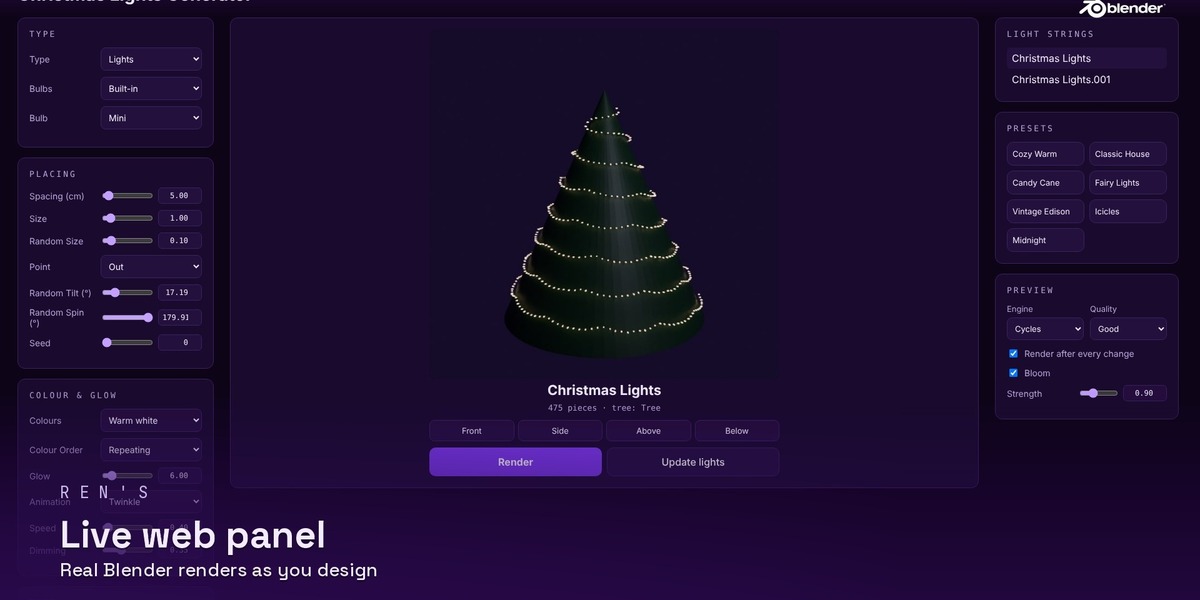
Click Web Panel. It opens in your browser at http://127.0.0.1:8775. Every setting is there with tooltips, plus presets and a real Blender render.
Exporting
Click Make Real to turn the bulbs into one normal mesh.
Have questions about this product?
Login to message
| Published | 1 day ago |
| Blender Version | 5.0 - 5.3 |
| Extension Type | N/A |
| Render Engine Used | Cycles, Eevee |
| License | Mit |
Discover more products like this
garland procedural decoration christmas tree xmas winter Generator christmas lights icicle lights fairy lights Christmas holiday