Chroma Studio — Customize Blender’S Interface
 gonextaz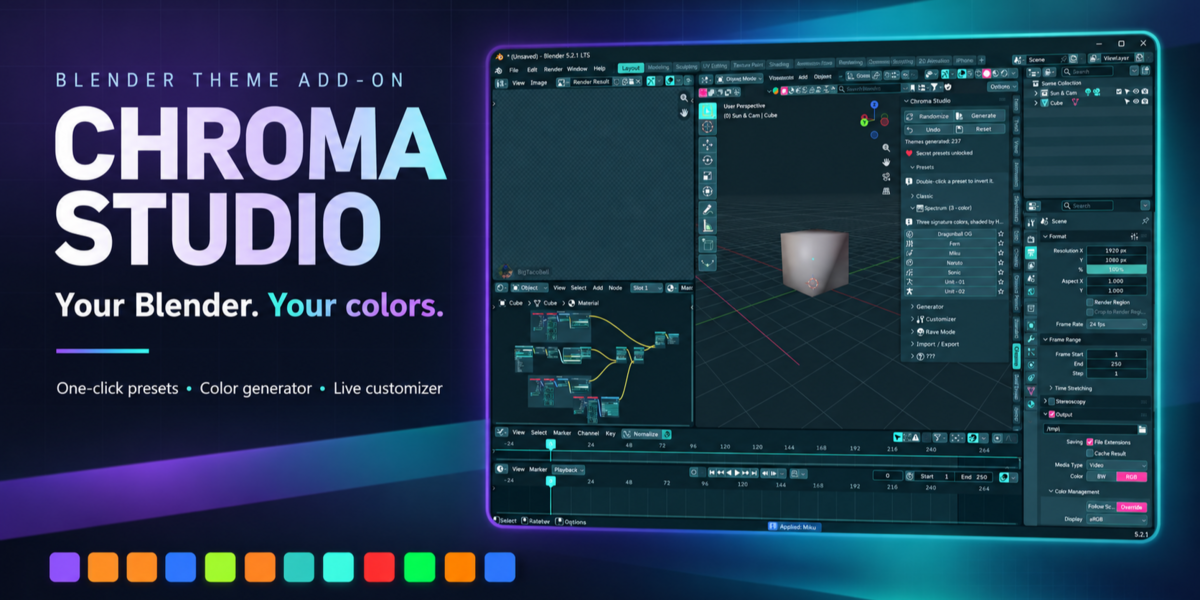
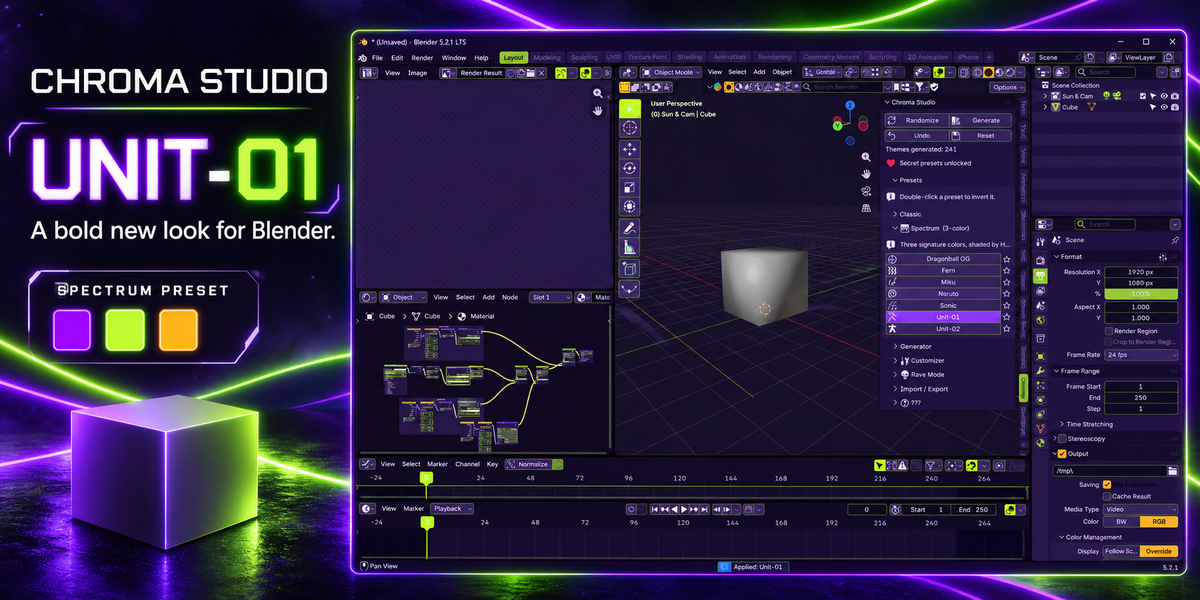
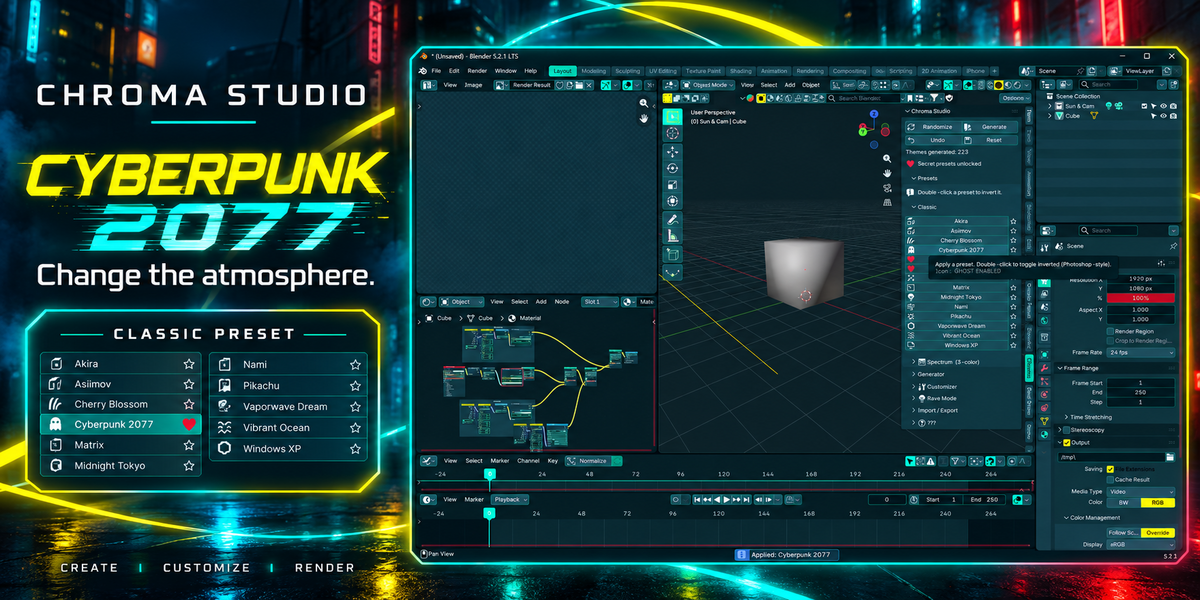
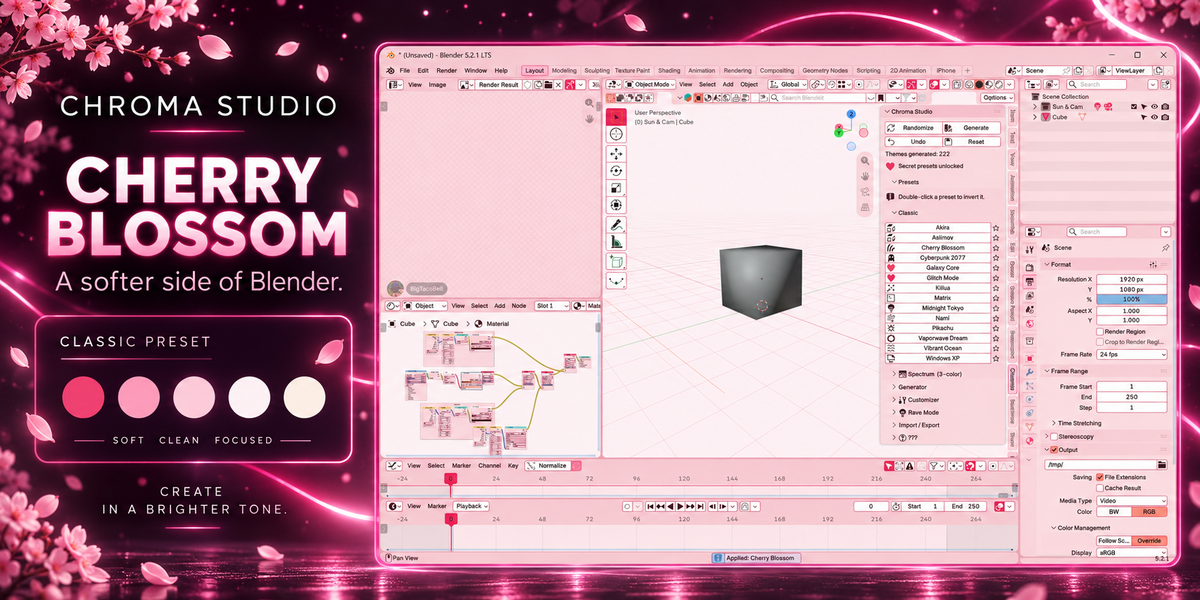
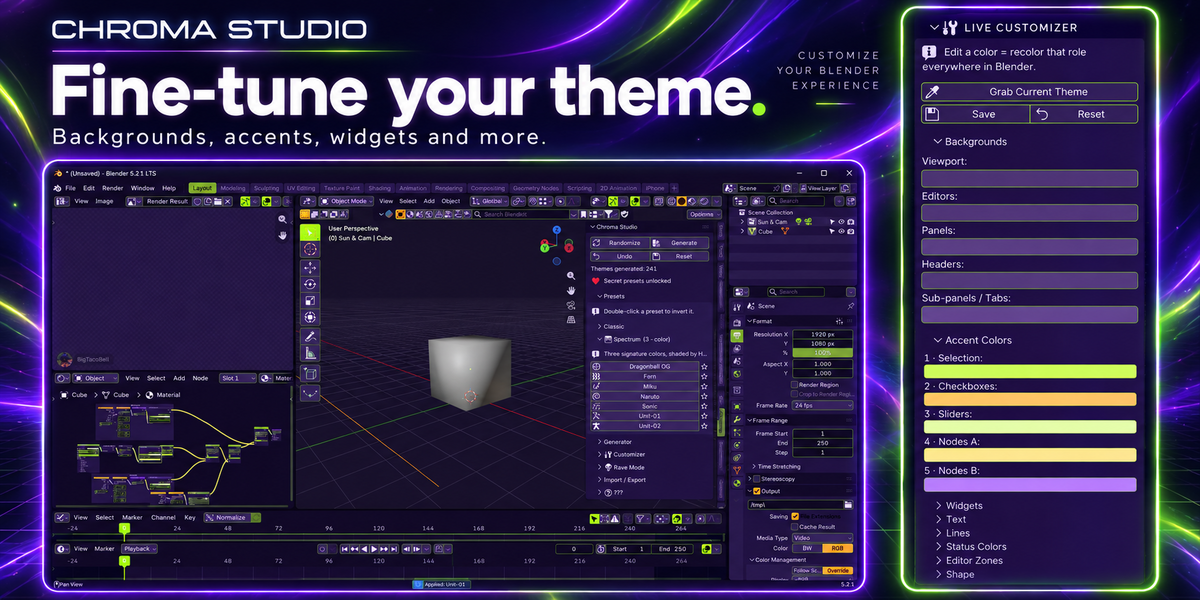
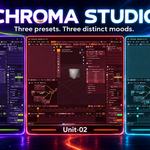
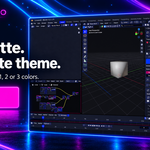
Where do I find the add-on after installation?
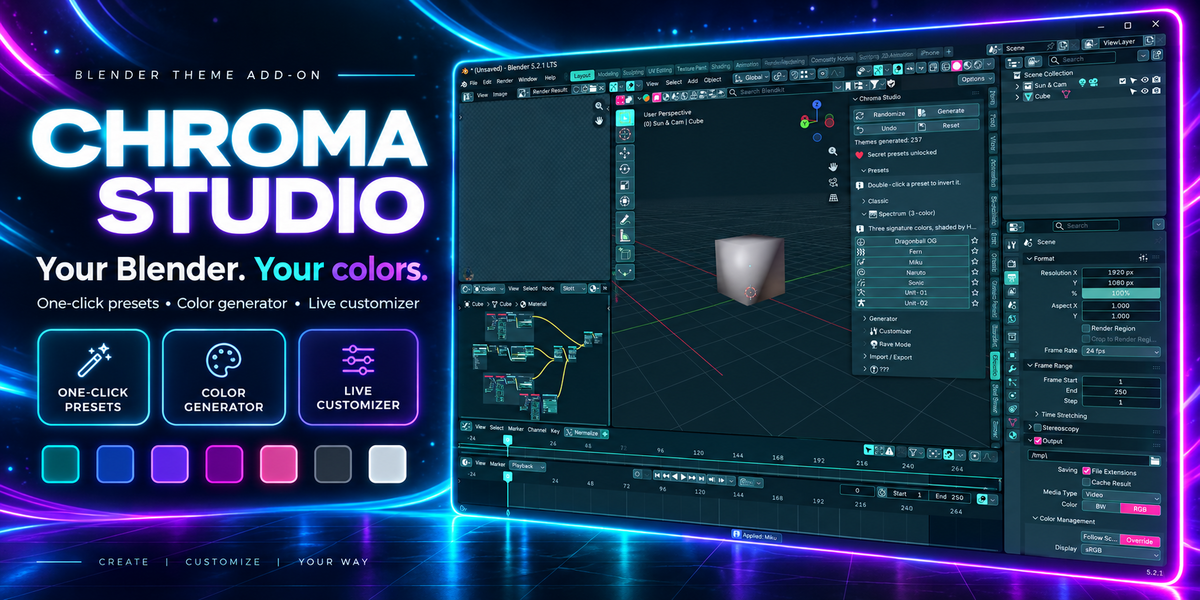
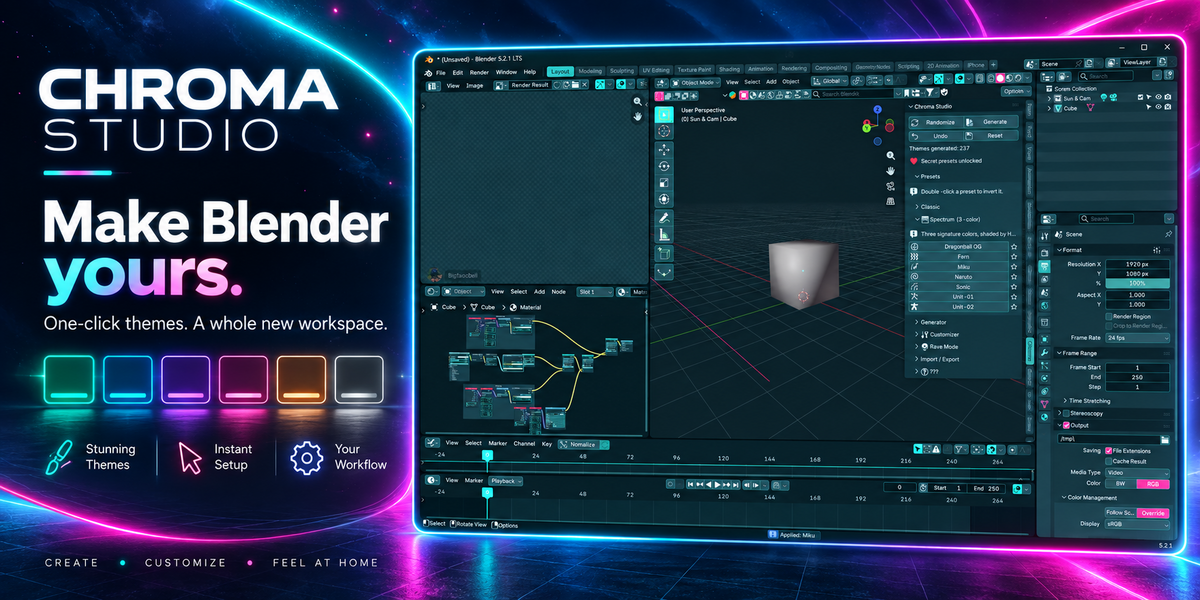
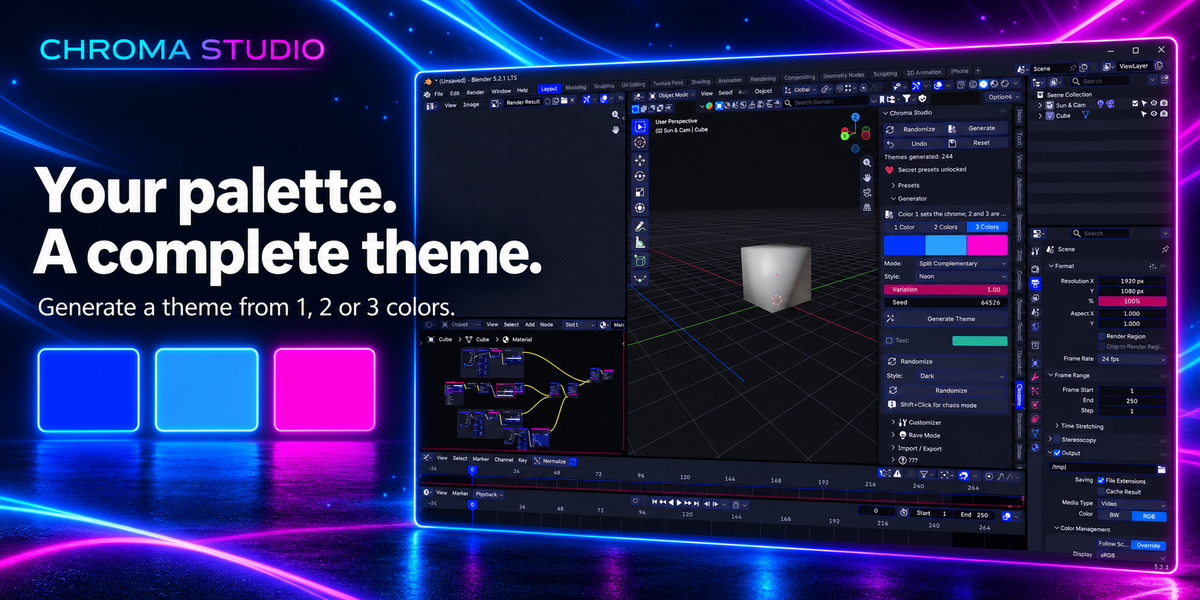
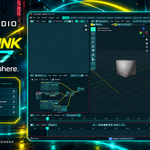
Move your mouse over the 3D Viewport, press N to open the sidebar, and select the Chroma tab.
Can I share my custom themes?
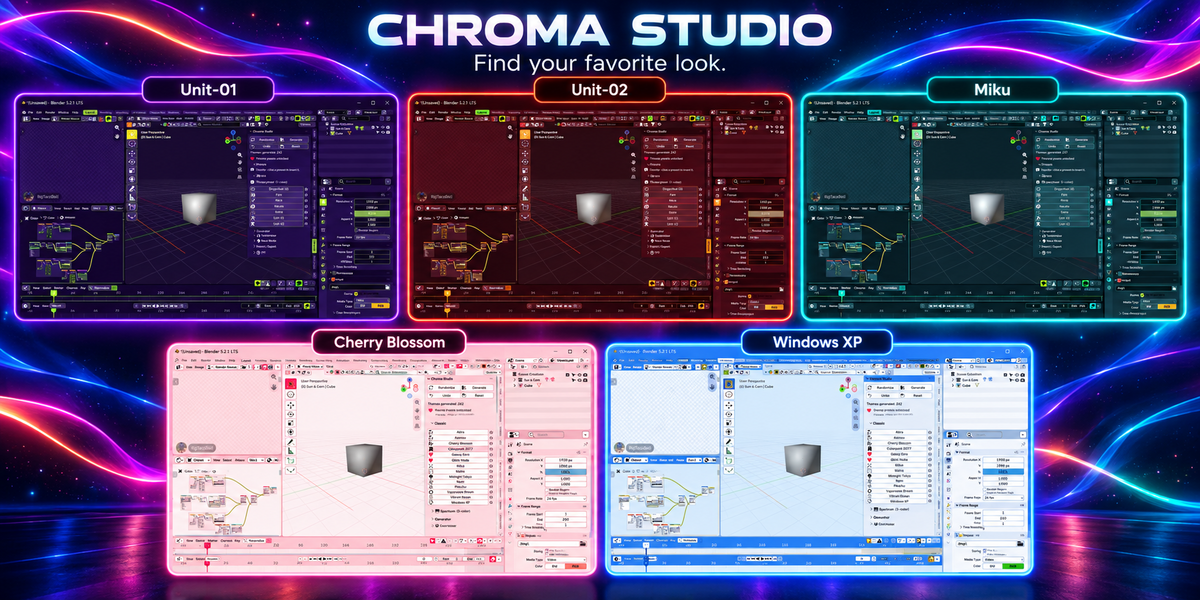
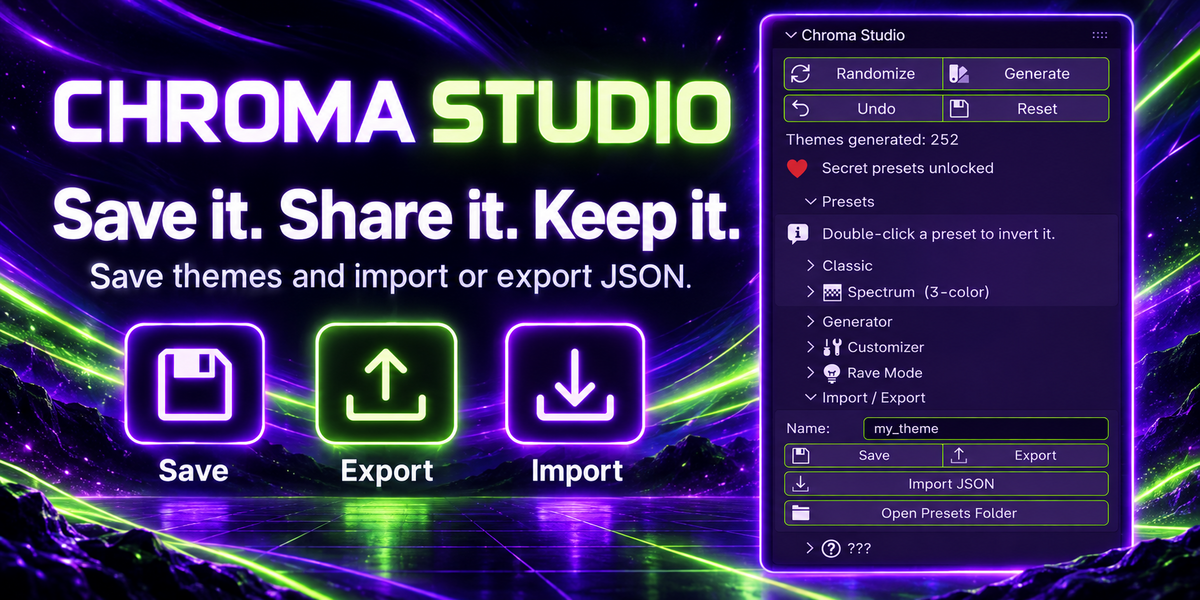
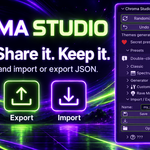
Yes. Export your theme as a JSON file and load it using Import JSON on another installation of Chroma Studio.
Can I restore Blender’s default appearance?
Yes. Use the main Reset button in the Chroma Studio panel to restore Blender’s default theme.
Will it change my models, materials, or renders?
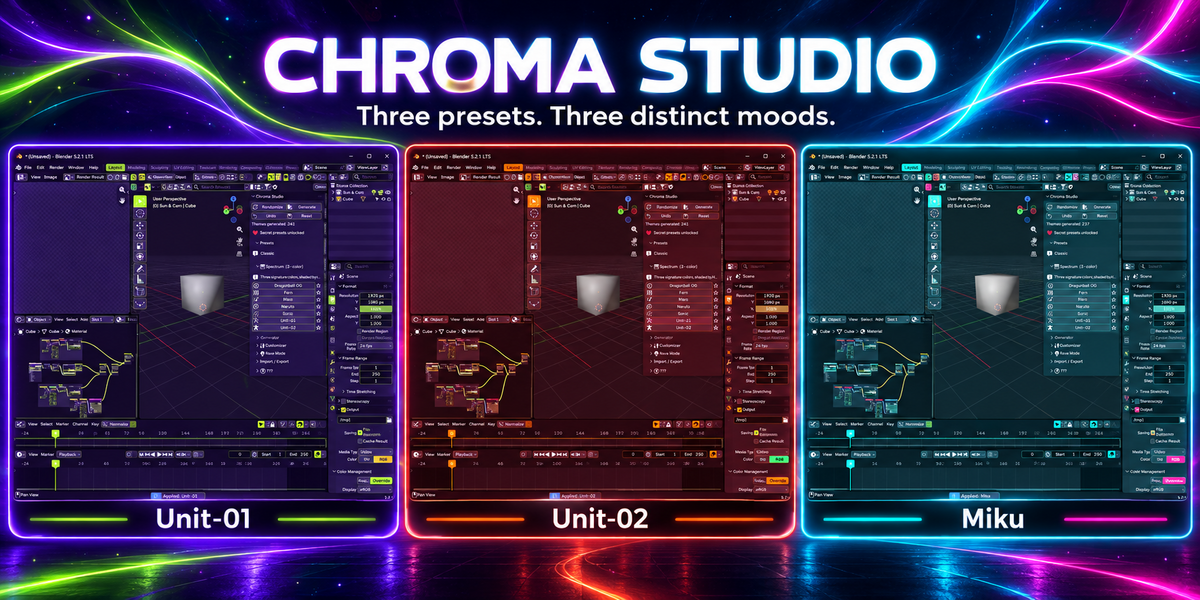
No. Chroma Studio changes Blender’s interface theme, not your scene content or rendered output.
Which Blender versions does Chroma Studio support?
Chroma Studio requires Blender 5.1 or newer. It has been tested on Blender 5.2.1.
$10
Have questions about this product?
Login to message
| Blender Extension Compatible | Yes |
| Published | 17 days ago |
| Blender Version | 5.1 - 5.2 |
| Extension Type | Add-on |
| Render Engine Used | Cycles, Eevee |
| License | GPL |
Discover more products like this
blender-theme theme-generator presets customization workspace Dark Mode blender interface color light-mode ui theme