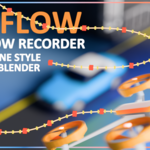
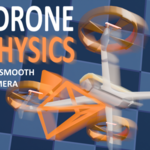
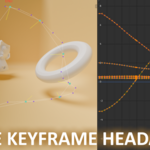
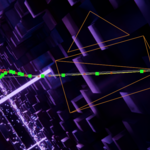
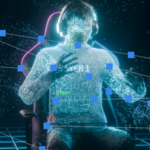
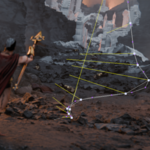
CINEFLOW is a powerful drone-style camera animation plugin for Blender that changes how you create cinematic camera movements. It is made for filmmakers, animators, and 3D artists.
CINEFLOW allows you to control the camera in real time using simple WASD and mouse controls, similar to using a professional drone gimbal.
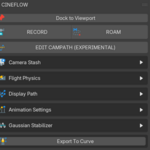
Record your performance, and CINEFLOW automatically turns it into smooth, production-ready keyframes. Its built-in Gaussian smoothing, visual path overlays, and snapshot-based editing system give you precise control while keeping the natural flow of your motion.
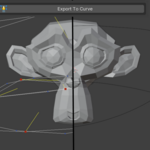
You can adjust individual segments, add anchor tracking, save multiple camera takes, or export the path to a smooth follow-curve.
Whether you're making epic trailers, architectural visualizations, action sequences, or product animations,
With adjustable inertia, speed, sensitivity, roll, and FOV, you experience natural and responsive flight that feels alive and organic.
Stop struggling with stiff keyframes. Start flying.
CINEFLOW connects free-roaming creativity with polished, broadcast-quality results without wasting hours on the graph editor.

CINEFLOW allows you to record your navigation as the animation plays, but without influencing your animated character, rigged models, and any other objects in the scene
Once the timeline reaches its end or you stop the animation using the ESC button, CINEFLOW will automatically generate your flight as smooth keyframes.
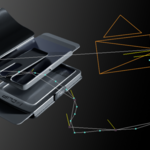
CINEFLOW relies on an initial non-keyframed method so the playback does not get affected. the system works by sending information to the addon where you have added a specified target and once the animation finishes the addon reads these key points as location data and interpolates the 3D world space info into usable camera keyframes

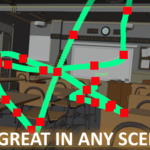
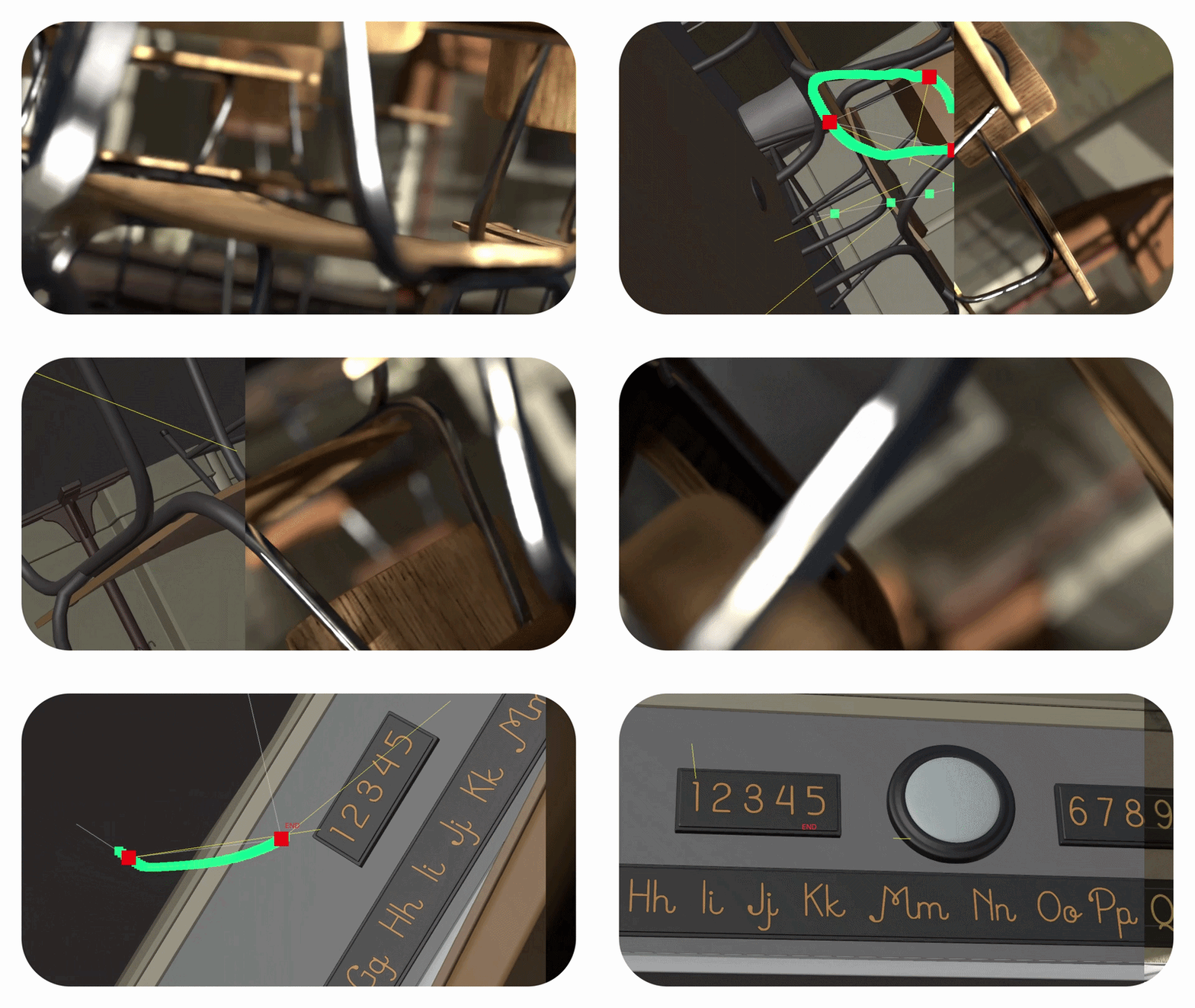
CINEFLOW offers GPU keyframe visuals. they are vivid colourful graphical representations which show inside your 3D viewport when recording
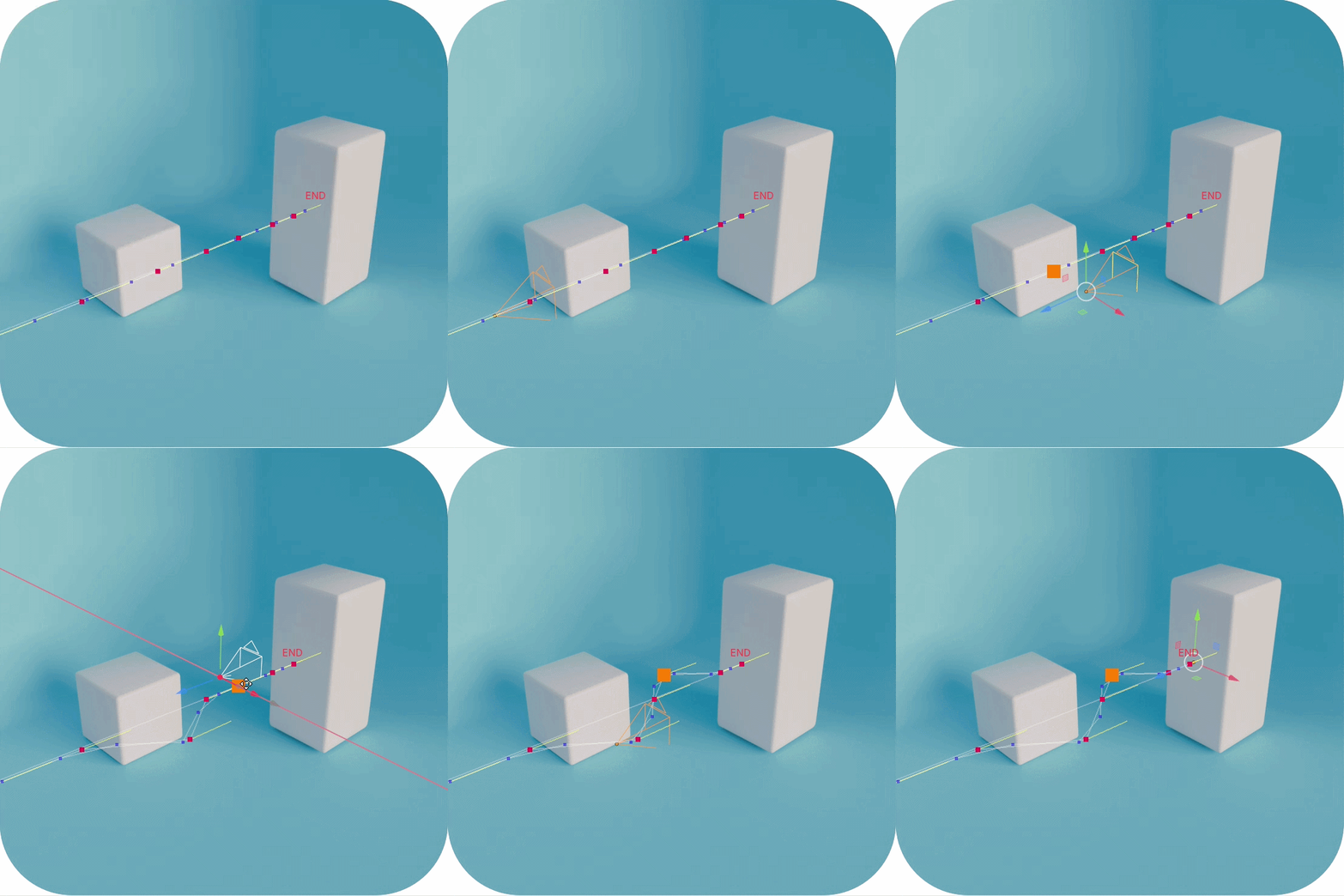
Simply turn on the GPU keyframes option, click record and start playing your animation, its really that easy!
The animated timeline will create colourful, configurable points representing the motion of the camera in real time right inside your viewport.
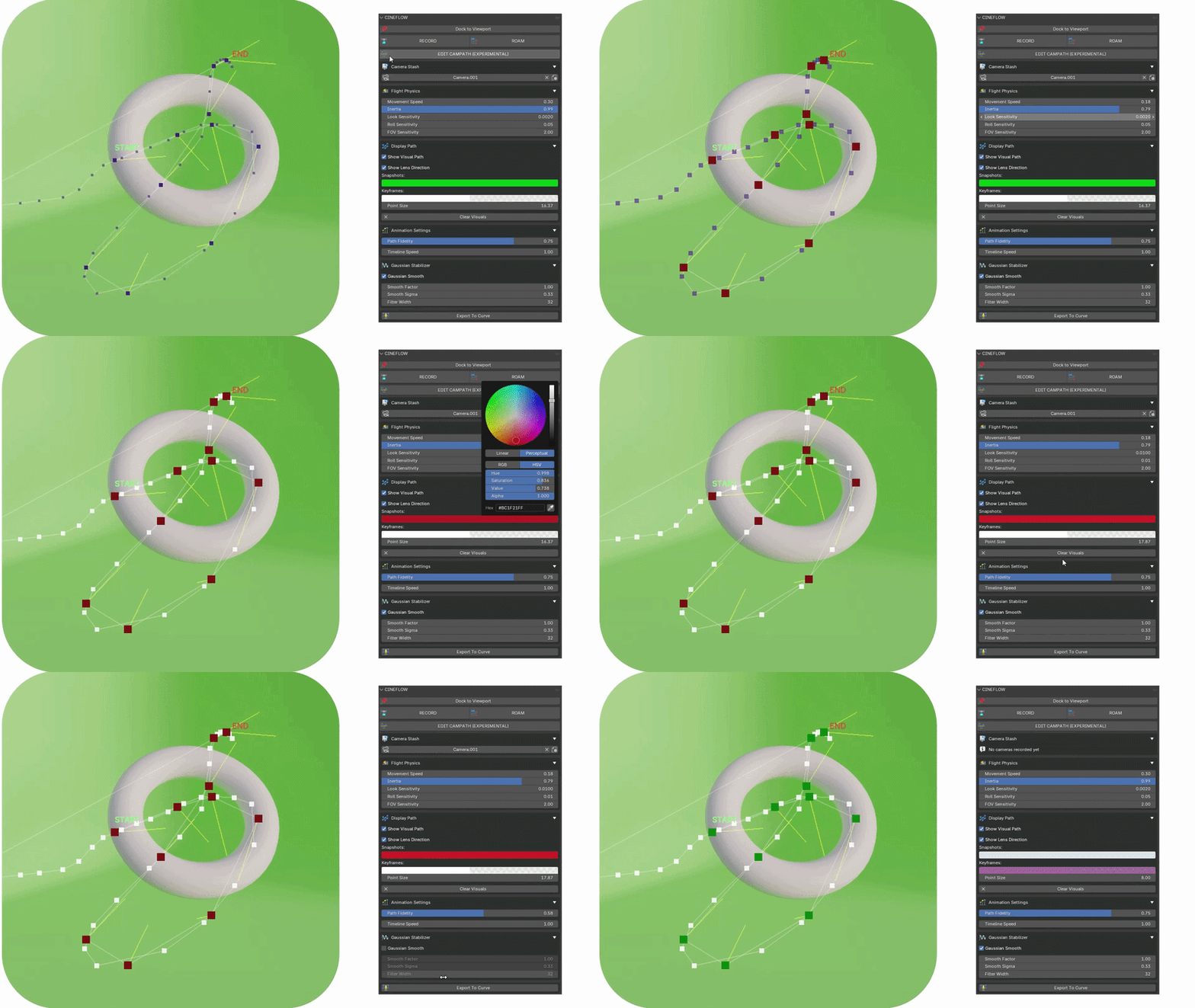
The colourful graphical representations are entirely interactive. Now with the improved editing option, you can select, drag, arrange and even delete individual points easily. Once done, CINEFLOW will transform these graphics into effective animation timeline information while retaining the cinematic nature of the animation.
 Elliot Clark