Cinema Interior Asset
 Interior-Mind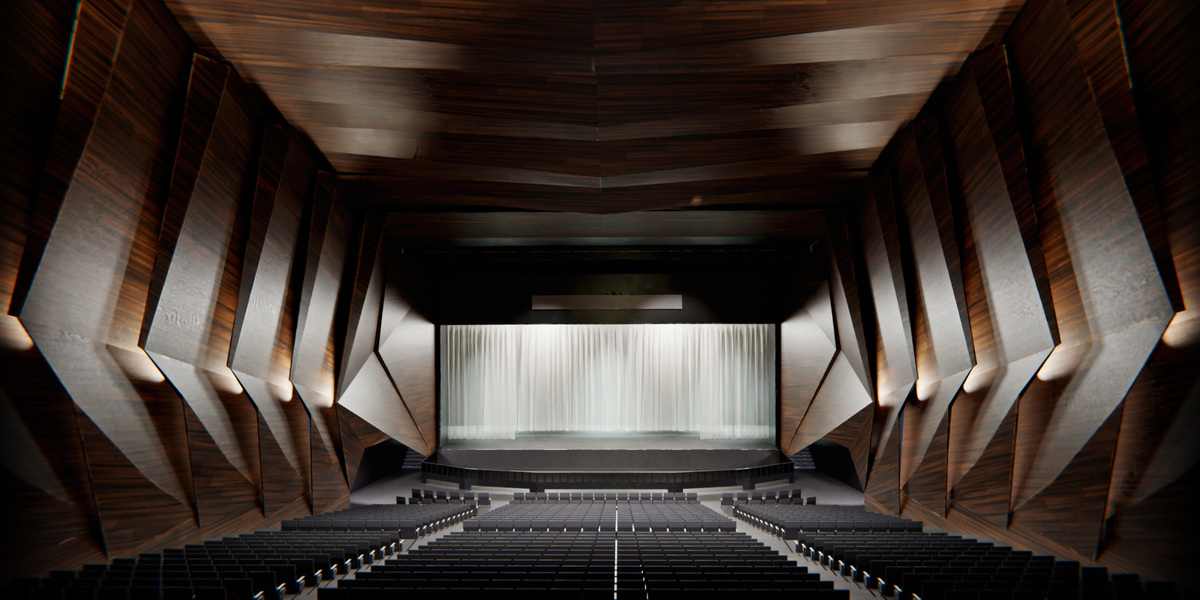
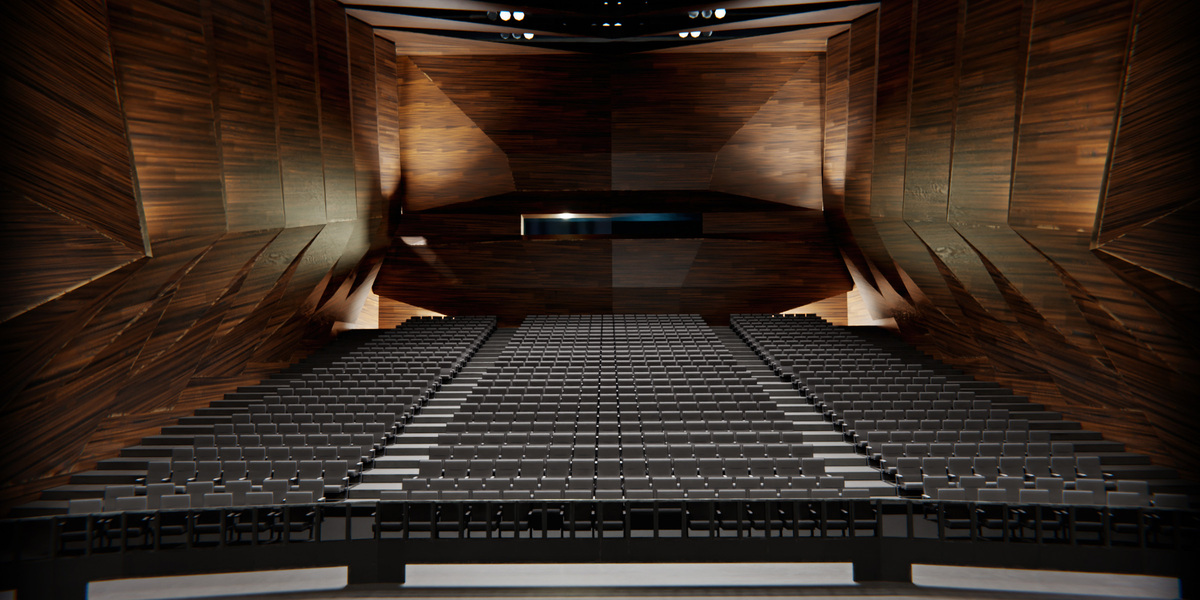
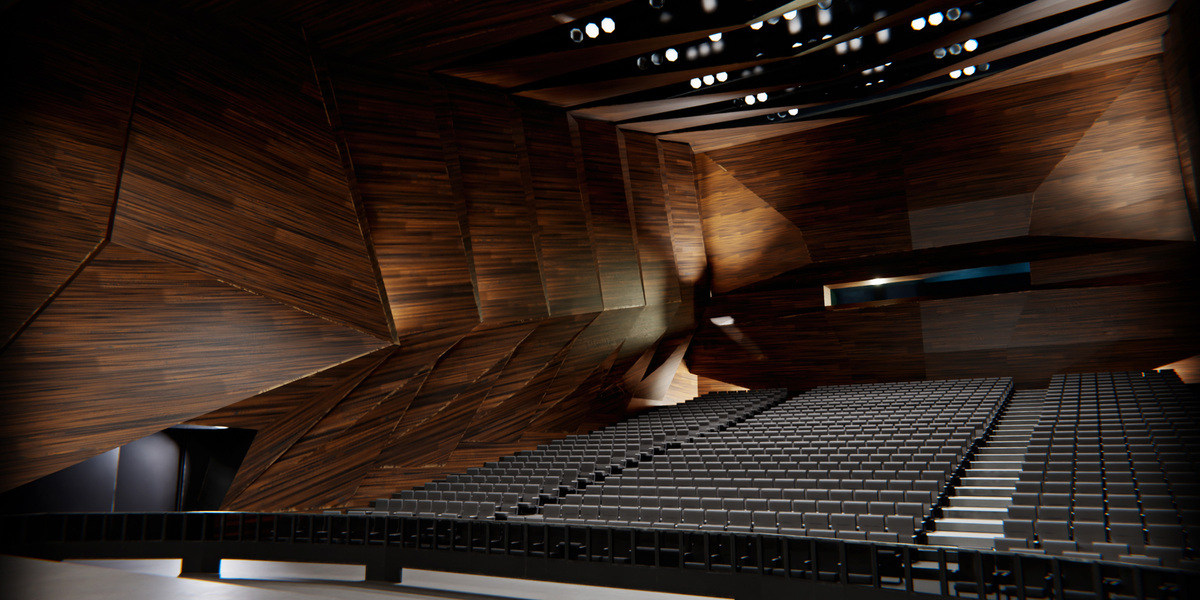
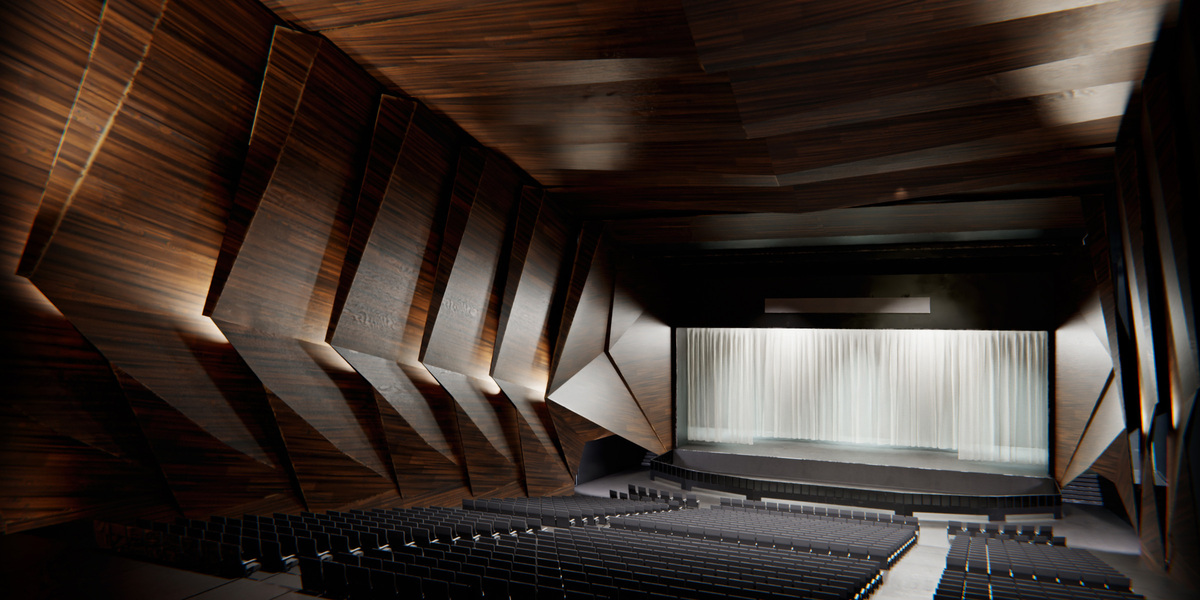
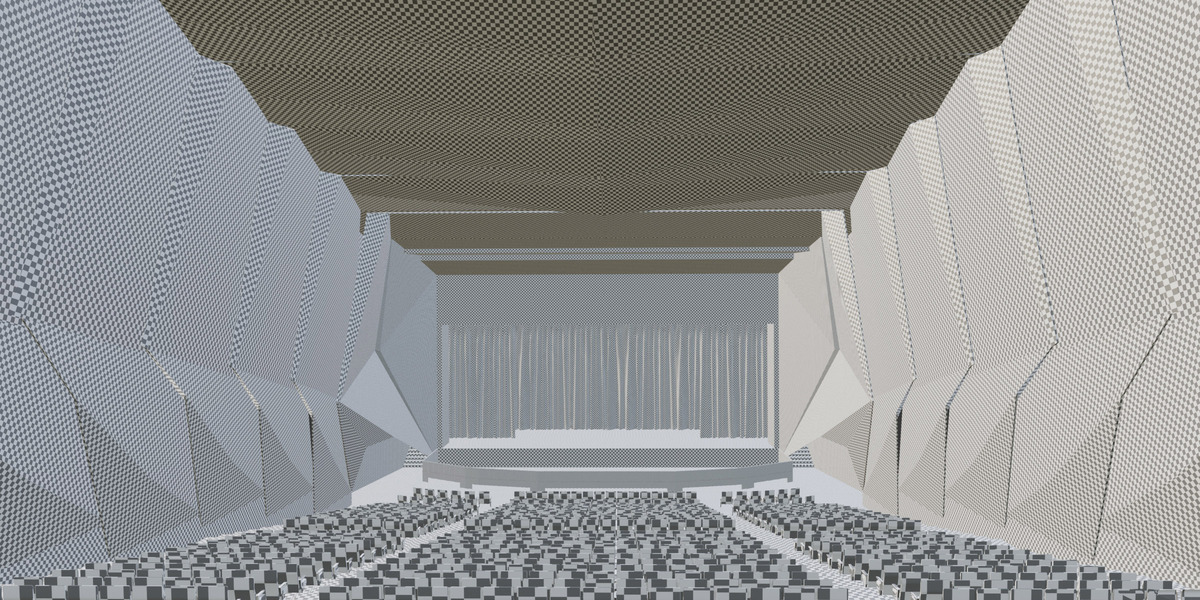
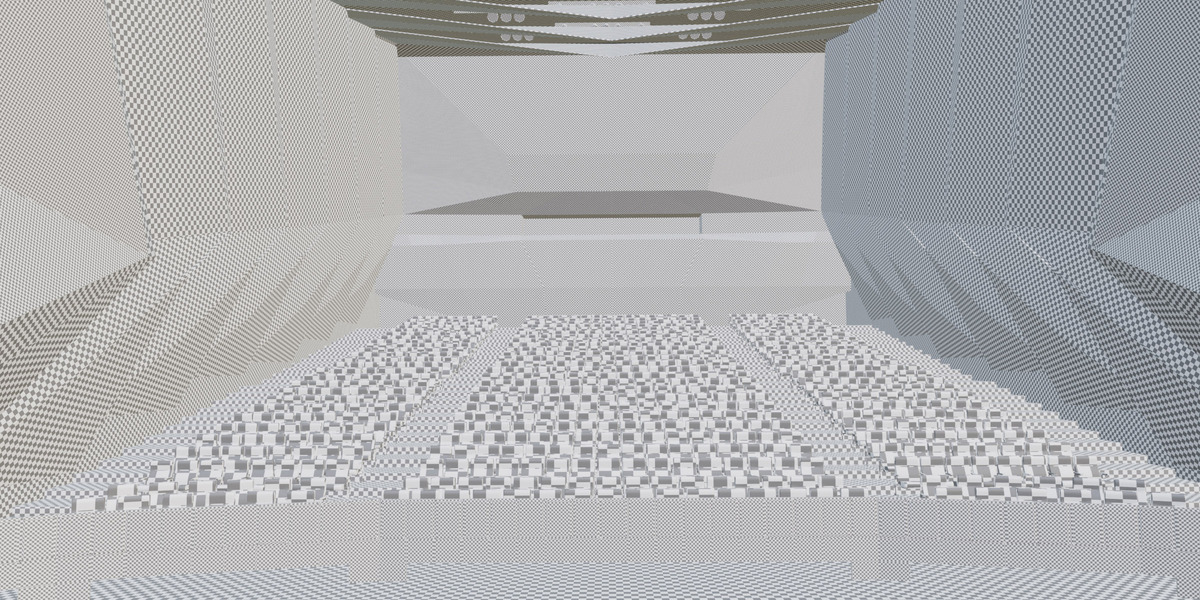
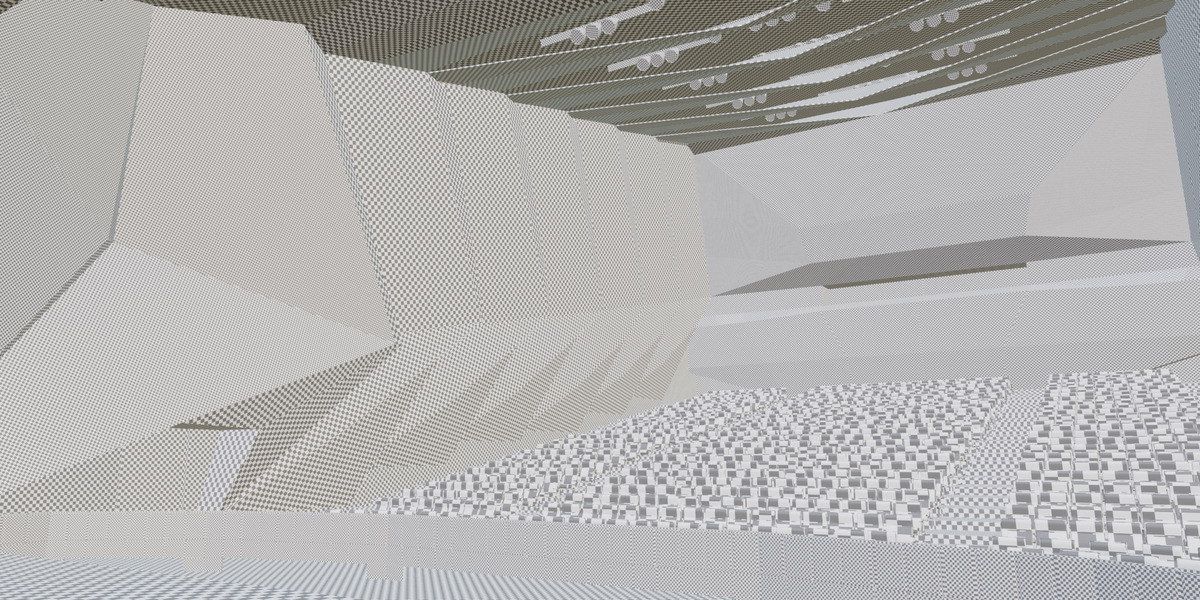
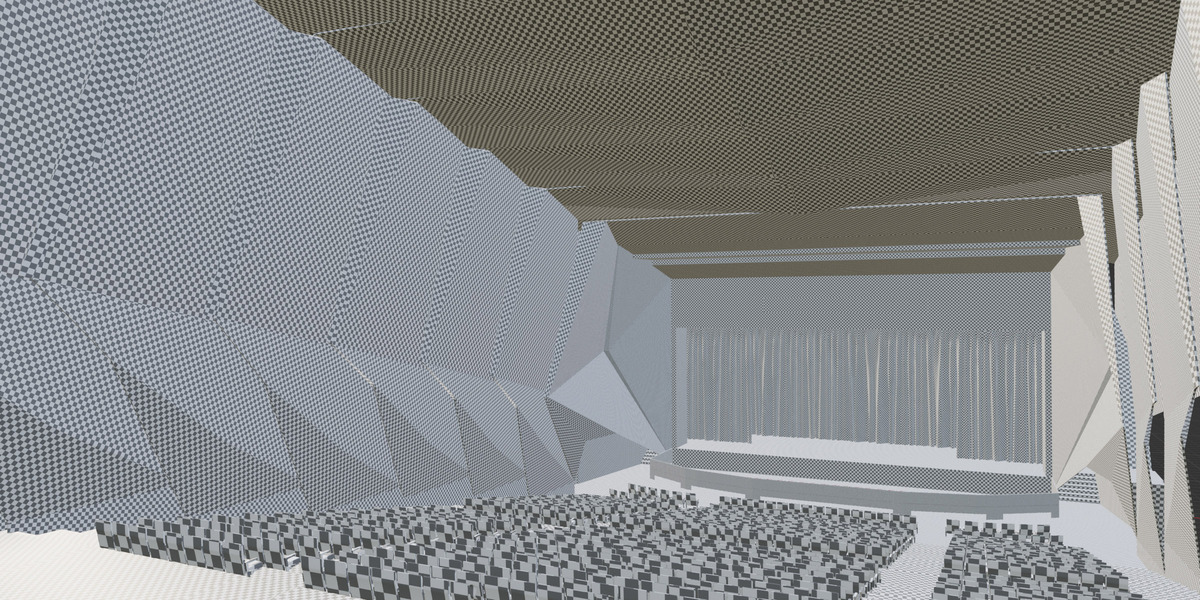
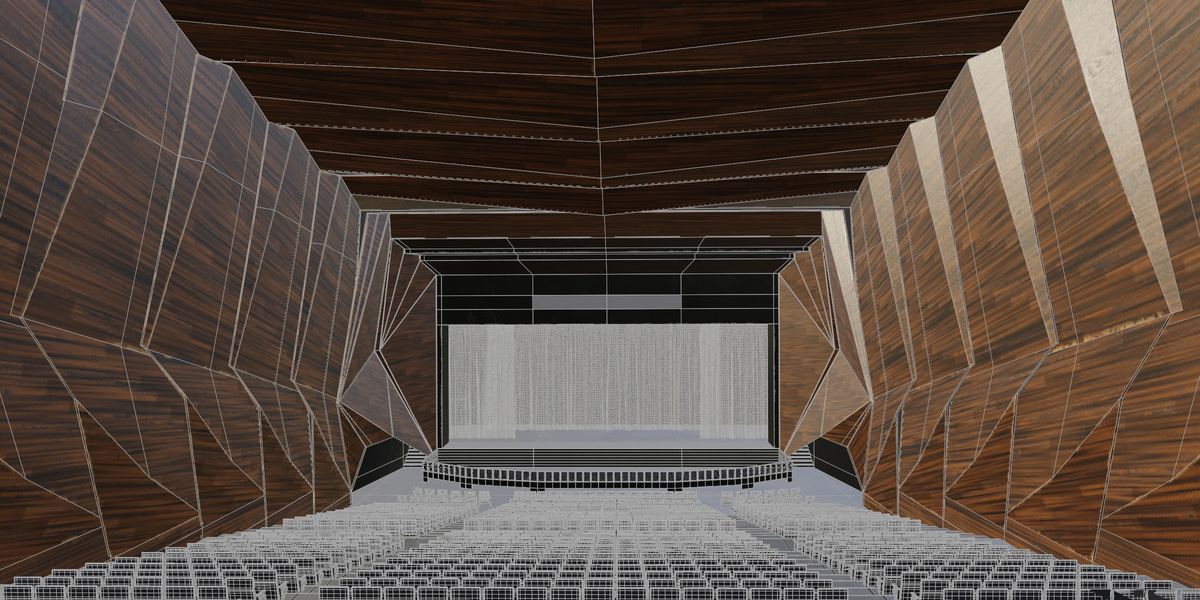
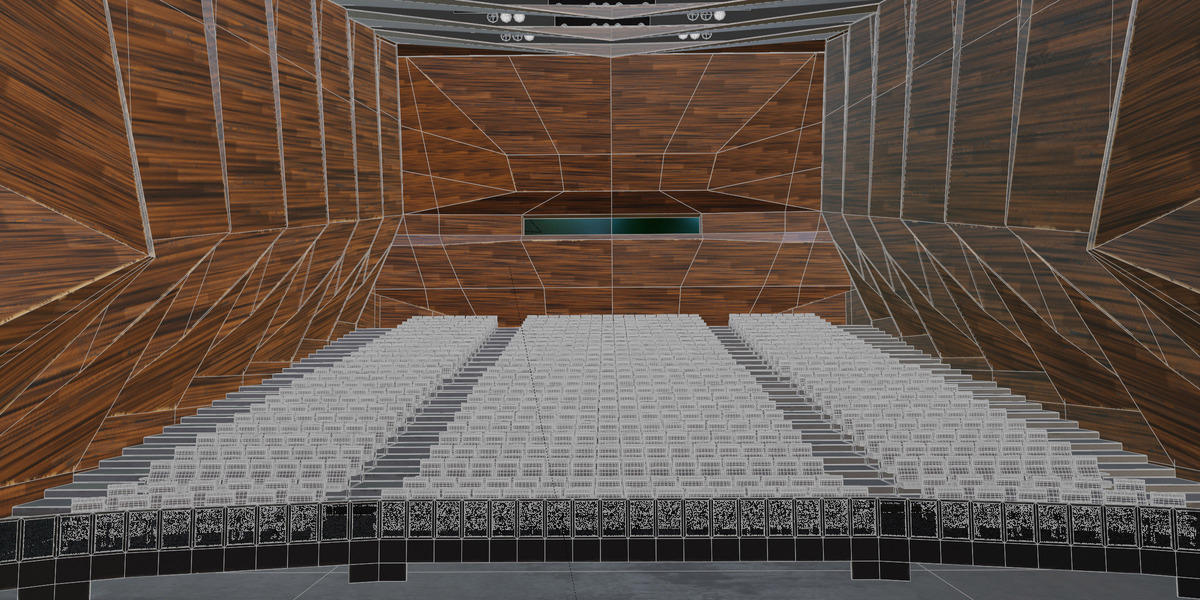
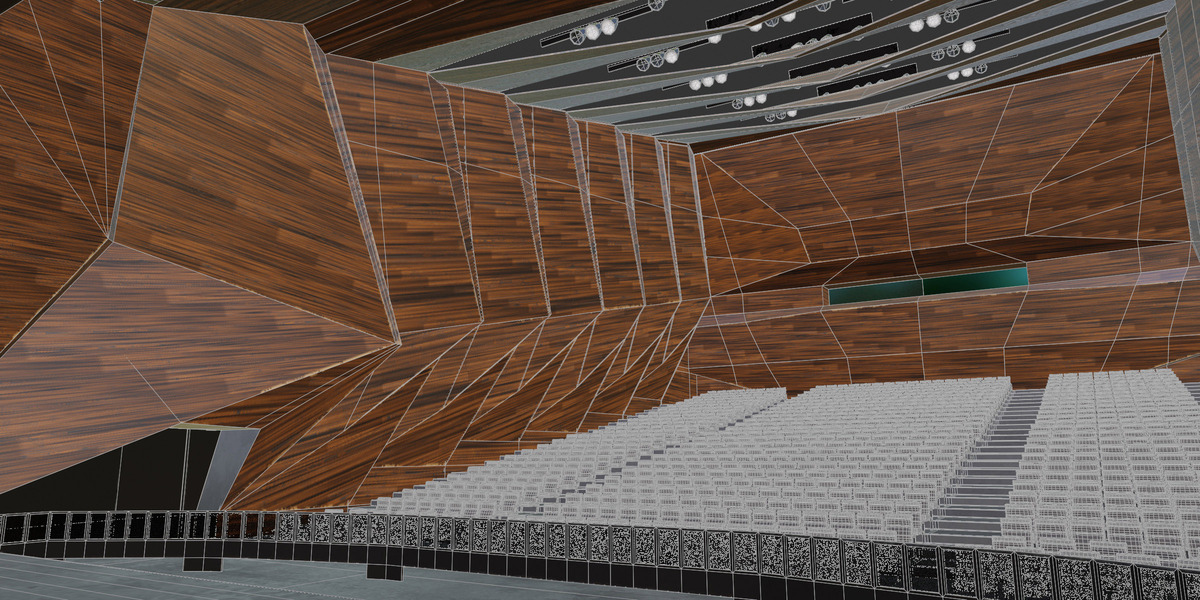
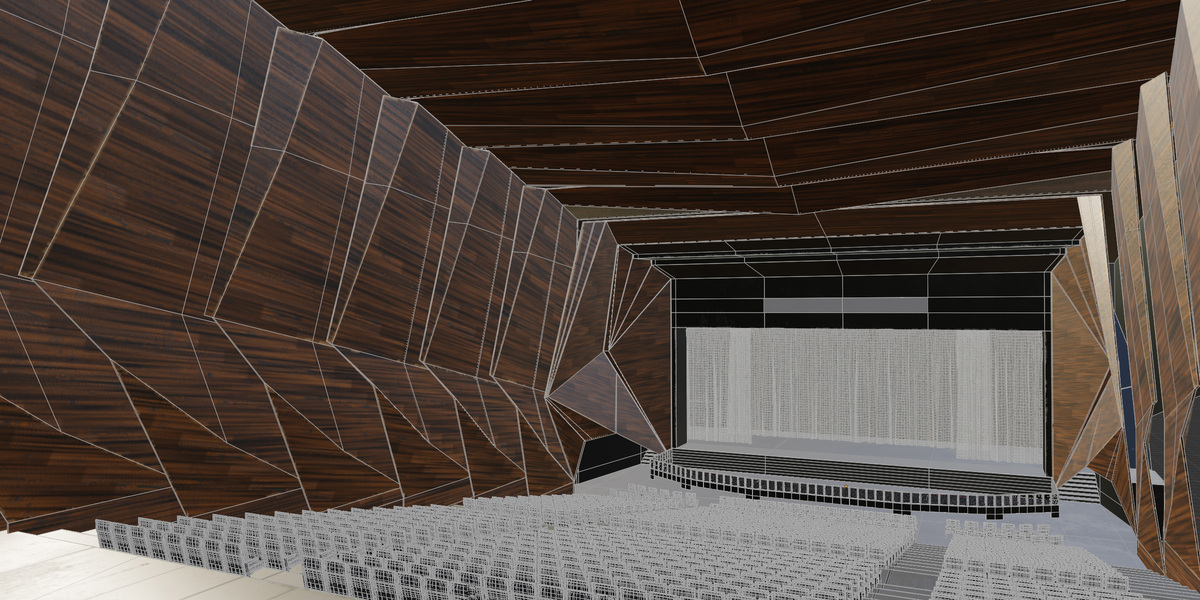
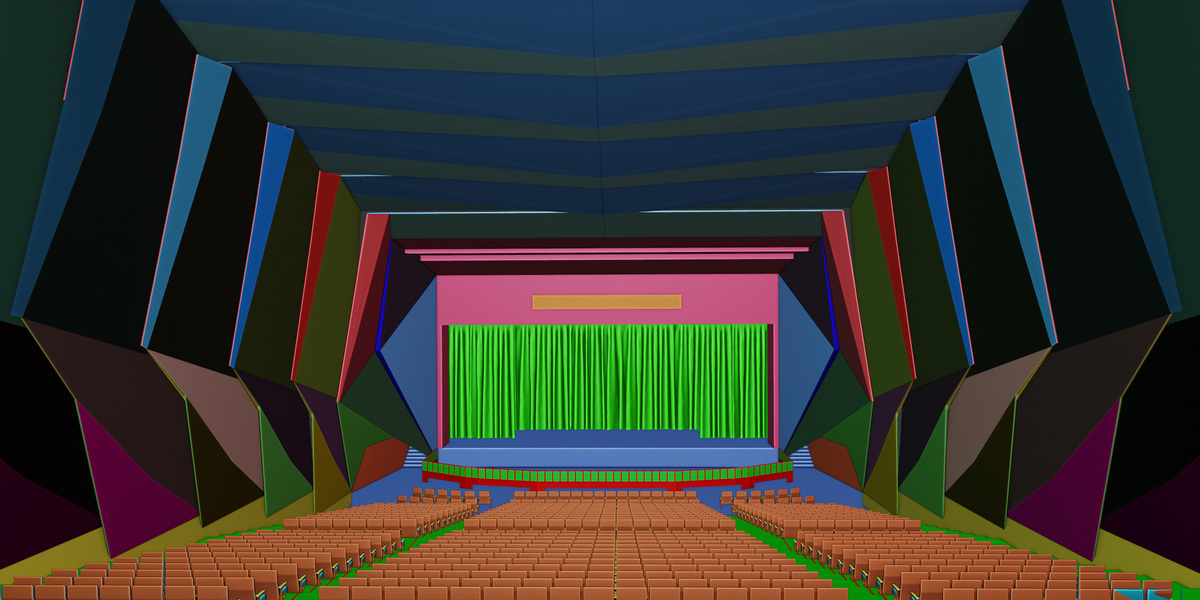
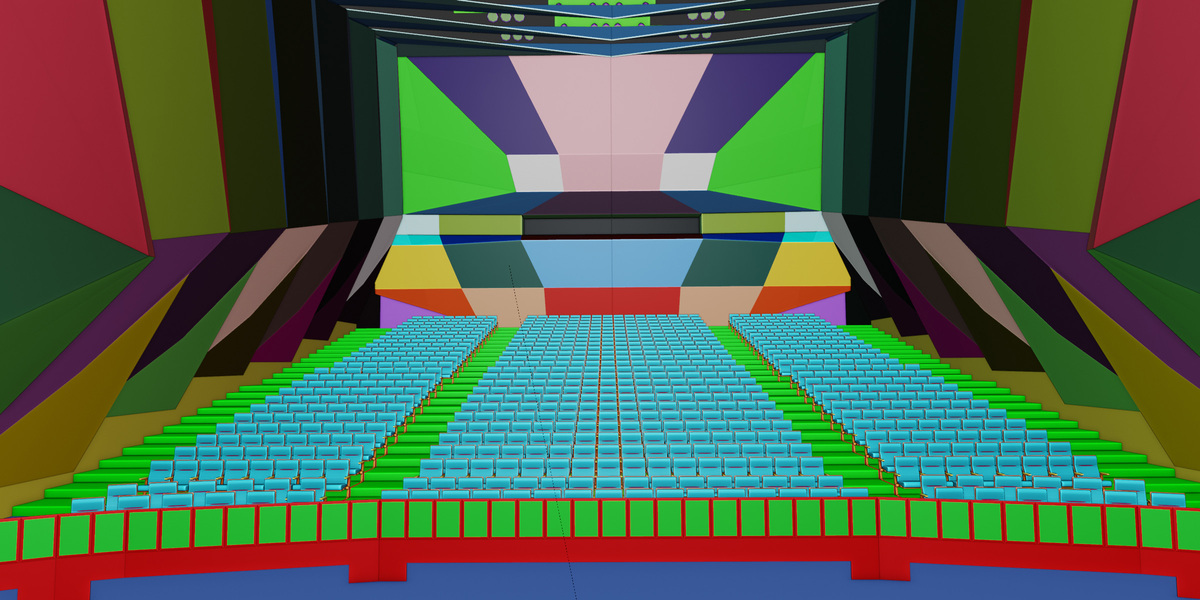
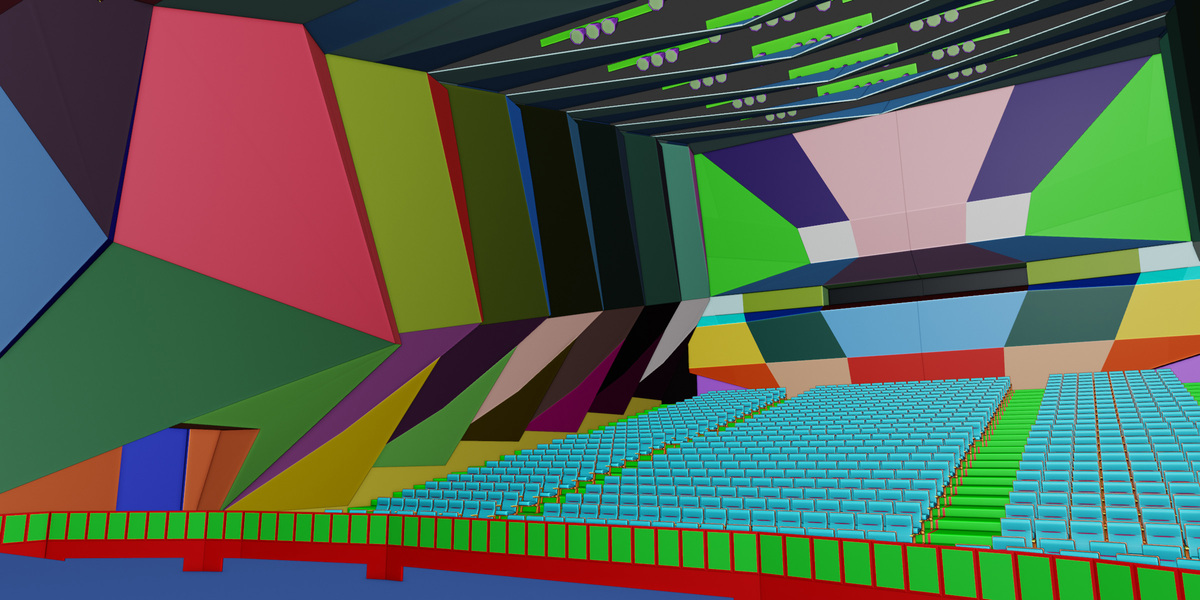
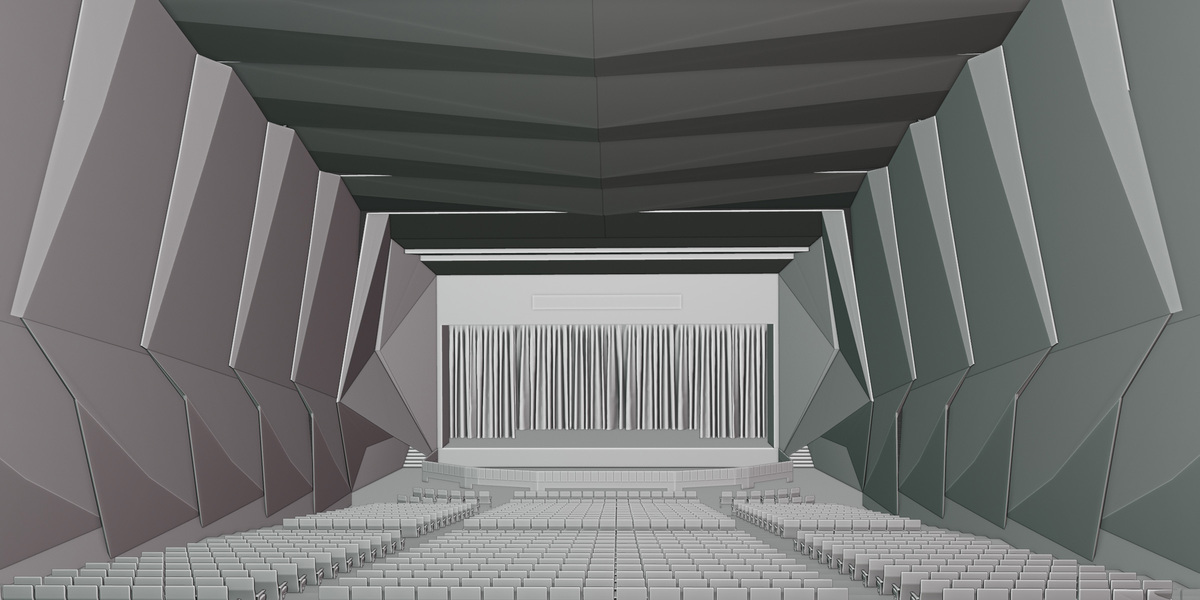
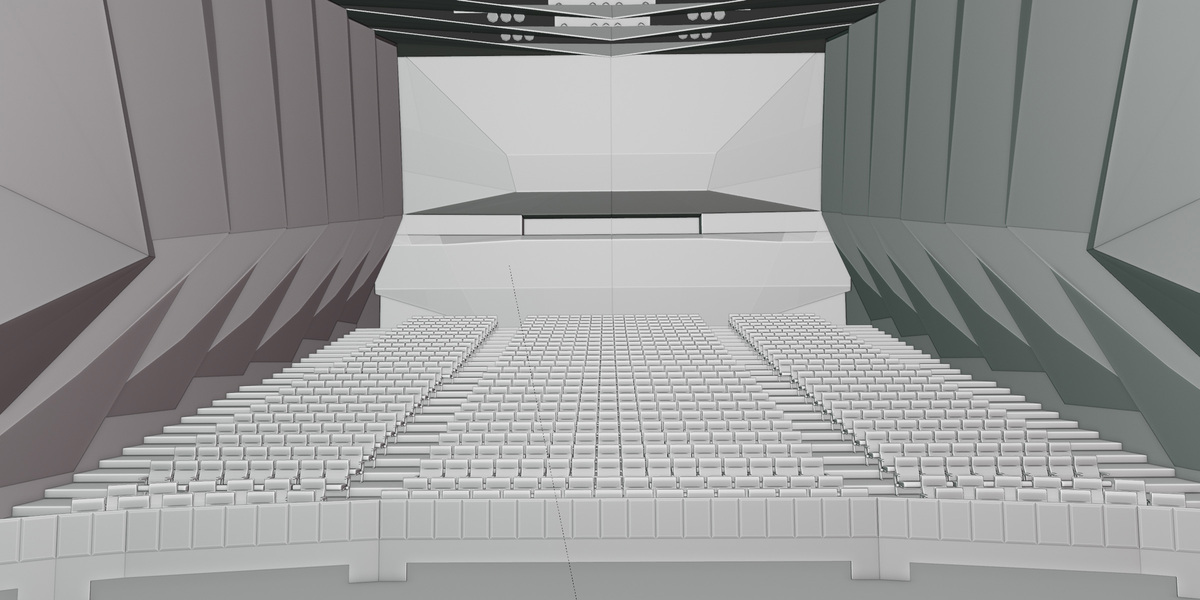
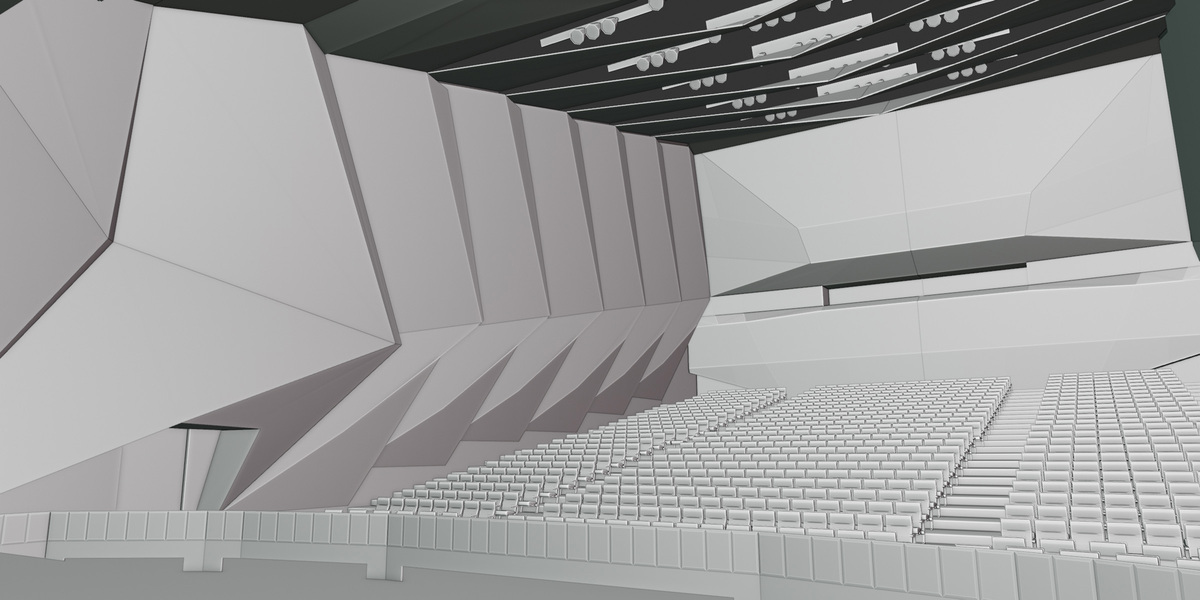
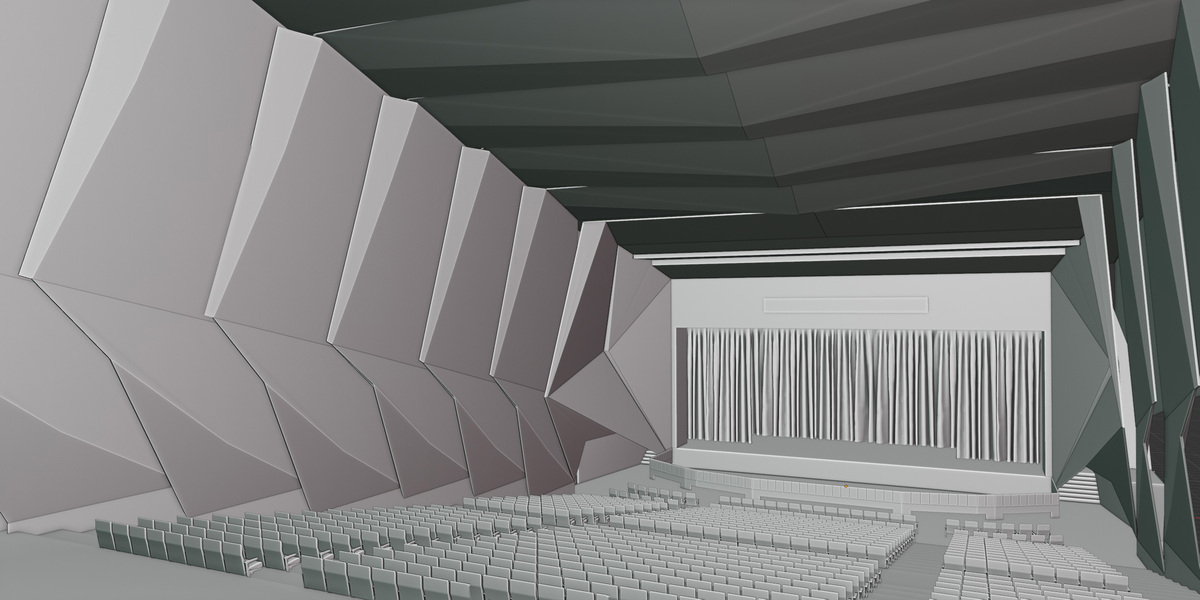
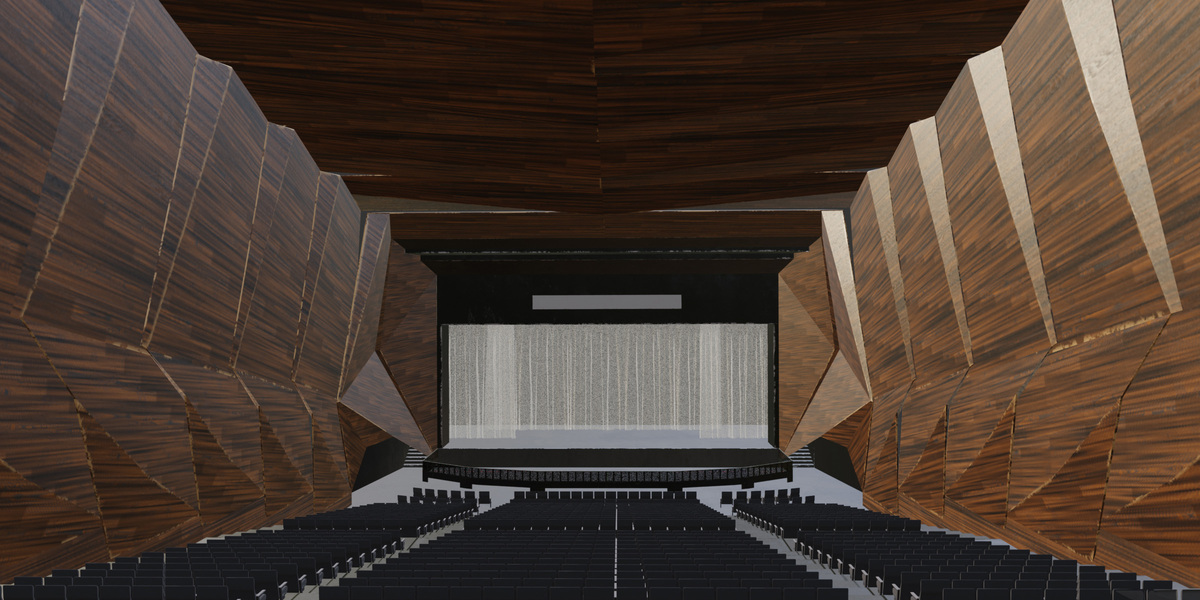
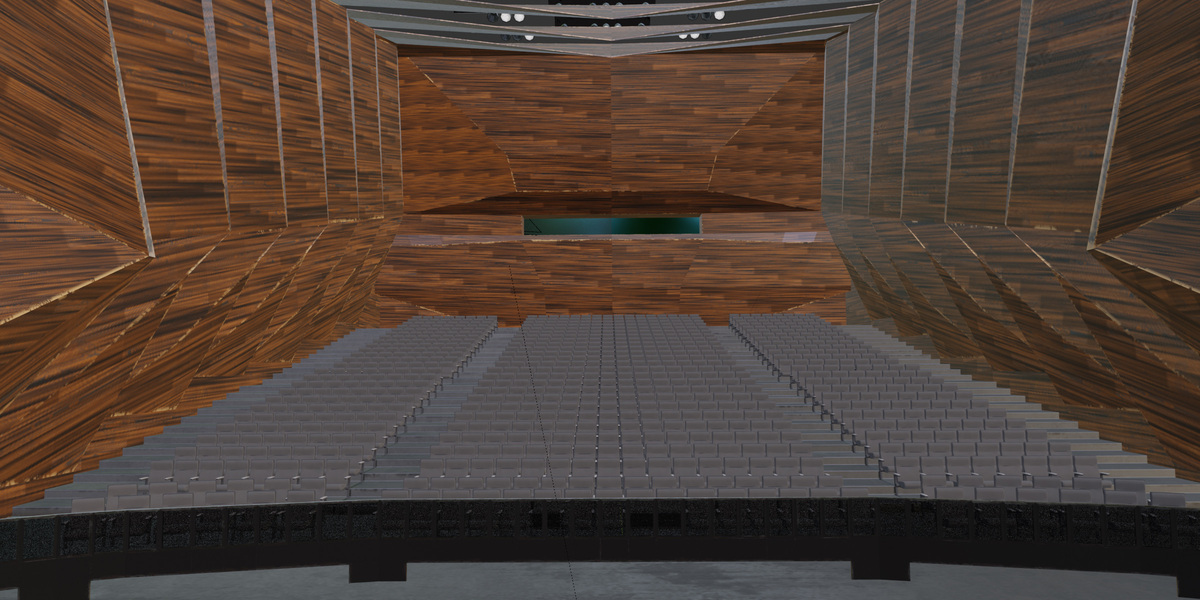
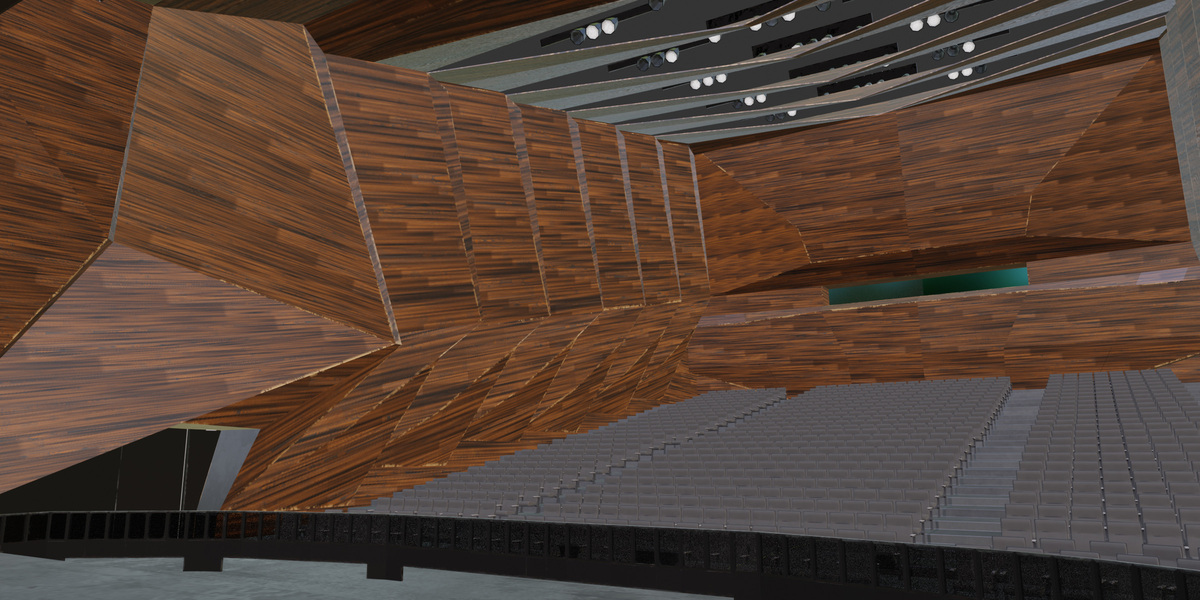
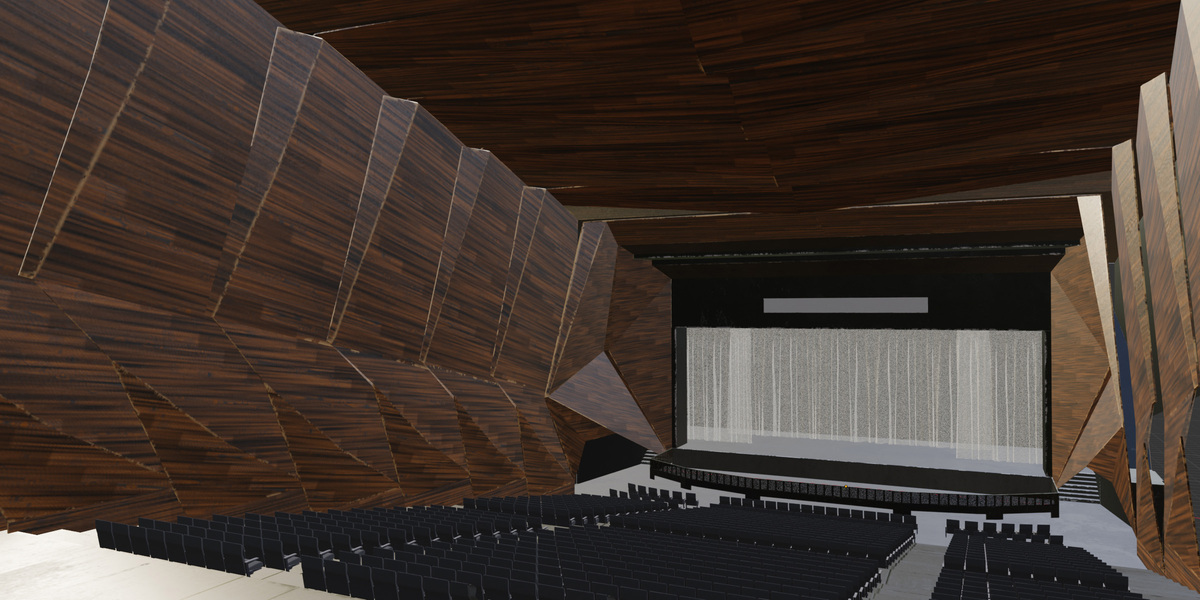
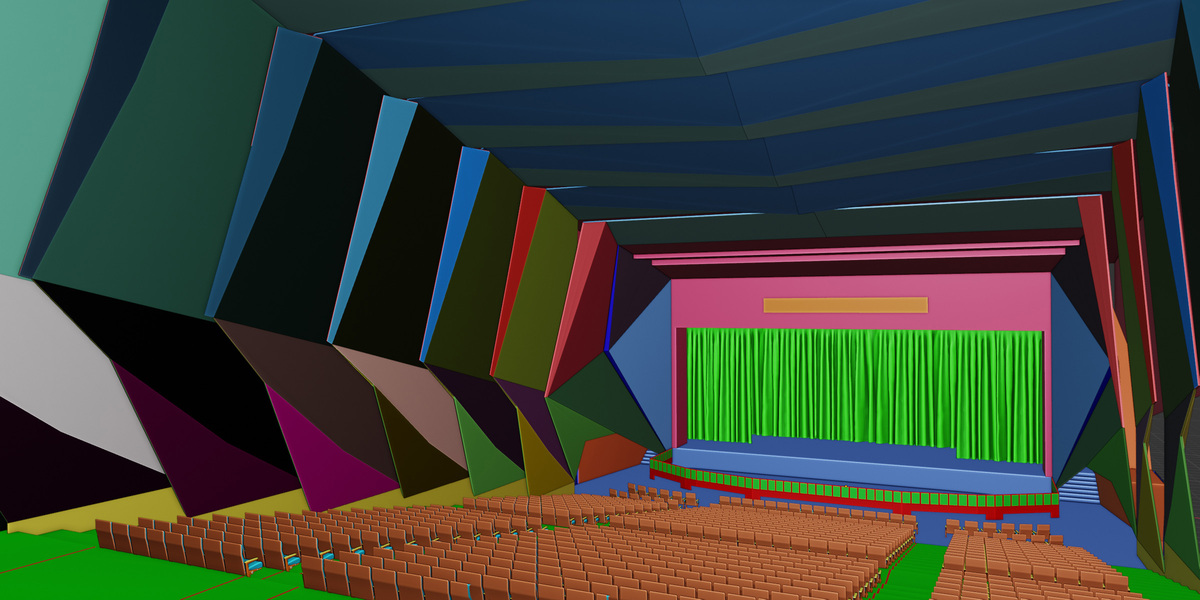
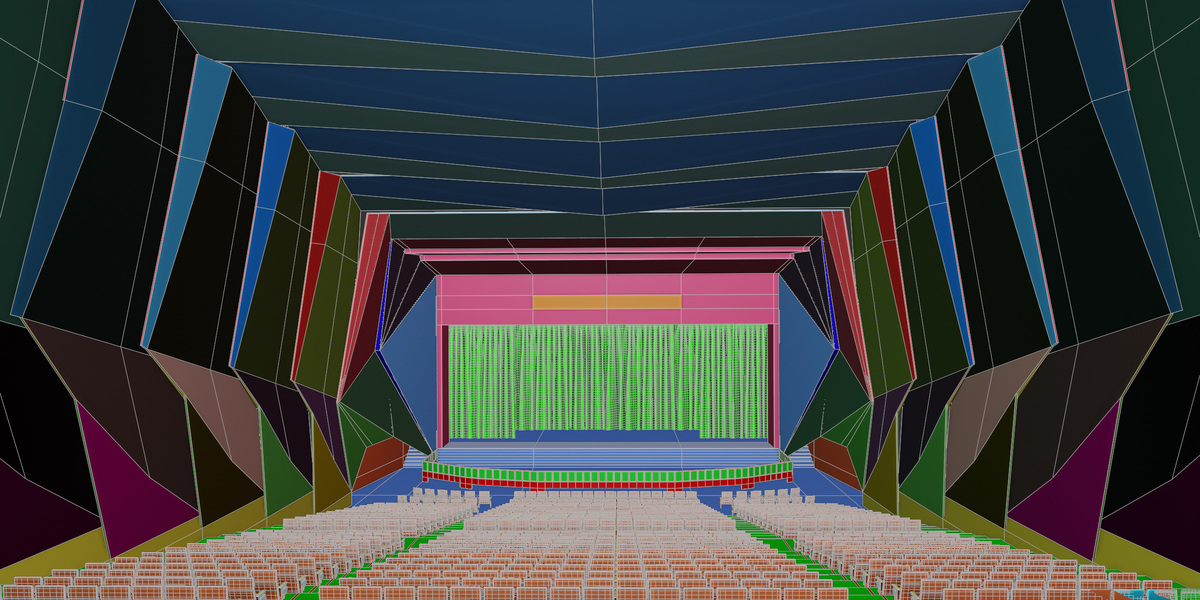
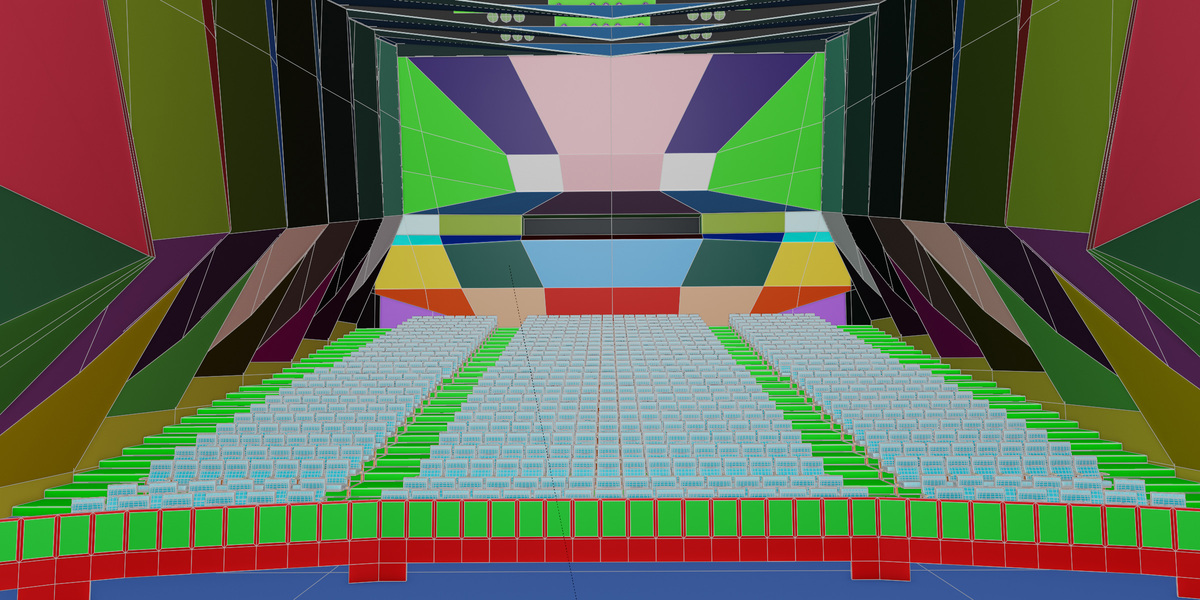
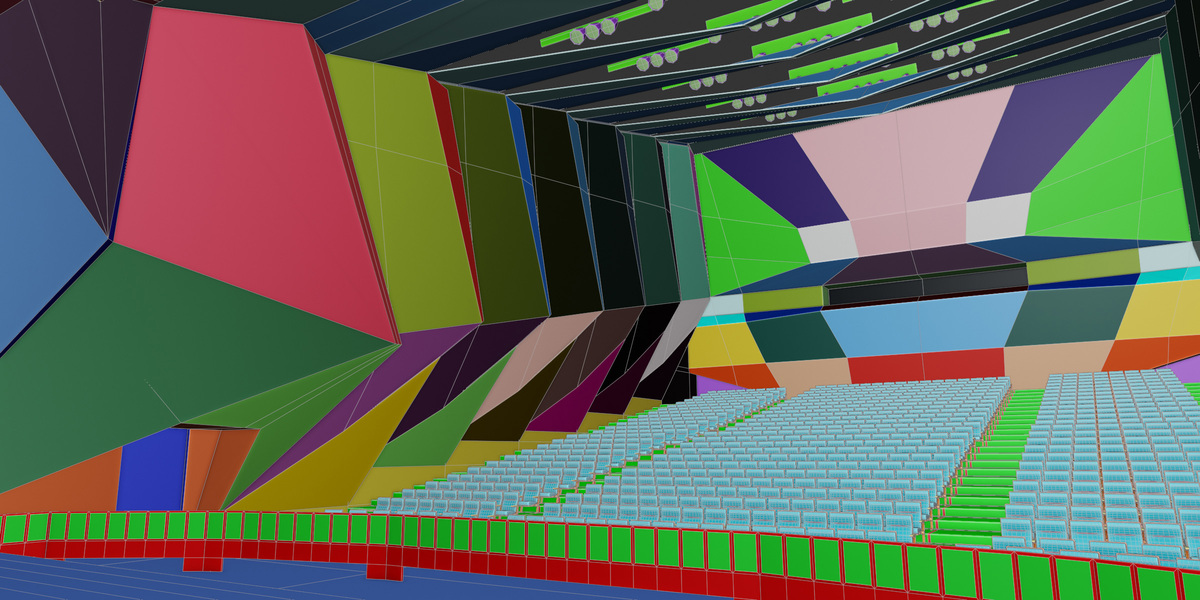
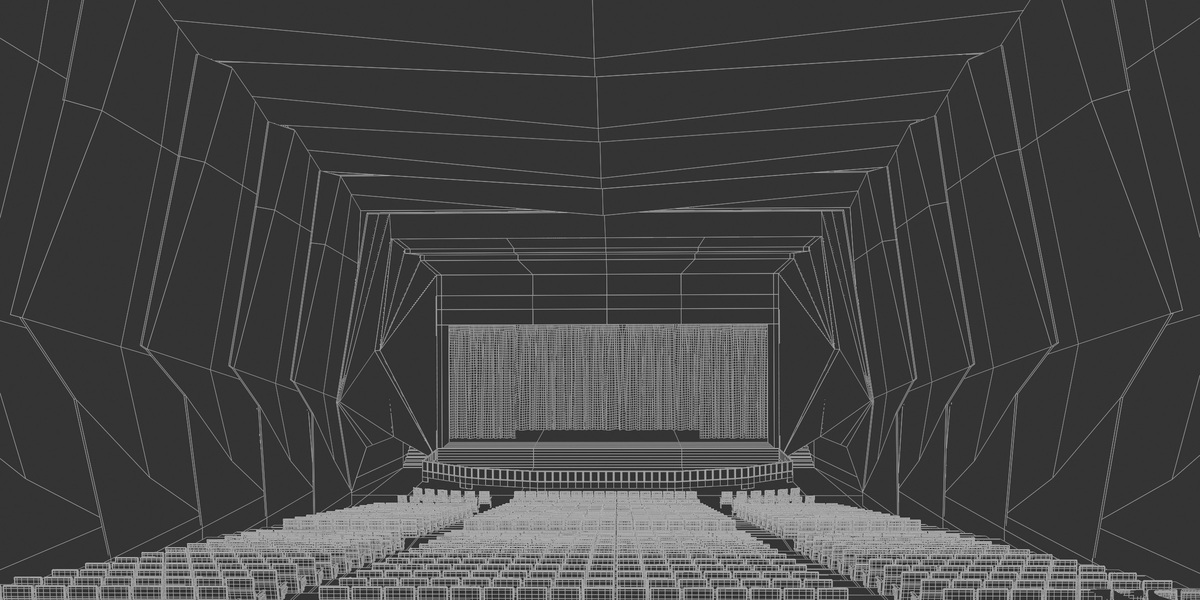
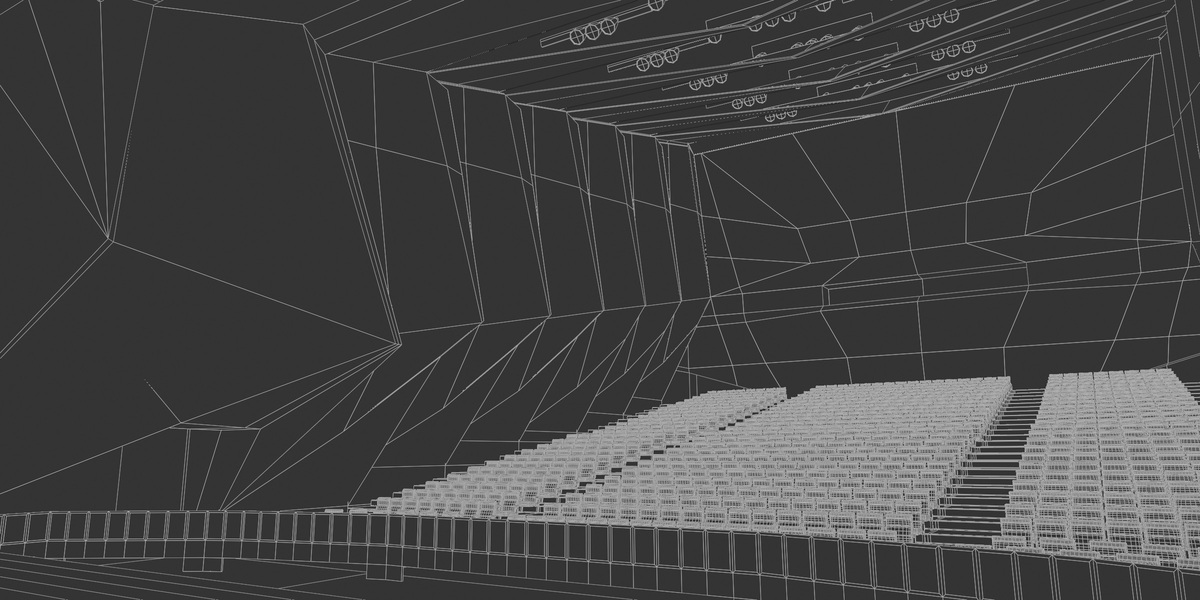
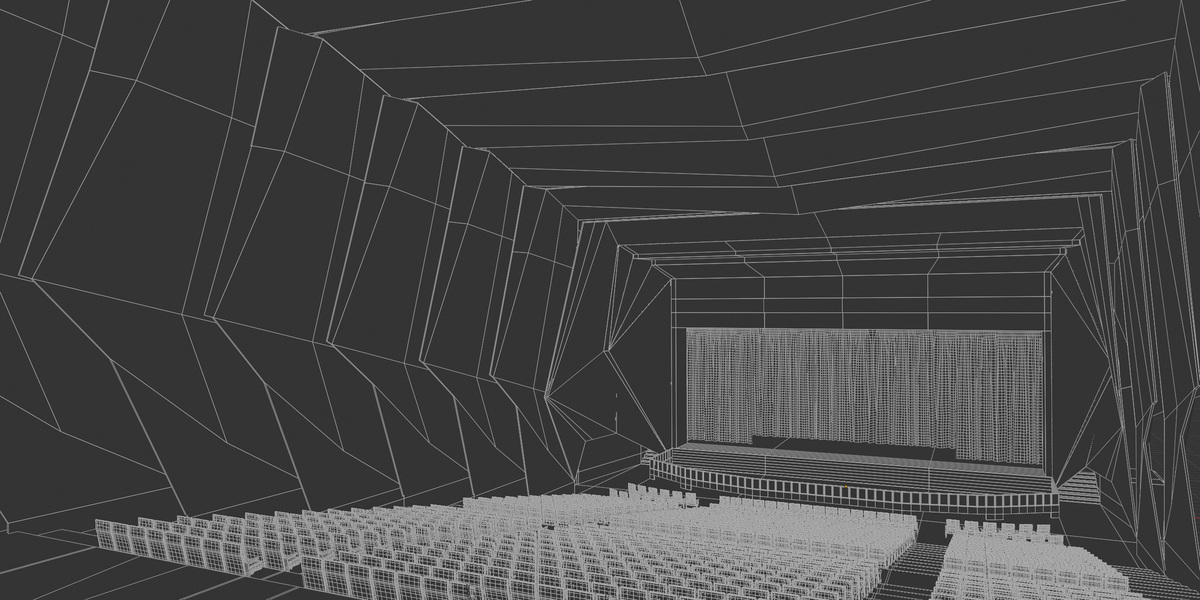
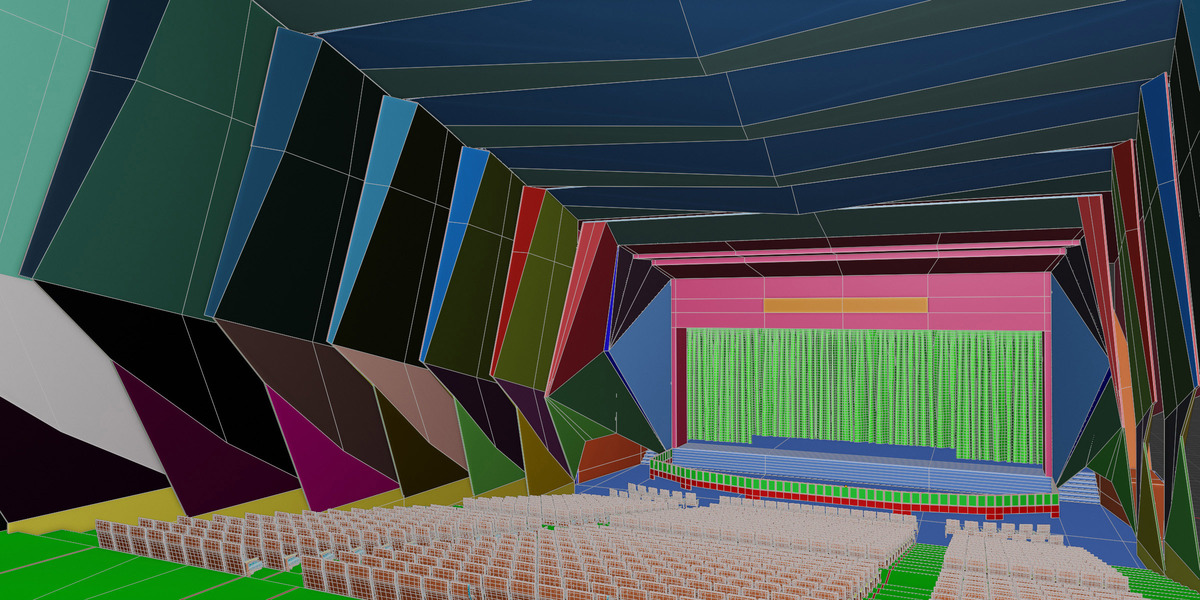
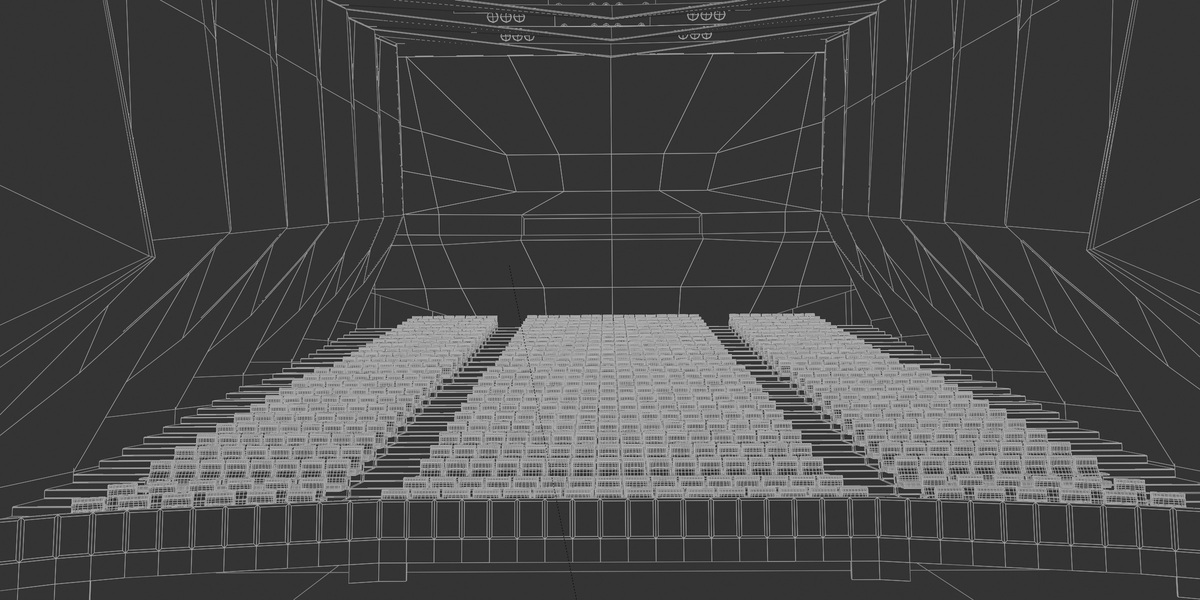
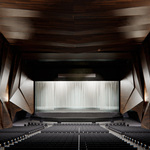
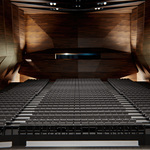
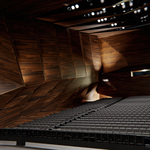
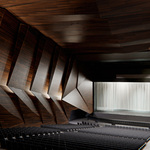
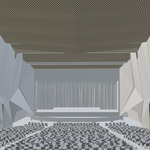
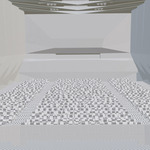
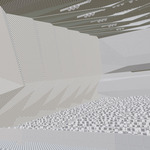
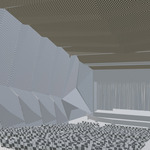
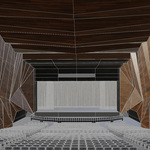
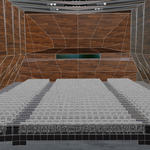
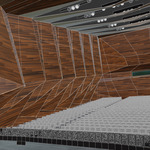
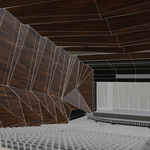
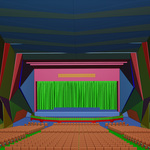
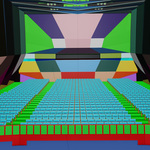
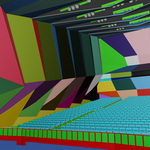
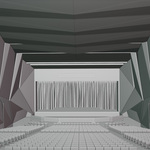
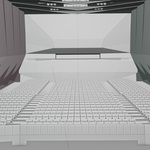
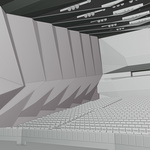
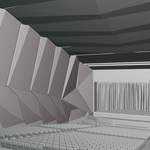
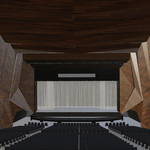
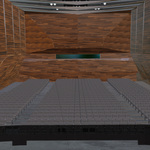
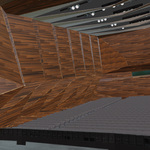
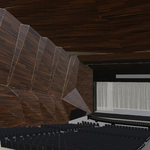
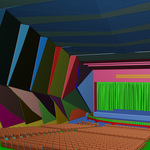
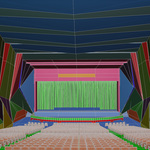
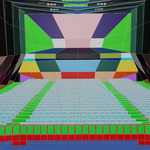
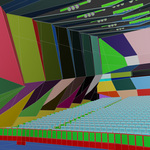
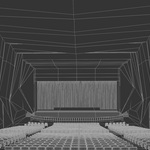
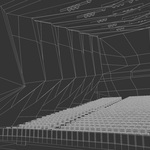
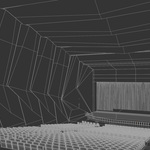
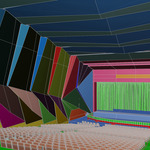
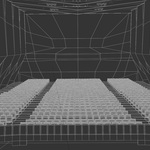
All formats are designed for easy integration. The Blender file opens with lighting, composition, and materials already connected, making it ready to render instantly. FBX and OBJ versions include both textured and non‑textured options — simply import them into your engine and reconnect the 1K PBR maps if needed. The 3ds Max file supports standard PBR workflows, allowing you to apply Base Color, Roughness, Metallic, Normal, and AO maps directly. All versions maintain clean UVs and optimized geometry for smooth performance across real‑time engines and offline renderers.
 Included
Includes 12 months of
- Support from Interior-Mind
- Product updates
Extend this product’s Support Period +12 months: 50% of product price
Have questions before purchasing?
Login to message
| Published | about 2 months ago |
| Blender Version | 4.5 - 5.2 |
| Render Engine Used | Cycles |
| Misc Data | Uvs-Unwrapped, Normal-Mapped, Textured |
| License | Royalty Free |

Discover more products like this
cinema 3denvironment CG asset clean uv maps 3DEnvironments virtual production Amphitheater achviz 3d_low_poly_asset 3d interior rendering 3D Game Environment