 Larry3d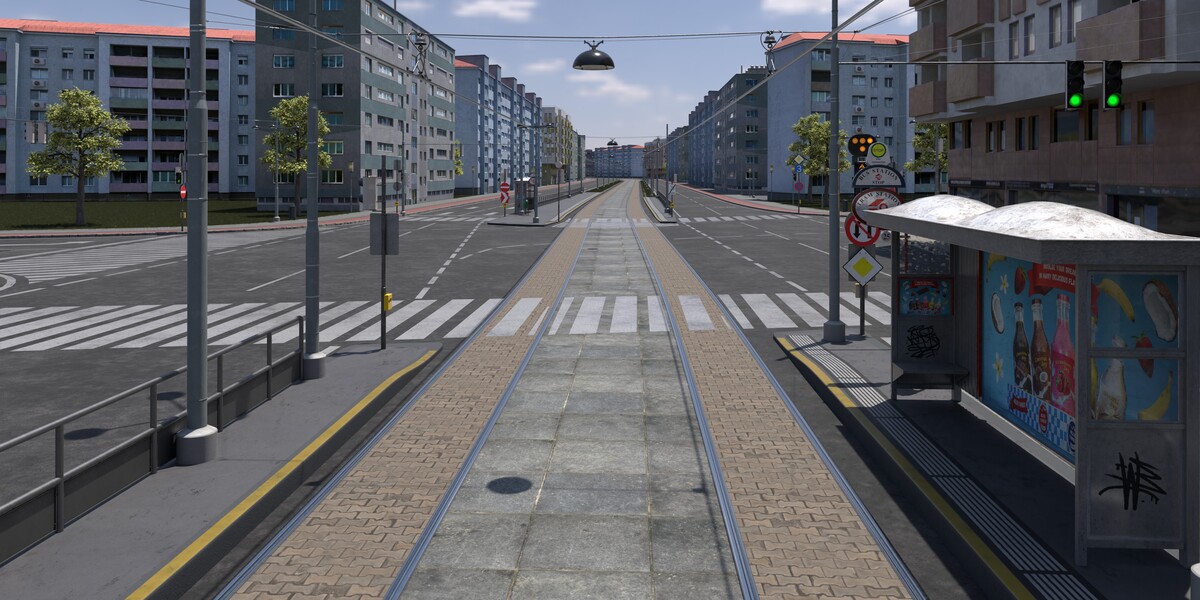
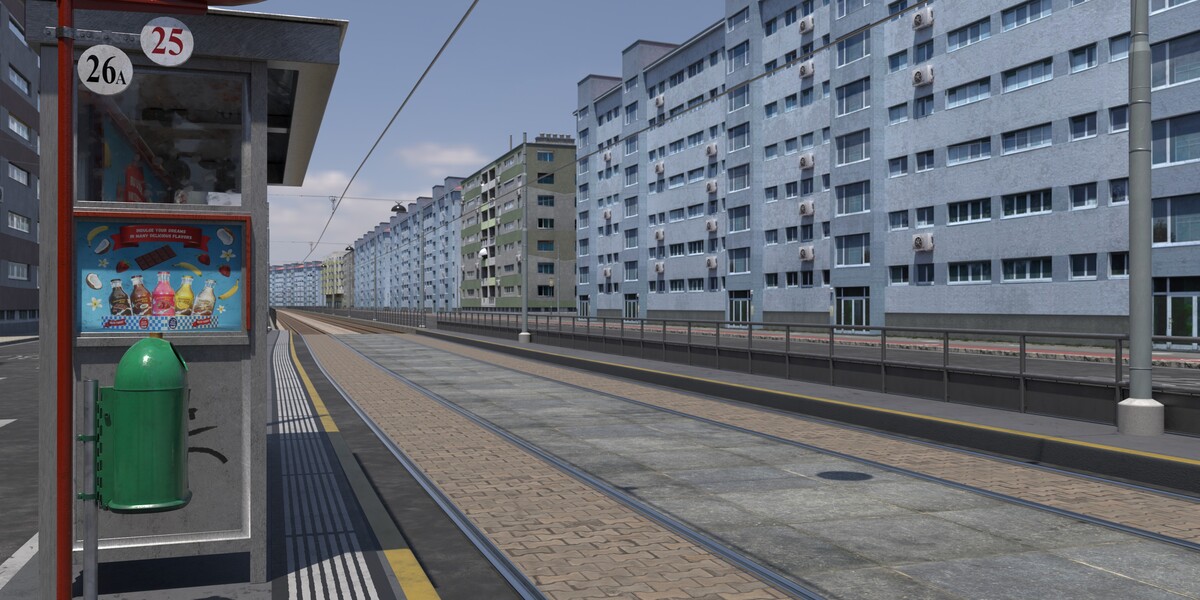
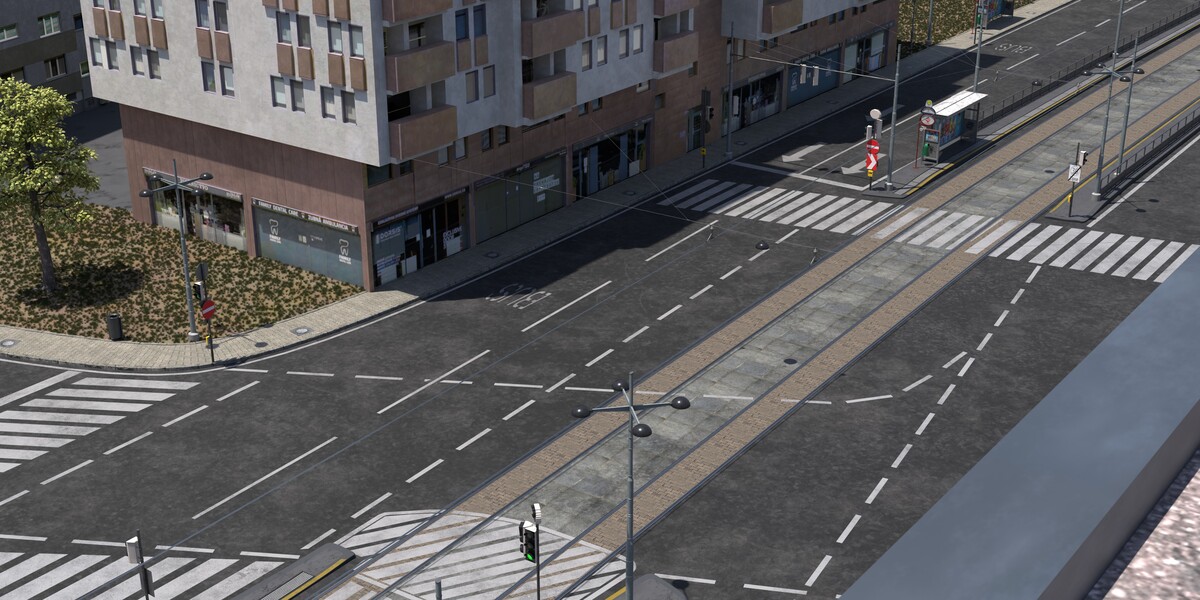
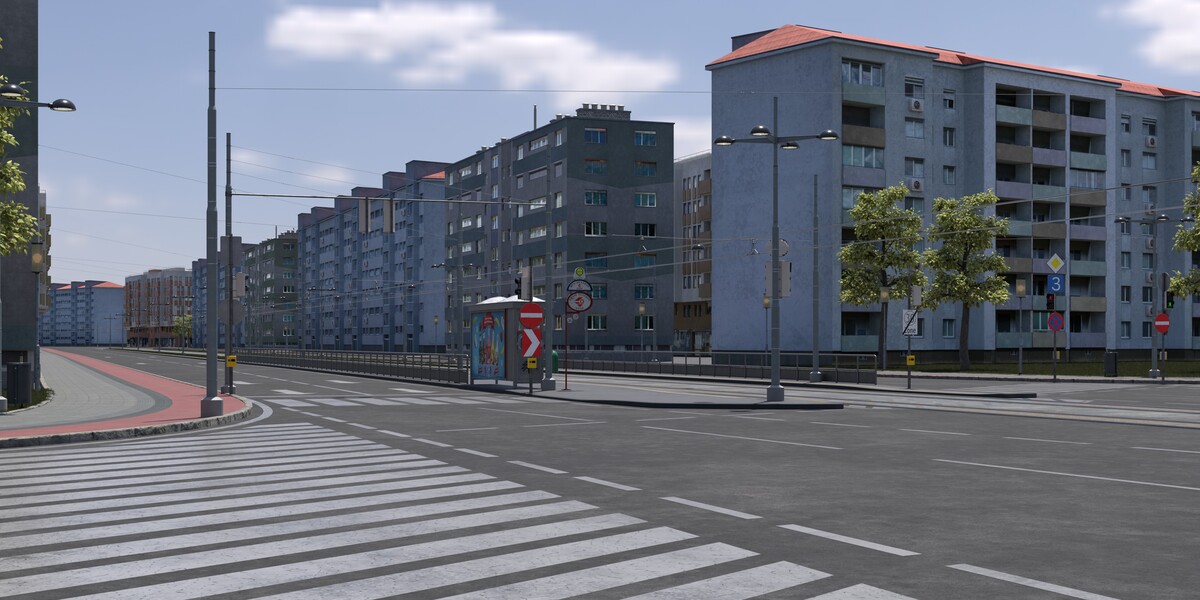
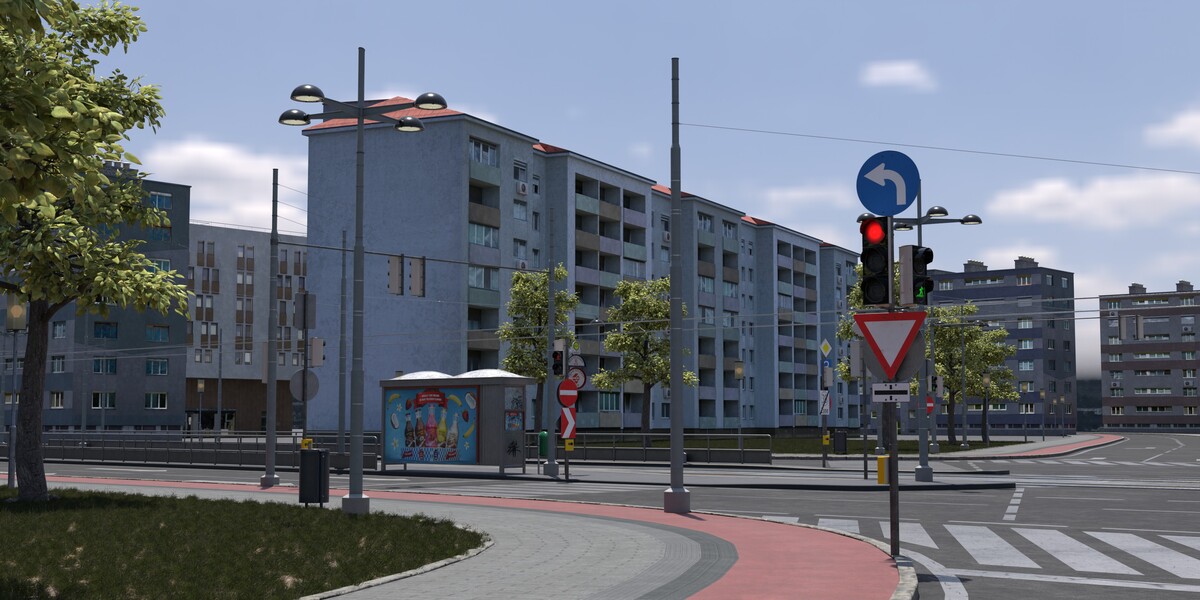
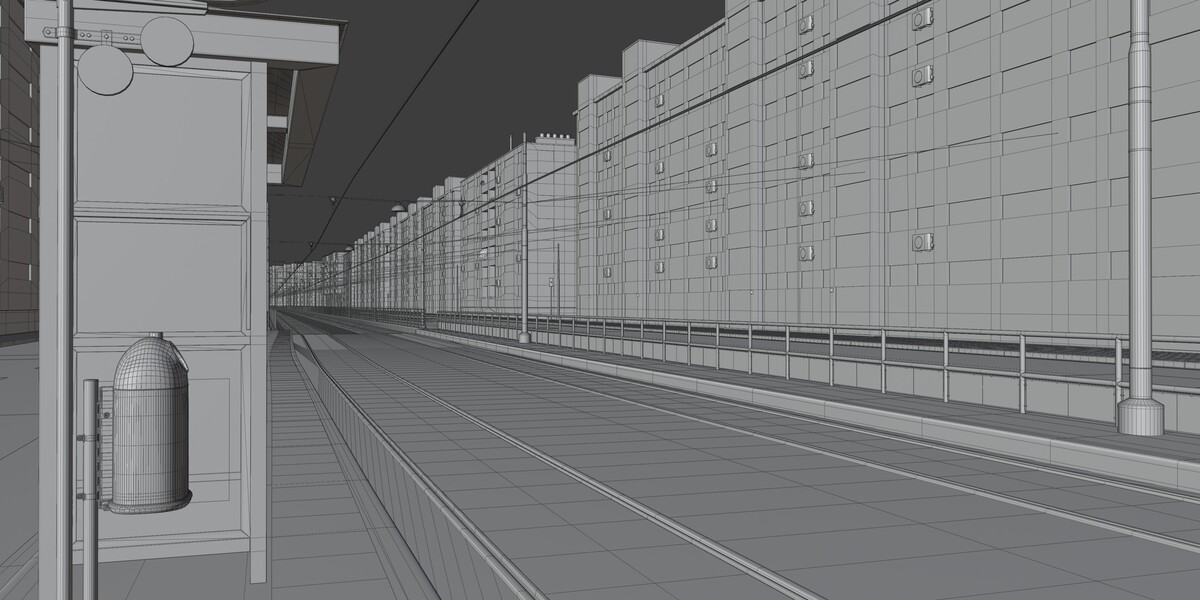
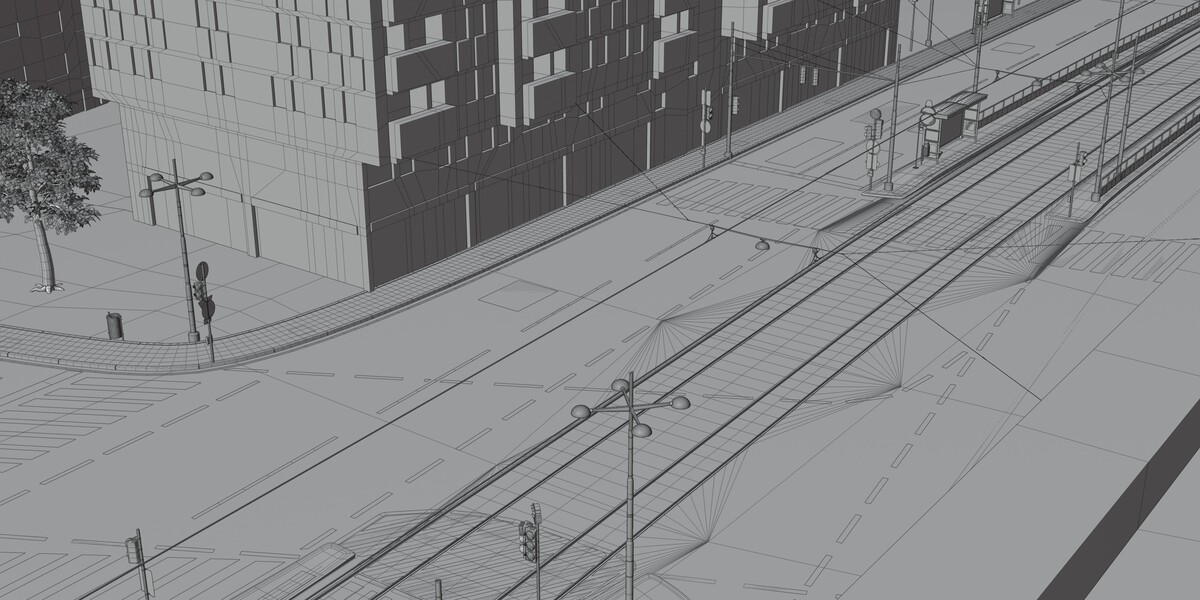
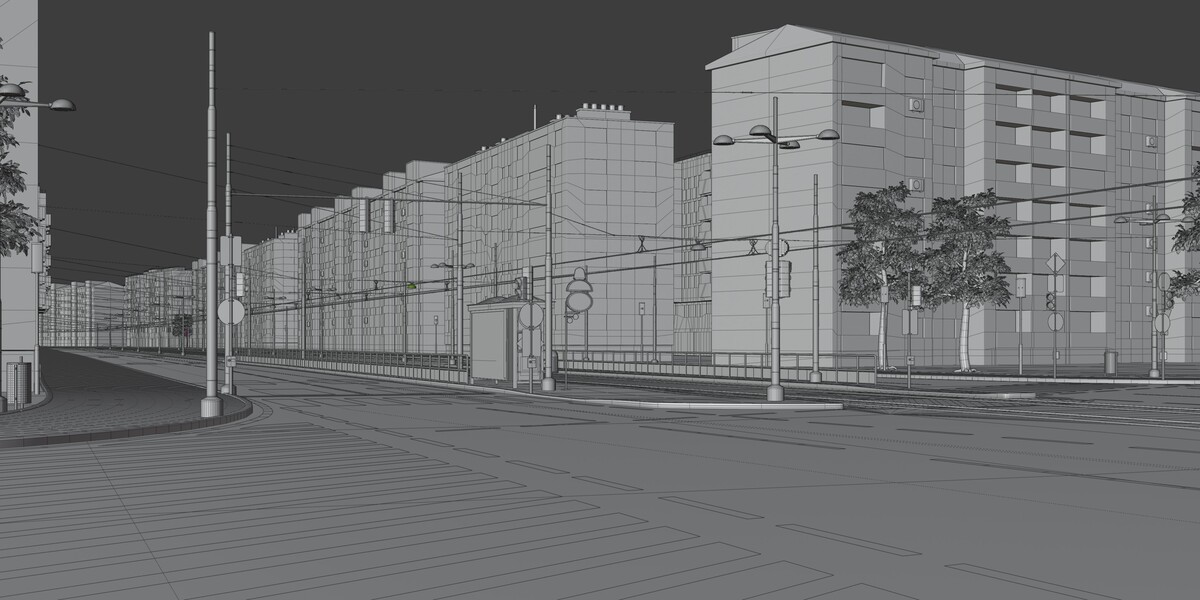
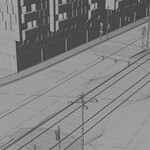
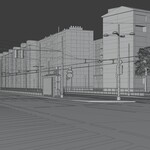
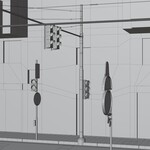
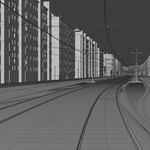
Getting started
- Extract the downloaded archive and open the
.blendfile in Blender (version 5.x or newer recommended). - All textures are packed into the file — no external linking or relinking required.
- The scene opens in real-world scale (metric). Camera and lighting are pre-set for immediate rendering.
Scene structure
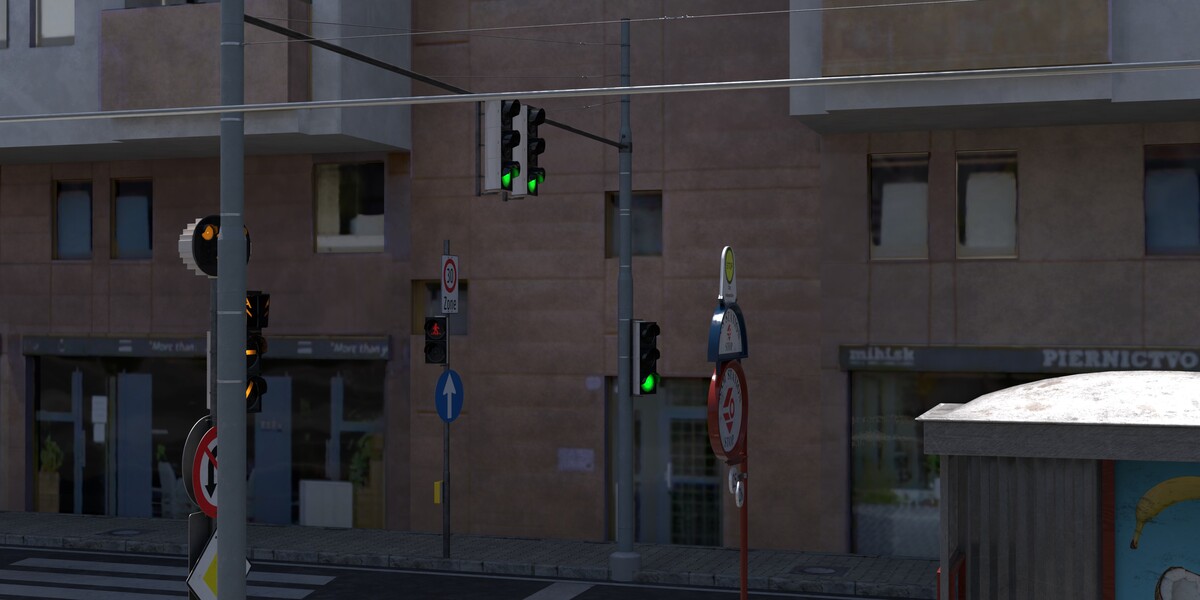
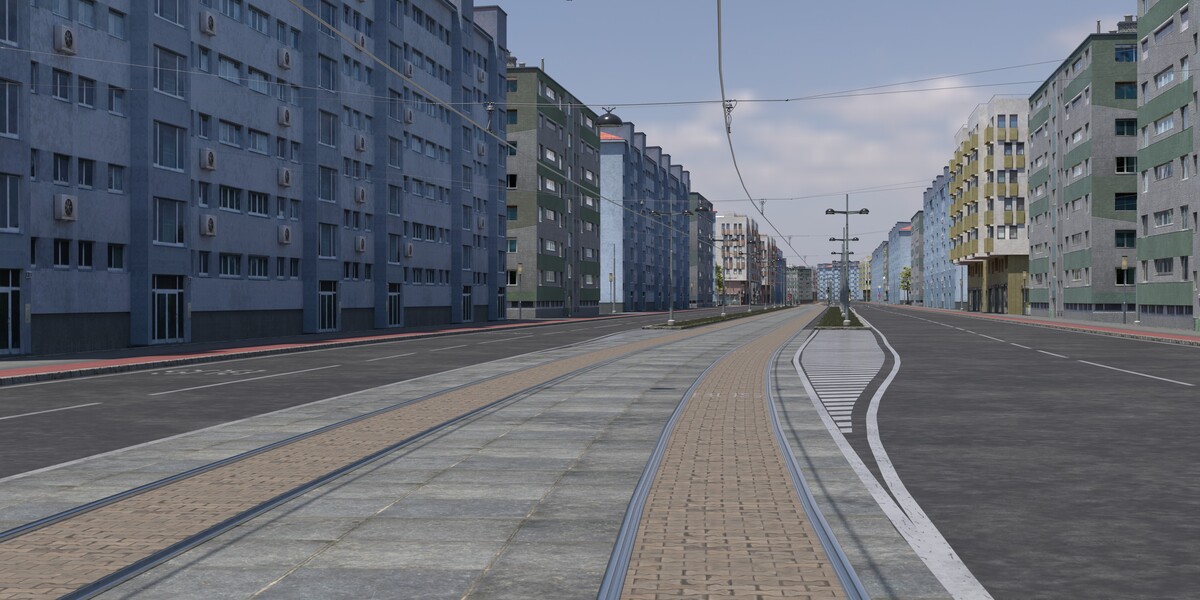
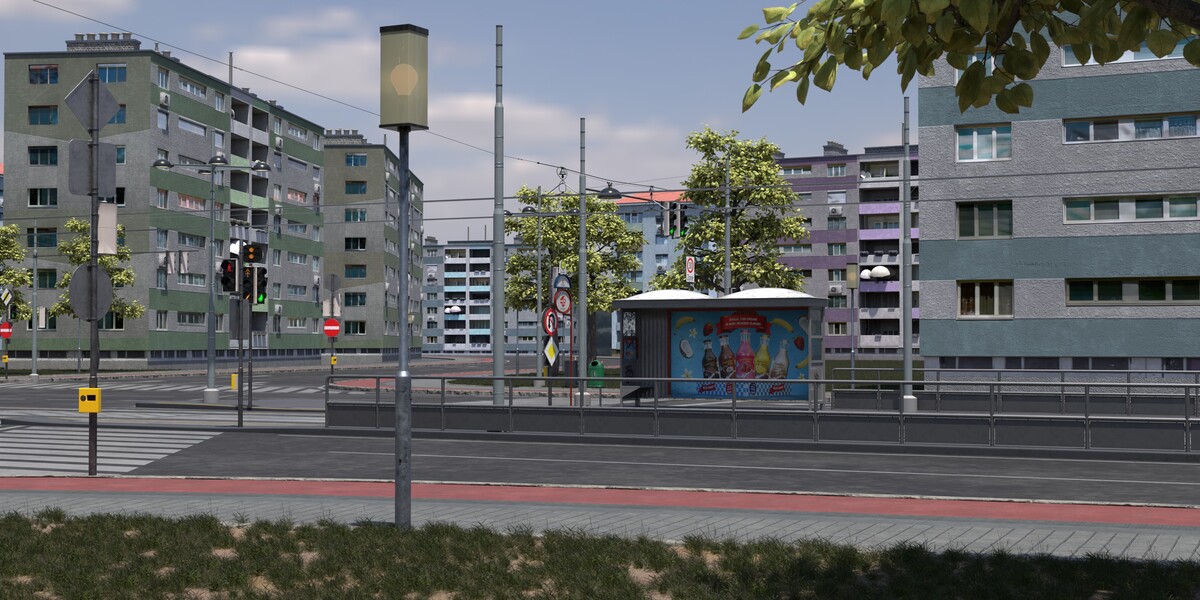
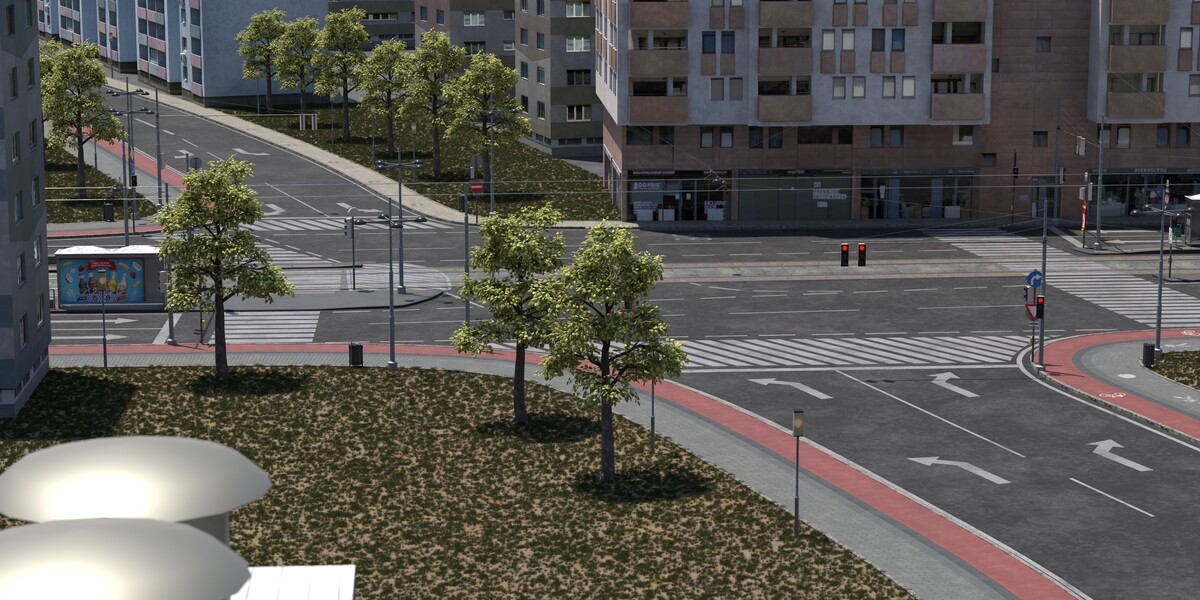
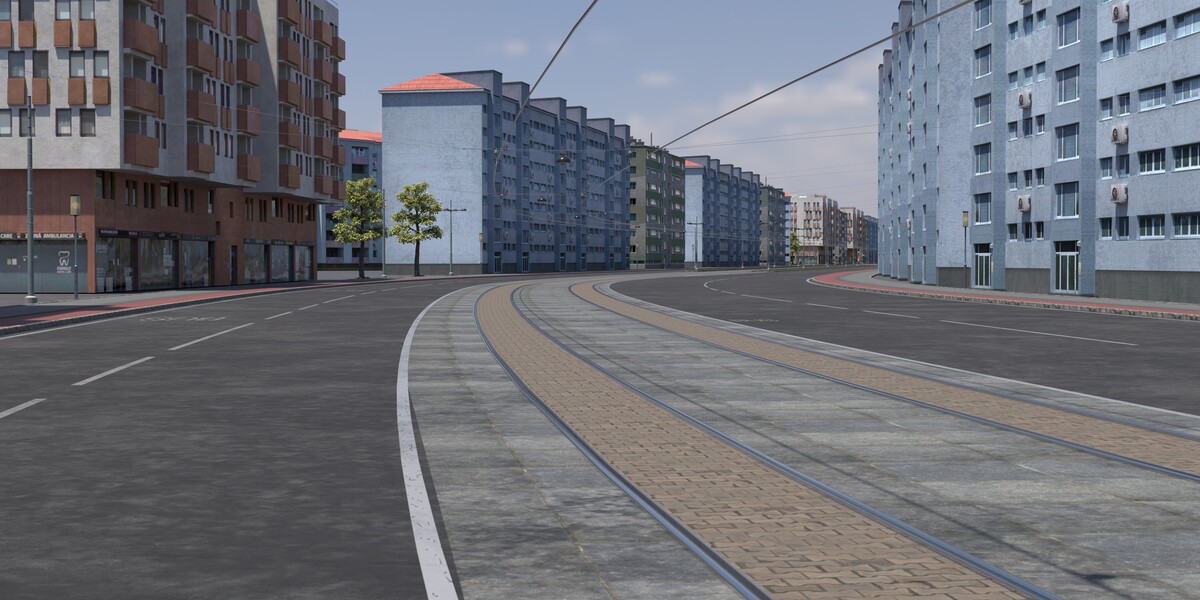
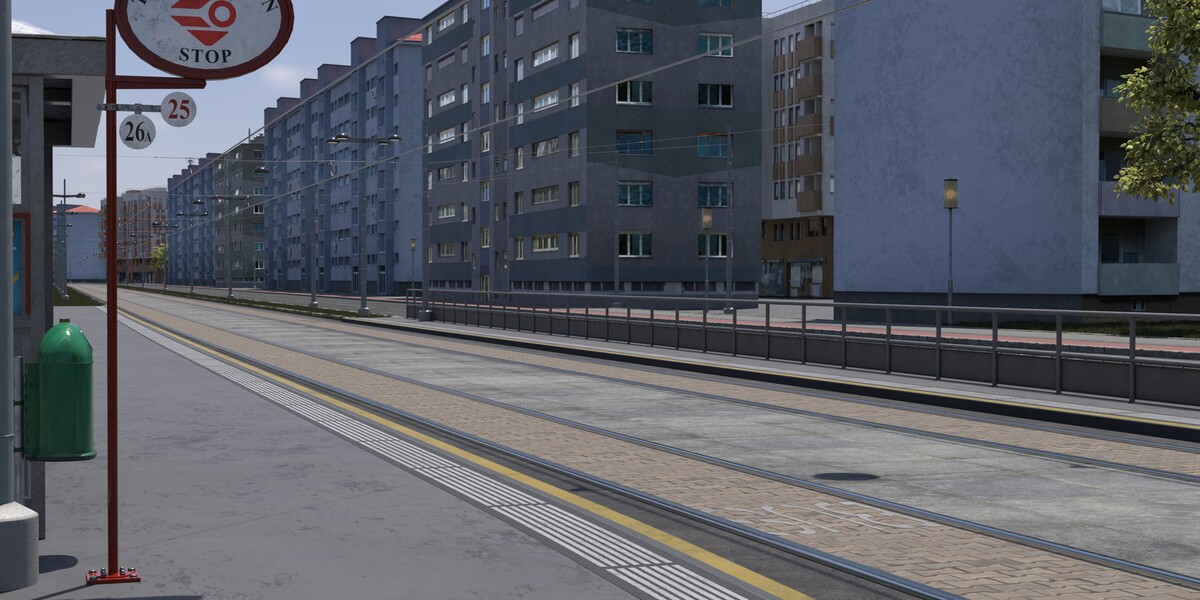
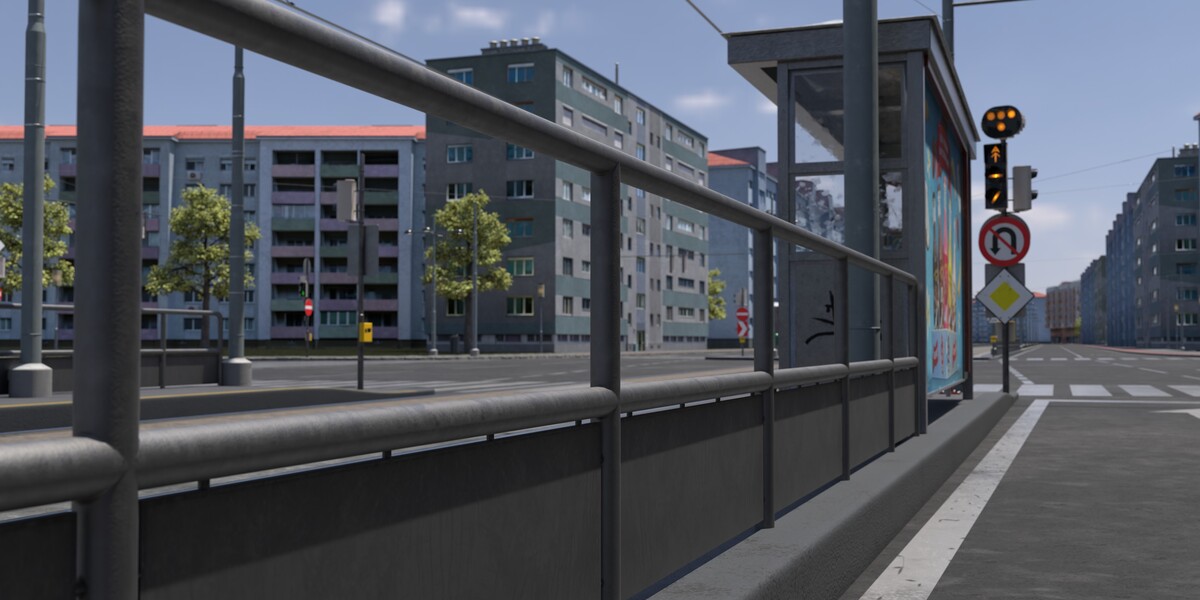
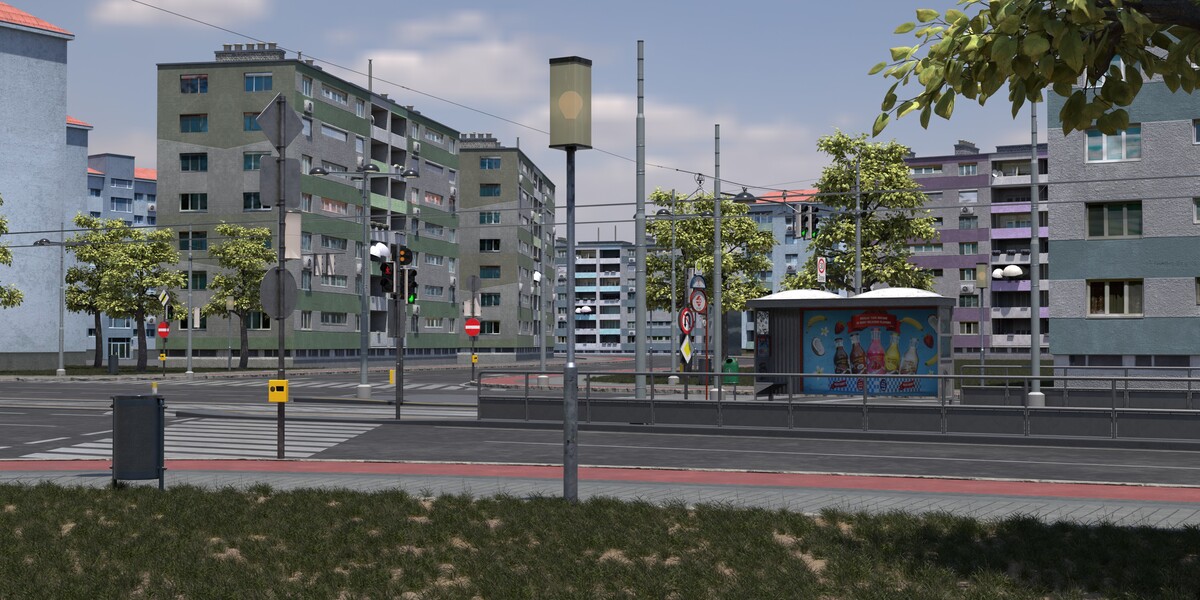
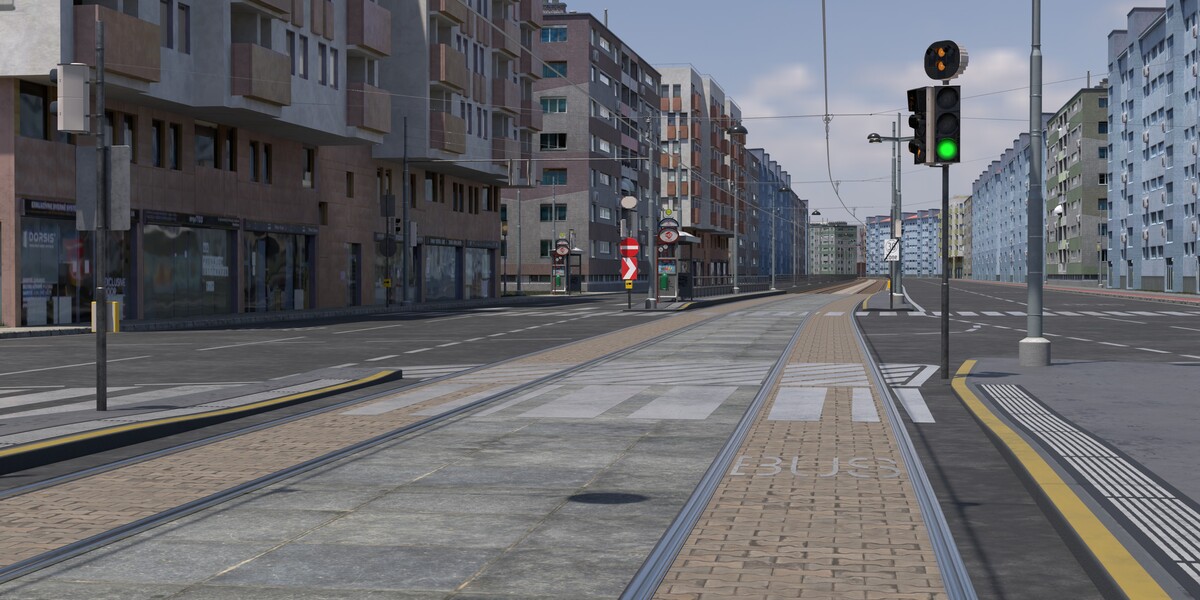
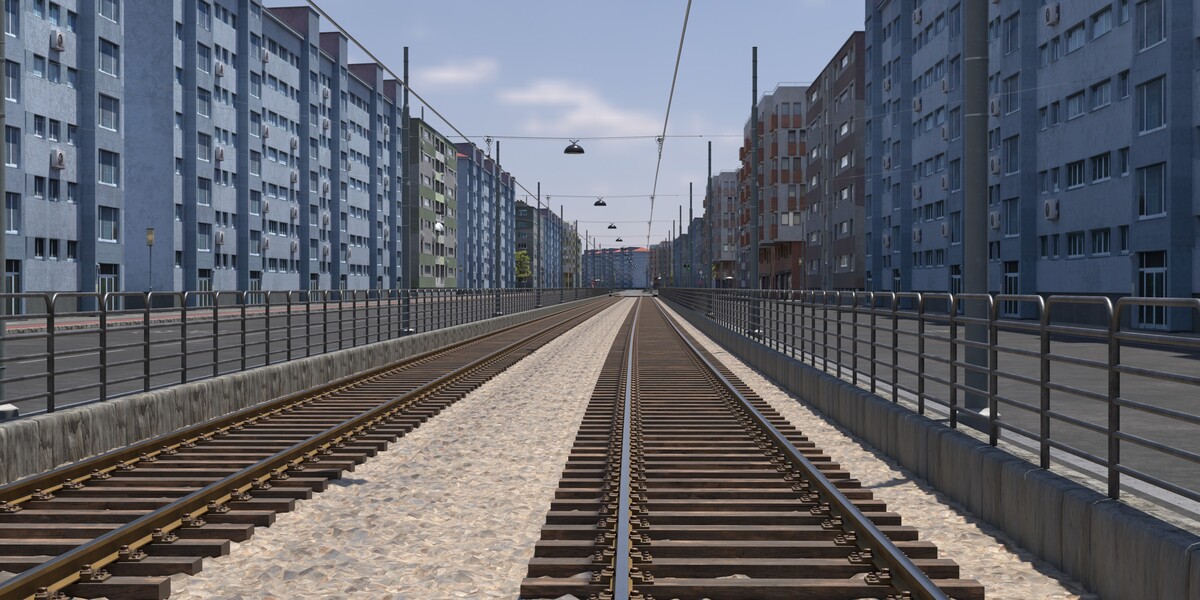
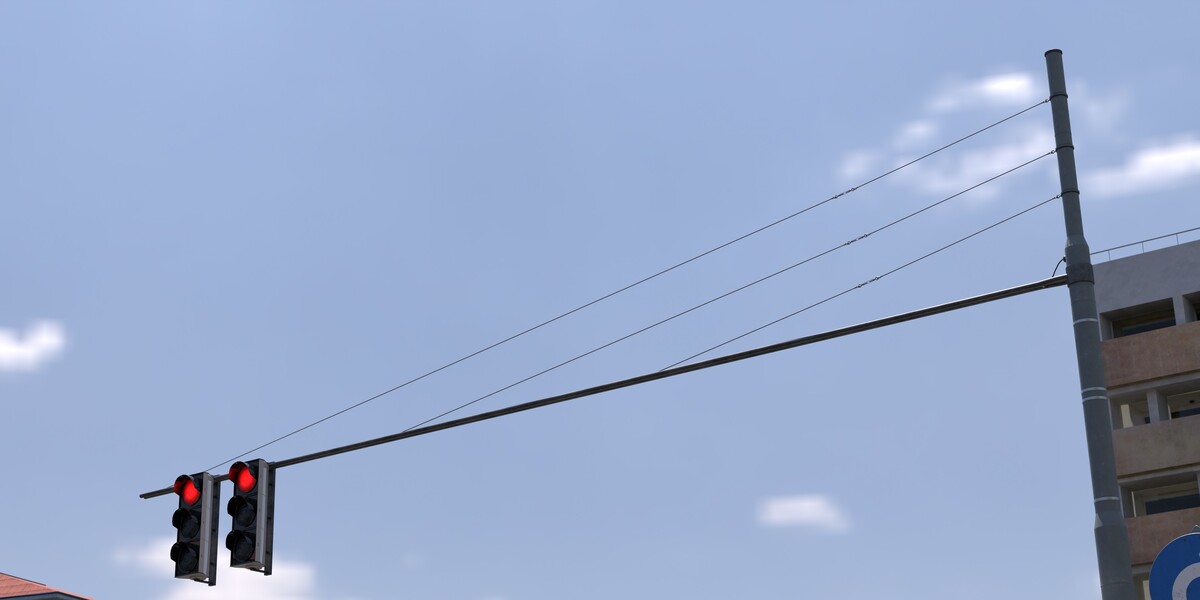
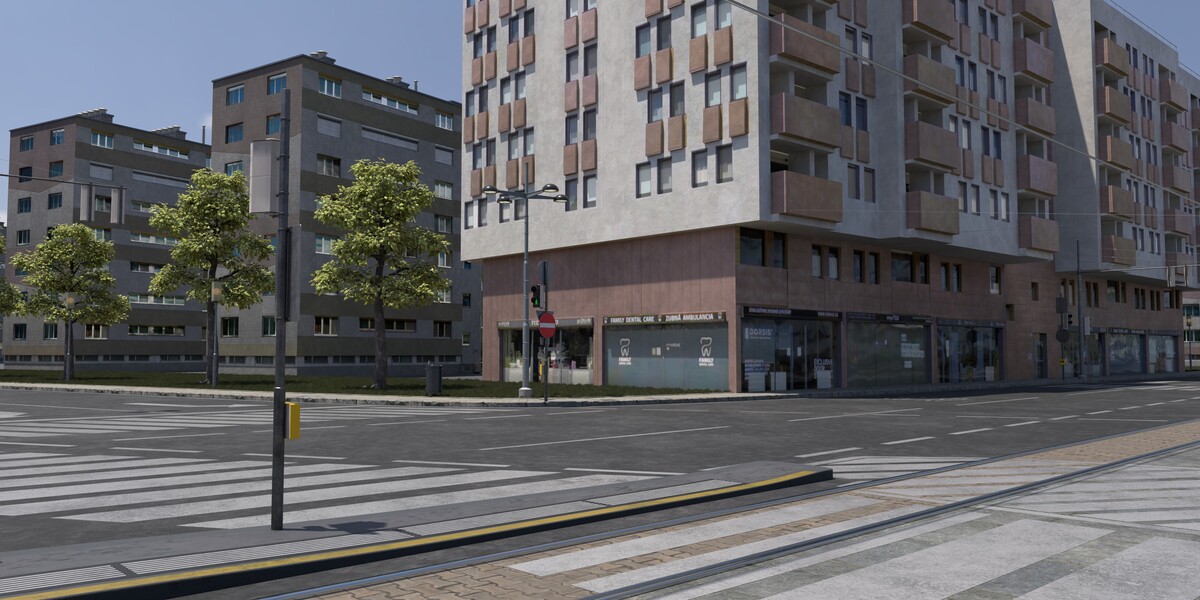
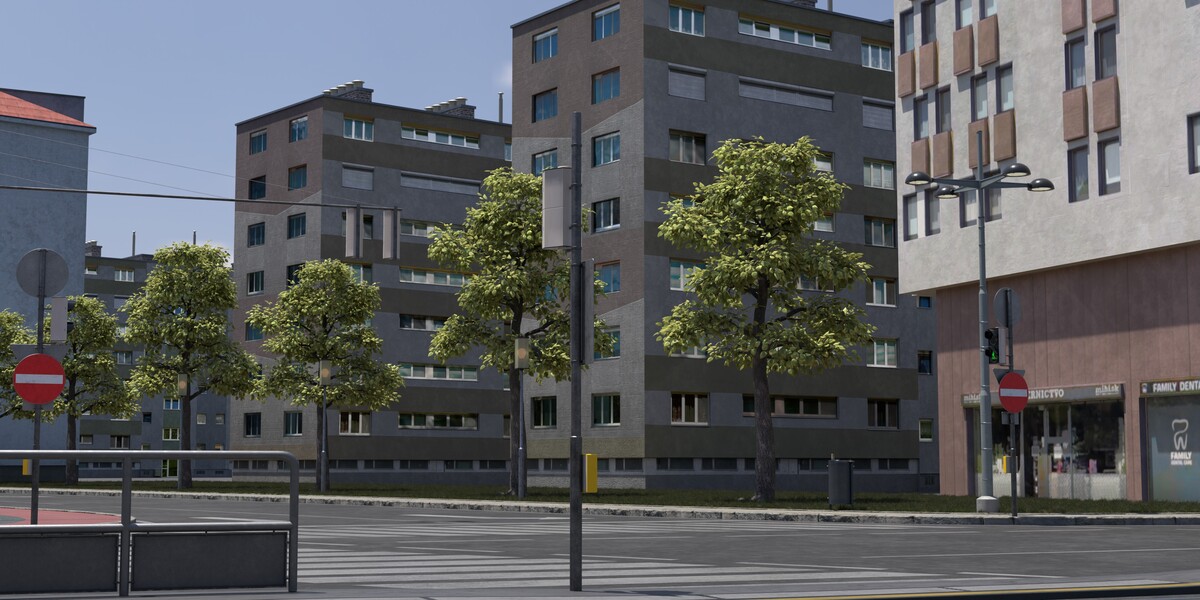
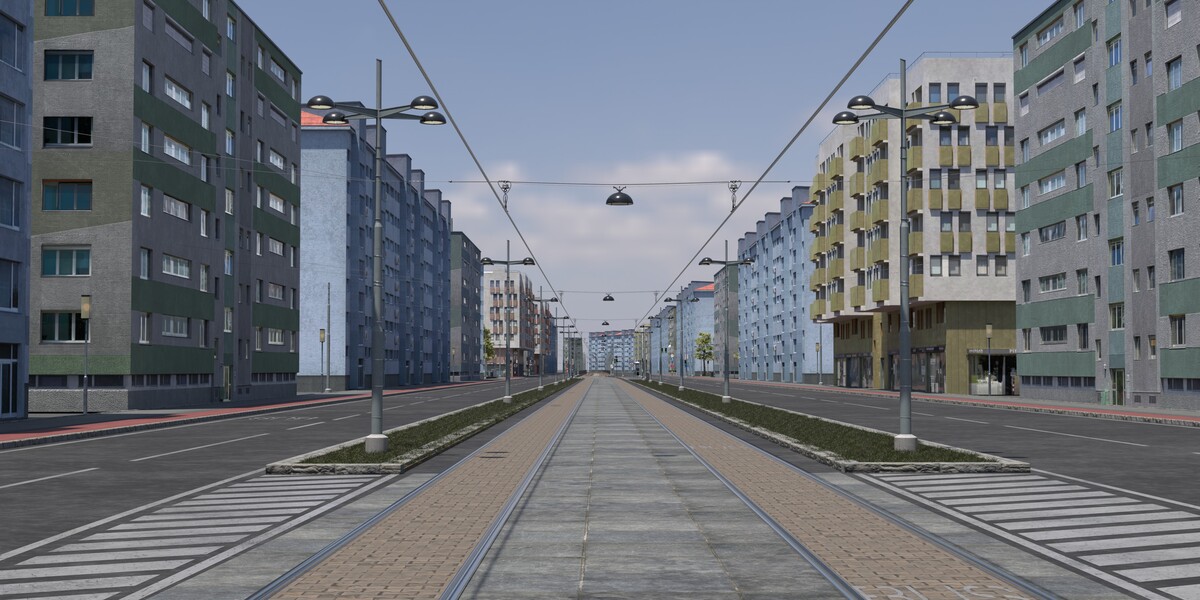
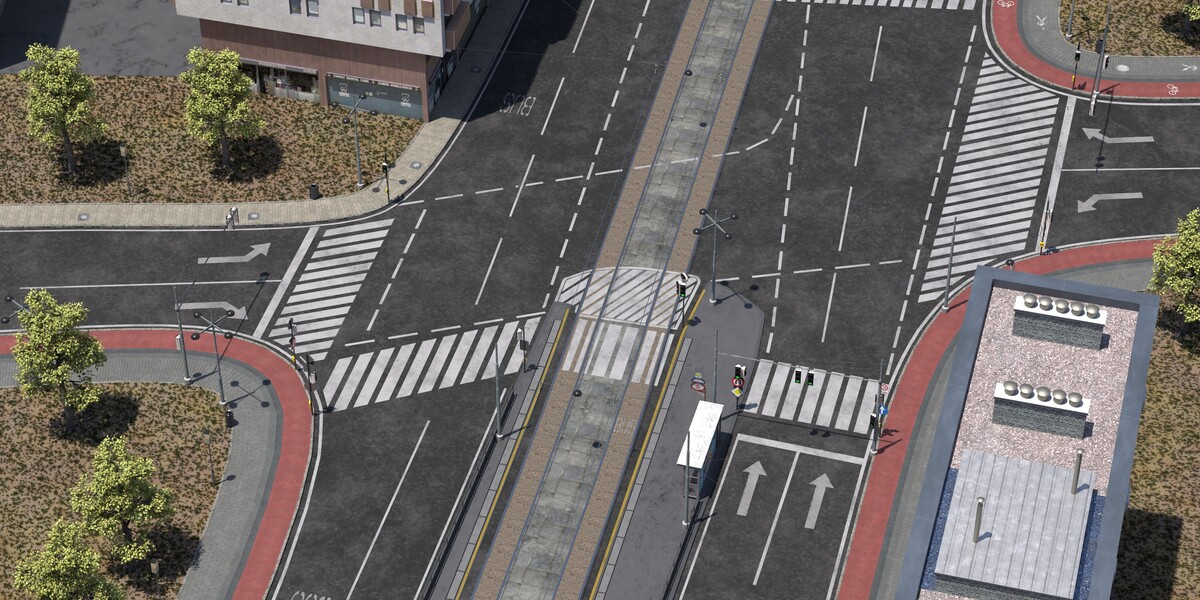
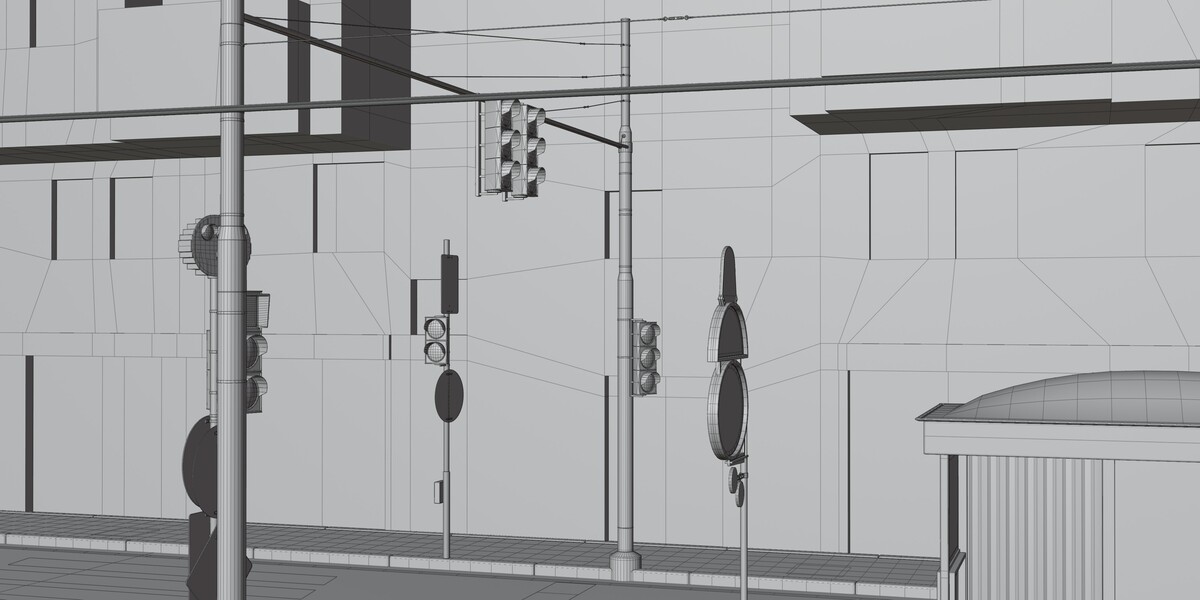
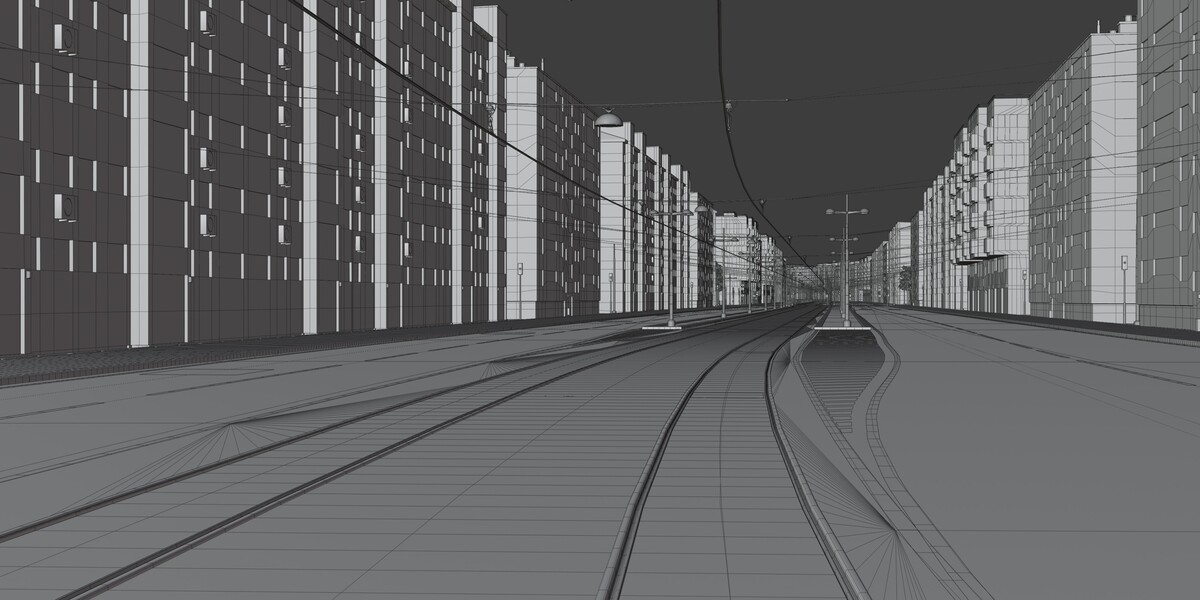
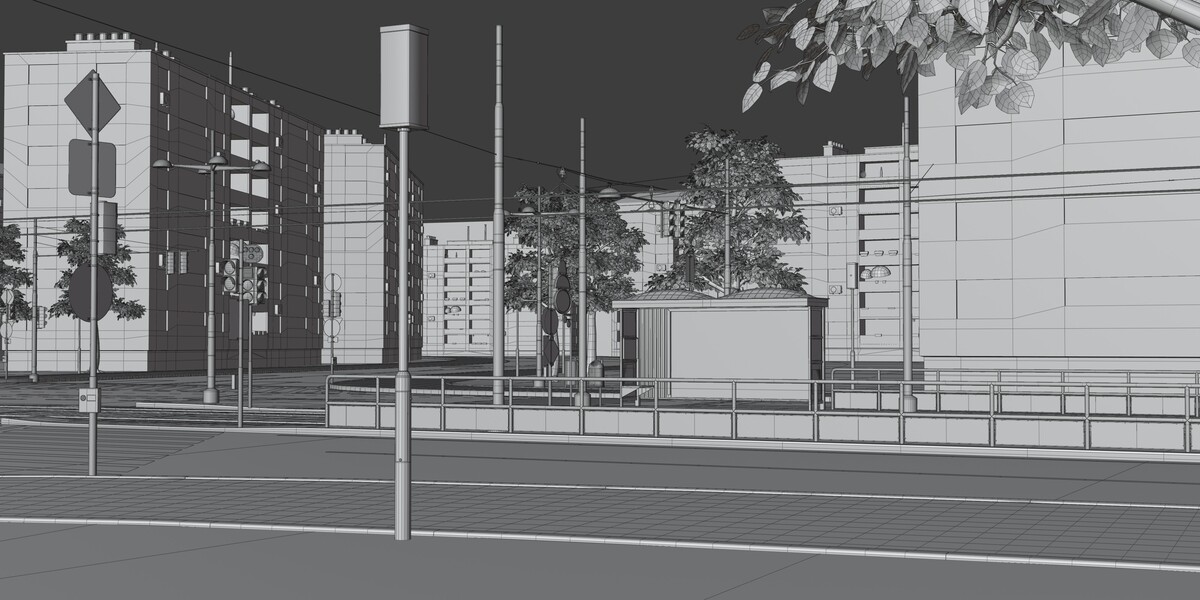
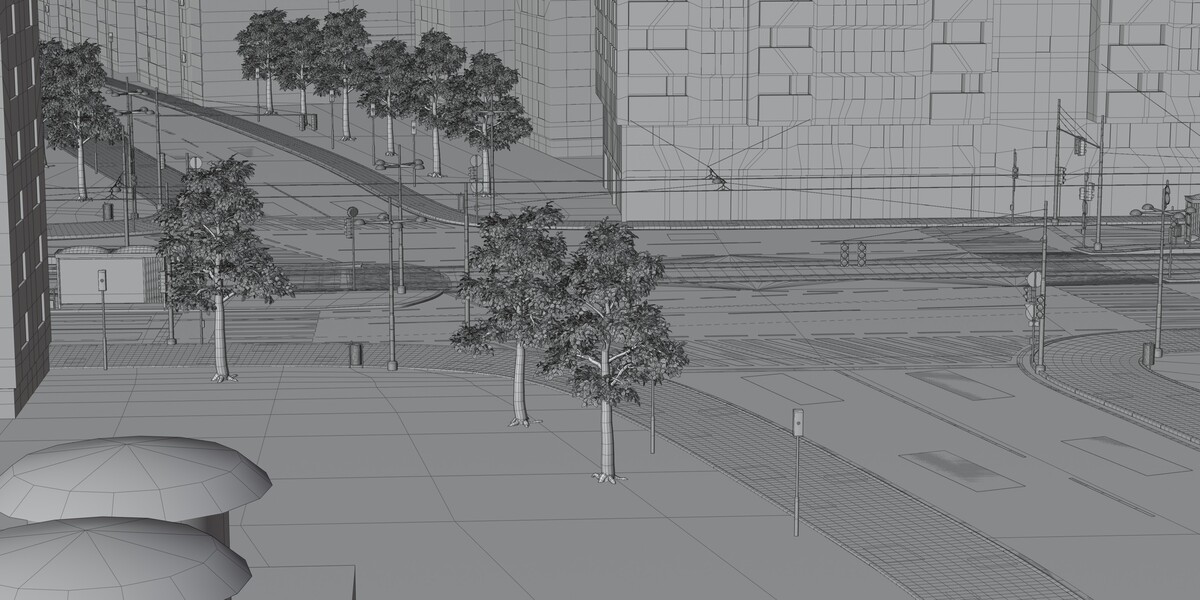
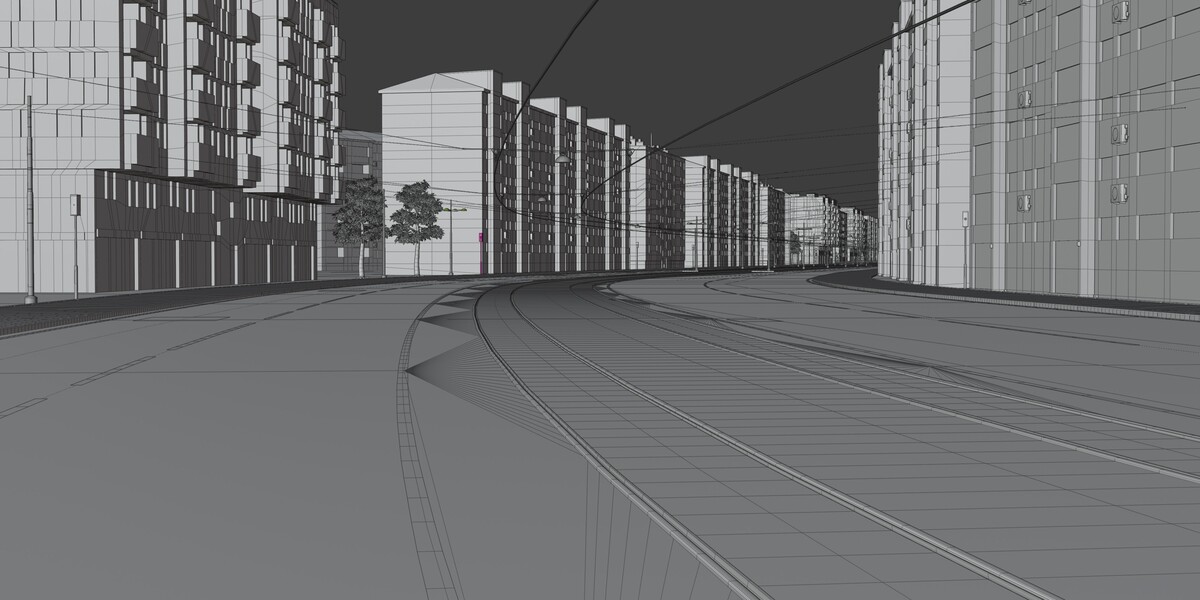
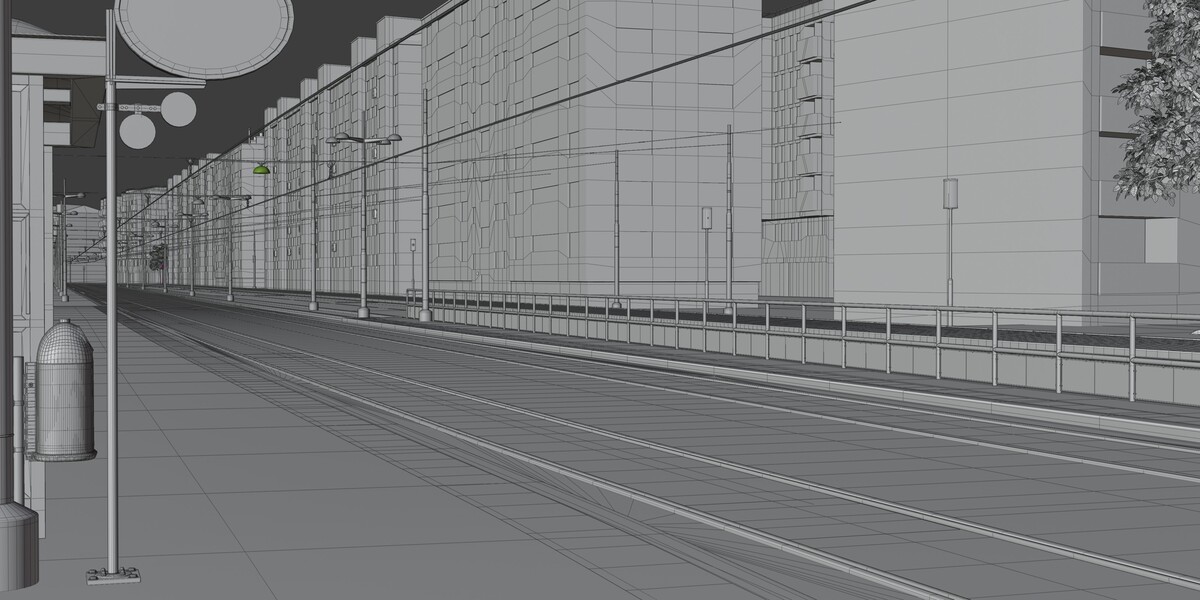
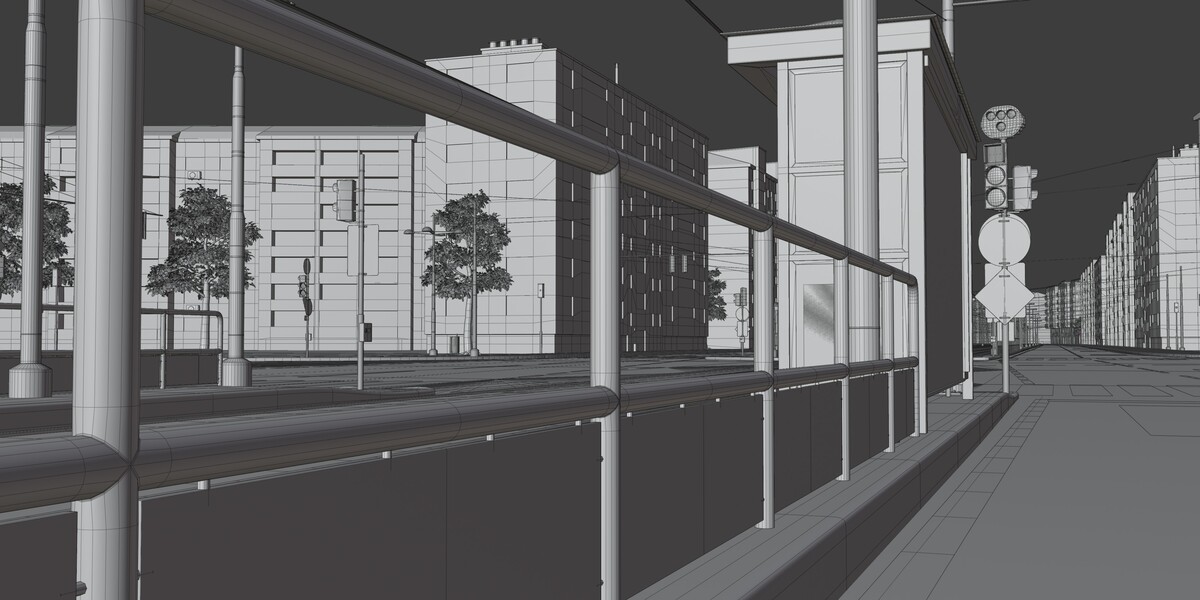
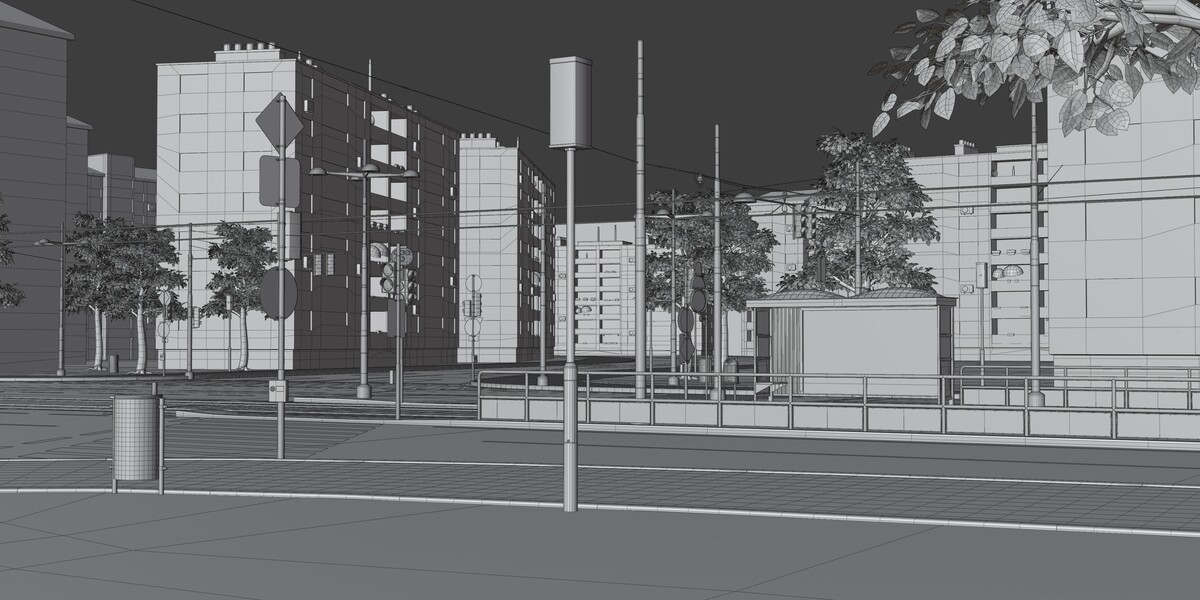
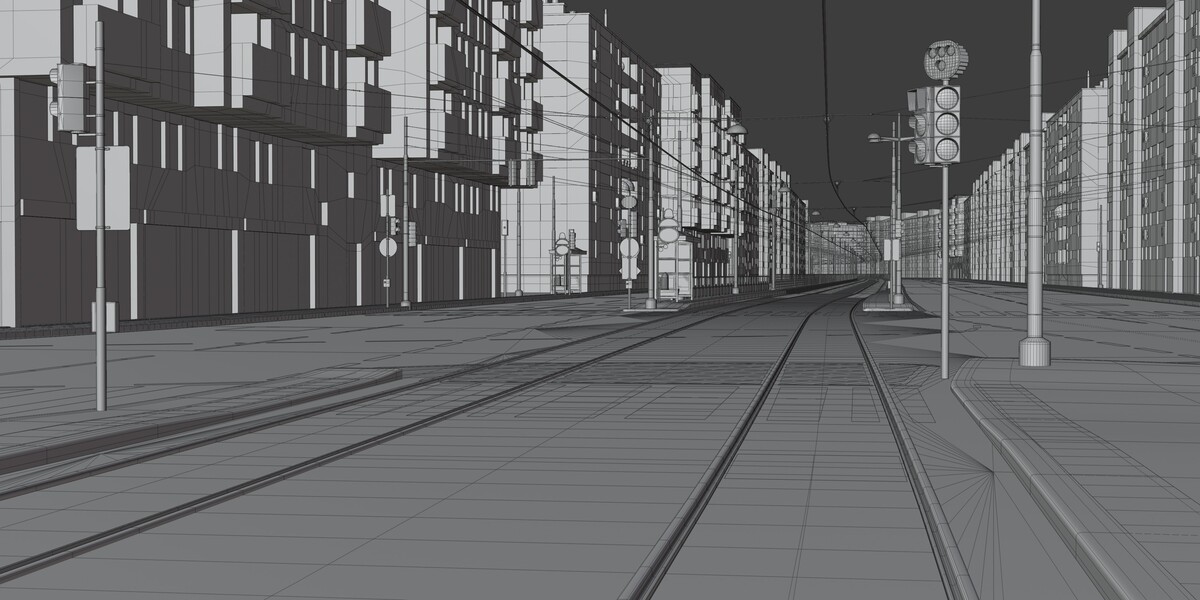
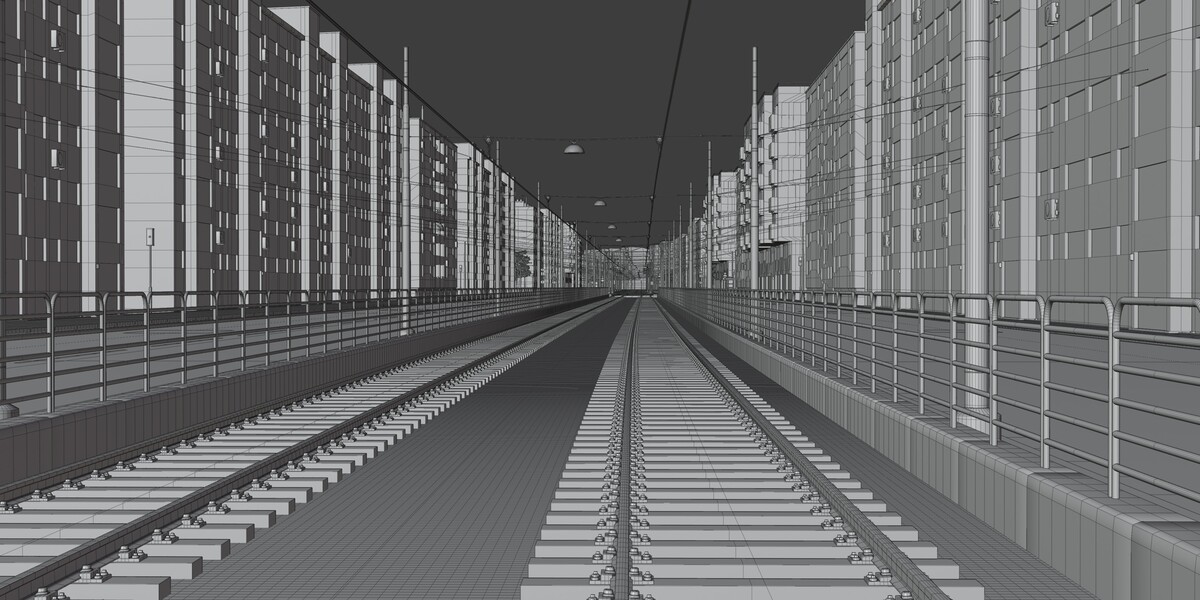
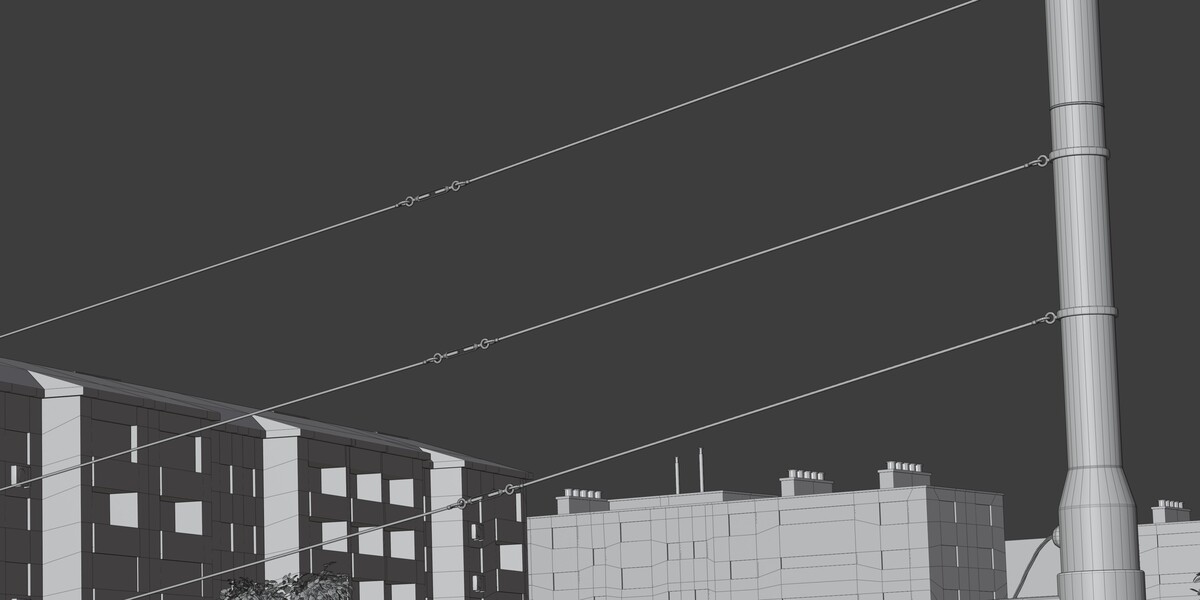
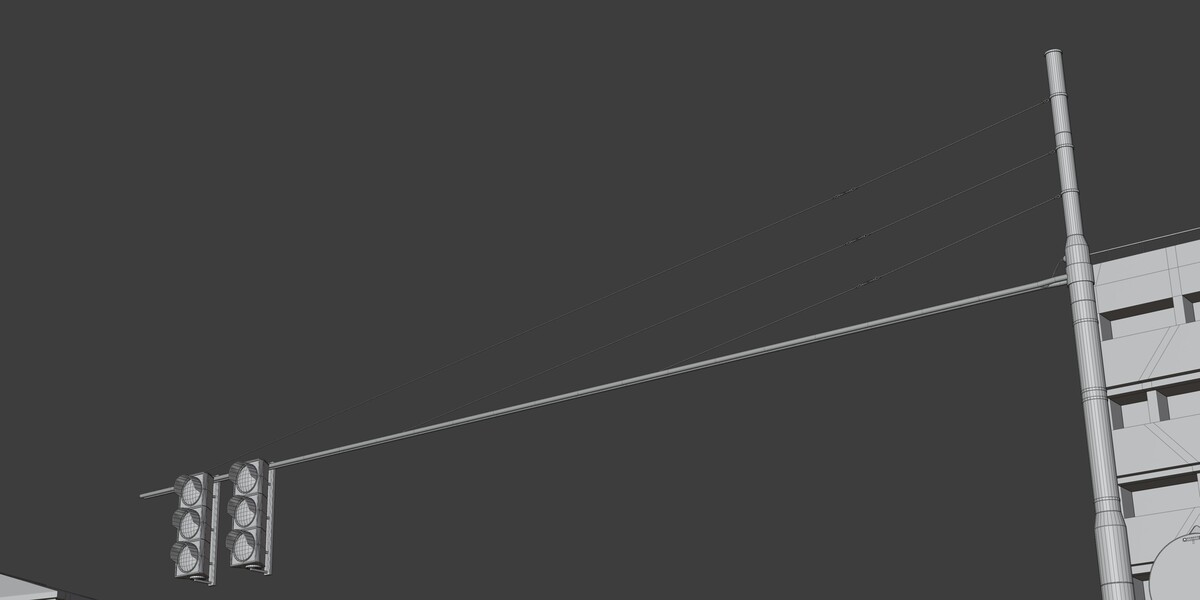
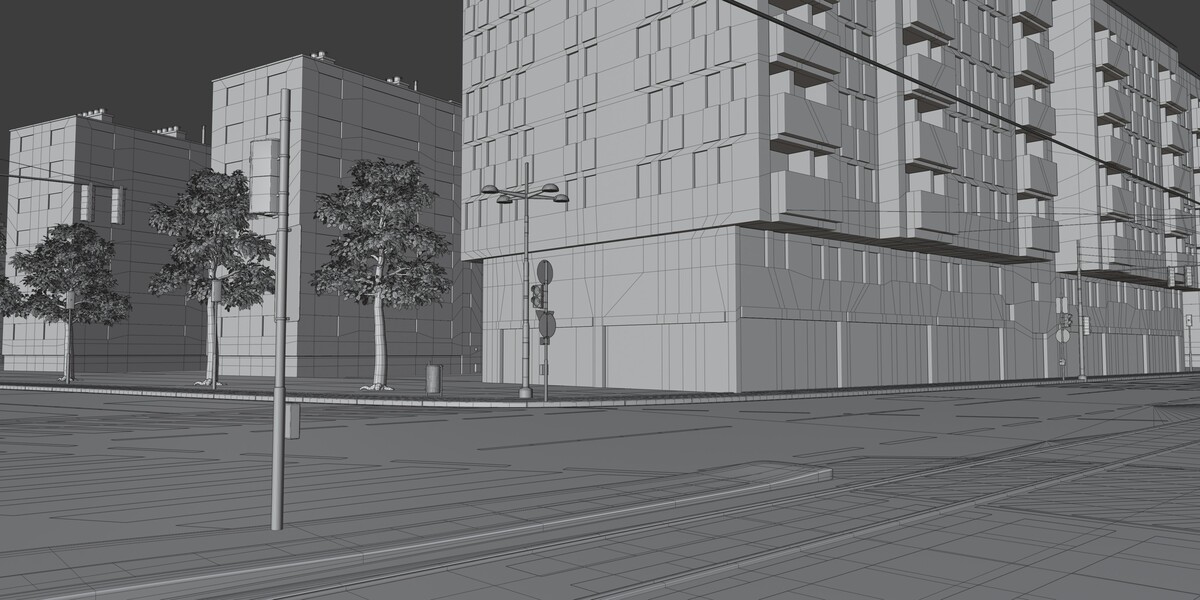
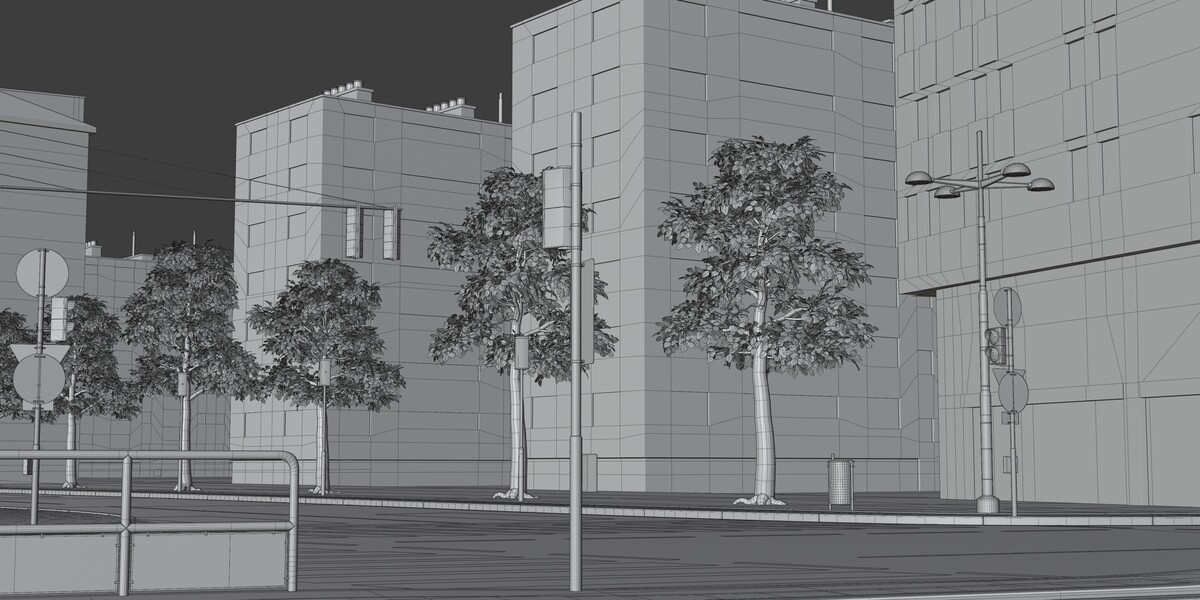
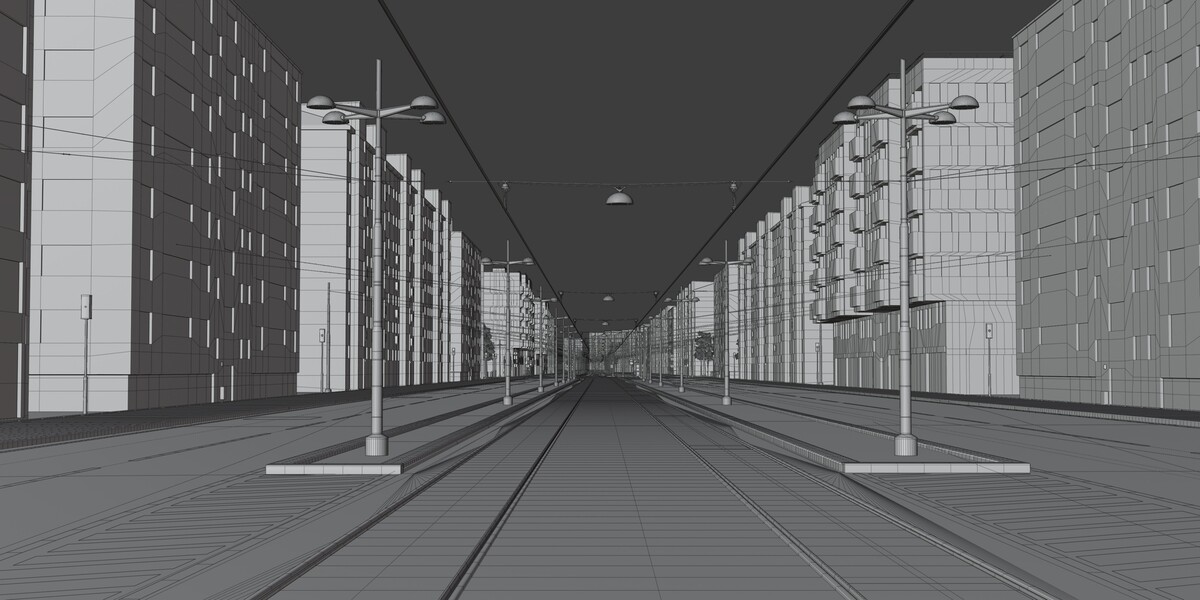
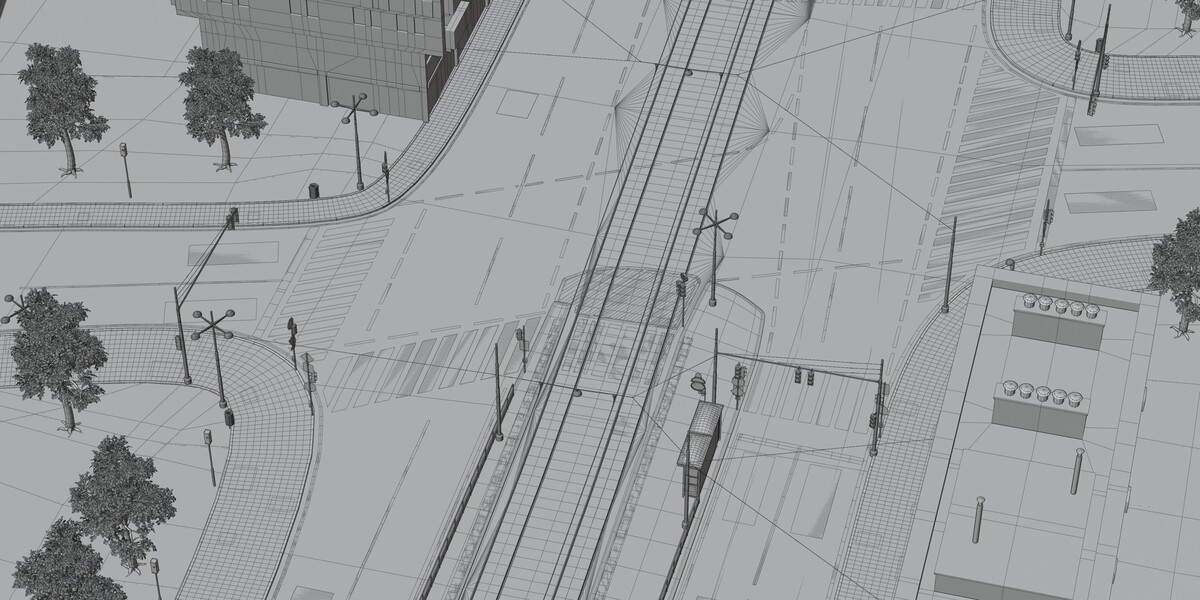
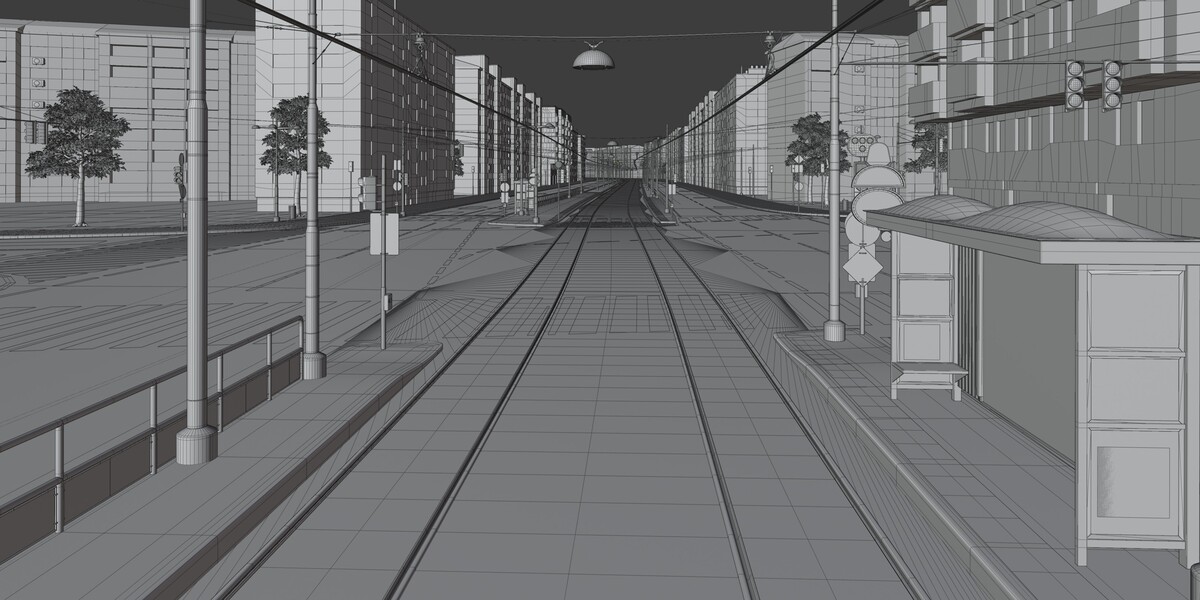
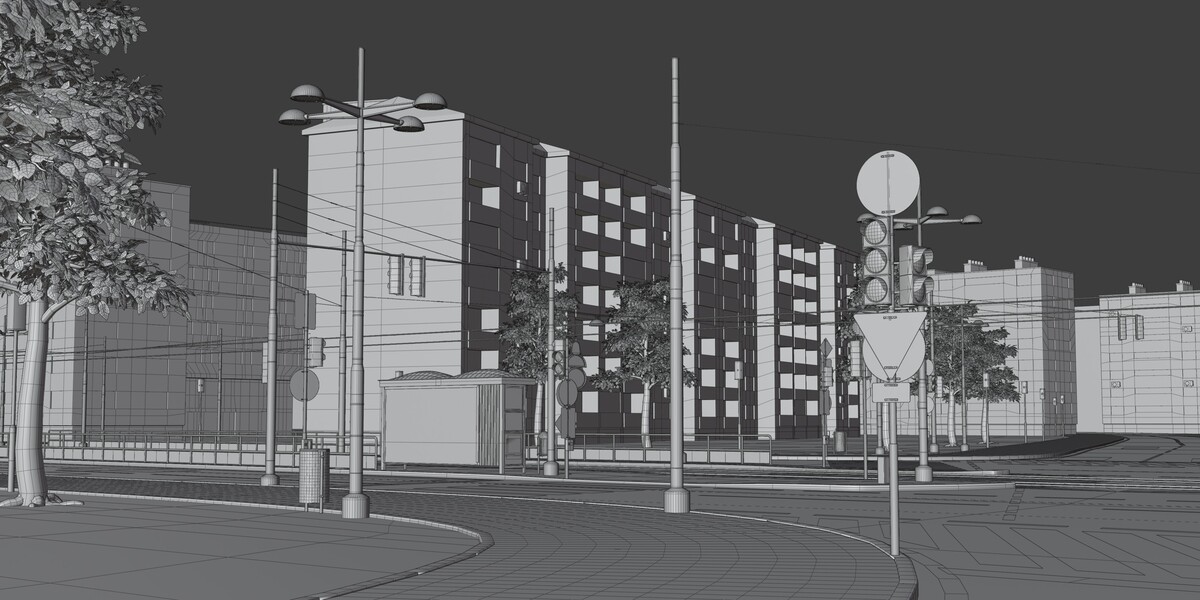
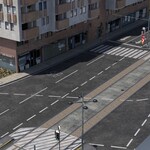
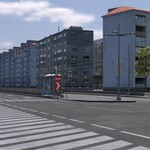
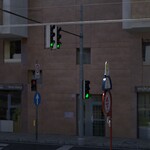
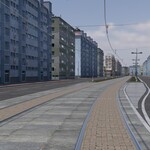
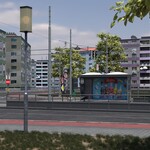
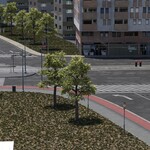
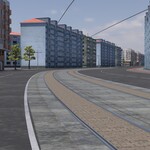
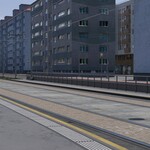
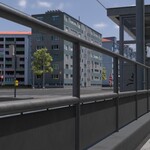
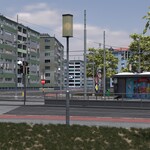
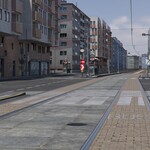
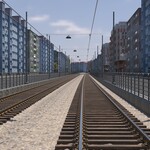
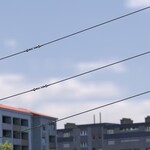
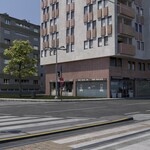
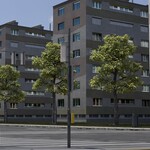
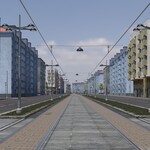
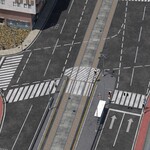
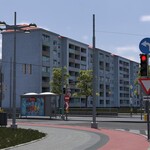
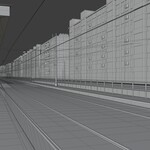
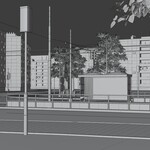
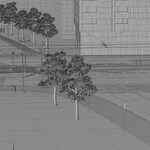
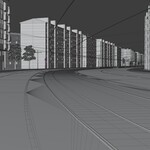
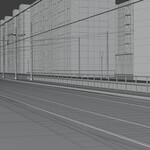
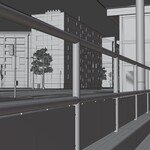
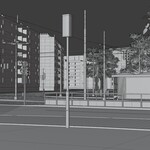
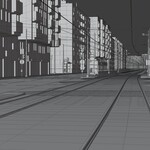
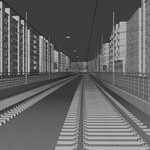
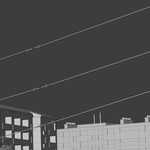
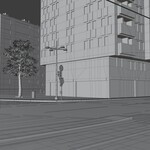
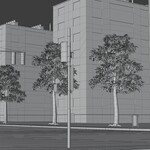
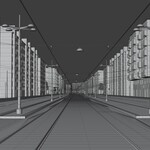
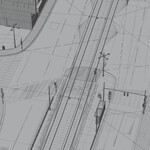
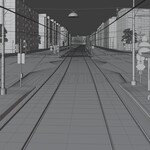
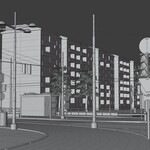
The scene uses a clean, modular hierarchy. Objects are grouped into collections (roads, tram corridor, buildings, signage, street furniture, lighting) so you can toggle, isolate, or move sections easily. Individual modules (buildings, tram stop, traffic lights, signs, props) can be duplicated or rearranged to extend the layout.
Materials
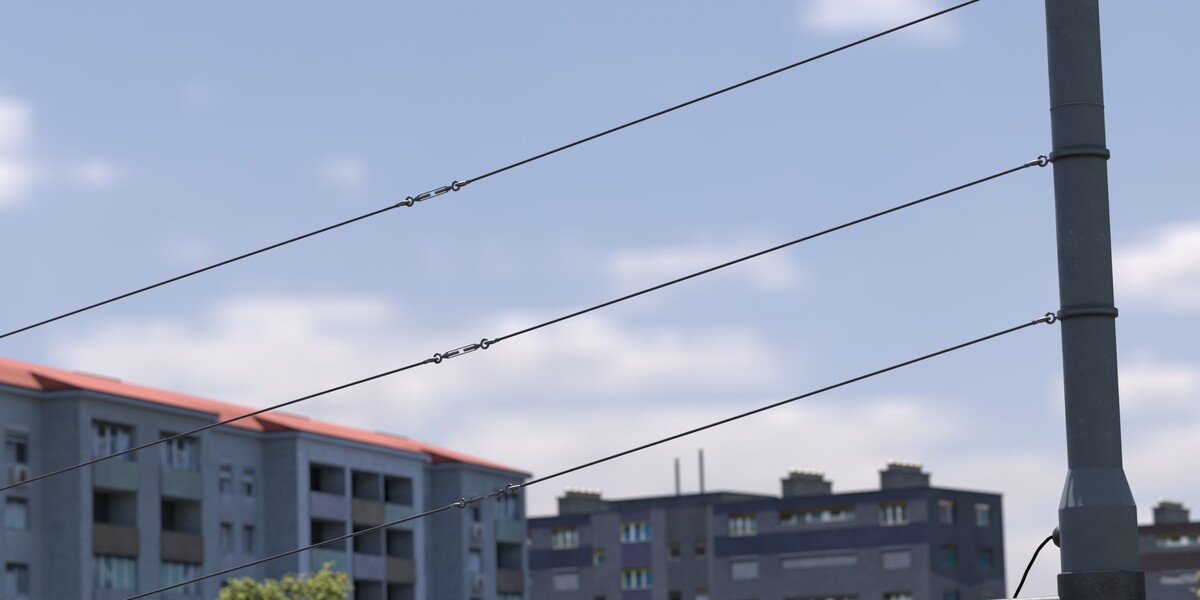
Most materials follow a PBR workflow. Surface imperfection maps add subtle dirt and wear. Some textures are sourced from Poly Haven and other CC0 libraries. All textures, including advertising posters, were hand-created without any use of AI.
Rendering
Optimized for Cycles. Eevee works for faster previews but may require light adjustments. The layout supports wide establishing shots, street-level cameras, and long camera moves along the roads and tram tracks.
Have questions about this product?
Login to message
| Dev Fund Contributor | |
| Published | 9 months ago |
| Blender Version | 5.2 |
| Render Engine Used | Cycles, Eevee |
| Misc Data | Uvs-Unwrapped, Textured |
| License | Royalty Free |
Discover more products like this
urban street realistic traffic city intersection tram public_transport road architecture