 5 Minutes Blender


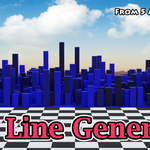
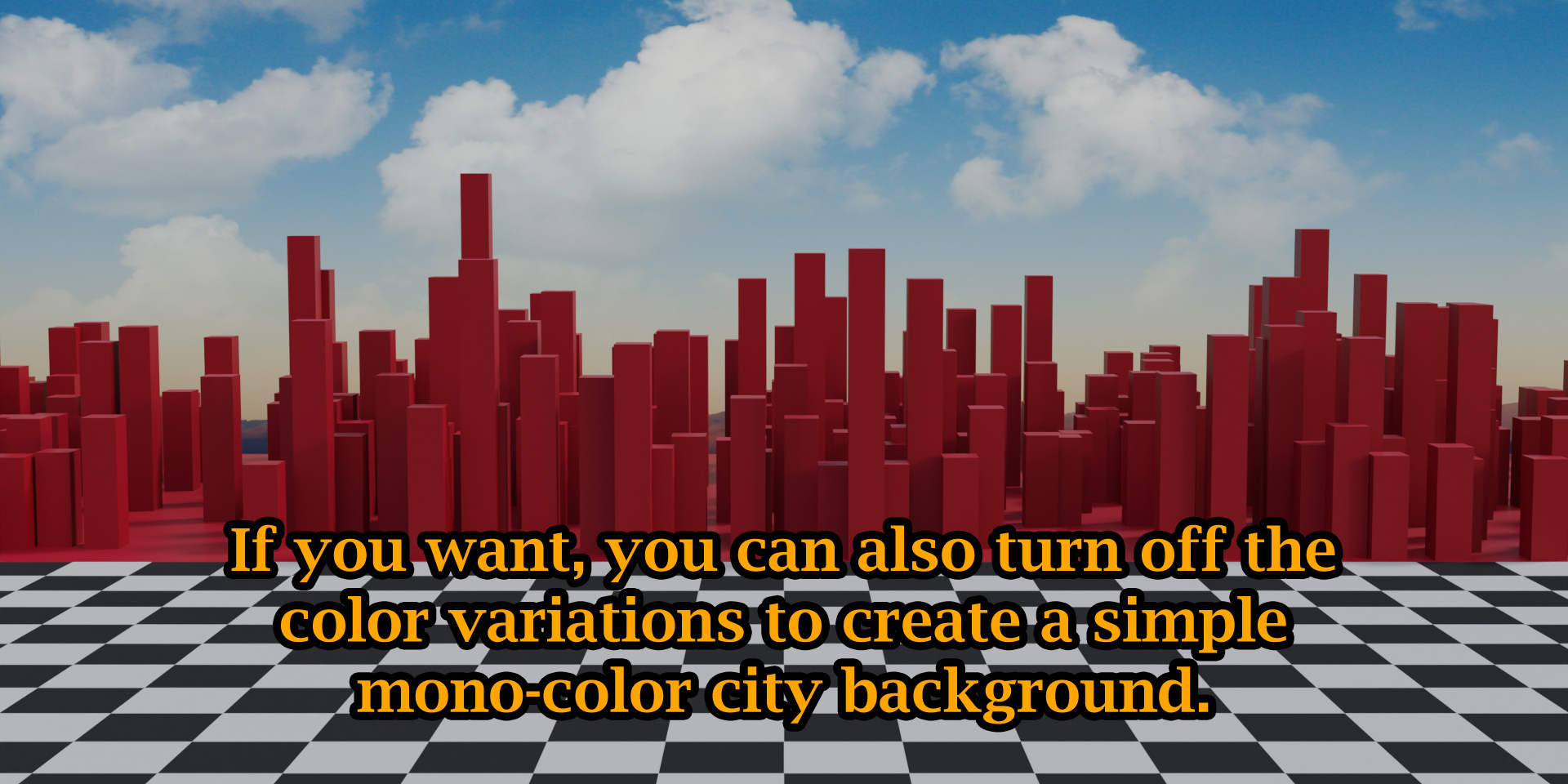
With this Add-on, you can quickly create the outline of a modern city with numerous tall towers. You can customize everything from the operator box - like the length & width of your city, the color variations, max & min height of the towers, tower density, tower size etc.
Such a city line can be very useful as a background of your scene. You can use it in a 3D data visualization, or in a world data comparison video etc.
When you install this add-on, you will get a new menu item called Create City Line under the Object menu - as shown below.
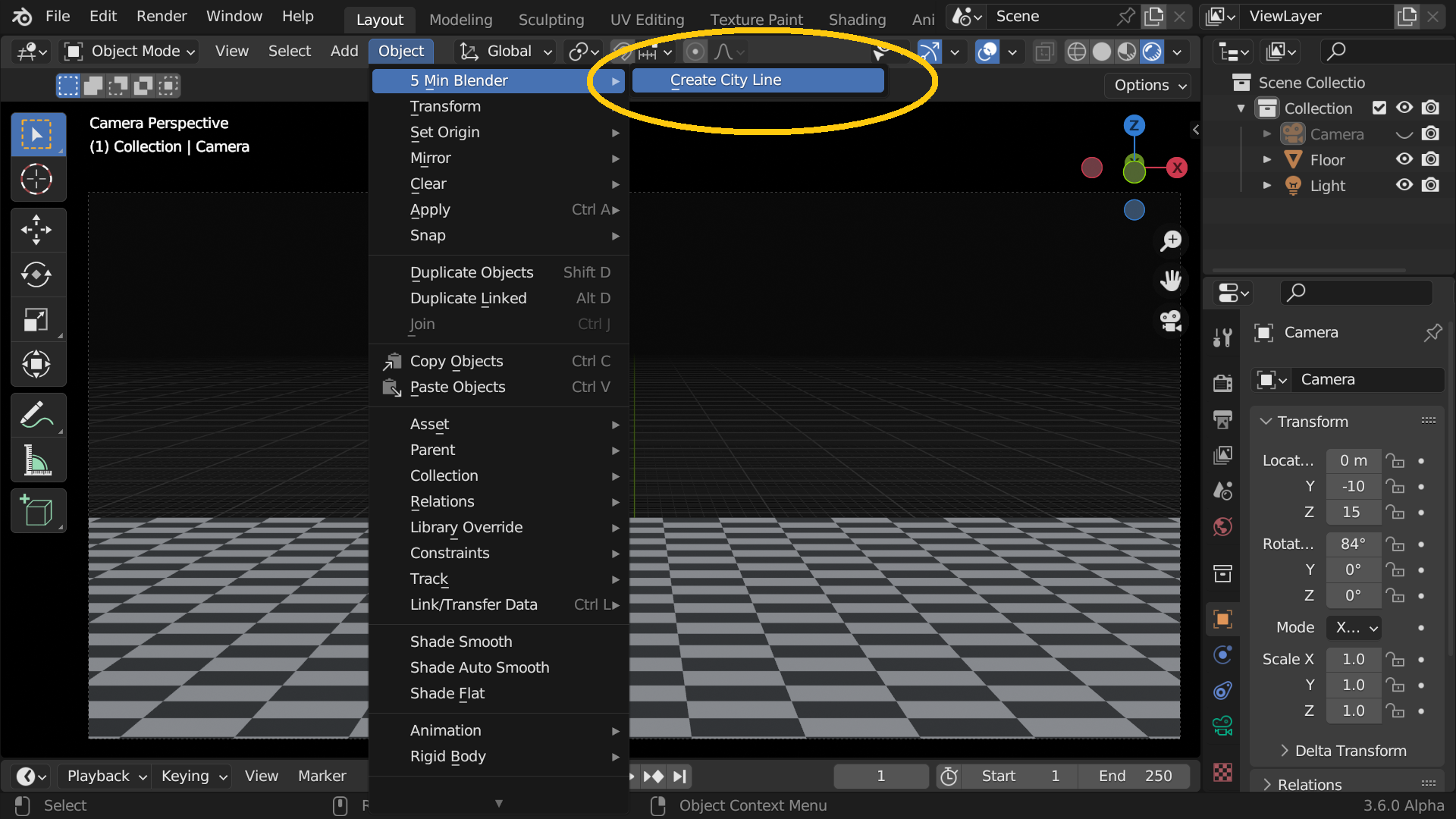
When you click on this menu item, a city line will be created with the default settings. You can then open the operator box and change the settings as per your requirement & your taste.


30 days money-back guarantee: Now purchase with confidence! We know how it feels when you purchase something and it does not work for you. So we have a very simple refund policy. If the product does not work as described here, please send us a message with the details. We will help you to solve the issues. If we cannot solve it to your satisfaction, we will make a full refund.
We hope that you find this add-on useful for your project. For any assistance, or for any bug reporting, please feel free to send a mail to [email protected] or connect to us via our YouTube channel. We are always there to help you!
