 AugyWorld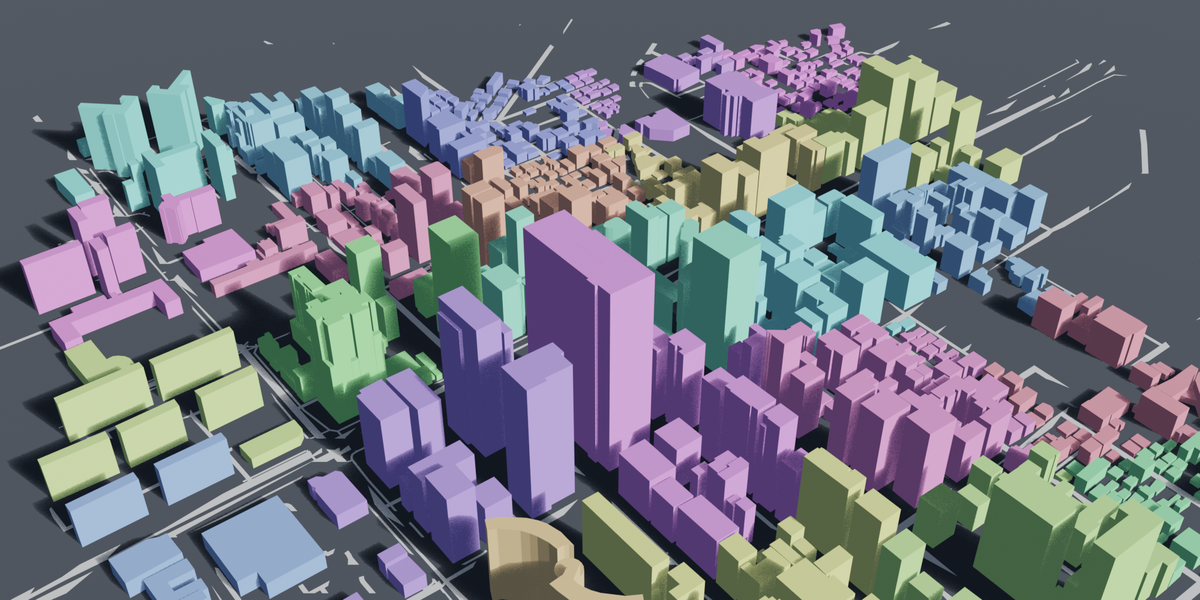
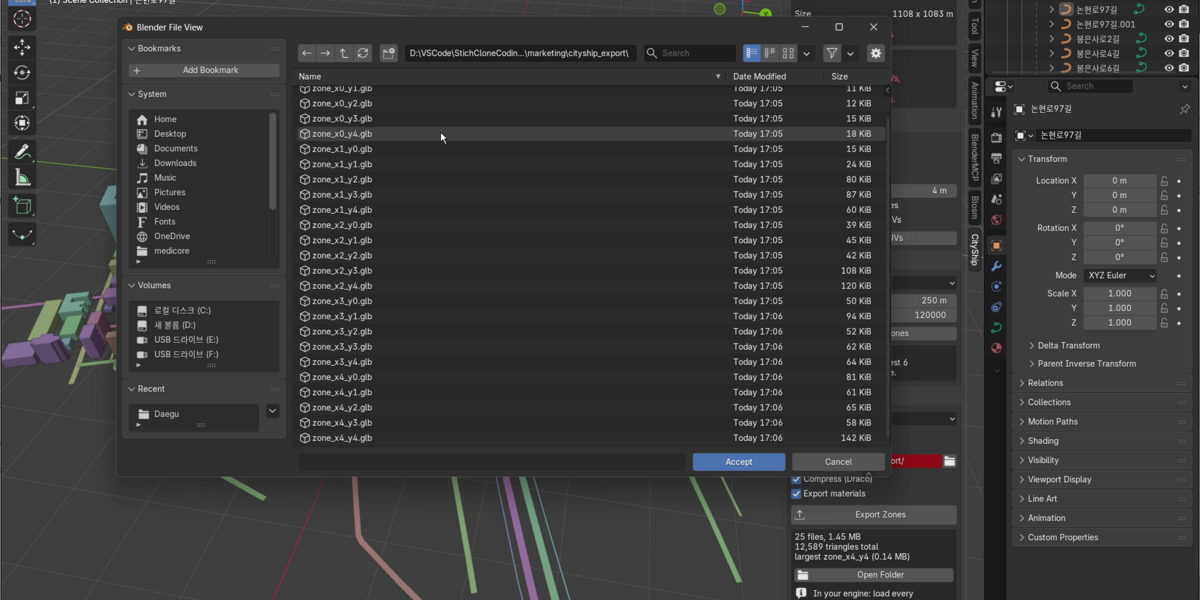
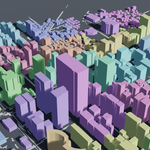
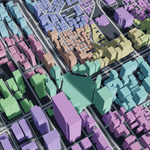
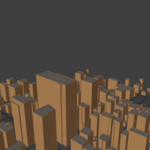
Your city imports fine. Getting it into a game is where it stops being fun.
Everything exports as one enormous file. The player stands on one street corner and the whole city is in memory. You want to fix one building and you re-export four hundred. You try splitting it by hand, and the pieces land on top of each other at the origin, because nothing remembers where it was. And you have no idea how heavy it is until the engine tells you.
What CityShip does
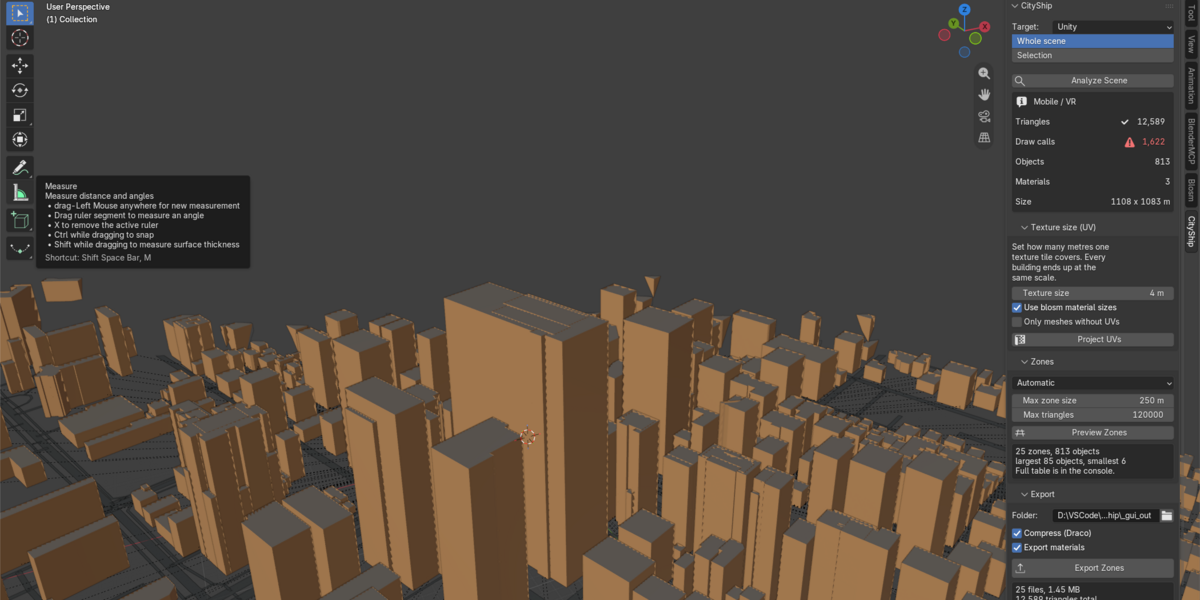
One panel, three buttons.
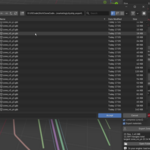
- Analyze — triangles, draw calls, materials and scene size, checked against a budget for your platform, before you import anything.
- Project UVs — every wall gets the same texture scale, measured in metres. Blosm's free version creates no UVs at all, so without this you cannot texture anything.
- Export Zones — one file per zone in glTF/GLB or FBX, plus a manifest.json.
The part that matters
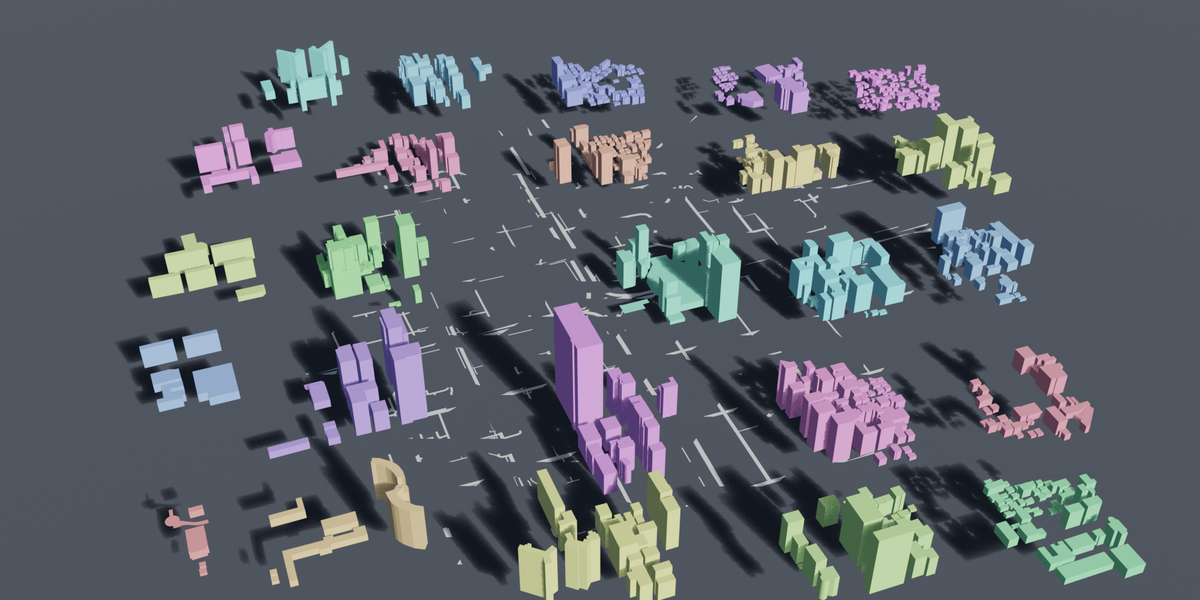
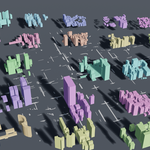
Every zone keeps its real world coordinates. Load all of them at (0, 0, 0) with no rotation and no scaling, and the city assembles itself. No offsets to type in. Verified per object to within 0.0000 m, in both glTF and FBX.
manifest.json gives you each zone's bounds, so distance-based streaming is a few lines in your engine. Zones marked always_load hold terrain and ground planes bigger than one cell — keep those loaded.
Real numbers
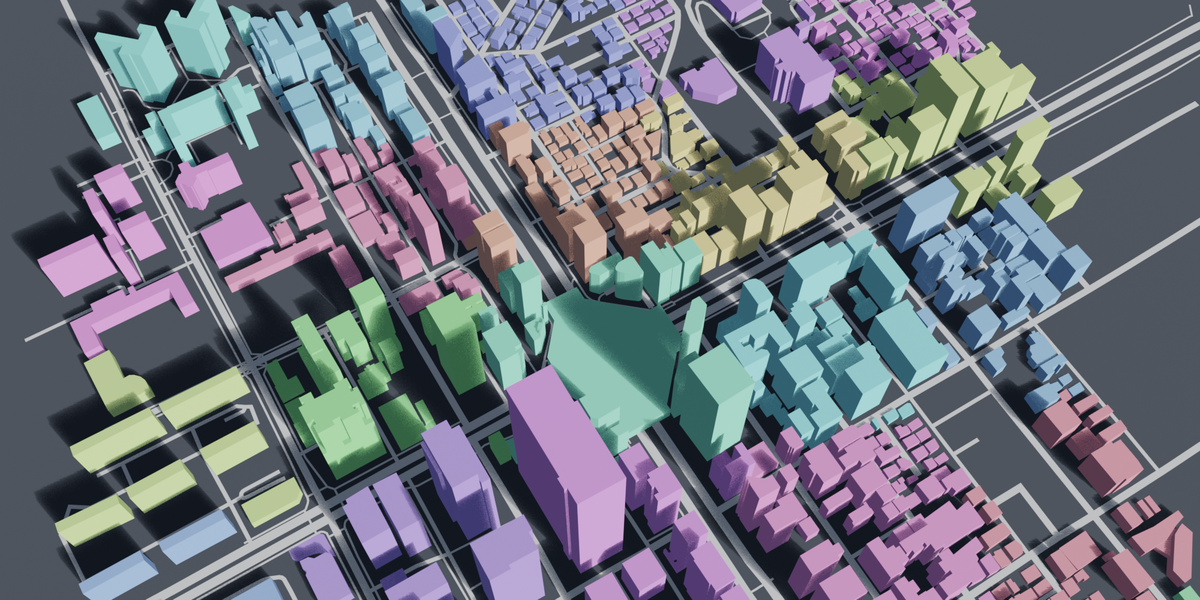
A 1.1 × 1.1 km import of central Seoul, 813 buildings from OpenStreetMap:
- 25 zones
- 12,589 triangles
- 1.45 MB as glTF + Draco, 2.76 MB as FBX
- Under a minute — the video above is unedited
It tells you when something is wrong
Blosm's default setting merges the entire city into a single object. Split that and you get one zone holding 99% of the triangles — and no error, so you think it worked. CityShip catches it and names the checkbox to turn off.
Formats
- glTF / GLB — about 2× smaller. Unity needs Unity's free glTFast package (search "glTFast" in the Package Manager). Best support in Godot, the only option for the web.
- FBX — opens natively in Unity and Unreal. Larger, no compression.
What it does not do
- It does not import OSM data — Blosm does that well. CityShip works on any city already in your scene.
- It does not cut meshes. Zoning sorts whole objects.
- It does not generate LODs or textures.
Who this is not for
If you only need a render, or a handful of buildings, one file is fine. CityShip is for projects where the player walks through the city.
Requirements
Blender 5.0 to 5.2. Windows, macOS, Linux. No other add-on required.

