 Calappa Lab


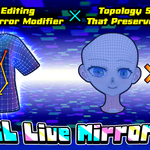
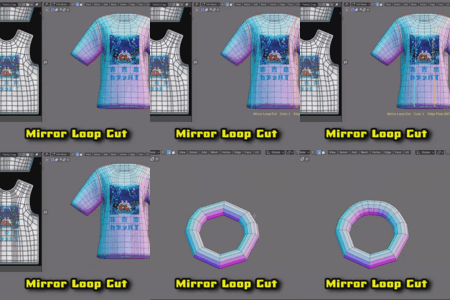
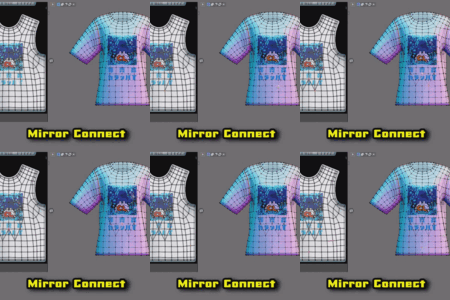
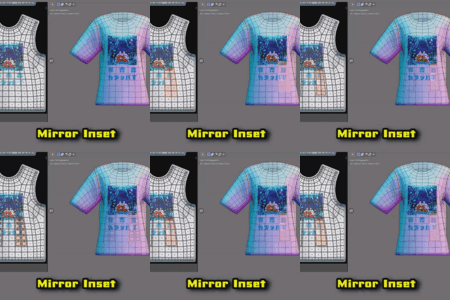
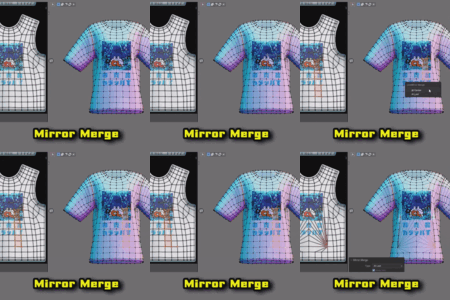
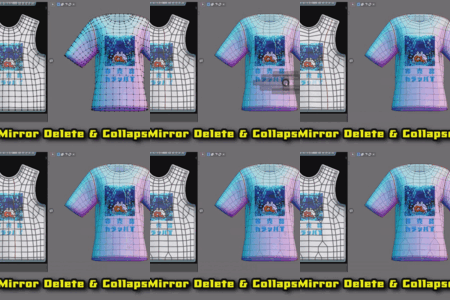
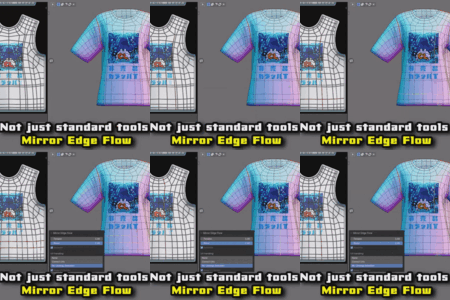
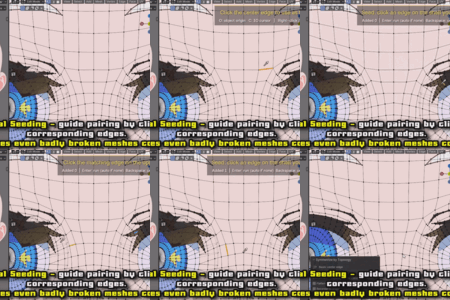
Mirror editing without a Mirror modifier
— plus topology symmetrize that preserves vertex IDs.
CL_LiveMirror is an add-on that combines modifier-free mirror editing with a high-precision, vertex-ID-preserving topology symmetrize.
It covers both "editing both sides at once" and "making both sides match" — in a single tool.
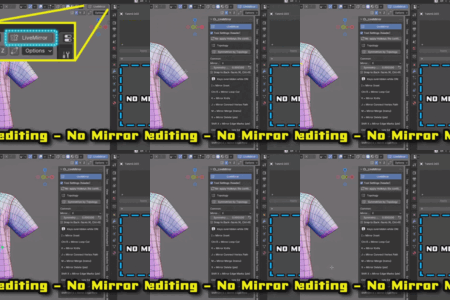
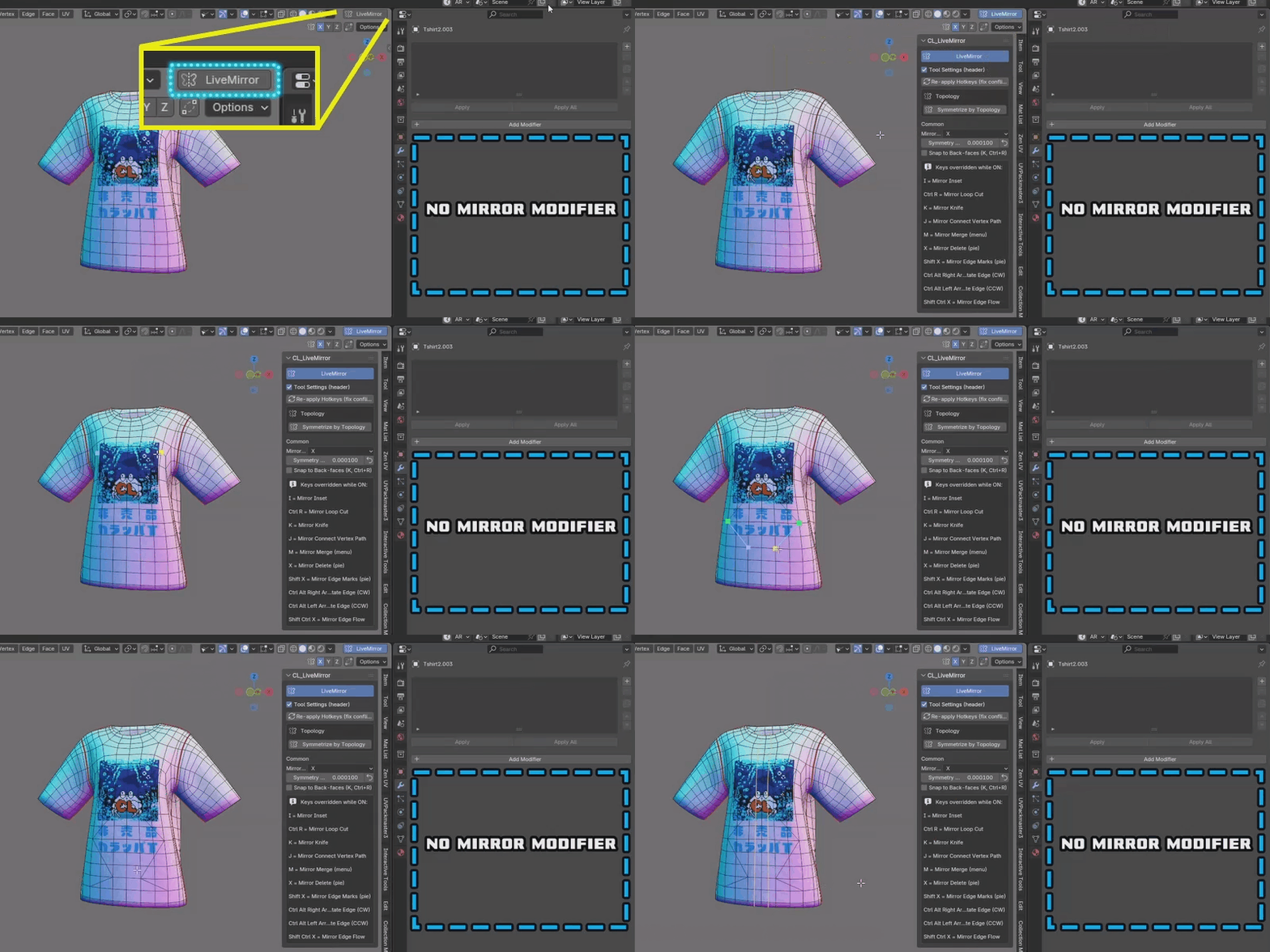
Mirror editing — one click, No Mirror Modifier
Just hit the LiveMirror button in the top-right of the viewport — that's it. Mirror mode turns on, and a set of mirror-aware versions of common mesh-editing tools becomes available, letting you edit both sides at once with your asymmetric UVs fully preserved (except for new faces created by tools like Bevel and Extrude, which you'll unwrap yourself). Their shortcuts are based on Blender's defaults, remapped for comfortable one-handed use, and listed right in the panel.
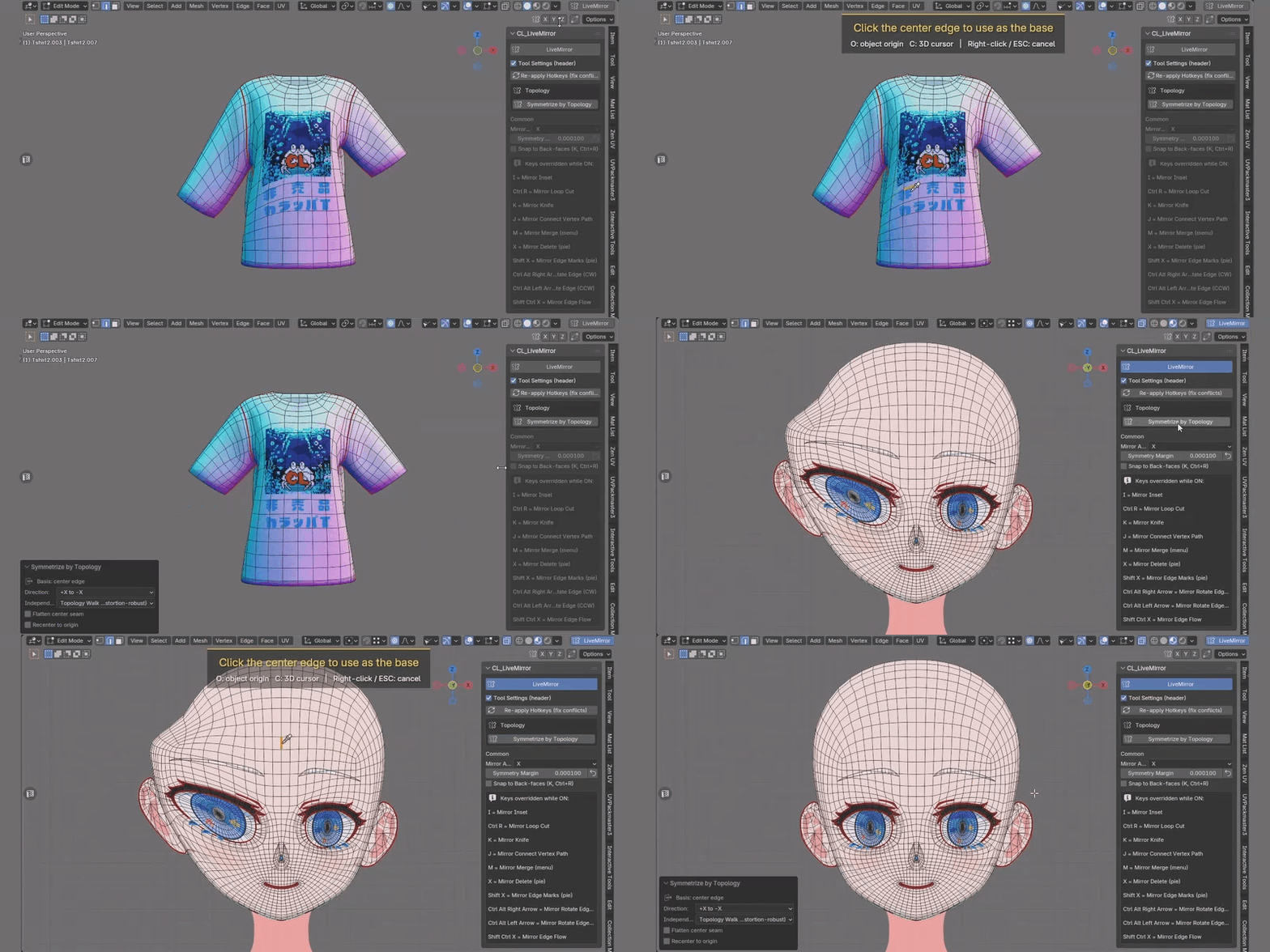
Topology symmetrize — vertex IDs preserved
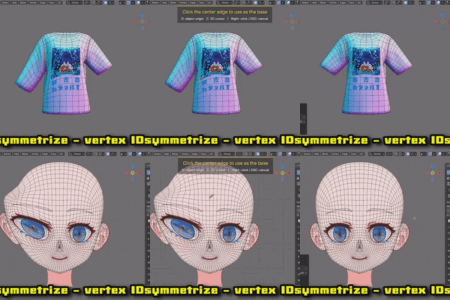
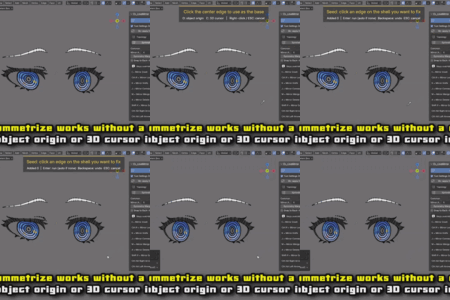
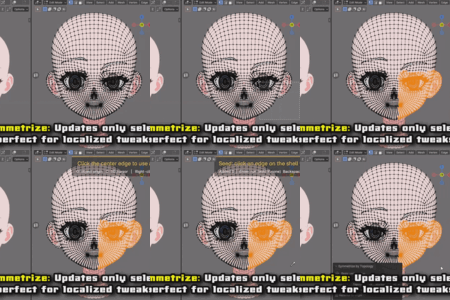
One click on the center edge snaps a drifted model back into symmetry. It matches by topology, not shape, and keeps your existing vertex IDs — so vertex groups, shape keys, and rig weights stay intact.
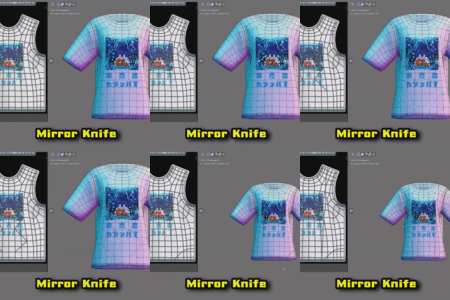
Mirror tools included
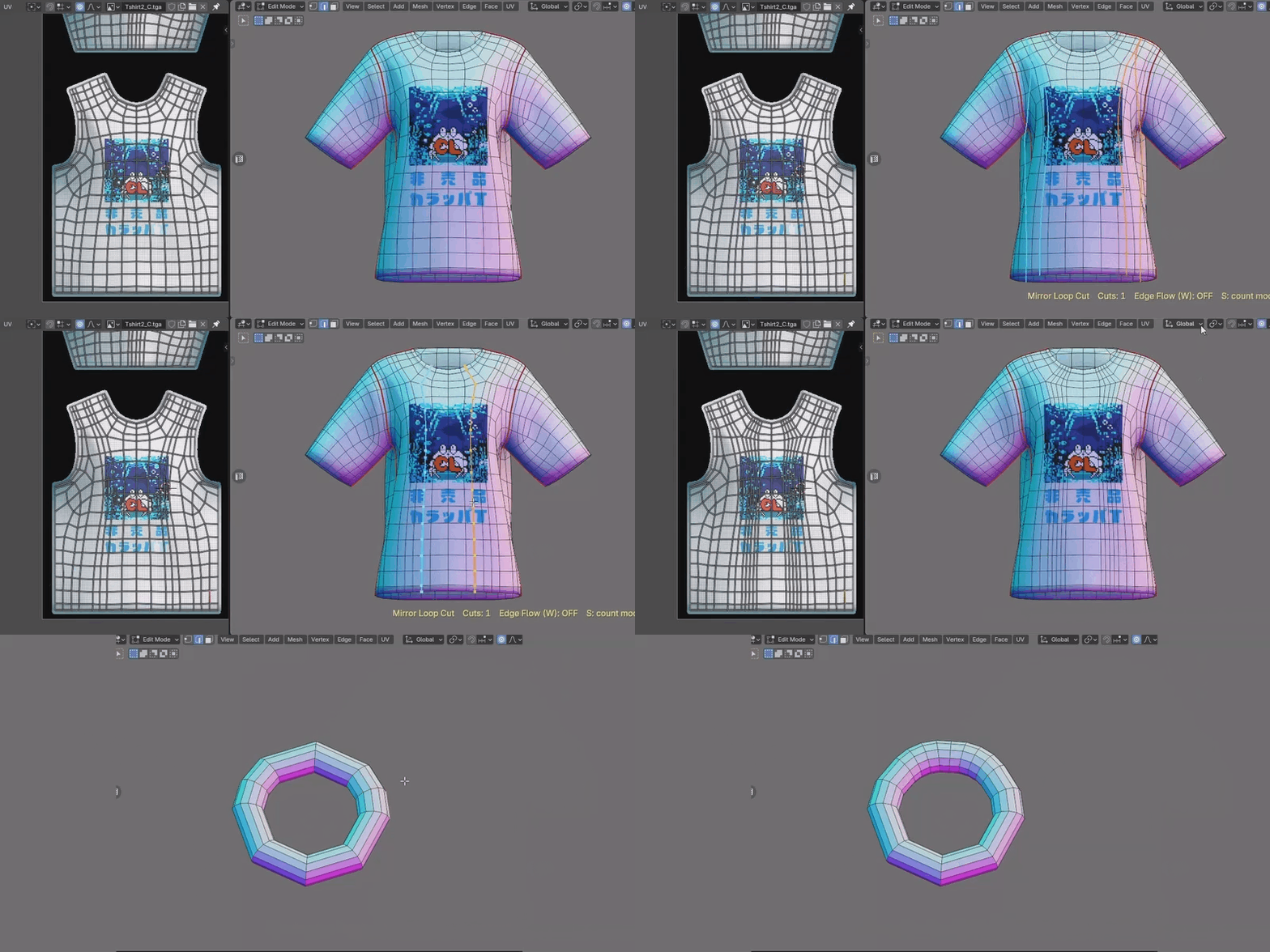
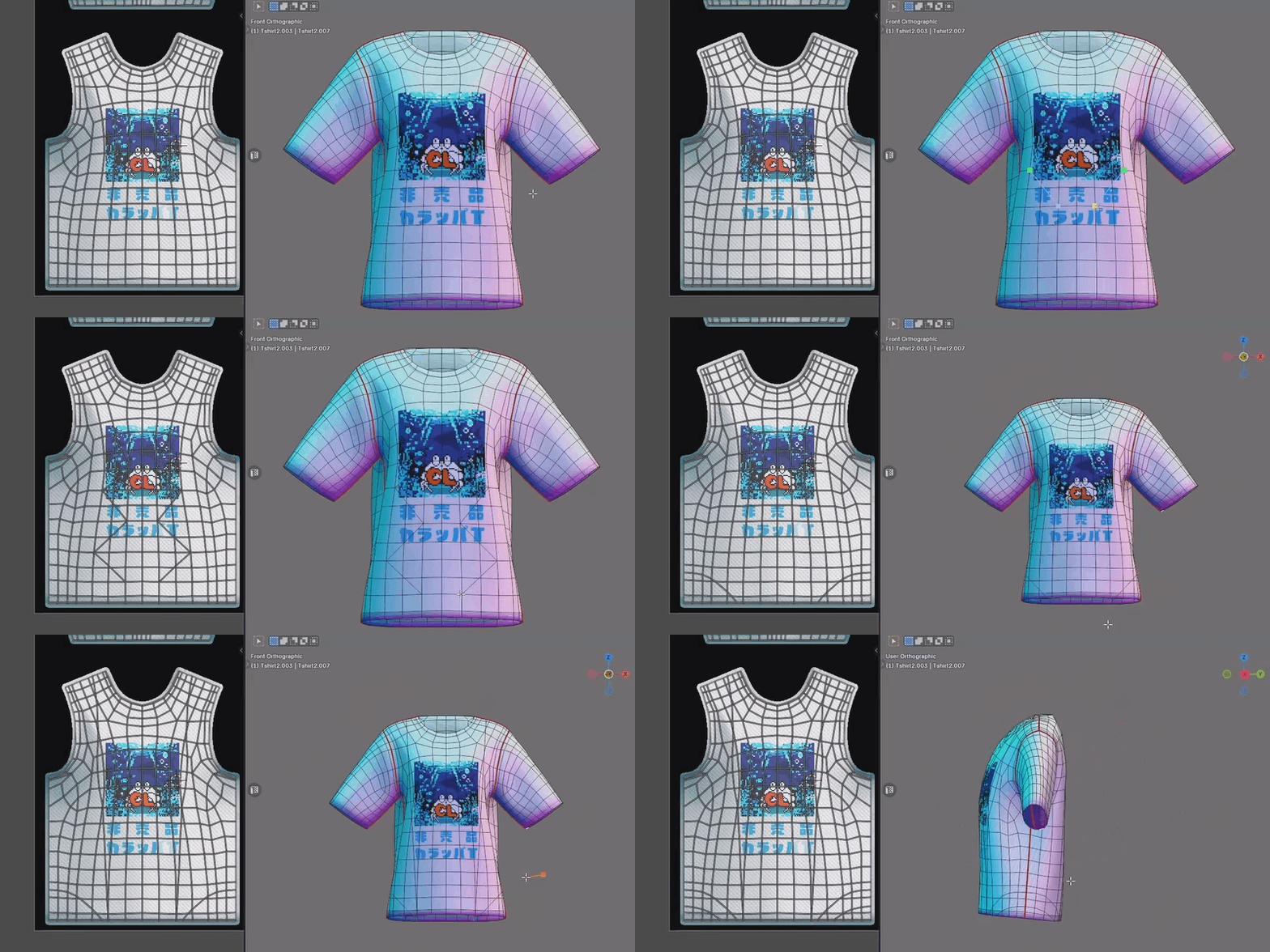
Press the I key during operation to toggle between “Equal (Region)” and “Individual.”
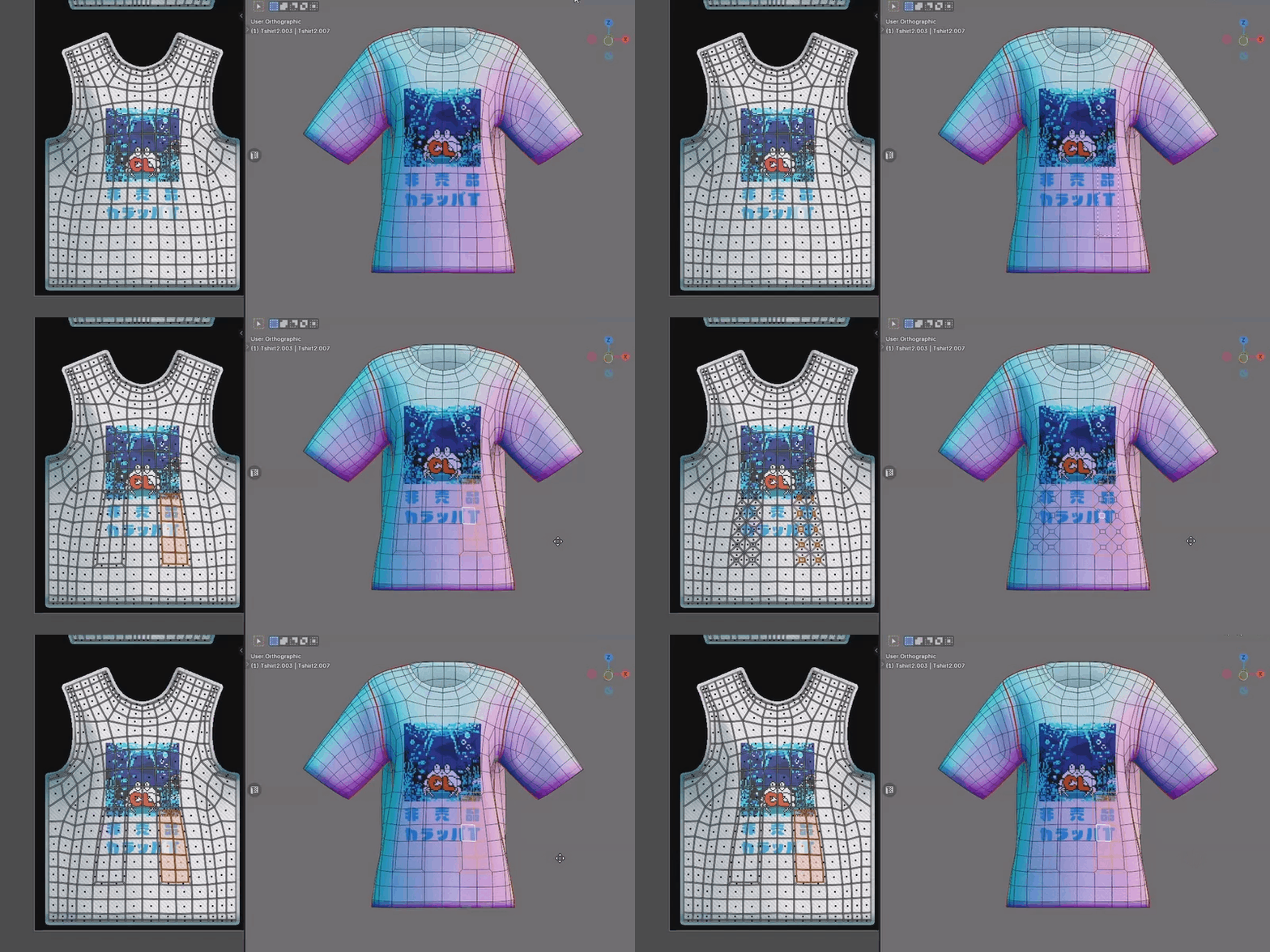
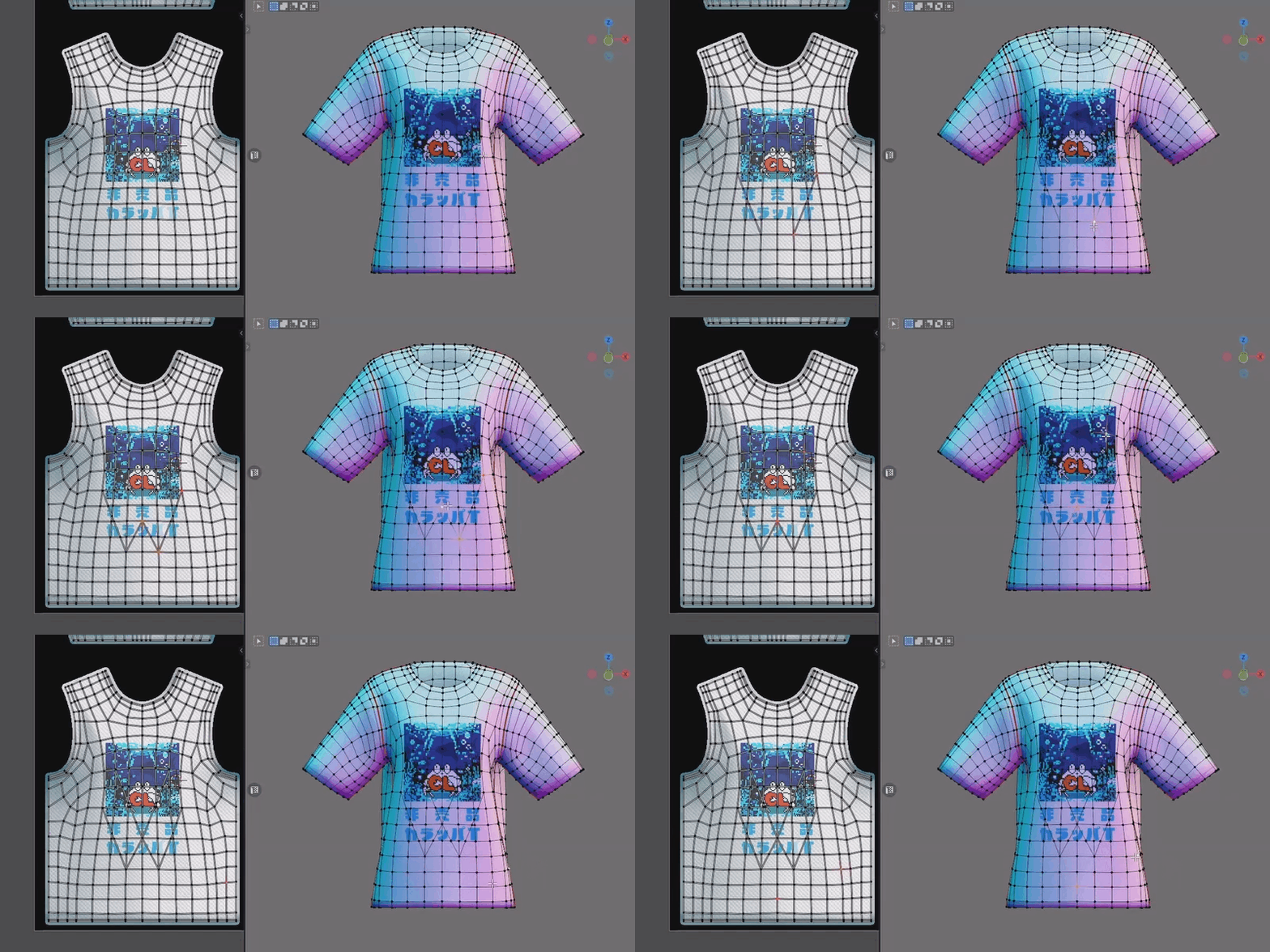
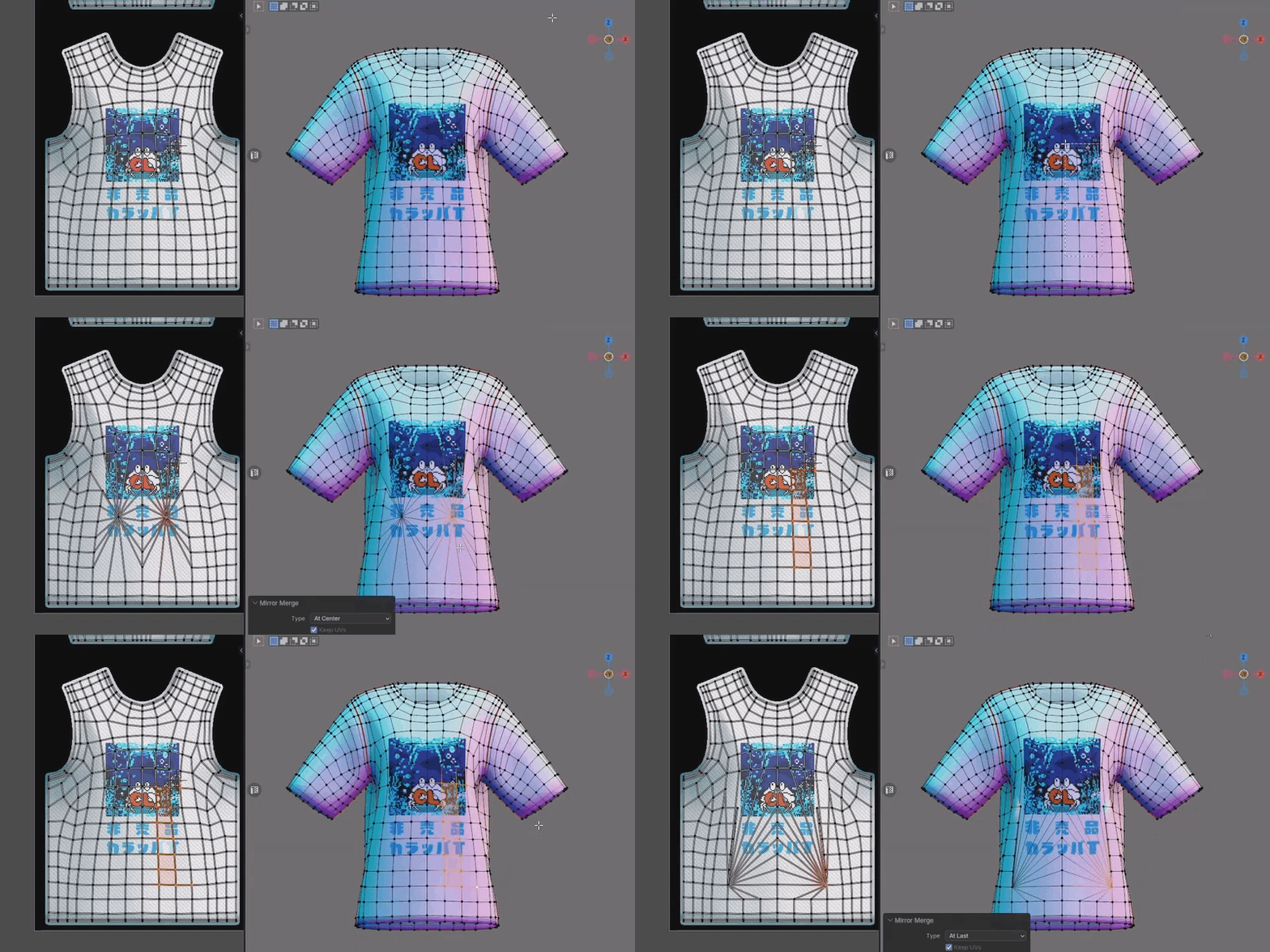
MMirror Merge(menu)
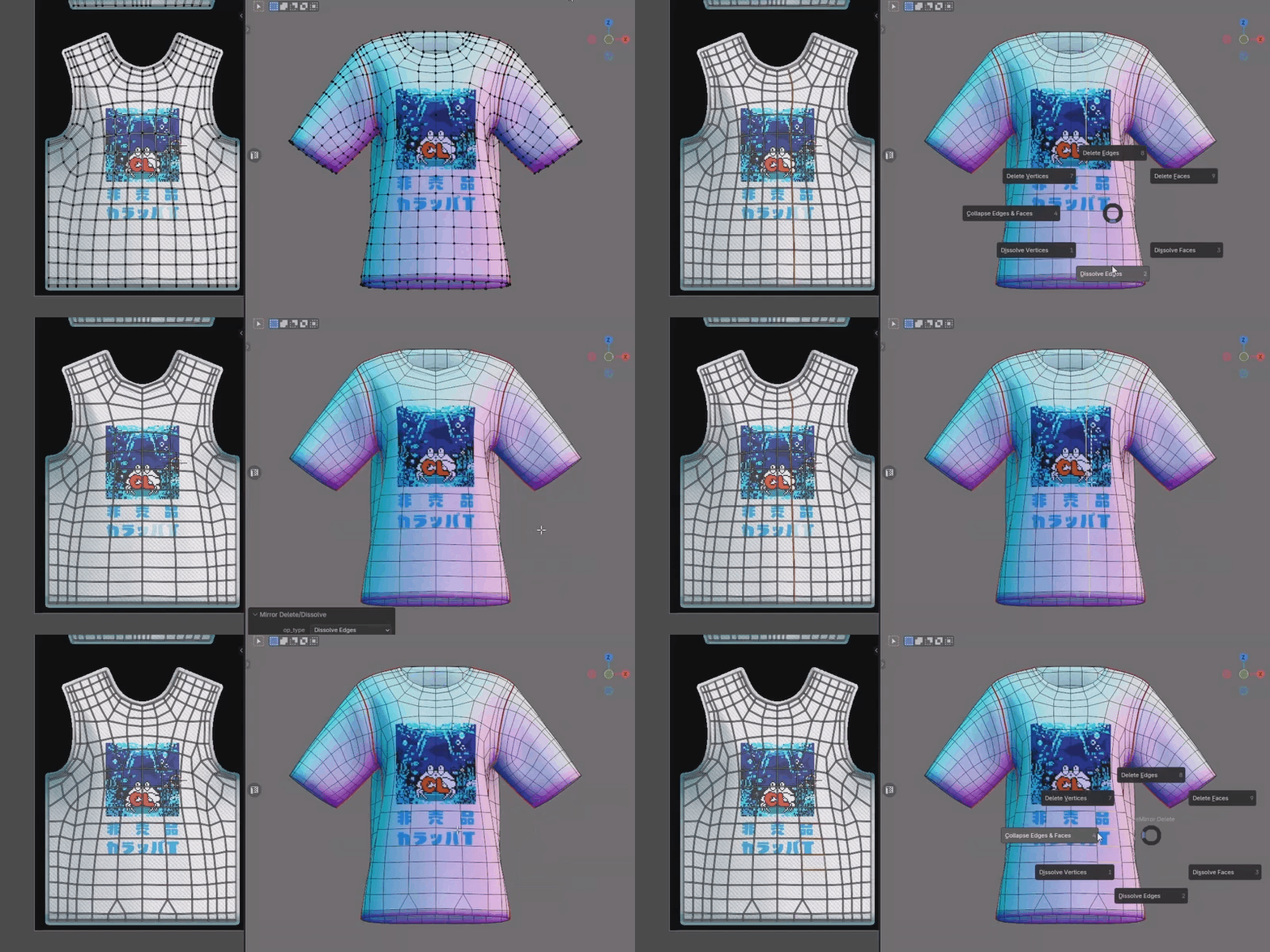
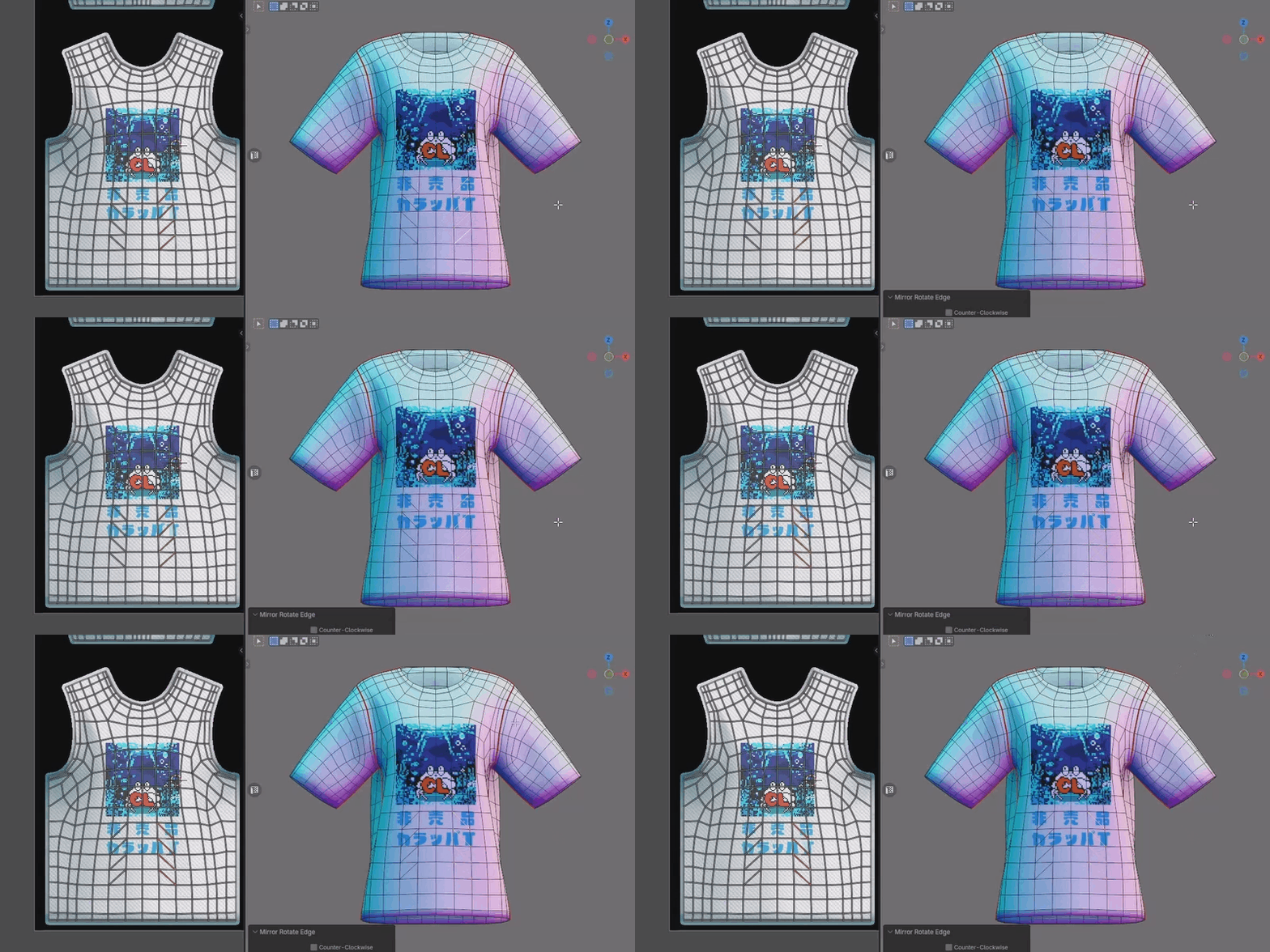
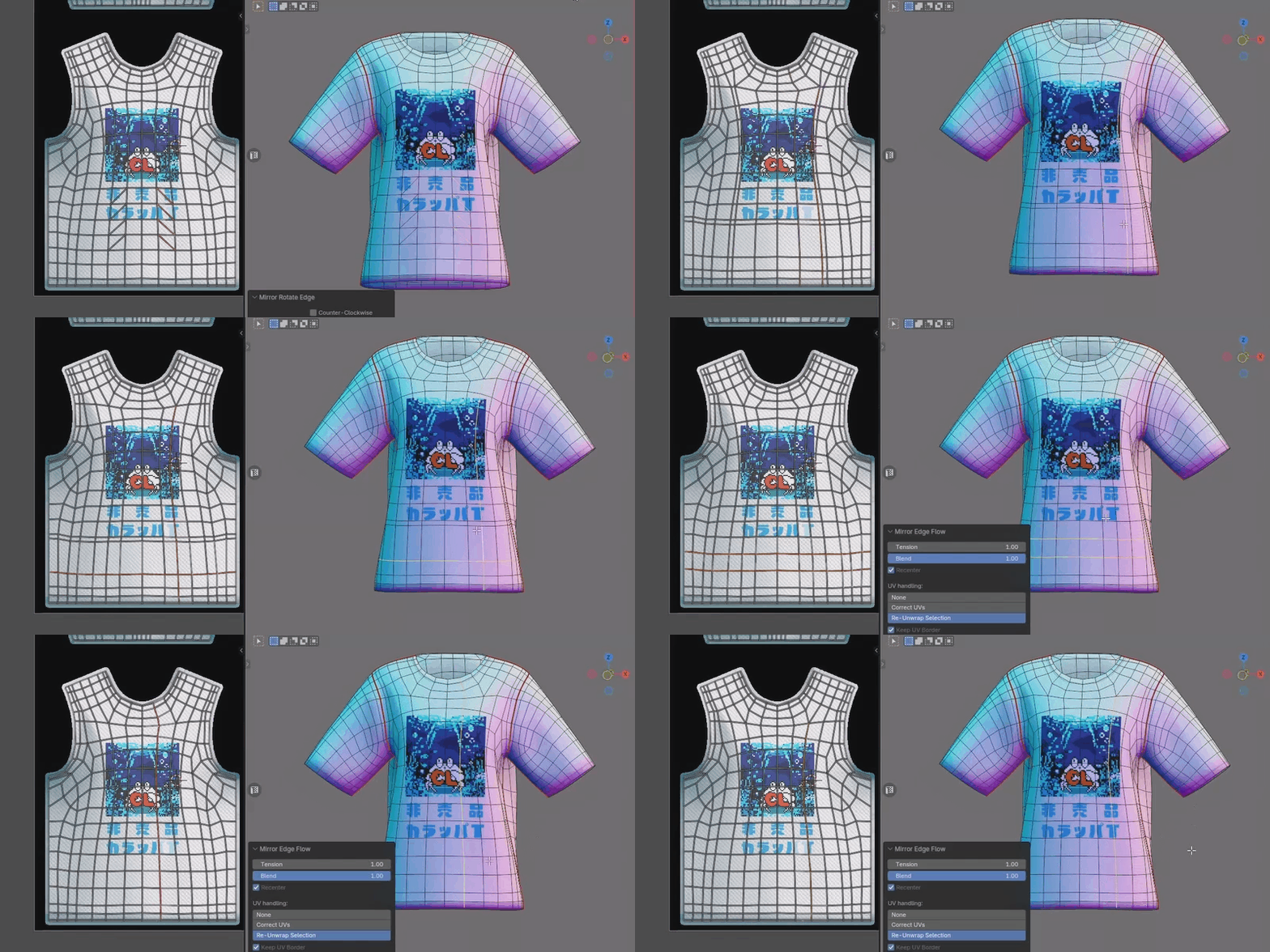
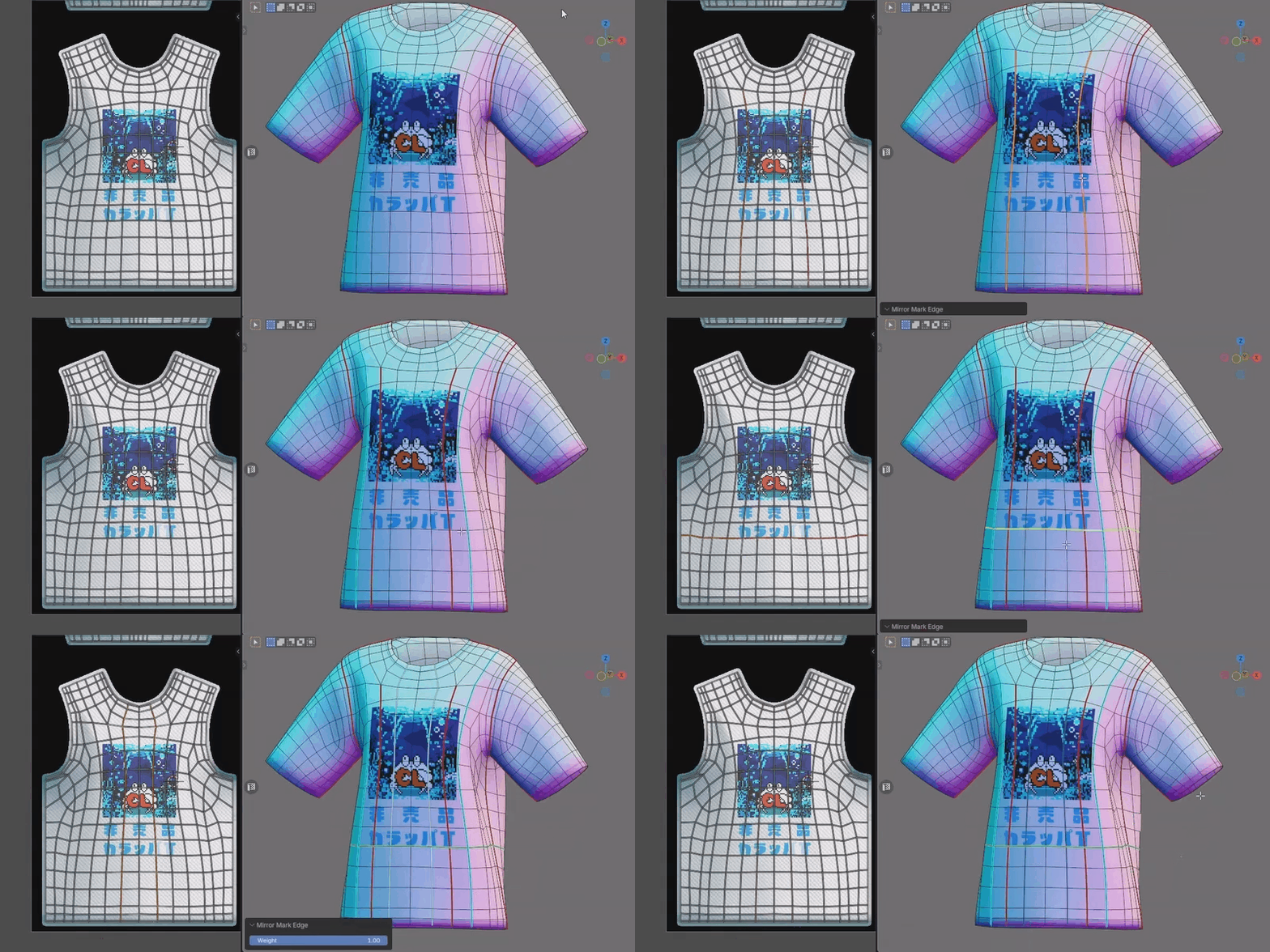
Ctrl+BMirror Bevel
Bevel edges or vertices on both sides at once. Adjust width and segments interactively. New faces need new UVs, so unwrap them afterward.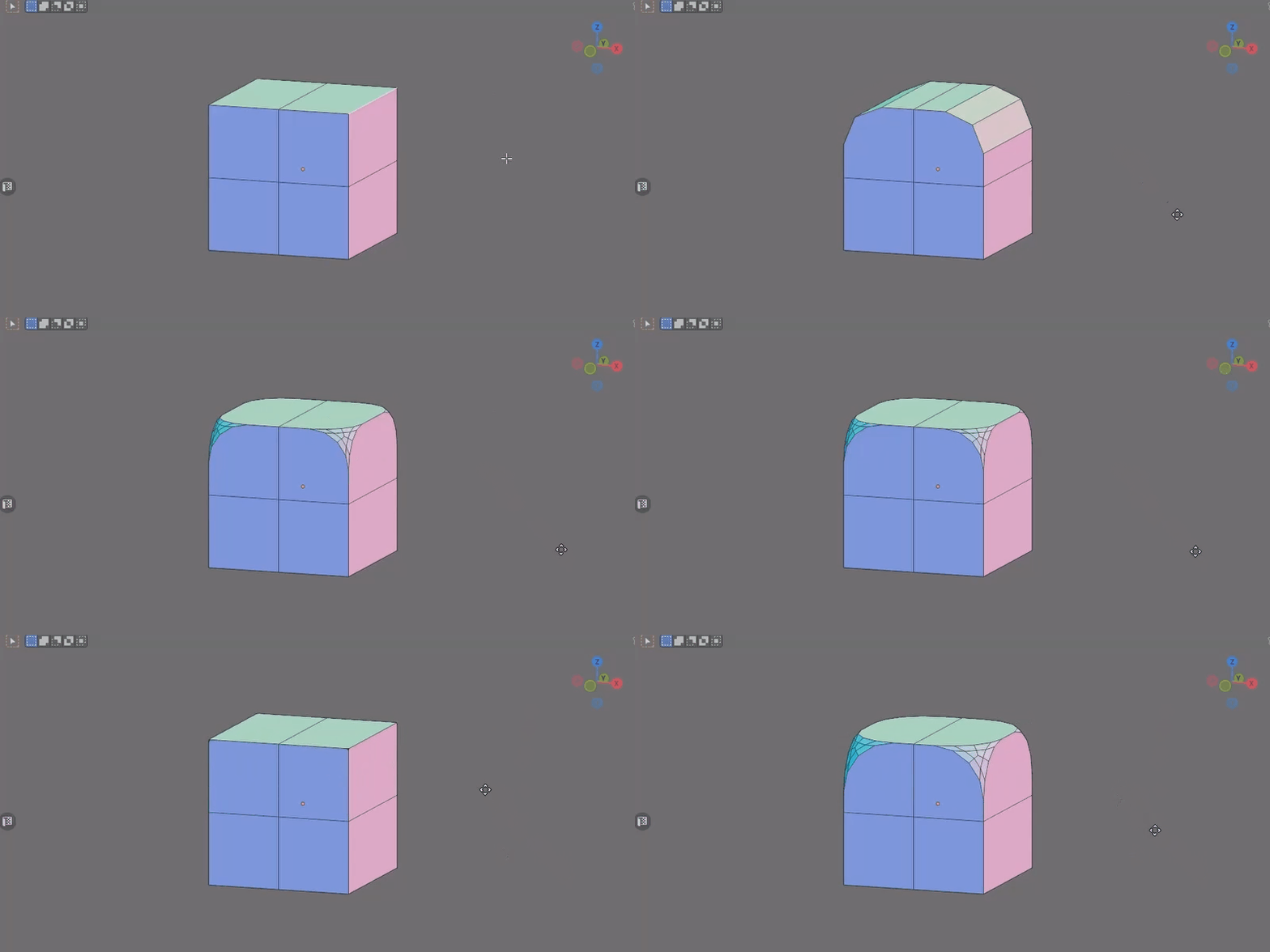
Ctrl+E · pieMirror Extrude
Pie menu for symmetric extrusion — Region, Along Normals, Individual, To Cursor, and Manifold. New faces need new UVs, so unwrap them afterward.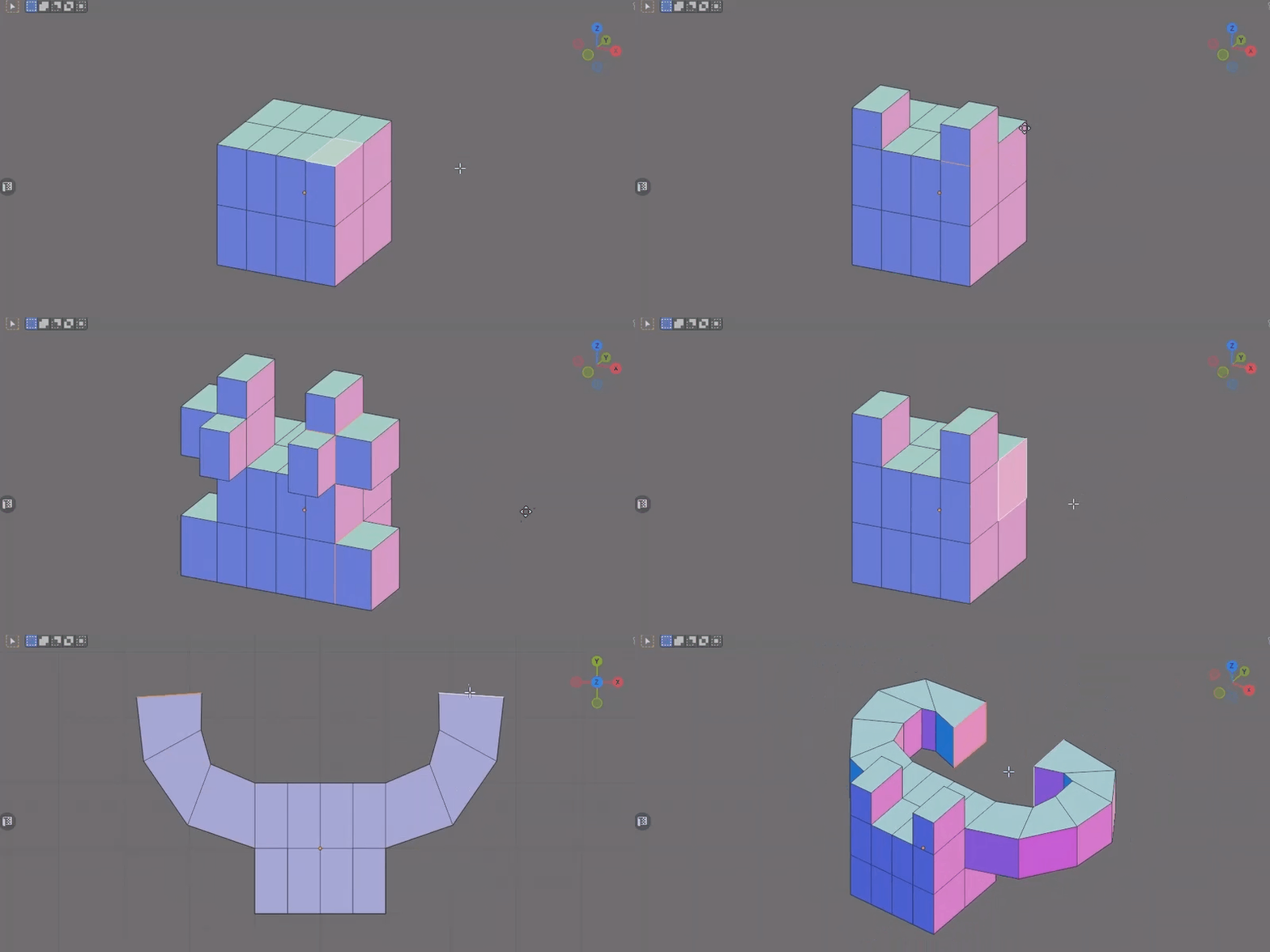
Ctrl+TMirror Triangulate
Triangulate faces symmetrically. Diagonals match on both sides, and your UVs stay intact.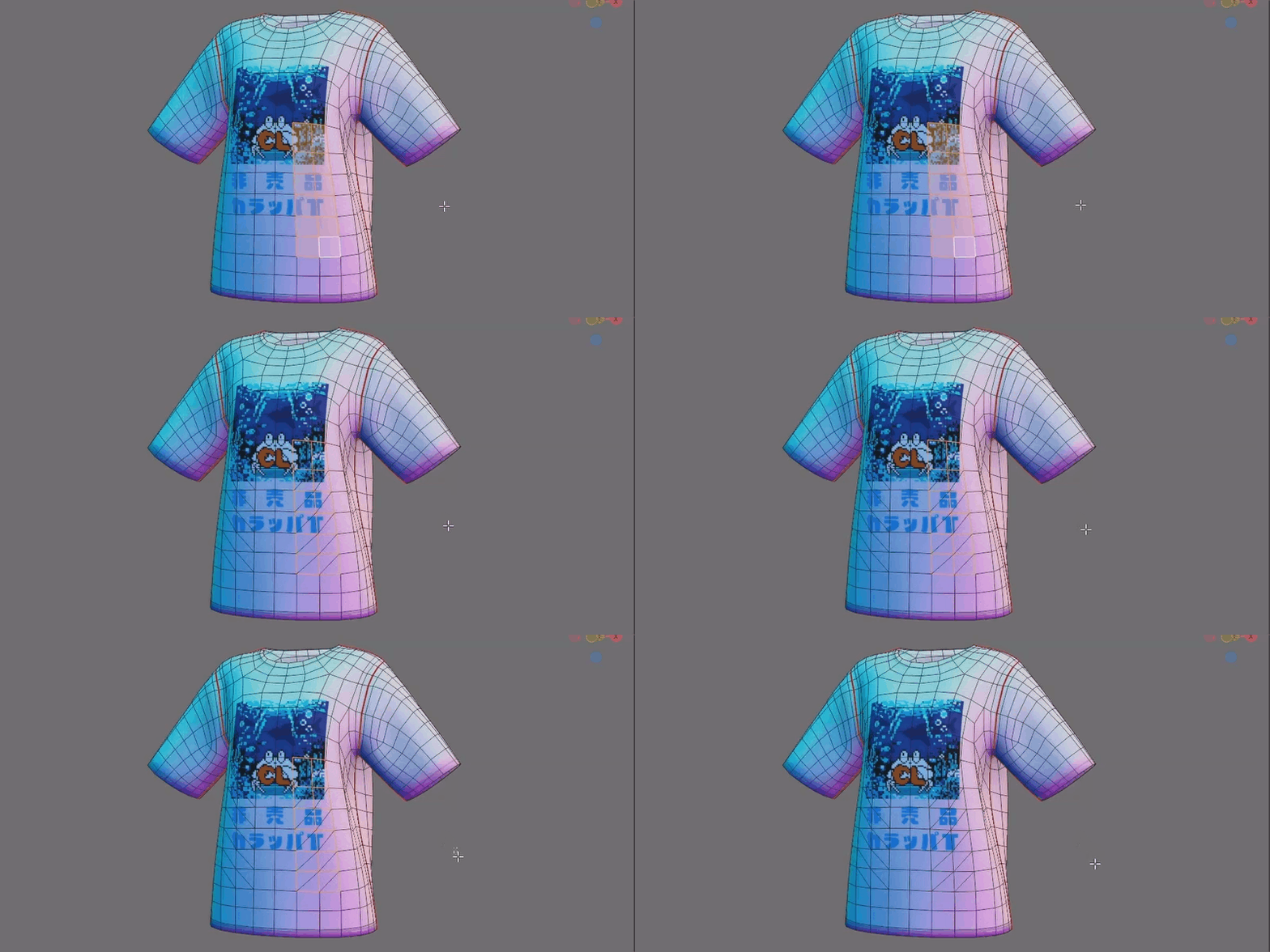
Alt+JMirror Tris to Quads
Join triangles into quads symmetrically, keeping both sides identical and UVs untouched.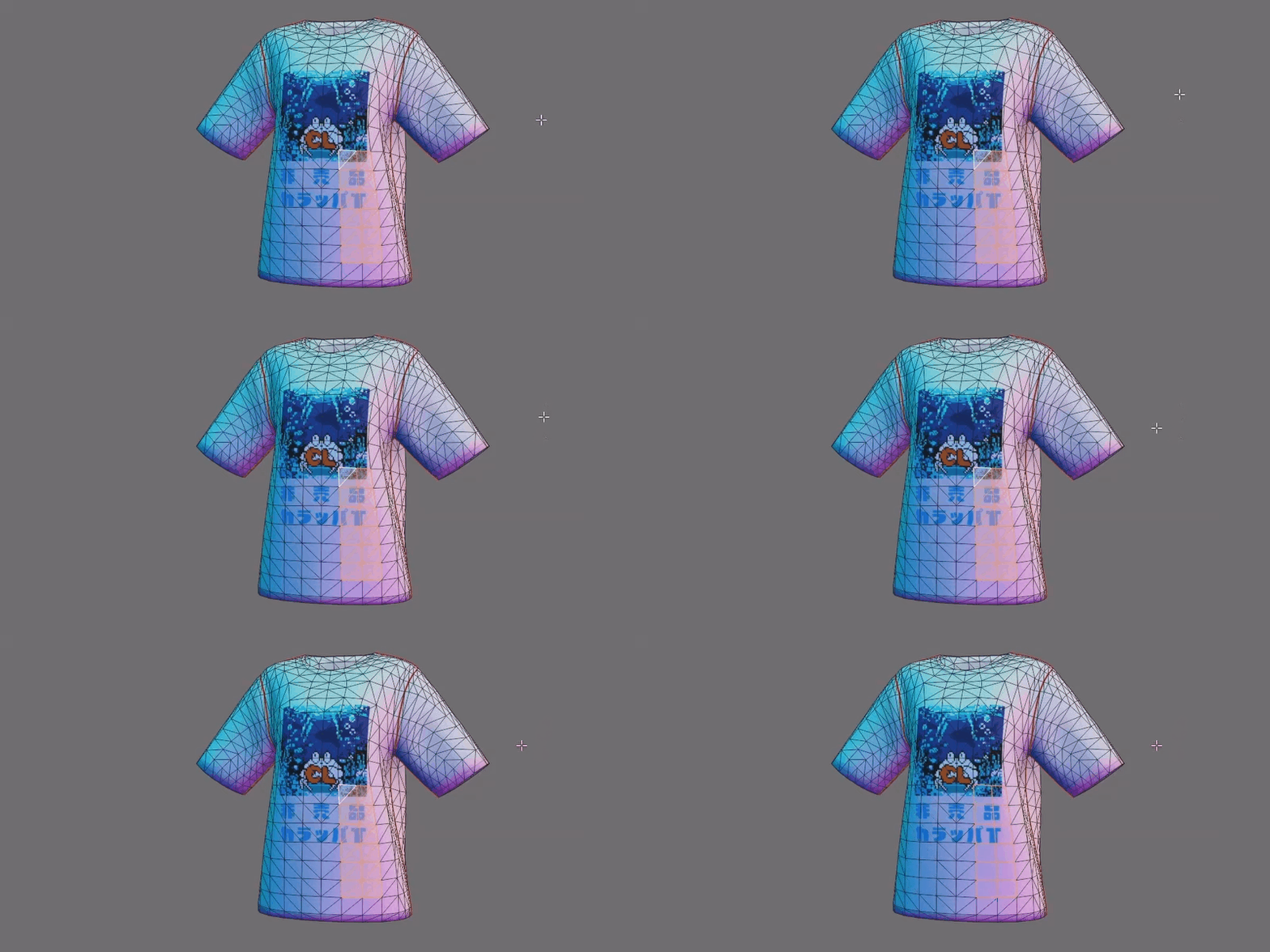
Shift+Ctrl+F · pieMirror Fill
Pie menu for symmetric filling — Fill, Grid Fill, and Bridge Edge Loops. UVs follow Blender's standard behavior; new faces may need unwrapping.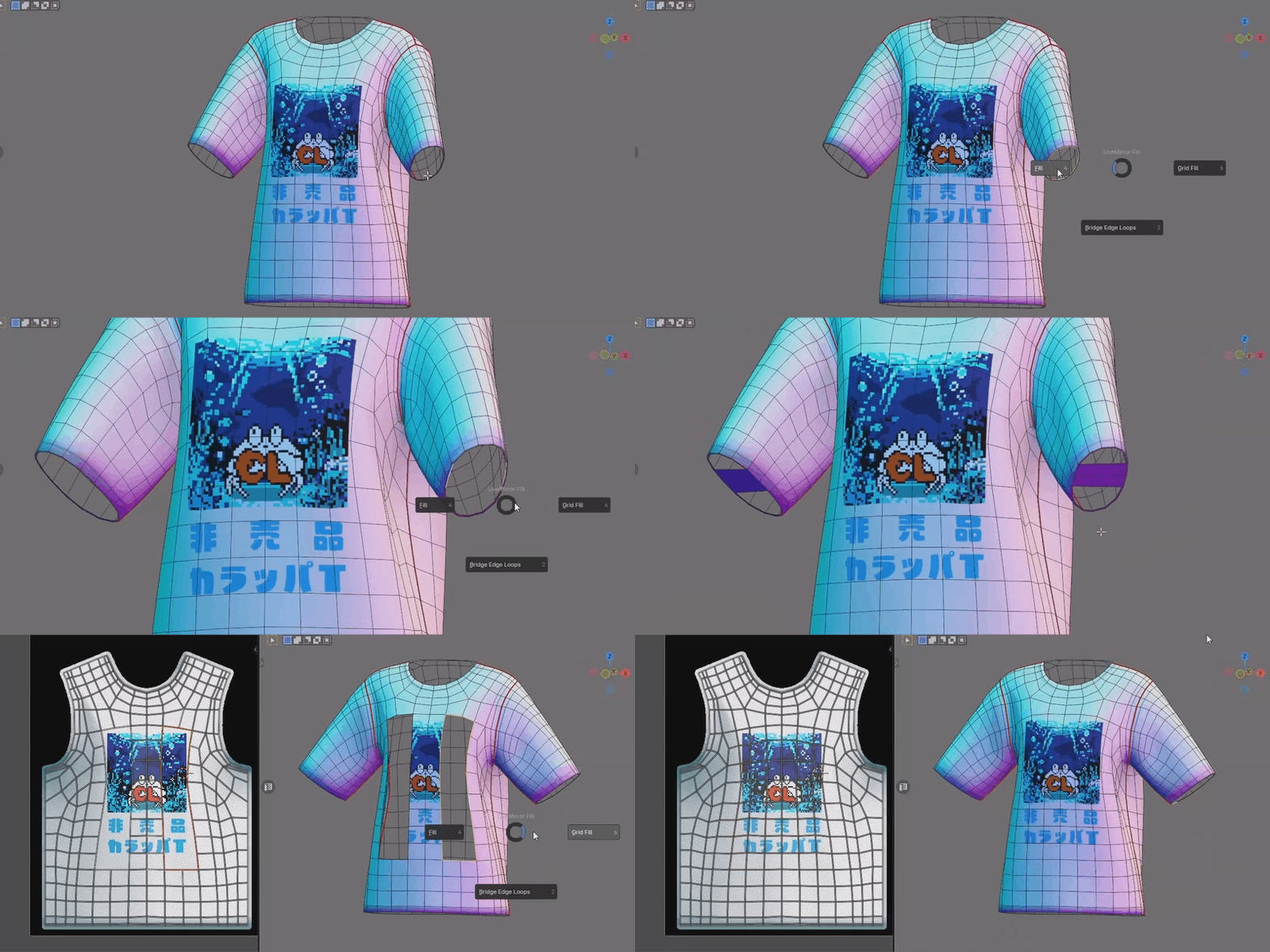
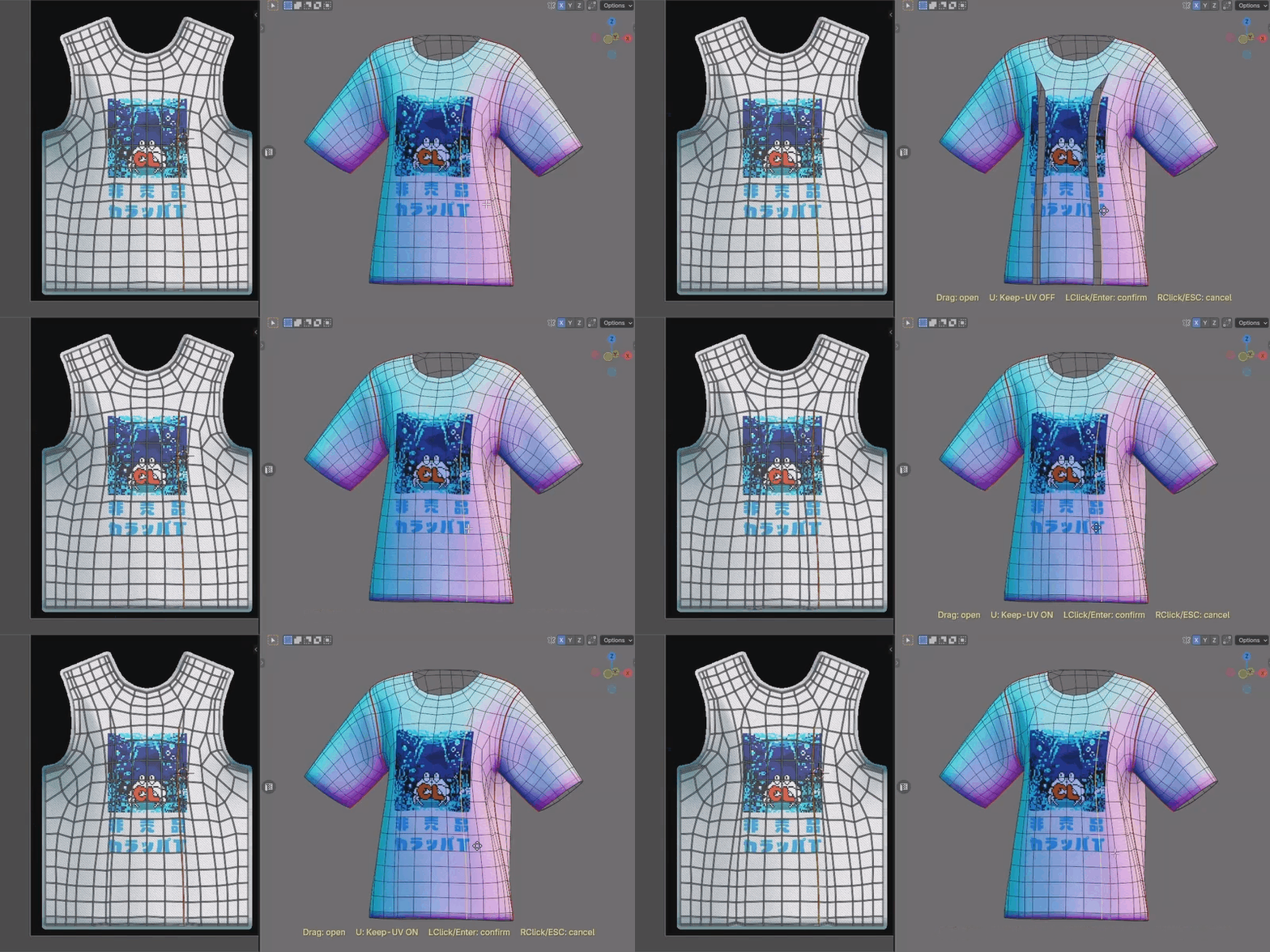
Actively expanding — more mirror-aware tools are added in ongoing updates.
Each tool is a dedicated, mirror-aware tool — separate from Blender's standard tool of the same name — so its operation can differ slightly from the standard. Shortcuts are based on Blender's defaults, remapped for comfortable one-handed use, and listed in the panel.
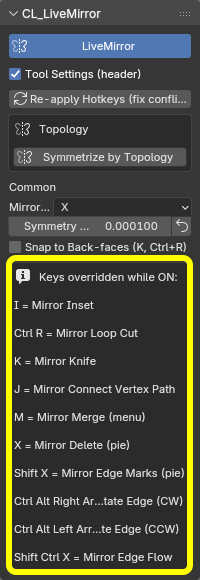
Topology Symmetrize
The add-on's second pillar. When one side of a model has drifted out of alignment, one click on the center edge restores symmetry. It works from connectivity (topology), not shape, and preserves your existing vertex IDs — so vertex groups, shape keys, and rig weights stay intact. Launch it from Mesh > Mirror or the CL LM sidebar tab.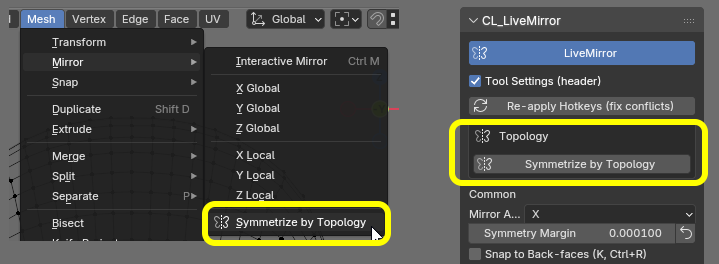
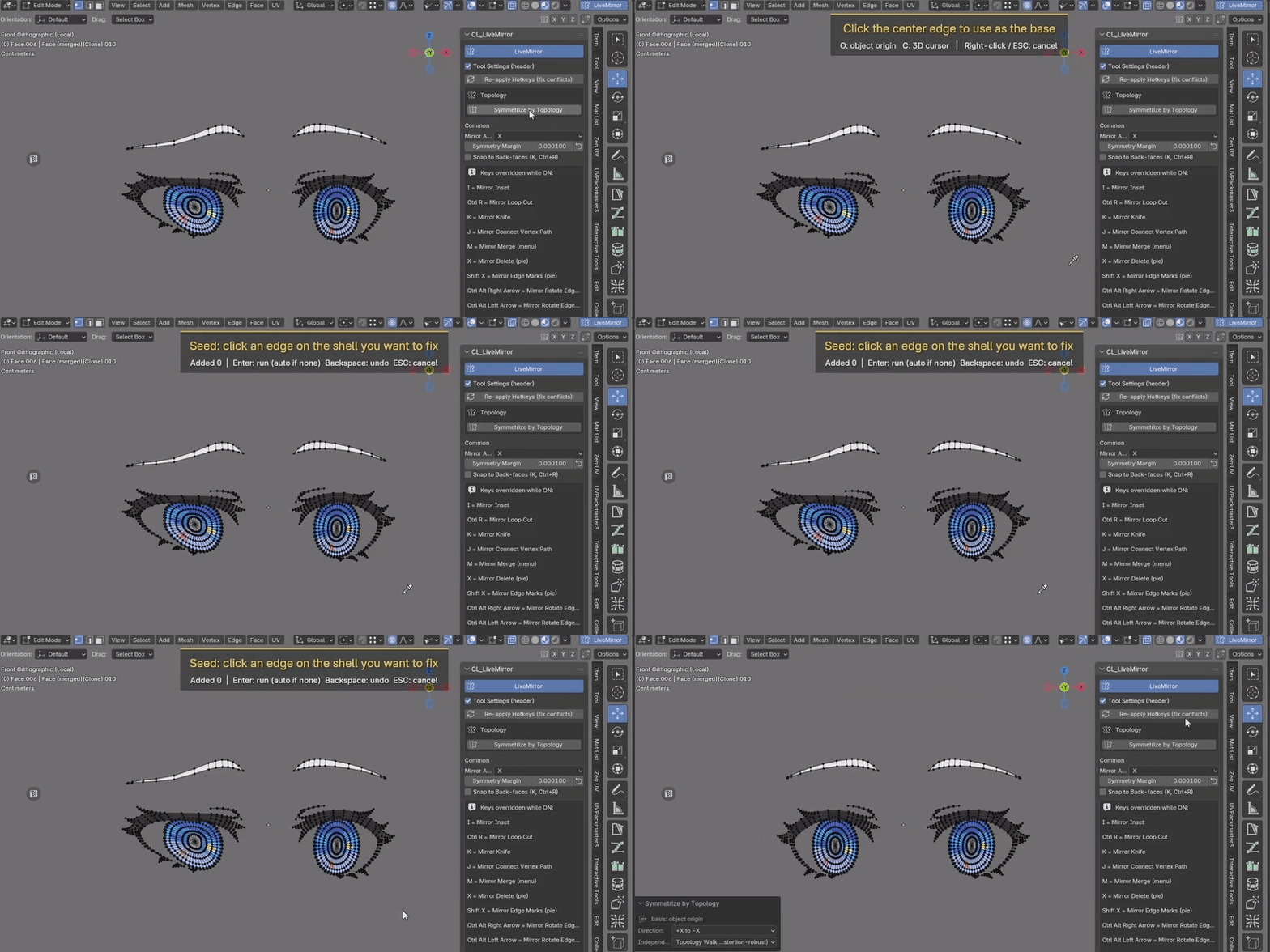
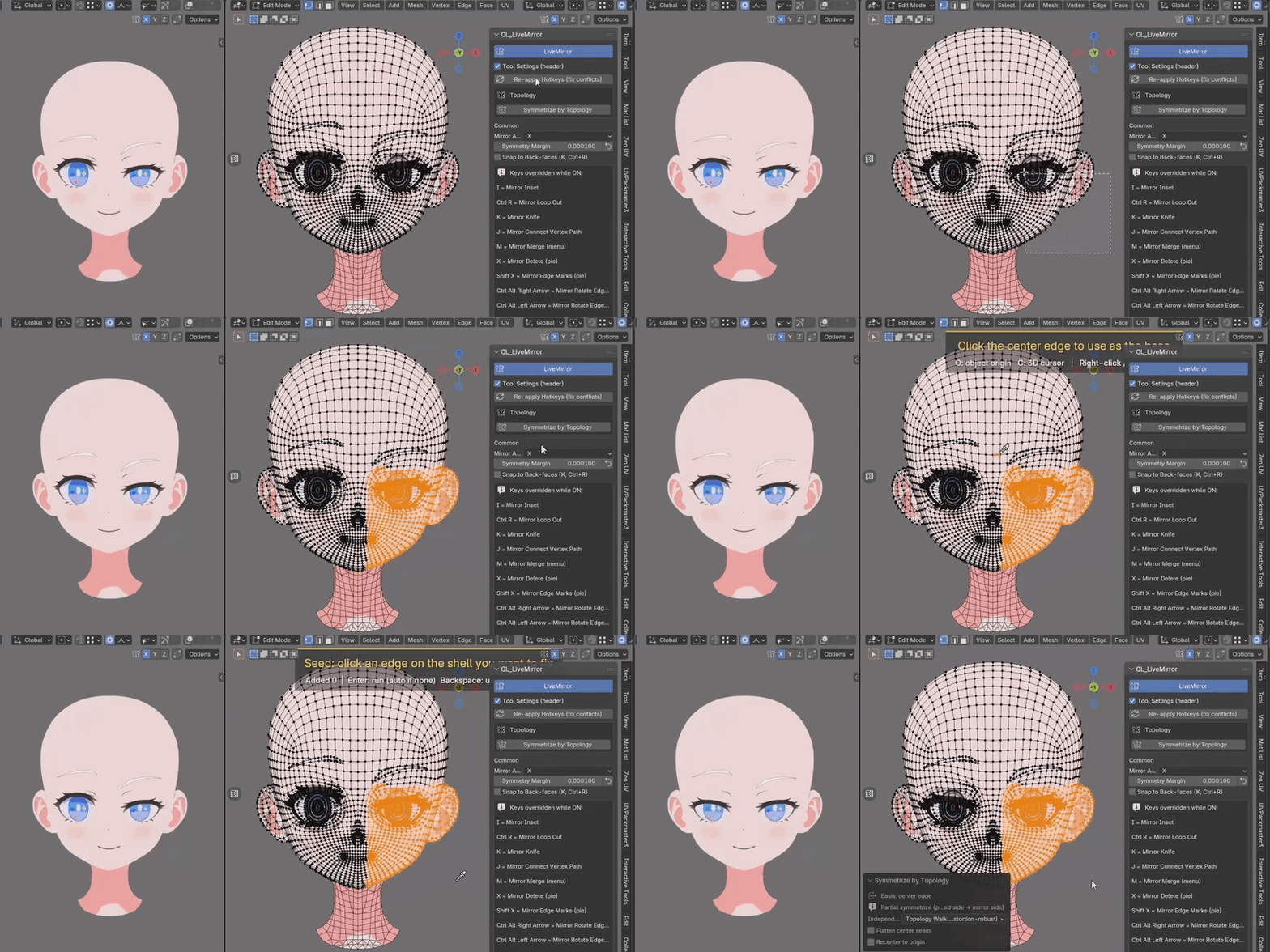
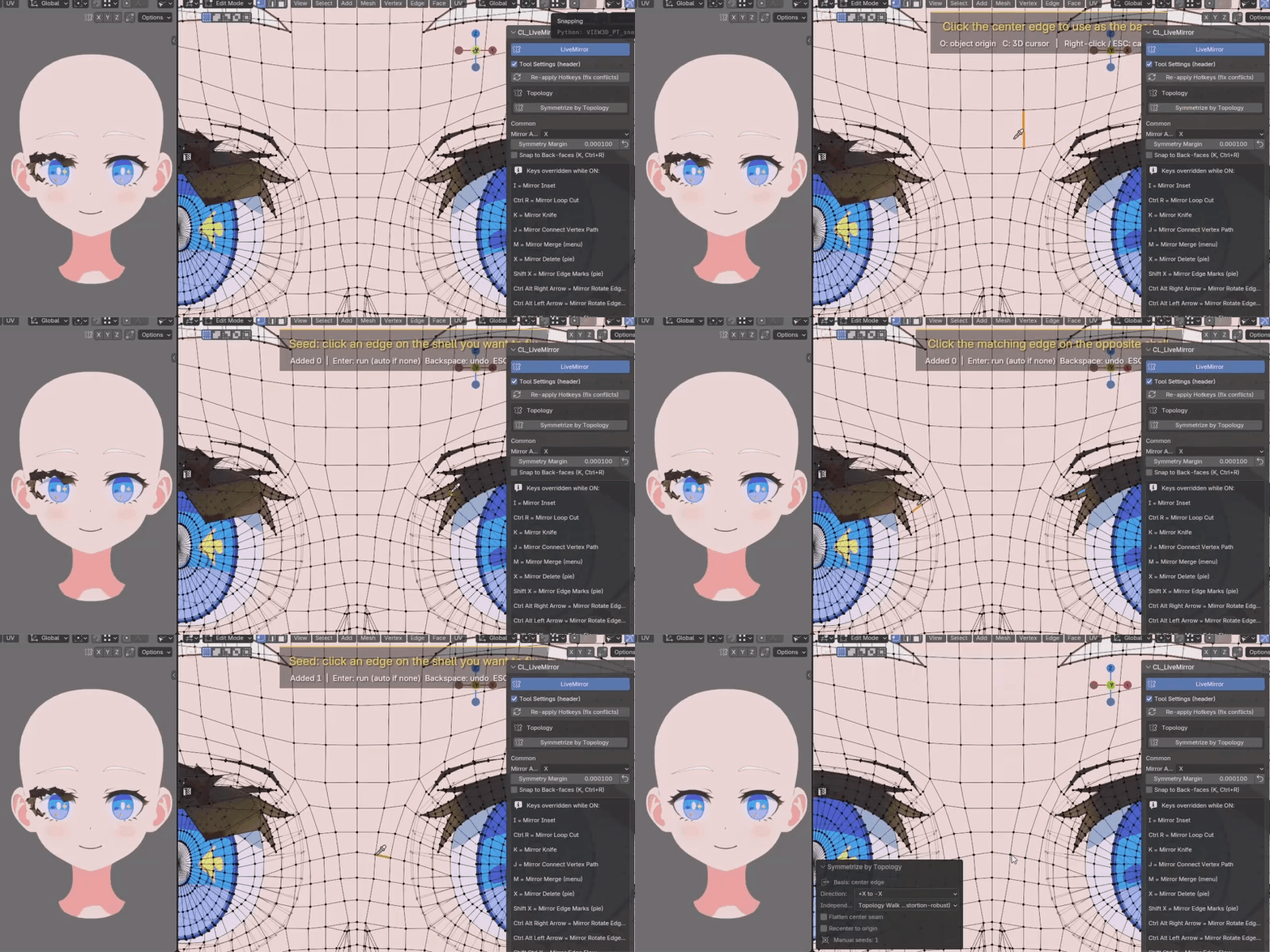
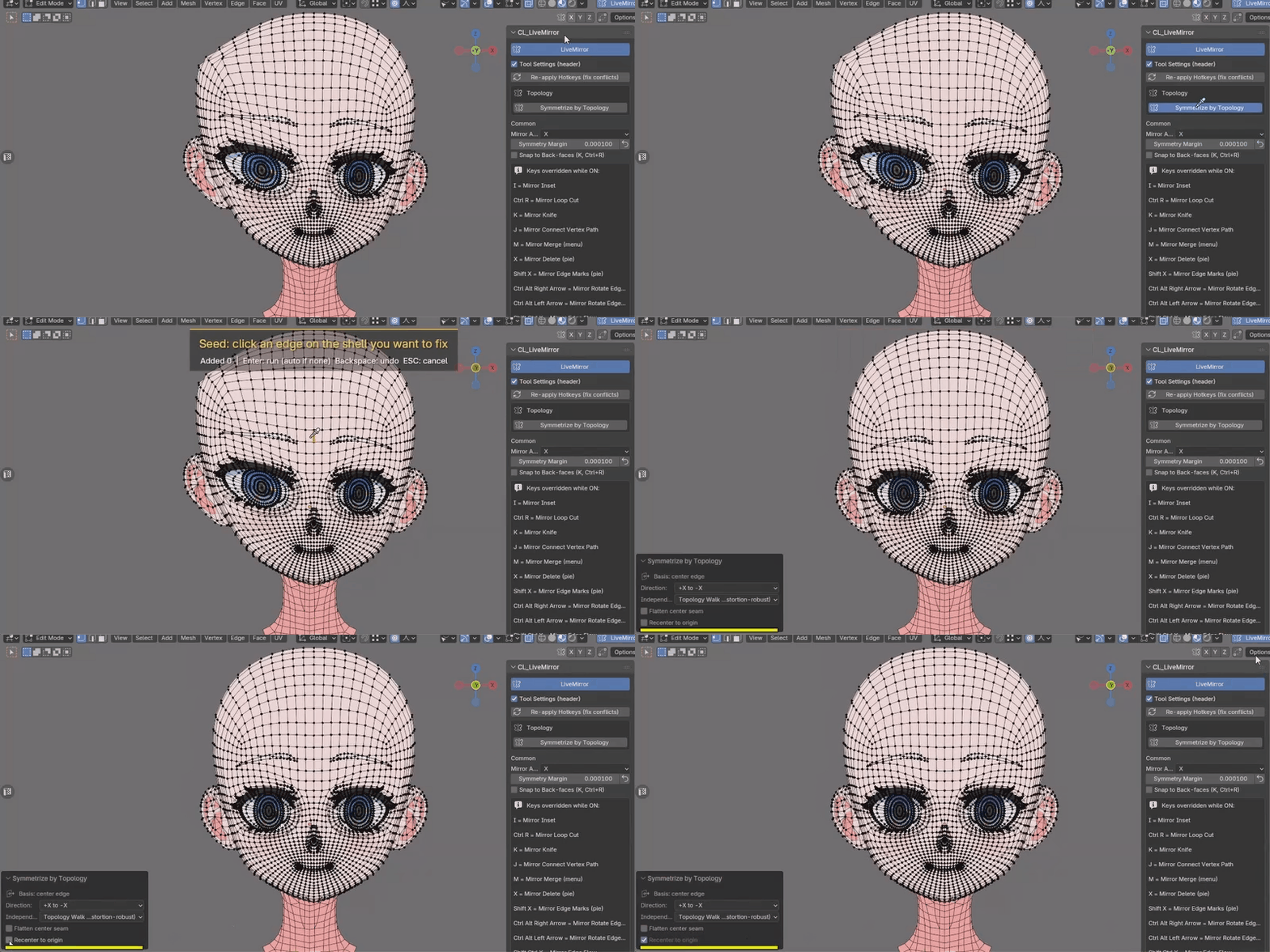
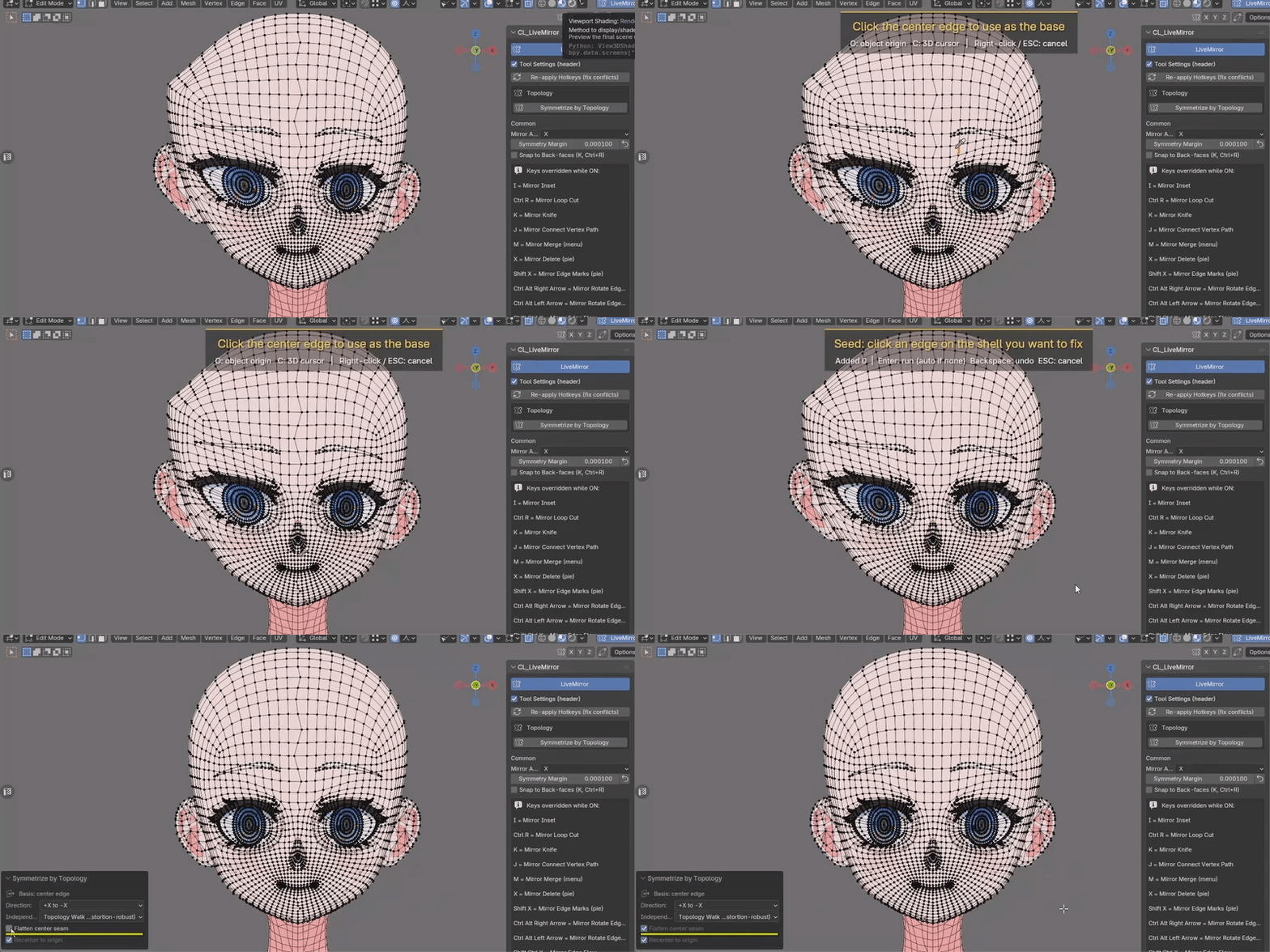
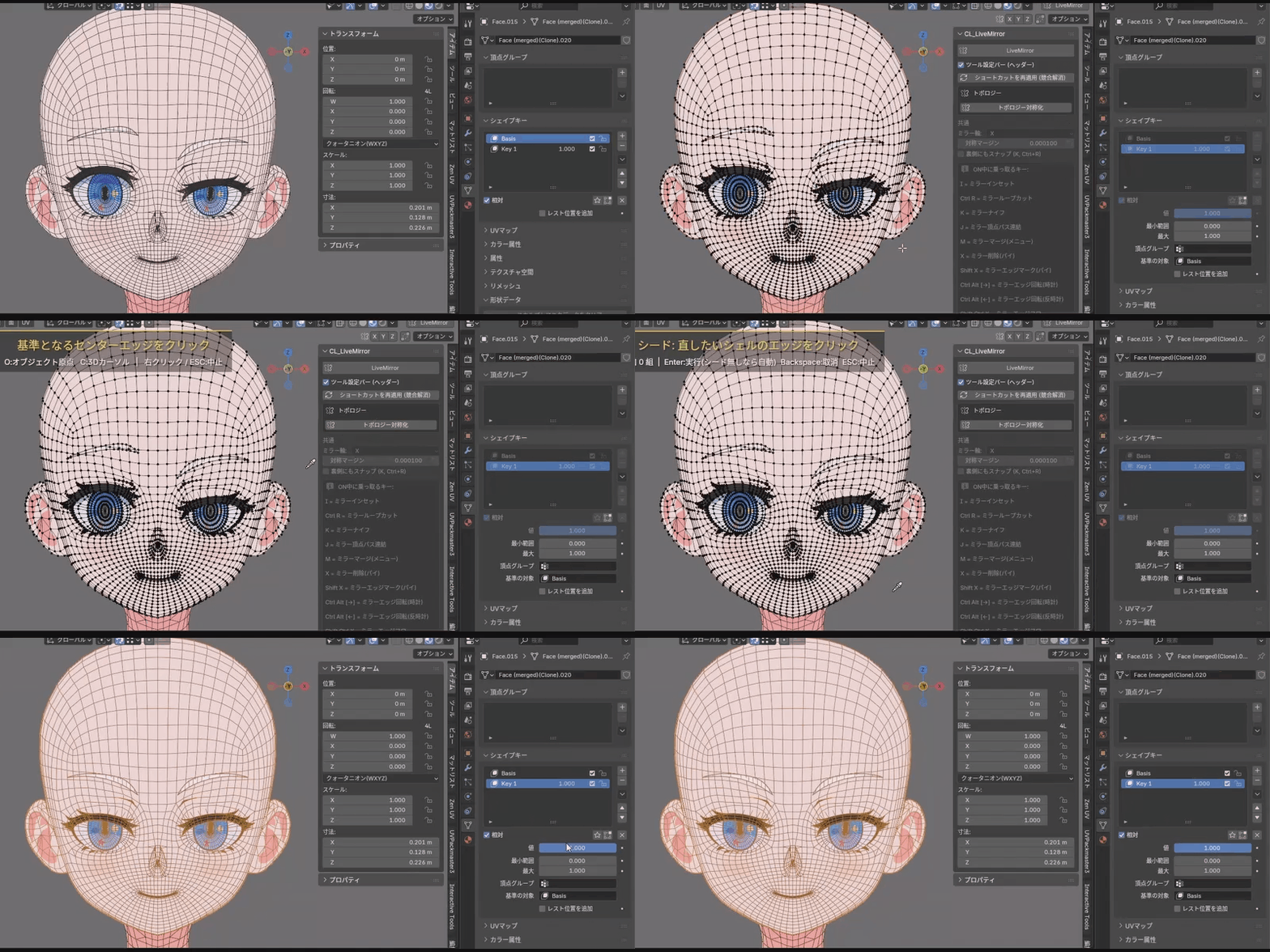
It pairs left/right vertices and mirrors their coordinates, so it can't be applied to meshes whose two sides can't be paired (it is not a retopology tool that rebuilds a side). Vertex weights are preserved — not broken — but they are not mirrored from one side to the other.