Cl Livemirror
 Calappa Lab


Pressing the shortcut triggers a different function or a different Pie Menu.
This happens due to a shortcut conflict with another addon (such as other Pie Menu tools) or custom keymaps.
Blender prioritizes the most recently registered shortcuts, meaning our key assignments can be overridden if another addon is enabled after ours.
To fix this, click the "Reapply Shortcuts (Resolve Conflict)" button under the "CL LM" tab. This re-registers our addon's shortcuts and restores their top priority—similar to toggling the addon off and on.
This will resolve most conflict issues (pressing it always brings our shortcuts back to the highest priority). If a newly enabled addon overrides it again in the future, simply click the button once more to restore it.
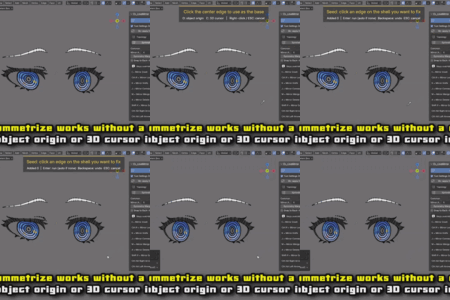
Left and right sides don’t align / Symmetry is off
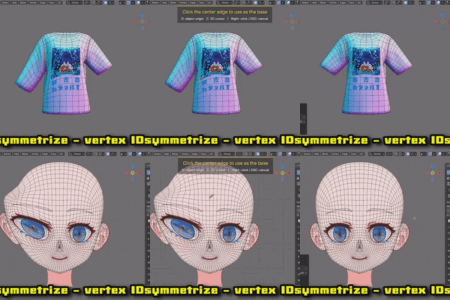
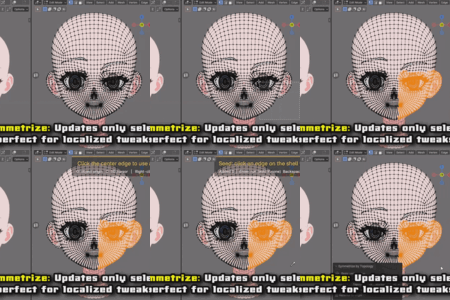
If the corresponding points on each side are too far apart, symmetrization may not work. Try slightly increasing the "Symmetry Margin", or adjust the mesh into a more symmetrical state before running the Topology Symmetrize tool.
The “Cut Straight” tool may not work properly
This tool struggles with complex polygons, concave faces, or lines that pass through vertices. Please use it on meshes consisting mainly of quadrilaterals and triangles.
$15
Have questions about this product?
Login to message
| Blender Extension Compatible | Yes |
| Sales | 10+ |
| Published | 3 months ago |
| Blender Version | 4.2 - 5.1 |
| Extension Type | Add-on |
| Render Engine Used | Cycles, Eevee |
| License | GPL |
Discover more products like this
Symmetrize symmetry vertex id mesh editing mirror shape keys uv modeling topology retopology fix Loop Cut #Character Modeling