 Compositing Academy


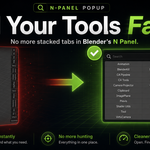
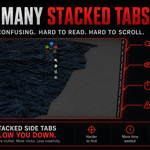


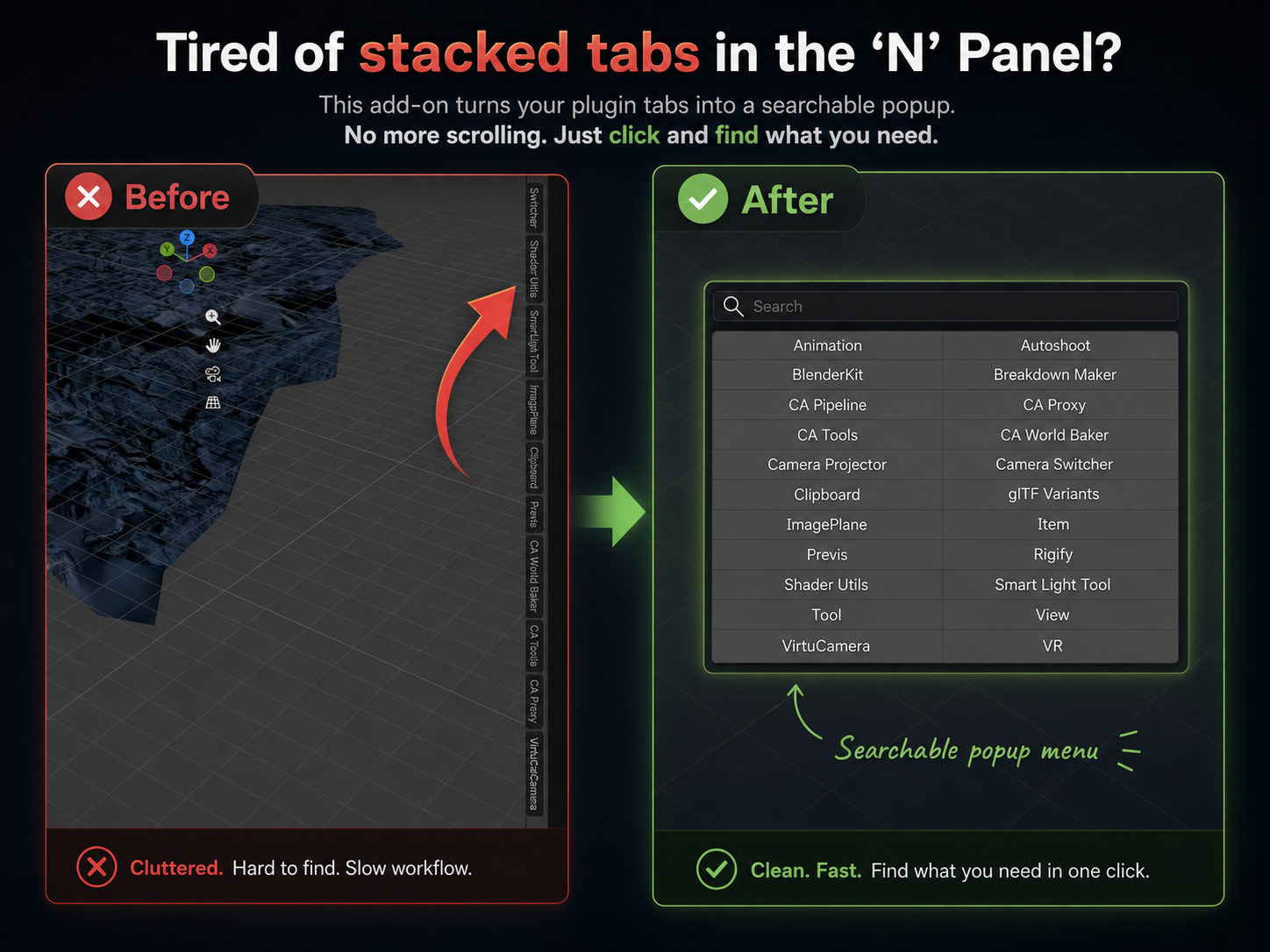
Tired of endlessly scrolling through stacked tabs in Blender’s “N” Panel just to find the plugin you need?
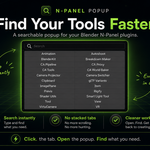
This plugin replaces the cluttered sidebar experience with a clean, searchable popup menu that makes your tools easier to access and much faster to navigate.
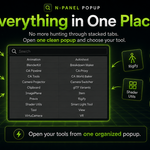
Instead of squeezing every add-on into a long vertical stack, it organizes your plugins into a simple visual popup that appears when you need it.
You can quickly search, filter, and select the exact tab you want without hunting through a messy panel. It is a small workflow improvement, but one that makes Blender feel cleaner, faster, and more organized, especially if you use a lot of add-ons.
To use the plugin, simply hit ALT+Q After Installing.
