Cleaner
 ParametrStudio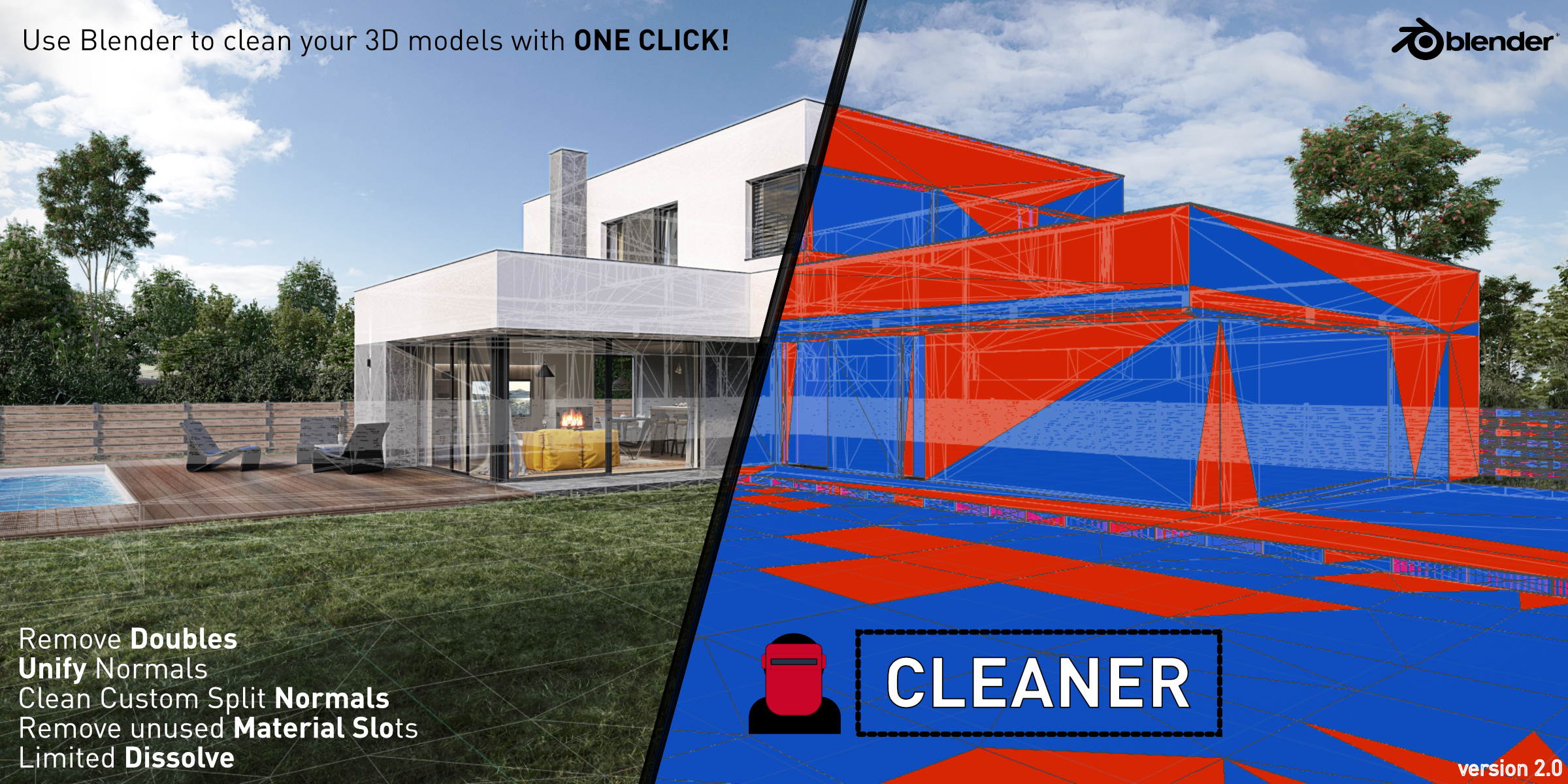
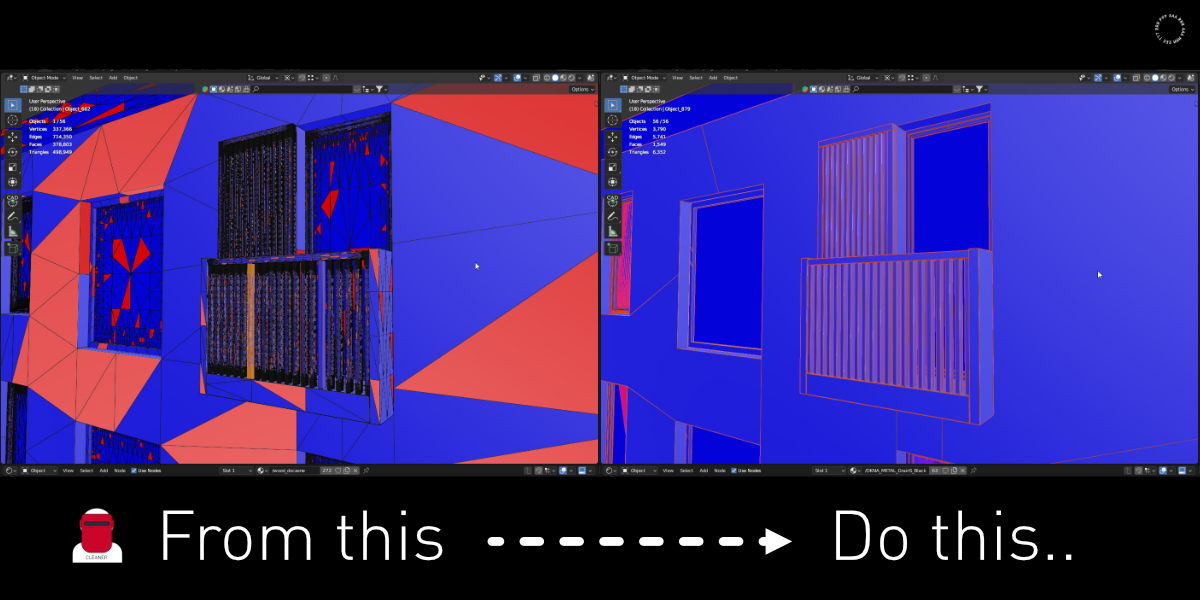
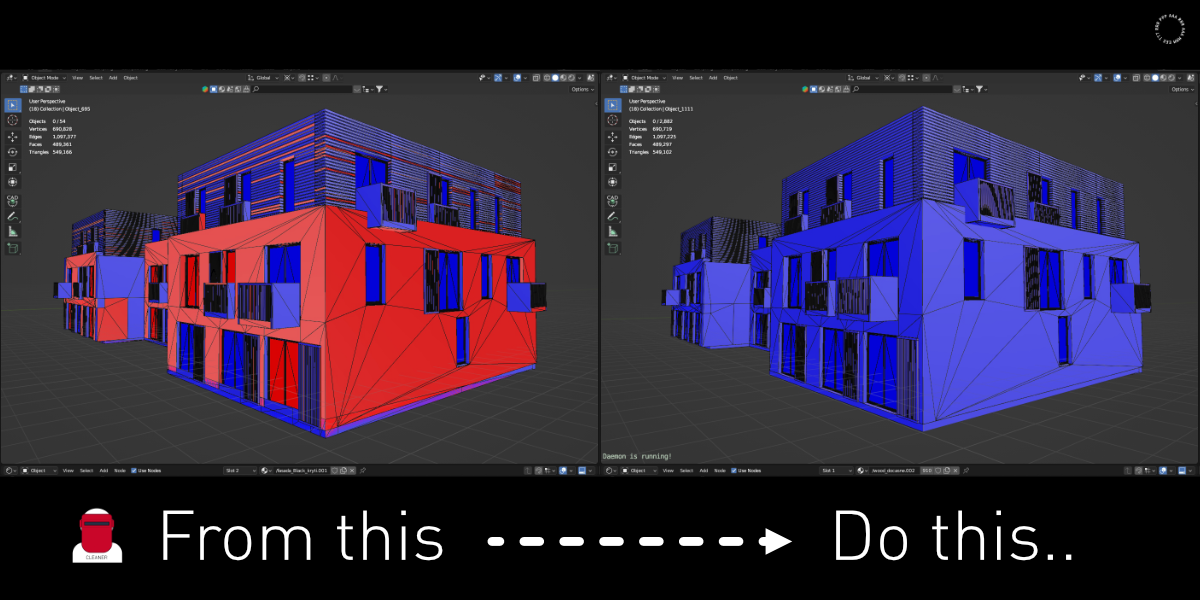
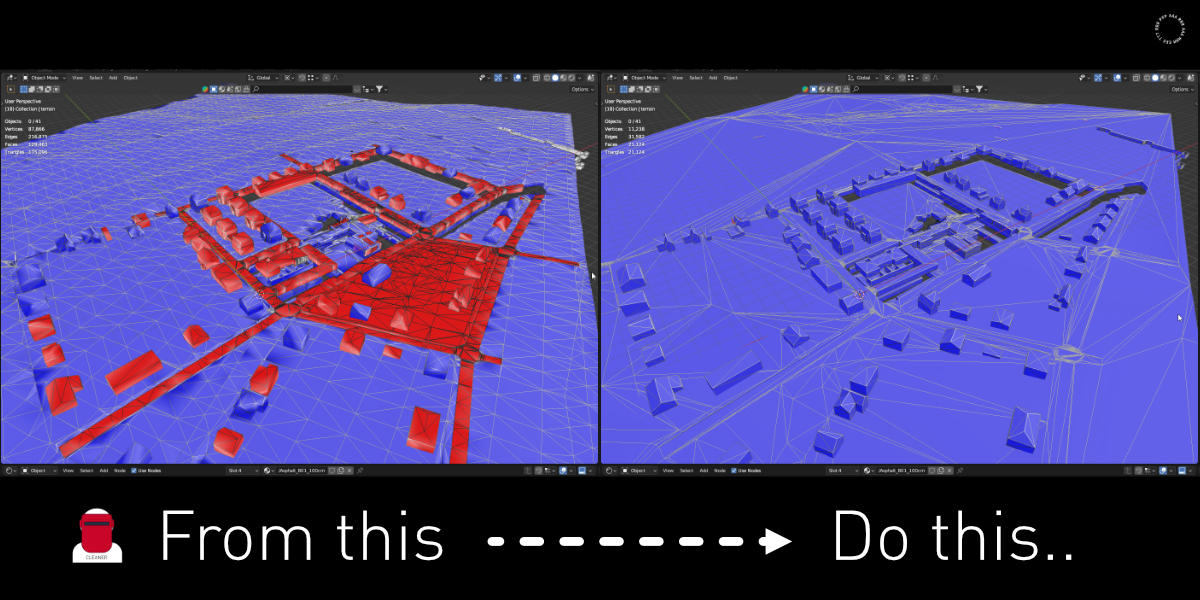
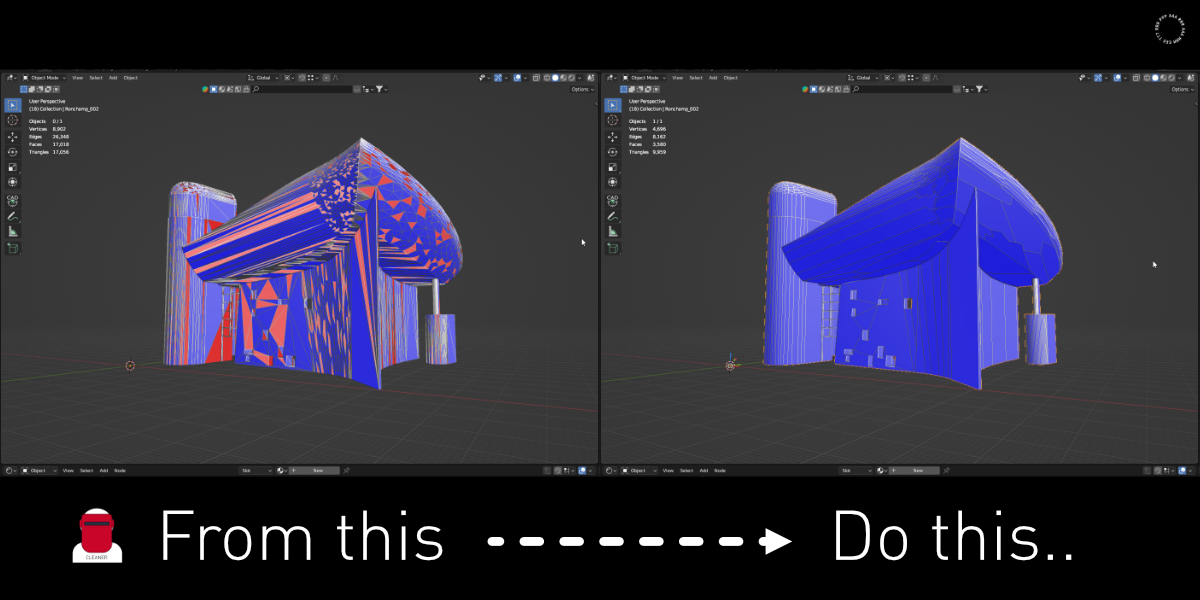
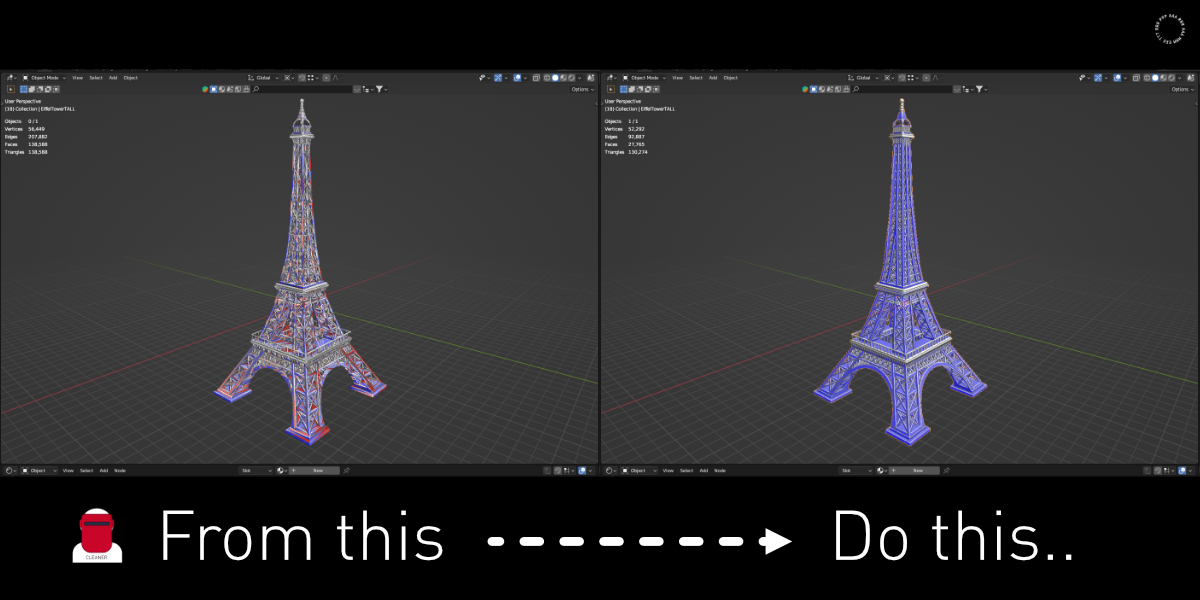
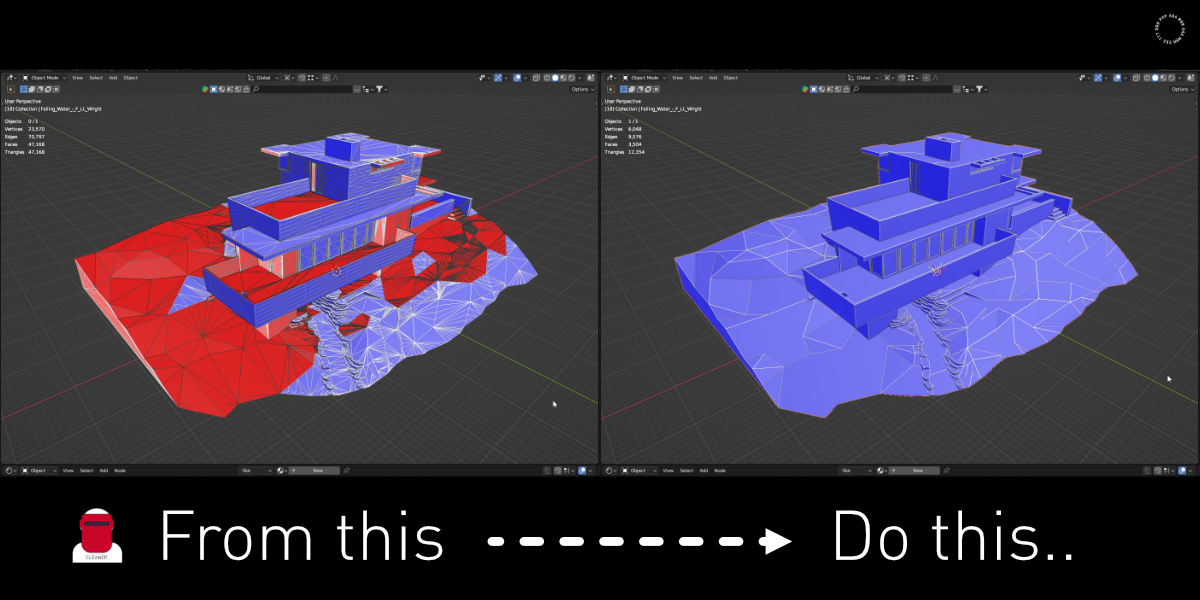
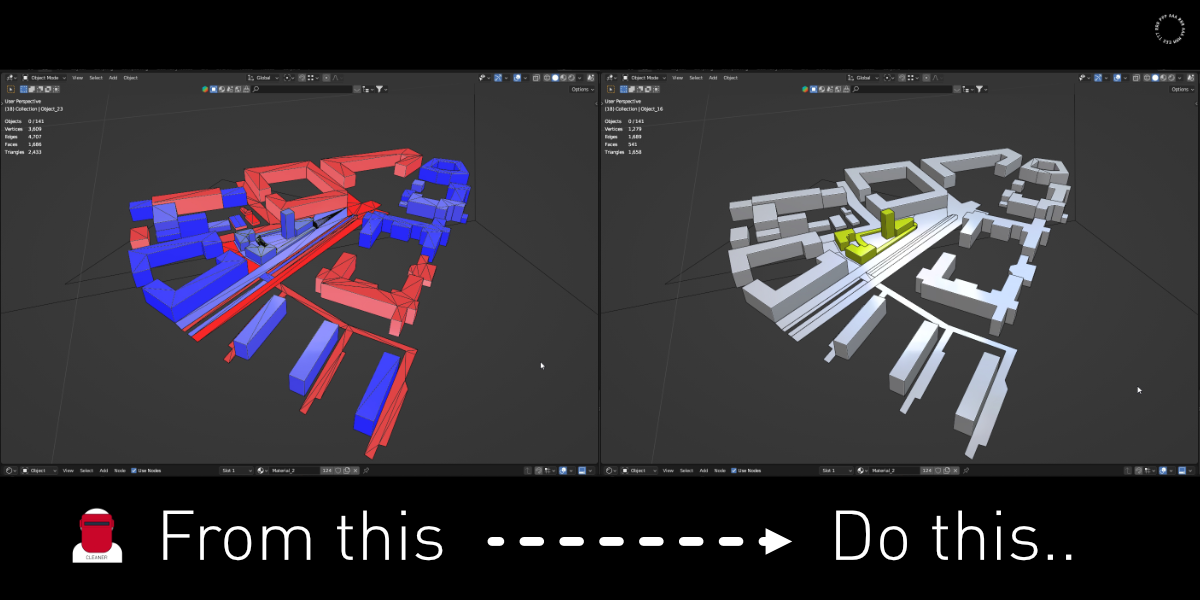
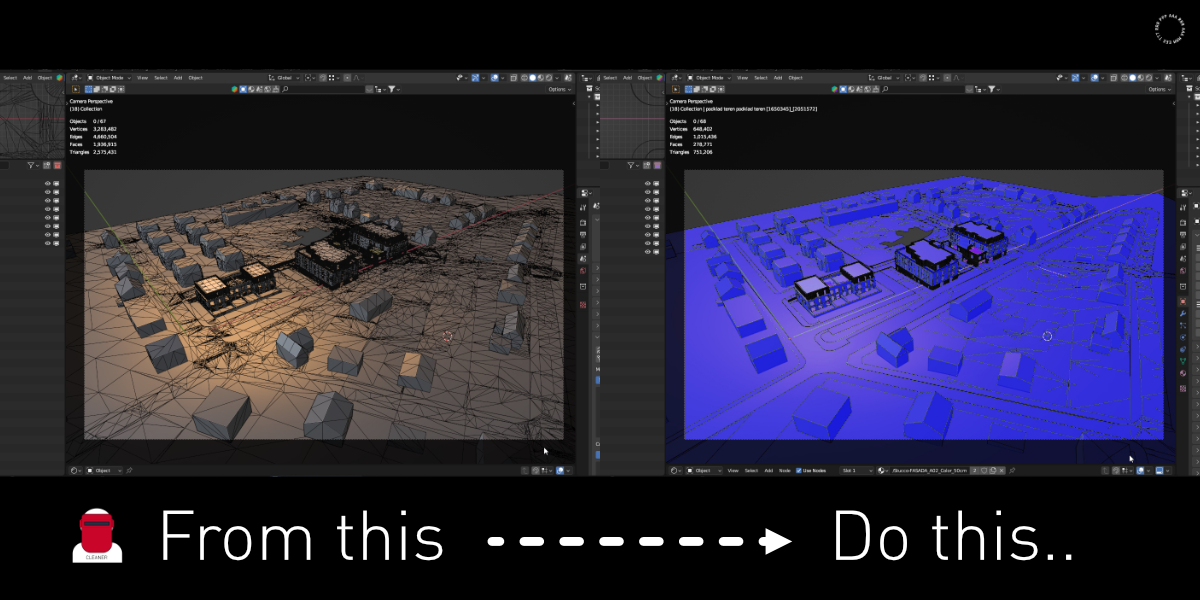
// DOCUMENTATION
Cleaner
#1Where can I find it?
The panel is located in the Object Properties on the right (orange square icon), under the panel Cleaner.
Properties > Object > Cleaner
#2How to use it?
Just select the objects and run the desired command with a click on one button. Every command runs on all selected mesh objects at once.
#3How does it work?
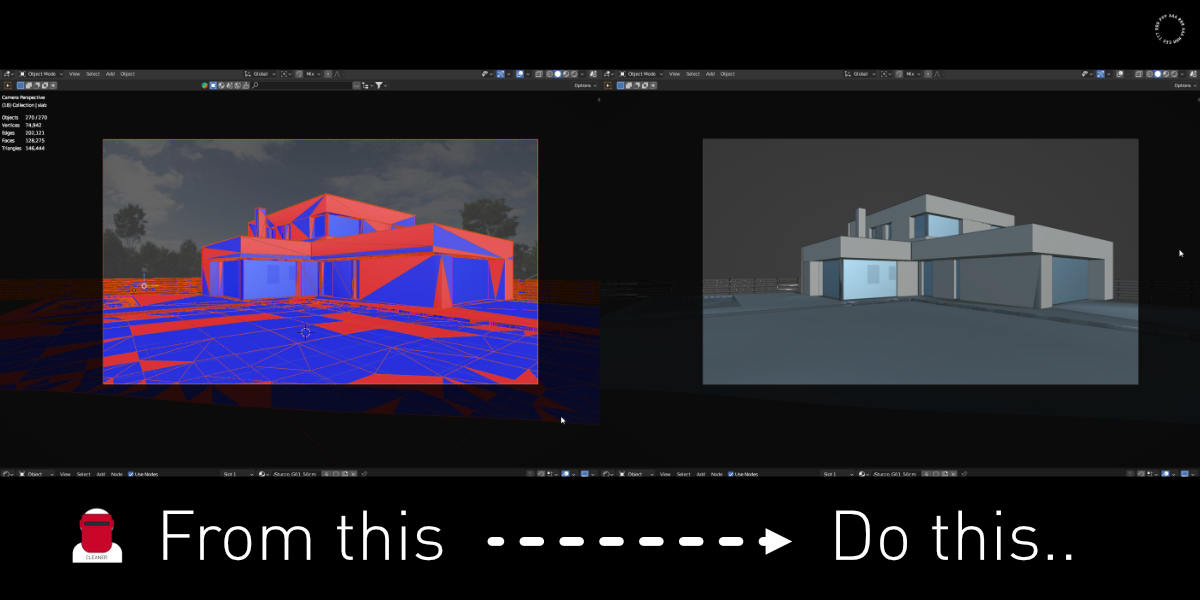
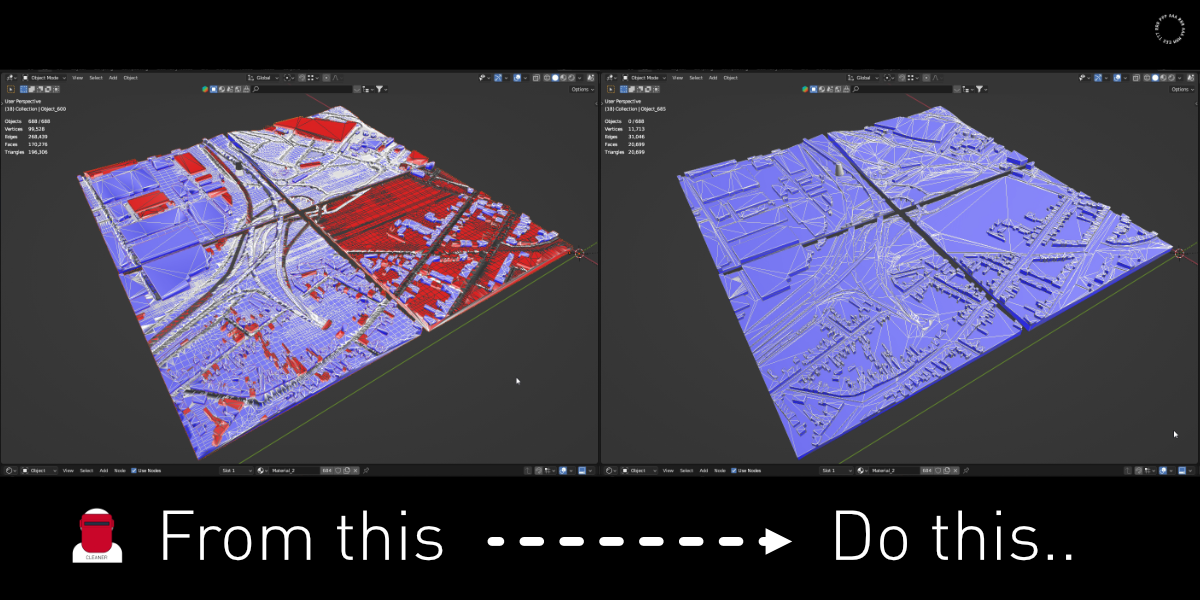
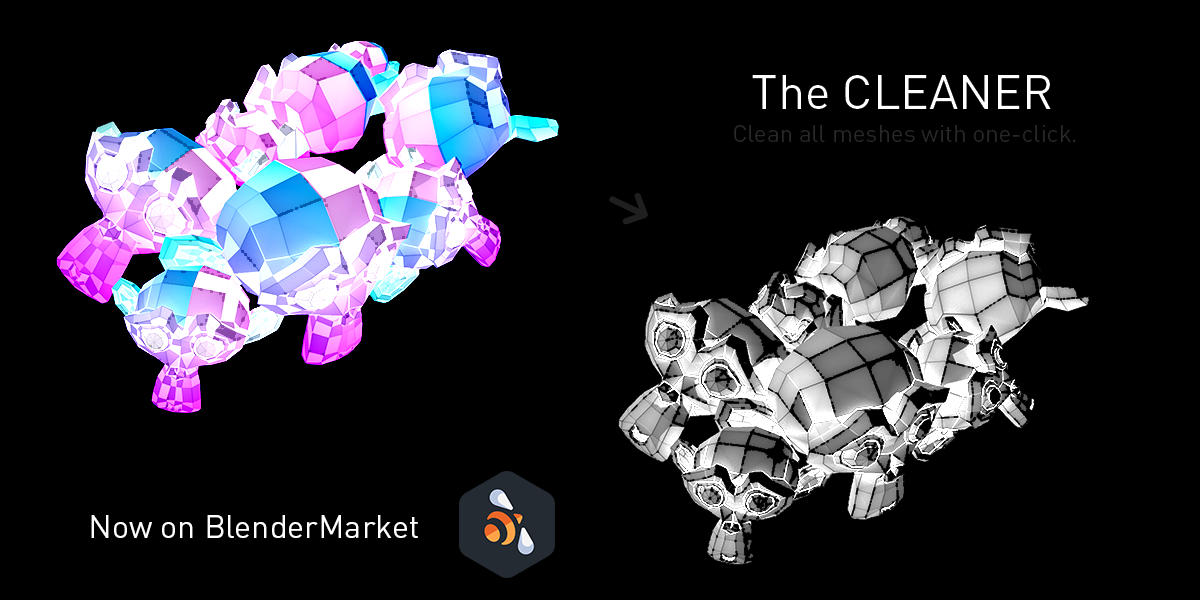
It works like a series of commands for quickly cleaning a 3D model.
#4Adjusting the settings
Right after running a command, open Adjust Last Operation with F9 to change its values. The result updates immediately.
Merge Distance - Remove Doubles and all batch presets, default 0.001 m
Max Angle - Limited Dissolve and Geometry + Materials + Dissolve, default 5°
Max Angle - Limited Dissolve and Geometry + Materials + Dissolve, default 5°
// FAST WORKFLOW ADVICE
Add any button to your favorites with a right click and Add to Quick Favorites. Then call it from the viewport with Q and your workflow gets even faster.

Discover more products like this
fix normals revit import mesh cleanup Scene Optimization CAD import Geometry Cleanup ArchViz Workflow one click cleanup remove doubles sketchup import blender addon fbx cleanup