 Dortus
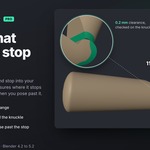
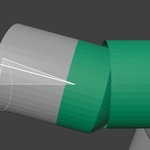
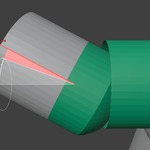
Hinges that click and stop at 115°.
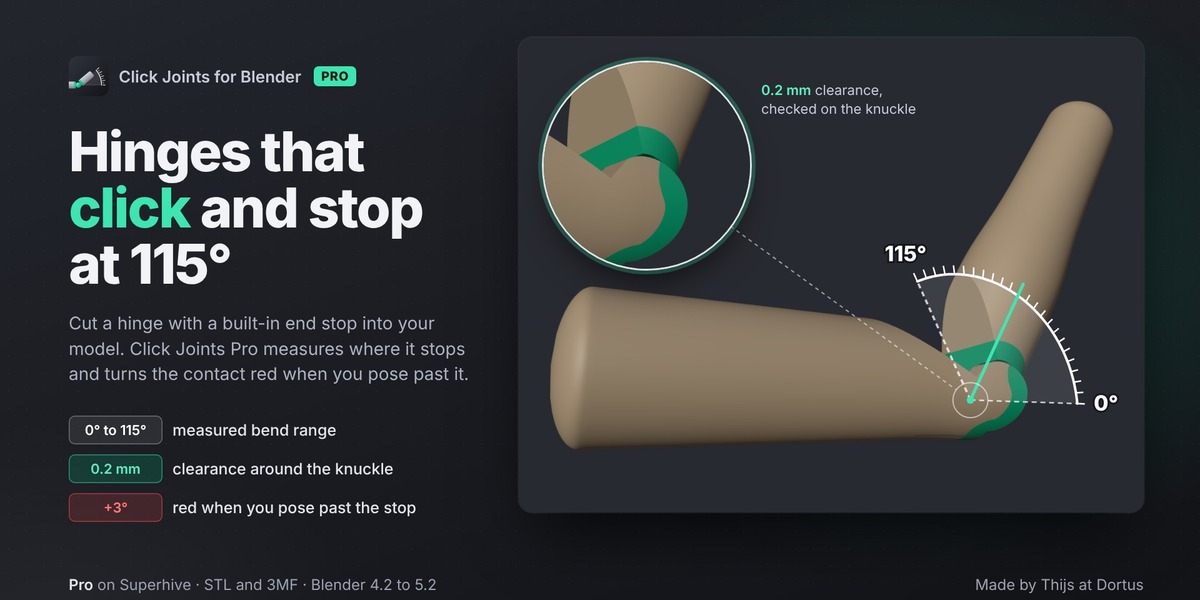
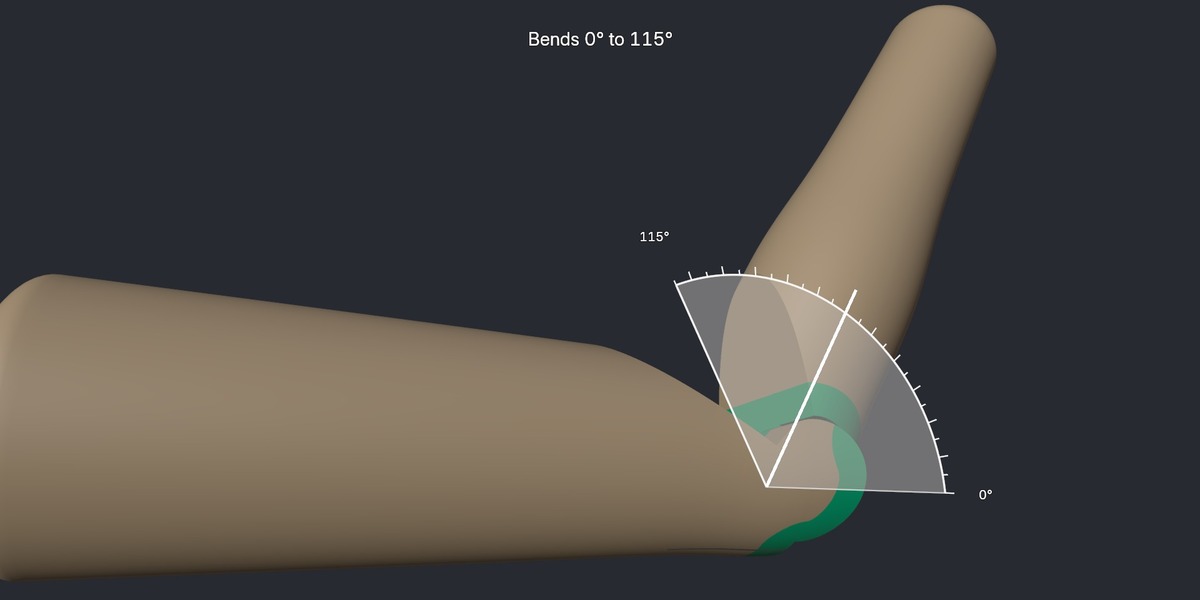
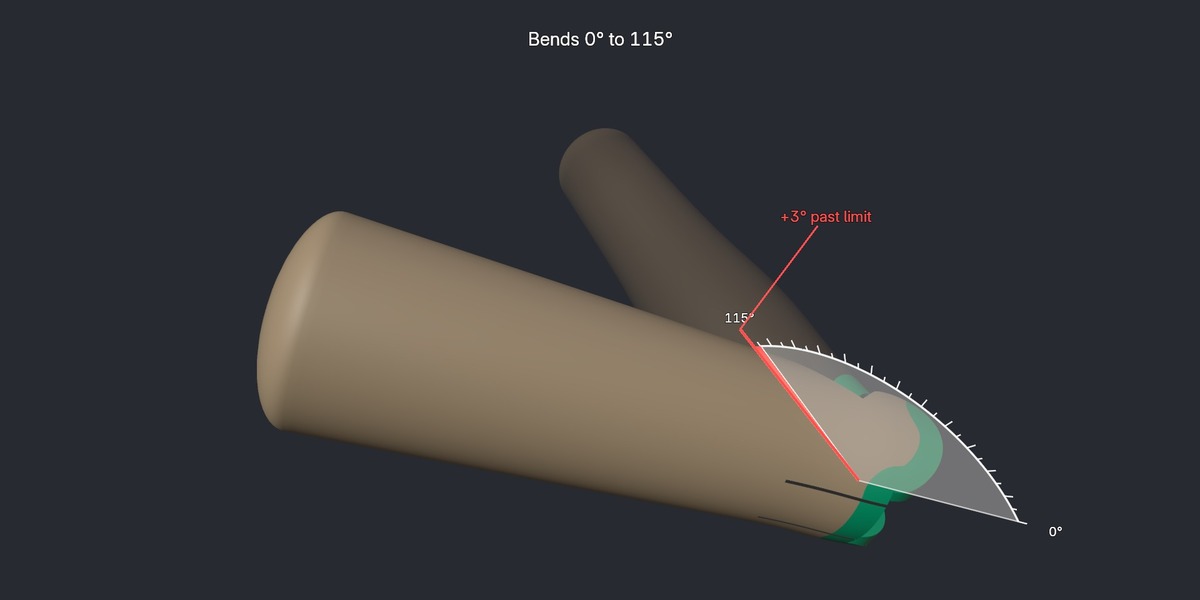
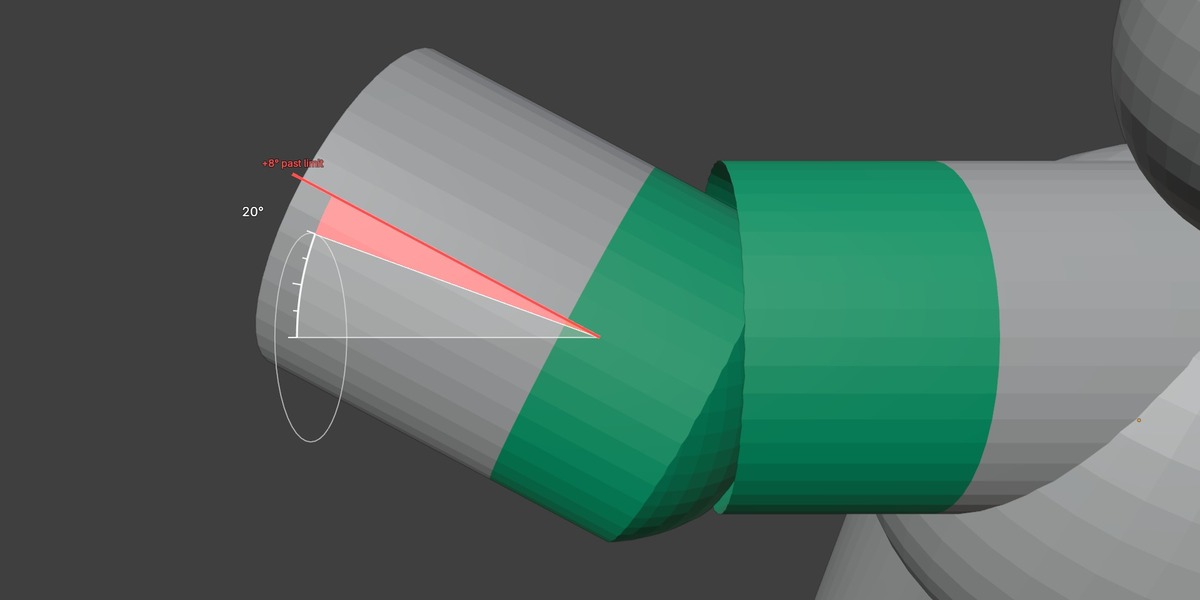
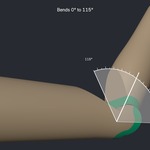
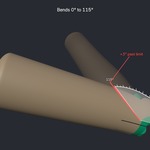
Click Joints Pro adds a printable click hinge to your figures: a knee or elbow that bends from 0° to 115° and stops there, instead of flopping backwards. Place it on a limb, drag the pose slider, and you see the exact range in degrees before you print. Bend past the stop and the parts that collide turn red.
What you get:
- Click hinge with an end stop, for knees and elbows: measured range 0° to 115° on the hinge, shown as a degree arc around the axis.
- Pose slider per hinge: check the bend in the viewport. Exporting is not affected by the pose.
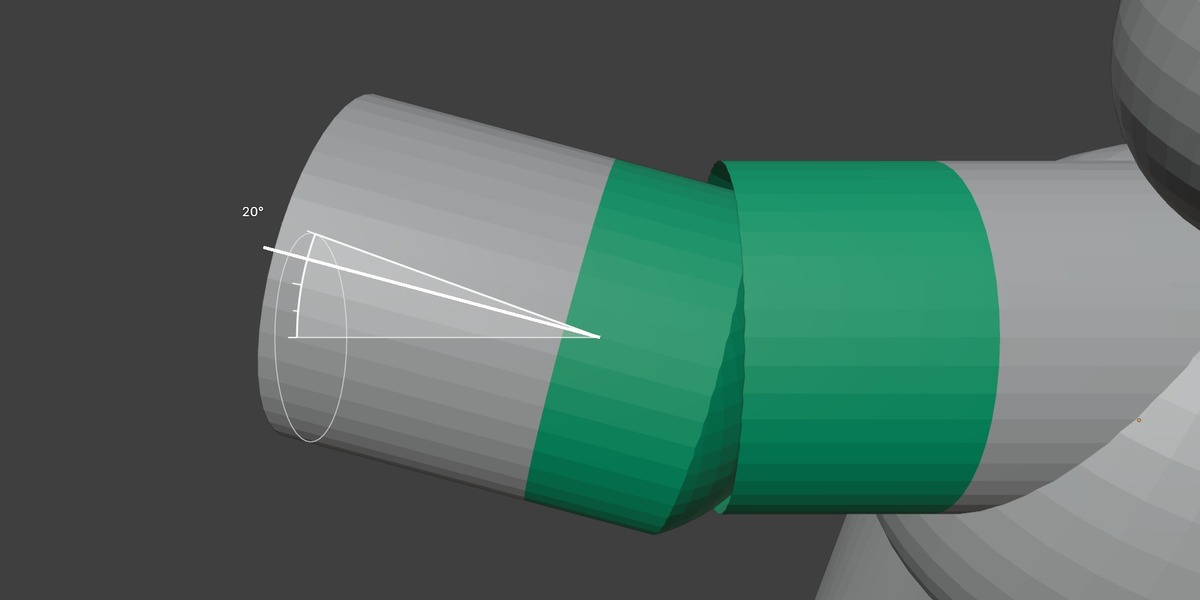
- Green fit band: the seam and the knuckle turn green when the hinge is placed, like the fit colour of the ball joints. A hinge is only placed when the fit is good.
- Red past the limit: the spots that hit turn red on both parts, so you know before you print.
- Spacing checks: hinges and ball joints too close together are refused with a clear message.
- Everything from the free Click Joints: ball joints with a fit colour, ±degrees, split into parts, export to STL or 3MF.
Good to know:
- Clearance 0.2 mm by default; print a test first, every printer is different.
- The free Click Joints (extensions.blender.org) and Pro can not be enabled at the same time. Disable the free one first; your settings stay in the .blend file.
- Pure Python, no extra add-ons needed. Blender 4.2 LTS to 5.3.
- Support: github.com/thijsduinhouwer2002-coder/click-joints/issues or [email protected]
