 pl_workshop


Version 1.2.0 | Blender 3.6+ | Extension Ready
ClickMotion
Blender add-on for quickly applying versatile object animation presets.
It is built for fast motion design workflows: select objects, choose a preset, and get clean keyframed motion with sensible easing and timing.
What it includes
🎯 Motion Presets
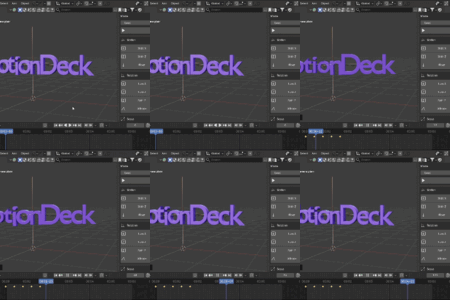
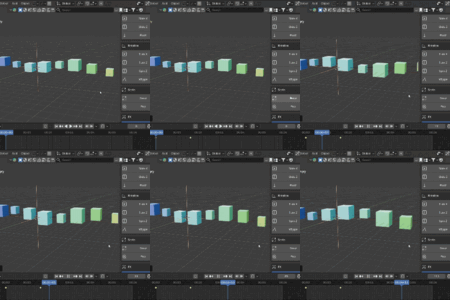
Slide X, Y, Z, Bounce, Float, Shake
🔄 Rotation Presets
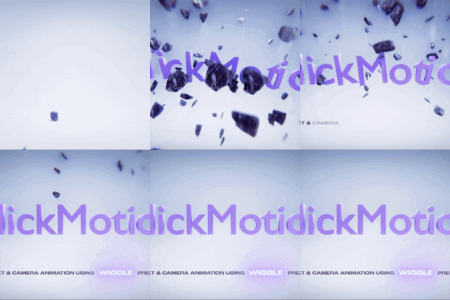
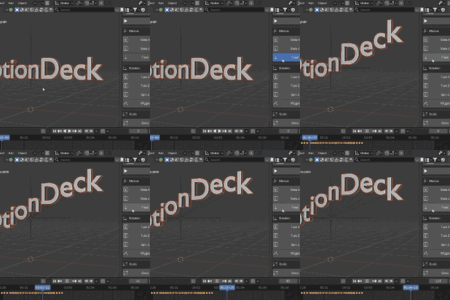
Turn X, Y, Z, Spin, Sway, Wiggle
✨ Scale & FX
Grow, Pulse, Pop, Blink, Strobe FX
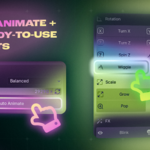
⚡ Auto Animate
Balanced, Chaos, Cinematic modes
Smart Controls & UI
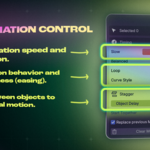
- Precise speed slider for fine timing control
- Strength / Amplitude for controlling motion, rotation, and scale intensity
- Standard Amplitude range from 0.01 to 10.00
- Custom Amplitude for any non-negative value outside the standard range
- FX Speed for controlling Blink and Strobe frequency
- Delay in frames for clearer multi-object timing
- Loop modes for repeating or ping-pong motion
- Seed control with repeatable Auto Animate variation
- Friendlier panel hints that explain the active settings directly in the UI
Recommended Workflow
- Select one or more objects in the View3D area.
- Position the timeline where the animation should begin.
- Configure Animation Speed, Strength, Loop, Curve Style, Object Delay, and Variation Seed.
- Customize Amplitude beyond the standard range when needed, or adjust FX Speed for Blink and Strobe.
- Apply a single preset or press Auto Animate.
- Revert with Clear ClickMotion Animation to remove curves created by the add-on.
🛡️ Production Safe
- ClickMotion is built to work safely with existing animation.
- The add-on only clears curves that it created itself.
- Objects with protected animation channels are skipped instead of overwritten.
📦 Installation & Location
- Blender 4.2+: Open Preferences > Get Extensions > Install from Disk and select ClickMotion V1.2.0.zip.
- Blender 3.6+: Open Preferences > Add-ons > Install from Disk and select ClickMotion V1.2.0 (Legacy).zip.
- Enable ClickMotion, then open the View3D Sidebar.
Location
View3D > Sidebar (N-Panel) > ClickMotion
Author: pl.workshop | Version: 1.2.0 | Compatibility: Blender 3.6+ / Extension 4.2+