 Cobox
Cobox


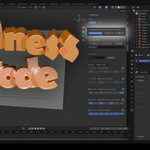
Clocker's Wellness Mode is an optional feature designed to promote health and well-being during long Blender sessions. When activated, it sends customizable periodic reminders to take short breaks, encouraging users to stretch to improve posture and reduce eye strain. This helps prevent fatigue and promotes overall well-being.
This mode is customizable to appear at specific intervals, allowing users to control how often they receive these wellness notifications.
Clocker offers a high level of customization to fit your specific workflow. You can:
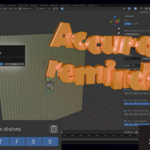
-Set custom time-based and days-basedreminders: Choose specific times and days for your reminders to appear.
-Choose between 12-hour and 24-hour clock formats: Switch according to your preference.
-Sort reminders by creation time or scheduled time: Organize your reminders the way you want.
-Deactivate reminders without deleting them: Temporarily disable a reminder without having to remove it entirely, keeping it for later use until you require it.
-Enable or disable Wellness Mode: Customize whether you want to receive break notifications for posture and eye strain.
-Adjust snooze time for reminders: Choose the snooze duration for your alerts.
-Search Bar: Clocker includes a search bar that lets you quickly find and filter reminders by title, keyword, or time, making it easier to manage and navigate your reminders and settings.
In short, Clocker provides flexibility in how reminders are set up and how often you are notified, ensuring a tailored experience to enhance productivity and well-being.
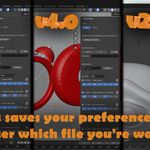
Yes, regardless of the Blender version or session you're in, this data will be saved at all times, so you'll always have it handy.
Windows: C:\Users\<Your user>\Documents\clocker_prefs.json
macOS: /Users/<Your user>/Documents\clocker_prefs.json
Linux: /home/<Your user>/Documents\clocker_prefs.json
-
$1
-
$1
Have questions about this product?
Login to message
Discover more products like this
welness reminder task manager timer time-management productivity clock Workflow time manager reminder system healt time