Clone Brush (Early Access)
 Suzanne studio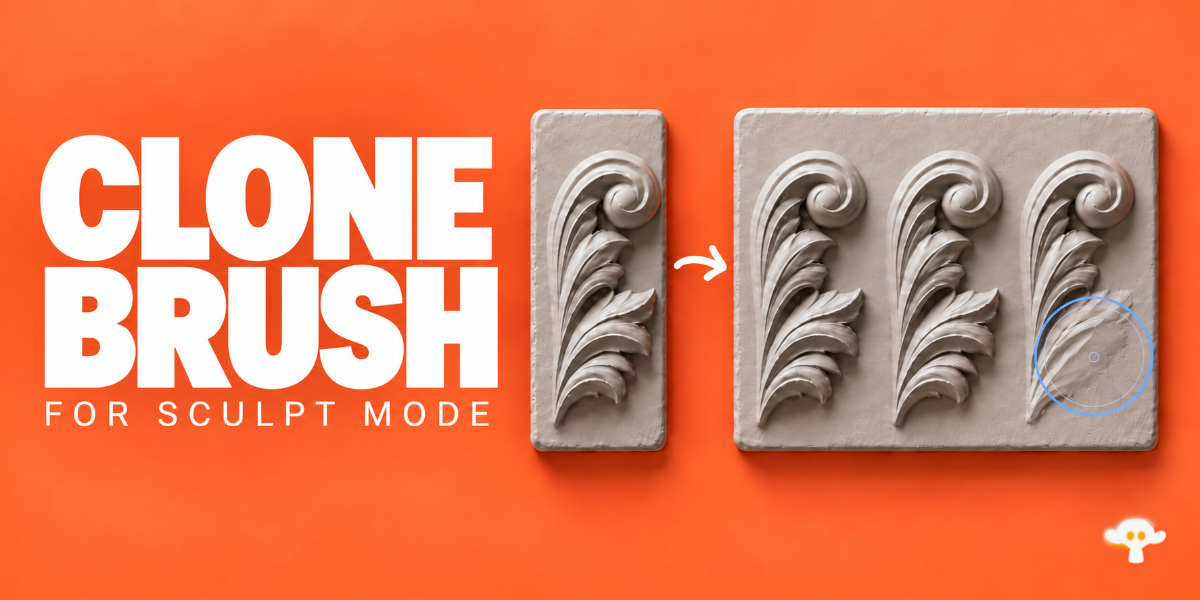
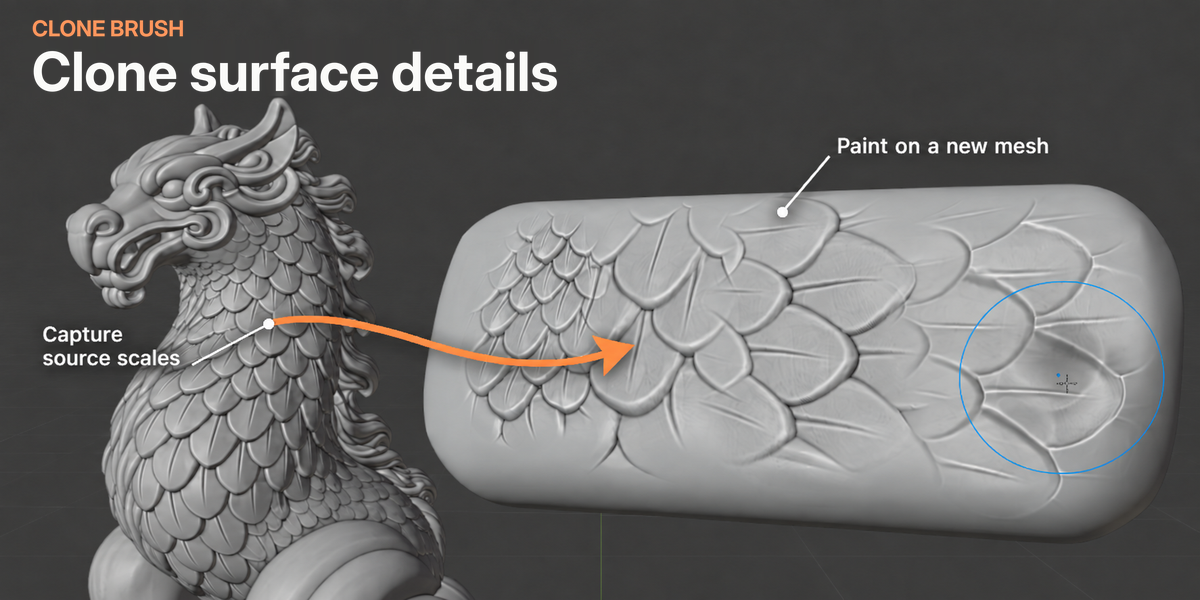
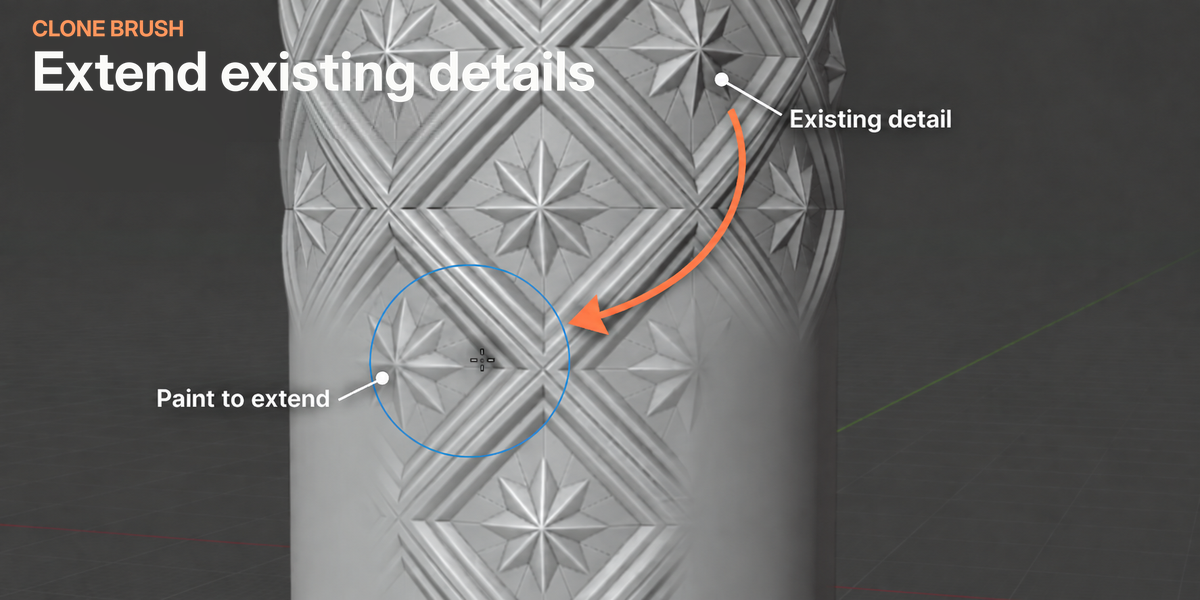
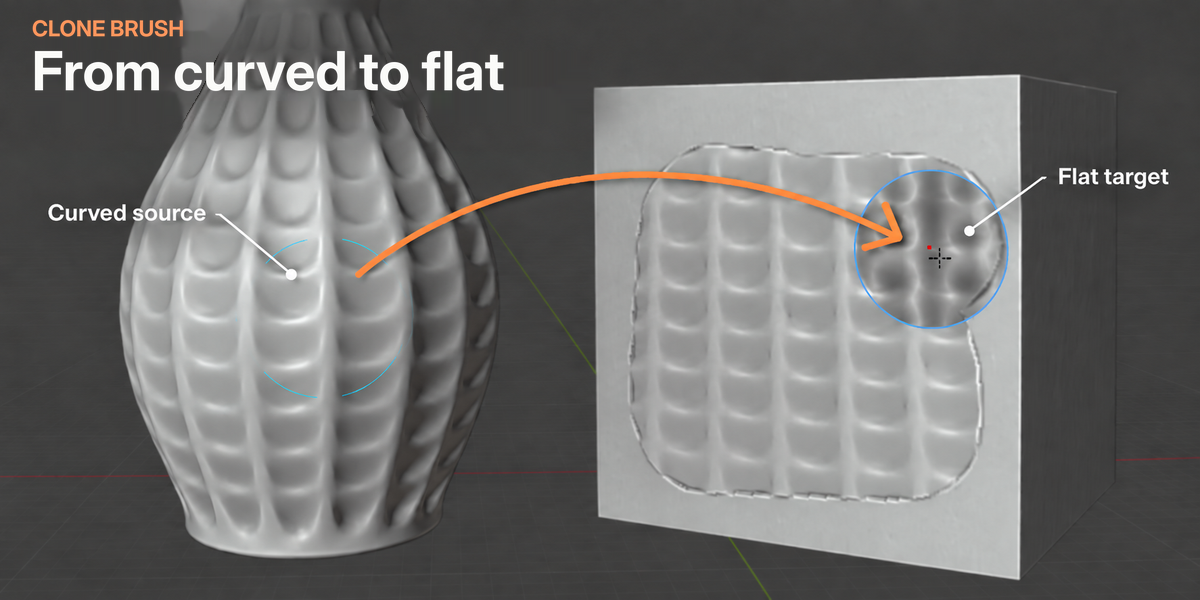
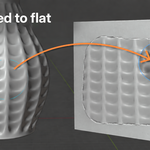
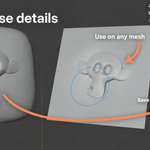
|
|---|
Screen keeps the brush size constant on screen. Fixed keeps its size constant in scene units, regardless of zoom.
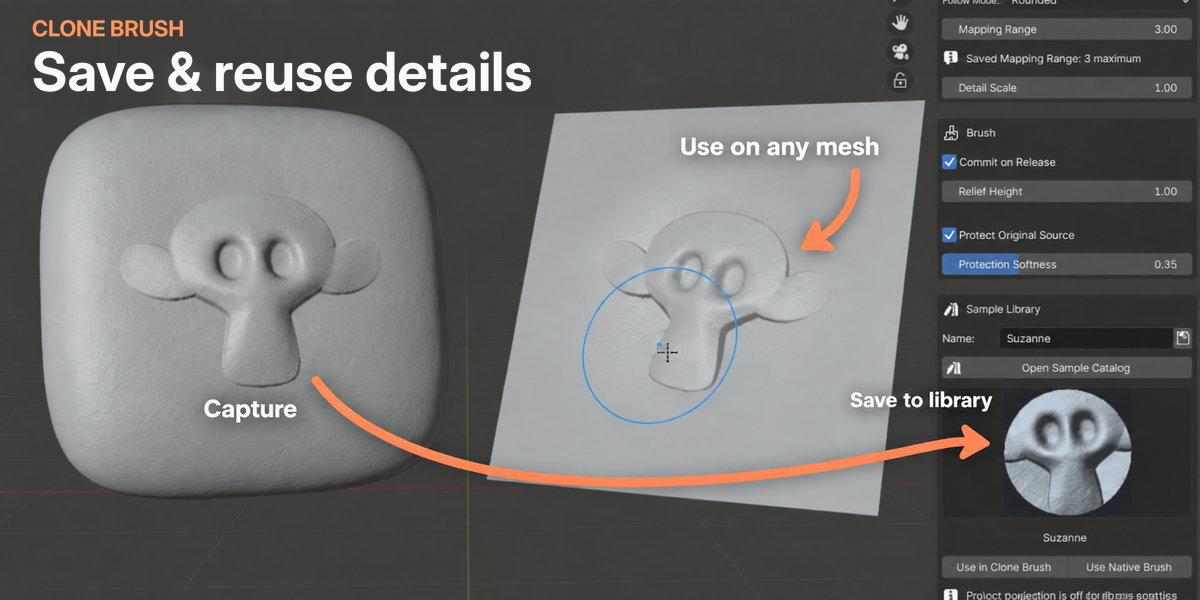
Relief Height controls the height or depth of the detail.
Sample Library
Choose a Sample Library folder in preferences. Capture a detail, enter a name and click the save icon.
Open Catalog, select a sample and choose:
- Use in Clone Brush - load it into the cloning tool.
- Use Native Brush - use it as a height texture with a native Blender sculpt brush.
Active captures are not saved with your .blend file. Save them to the library to reuse them later.
Sculpt Compatibility
Supports sculpt masks, hidden geometry on regular meshes, X/Y/Z mirror symmetry, falloff, hardness, tablet pressure, Fixed Stamp spacing and supported native automasking options.
- Shape Keys: select an unlocked key that contributes to the visible result.
- Multires: the entire model must be visible.
- Dyntopo: can be used between cloning operations; Clone Brush turns it off before cloning.
Native brush effects such as Grab, Cloth and Pose are not combined with cloning.
Troubleshooting
- Capture fails: try a smaller patch away from sharp edges or holes. If there are too few vertices, increase the radius or mesh density.
- Detail looks blocky: increase the target mesh’s density.
- Nothing changes: check strength, masks, automasking and source protection.
- Mapping boundary reached: use Reset Alignment or capture again.
- Memory warning: reduce Mapping Range or brush radius, or increase Mapping Memory in the extension’s preferences.
Need help or found a bug?
Contact us through Superhive with a short description of the issue and, if possible, a .blend file containing the affected mesh. This helps us reproduce the problem and improve how Clone Brush handles cases like yours.
3D Model Credits
Rock Wall Scan - CommonSpence - Sketchfab - CC BY 4.0
Railway Switch Lever Scan - Blue Scans - Sketchfab - CC BY 4.0
Rusty Metal Gate - Blue Scans - Sketchfab - CC BY 4.0
-
$24
For Windows PCs
Have questions about this product?
Login to message
| Blender Extension Compatible | Yes |
| Dev Fund Contributor | |
| Published | 2 days ago |
| Blender Version | 4.5 - 5.2 |
| Extension Type | Add-on |
| License | GPL |