Clone Brush (Early Access)
 Suzanne studio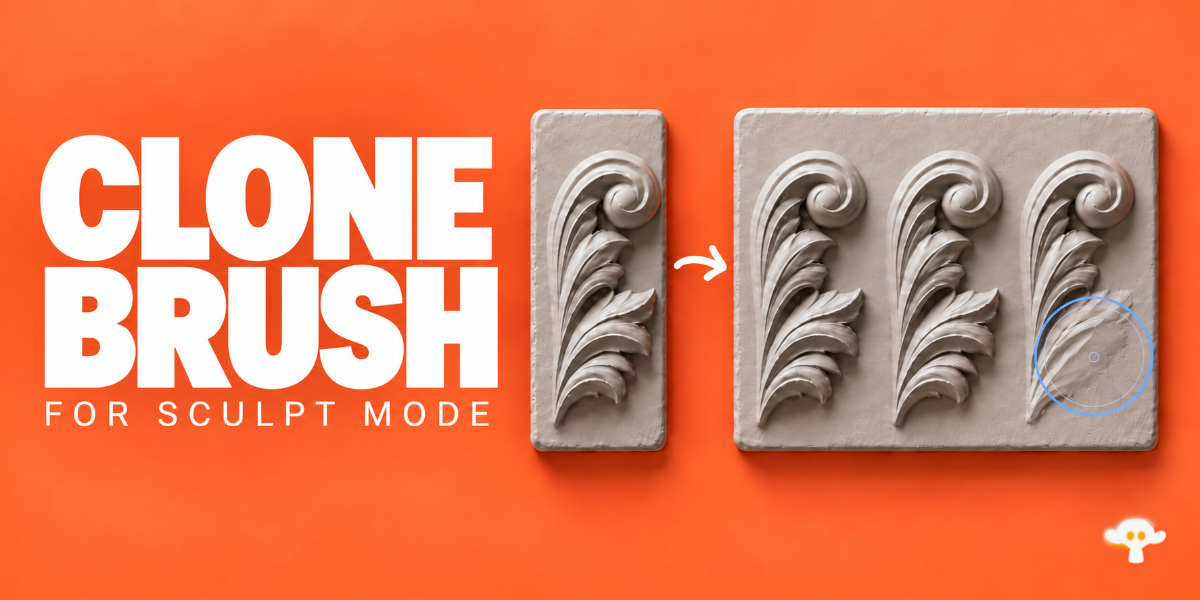
Need help or found a bug?
If something isn’t working as expected, please get in touch using Contact the creator on this page. Include your Blender and Clone Brush versions, a short description of the issue, and a screenshot or video if possible. I’ll be happy to help!
What PCs are supported?
For now, it works on Windows x64 PCs with Intel or AMD processors. We’re working on support for macOS, Linux and Windows on ARM, but don’t have a release date yet.
Does it clone geometry or textures?
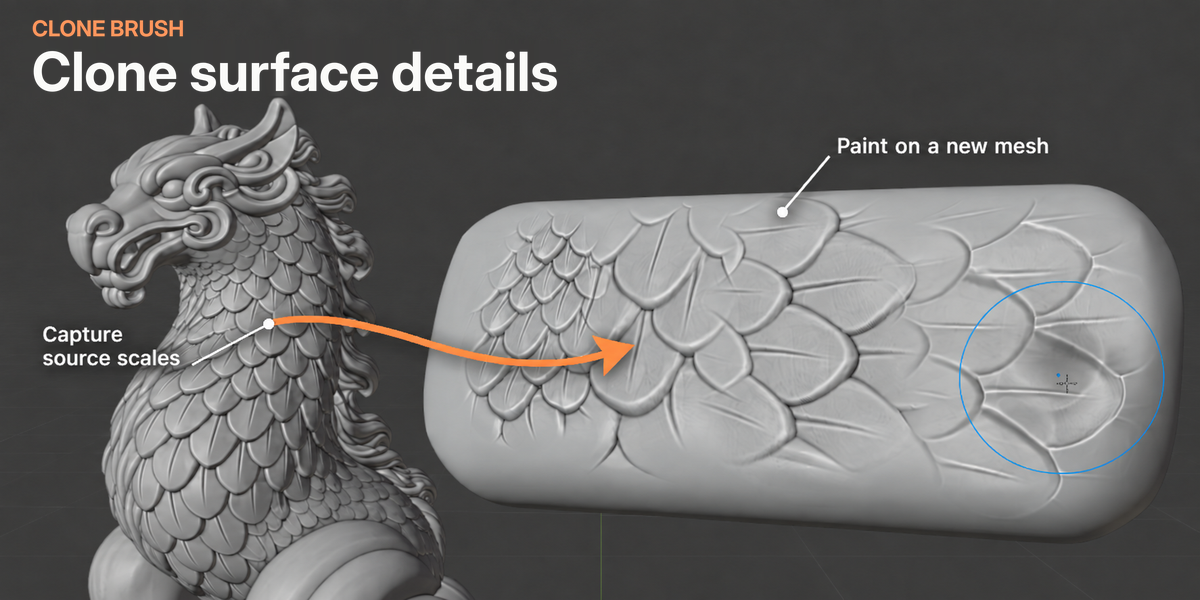
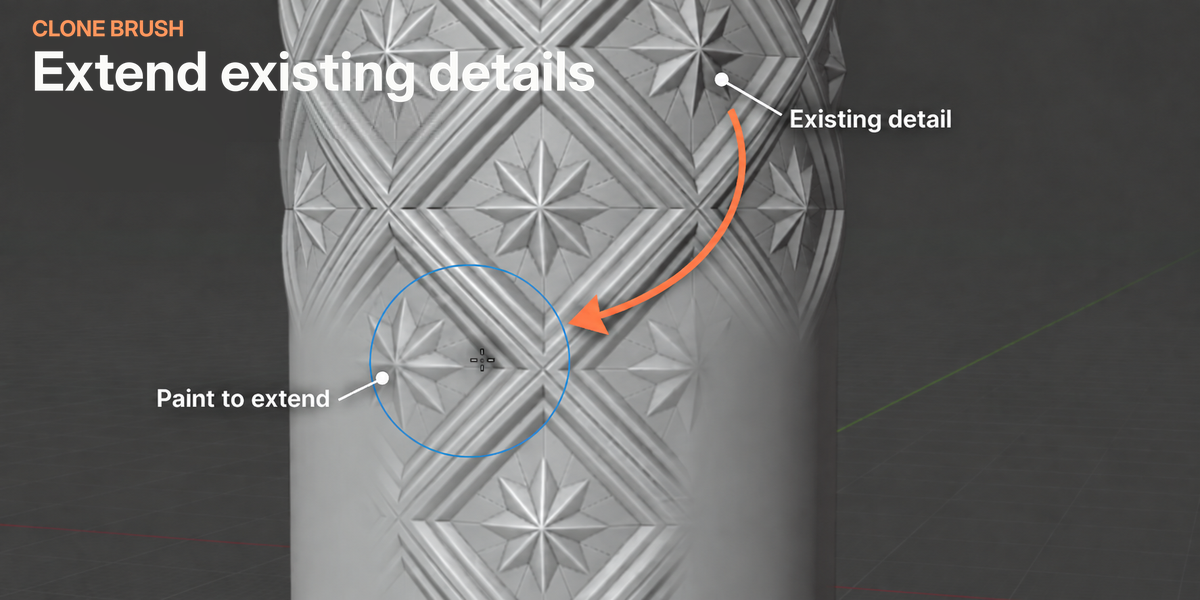
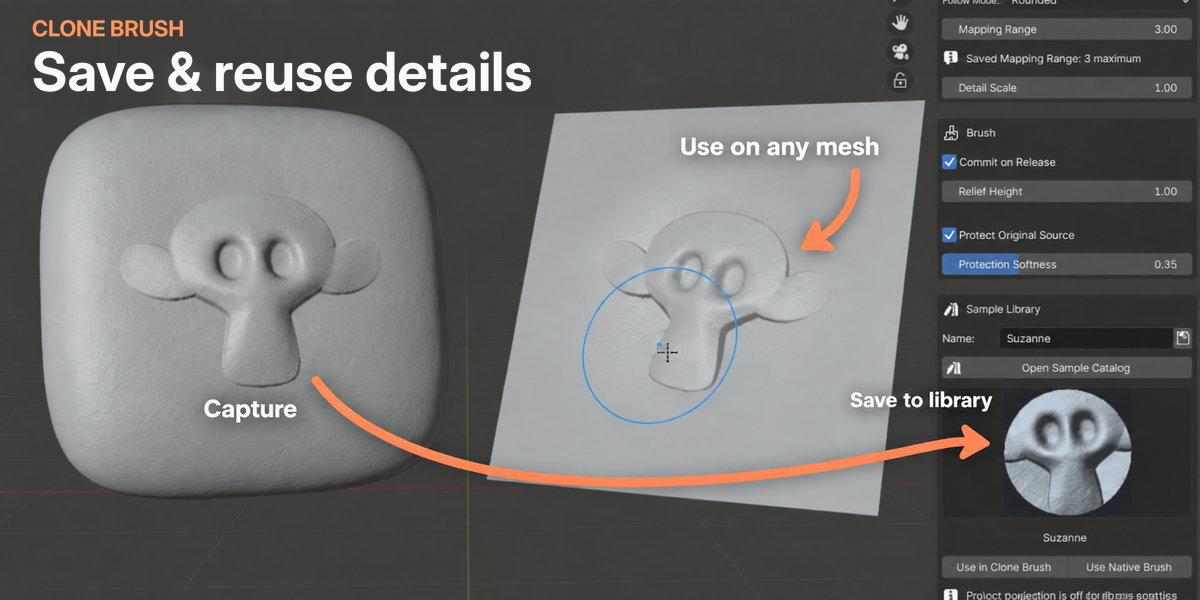
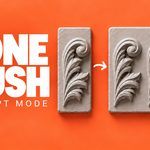
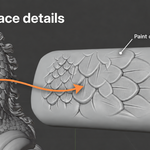
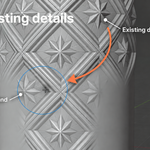
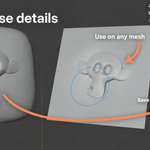
It captures sculpted surface detail and applies it to your mesh. It doesn’t copy image textures, materials or entire objects.
Can I transfer detail between different surface shapes?
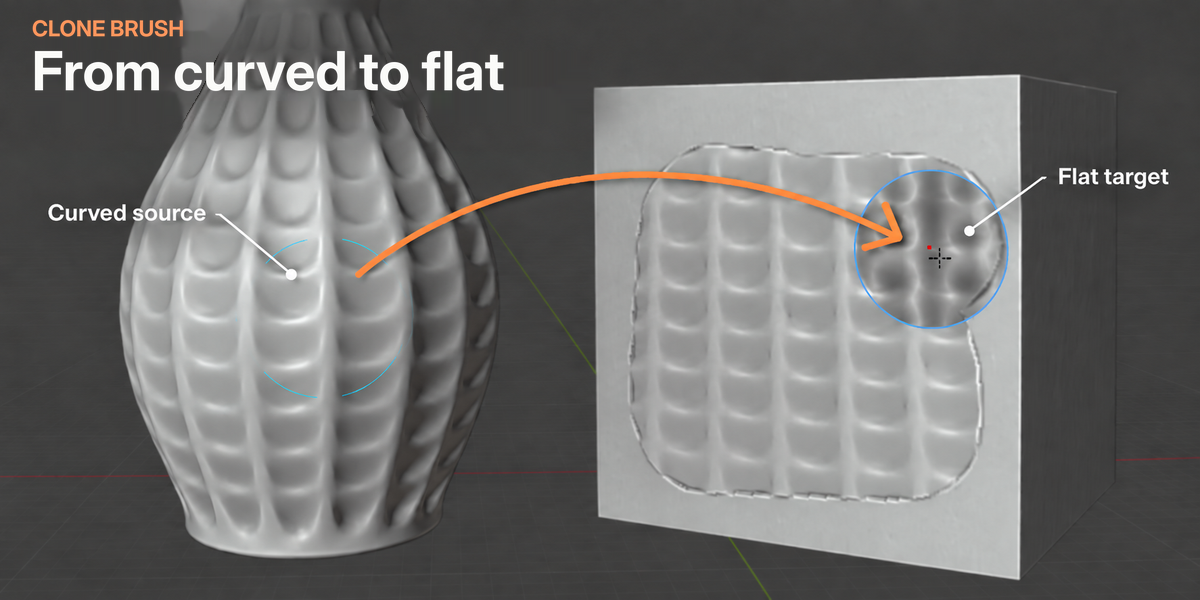
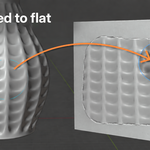
Yes, captured detail can adapt to flat, curved and uneven surfaces. Very sharp edges or tight curves may need a smaller capture area.
Does it work with Multires, Shape Keys and Dyntopo?
Yes, it works with Shape Keys and Multires.
When using Multires, the entire model needs to be visible - unhide any hidden areas first.
You can use Dyntopo between cloning operations. Clone Brush turns it off before cloning. Capture again if you want to sample the updated detail.
Can I save captures and use them on other models?
Yes. Save a capture to your sample library, then load it on another mesh or in a different project.
Will my capture still be there when I reopen the file?
The active capture isn’t saved with your Blender file. Save it to the sample library if you want to use it again later.
-
$24
For Windows PCs
Have questions about this product?
Login to message
| Blender Extension Compatible | Yes |
| Dev Fund Contributor | |
| Published | 2 days ago |
| Blender Version | 4.5 - 5.2 |
| Extension Type | Add-on |
| License | GPL |