Coffee Machine
 Cokoz
Cokoz


Documentation:
General:
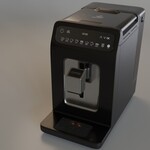
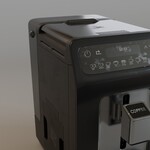
The model is render-ready. Once you download the .blend file, you can simply open it, add a camera, and hit render. All textures are packed, so there’s no need to add them manually. Every part of the model is organized into a collection, making it easy to add the asset to your library. You can also append the coffe machine scene to your project and copy the whole collection to your scene.
Adjustment:
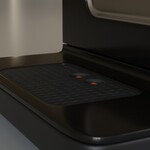
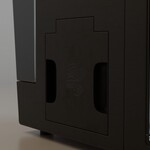
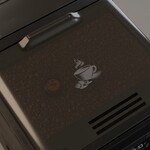
As mentioned in the description, I added some imperfections to give the model a slightly used look. You can easily adjust or completely remove them in the Shader Editor. All textures are organized and clearly labeled to make your workflow as smooth as possible. The spout can be moved up and down without any issues, which can be helpful if you'd like to place a cup underneath. I put the model inside the empty, so you can move, scale and rotate to adjust the model to your scene.
Mesh:
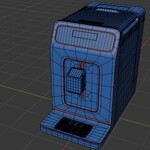
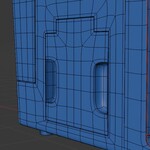
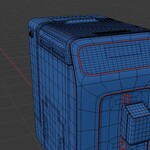
I took the time to ensure that the mesh is made entirely of quads. I’ve also included preview images showing the wireframe. The asset is fully modeled and can be viewed from all angles.
Textures:
I used 4K textures to ensure high quality. As mentioned earlier, you can easily adjust them to fit your specific needs. All textures used in this project were either created by me or are licensed under CC0.
Have questions about this product?
Login to message
| Dev Fund Contributor | |
| Published | over 1 year ago |
| Blender Version | 4.3 - 4.4 |
| Render Engine Used | Cycles, Eevee |
| Misc Data | Uvs-Unwrapped, Textured |
| License | Royalty Free |
Discover more products like this
3d electronics 3delectronics cofeemaker coffeemachine 3dasset coffee