 ZEG
ZEG
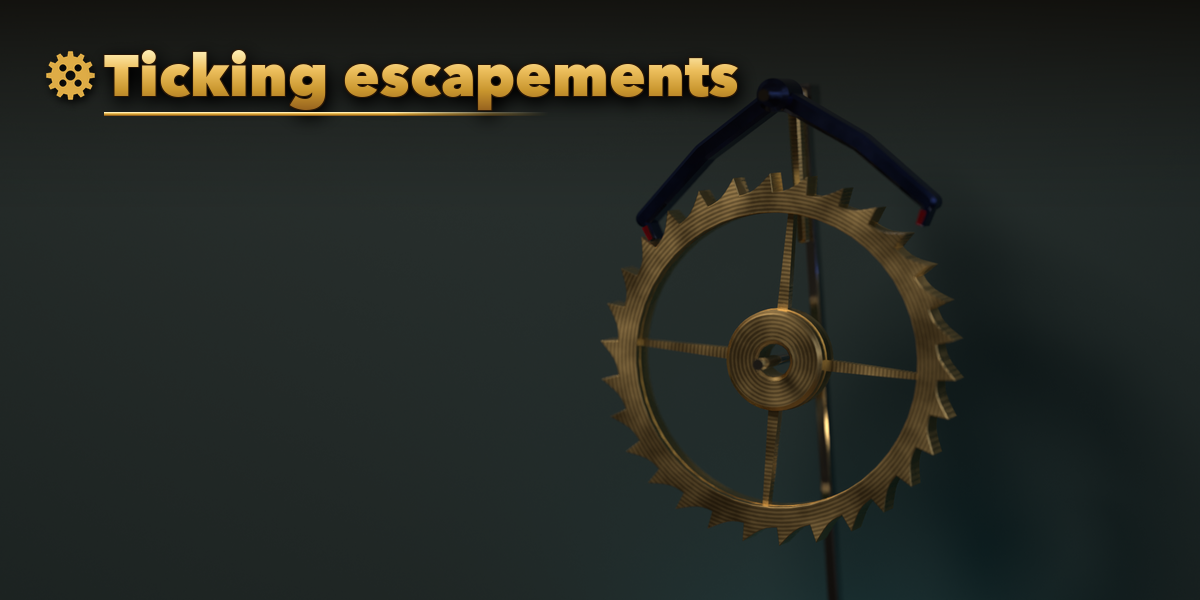
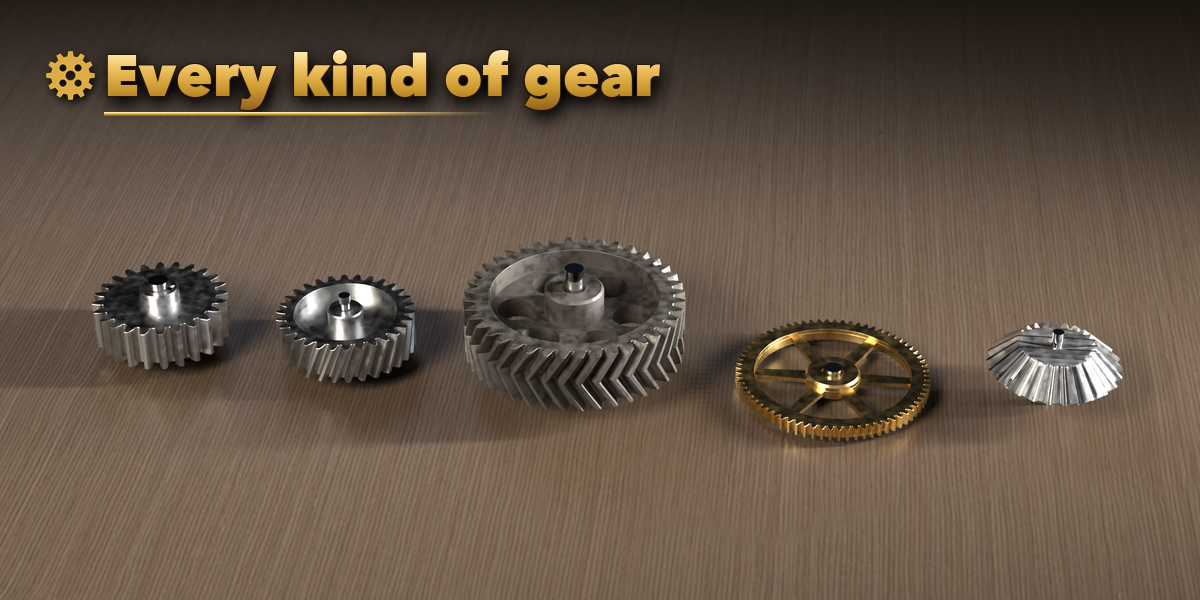
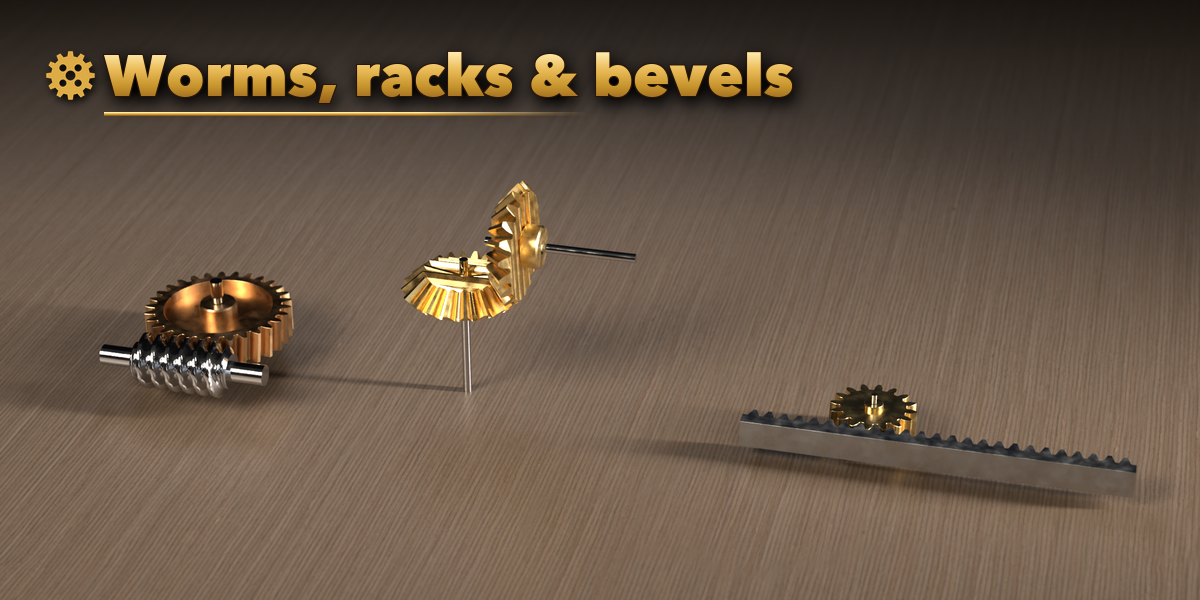
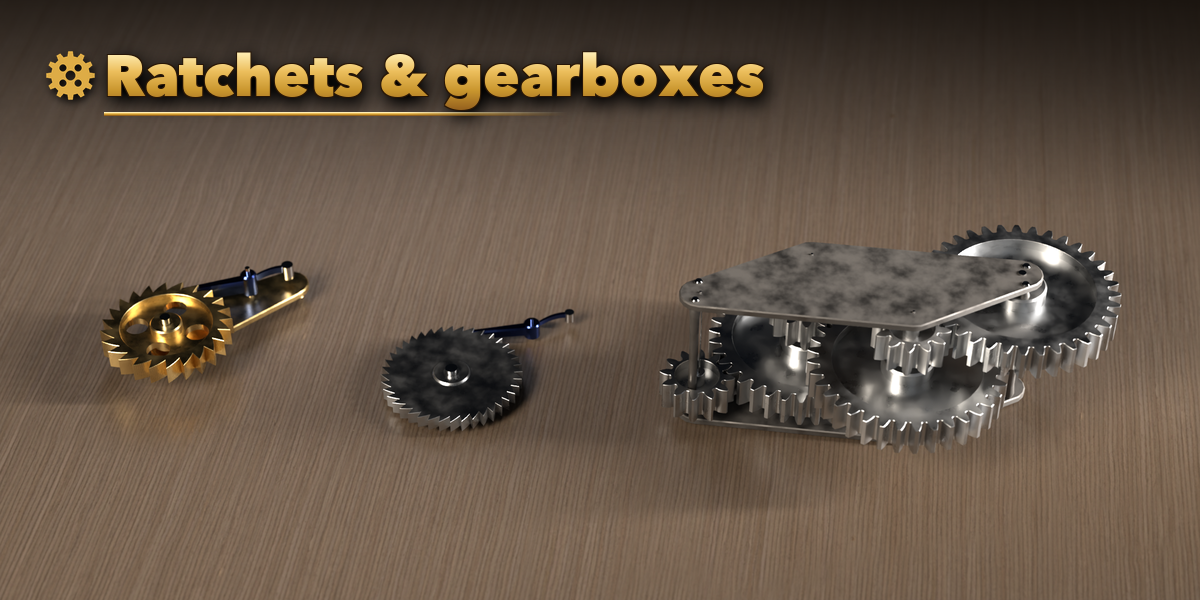
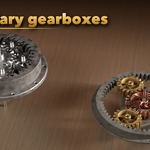
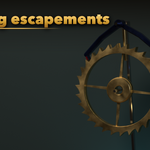
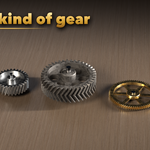
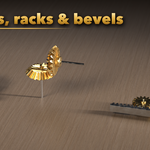
Installation
In Blender open Edit, Preferences, Get Extensions, then use Install from Disk and pick the gear_clockwork_generator zip.
Usage
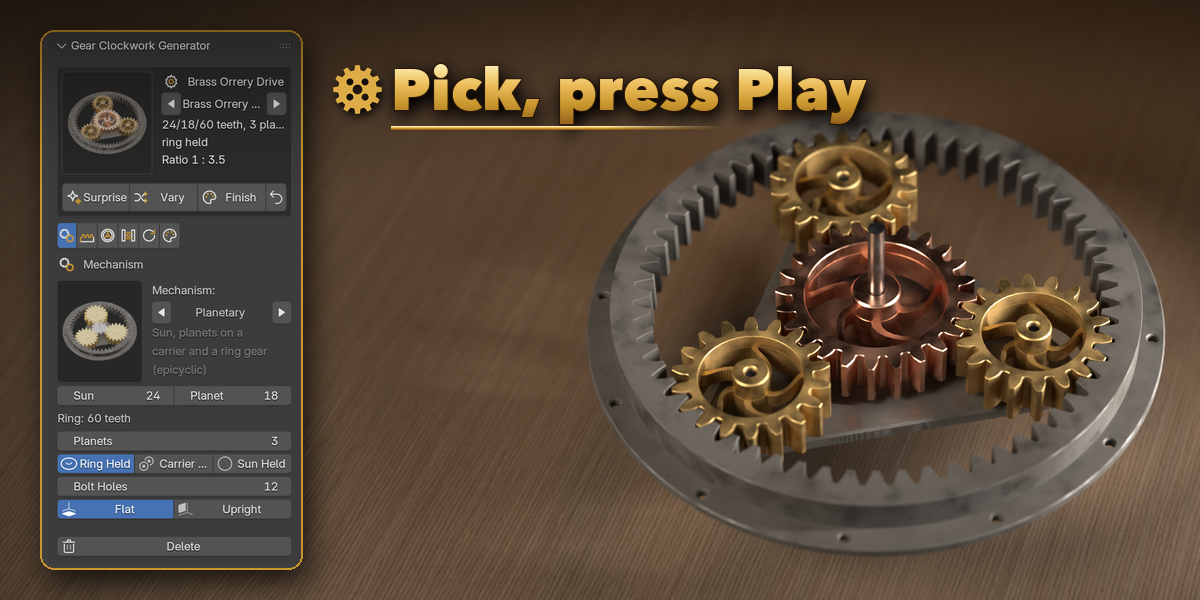
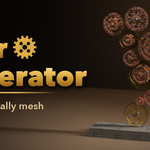
- Open the Gear tab in the 3D viewport sidebar (N). Click the big picture to choose a design from the gallery, or browse a family below it, then press Add.
- With the mechanism (or any of its parts) selected, the card at the top switches the design with the arrows and shows the ratio and center distance. Surprise, Vary and Finish randomize it.
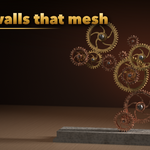
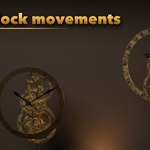
- The tabs hold every setting: Mechanism (kind, tooth counts, layout, planets, escapement, clock options), Teeth (module, profile, helical or herringbone, pressure angle), Wheels (web, spokes, hub, bore, shafts), Frame (plates, bridges, back plate, stand), Motion and Finish.
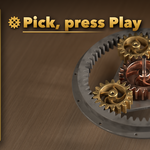
- Press Play: the gears turn at the right ratios. Motion sets the input speed (or the clock's time scale), reverses it, or bakes keyframes for export.
- Delete removes the mechanism with all its parts. Deselect everything to get back to the add screen.
Have questions about this product?
Login to message
| Blender Extension Compatible | Yes |
| Published | about 20 hours ago |
| Blender Version | 4.2 - 5.2 |
| Extension Type | Add-on |
| Render Engine Used | Cycles, Eevee |
| License | GPL |

Discover more products like this
planetary-gear animation Mechanism escapement clock-movement gears clockwork rack and pinion worm-gear Steampunk Gear gear generator