Collection to Blend
 Chris Williamson
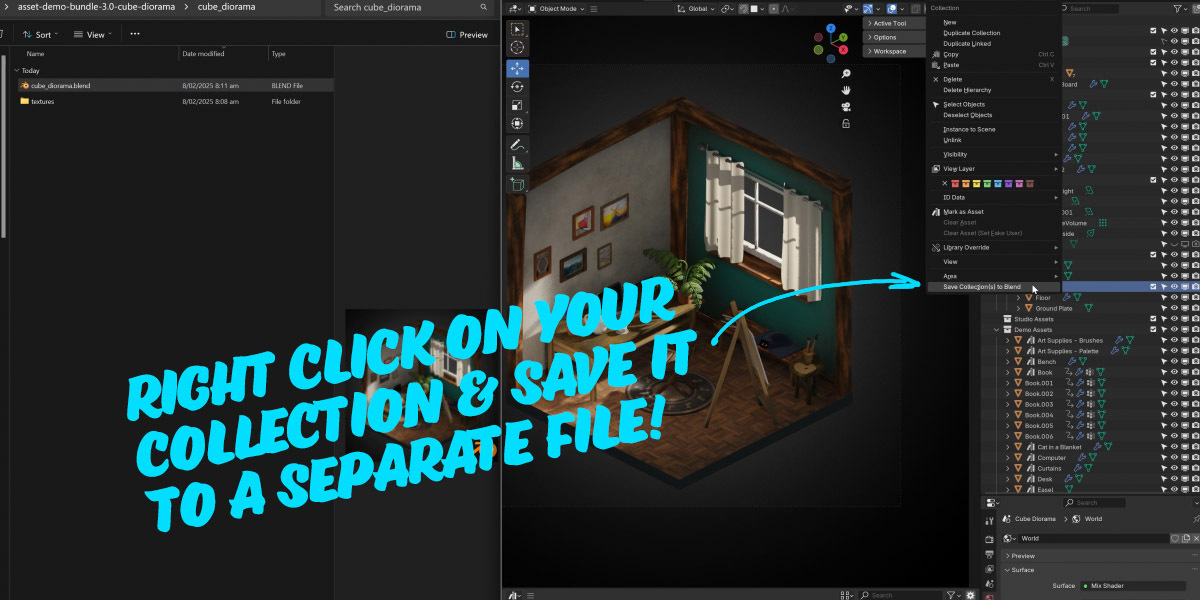
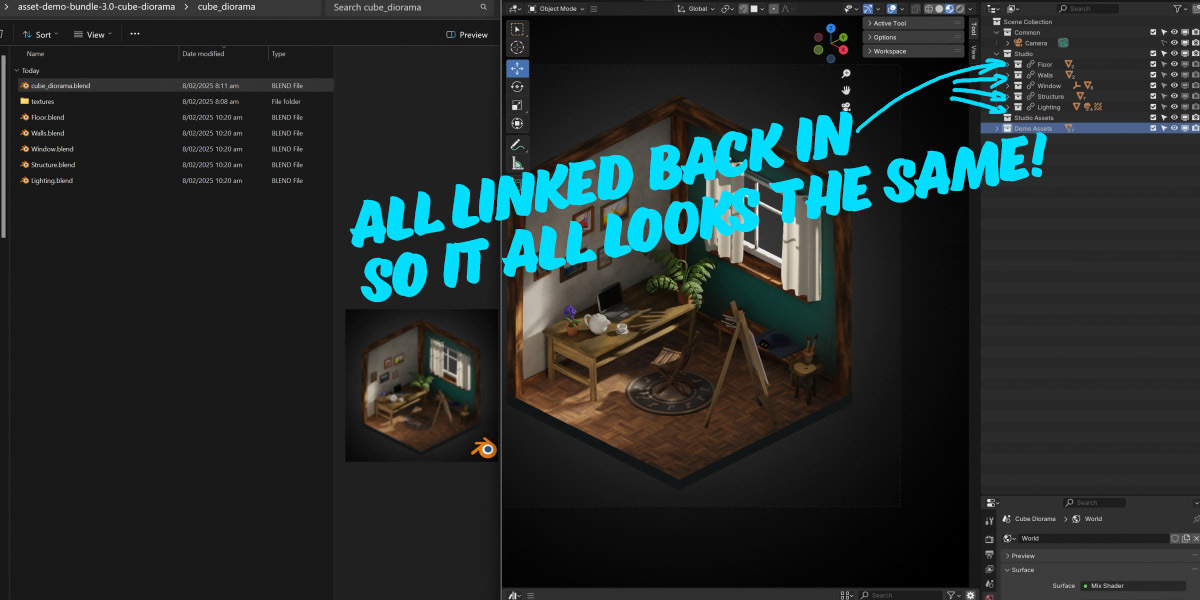

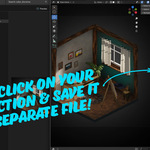
To use 'Collection to Blend' right click on a collection in the outliner and choose 'Save collection(s) to Blend'.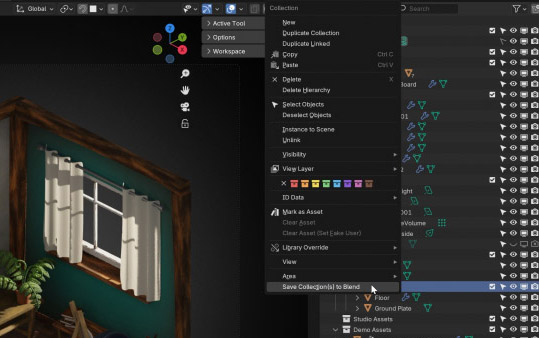
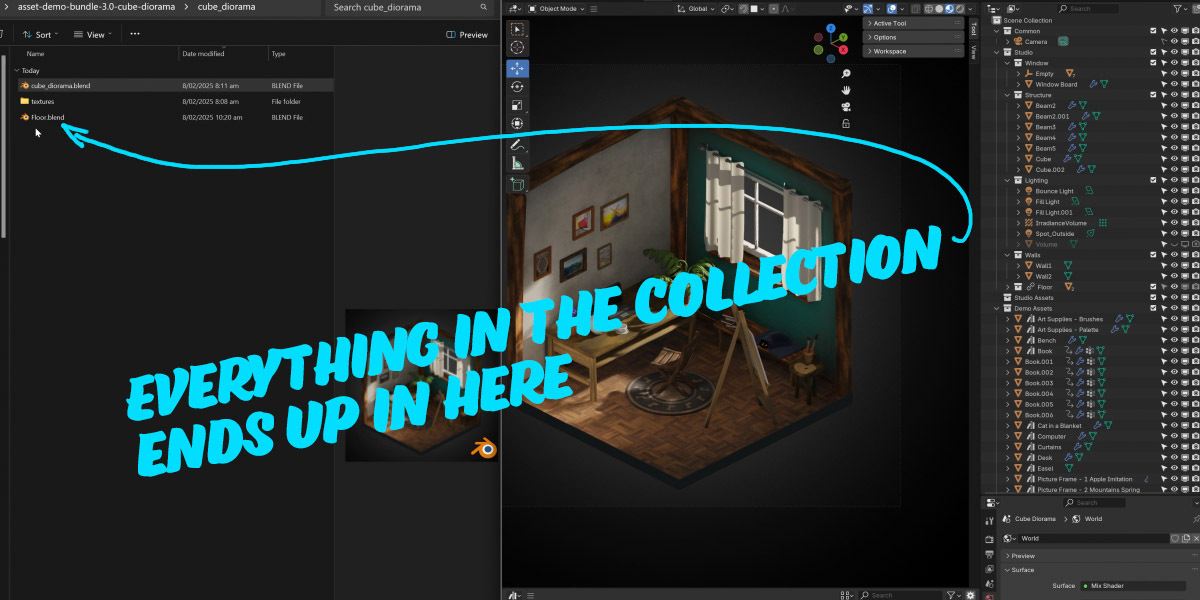
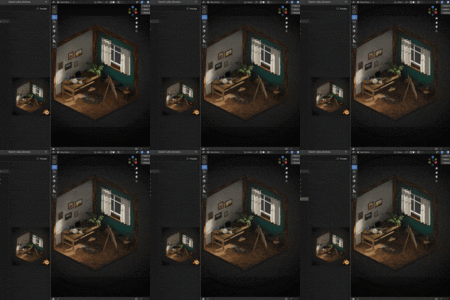
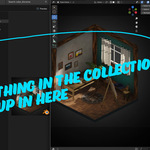
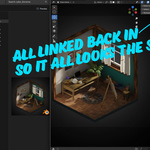
It will save the collection and all the objects within to an external .blend file in the same folder as your main file, then link that same collection back into your scene.
- The filename will be the same as the collection name.
- If there is an existing file in the folder with that name it will pop up a confirmation dialog before overwriting.
The only thing you should notice is the collection icon change to a 'linked collection' icon (with a chain). This means the data in that collection is now in a separate blender file, reducing the amount of data in your file!
Have questions about this product?
Login to message
| Blender Extension Compatible | Yes |
| Sales | 10+ |
| Dev Fund Contributor | |
| Published | over 1 year ago |
| Blender Version | 4.3, 4.2 |
| Extension Type | Add-on |
| License | GPL |

Discover more products like this
Blender Scene Management scene managment Project Management Scene Organization collections collections managment #BlenderSceneManagement