 Sander Wit



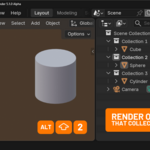
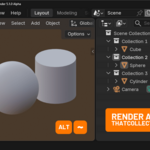
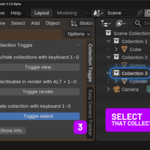
Show/hide collections with your keyboard
like you did in Blender 4...
In Blender 5 you can no longer use 1-0 on your keyboard to show/hide collections. You now need to hover over the outliner in stead of over the 3D viewport. I couldn't get used to this and have created this addon. And added some useful extra's, like toggling rendering collections with ALT + 1-0 and being able to quickly select a collection, so that new objects are added to that collection.
Show / hide collections
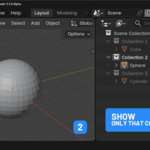
- press 1, 2, 3.. to see only see that collection
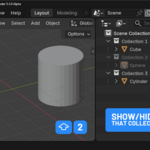
- press SHIFT + 1, 2, 3.. to show / hide that collection
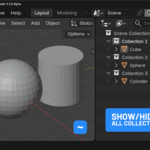
- press ~ to show all collections
Enable / disable collections in your render
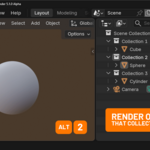
- press ALT + 1, 2, 3.. to render only that collection
- press ALT + SHIFT + 1, 2, 3.. to enable / disable rendering that collection
- press ALT + ~ to render all collections
Select collections
- press 1, 2, 3.. to make that collection active
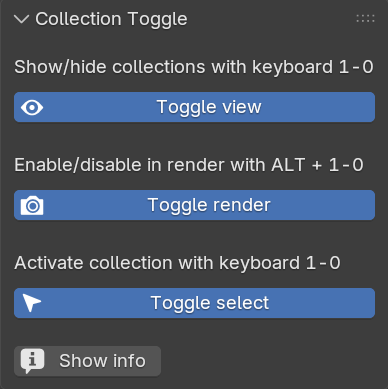
You can quickly enable/disable these three functions from the sidebar.
You can buy the addon for $1 to support me or download it for free from Github.
Have a nice day!
P.S. Have you seen my Easy Camera Tracker addon?