Collection Toggle
 Sander Wit



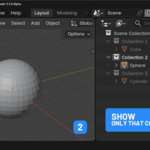
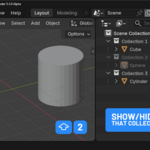
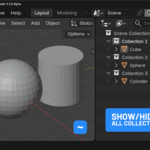
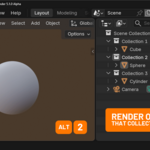
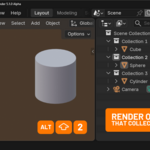
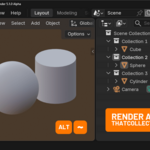
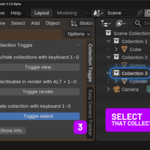
In Blender 5 you can no longer use 1-0 on your keyboard to show/hide collections. You now need to hover over the outliner in stead of over the 3D viewport. This addon fixes that and basically reverting the Blender 4 method of showing/hiding collections back and offers a shortcut to quickly enabling/disabling collections from your render and selecting collections with 1-0.
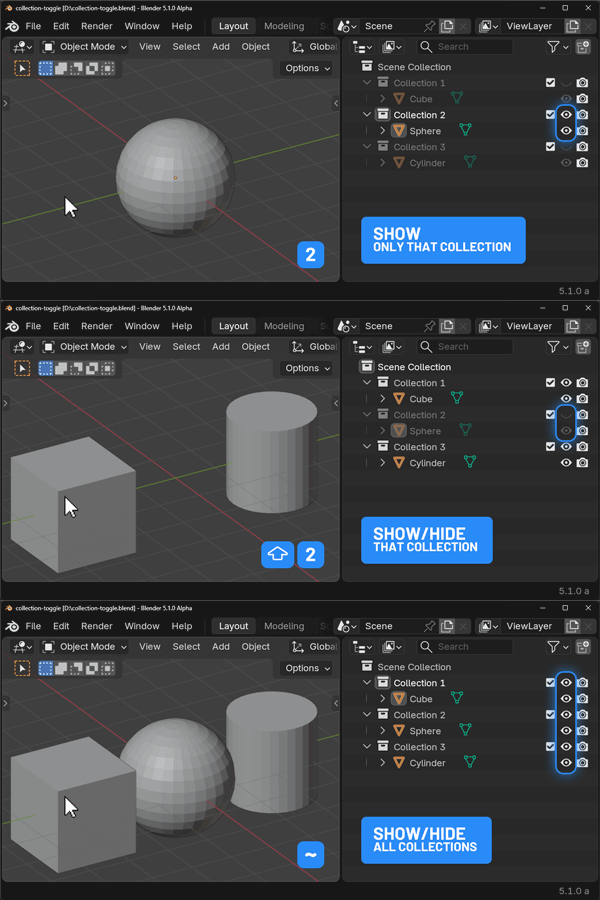
Show / hide collections
- press 1, 2, 3.. to see only see that collection
- press SHIFT + 1, 2, 3.. to show / hide that collection
- press ~ to show all collections
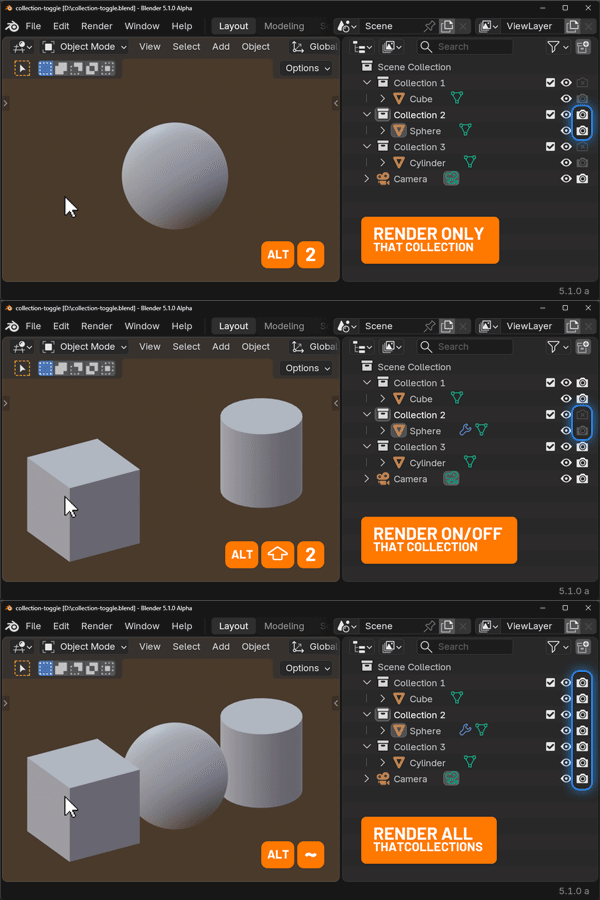
Enable / disable collections in your render
- press ALT + , 2, 3.. to render only see that collection
- press ALT + SHIFT + 1, 2, 3.. to enable / disable rendering that collection
- press ALT + ~ to render all collections
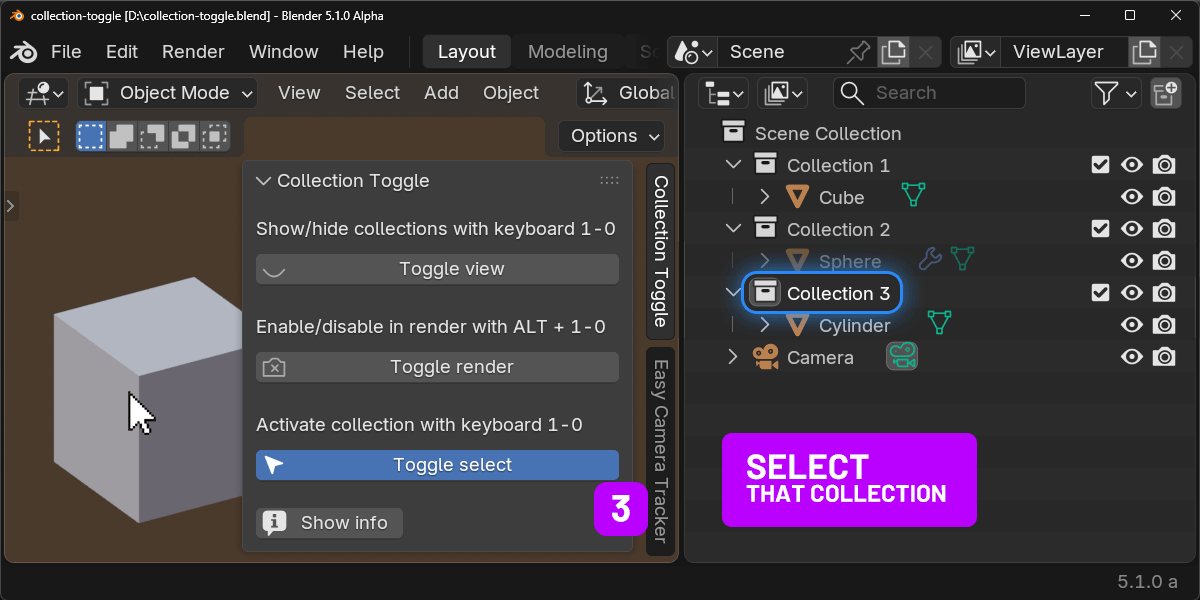
Select collections
- press 1, 2, 3.. to select that collection
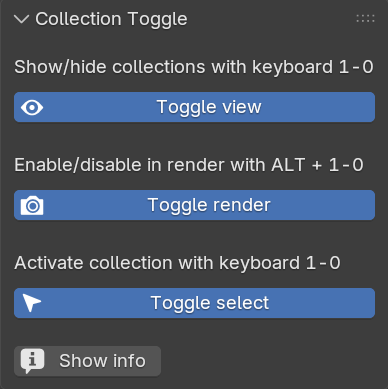
You can quickly enable/disable these three functions from the sidebar.
Have a nice day!
P.S. Have you seen my Easy Camera Tracker addon?
$1
Have questions about this product?
Login to message
| Blender Extension Compatible | Yes |
| Published | 11 months ago |
| Blender Version | 5.0 |
| Extension Type | Add-on |
| Render Engine Used | Arnold, Blender-Internal, Blender-Game-Engine, Cycles, Eevee, Freestyle, Luxrender, Mental-Ray, Octane, Vray, Yafaray |
| License | GPL |
Discover more products like this
blender 5 toggle collections Render show/hide Blender 4 visibility keyboard