Colordock
 BKKame


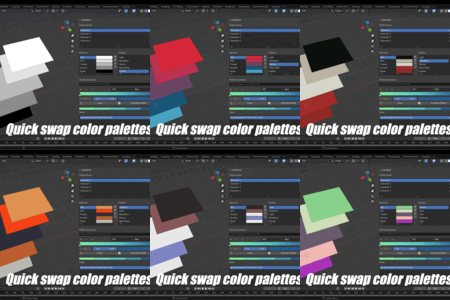
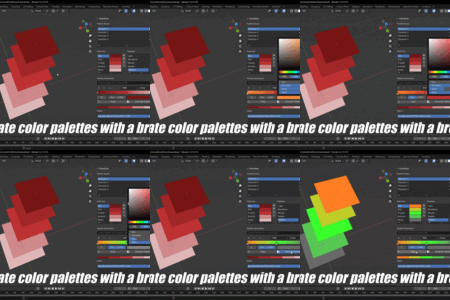
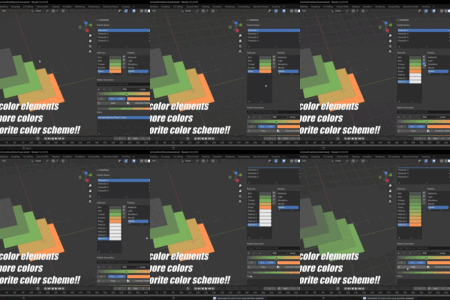
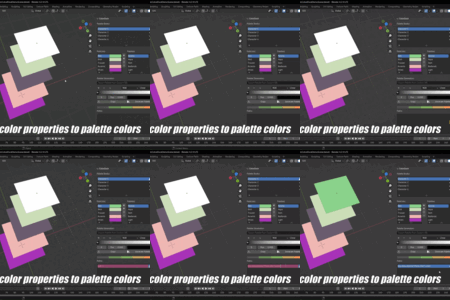
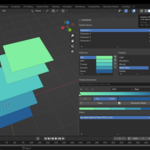
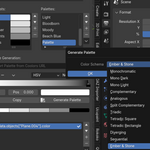
How to set it up from scratch?
- Click the '+' icon beside the palette book list
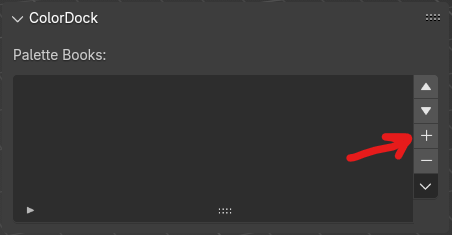
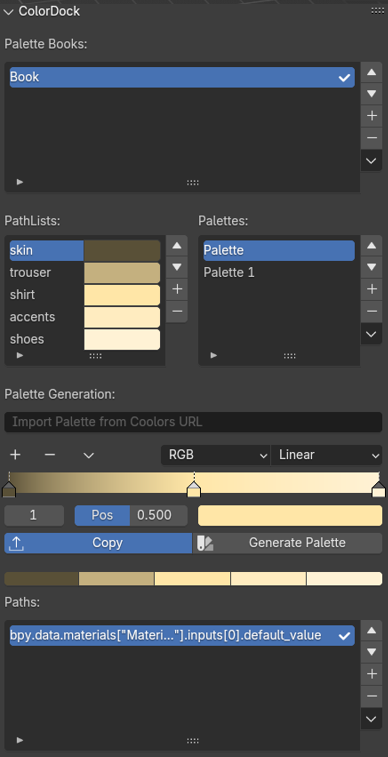
- Add any pathlists as needed by clicking the '+' next to the pathlist collection:
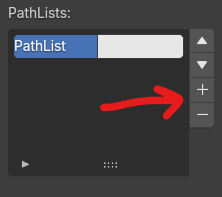
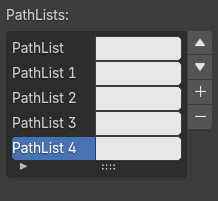
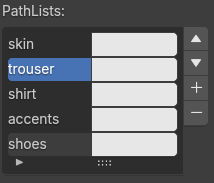
Now rename them as required, for example - skin, trouser, shirt, hair, accents, etc.
- Set you palette colors.
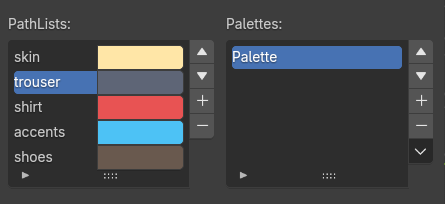
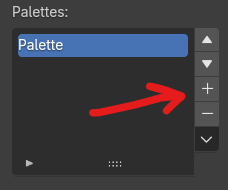
- If desired, add another palette to the book by clicking '+' button next to the Palettes list. Set new colors to this palette
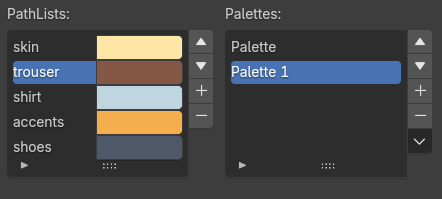
- Switch the assigned color palette simply by selecting any other color palette.
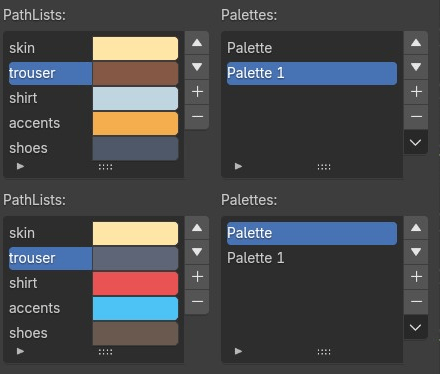
- Now setup the color property bindings in the paths list at the bottom. Example:
Select 'skin' pathlist in pathlists collection, then click '+' button next to the paths collection and you will see something like this: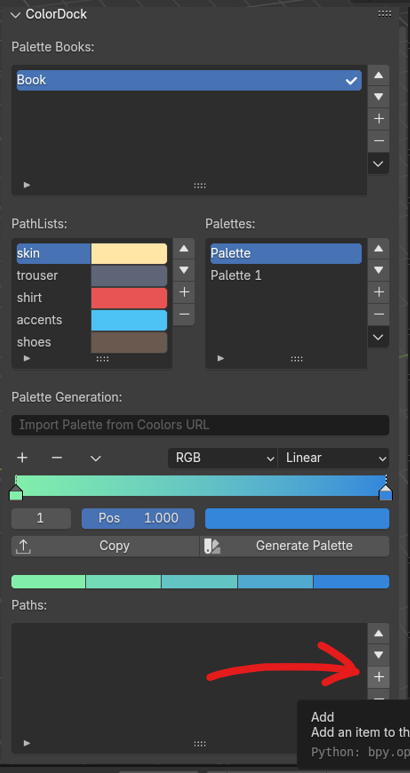
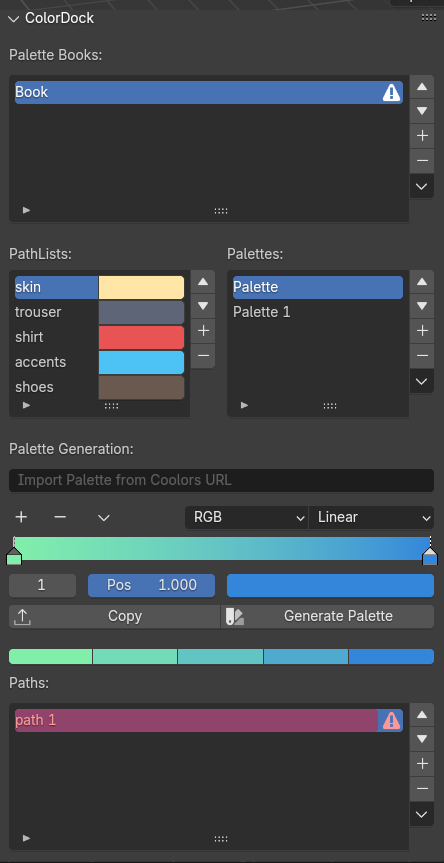
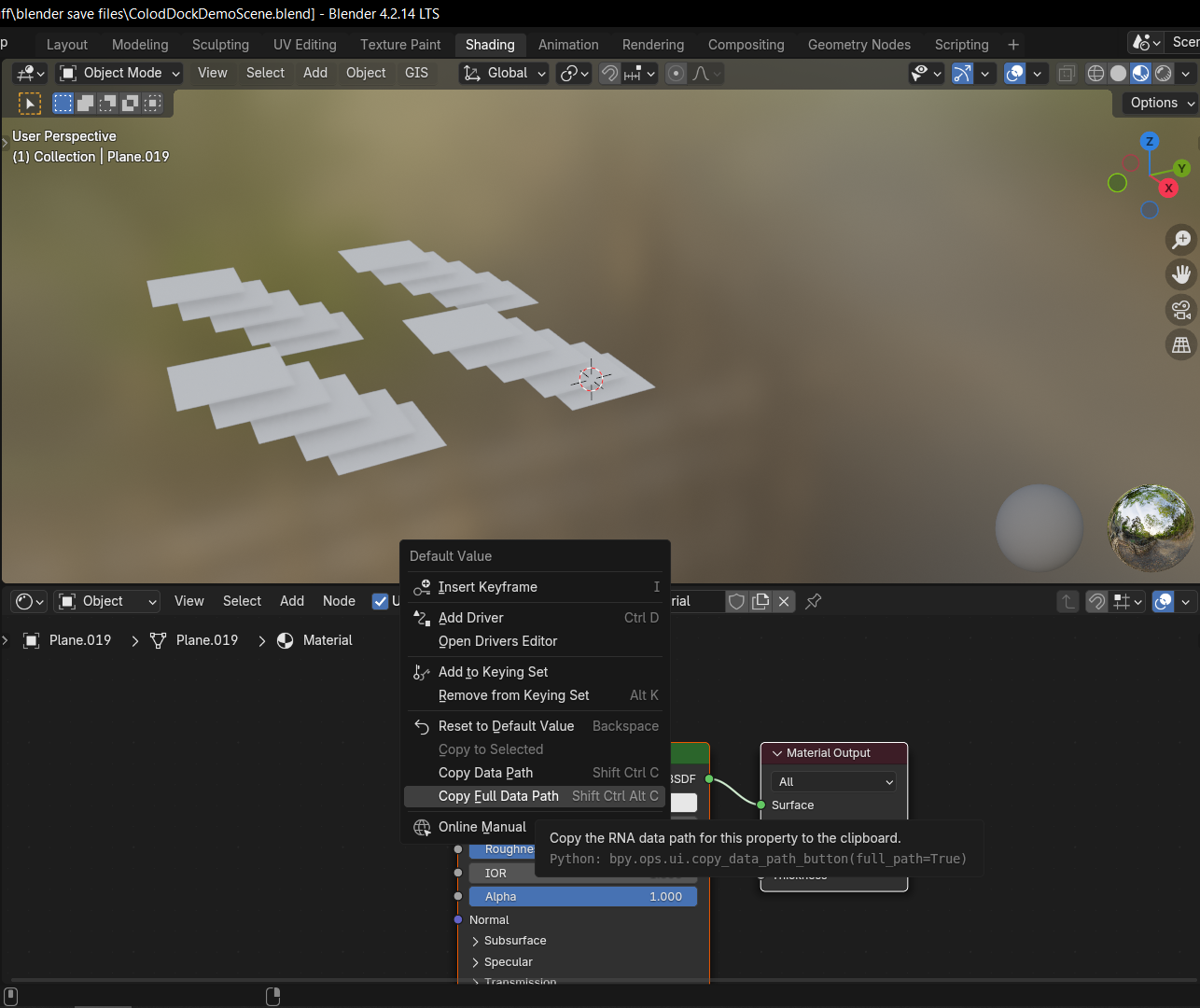
- Now goto you target color property, it can be object color, some shader node's color property swatch or any other color property and right click and copy the FULL DATA PATH.
- Now double click the newly created path which is highlighted in red and paste the copied full data path.
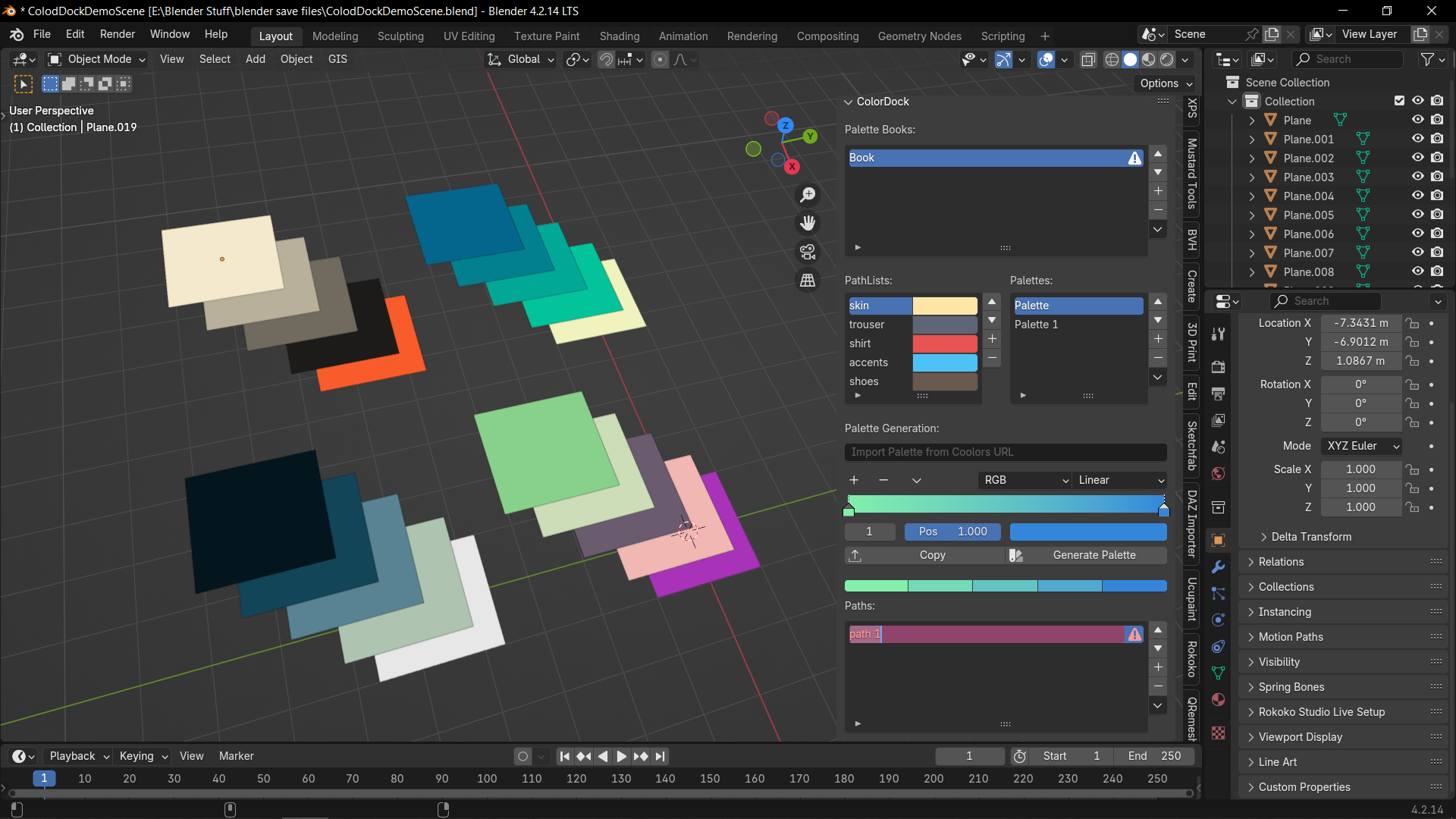
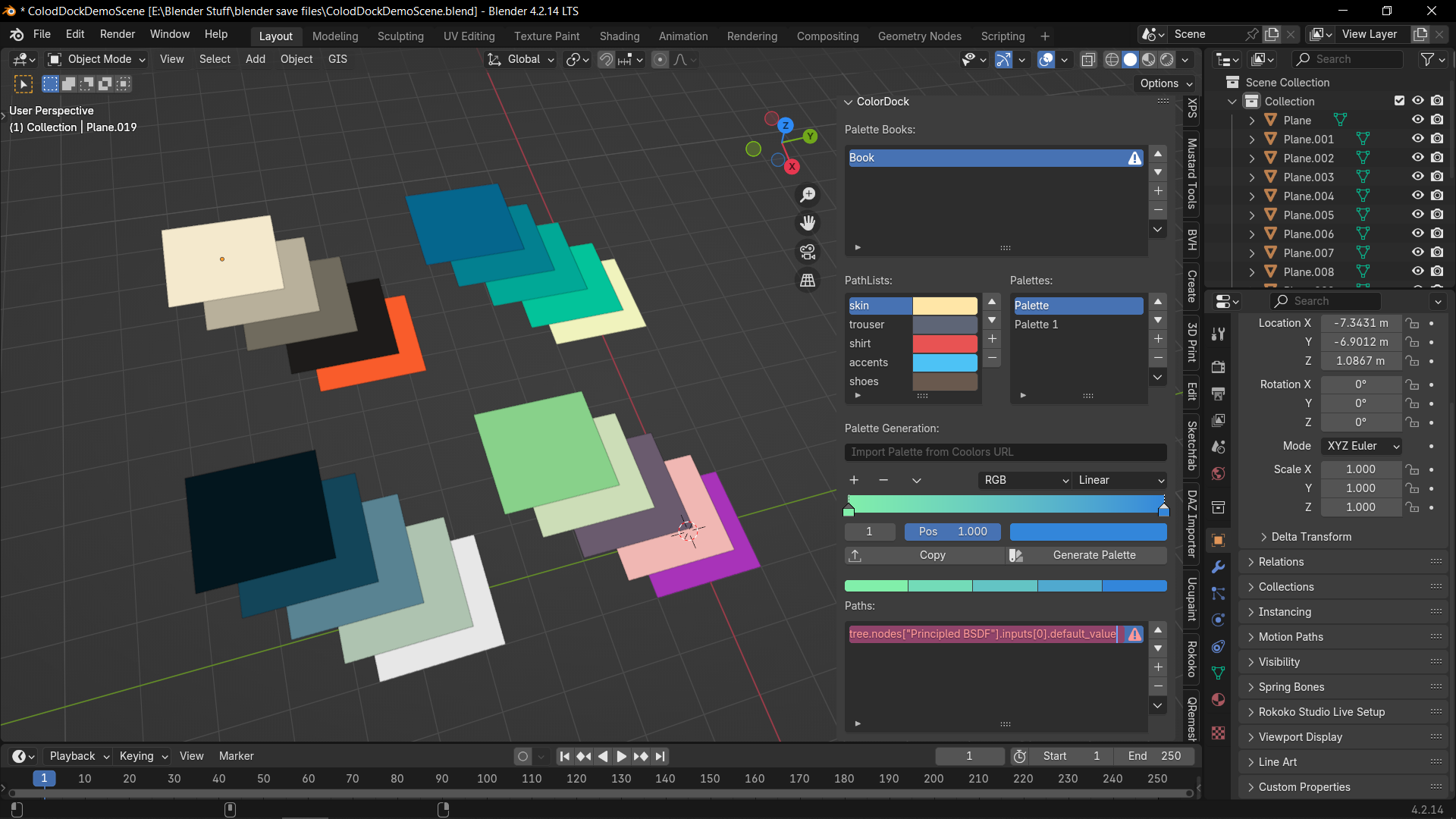
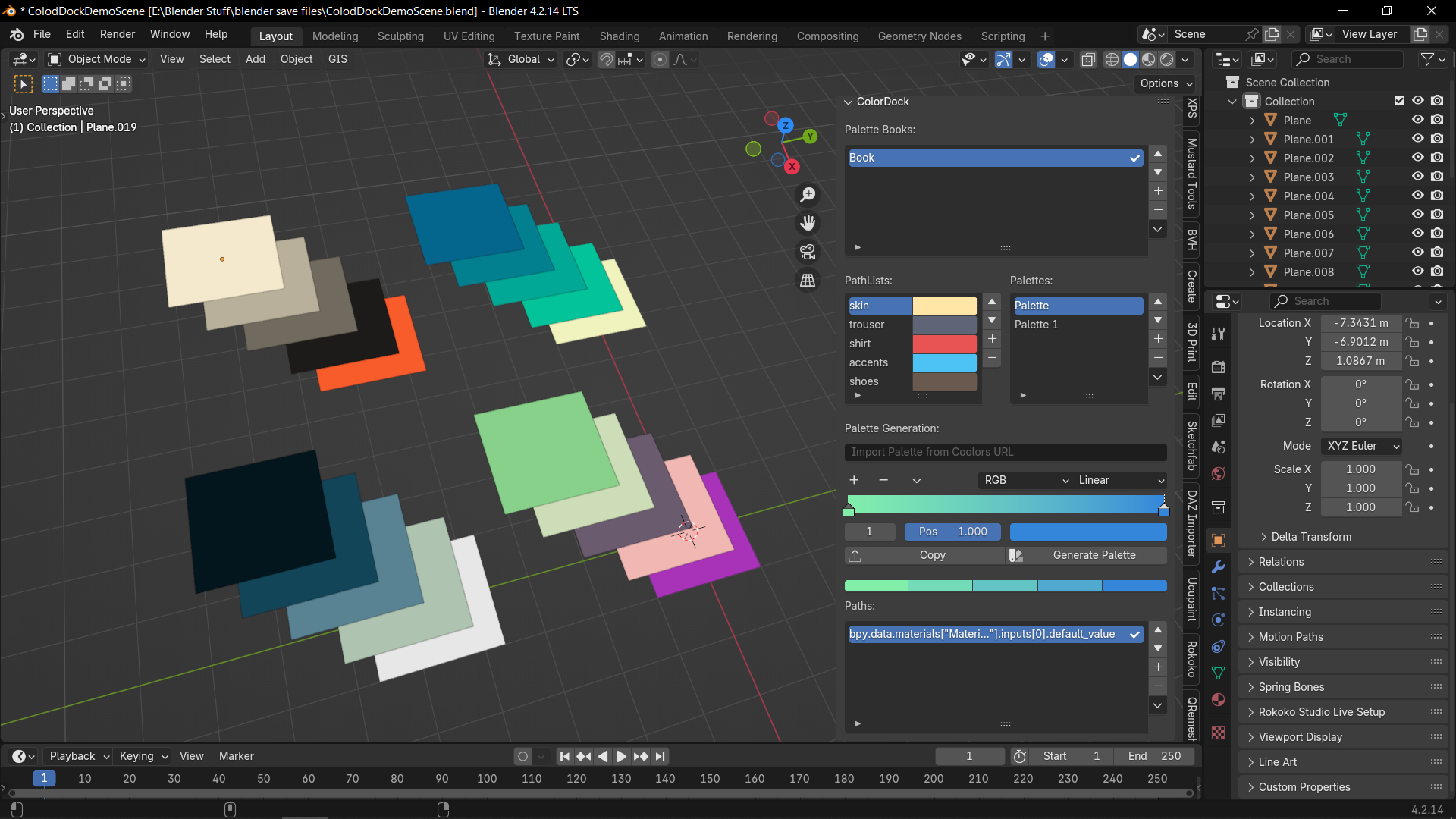
- You're done. Now you have linked the color property to skin pathlist. Now you can goto the color property and see that the color now has changed to the palette color.
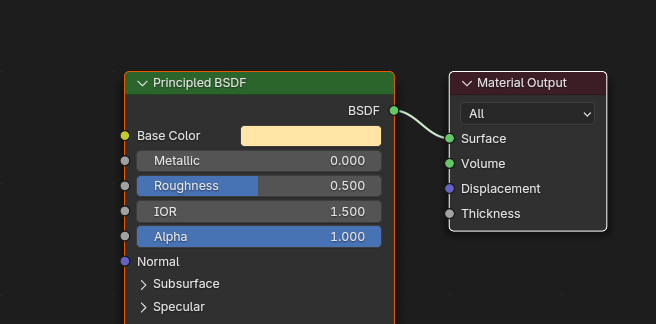
Now in the same way setup other color properties and when a color palette OTHER than the currently selected one in the same book is selected, the colors from that palette is assigned to the color properties in the paths lists for each pathlist of the book.
An advanced application of the addon can be to select textures based on the selected palette.
Generate Palettes from color schemes
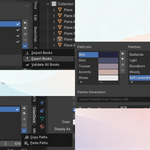
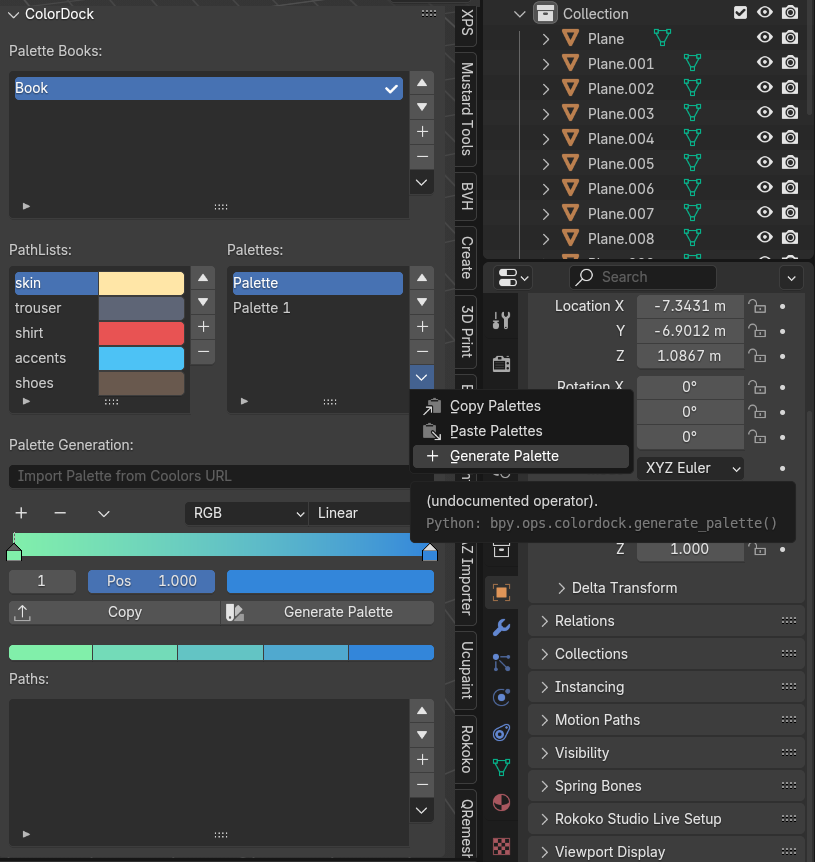
- Select a pathlist , color of which you wish to use as a base color for your generated palette. Then click the drop down menu beside the Palettes collection. Then click the Generate Palette button.
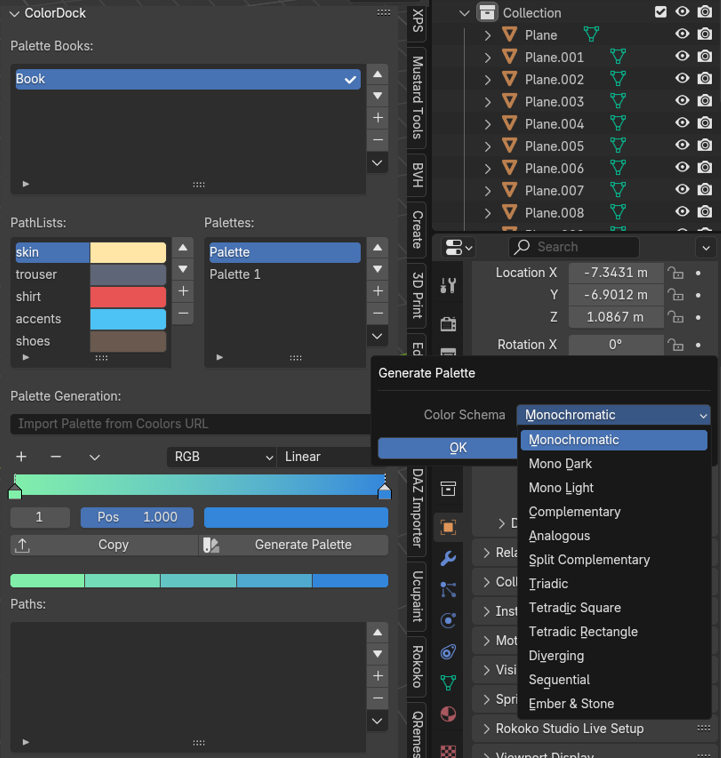
- Click the color scheme you wish to generate.
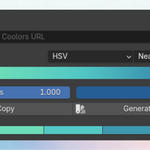
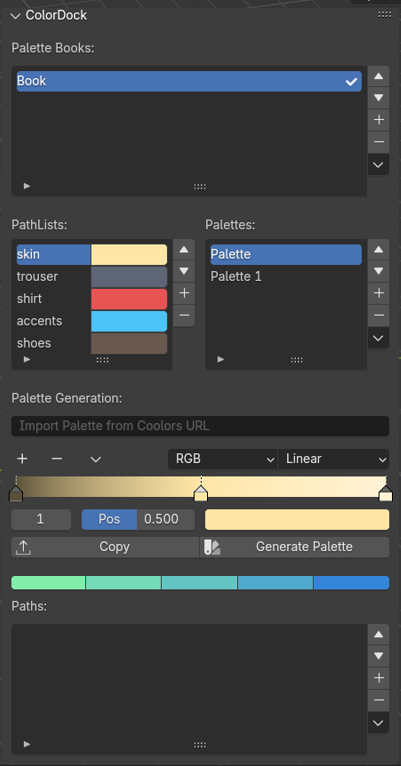
- The color ramp changed to match your specifications.
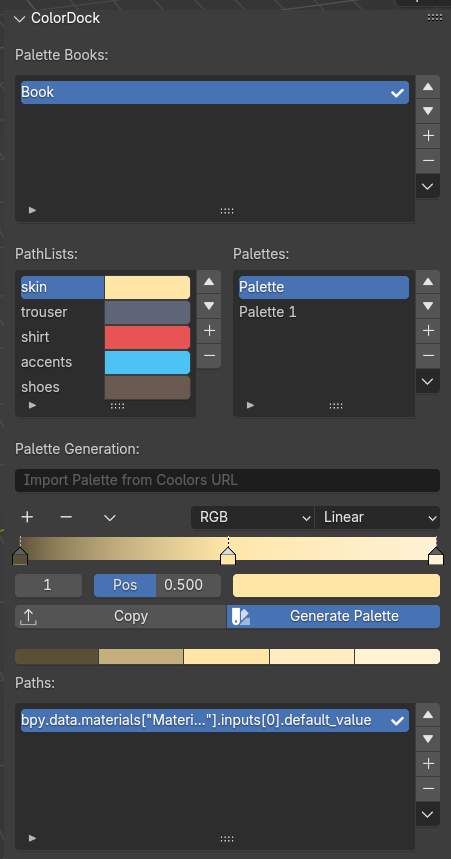
- Click 'Generate Palette', check how the palette will look in the preview palette below. Then click 'Copy' to transfer the generated palette to the selected Palette of the book.
$10
Have questions about this product?
Login to message
| Blender Extension Compatible | Yes |
| Published | 10 months ago |
| Blender Version | 4.2 - 4.5 |
| Extension Type | Add-on |
| Render Engine Used | Cycles, Eevee |
| License | Mit |
Discover more products like this
Complementary color-generator Triadic monochromatic blender palette addon Analogous color-palette Tetradic