Colormaster
 John Roper





Installation
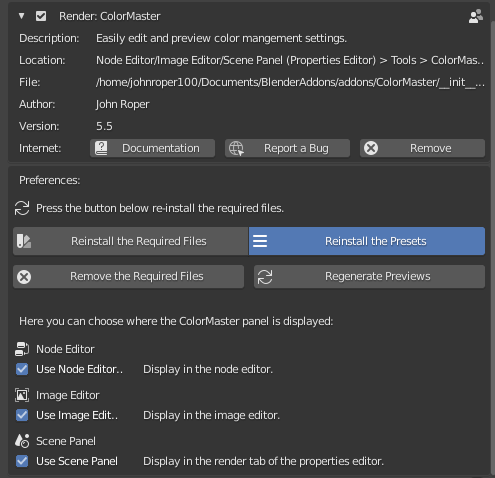
The installation is done exactly the same way as any other add-on in Blender:
- Open Blender's User Preferences (from the File menu or using Ctrl+Alt+U)
- In the Addons tab, click the Install from File button at the bottom and select the .zip file you already downloaded
- You should now see the ColorMaster add-on, so simply check the box to the right of the add-on name. If you don't see the ColorMaster add-on, you already had it installed - just search for it's name and it'll show up
- To make sure the add-on stays enabled the next time you run Blender, click the Save User Settings button at the bottom left
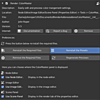
- Choose which look set you want to use (Blender or Filmic Blender)
- Then, click the button that says Add Required Files
- After they have installed, follow the prompts and restart Blender
If you want, after the required files have been installed, you can re-install them or uninstall them by using the buttons in the interface.

Discover more products like this
spi1d color opencolorio bconf16 icio LUT cyber16 management Open Color IO spi3d color management rendering spring18 spring20 cube filmic_blender anniversary bcon17 import filmic blender Render spring17 look filmic grading